

Unblur Image
AI-powered web service for enhancing the clarity of blurry photos.
Overview
Unblur Image
Description of the Unblur Image neural network
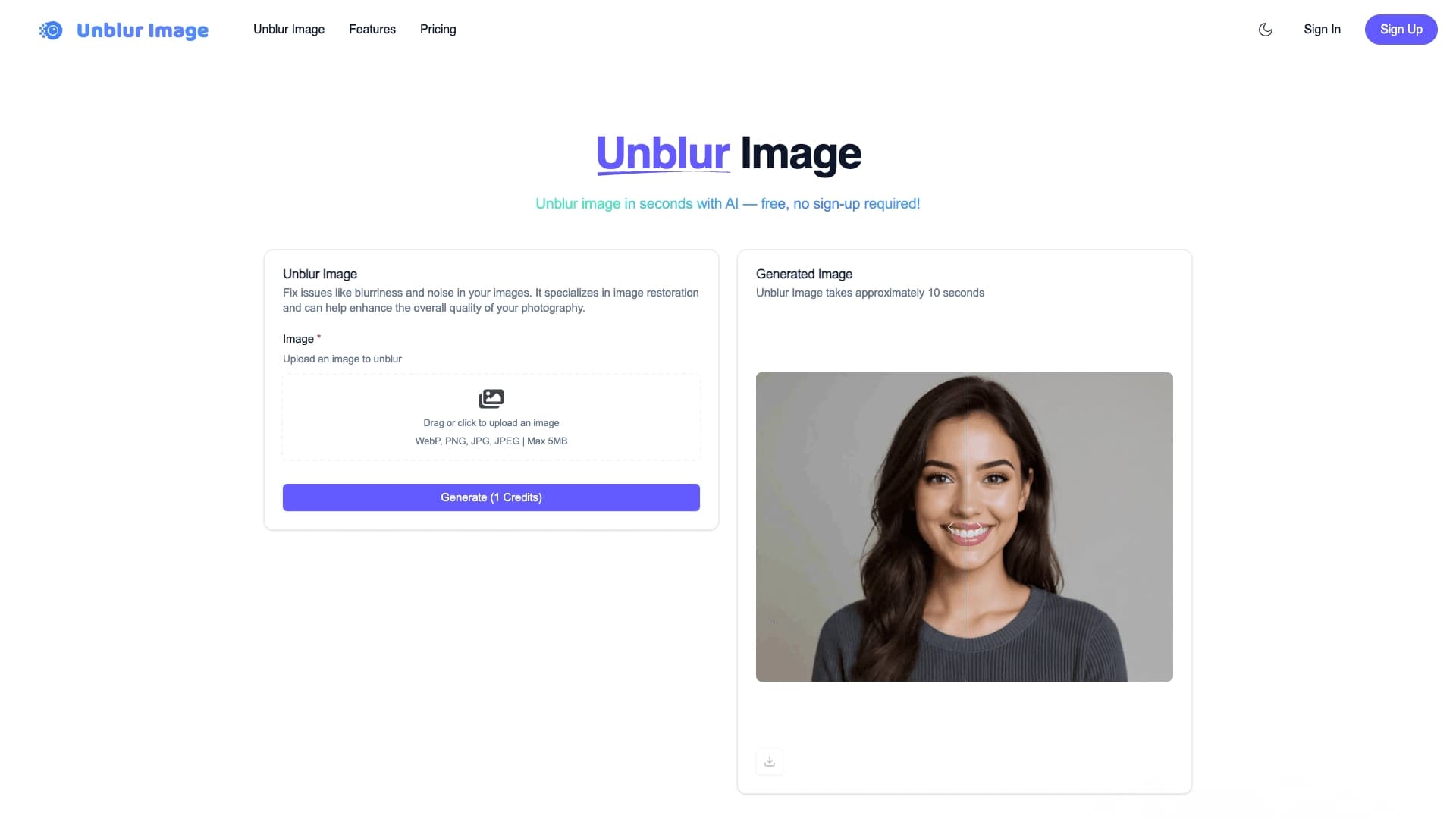
Unblur Image is an online service powered by artificial intelligence and designed to enhance the sharpness of blurred photos. Instead of installing heavy programs on a computer, users can restore the quality of their shots right in the browser — just open the website and upload an image.
The service automatically fixes typical frame problems: blur caused by movement of the subject or the camera, as well as softness caused by incorrect focus. The algorithm analyzes the image and "pulls out" missing details, making the photo noticeably sharper. Processing takes about ten seconds per image, which makes the tool convenient for quick edits.
A distinctive feature of the service is that no registration is required for basic use. The user can simply drag a photo into the interface and get an improved result. This approach is focused on maximum simplicity and speed.
Unblur Image characteristics
| Characteristic | Value |
|---|---|
| Type | Online tool for removing photo blur |
| Category | Photo processing, photo restoration |
| Platforms | Web browser |
| Interface languages | Not specified |
| Free plan availability | Basic use is available without registration; terms not specified |
| Image formats | WebP, PNG, JPG, JPEG |
| Maximum file size | 5 MB |
| Processing time | About 10 seconds per image |
Who is the Unblur Image neural network suitable for?
Users who need to quickly improve photos
The tool is suitable for anyone who regularly deals with blurry photos and wants to fix the situation quickly. Since the service works right in the browser and requires no installation, it is convenient for people who do not need complex professional editors and care about getting a result in a matter of seconds.
Owners of archives of old and unsuccessful shots
The service helps restore old photos that have lost sharpness over time, as well as fix frames blurred due to movement or focus errors. This makes the tool useful for those who are sorting through personal photo archives and mobile shots.
Content creators for social media
People who prepare images for social media posts often face the problem of a shot that is good in terms of content but came out blurry. Unblur Image lets them quickly bring such a photo to acceptable quality before publishing.
How to use the Unblur Image neural network?
Uploading a photo
To get started, simply drag a photo into the service interface or select it from your computer's disk. No preliminary settings or complex parameters need to be specified.
Automatic processing
After uploading, the algorithm automatically starts improving the image. The user does not need to understand sharpness or noise reduction settings — all the work of enhancing clarity is performed by the neural network on its own.
Getting the result
Processing one image takes about ten seconds. When it is finished, the user gets an improved photo that can be saved and used for their own purposes.
Key features of Unblur Image
Enhancing sharpness of blurred photos
The main task of the service is automatic blur removal. The algorithm makes blurry frames sharper and more legible, restoring their detail.
Noise reduction and detail restoration
Along with sharpening, the tool reduces digital noise and helps "pull out" small image details that may have been lost during shooting.
Support for popular formats and fast processing
The service works with WebP, PNG, JPG, and JPEG formats up to 5 MB. Processing each image takes about ten seconds, allowing several photos to be handled in a row quickly.
Advantages of Unblur Image
Works without installation or registration
The service runs right in the browser, so the user does not need to download and install software. Getting started also does not require creating an account — you can upload a photo and get the result right away.
Simple interface
The controls are reduced to a single action — uploading an image. The absence of complex