
TubeBuddy
Browser extension and toolkit for optimizing and promoting YouTube channels.
Overview
TubeBuddy
TubeBuddy AI Description
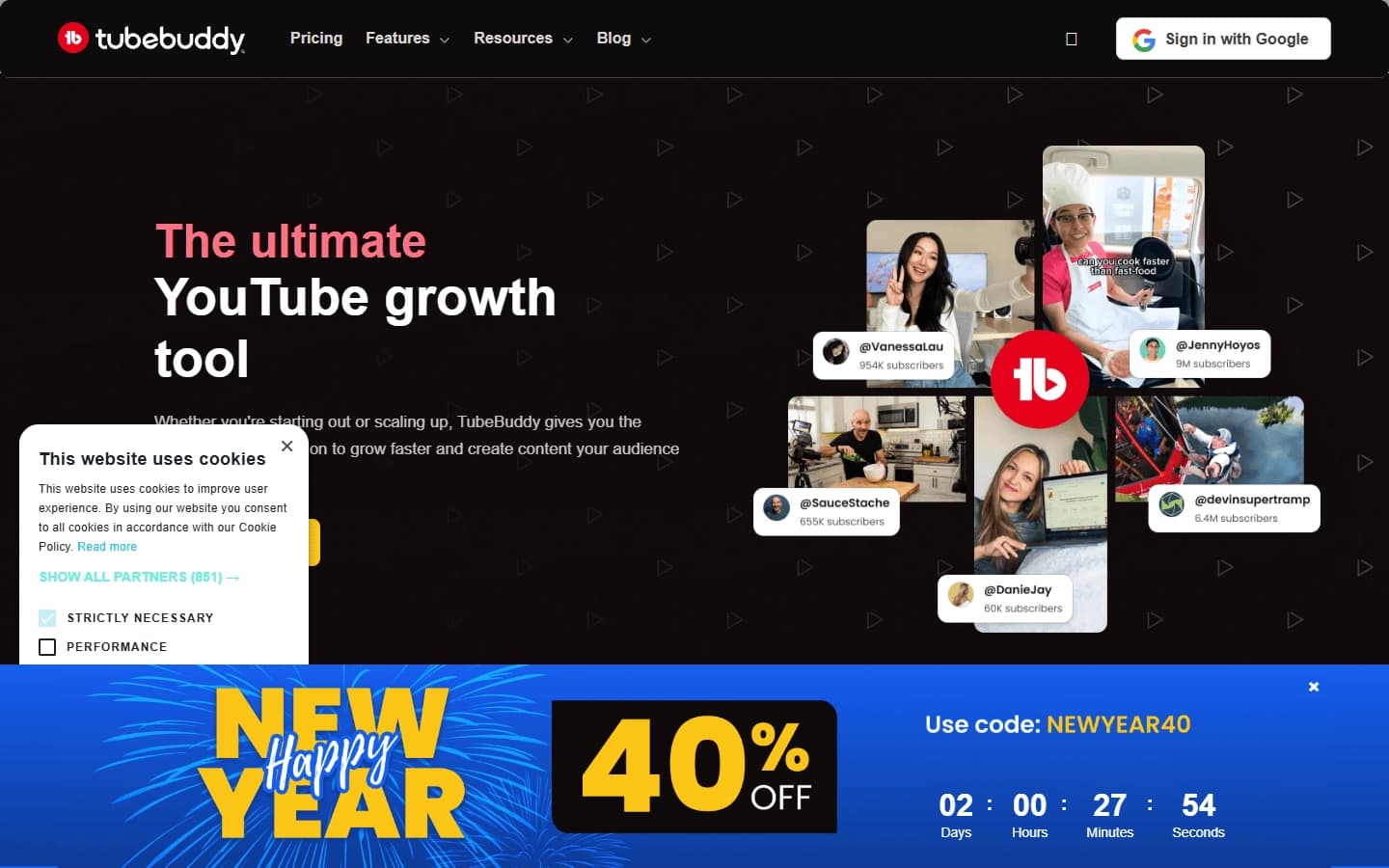
TubeBuddy is a multifunctional browser extension and a set of tools designed for SEO optimization and promotion of YouTube channels. The service helps content creators with keyword research, competitor analysis, creating and A/B testing thumbnails, as well as bulk management of video metadata. TubeBuddy automates routine content optimization tasks, helping videos get into YouTube search results and recommendations more often. The tool is suitable both for beginner bloggers and for owners of large channels looking to improve their position on the platform.
TubeBuddy Characteristics
| Characteristic | Value |
|---|---|
| Type | Growth and SEO tool for YouTube channels |
| Category | YouTube and blogging, SEO tools |
| Platform | Web application, browser extension (Chrome, Firefox, Opera, and other Chromium-based browsers), mobile application |
| Distribution model | Freemium |
| Interface languages | English, Spanish, French, German, Italian, Portuguese, Arabic, Hindi, Japanese, Chinese (simplified and traditional) |
| Website | www.tubebuddy.com |
Who is the TubeBuddy AI for?
Content creators of any level
TubeBuddy is aimed at all YouTube content creators — from beginner bloggers taking their first steps to large brands and professional creators with millions of subscribers. The tool scales to the needs of a channel of any size.
Business owners and marketers
In addition to individual creators, the service will be useful for companies and marketing departments that run corporate YouTube channels and are interested in analytics, SEO optimization, and organic traffic growth.
How to use the TubeBuddy AI?
Installing the extension
To get started, you need to install the TubeBuddy extension in one of the supported browsers: Chrome, Firefox, Opera, as well as any other Chromium-based browser (for example, Edge, Brave, Vivaldi). A mobile app for iOS and Android is also available.
Registration and channel connection
After installing the extension, you need to register in the service and connect your YouTube channel. All TubeBuddy tools appear directly in the YouTube interface, making them intuitive to use and eliminating the need to switch between tabs.
Main Features of TubeBuddy
Keyword research
The built-in keyword analysis tool helps choose video topics that have real growth potential. The system assesses competition for queries, shows search volume, and provides tag suggestions so that the video gets more impressions in YouTube search results.
A/B testing of thumbnails
TubeBuddy allows you to upload multiple thumbnail options for one video and run A/B tests on them. Based on the test results, the service determines which thumbnail variant provides the highest click-through rate (CTR), which directly affects the effectiveness of video promotion.
Automation and bulk management
The service automates routine tasks: bulk updating titles, descriptions, and tags for several videos at once, optimizing playlists, and managing metadata. This significantly saves time when working with large amounts of content.
Analytics and planning
TubeBuddy provides performance reports for the channel and individual videos, helping track the dynamics of key metrics. The built-in calendar and publication scheduler allow you to build a content strategy, and the idea generator based on search queries and trends helps find new topics for videos.
Advantages of TubeBuddy
Growth in search and recommendations
TubeBuddy helps videos get into YouTube search results and the recommendation block more often through proper SEO optimization of titles, descriptions, and tags. The competition assessment tool allows you to choose the least competitive yet in-demand keywords.
Time savings
Automation of bulk metadata operations, playlist management, and publication scheduling relieve creators from performing repetitive manual tasks, freeing up time for content creation.
Accessibility and scalability
The tool works on all popular browsers, has a mobile application, and offers a free version with basic functionality. TubeBuddy is used by millions of creators worldwide and is suitable for channels of any size — from beginners to large brands.
Drawbacks of TubeBuddy
Free version limitations
Some advanced TubeBuddy features are only available in paid plans. Users who need the full set of tools will have to subscribe to the Pro, Star, or Legend plan.
Need to install the extension
The service requires installing a browser extension, which may be inconvenient for some users, especially those working in corporate environments with strict security policies or preferring a minimum number of installed plugins.
Language barrier
Despite supporting several interface languages, some documentation and supporting materials are presented primarily in English, which can create difficulties for Russian-speaking users.
What tasks does TubeBuddy solve
Video SEO optimization
The tool helps optimize titles, descriptions, and tags for each video so that they match the audience's search queries and rank better in YouTube search.
Finding ideas and keywords
TubeBuddy solves the problem of finding profitable keywords and topics for videos by analyzing search data, trends, and the competitive landscape. This allows creators to produce content that will be in demand among viewers.
Increasing click-through rate
Through thumbnail A/B testing, the service helps choose the most effective cover for a video, which directly increases the click-through rate (CTR) and attracts more views.
Managing content strategy
The publication calendar, scheduler, analytics, and performance reports allow building systematic work with the channel, tracking the effectiveness of each video, and adjusting the strategy based on data.
TubeBuddy Pricing
TubeBuddy operates on a freemium model. The service offers a free version with basic features, available to all users after registration. To get the full set of capabilities, paid plans are provided: Pro, Star, and Legend. Specific plan prices vary and are specified on the official website of the service (www.tubebuddy.com) depending on current promotions and regional conditions.
Terms of Use of TubeBuddy
To use the service, you need to register and connect a YouTube channel. The platform is available as a browser extension (Chrome, Firefox, Opera, and other Chromium-based browsers) and as a mobile application for iOS and Android. After installation and authorization, all TubeBuddy tools are integrated directly into the YouTube interface.
TubeBuddy Availability
Platforms and browsers
TubeBuddy is available as a web application, a browser extension (Chrome, Firefox, Opera, as well as Edge, Brave, Vivaldi, and other Chromium-based browsers), and a mobile application. The extension can be installed through the Chrome Web Store or the add-on stores of the respective browsers.
Geography and languages
The service supports several interface languages: English, Spanish, French, German, Italian, Portuguese, Arabic, Hindi, Japanese, and Chinese (simplified and traditional). TubeBuddy is available in all countries where YouTube is not blocked; using a VPN is not required.
How TubeBuddy differs from alternatives
TubeBuddy is positioned as a comprehensive tool for SEO and growth of YouTube channels, combining a wide range of functions: from keyword research and thumbnail A/B testing to bulk metadata management and analytics. Unlike narrowly focused solutions (for example, Ytzolo, aimed at generating ideas and scripts, or CommentPilot.ai, focused on comment management), TubeBuddy offers a more versatile set of tools that covers most of a content creator's needs within a single platform. Thanks to integration directly into the YouTube interface and the availability of a free version, it remains one of the most popular solutions among creators around the world.
Conclusion
TubeBuddy is a powerful and popular tool for SEO and growth of YouTube channels that helps content creators of all levels optimize videos, find profitable keywords, test covers, and save time by automating routine tasks. Thanks to its freemium model, support for all major browsers and mobile platforms, and broad language support, the service remains accessible and in demand among millions of creators worldwide.
Frequently asked questions


See also
AI editor for creating, editing, and publishing content with templates and prompts.


AI-based tool for generating and optimizing text content.

AI-powered content marketing platform that automatically extracts key moments from live streams, podcasts, and Q&A sessions to create marketing materials.


AI tool for B2B cold outreach that automates contact search and personalized email generation.
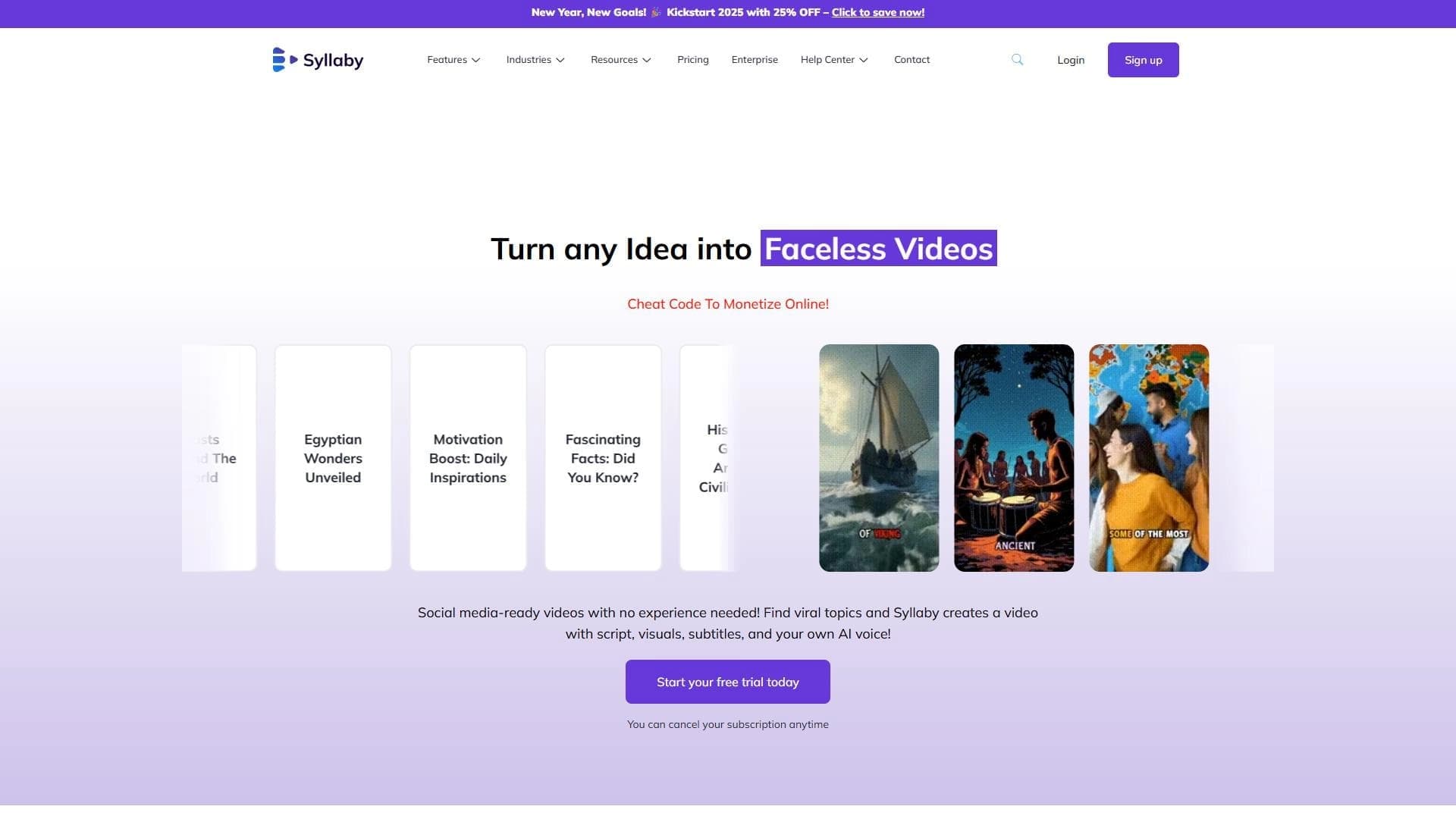

AI tool for creating and planning video content for social media.


AI-based platform for sales automation: personalized email generation, lead generation, and communication effectiveness analysis.

An AI tool that automatically cuts long videos into short clips for TikTok, YouTube Shorts, and Instagram Reels.


AI-based platform for generating text content: articles, advertisements, social media posts, and product descriptions.