

Suno
Neural network for generating songs with vocals and arrangement from a text description.
Overview
Suno
Suno AI Overview
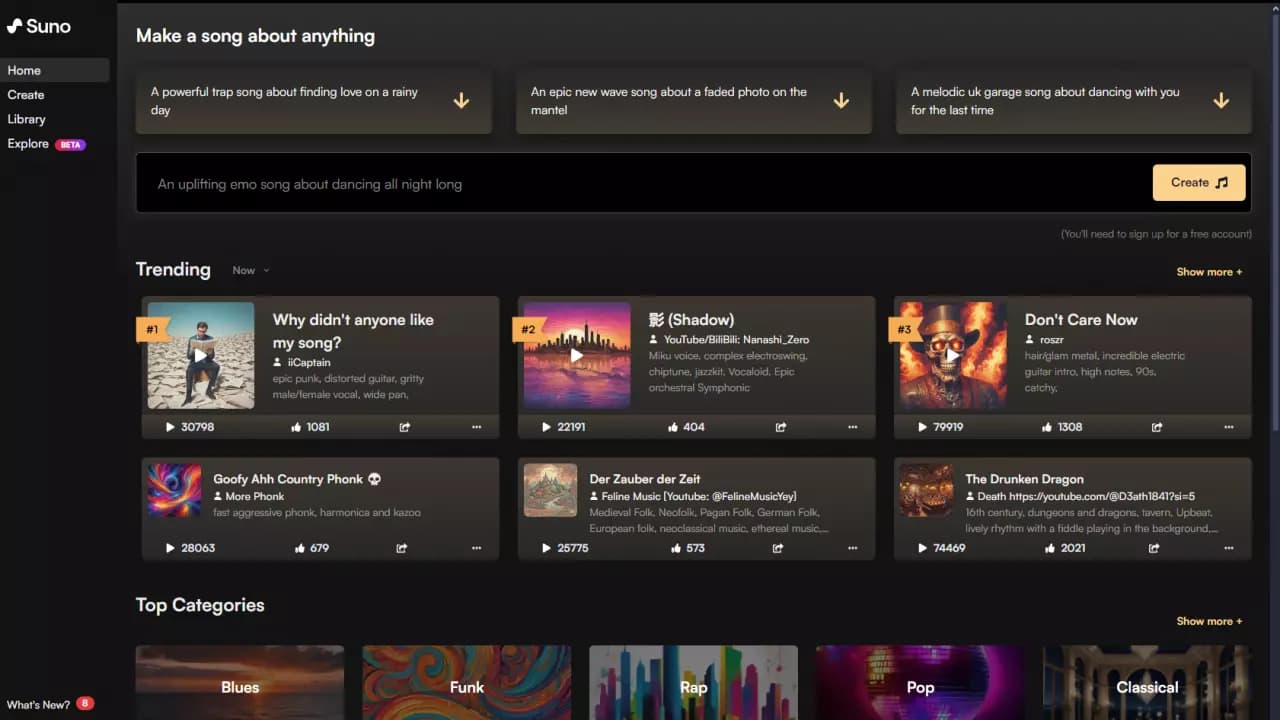
Suno is a neural network that generates full music tracks with vocals, melody, lyrics, and arrangement based on a text description. Users can specify the genre, mood, and language of the song, or upload a short audio clip to develop an idea. The service creates not just instrumental music, but actual songs with verses, a chorus, and cover art. Suno works in many languages, including Russian, Spanish, and Japanese, though the accuracy of meaning and pronunciation may vary. Today, it is one of the most popular AI music generators in the world, with more than 30 million users.
Suno Features
| Characteristic | Value |
|---|---|
| Tool type | Neural network for generating music and songs |
| Categories | Audio, Music, Voice |
| Platform | Website (online) |
| Developer | Suno, Inc. |
| Distribution model | Freemium |
| Free tier | Yes (50 credits per day, ~5–10 tracks) |
| Paid tier pricing | from $8–10/month |
| Latest model versions | Suno v5.5, Suno v5, Suno v4.5 |
| Supported languages | Multilingual (Russian, Spanish, Japanese, etc.) |
| Monthly visits | 223M |
| Users | More than 30 million |
| Release date | January 1, 2025 |
Who Is Suno For?
Content Creators and Marketers
Suno is widely used to generate original music for videos, social media content, and advertising campaigns. This helps avoid the copyright risks associated with using pre-existing music. The service is popular as a tool for quickly creating content.
People Without Musical Experience
One of Suno's main advantages is that it does not require a musical background. You only need to write a few phrases about the mood and genre to get a finished song within a couple of minutes. This makes the service accessible to anyone who wants to experiment with music or quickly get a demo version of a track.
Music Producers and Songwriters
For professionals, Suno acts as an accelerator for the creative process. It helps quickly generate a draft, a melody idea, or an arrangement that can later be refined in traditional tools. The service is also suitable for creating jingles and background music for podcasts and presentations.
Educators and Educational Projects
Suno can be used to create educational content: songs on a lesson topic, language learning tracks, or demonstrations of how wording affects the perception of music.
How to Use Suno
Registration and Plan Selection
To get started, you need to register on suno.com using Google, Apple, or email. After registration, a free tier with a limited number of generations (50 credits per day) is available. Commercial use and access to the latest models require a paid subscription.
Creating a Track
In the Song Description field, specify the genre, mood, and desired instruments in English, then click Create. If you have your own lyrics, enable Custom Mode. For best results, it is recommended to describe the structure in the prompt (for example, Intro — Verse — Chorus), specify the desired vocal delivery, and provide references.
Refining and Downloading
A finished track can be extended with the Extend button, or modified using Remix, Cover, or Replace Section. You can download the result as MP3 or WAV, as well as export video and individual stems. All created tracks are automatically saved to your account.
Key Features of Suno
Song Generation from a Text Description
Suno creates full tracks with verses, chorus, vocals, and cover art based on a text prompt. Users can specify the genre (pop, rap, electronic), mood, tempo, and theme. You can also insert your own lyrics in Custom Mode.
Working with Audio Clips and Extending Tracks
The service allows you to upload a short audio clip (6–60 seconds) as a reference so the neural network can develop the idea. The Extend feature lets you lengthen finished compositions, which typically last up to 4 minutes.
Suno Personas and Suno Studio
The Personas feature lets you lock in a unique vocal style and voice for a series of tracks. Suno Studio provides access to stem separation for more detailed work. With version v5.5, you can also record your own voice or train a custom model.
Structural Tags and Composition Control
Text tags such as [Verse], [Chorus], and [Bridge] are used to control song structure. This lets you define the desired flow of the track instead of relying solely on random generation.
Suno Advantages
Accessible to Everyone
Suno does not require musical education or instrument skills. You only need to describe the desired mood and genre — the neural network will handle the arrangement and vocals itself. This removes the barrier to entry into music creation for millions of people.
Speed and Completeness of the Result
Track generation takes anywhere from 30 seconds to a couple of minutes. At the same time, Suno creates not just sounds or instrumentals, but a full song with vocals, lyrics, and structure. Newer model versions (v4/v4.5 and above) have significantly improved audio quality and the coherence of arrangements.
Low Cost
Compared to studio recording or buying licenses, Suno offers one of the lowest costs among AI generators — from 3 cents per song on the Premier plan. The free tier provides 50 credits daily, which is enough for several tracks.
Flexible Control Tools
Features like Extend, Remix, Cover, Replace Section, reference audio upload, and structural tags give users more control over the result and reduce the element of randomness. This allows iterative refinement of a track until it sounds the way you want.
Suno Limitations
Free Tier Limitations
The free version provides only 50 credits per day (roughly 5–10 tracks) and does not include commercial rights. In addition, the free tier only offers access up to v4.5 — the latest versions (v5 and v5.5) require a subscription.
Unstable Generation Quality
Results can be unpredictable: sometimes the vocals sound perfect, sometimes artifacts appear. Matching a desired style often takes several attempts. With frequent use, some tracks may sound similar to each other.
Lack of Detailed Control
Suno does not let you edit individual tracks, effects, or notes. It is not a replacement for studio work in full-scale music production. If you need control over every element, traditional tools remain the only option.
Legal Risks
The music industry has raised questions about Suno regarding copyright on training data. Potential lawsuits create uncertainty for commercial use. In addition, model updates can break familiar settings, forcing users to adapt.
What Tasks Does Suno Solve
Quick Content Creation for Social Media and Video
Suno lets you create a unique track for a video, jingle, or background music without searching for music or paying for licenses. This is especially valuable for content creators who need original music without copyright risks.
Prototyping Musical Ideas
For producers and songwriters, Suno is a fast way to generate drafts. You can hear how an idea might sound within minutes and understand the direction of a track before investing time in a studio recording.
Music Experiments Without Experience
People without a musical background can try different genres, moods, and styles simply by changing the description. This makes Suno suitable for educational and experimental purposes — from studying how wording affects the perception of a track to creating songs for narrative projects.
Creating Song Demos
Instead of recording vocals in a studio or hiring musicians, you can quickly get a demo version of a track. This saves time and money in the early stages of a project.
Suno Pricing
Suno operates on a freemium model. The free tier gives you 50 credits per day, which is enough for several tracks. This tier only provides access up to v4.5, and tracks can only be used for personal purposes — no commercial rights are included.
Paid plans:
- Pro — from $10/month (2,500 credits, access to v5.5, commercial use)
- Premier — from $30/month (10,000 credits, Suno Studio, about 3 cents per song)
Prices may change; check the official website for current rates and available payment methods.
Suno Terms of Use
To use Suno, you need to register on suno.com via Google, Apple, or email. On the free tier, generated tracks are for personal use only — commercial use (monetization, advertising, streaming) is prohibited.
Commercial rights are only included with the paid Pro and Premier plans, and they apply exclusively to tracks created while the subscription is active. Old free-tier tracks cannot be transferred to a commercial plan.
A generated track is not fully “yours” in every sense — it exists within the tool's license terms. Publicly available tracks may be used by the platform for demonstration or promotional purposes.
Suno Availability
Suno is available through its web interface at suno.com, as well as through Discord. There is no mobile app. The service works in many languages, including Russian, Spanish, Japanese, and others. The website interface is in English.
The service is available globally and is widely used by a diverse international audience for creating social media content.
How Suno Differs from Alternatives
Focus on Song Form
The key difference between Suno and most AI music generators is its focus on actual songs rather than instrumental compositions. The model is designed to think in terms of verses, choruses, and timing. Many alternatives (such as Mubert and AIVA) focus on generating background music or soundscapes, while Suno creates full vocal tracks.
Ease of Use vs. Sound Clarity
Compared to Udio, which offers cleaner vocals and follows genre instructions more precisely, Suno wins on ease of use and speed. It is better suited for pop music and quick drafts. Udio provides more control but requires more time to set up.
Completeness of the Result
Suno generates not only music and vocals, but also lyrics and cover art. This sets it apart from tools that create only a melody (like AIVA) or only lyrics. However, this comprehensiveness comes at the cost of less detailed control over the arrangement compared to traditional DAWs or specialized AI tools.
Ecosystem and Updates
Suno is actively developed and regularly updated — versions v4, v4.5, v5, and v5.5 have all brought noticeable quality improvements. Personas, Suno Studio, and structural tags make it a more mature tool than many competitors. However, updates sometimes break familiar settings, and users have to adapt.
Conclusion
Suno AI is a specialized song generator that turns a text idea into sound as quickly as possible. Its strength lies in speed, variety, and the ability to work with the full logic of a song. For professional production that requires control over every note, Suno falls short of traditional tools. But when you need an idea, a mood, a finished draft, or content “here and now,” it proves surprisingly effective. With the right expectations, Suno stops being a toy and becomes part of a real workflow — an accelerator that saves time and expands the creative field.
Pricing
Frequently asked questions
Similar AI tools



See also

A neural network that generates music from a text description or uploaded audio clips using spectrograms.
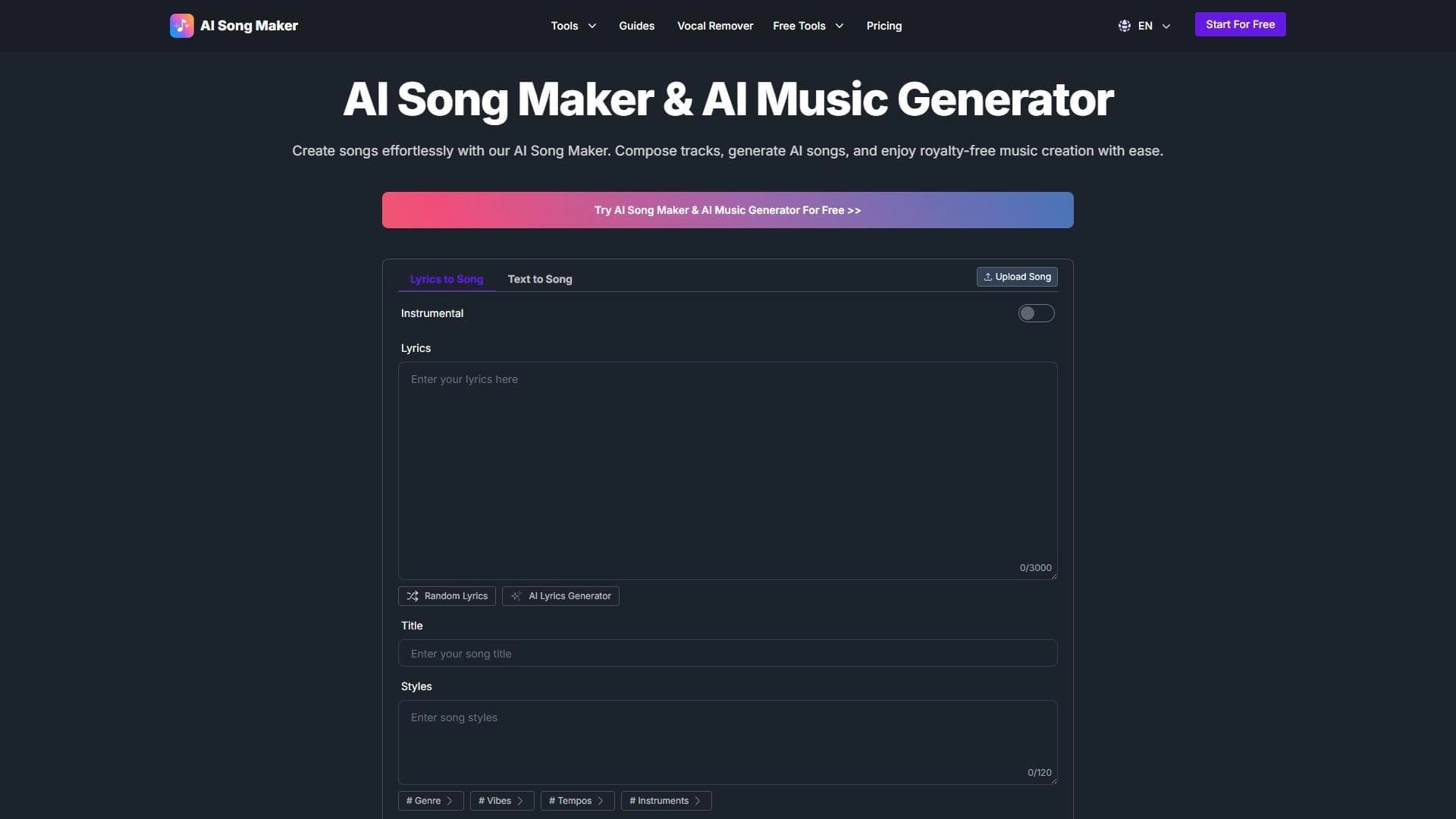

AI-powered online service for creating ready-made songs with vocals from text or poems.

Neural network from Stability AI for generating music and sound effects from a text description or uploaded audio.
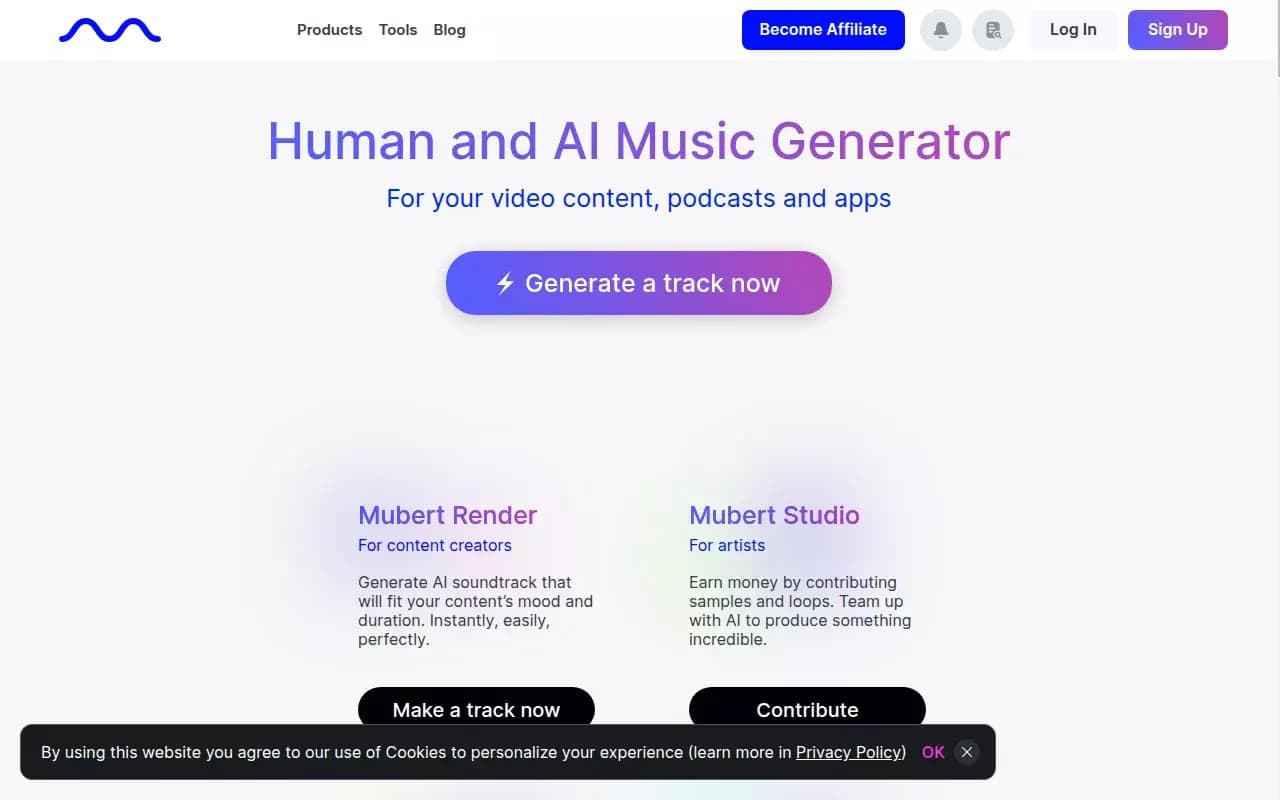
AI-based platform for generating unique royalty-free music.
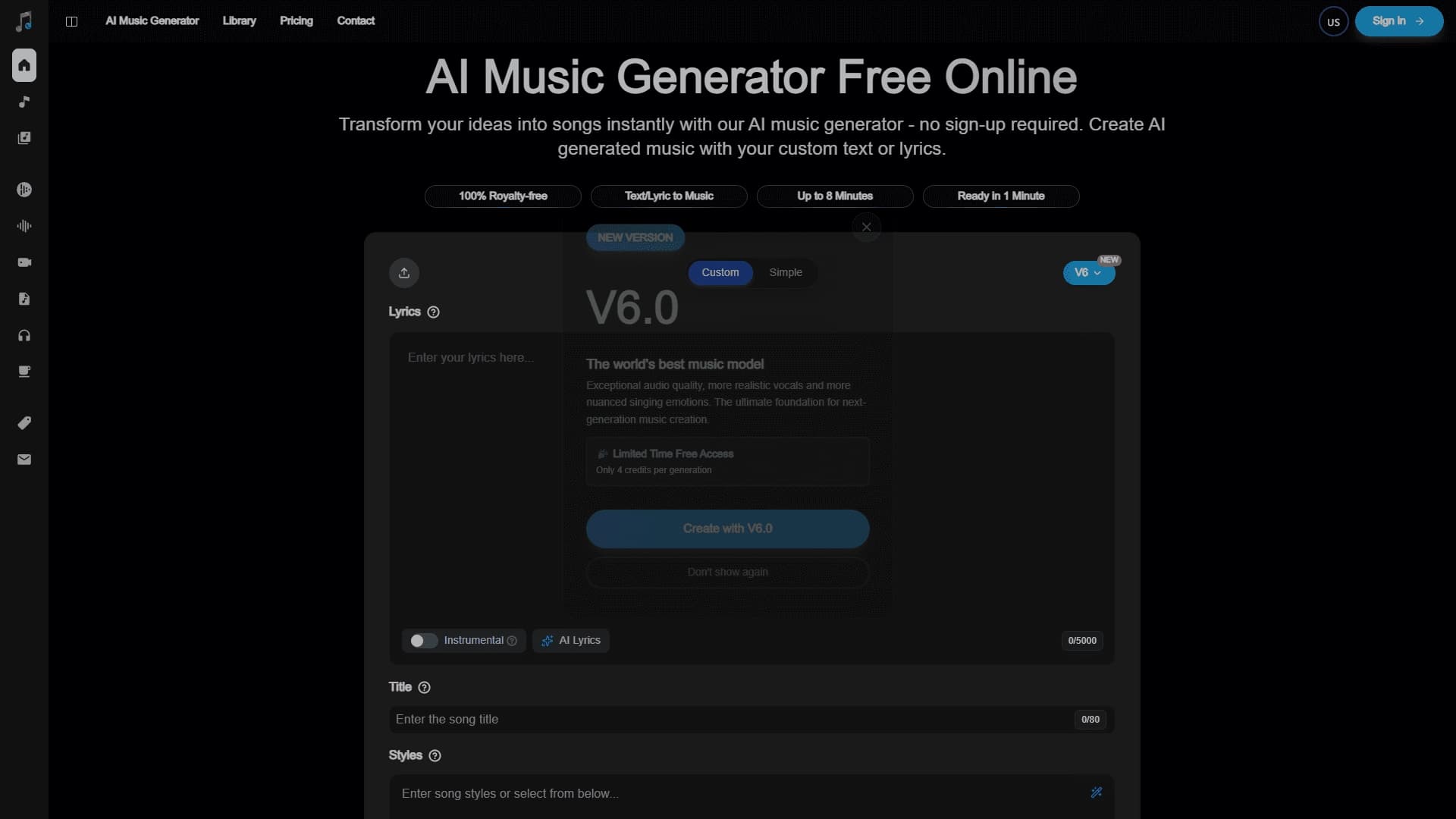

Online service for creating music and songs from a text description with the ability to download tracks.
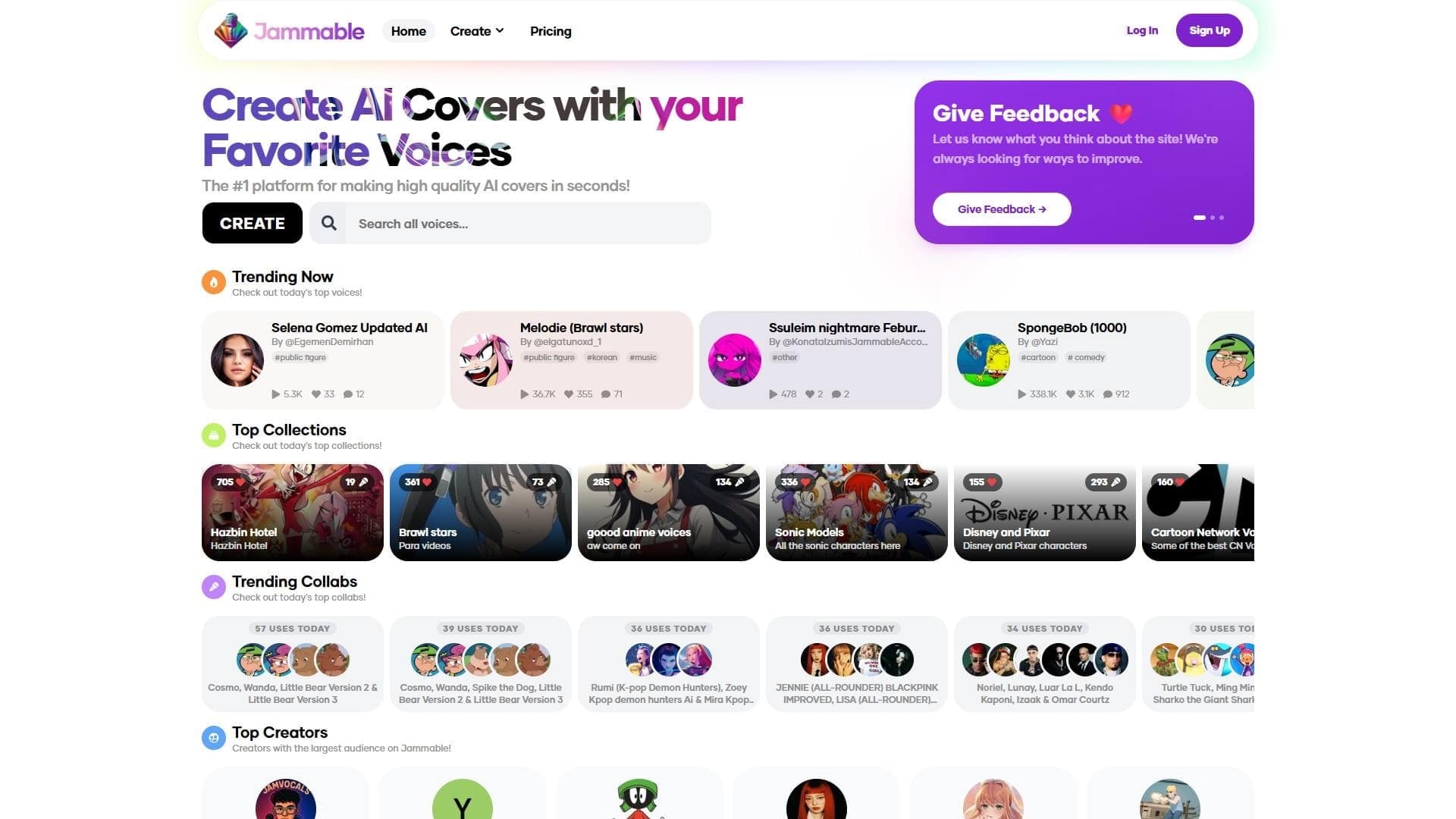

A web platform for creating AI covers, allowing you to overlay celebrity and character voices onto any songs.
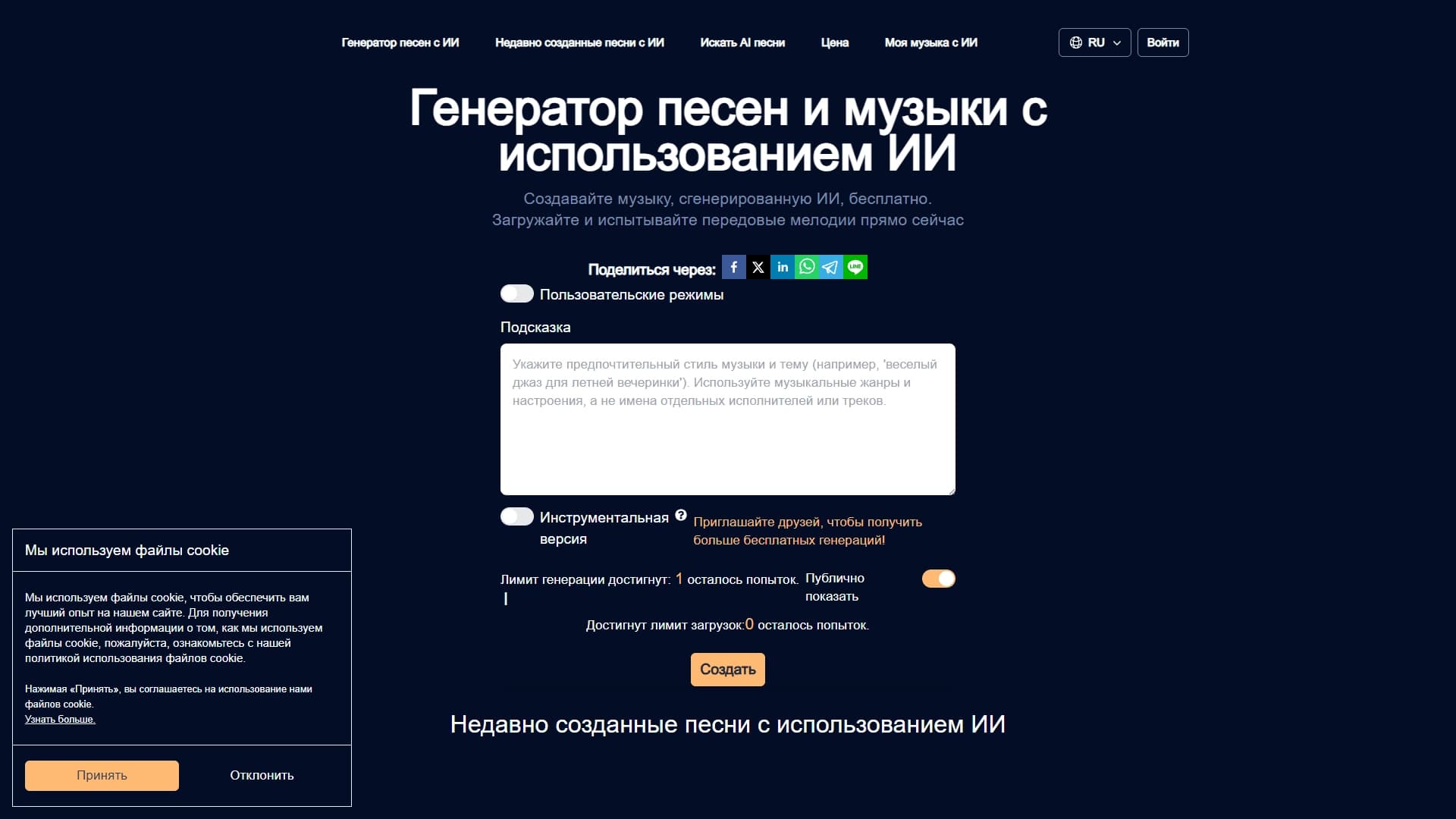
An online service that generates ready-made songs and instrumental tracks from a text description using a neural network.
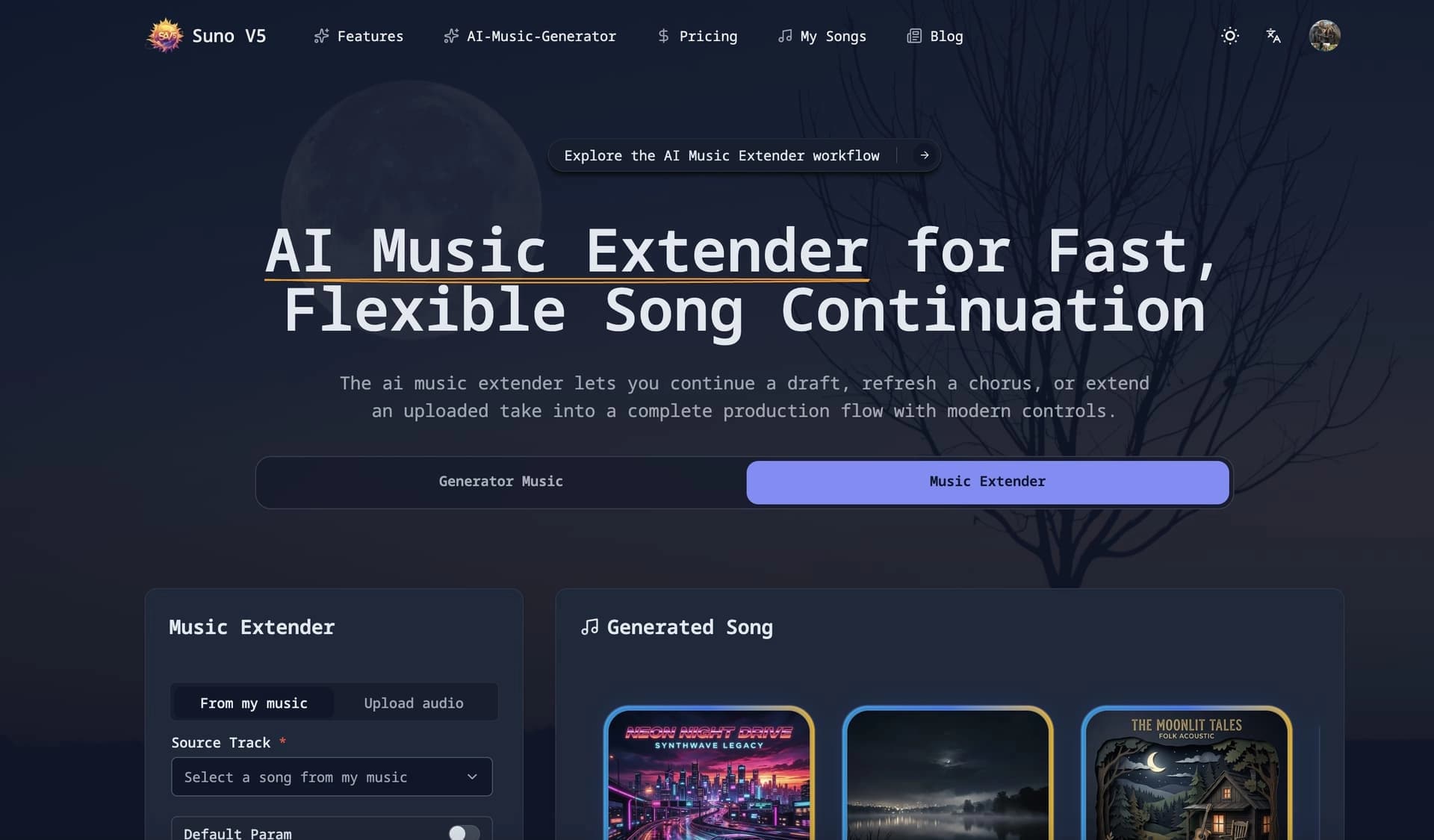

Web service for generating music from a text description based on the Suno V5 model.