
Speech to Text
An app powered by OpenAI neural networks for converting speech to text in more than 30 languages.
Overview
Speech to Text
Speech to Text Neural Network Description
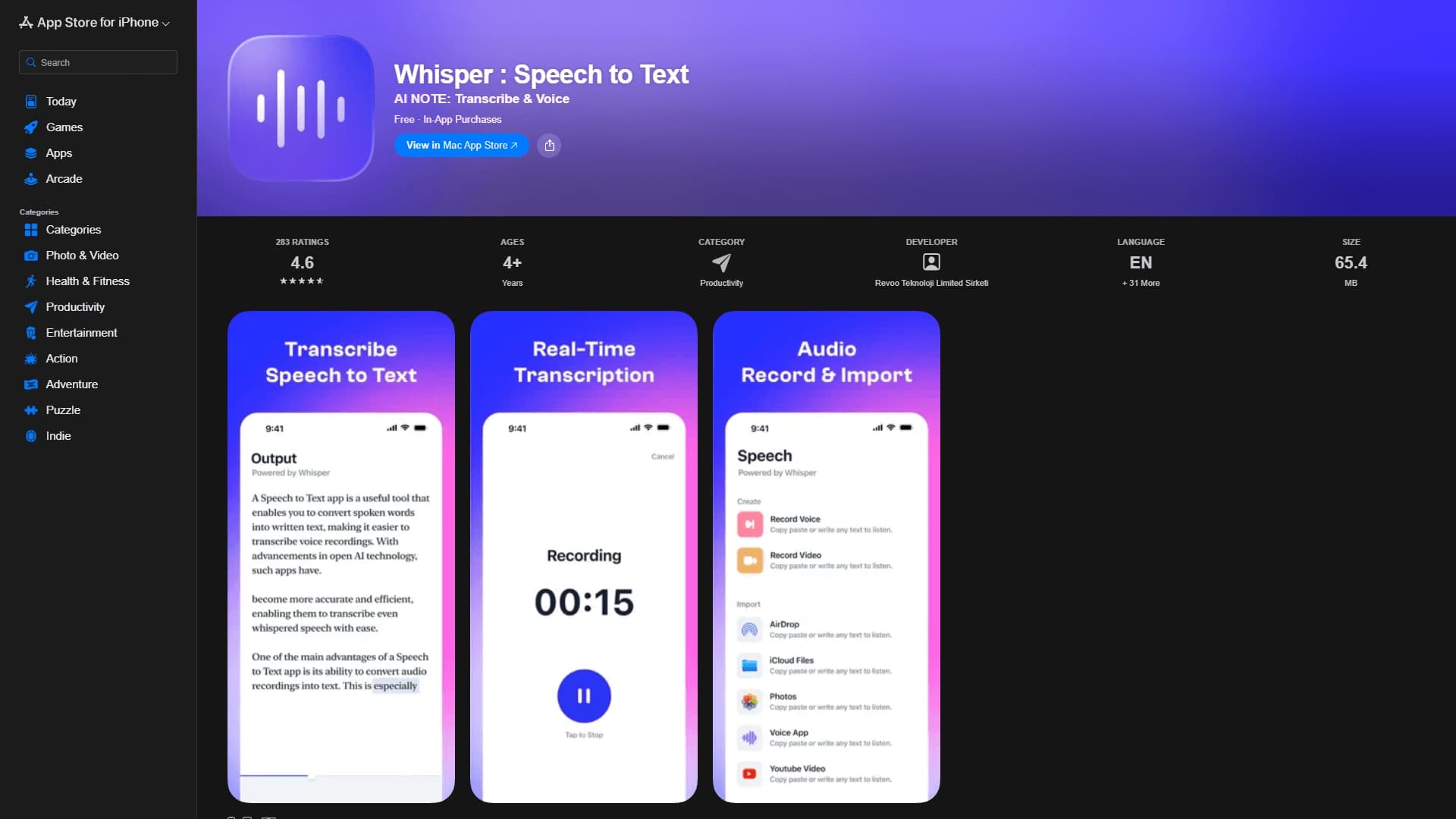
Speech to Text is an app powered by OpenAI neural networks that converts spoken language into written text in real time. Users simply press the microphone button and start speaking — the words appear on the screen instantly. The tool is available on iPhone, iPad, and Mac, as well as on Android. It supports voice memo recording, text dictation, and transcription of meetings, interviews, and lectures. Recognition works even with background noise, unclear speech, whispers, or accents. After transcription, the text can be edited, formatted, and saved directly in the app. Speech to Text works free online and supports more than 30 languages.
Speech to Text Characteristics
| Characteristic | Value |
|---|---|
| Type | Mobile and desktop speech recognition app |
| Category | Speech recognition, Audio transcription, Transcription tools |
| Developer | Toolify AI (base technology — OpenAI) |
| Platforms | iPhone, iPad, Mac, Android |
| Supported languages | More than 30 languages |
| Free plan | Yes |
| Monthly visits | 388.9K |
| Publication date | September 10, 2025 |
Who Is Speech to Text Suitable For?
Students and Learners
Students can use the app to record lectures and create notes without typing manually. This is especially convenient during long classes or when you need to quickly capture a large amount of information. Speech to Text works for both in-person and online lectures.
Journalists, Podcasters, and Entrepreneurs
Journalists and podcasters can quickly transcribe interviews and recordings, saving hours of manual work. Entrepreneurs and managers can record meeting minutes and capture ideas on the go. The tool is also useful for international teams thanks to its support for multiple languages.
People with Hearing Impairments
The app helps people with hearing impairments get a real-time text display of spoken speech. This makes communication more accessible and reduces barriers in everyday life and at work.
Users Without Technical Experience
Thanks to its simple interface and minimal entry barrier, the app suits even those without technical experience. Just install the app and press the microphone button.
How to Use Speech to Text?
Installation and Launch
The app is available on the App Store for iPhone, iPad, and Mac, as well as on Android. After installation, no complex setup is required — you can start working right away. An internet connection is required to use the app.
Getting Started
Launch the app and press the microphone button. Start speaking — your speech will immediately appear on the screen as text. For best results, it is recommended to speak clearly and use a quality microphone.
Editing and Saving Results
After transcription, the text can be edited, formatted, and saved directly in the app. The recognized text remains available for further work — you can copy, send, or export it.
Key Features of Speech to Text
Real-Time Voice-to-Text Conversion
The app's core function is instant conversion of spoken speech into text as the user speaks. This lets you see the result immediately and make adjustments on the fly if needed.
High-Accuracy Audio Recognition
The app can transcribe pre-recorded audio files, including meetings, interviews, and lectures. High recognition accuracy is maintained even with background noise, varying speech rates, and accents. The AI can distinguish multiple voices in one audio file and output each speaker's speech in a separate paragraph.
Multi-Language Support
Speech to Text works with more than 30 languages, making it convenient for international teams and users working with different language materials.
Text Editing and Saving
After transcription, the text can be edited, formatted, and saved directly in the app. This lets you prepare the final version right away without using additional tools.
Advantages of Speech to Text
High Recognition Accuracy in Challenging Conditions
The app demonstrates high speech recognition accuracy even in noisy environments, with background noise, and across different speech rates and accents. Its ability to handle quiet or whispered speech is also highlighted.
Multilingual and Cross-Platform
Speech to Text supports more than 30 languages, making it suitable for international teams and users worldwide. The app runs on all major Apple platforms (iPhone, iPad, Mac) and on Android, ensuring accessibility across different devices.
Simplicity and Ease of Use
The app's interface is intuitive and suitable for users of any skill level. Texts can be edited, formatted, and saved without unnecessary steps, saving time and streamlining the workflow.
Disadvantages of Speech to Text
Sensitivity to Audio Quality
Recognition quality depends heavily on the microphone. When using a built-in microphone in unfavorable conditions, accuracy may decrease.
Errors in Complex Acoustic Conditions
The app may make errors with strong noise interference and overlapping speech from multiple people. Although the AI can distinguish voices, inaccuracies are possible in high-density speech conditions.
Issues with Accents and Non-Standard Pronunciation
Speech to Text may struggle with accents, unusual pronunciation, and rare dialects. This should be taken into account when working with speakers of specific dialects.
What Tasks Does Speech to Text Solve?
Transcribing Audio Recordings
The app lets you quickly transcribe interviews, meetings, podcasts, and any other audio recordings. Instead of hours of manual work, users get ready-made text in minutes.
Creating Transcripts and Subtitles
Speech to Text is suitable for creating transcripts of lectures, presentations, and conferences, as well as for generating subtitles for videos. This is useful both for educational purposes and for content creators.
Taking Notes Without Typing
Users can capture ideas, meeting minutes, and notes simply by speaking into the microphone. This eliminates the need to type manually and speeds up the documentation process.
Assisting People with Hearing Impairments
The app serves as an assistive tool for people with hearing impairments, providing a real-time text display of spoken speech and making communication more accessible.
Speech to Text Pricing
The app offers several pricing plans. The free plan provides access to basic speech recognition features. The premium plan removes ads and includes advanced language models and cloud storage. The professional plan ensures maximum recognition accuracy, priority support, and advanced settings. Specific pricing for Apple devices (iPhone, iPad, Mac) is not described on the app page — it shows a "Buy Now" button and a link to subscription payment instructions.
Terms of Use for Speech to Text
An internet connection is required for the app to work. It is recommended to use a quality microphone and speak clearly — this improves recognition accuracy. The app may make errors with strong noise interference, overlapping speech from multiple people, and non-standard pronunciation or rare dialects.
Speech to Text Availability
The app is available on iOS (App Store) for iPhone, iPad, and Mac, as well as on Android. An internet connection is required. Speech to Text supports more than 30 languages, making it accessible to users from different countries and international teams.
How Speech to Text Differs from Alternatives
OpenAI Technology Base
Unlike many alternatives, Speech to Text is built on OpenAI neural networks (Whisper technology). This ensures high recognition accuracy and the ability to work with quiet, whispered speech, as well as different accents and speech rates.
Cross-Platform Support in the Apple Ecosystem
The app is available simultaneously on iPhone, iPad, and Mac, creating a unified environment for Apple device users. Combined with Android support, this provides broader coverage compared to alternatives limited to a single platform.
Free Access to Basic Features
Having a full free plan sets Speech to Text apart from many competitors that offer only limited trial periods. Basic recognition features are available without payment, which is especially important for users with irregular needs.
Conclusion
Speech to Text is a simple and convenient app for converting spoken speech into text, powered by OpenAI technologies. The tool is available on iOS, Android, and Mac, supports more than 30 languages, and offers a free plan with basic features. The app is suitable for quick notes, transcribing audio recordings, creating transcripts, and assisting people with hearing impairments. However, recognition accuracy may decrease with noise, a poor microphone, or non-standard pronunciation, which should be considered when choosing a tool for professional tasks in challenging acoustic conditions.
Frequently asked questions
Similar AI tools



See also
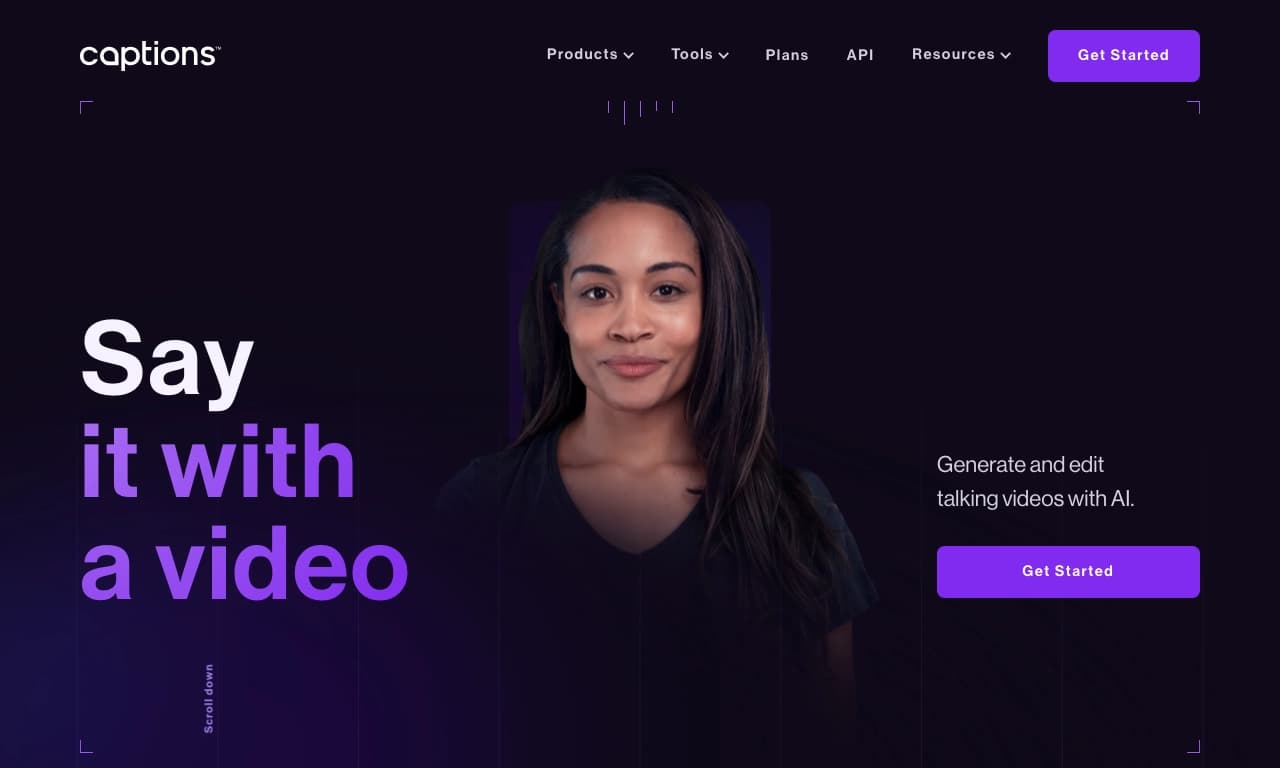

AI platform for creating and editing videos with automatic generation of subtitles, avatars, and voice translation.

A platform for creating talking videos with a teleprompter, AI-generated scripts, subtitles, and avatars.
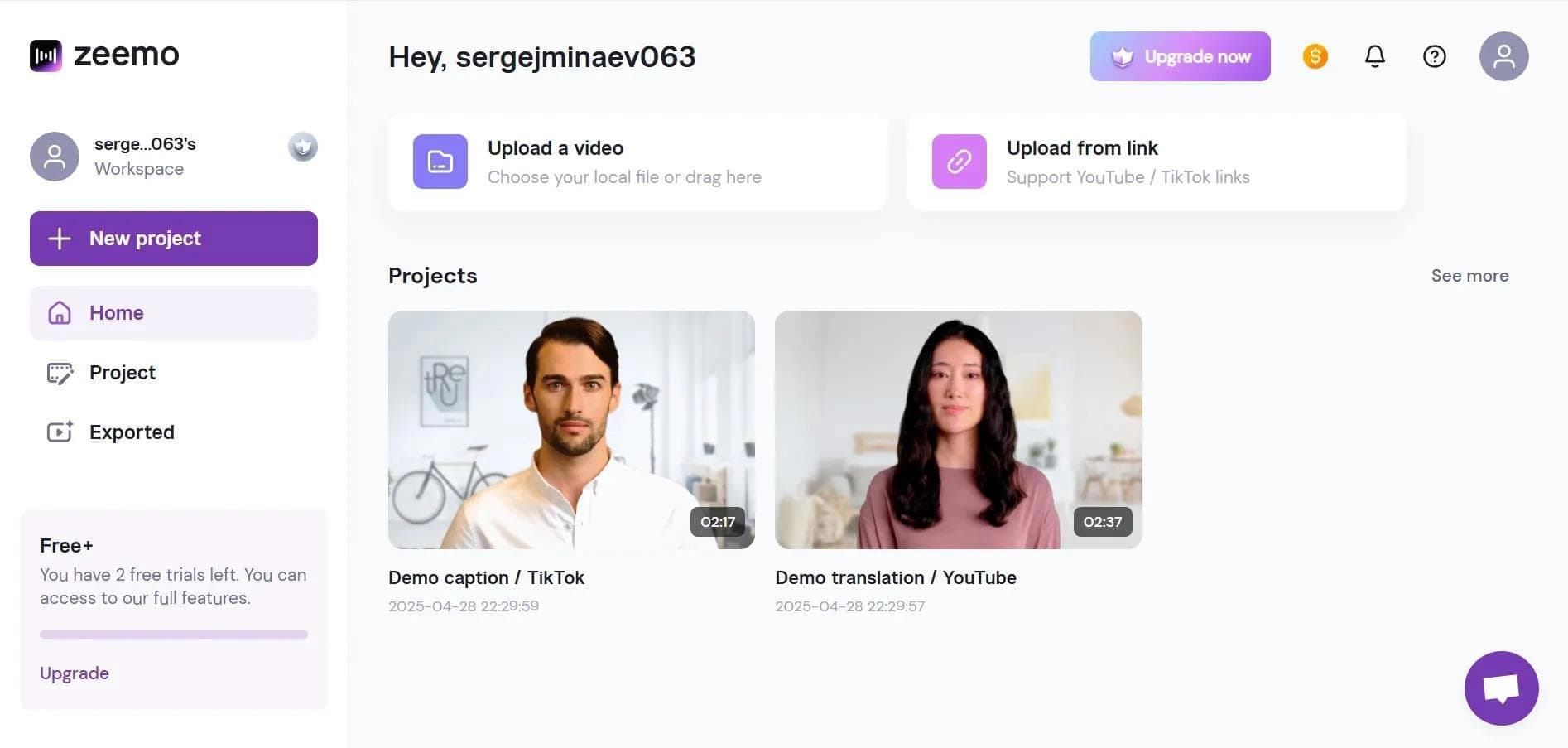

Neural network-based web service for automatic video subtitling and transcription.
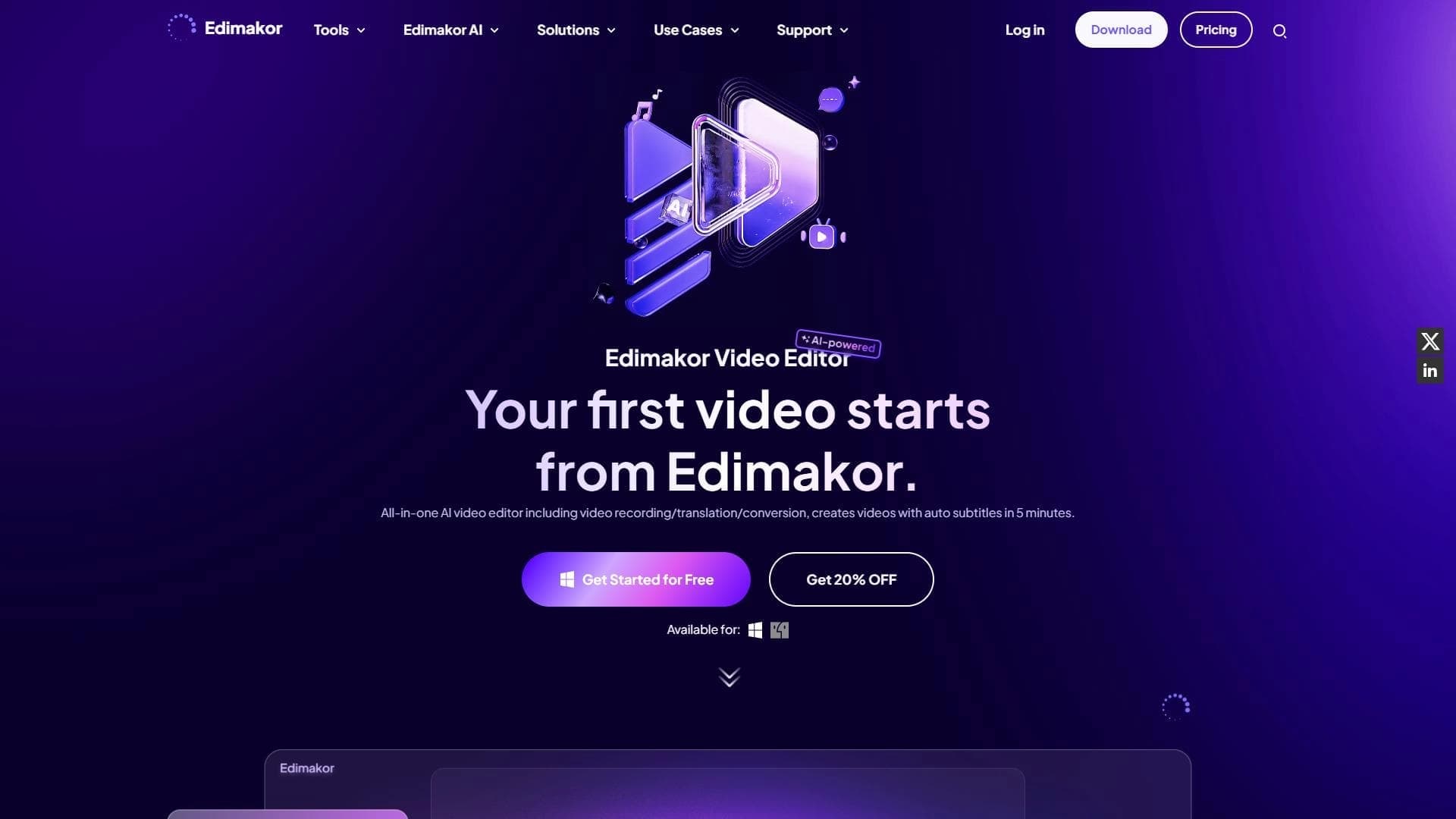

AI-powered desktop video editor for automatic subtitle generation and basic video editing.

Online video editor with AI tools for creating and editing videos directly in the browser.
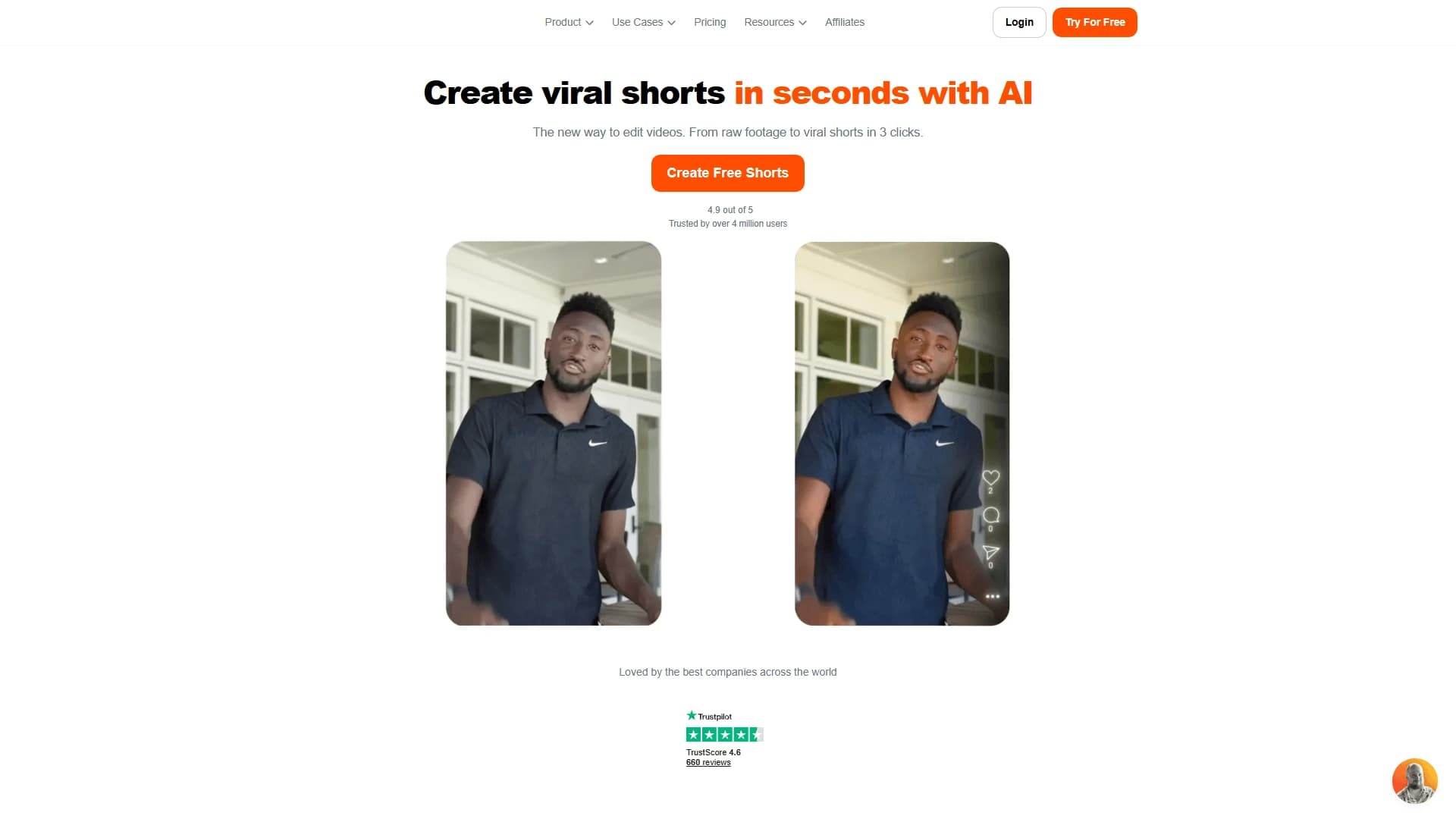

AI tool for creating short vertical videos with automatic subtitles, editing, and effects for social platforms.
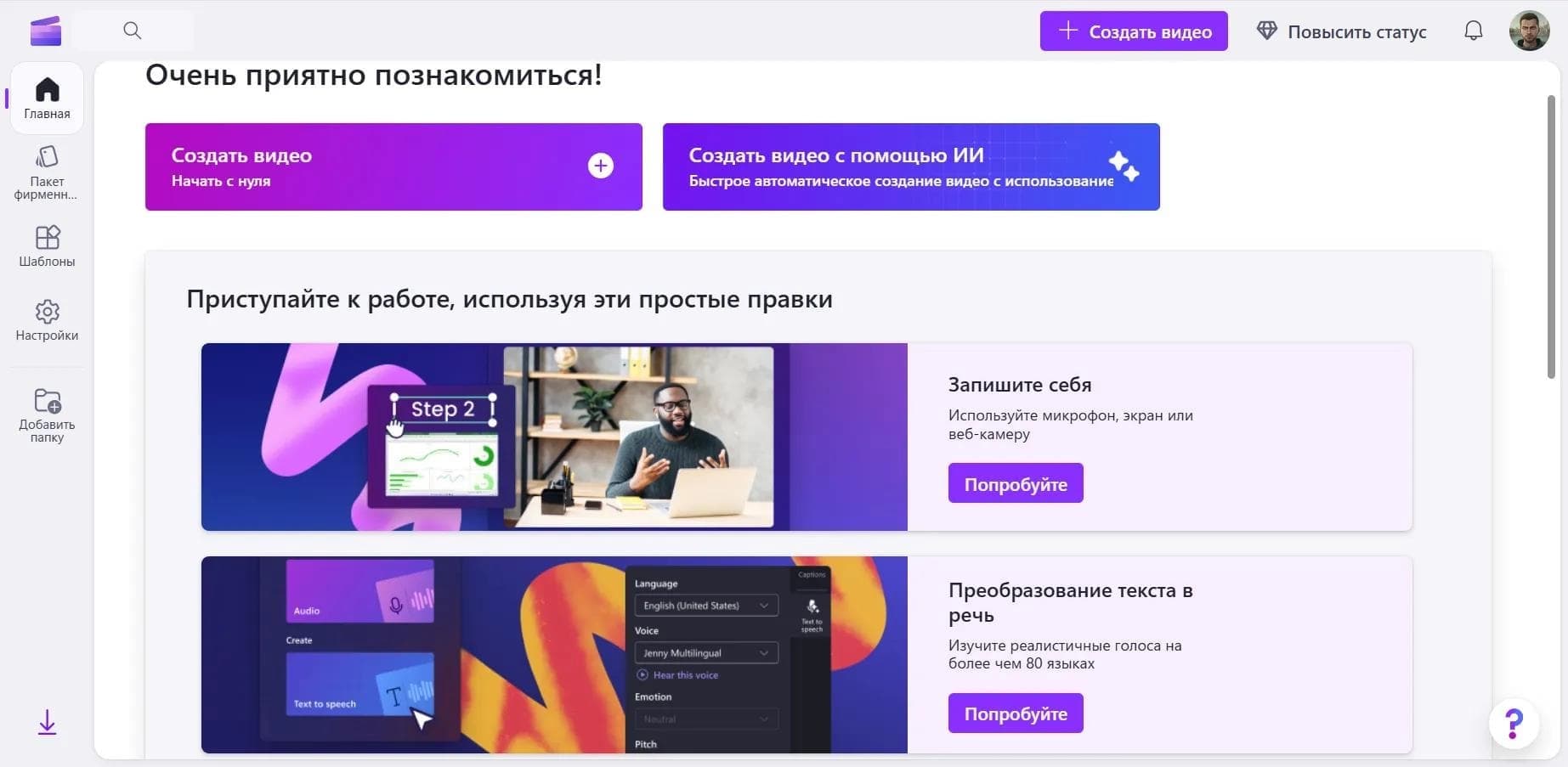

Online video editor from Microsoft with AI-powered features for quick editing right in your browser.

An AI tool that automatically cuts long videos into short clips for TikTok, YouTube Shorts, and Instagram Reels.