
Screenshot to Code
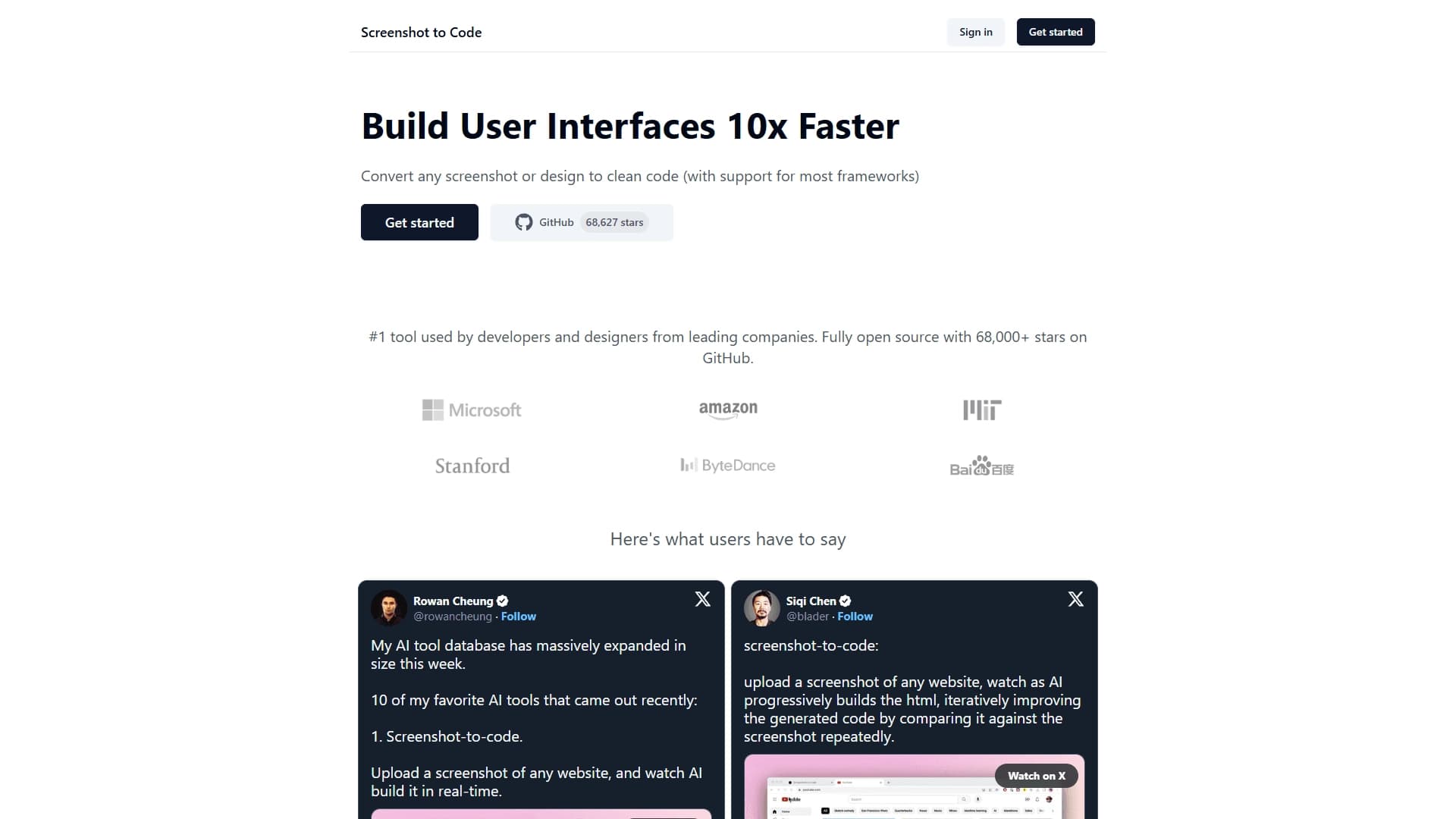
A neural network tool that converts website screenshots, Figma mockups, and design concepts into ready-to-use interface code in real time.
Overview
Screenshot to Code
Description of the Screenshot to Code neural network
Screenshot to Code is an open-source, neural network-based tool that automatically converts visual mockups into ready-made interface code. The project is intended for frontend developers and designers who want to reduce time spent on manual markup. Simply upload a website screenshot, a Figma export, or a design concept, and the system will generate the corresponding code in real time with support for popular frameworks. Thanks to its open source, the tool has earned tens of thousands of GitHub stars and wide recognition in the developer community.
Screenshot to Code characteristics
| Characteristic | Value |
|---|---|
| Type | AI tool for converting screenshots into code |
| Categories | Website and interface builders, Code generation |
| Platform | Website (screenshottocode.com) |
| Open source | Yes |
| GitHub rating | Tens of thousands of stars |
Who is Screenshot to Code for?
Frontend developers
Developers who work on interface markup every day can use Screenshot to Code to speed up routine tasks. Instead of manually marking up each element according to the mockup, they get a ready-made code structure in seconds.
Interface designers
For designers, the tool is useful for quickly testing design hypotheses. After creating a prototype in Figma or drawing a concept, you can immediately get working code and see how the layout will look in a browser without involving a developer.
How to use Screenshot to Code?
Preparing the source material
To work with Screenshot to Code, you need an image of an interface — it can be a screenshot of an existing website, an exported Figma mockup, or any design concept in a graphic format.
Generation process
Upload the prepared image to the website screenshottocode.com. The neural network-based system will analyze the visual structure and generate interface code in real time, which you can use immediately in your project.
Choosing a framework
The tool supports several popular frameworks, so you can get code in the technology stack used in your project without additional adaptation.
Main features of Screenshot to Code
Converting visual mockups into code
The main function of the tool is turning a website screenshot, a Figma mockup, or a design concept into ready-made interface code. The neural network recognizes element placement, colors, fonts, and other visual properties.
Support for popular frameworks
The generated code can be obtained in a format compatible with common frontend frameworks, which simplifies integrating the result into existing projects.
Real-time generation
Image processing and code output happen almost instantly, allowing you to quickly iterate on designs and test different options without long waits.
Advantages of Screenshot to Code
Fully open-source code
The project is distributed with open-source code, allowing any developer to study how it works, contribute improvements, or adapt it to their own needs. The absence of licensing restrictions makes the tool accessible to everyone.
Community trust
Tens of thousands of GitHub stars attest to the project’s high popularity and quality. An active developer community participates in improving the tool, reporting bugs, and suggesting enhancements.
Faster markup and prototyping
Screenshot to Code helps you quickly test design hypotheses and get live prototypes without manual coding. This reduces the time from idea to working prototype and simplifies communication between designers and developers.
Disadvantages of Screenshot to Code
Since the project is open source and community-driven, it may have limitations compared with commercial alternatives. The quality of code generation depends on the complexity of the source mockup — very complex or unconventional designs may require manual refinement. Up-to-date information about the tool’s technical limitations and capabilities may change as the project is updated.
What tasks Screenshot to Code solves
Accelerating interface markup
The main task of the tool is reducing the time spent moving design mockups into code. Instead of manually writing HTML, CSS, and JavaScript for each element, the developer gets a ready-made structure that only needs to be adapted to the specific project requirements.
Quickly testing design hypotheses
Designers and product managers can upload a mockup and immediately see how it will look in a browser. This allows different design options to be evaluated quickly without involving a developer at the prototyping stage.
Turning Figma prototypes into code
The tool solves the task of converting design concepts and Figma exports into working interface code, which is especially useful in the early stages of development when you need to get a functional prototype quickly.
Screenshot to Code pricing
The distribution model of the tool is free. Screenshot to Code is an open-source project, meaning free access to all features with no payment required. Specific terms of use and any possible limitations of free access can be found on the official website or in the project’s GitHub repository.
Terms of use for Screenshot to Code
As an open-source project, Screenshot to Code is distributed under the license specified in its repository. This implies free use, copying, and modification of the code. It is recommended to review the license file in the project’s GitHub repository for accurate information about the terms of use.
Screenshot to Code availability
The tool is available at the website screenshottocode.com. No additional software installation is required — all operations are performed through the browser. The source code is also available on GitHub for self-study, deployment, and modification.
How Screenshot to Code differs from alternatives
There are other solutions on the market for converting design mockups into code: Wron, Kodik, CatDoes, Base44, Rezonant, Microsoft Foundry. The main difference of Screenshot to Code is its fully open distribution model (open source), which makes it free and available for modification. While many alternatives are commercial products with limited functionality in the free version, Screenshot to Code offers all features without payment. In addition, the project’s high GitHub rating (tens of thousands of stars) indicates significant community trust and active developer support.
Conclusion
Screenshot to Code is a popular open-source AI tool that lets developers and designers quickly turn screenshots and interface mockups into ready-made code while supporting popular frameworks. Thanks to its free distribution model and active community support, it is a practical solution for speeding up interface markup and prototyping.