

Pl@ntNet
Mobile app and citizen science project for identifying plants from photos using machine learning.
Overview
Pl@ntNet
Description of the Pl@ntNet neural network
Pl@ntNet is a mobile application and crowdsourced scientific project designed to identify plants from photographs. The service is based on machine learning and computer vision algorithms that analyze images of leaves, flowers, fruits, or bark and determine the plant species.
The user receives the scientific and common name of the plant, as well as access to an extensive database of species. In addition, Pl@ntNet allows users to share their own observations: the collected data helps scientists document and track biodiversity on a global scale. Thus, every user also acts as a citizen scientist, contributing to botanical research.
Pl@ntNet characteristics
| Characteristic | Value |
|---|---|
| Type | Mobile application and crowdsourced scientific project |
| Category | Plant identification |
| Platforms | Web, Android, iOS |
| Date added | July 11, 2024 |
| Free tier availability | No |
| Credit card required | No |
| Lifetime plan availability | No |
| Pricing model | Not specified |
Who is the Pl@ntNet neural network suitable for?
Botanists and researchers
Pl@ntNet will be useful for professional botanists and researchers involved in documenting flora, ecological research, and tracking changes in biodiversity. The application allows quickly identifying plants in the field and adding new observations to the database.
Gardeners and nature enthusiasts
Gardeners, tourists, and anyone interested in plants can use Pl@ntNet to identify unfamiliar species during walks, hikes, or while working in the garden. The application helps users get to know the surrounding flora better without special botanical knowledge.
Students and teachers
Educational purposes are one of the key areas of Pl@ntNet application. Students and teachers can use the app in biology, ecology, and botany classes, studying plants in their natural habitat.
Environmental advocates and citizen scientists
Environmental activists and participants in citizen science projects gain access to a tool that allows them to record plant observations and share them with the scientific community, contributing to biodiversity monitoring.
How to use the Pl@ntNet neural network?
Installation and registration
Download the Pl@ntNet application from the official app store (Google Play or App Store). After installation, open the application and register or log in to an existing account. Creating an account is a mandatory condition for use.
Taking a photo of a plant
Tap the camera icon to photograph the plant of interest. It is recommended to take pictures of leaves, flowers, fruits, or bark — these parts are the most informative for identification algorithms. If necessary, adjust the image by highlighting the desired part of the plant.
Getting results
Submit the photo for identification and wait for processing. Computer vision algorithms will analyze the image and suggest the most likely options with the scientific and common name of the plant. After receiving the result, you can explore additional information about the species or share your observation with the community.
Main functions of Pl@ntNet
Plant identification from photographs
The main function of the service is recognizing plants from images of their parts. Machine learning algorithms process images of leaves, flowers, fruits, and bark, then provide the most accurate match from the database.
Extensive species database
The application contains information about a large number of plant species. The user can not only identify an unfamiliar plant but also study existing records, learning about the diversity of flora in different regions.
Sharing observations between users
Pl@ntNet encourages data sharing: each user observation becomes part of the common database. The community can view, confirm, or refine identifications, which improves the quality and completeness of the data.
Offline mode
The application supports plant identification without an internet connection. This is especially convenient when used in remote areas and places with unstable connectivity.
Advantages of Pl@ntNet
Advanced AI algorithms
Pl@ntNet uses modern artificial intelligence methods, including deep learning and vision transformers, which ensures high accuracy of plant identification from photographs.
Offline mode support
The ability to work without the internet makes the application convenient for field conditions and remote regions where network access may be unavailable.
Contribution to citizen science
The project encourages users to participate in collecting biodiversity data. Every observation uploaded to the system helps scientists track species distribution and ecosystem changes.
Strong scientific community
Pl@ntNet is supported by an active community and ongoing scientific collaboration. Users can interact with each other, refine identifications, and jointly improve the quality of the database.
Disadvantages of Pl@ntNet
No open access to models
The platform does not provide direct open access to the algorithms or trained models, which limits the ability to use the technology independently outside the application.
Unclear monetization model
Information about pricing and monetization is incomplete. The page states that there is no free plan, but pricing details are not disclosed. Presumably, the project relies on donations.
Need for basic botanical knowledge
Despite the help of artificial intelligence, certain familiarity with botany may be required to use Pl@ntNet most effectively — for example, understanding which parts of the plant are best photographed for accurate identification.
No integration with popular platforms
The application does not offer direct integration with common communication platforms such as Discord or Telegram, which could simplify sharing observations within communities.
What tasks does Pl@ntNet solve
Pl@ntNet covers a wide range of tasks related to plant recognition and study:
- Botanical research — identification and documentation of species for scientific purposes.
- Gardening — identifying plants on a plot, recognizing weeds and cultivated species.
- Educational purposes — studying flora in biology and ecology classes, getting acquainted with plants in nature.
- Nature study — helping tourists and nature lovers recognize plants encountered during walks and trips.
- Biodiversity documentation — collecting and organizing data on species distribution in different regions.
- Ecological research — monitoring flora changes, tracking invasive species, and assessing ecosystem health.
Pl@ntNet pricing
According to the data on the website, Pl@ntNet does not have an explicitly indicated free plan, no credit card is required for use, and there is no information about a lifetime plan. Pricing details are not described on the page. To get up-to-date information about pricing, it is recommended to visit the official project website plantnet.org.
Terms of use of Pl@ntNet
Registration is required to work with the application. The user must create an account or log in to an existing account to gain access to plant identification and observation sharing features. No credit card is required for registration.
Pl@ntNet availability
Pl@ntNet is available on three platforms: Web (browser version), Android, and iOS. The application works worldwide and supports offline mode, which allows using it in places without internet access. No VPN is required. Interface languages are not specified on the page.
How Pl@ntNet differs from analogues
Information about the differences between Pl@ntNet and similar services is absent on the page. Among the most well-known competitors are PlantSnap, PictureThis, iNaturalist, Leafsnap, and Seek by iNaturalist. Unlike many commercial analogues, Pl@ntNet is positioned primarily as a citizen science project, not a commercial product, which places emphasis on collecting data for science rather than only on user convenience.
Conclusion
Pl@ntNet is a mobile application and crowdsourced project for identifying plants from photographs using machine learning. It targets a wide audience — from professional botanists to nature enthusiasts. The service offers accurate identification based on advanced AI algorithms, supports offline mode, and contributes to the collection of global biodiversity data through an active user community. The main disadvantages include the lack of open access to models, an unclear monetization model, and the possible need for basic botanical knowledge for the most effective use.
Frequently asked questions
See also
Free five-day intensive from Kaggle and Google on building AI agents using the vibe coding technique.
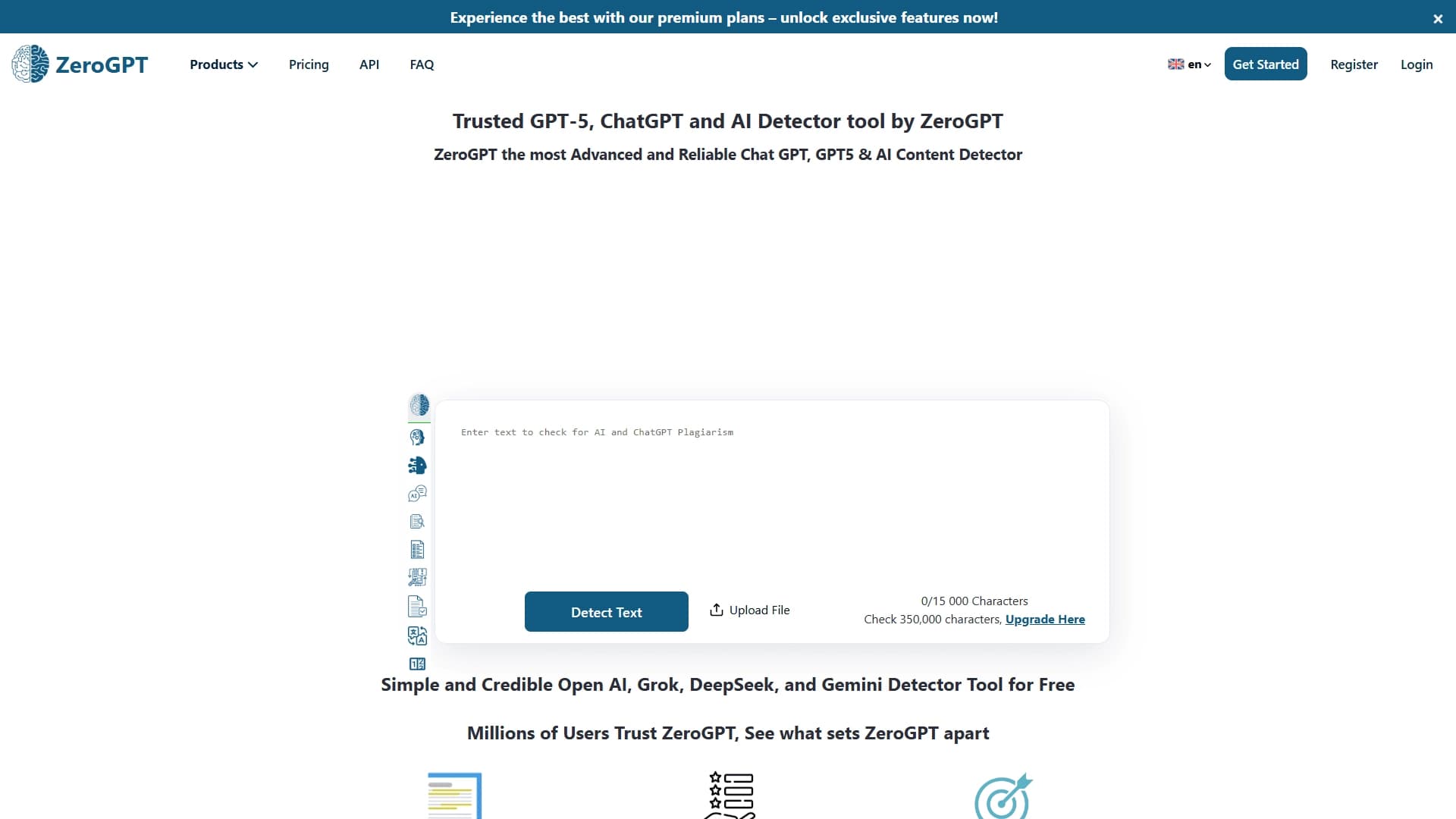

An online detector that determines whether text was created by a human or generated by neural networks.

AI tool for solving problems in mathematics, physics, chemistry, and accounting with step-by-step explanations.

Open-source platform for integrating data from various sources into data warehouses and analytics systems.

Educational platform for memorizing information through digital flashcards, tests, and games using AI features.
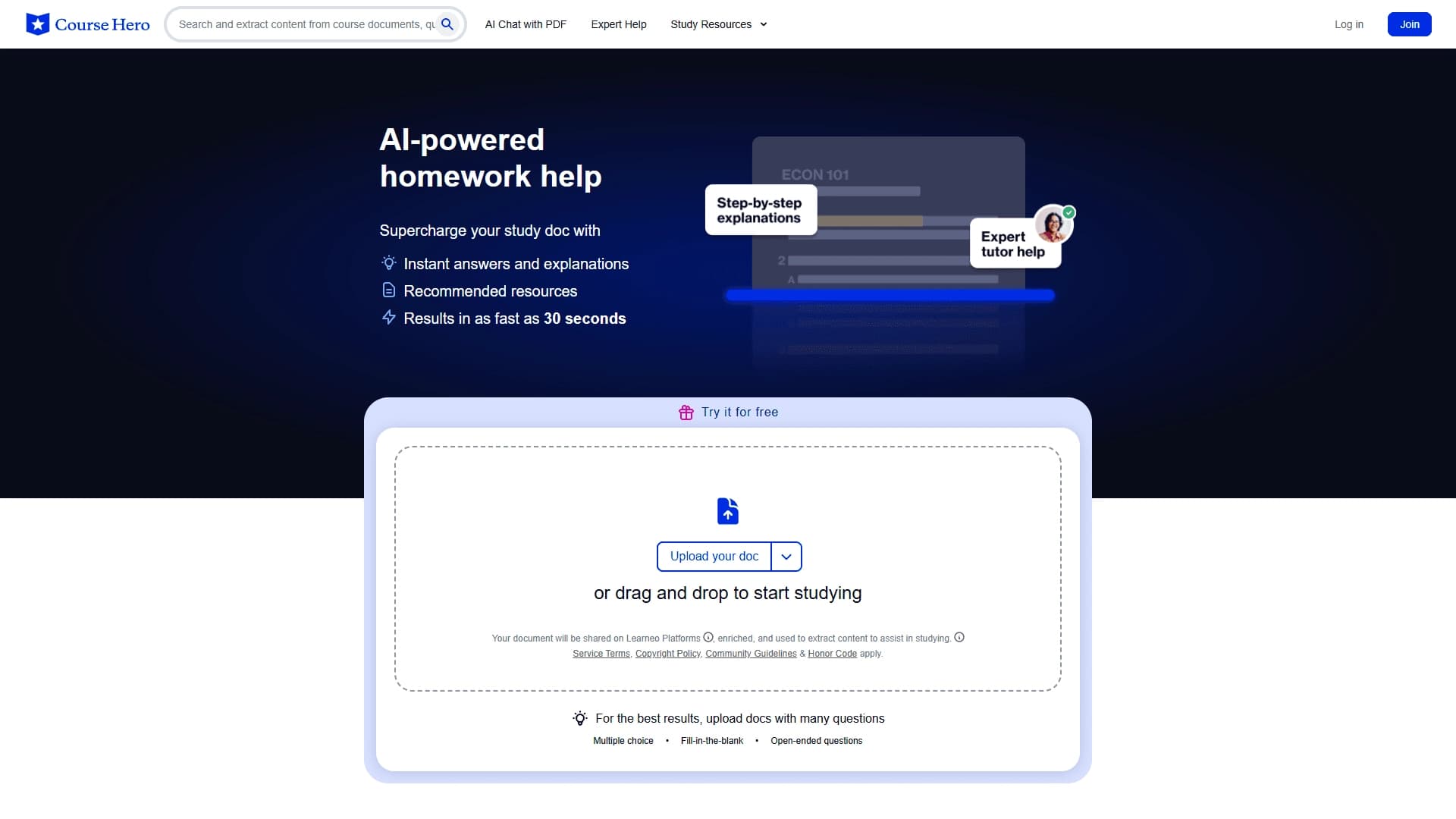

AI assistant that analyzes uploaded study documents, identifies questions, and provides detailed explanations.

Platform for interview preparation with AI mock interviews and real-time support.


A service for detecting texts created by artificial intelligence, with the ability to check for plagiarism and grammar.