
PicFinder
Free text-to-image generator with unlimited generations.
Overview
PicFinder
Description of the PicFinder neural network
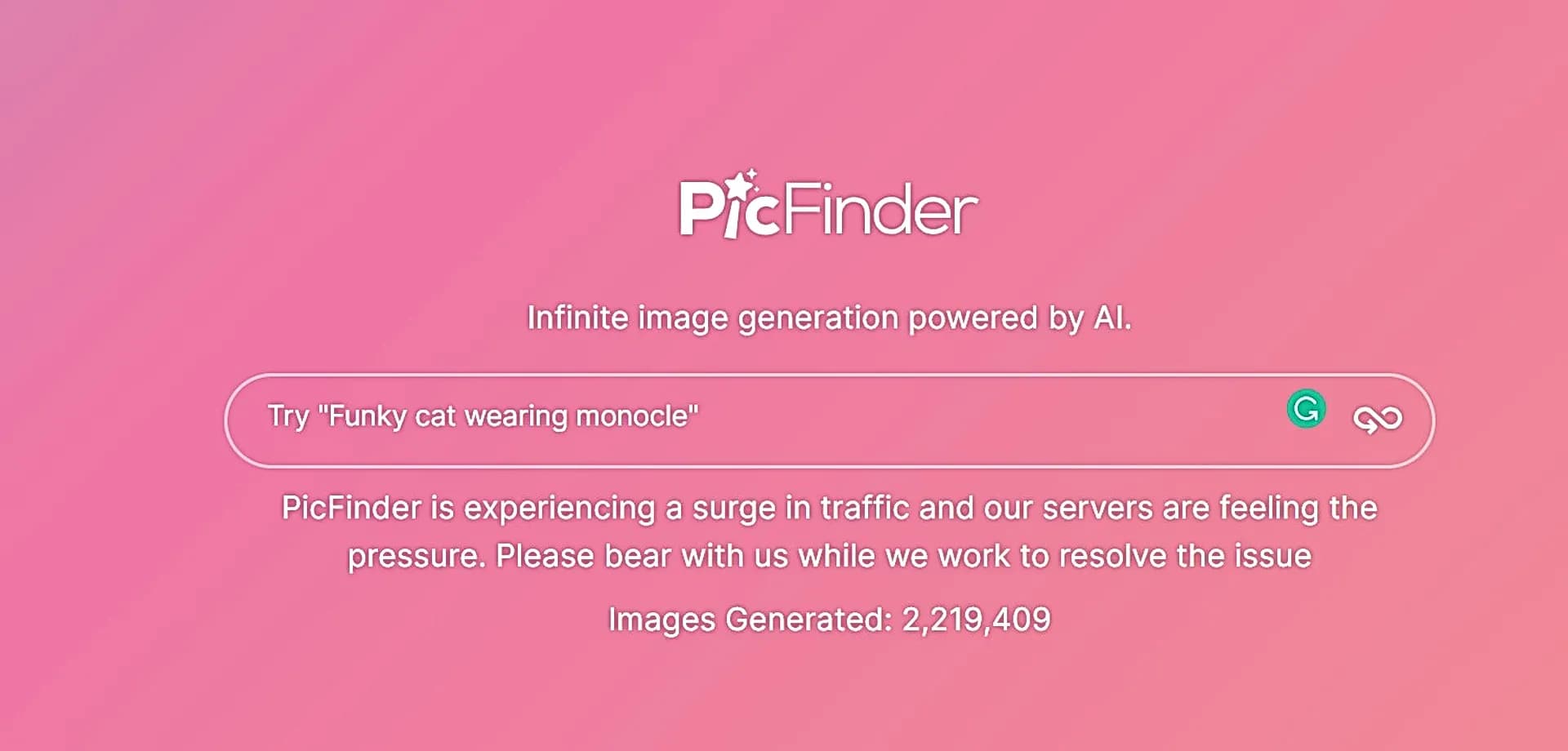
PicFinder is a free AI-based image generator that creates pictures from a user's text description. The service lets you turn verbal ideas into visual images: just write what you want to see, and the tool will generate several image variants per request.
The service's main feature is no limits on the number of generations and the ability to work without registration or mandatory payment. The platform exists thanks to voluntary donations from users, which makes it accessible to a wide audience. PicFinder is suitable for quickly visualizing ideas, creating content for social media, and experimenting with styles. At the same time, keep in mind that the neural network may struggle with accurately rendering small details, such as hands or faces.
PicFinder characteristics
| Characteristic | Value |
|---|---|
| Type | AI-based image generator |
| Categories | Image generation, Image editing, Text to image |
| Business model | Free, monetized through voluntary donations |
| Registration | Not required |
| Generation limits | None (unlimited) |
| Image formats | Square, vertical (portrait), horizontal (landscape) |
| Prompt languages | Any language; English prompts produce more predictable results |
| Interface | Russian language supported |
| API | Available |
| Mobile app | Available |
| Browser extension | Available |
| Availability | Web service at picfinder.ai |
Who is the PicFinder neural network suitable for?
Beginners in AI generation
PicFinder is an excellent starting point for those just getting acquainted with image generators. Thanks to the absence of registration, limits, and mandatory payment, users can freely experiment and learn to work with AI without any barriers.
Designers and artists
Design and art professionals can use the tool to find inspiration and sketch out ideas. PicFinder helps quickly generate concepts and mood boards in the early stages of a project without spending budget on an illustrator.
Content creators and marketers
The tool is suitable for bloggers, content makers, and marketers who need unique images for posts, campaigns, and advertising materials. The ability to quickly get several image variants for a text prompt lets you prepare visuals for publication in just a couple of minutes.
Those who need quick results without a budget
The service is aimed at users who need to get an image quickly, for free, and without unnecessary formalities — no subscription, registration, or mandatory payments.
How to use the PicFinder neural network?
Step 1: Formulate your prompt
Enter a text description of the desired image in any language. For example: "sunset over the mountains in watercolor style." Keep in mind that English prompts usually give more predictable results than prompts in other languages.
Step 2: Choose the format
Specify the aspect ratio of the future image. Three options are available: square, vertical (portrait), and horizontal (landscape).
Step 3: Get and compare variants
The service will generate several image variants per request. You can compare them and choose the most suitable one. The number of generations is unlimited, so you can repeat the request as many times as needed.
Main features of PicFinder
Image generation from text descriptions
The core of the service is turning text prompts into images. The neural network understands descriptions in any language and creates visual images according to the specified parameters.
Customizable image sizes
The user can control the image format by choosing a square, vertical, or horizontal option. This is convenient for fitting an image to a specific task — a social media post, cover, or illustration.
Multiple variants per request
For each request, the service returns several image variants at once, allowing you to compare results and choose the best one. This saves time and expands your options.
Platform support through donations
Instead of a subscription, the service offers voluntary donations. The user chooses the amount and frequency of support themselves, and can even pay nothing — access to features is not restricted.
PicFinder advantages
Completely free with no limits
The service's main advantage is the absence of subscriptions, generation limits, and mandatory payments. This clearly sets PicFinder apart from most alternatives, where free plans are limited by the number of requests.
Easy start without registration
No account creation or registration is required to get started. Just open the site and enter a description — this keeps the entry barrier extremely low.
Simple and intuitive interface
The minimalist design and clear logic let even an unprepared user understand the service in seconds.
Multiple variants to choose from
Generating several images per request lets you compare results and pick the best one, making the workflow more convenient.
PicFinder disadvantages
Difficulties with precise details
The neural network may struggle with accurately rendering small details: hands, specific faces, and text in images often turn out imprecise. This should be kept in mind when generating images with people or captions.
Unpredictability of short abstract prompts
Too short or abstract descriptions can produce unpredictable results. To get the expected image, it is better to write prompts in a detailed and specific way.
What tasks does PicFinder solve?
Visualizing ideas without a budget
The tool lets you quickly get a visual representation of an idea without hiring an illustrator or spending money. This is useful during brainstorming, when you need to quickly evaluate what a concept might look like.
Creating content for social media
PicFinder helps create unique images for social media posts. Multiple image variants per request let you choose the visual that best matches the text of your publication.
Concept art and mood boards at the design stage
In the early stages of work, designers can use the service to create concept art and mood boards. Quick sketch generation helps define the project's visual direction before full rendering begins.
Personal projects and style experiments
The service is suitable for personal tasks: playlist covers, avatars, and illustrations for texts. In addition, PicFinder lets you experiment with different styles — from realism to anime and oil painting — to see how a particular stylistic prompt works.
PicFinder pricing
PicFinder operates on a free model. Users can generate images without payment and with no limits on the number of requests. The platform is monetized through voluntary donations — each user decides whether to support the service and independently chooses the amount and frequency of that support. Free, paid, and trial plans are available, while core features remain accessible without payment.
PicFinder terms of use
Registration is not required to use the service. The number of generations is unlimited — users can create images endlessly. Access to core features does not require a subscription or mandatory payments, and platform support is entirely voluntary, allowing each user to decide whether to contribute to the service's development.
PicFinder availability
PicFinder is available as a web service at picfinder.ai, so all you need to use it is a browser and an internet connection. Additionally, a mobile app, a browser extension, and an API for developers are provided. The interface supports Russian. Prompts can be entered in any language, though English descriptions generally produce more predictable results.
How PicFinder differs from alternatives
The main difference between PicFinder and most AI image generators is its monetization model. Most tools are moving to subscriptions or introducing limits on free generations, while PicFinder remains completely free and operates through voluntary user donations. In addition, the service does not require registration and does not limit the number of generations, making it noticeably more accessible than competitors, where free plans usually have strict limits.
Conclusion
PicFinder is a free image generator with no registration and no limits, suitable for a quick introduction to AI generation. Thanks to its simple interface, the ability to choose formats, and multiple variants per request, the service is convenient for visualizing ideas, creating content, and experimenting with styles. The donation-based model makes the tool accessible to everyone, although generating precise details such as hands or faces may produce inaccuracies. Overall, it is a worthy solution for anyone who needs a fast and free way to turn text descriptions into images.