

OpenArt
AI-powered platform for generating and editing images and videos.
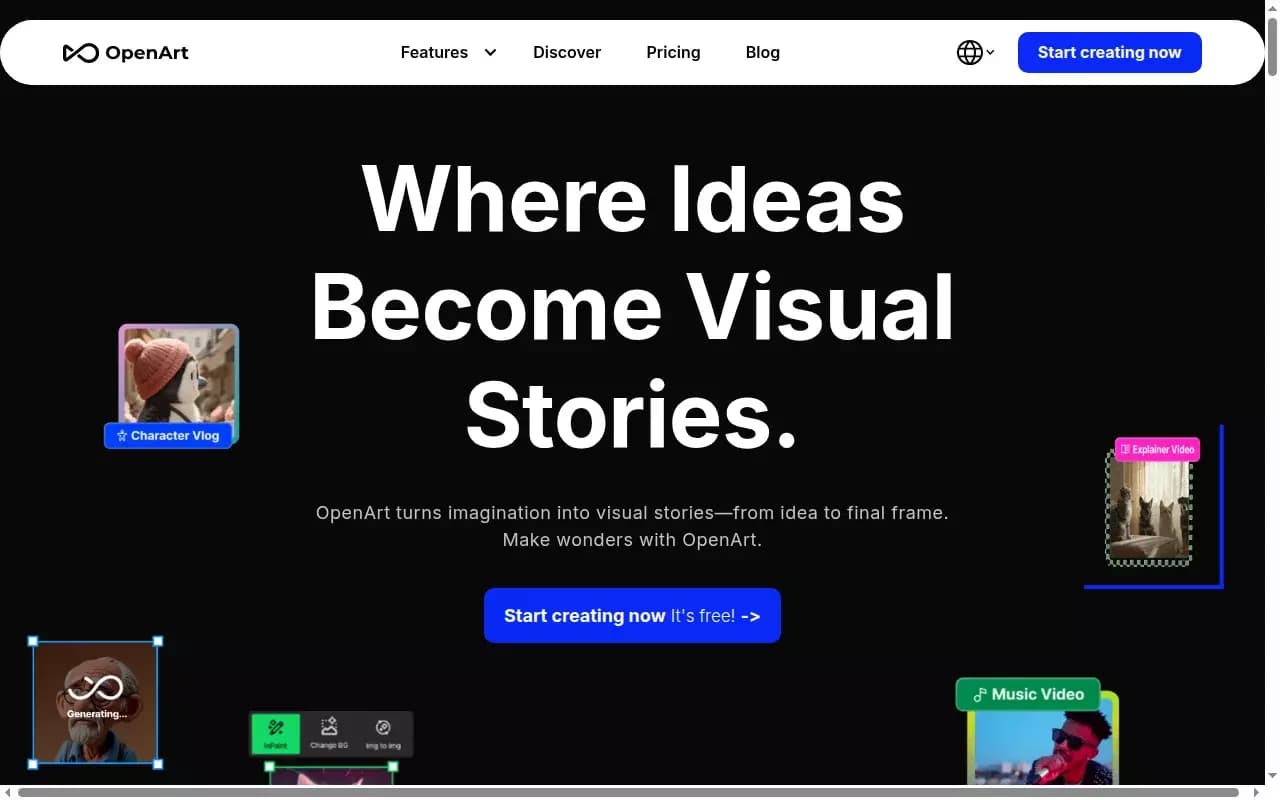
Overview
OpenArt
About the OpenArt AI
OpenArt is a versatile platform for generating and editing visual content powered by artificial intelligence. The service lets you create images and videos from text descriptions—or without any descriptions at all—edit pictures by changing their content, and keep a character’s appearance consistent across several frames.
Unlike many narrowly focused generators, OpenArt is a complete ecosystem for visual creativity. In addition to basic generation, the platform includes tools for customizing your own models, working with video formats, and co-creating content with other users. This makes the service suitable not only for quick tasks but also for serious projects.
OpenArt Specifications
| Characteristic | Value |
|---|---|
| Type | Image and video generator, image editing, audio processing |
| Categories | Image generation, image editing, video generation, audio processing |
| Platform | Web platform (browser) |
| Distribution model | Freemium |
| Cost | Subscription-based plans |
| Developer | OpenArt |
| Key features | Text-to-image, image-to-image, video generation, editing |
| Tags | Github, text-to-image, tool, image-to-image, browser |
Who Is the OpenArt AI For?
Artists and Digital Creators
The platform is aimed at artists who need to create images from scratch, experiment with styles, and refine their work. The ability to work without prompts, drawing and editing directly, makes the service convenient for the creative process.
Designers and Marketers
OpenArt suits professionals who regularly create visual materials for brands and projects. Generating content for social media, ads, and presentations, as well as quickly adapting images for specific tasks, are key use cases for this audience.
Content Creators
For content creators, the platform offers tools for generating videos from photos, turning images into clips, and preparing explainer materials. The ability to keep a character consistent across multiple frames makes it easier to create sequential, coherent stories.
How to Use the OpenArt AI?
Registration and Starter Credits
To get started, you need to register on the platform. New users receive bonus credits at signup, which let them test the service’s advanced features without paying.
Working With Prompts and Without Them
Using text prompts is not mandatory. Users can interact with the AI directly, drawing and editing images by hand. This makes the service accessible to those who prefer an intuitive approach over writing prompts.
Working With Uploaded Images
To edit or refine existing content, users can upload their images to the platform. When working with stock photos, it’s important to first make sure you have the rights to use them in order to avoid license violations.
Core Features of OpenArt
Image and Video Generation
The platform can create images and videos from text descriptions, as well as generate pictures from scratch. For those who don’t want to formulate prompts, promptless work is available through direct drawing and editing.
Image Editing
OpenArt lets you add or remove objects in existing images and improve their quality. The set of AI tools makes it possible to flexibly adjust generation results to match the user’s tasks.
Characters and Videos From Photos
The service supports keeping a character’s appearance consistent from frame to frame, which is important for creating coherent images and stories. Additionally, the platform can turn photos into videos, expanding content creation possibilities for social media, explainer videos, and ads.
Advantages of OpenArt
Flexibility
The main advantage of the platform is that prompts are not mandatory. Users can interact with the AI directly, making the service accessible to both beginners and experienced artists.
Accessibility and Learning
OpenArt offers a free plan with basic models, letting you try the service without any investment. The platform is actively developed, provides learning materials, and supports a user community via Discord.
Model Customization
Paid plans support training your own models—up to 2 models on the Starter plan and up to 4 per month on more advanced plans. This lets you adapt generation to individual styles and tasks.
Drawbacks of OpenArt
Free Plan Limitations
The free plan has limits, including a limit on the resolution of generated images. Full access to tools and advanced features only becomes available after switching to a paid subscription.
Discontinued Services
Not all platform tools proved popular. For example, Stock Image Transformer, a service for adapting and improving stock images, was shut down due to low demand despite being useful for designers and marketers.
What Problems Does OpenArt Solve?
Quick Visual Content Creation
The platform makes it possible to quickly generate images and videos, which is especially important when preparing materials for social media, ads, and explainer videos. A quick start with bonus credits speeds up getting familiar with the service.
Image Editing and Enhancement
OpenArt handles adding and removing objects in images, as well as improving their quality. This makes the platform useful for refining both self-made and existing images.
Creating Videos From Photos
The service supports turning photos into videos, broadening use cases for content creators. Keeping a character’s style across multiple frames allows for creating sequential visual stories.
OpenArt Pricing
OpenArt operates on a freemium model and offers several pricing plans. The free plan includes access to basic models with a limit on image resolution. The Starter plan unlocks premium tools and allows training up to 2 custom models. The Hobbyist plan provides extended limits and the ability to train 4 custom models per month, while the Pro
Pricing
Frequently asked questions

See also
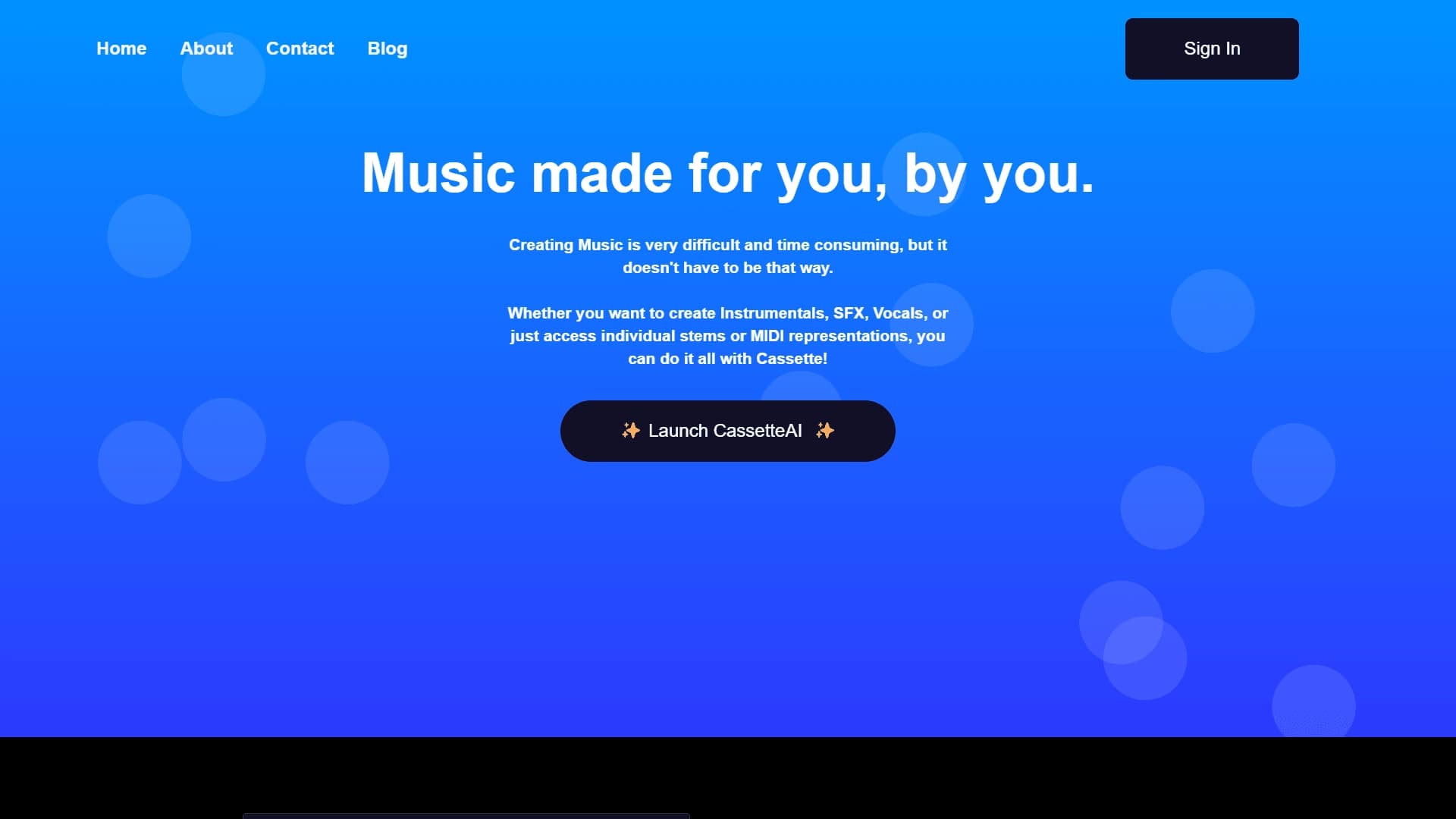
A service for generating music from text descriptions using latent diffusion models.
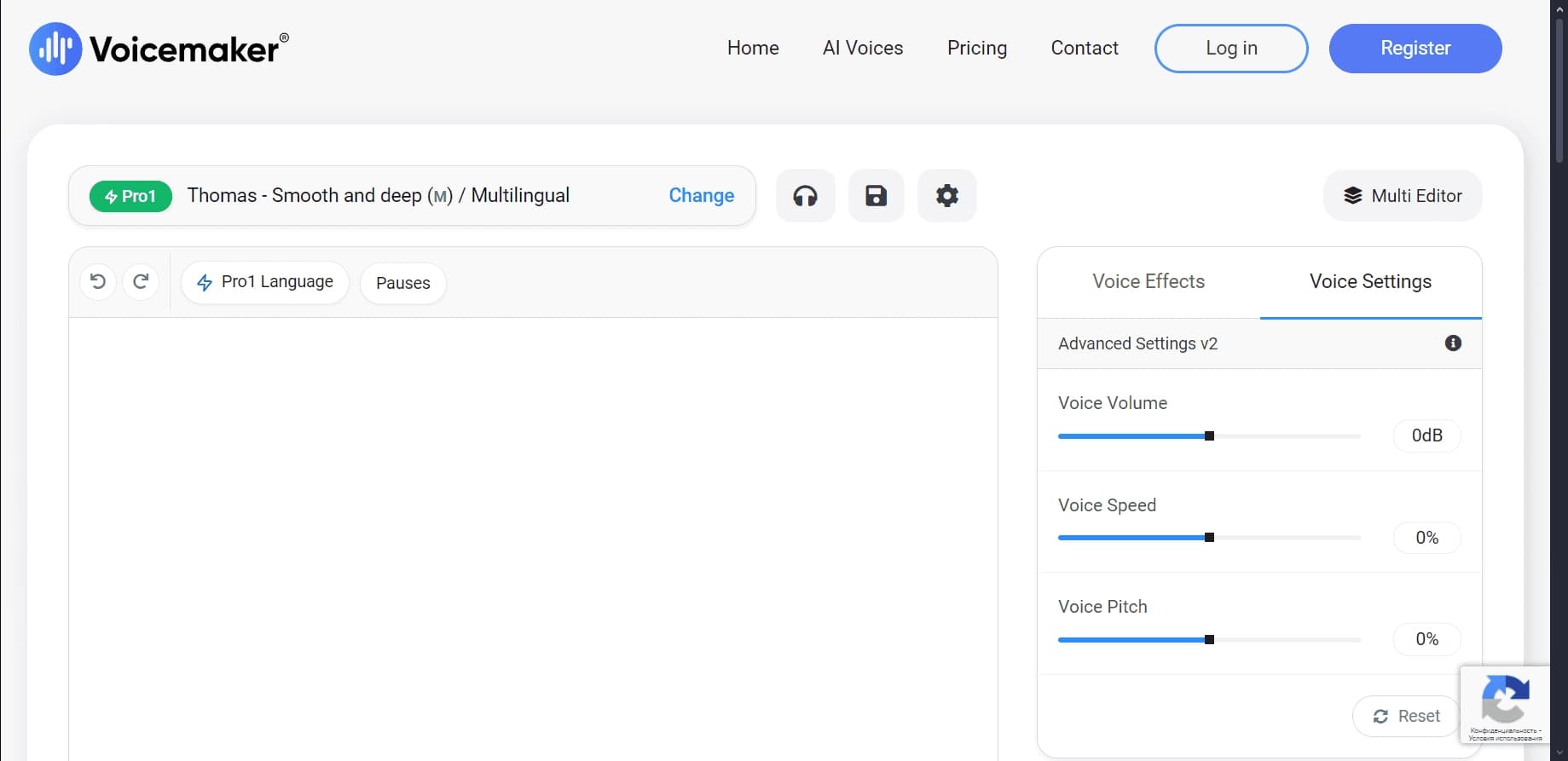

A text-to-speech service with hundreds of customizable voices in multiple languages.
A neural network for music generation that creates tracks from text descriptions, transforms audio and video into new compositions, and turns MIDI files into full-fledged arrangements.
Free online text-to-speech service with over 200 voices in multiple languages.
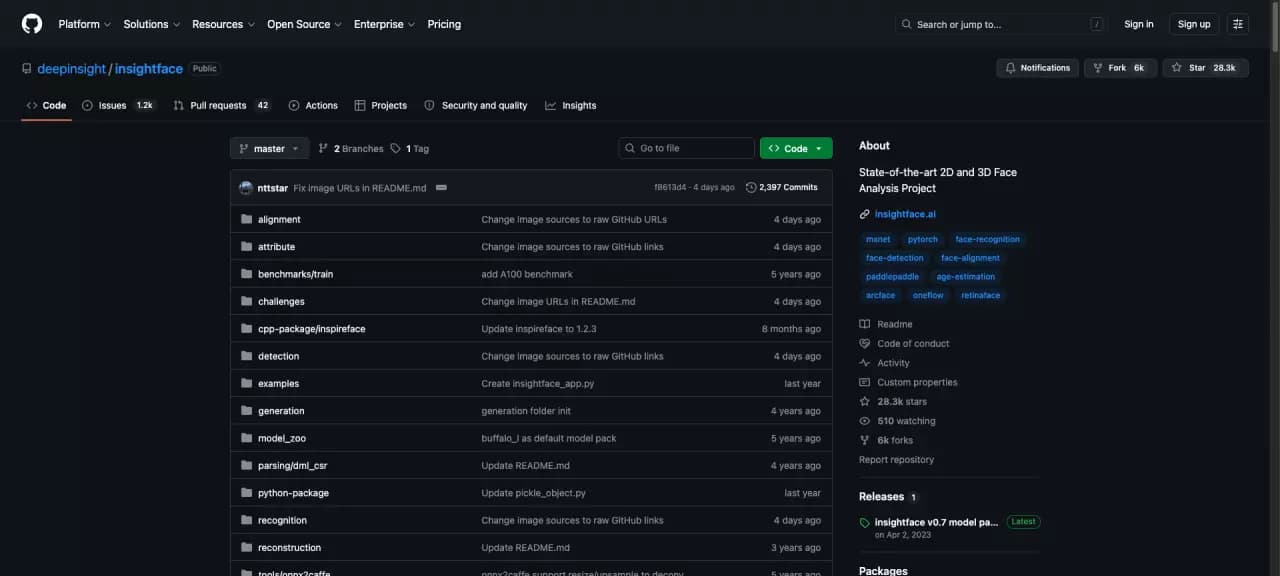
Open-source computer vision library for face analysis, recognition, and detection.
Online tool for generating drum loops and rhythmic patterns using a neural network.
Platform for automatic extraction and structuring of unstructured data from Amazon S3.
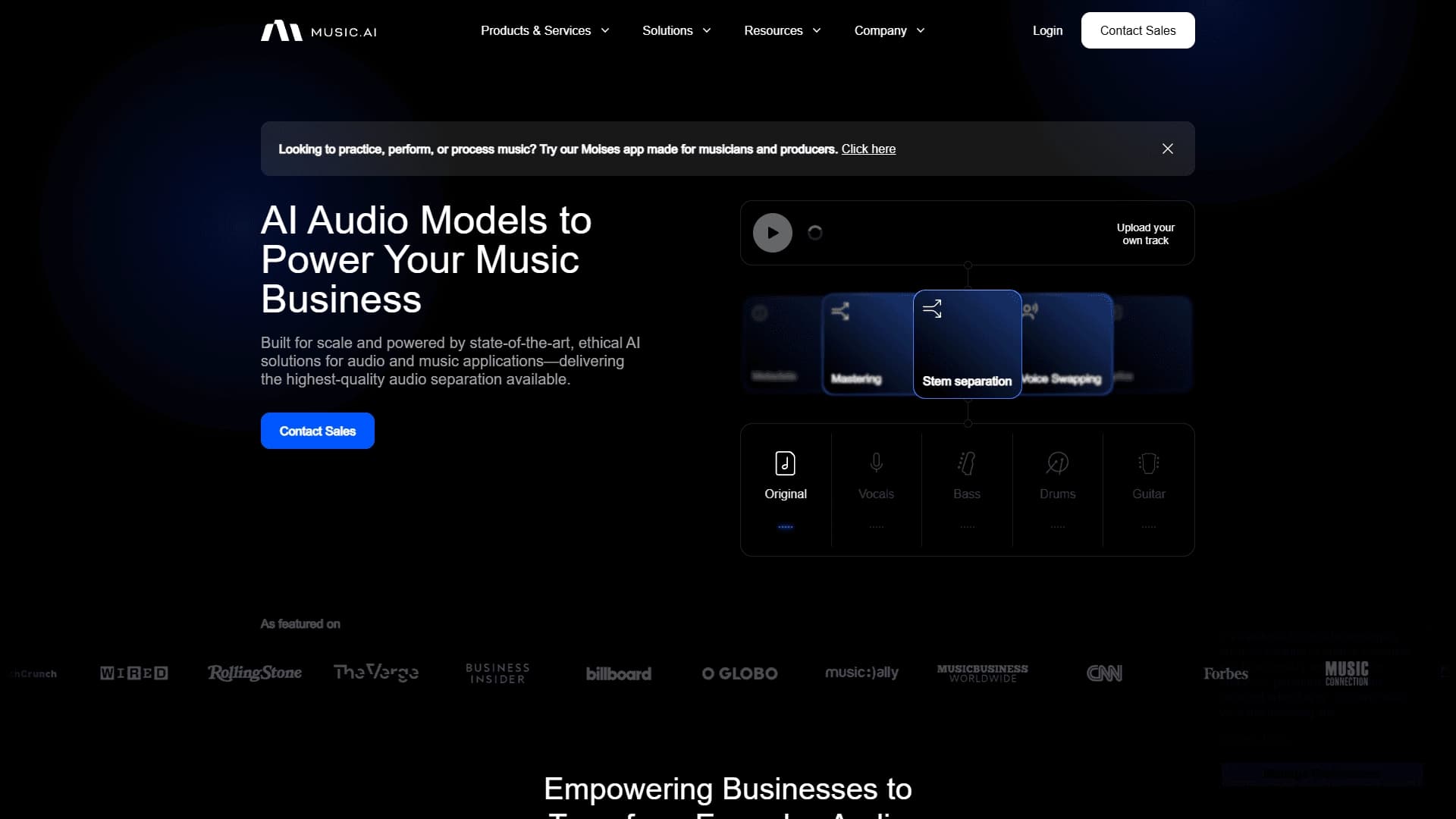

A platform for professional audio processing with AI features for track separation, mastering, and voice changing.