

Miro AI
A set of AI features for automating work on Miro virtual whiteboards.
Overview
Miro AI
Description of the Miro AI neural network
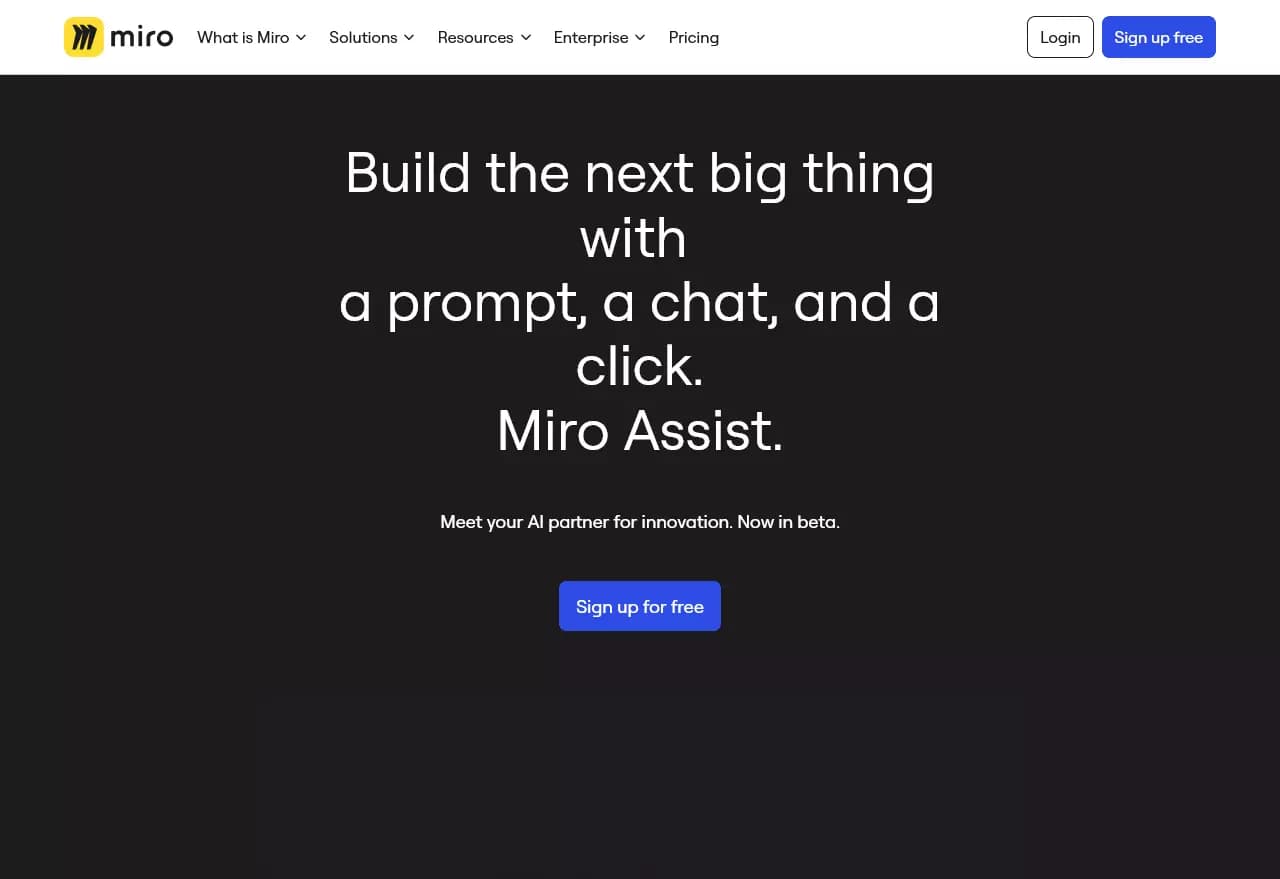
Miro AI is an integrated suite of artificial intelligence tools built into the Miro collaboration platform. The neural network is designed to automate routine tasks on virtual whiteboards: from summarizing and grouping sticky notes to generating mind maps, flowcharts, images, and notes from text descriptions.
A key feature of Miro AI is that it operates within Miro's secure infrastructure. User data is not used to train models, ensuring a high level of confidentiality. The tool is available on all pricing plans, including the free tier, and is constantly updated with new features.
Miro AI characteristics
| Characteristic | Value |
|---|---|
| Type | AI assistant for visual collaboration |
| Categories | AI assistants, Project management, Design, Graphic design, Productivity |
| Platforms | Web, Android, iOS, Mac, Windows (integrated into the Miro ecosystem) |
| Interface language | English only (other languages planned for the future) |
| Distribution model | Freemium |
| Free plan | Yes (10 AI credits per month per team) |
| Paid plans | From 8 USD/month |
| Credit card required | No (for the free plan) |
| Lifetime license | No |
| Developer company | Miro |
| Date added to catalog | July 11, 2024 |
| Editorial rating | 8.0–8.8 out of 10 (depending on version) |
| User rating | 4.4–4.8 out of 5 |
Who is Miro AI suitable for?
Project managers and product teams
Miro AI helps Project Managers and Product Teams automate feedback collection, idea grouping, and roadmap visualization. The tool accelerates processing of large volumes of board data, making it faster to extract key insights.
Designers and creative professionals
For designers, Miro AI offers text-to-image generation, sticky note clustering, and visual word creation. This makes the neural network useful for concept development, prototyping, and creative sessions.
Educators, Agile coaches, and consultants
Educators, Agile Coaches, and Consultants use Miro AI to run workshops, design thinking sessions, and educational activities. AI features help quickly structure participant ideas and create visual diagrams on the fly.
How to use Miro AI?
Getting started
To use Miro AI, you need to register on the Miro platform. After creating an account, open a new board or choose a ready-made template. AI tools are available through the board interface — no additional installations or plugins required.
Working with AI features
On a Miro board, you can select a group of sticky notes and apply the "Summarize" or "Group" command. To generate a mind map, flowchart, or image, simply enter a text description in the appropriate field. The AI performs the task within the current board, and the result is immediately available for editing.
Real-time collaboration
Since Miro AI is integrated into the team collaboration platform, generated schemes and diagrams can be immediately commented on, moved, and supplemented together with colleagues in real time. This is especially convenient during calls, workshops, or process alignment.
Key features of Miro AI
Summarizing and grouping sticky notes
Miro AI can automatically analyze the content of sticky notes on a board and create concise, actionable summaries. Clustering is also available — the AI groups sticky notes by sentiment or keywords, helping to identify patterns.
Mind map generation
From a text description, the neural network instantly creates a mind map, visualizing complex ideas and the connections between them. This speeds up brainstorming and information structuring.
Creating flowcharts and diagrams
Miro AI transforms plain text into sequential flowcharts, sequence diagrams, and other technical schemes. The generated diagram becomes a working object on the board — it can be edited, supplemented with elements, and linked to sticky notes.
Visual text and image creation
The neural network can generate notes, cards, and code blocks, as well as create images from text descriptions. All AI-generated materials remain within Miro's infrastructure, simplifying their further integration into projects.
Miro AI advantages
Data security
Miro AI operates in partnership with Microsoft Azure OpenAI, ensuring compliance with high security standards. User data from boards is not used to train models — information remains on Miro's secure boards.
Availability on all plans
AI tools are available to users on all plans, including the free tier. This allows teams of any size to test artificial intelligence features without financial commitment.
Integration with the Miro ecosystem
Because AI is built directly into the platform, there is no need to switch between applications. The results of the neural network's work immediately become part of the shared workspace, accelerating review and refinement processes.
Continuous feature updates
Miro AI regularly gains new capabilities. Users can leave feedback that is taken into account when developing future versions of the tool.
Miro AI disadvantages
Limited interface language options
Currently, the Miro AI interface is available in English only. Support for other languages has been announced for the future, but no specific timeline has been provided.
Steep learning curve for new users
Due to the broad functionality of the Miro platform as a whole and its AI features in particular, new users may face a learning curve. Mastering all the capabilities takes time.
No open source code
Miro AI is a proprietary solution. Users cannot modify or adapt the tool to their own needs.
What tasks does Miro AI solve?
Accelerating information processing
Miro AI quickly summarizes large volumes of board notes, highlights key ideas, and identifies next steps. This is especially relevant after long brainstorming sessions or workshops.
Structuring and visualizing ideas
The neural network helps create mind maps and flowcharts from text descriptions, turning raw concepts into clear diagrams. This simplifies project planning, employee onboarding, and visualization of workflows.
Data-driven decision making
The automatic grouping of sticky notes by sentiment or keywords helps teams analyze feedback faster and make informed decisions.
Real-time collaboration
Miro AI supports the creation of working objects that can be immediately edited with your team, commented on, and connected to other board elements.
Miro AI pricing
Miro AI follows a freemium model. All pricing plans include a certain number of AI credits per month:
- Free (0 USD): 10 AI credits per month per team, unlimited members, 3 editable boards, 5000+ templates, 160+ app integrations, 5 Talktracks video recordings.
- Starter (8 USD/month): 25 AI credits per member per month, unlimited boards and private boards, unlimited visitors without registration, high-resolution export, version history, Brand Center.
- Business (16 USD/month): 50 AI credits per member per month, unlimited boards across multiple private workspaces, unlimited registered guests, two-way sync with Jira and Azure, SSO, advanced admin features.
- Enterprise (custom pricing, from 30 members): 100 AI credits per member per month, all Business features, plus SCIM, enterprise-grade security, premium support, and choice of data center.
Terms of use for Miro AI
Registration on the Miro platform is required to use Miro AI. No credit card is required for the free plan. Paid plans start at 8 USD per month; no lifetime license is available.
Data created with AI features remains on Miro's secure boards and is not used to train models. Users retain full control over their information.
Miro AI availability
Miro AI is available on all platforms supported by Miro: Web, Android, iOS, Mac, and Windows. The tool interface is available in English only.
How Miro AI differs from alternatives
Miro AI stands out from similar solutions in several ways:
Deep integration with the Miro platform. Unlike standalone AI tools, Miro AI is built directly into the collaborative environment. Generation results immediately become part of the board, available for editing and commenting in real time.
Security first. The policy of not using user data to train models sets Miro AI apart from many competitors that may use data to improve algorithms.
Wide accessibility. Having AI features even on the free plan makes the tool more accessible than services that offer AI only in premium subscriptions.
Focus on teamwork. Unlike generative AI tools designed for individual use, Miro AI is built for collaborative editing and discussing results within project contexts.
Conclusion
Miro AI is an integrated set of artificial intelligence features for the Miro collaboration platform. The tool automates routine tasks: summarizing and grouping sticky notes, generating mind maps, flowcharts, and images from text descriptions. A key advantage is operating within Miro's secure infrastructure without using user data to train models. Miro AI is available on all pricing plans, including the free tier, making it a convenient solution for teams already using Miro in their work.
Pricing
Frequently asked questions


See also
A sales automation platform that combines customer prospecting, deal management, and AI-powered forecasting.
AI editor for creating, editing, and publishing content with templates and prompts.

Financial platform with an AI assistant for managing accounting, taxes, and budgets.

Platform for interview preparation with AI mock interviews and real-time support.
Enterprise language model platform focused on privacy and on-premise deployment.


AI assistant for creating short summaries of videos, PDF documents, and web pages.


AI email assistant that helps quickly draft messages, adapting to the user's style.


Free online platform with over 150 AI tools for working with PDFs, images, videos, and text.