

Microsoft Designer
AI-powered cloud service for quickly creating graphic materials.
Overview
Microsoft Designer
Description of the Microsoft Designer AI
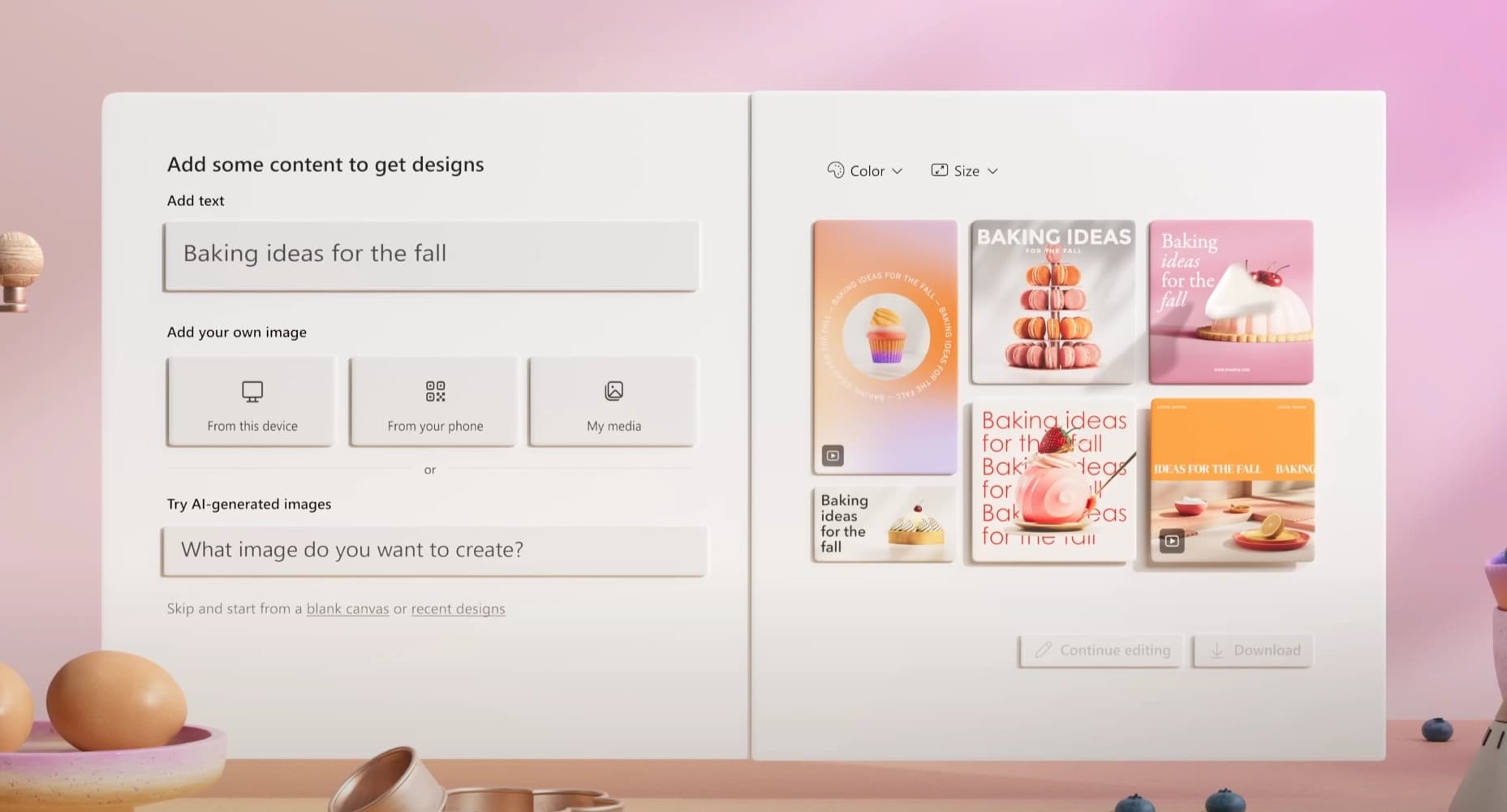
Microsoft Designer is a cloud service for automating the creation of graphic materials based on artificial intelligence. The tool allows you to generate banners, social media posts, presentations, and advertising images from a text description. The service is powered by DALL-E 3 and GPT-3.5 technologies, making it possible to create unique and personalized designs without professional skills. Microsoft Designer is available in a web version and integrates with the Microsoft ecosystem, including OneDrive, Teams, and Office.
Microsoft Designer specifications
| Characteristic | Value |
|---|---|
| Type | Cloud service |
| Category | Image generation, Design assistants and layouts, Social media posts |
| Platforms | Web browser |
| Integrations | OneDrive, Teams, Office |
| Account required | Microsoft |
| AI technologies | DALL-E 3, GPT-3.5 |
Who is the Microsoft Designer AI for?
Small businesses and entrepreneurs
Owners of small companies can independently create advertising banners, flyers, and visual materials for promotion without hiring a designer or spending time learning complex graphic editors.
Marketers and SMM specialists
Promotion specialists get the opportunity to quickly generate content for social media posts, adapt images for different platforms, and experiment with visual concepts in real time.
Teachers and company employees
Educators can design learning materials and presentations, while office workers can create visual reports, internal announcements, and graphics for corporate communications without relying on specialized professionals.
How to use Microsoft Designer AI?
Getting started
Using the service requires a Microsoft account and a stable internet connection. The interface is grouped by task type, which simplifies navigation. Selecting templates and uploading your own materials are done in one click.
Recommendations for creating designs
For accurate results, it is recommended to use detailed text prompts. The more specific the description of the desired image, the higher the chance that the AI will generate a suitable option.
Workflow optimization
Users are advised to save their own branded templates for reuse, as well as share projects through Teams—this speeds up the approval of layouts within the team.
Key features of Microsoft Designer
Design generation from text descriptions
The AI automatically creates visual layouts based on the user's text query. This is a key feature that turns an idea into a finished image in seconds.
Library of ready-made templates
The service provides a set of templates for popular formats: Instagram and LinkedIn posts, presentations, banners, and other standard layouts. The user can choose a suitable template and customize it to their needs.
Brand style customization
In Microsoft Designer, you can set corporate fonts, a color palette, and logos so that all created materials follow a single visual standard for the company.
Collaboration and export
The service supports sharing projects within teams and quickly editing them. Finished designs can be exported in various formats for further use.
Advantages of Microsoft Designer
The main advantage of the service is that no experience with graphic editors is required. A user can create high-quality visual content without professional design skills. The second important advantage is speed: generating images and layouts from a text description takes minimal time, which is especially valuable under tight deadlines.
Disadvantages of Microsoft Designer
The service is available only in a web version via a browser, which requires a constant internet connection. A Microsoft account is required for full operation. Advanced
Frequently asked questions
See also
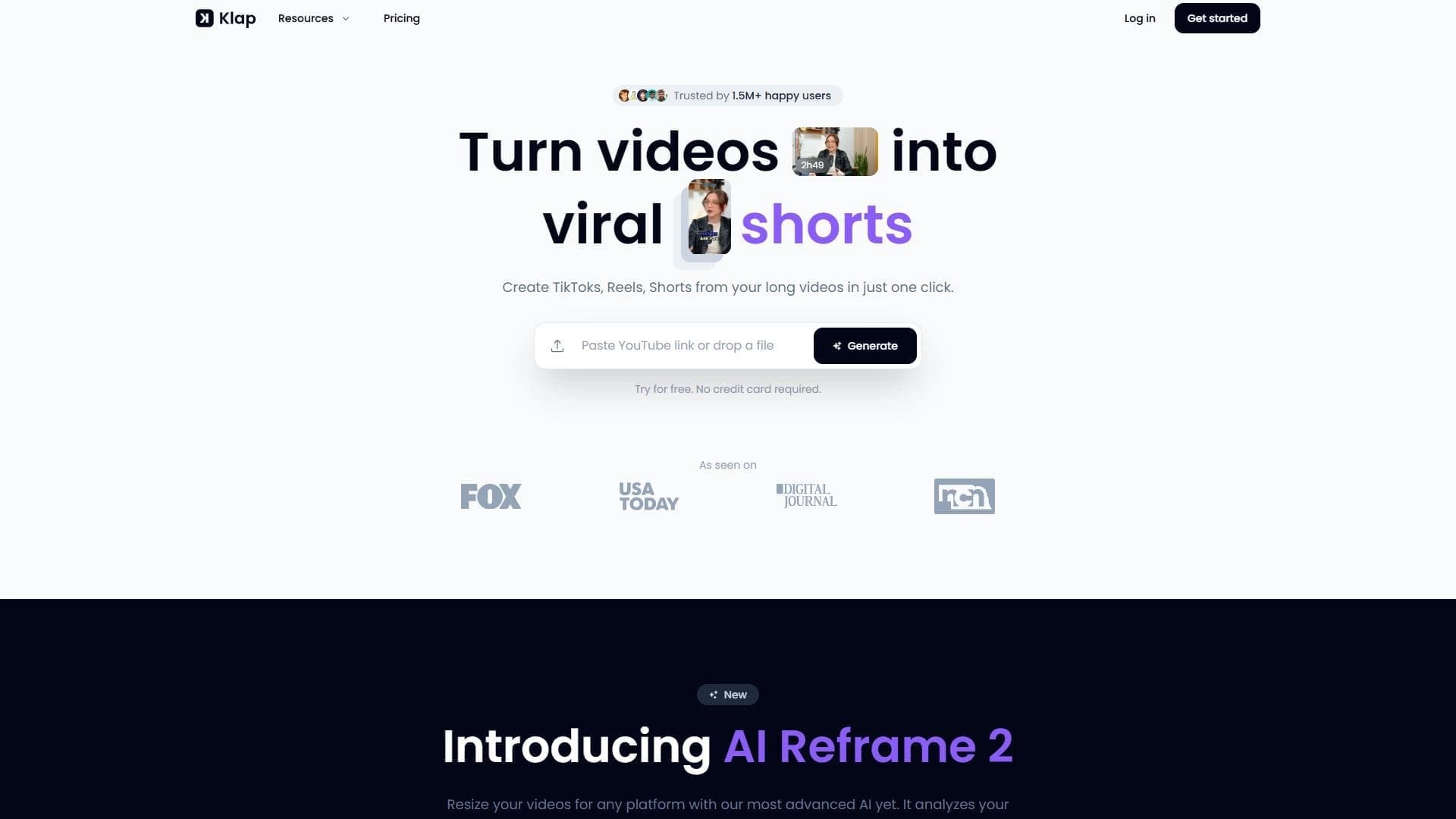

AI tool for automatically cutting long videos into short clips for TikTok, Reels, and YouTube Shorts.
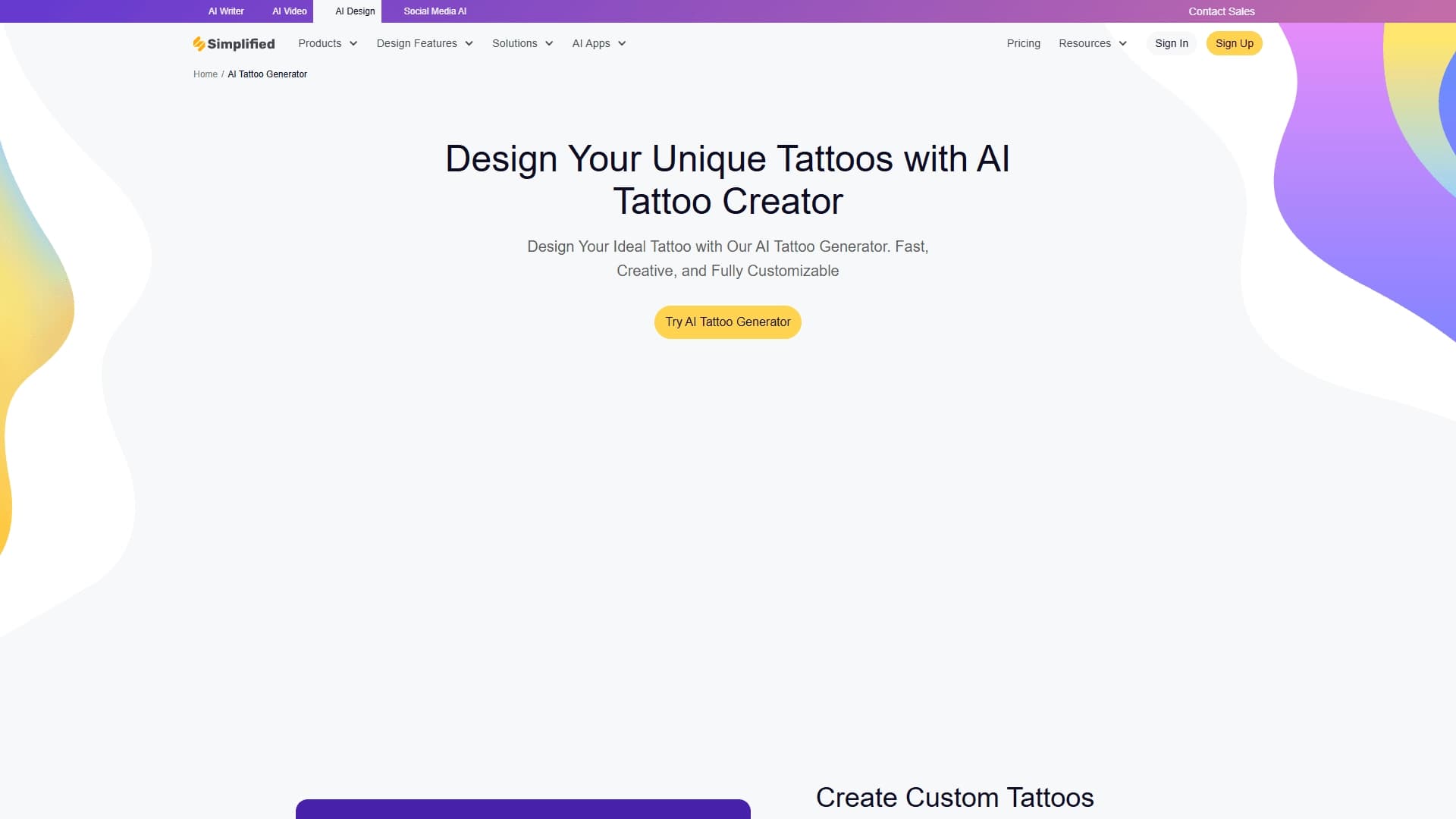
Multifunctional AI platform for content creation: generation of texts, images, videos, and presentations.
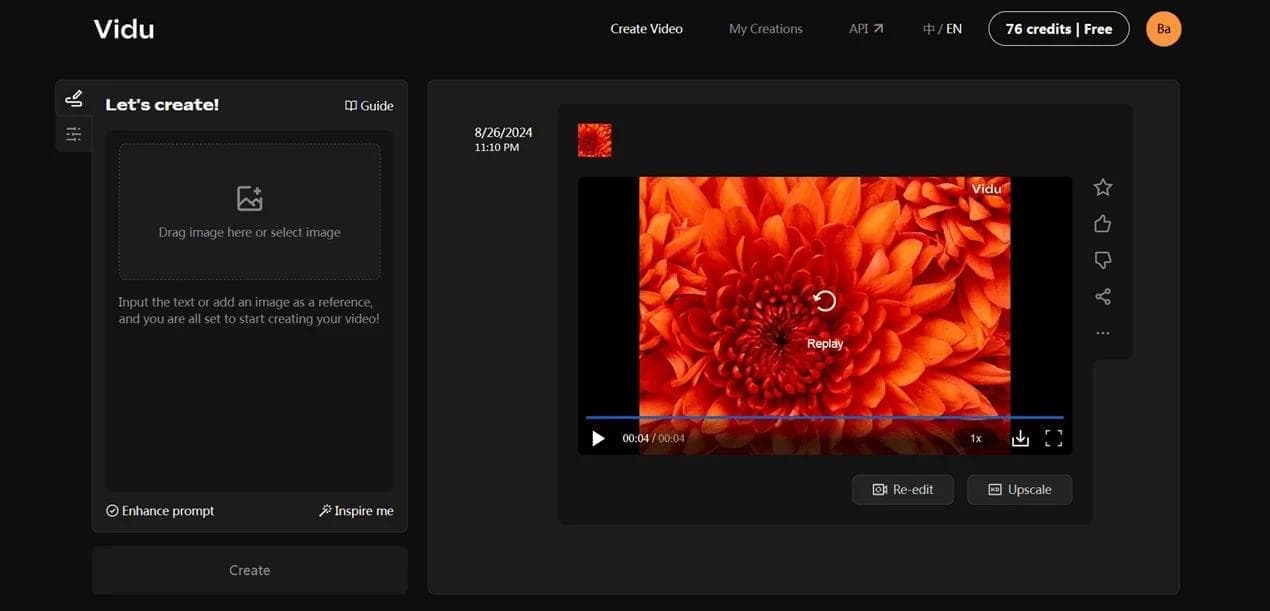

Neural network for fast video generation and editing from text descriptions, images, and references.
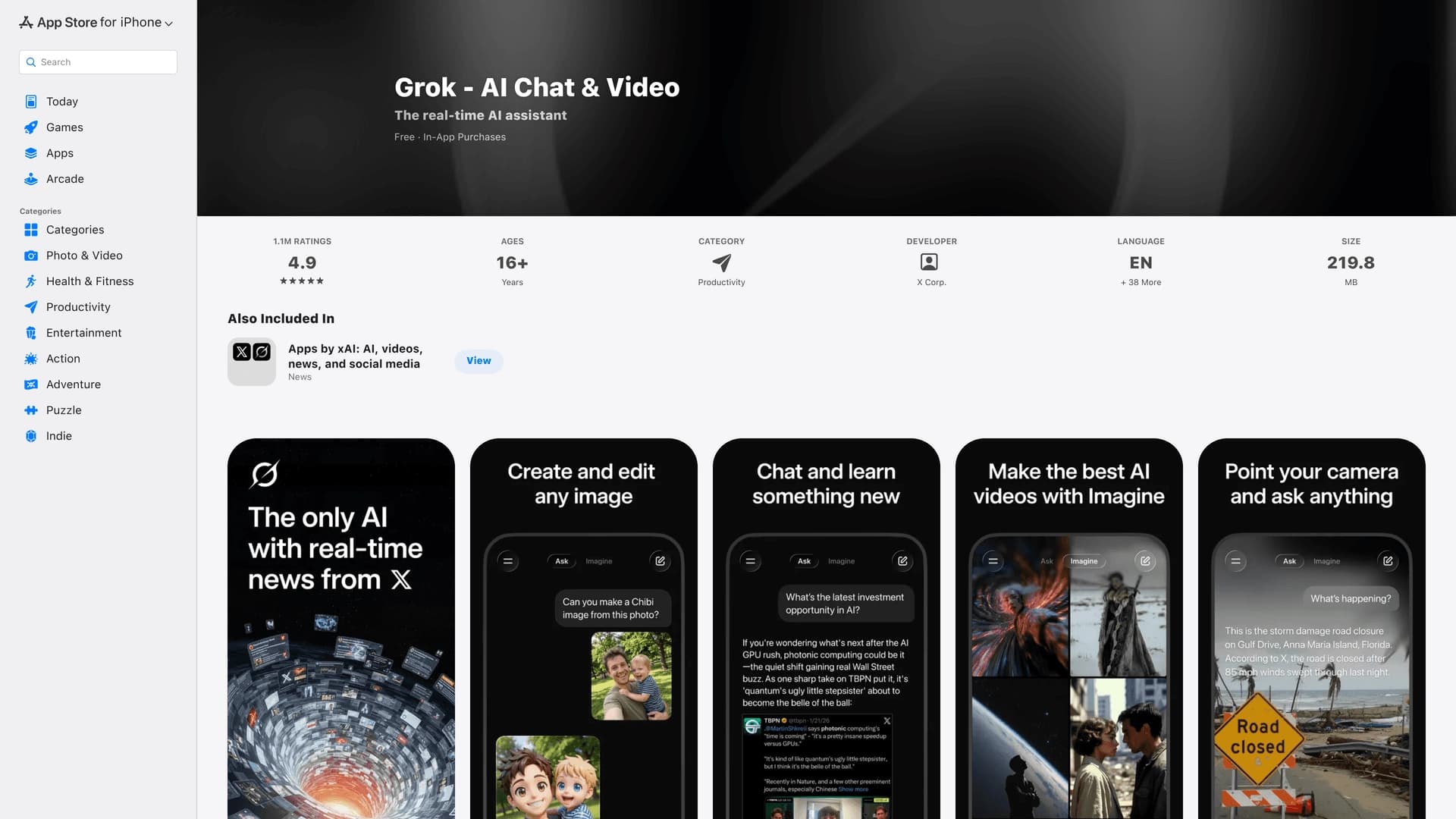

Mobile application from xAI that combines a chatbot with search for up-to-date information, image and video generation, and integration with the X social network.
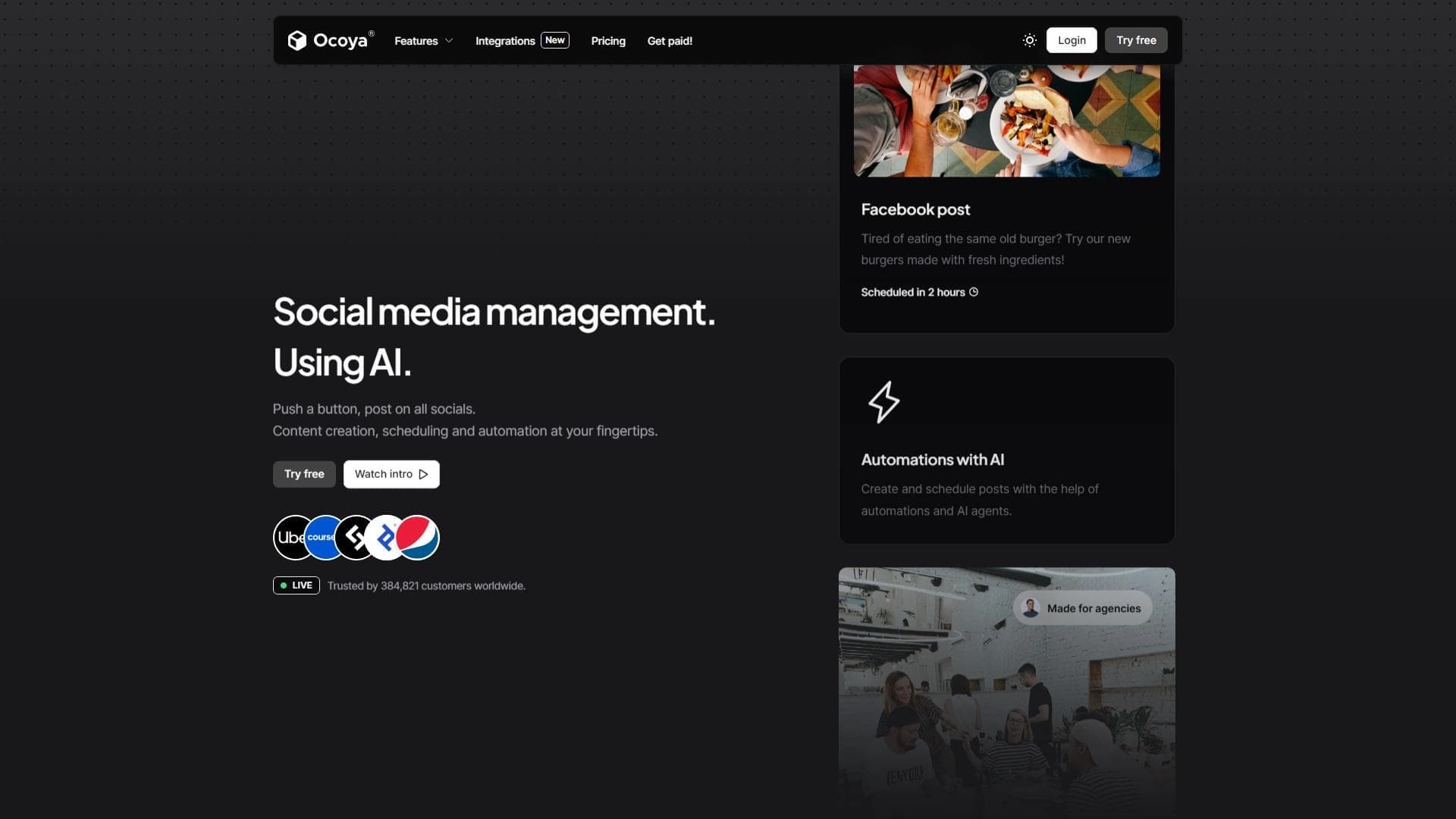

AI platform for social media management, combining content generation, scheduling, and analytics in one interface.
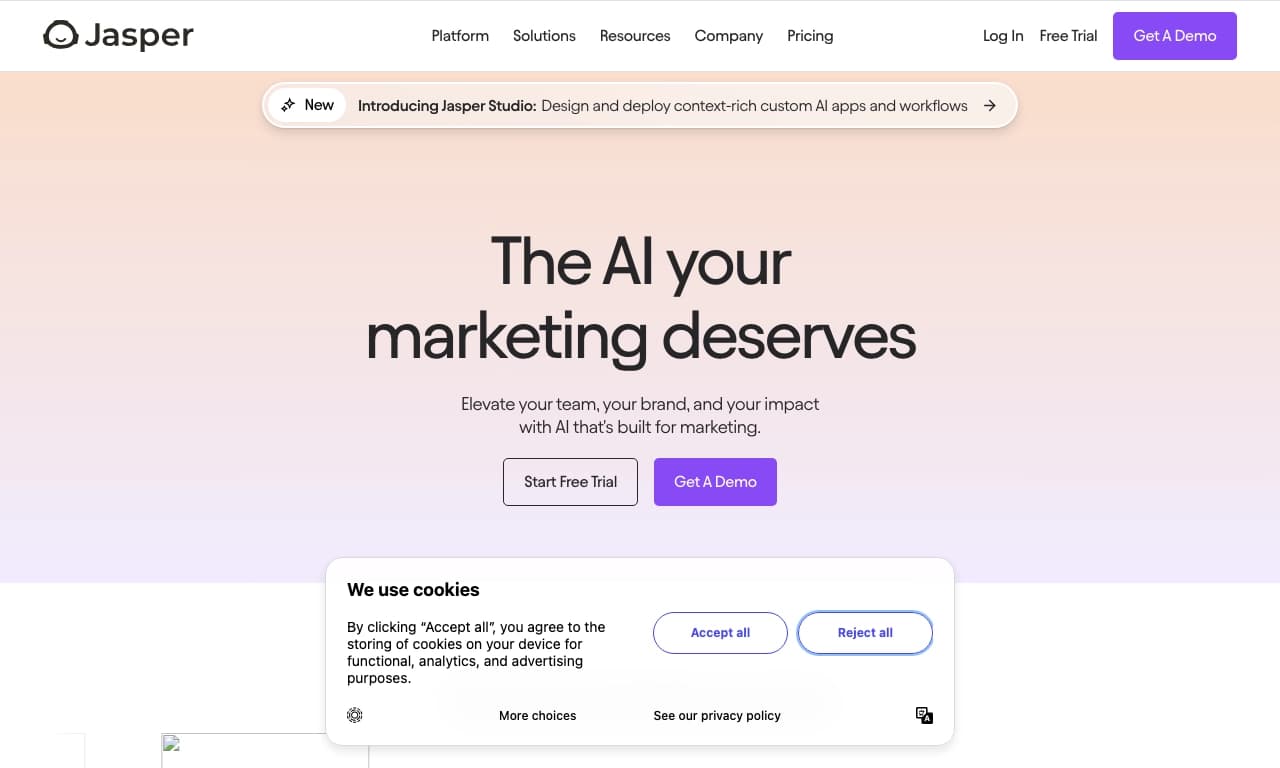

AI-based tool for generating and optimizing text content.
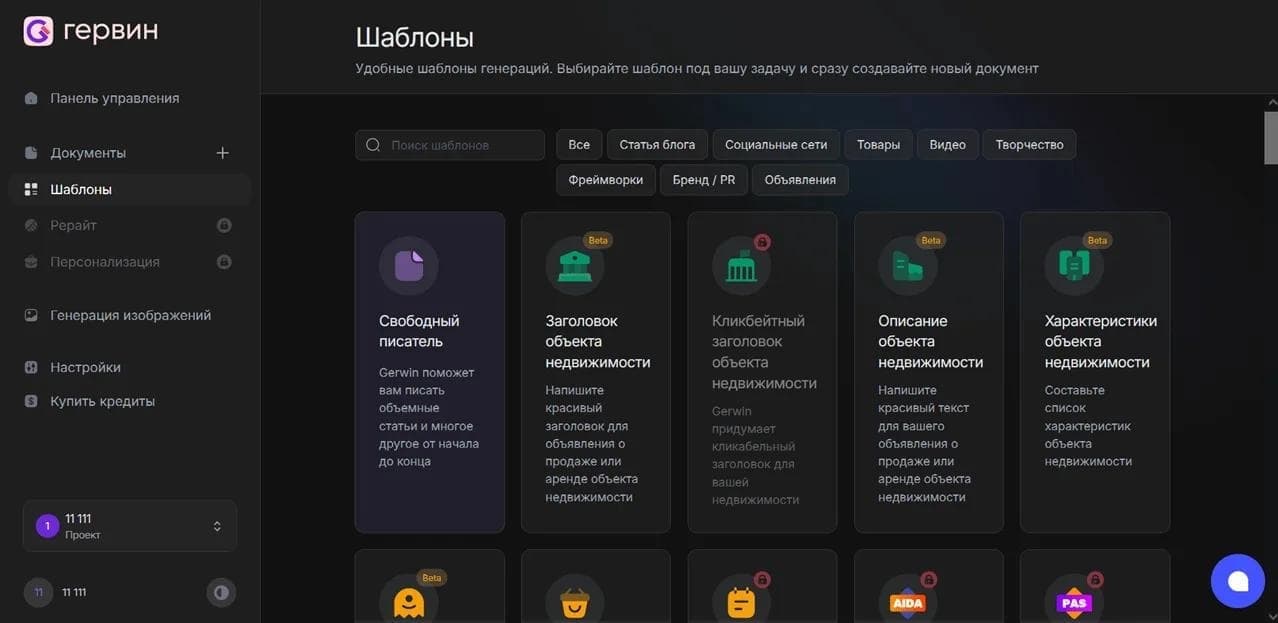

AI tool for automatically generating Russian-language texts via a Telegram bot.
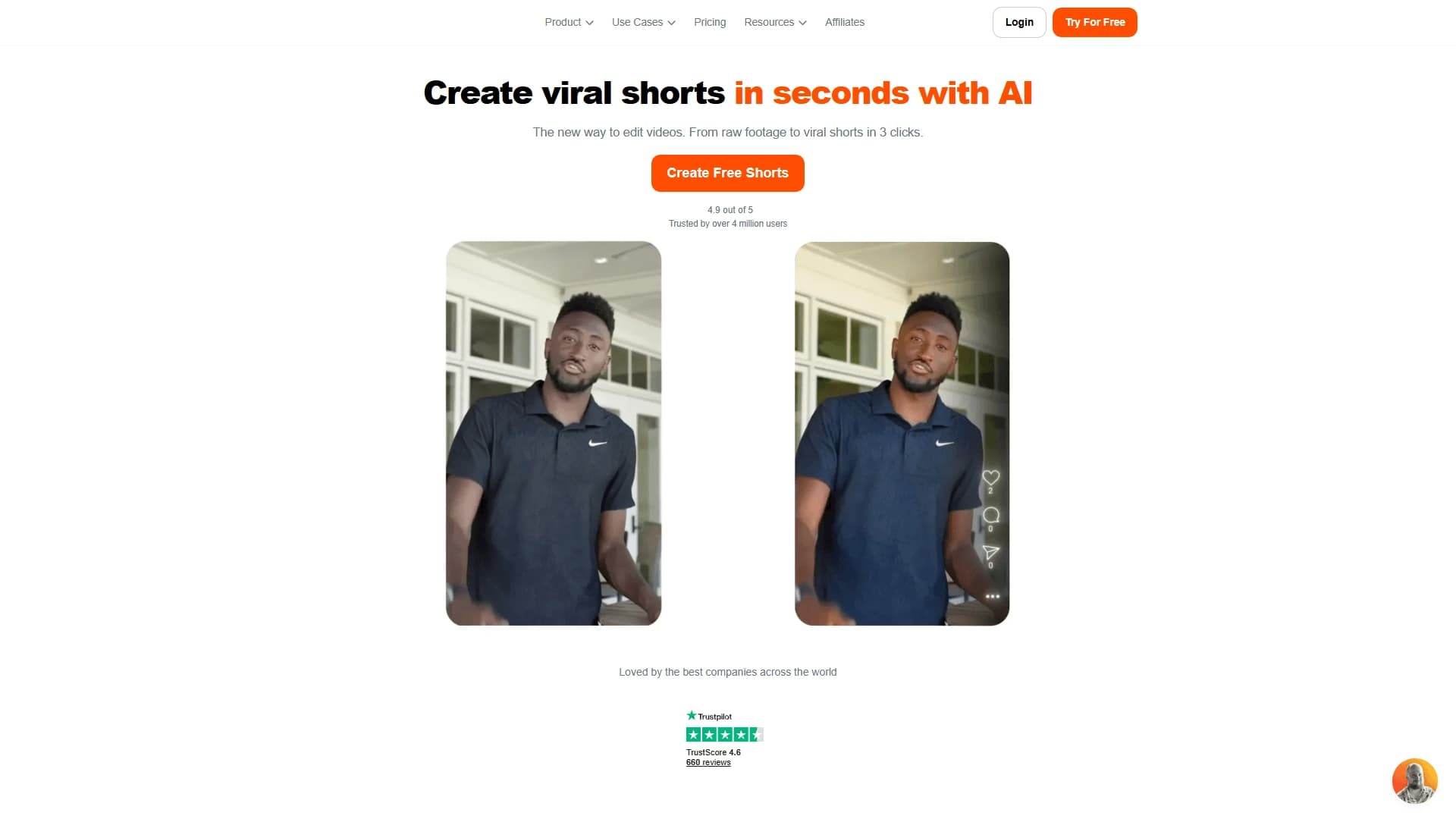

AI tool for creating short vertical videos with automatic subtitles, editing, and effects for social platforms.