

Menu planner - OH, a potato!
An iOS app that plans a weekly menu based on photos of the fridge contents and available products.
Overview
Menu planner - OH, a potato!
Description of the neural network Menu planner - OH, a potato!
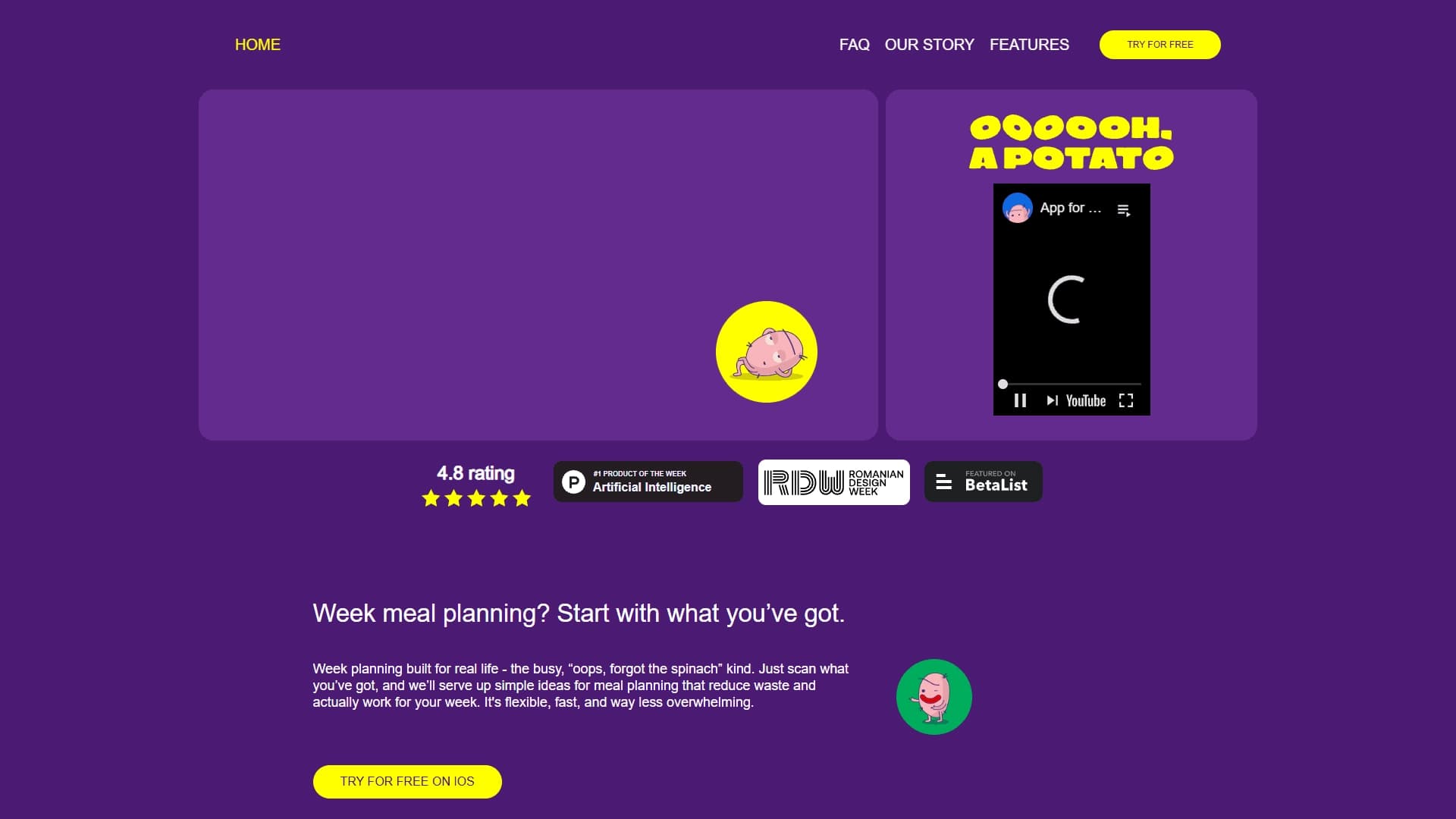
OH, a potato! is an iOS mobile app that uses ChatGPT-based artificial intelligence to plan weekly menus. The service's main feature is that it starts not from abstract user preferences, but from the actual contents of your fridge.
Simply take a photo of the shelves with your groceries, and the neural network will recognize the available ingredients, match suitable recipes, and put together a balanced seven-day menu. The app also generates a shopping list that includes only the items you actually need. This approach helps reduce food waste and eliminates the daily question, "What should I cook for dinner?"
Menu planner - OH, a potato! specifications
| Specification | Value |
|---|---|
| Category | Meal planning, AI Cooking Assistant |
| Type | Mobile app |
| Platform | iOS (iPhone) |
| Cost | Free |
| Technology | ChatGPT (AI meal planner) |
| Date added to catalogs | May 2024 |
| Website | ohapotato.app |
| Primary purpose | Weekly meal planning, reducing food waste |
| Distribution model | Not specified |
Who is Menu planner - OH, a potato! for?
Busy professionals and families
The app is designed for people who don't have the time or desire to come up with meals every day. It handles the planning routine: analyzes your supplies, suggests meal options, and distributes them across the days of the week. Families can use shared shopping lists and meal plans to keep everyone in the household on the same page.
People looking to reduce food waste
For those who want to use groceries more efficiently and spend less money on food, the app becomes an indispensable helper. It helps you use up leftover ingredients by the end of the week and avoid impulse purchases at the supermarket.
Cooking enthusiasts and people tired of the routine
The app suits both those who love cooking but are tired of the same old dishes and those who are just learning their way around the kitchen. The service suggests new recipes based on what you already have at home, and the built-in scanner lets you import recipes from cookbooks and other sources.
How to use Menu planner - OH, a potato!
Step 1: Installation and setup
Download the app from the App Store, install it, and create an account. No credit card is required — the service is completely free. After signing in, you'll land in the pantry manager, where you can manually add the ingredients you have at home.
Step 2: Working with recipes and planning
Use the recipe search to find dishes based on available ingredients, or scan recipes from cookbooks with the built-in scanner. Save recipes you like to your favorites, then assign dishes to days of the week in the meal planner. If plans change, you can flexibly edit the menu and swap items.
Step 3: Creating a shopping list
After you've built your weekly menu, the app automatically creates a shopping list. It will include only missing ingredients — the ones you don't have in your pantry. This list can be shared with other family members.
Key features of Menu planner - OH, a potato!
Meal planning and food recognition
The app's core feature is weekly meal planning based on what's in your fridge. The neural network recognizes ingredients from a photo taken with your smartphone camera and figures out which dishes can be made from your existing supplies.
Recipe and pantry management
The app includes a full-featured pantry manager for organizing ingredients, a search for recipes by ingredient, and a built-in scanner for adding recipes from external sources. Saved recipes can be quickly found and used when planning.
Shopping lists and flexible editing
The app creates a shopping list using only missing ingredients, which reduces unnecessary spending. The menu can be edited at any time — swap dishes and adjust the plan to fit new circumstances.
Pros of Menu planner - OH, a potato!
Less waste and more savings
The service's main advantage is a noticeable reduction in food waste. The app helps you use up leftovers wisely, and building a shopping list from only missing ingredients cuts down on impulse purchases at the store.
Saving time and effort
The app removes the chore of coming up with dishes and assigning them to days. The interface is designed for busy people: everything, from taking a photo of the fridge to getting a finished menu, takes just a few minutes.
Smart recommendations
AI-based meal planning offers simple and flexible dish options based on the ingredients you have. The service helps you focus on nutrition and seasonal ingredients, and the intuitive interface earns positive feedback from users.
Cons of Menu planner - OH, a potato!
Platform limitations
The app is available only on iOS — Android users can't use the service. There's also no web version for planning from a computer, although the ohapotato.app website serves as an informational page.
No information on additional options
Details about language support, regions of availability, and paid features are not disclosed in public sources. There is also no information on whether the app accounts for dietary restrictions or allergies when suggesting recipes.
What problems does Menu planner - OH, a potato! solve?
Daily meal planning
The app solves the main problem: planning a weekly menu based on the ingredients you actually have. It automatically distributes dishes across the days and lets you change the plan flexibly when needed.
Finding recipes and organizing supplies
The service helps you find recipes for what's already in the fridge, organize ingredients in the pantry, and import recipes from cookbooks and other sources. This simplifies managing household supplies and gets rid of the daily "What should I cook?" deliberation.
Reducing waste and optimizing shopping
The app is specifically designed to reduce food waste and cut down on thoughtless spending. Creating a shopping list only for missing ingredients helps you save money and be more mindful about your grocery choices.
Menu planner - OH, a potato! pricing
The app is completely free. No subscription or prepayment is required to use it. No credit card is requested during registration. More information about possible paid options in the future is available on the official website ohapotato.app.
Terms of use for Menu planner - OH, a potato!
To get started, you need to download the app from the App Store and create an account. An iOS device is required. There are no additional conditions, such as linking a bank card or signing up for a trial period — the service works on a free-to-use basis.
Availability of Menu planner - OH, a potato!
The app is available exclusively on iOS — it can only be downloaded from the App Store. There's no web version of the service, although ohapotato.app serves an informational purpose. Details about supported interface languages and geographic availability in different regions are not specified in public sources.
How Menu planner - OH, a potato! differs from alternatives
Unique approach and technology
The main difference between OH, a potato! and its competitors is the use of ChatGPT-based AI to recognize ingredients from a photo of the fridge. Among similar services such as Mealime, Yummly, Paprika, Plan to Eat, and Cookpad, this kind of functionality is rare. Most competitors either rely on manual ingredient entry or don't offer such deep integration with weekly planning.
Focus on reducing waste
Unlike many meal planning services (for example, Eat This Much or Lifesum) that focus on diets and calorie tracking, OH, a potato! is centered on a practical goal: using what you already have at home. This makes the app more useful for everyday life and budget savings. The ability to scan recipes from books and create shared shopping lists also sets it apart from YAZIO, Foodvisor, and Wholesum.
Conclusion
OH, a potato! is a practical, free iOS meal planning app that tackles the real problems of food waste and the daily grind of choosing what to cook. Smart photo-based ingredient recognition, ChatGPT integration, and a focus on existing supplies make it a convenient tool for busy people and families. Despite the platform limitation, the app offers a worthy alternative to more complex meal planning services, giving users back the most important thing — time and peace of mind without endless deliberation over what to make.