
Luma 3D Capture
Mobile app for creating detailed 3D models of real objects and scenes using regular video recording.

Overview
Luma 3D Capture
Description of the Luma 3D Capture neural network
Luma 3D Capture is a mobile app powered by artificial intelligence that turns ordinary video shot on an iPhone into detailed 3D models. The technology makes it possible to digitize real objects, interiors, and natural landscapes without professional equipment or LiDAR sensors.
The service works simply: the user slowly walks around the object from all sides while filming it with a smartphone camera, and the neural network automatically reconstructs geometry, textures, and lighting. The result is a ready-to-use photorealistic 3D scene that can be used in digital environments — from social media posts to commercial and creative projects.
The service operates on a freemium distribution model: basic features are available for free, while extended functionality is available for an additional fee.
Characteristics of Luma 3D Capture
| Characteristic | Value |
|---|---|
| Type | Mobile AI app |
| Category | 3D models and objects, photo processing |
| Platform | iPhone (iOS) |
| Distribution model | Freemium |
| Free plan | Not specified |
| Required equipment | Only an iPhone camera (LiDAR not required) |
| Sign-in | Registration, possible via Google |
Who is Luma 3D Capture suitable for?
Content creators and bloggers
Content creators for TikTok, Instagram, and other platforms can use the app to quickly produce eye-catching 3D visualizations of products, interiors, and locations. Such 3D scenes stand out from ordinary photos and videos and boost audience engagement.
3D and photography professionals
3D artists, photographers, and designers can use the app as a tool for quickly digitizing real objects. The resulting models are suitable for integration into larger projects — from the gaming industry to interior visualization.
Enthusiasts and beginners
For people just getting started with 3D graphics, Luma 3D Capture provides an easy entry point. No complex software or modeling skills are required — just a smartphone and a few minutes of shooting.
E-commerce professionals
Online store owners can create interactive 3D product presentations that increase buyer trust and improve the user experience on product pages.
How to use Luma 3D Capture?
The shooting process
The process is extremely simple: install the app on your iPhone, open the camera, and slowly walk around the object or scene you want to digitize. The neural network processes the video stream on its own and builds a 3D model.
Technical requirements
To use it fully, you only need an iPhone and a little free time. Unlike many alternative solutions, Luma 3D Capture does not require a LiDAR scanner in the smartphone — the algorithms work with ordinary video recording.
Key features of Luma 3D Capture
Creating 3D scenes and objects
The app converts video from an iPhone camera into a full-fledged 3D model. Users can digitize individual objects as well as entire spaces — rooms, buildings, or street locations.
Automatic reconstruction of geometry and textures
Artificial intelligence independently reconstructs the object's 3D structure, surfaces, textures, and even lighting details. This makes it possible to achieve realistic results without manual post-processing.
Publishing and embedding models
Finished 3D scenes can be published online directly from the app or embedded into third-party projects. This opens up opportunities for using models on websites, in presentations, and in AR/VR applications.
Advantages of Luma 3D Capture
- No need for special equipment. Creating 3D models requires only an ordinary iPhone camera — no LiDAR or other expensive gear.
- Easy to use. The digitization process comes down to shooting video while walking around the object — no need to learn complex 3D editors.
- Photorealistic results. The neural network reproduces textures and lighting with high accuracy, making the models suitable for professional use.
Disadvantages of Luma 3D Capture
- Limited platform support. The app is only available to iPhone owners. Android users cannot use all the service's features.
What tasks does Luma 3D Capture solve?
Digitizing objects and spaces
The app makes it quick to bring the real world into the digital space: objects, products, interiors, landscapes, and even entire architectural structures become full-fledged 3D models.
Creating content for social media and e-commerce
With Luma 3D Capture, you can create dynamic product videos, interactive product presentations, and unique visual content for TikTok and other platforms that standard photography cannot achieve.
Luma 3D Capture pricing
The app uses a freemium model, which means free basic access to core functionality. The cost and contents of the paid subscription or individual paid features are not disclosed in available sources. For up-to-date pricing information, we recommend checking the app's page in the App Store or the developer's official website.
Terms of use for Luma 3D Capture
To use the service, you need an iPhone and access to the App Store to install the app. To use platform features — such as saving models to your profile or embedding them in projects — you need to register an account; sign-in via Google is possible. Detailed terms of the free plan and restrictions are not specified in official sources.
Availability of Luma 3D Capture
The app is distributed exclusively through the App Store and is designed for iOS devices. A web version of the mobile app has not been announced, but the company's website lumalabs.ai is available for a general overview of Luma products and ecosystem capabilities.
How Luma 3D Capture differs from alternatives
The main difference between Luma 3D Capture and most competing solutions is its minimal entry barrier. While many alternatives, including Pixal3D, require professional equipment or complex setup, Luma 3D Capture works on an ordinary iPhone without LiDAR. The app fully automates the process of building models, restoring textures, and reconstructing lighting, making it accessible to the broadest possible audience.
An additional advantage is integration with the Luma AI mobile ecosystem, which offers image animation and text-to-video generation capabilities. This allows users not only to create static 3D models but also to “bring them to life” by adding cinematic effects and dynamics, expanding the toolkit for creators.
Conclusion
Luma 3D Capture is a simple and effective mobile solution for digitizing the real world into high-quality 3D models. Thanks to neural networks and the absence of special equipment requirements, the app opens up photogrammetry technology to a wide audience. It suits both professionals working with spatial data and everyday users who want to create striking content for social media and commercial projects. The main limitation is its tie to the iOS platform, but for iPhone owners, this app represents one of the most accessible ways to create realistic 3D scenes.
Frequently asked questions
See also

3D model generator combining AI with a parametric engine for creating and customizing objects right in the browser.


AI-powered image generation platform that combines 3D models with generative technologies to create illustrations from text, photos, or 3D objects.
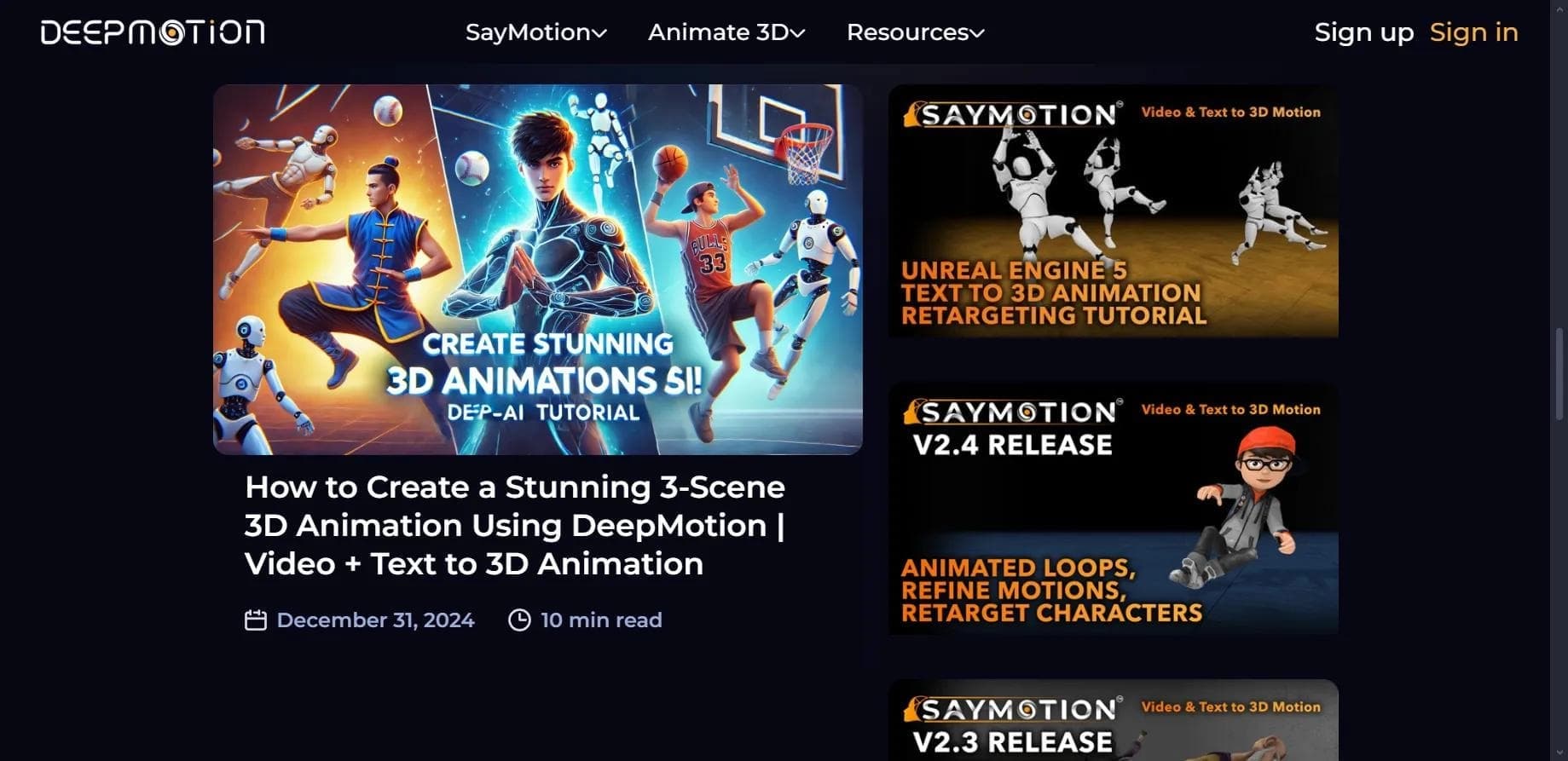

Web service for creating 3D animation based on video, text descriptions, or motion capture data without special equipment.

Browser-based platform for creating 3D objects, animations, and textures using AI from a text prompt.
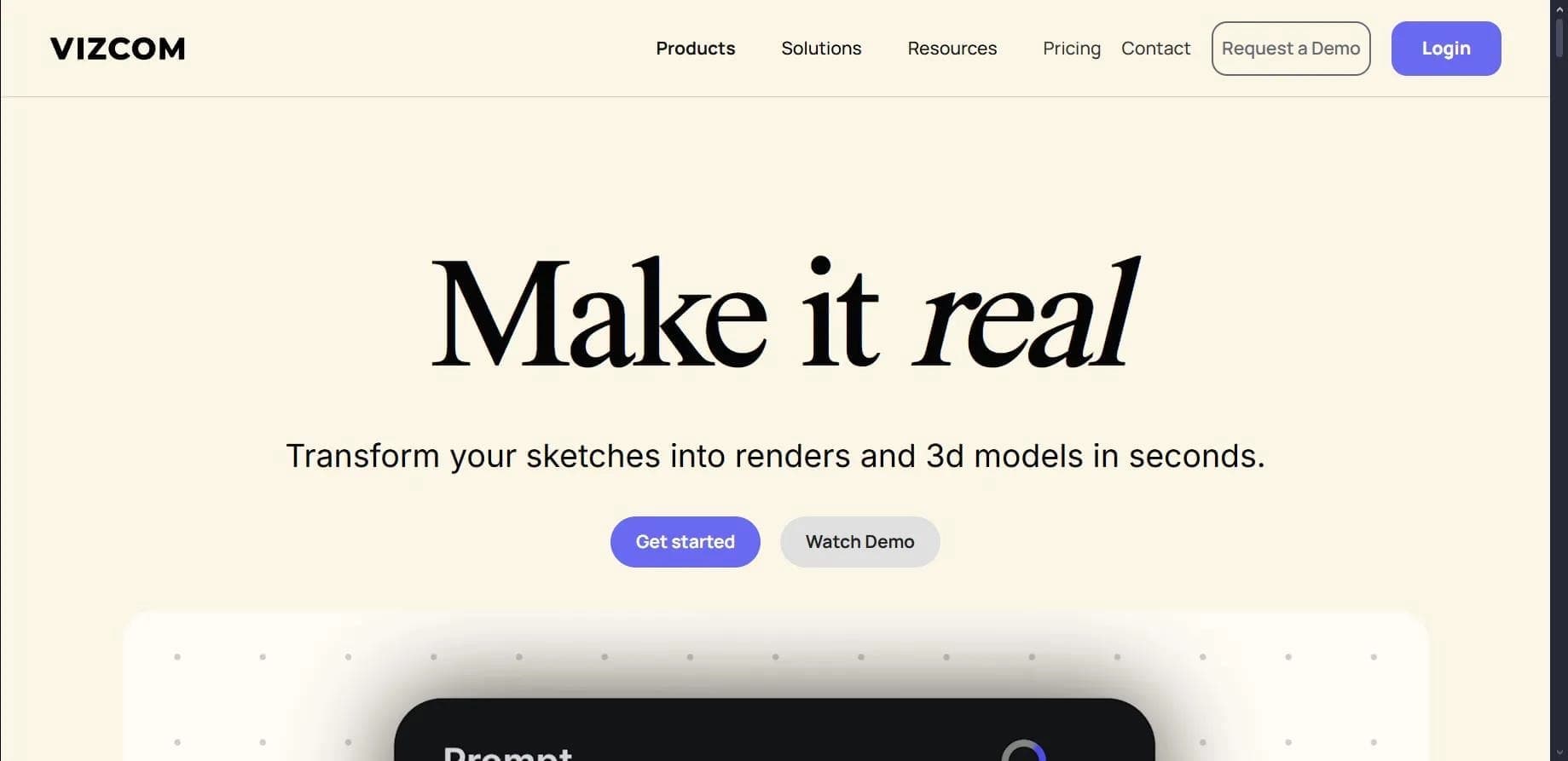

Platform for transforming sketches into photorealistic renders and 3D models.
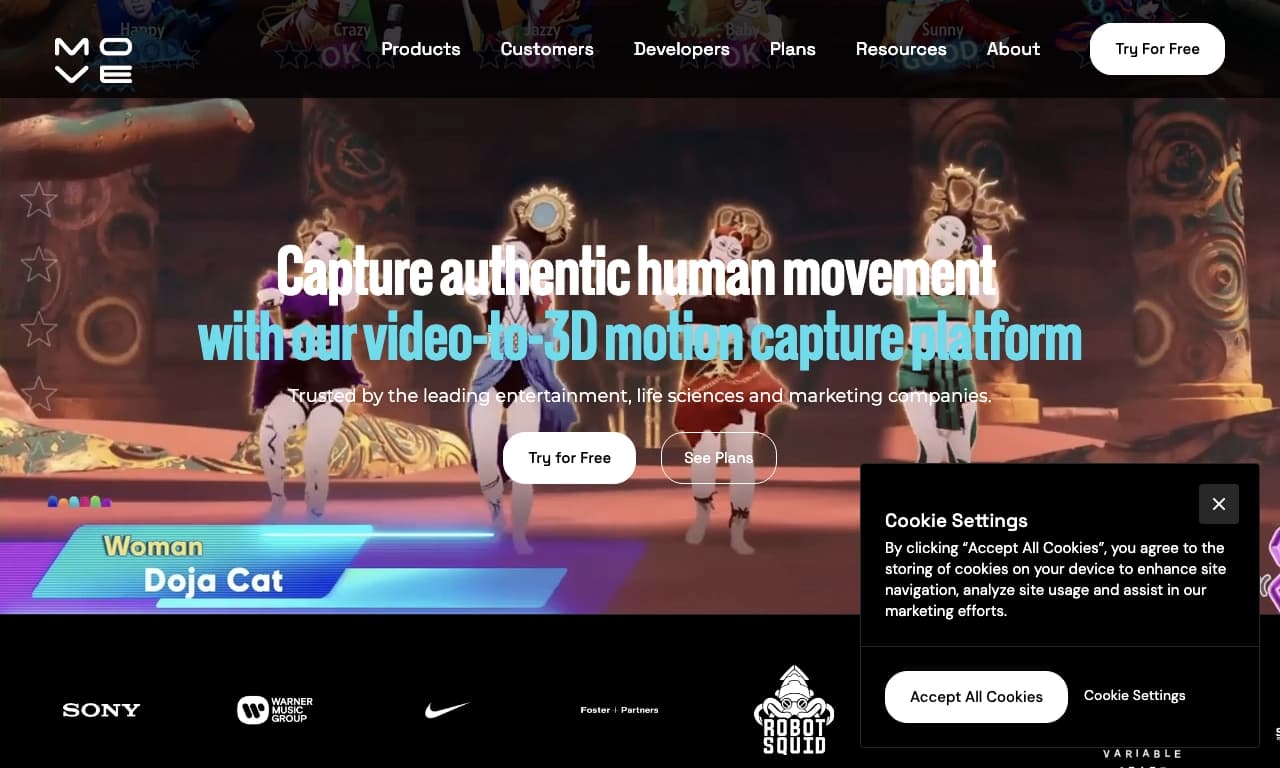

AI-powered tool for capturing human motion from ordinary 2D video recordings and converting it into 3D animation.
An AI-based web tool that turns ordinary 2D images into animated 3D scenes with a parallax effect.
No-code platform for creating AI-powered 3D character animations.