

Loom
Service for recording screen, camera, and system audio with automatic transcription and video message sharing.
Overview
Loom
Description of the Loom AI
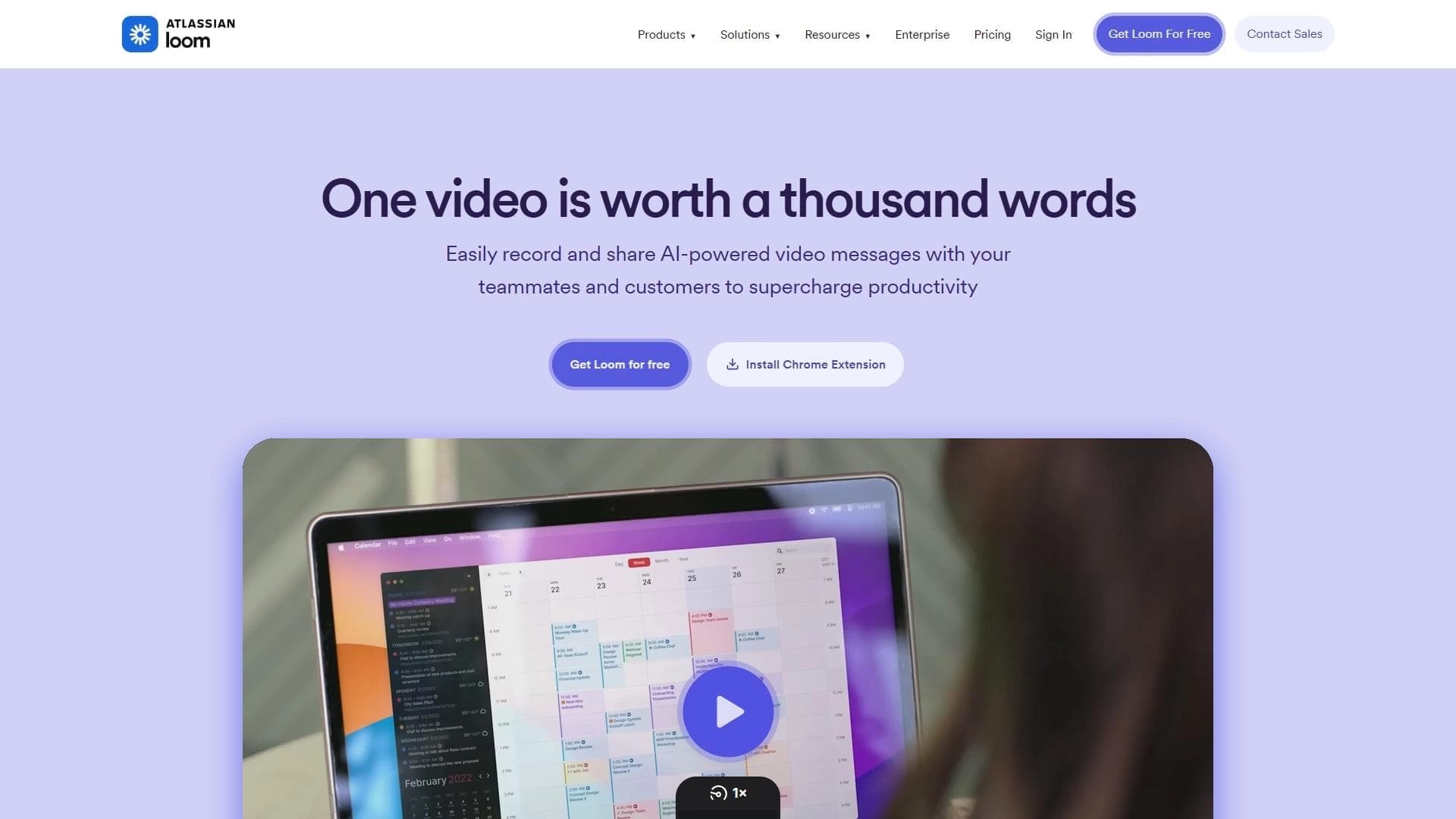
Loom is a service for recording and sharing video messages, allowing you to capture the screen, webcam feed, and system audio at the same time. Once the recording is complete, the system automatically processes the video: it creates a speech transcript, generates subtitles, splits the clip into chapters, and produces a summary. The service is integrated into the Atlassian ecosystem but remains a standalone product for team video communication.
The finished video can be shared via a link, embedded in an email, or added to a work chat. Loom positions itself as a replacement for long emails and unnecessary meetings — a tool for quickly conveying information without requiring participants to be online at the same time.
Loom specifications
| Characteristic | Value |
|---|---|
| Type | Video messaging service |
| Categories | Audio transcription, subtitles, editing and post-production |
| Platforms | Windows, macOS, mobile devices (via browser or app) |
| Distribution model | Freemium |
| Key features | Screen and camera recording, automatic transcription and subtitles, online video storage and viewing, embedding in third-party services |
Who is the Loom AI for?
Corporate teams
Employees can use Loom to share information with colleagues quickly: demonstrating bugs, explaining tasks, and recording short status updates. The built-in transcription and subtitle features make content easier to digest, especially in asynchronous work.
Freelancers and self-employed professionals
Designers, developers, copywriters, and other freelancers can record screen videos to showcase work results, send proposals, or explain revisions to a client without scheduling a video call.
Educators and instructional designers
Loom is convenient for creating educational content: an instructor can record a lecture with screen and camera, and the system automatically adds subtitles and chapter breakdown, improving navigation for students.
Technical support specialists
Support engineers can record a step-by-step solution to a problem from the screen, send the link to the user, and be confident that the recipient can watch the video at any time.
How to use the Loom AI?
Installation and setup
To get started, simply register on the Loom website or in the app. The service is available on Windows, macOS, and via a mobile app. After installing the extension or desktop app, you can start recording right away — no complex configuration is required.
Recording process
The user chooses what exactly to record: only the screen, only the camera, or both at the same time. System audio can also be captured. After recording is finished, the video is automatically uploaded to cloud storage, where the system processes it — creating a transcript, subtitles, chapters, and a summary.
Sending and embedding
The finished video is available via a direct link. It can be embedded in an email, in a Slack, Teams, or Discord chat or another messenger, and also placed on a website or blog using an iframe code.
Core Loom features
Screen, camera, and system audio recording
Loom lets you combine sources: you can record the screen with your voice and add camera video at the same time to make the message more personal. System audio can also be captured — useful for demonstrating audio players, videos, or games.
Automatic transcription and subtitles
Once the video is uploaded, the service automatically transcribes the speech and creates subtitles in multiple languages. This makes content accessible to people with hearing impairments and also allows quick scanning of the video's text content.
Online video storage and viewing
All recordings are stored in Loom's cloud storage. To watch a video, you don't need to download the file — just open the link in a browser or mobile app. The player includes chapter navigation, subtitles, and a video summary.
Integration and embedding
Videos can be embedded in third-party services — email, work chats, CRMs, project management systems, and websites. This lets you use Loom as part of your workflow without switching between different tools.
Advantages of Loom
Quick information sharing without meetings or long emails
One of Loom's biggest advantages is speed. Recording a short video with a screen demonstration takes minutes, while writing a detailed email or scheduling a meeting can take hours. The recipient can watch the video at their convenience without spending time on synchronous communication.
Automatic transcript and subtitle generation
Manually transcribing video is a time-consuming task. Loom does it automatically, saving the author time and making content easier for viewers to understand. Subtitles are useful when watching without sound (for example, in the office with headphones) or for people with hearing impairments.
Disadvantages of Loom
Dependence on a stable internet connection
Uploading video to the cloud and watching it requires a stable internet connection. If the connection quality is poor, uploading can take a long time and playback may be interrupted.
No offline functionality
Downloading a video for offline viewing or working with a transcript offline is practically impossible. All core operations — recording, uploading, processing, and viewing — require internet access.
What problems does Loom solve?
Replacing emails and meetings
Loom is suitable for situations where you need to quickly explain something visually, but there's no opportunity or desire to schedule a meeting. A video message with screen and voice is often more informative than an email.
Creating educational materials and instructions
Teachers and trainers can record short lessons, step-by-step instructions, or software demonstrations. Automatic subtitles and chapters make such content convenient for self-study.
Feedback and reviews
Managers, colleagues, or clients can record a video with project comments, pointing out edits directly on the screen. This is faster and clearer than writing a text list of comments.
Recording and sharing screen and camera video
Any task that requires showing what's happening on the screen can be solved with Loom: from explaining a technical issue to recording a presentation or a short product demo.
Loom pricing
Loom uses a freemium distribution model. The basic version is free and includes video recording with time limits, cloud storage, and core transcription features. For expanded capabilities — longer recording limits, more storage, priority support, and additional integrations — paid plans are available. Check the service's official website for exact numbers and subscription costs.
Loom terms of use
The service is part of the Atlassian ecosystem and is subject to the general usage rules of that ecosystem, including the privacy policy, personal data processing, and license agreements. Using Loom requires registration with email verification. The free plan has limitations on video duration and cloud storage capacity. Paid subscriptions are billed monthly or annually with automatic renewal.
Loom availability
Loom is supported on Windows and macOS through a desktop app or a browser extension. On mobile devices — Android and iOS — an app is available for recording and watching videos. Core features (recording, uploading, viewing) work in modern browsers: Chrome, Firefox, Safari, and Edge. The service targets Russian-speaking and English-speaking audiences, and the interface and transcription support multiple languages.
How Loom differs from alternatives
Combined recording with automatic processing
Unlike many screen recording tools (for example, OBS Studio), Loom doesn't just record video — it also automatically processes it: creating a transcript, subtitles, chapters, and a summary. This turns a raw recording into structured material without any effort from the user.
Cloud storage and link-based sharing
Loom doesn't require manual export or file sending — the video is immediately uploaded to the cloud and available via a link. Alternatives such as Virality Predictor, AI Video Generator, or Willow Voice solve different problems and don't offer the same ease of sharing.
Embedding in the Atlassian ecosystem
As part of the Atlassian ecosystem, Loom integrates with Jira, Confluence, and other products on that platform. This gives teams already using Atlassian tools an edge over isolated solutions like NeatScribe, Voice Gecko, or AI Video Detector.
Conclusion
Loom is a service for quickly recording and sharing videos with automatic transcription and subtitles. It solves the problem of asynchronous information sharing through video messages, replacing long emails and meetings for teams, educators, and support professionals. The main advantages are content creation speed, automatic processing (transcript, chapters, subtitles), and simple link-based sharing. The key limitation is dependence on a stable internet connection and the lack of offline features. The service is part of the Atlassian ecosystem and is available on Windows, macOS, and mobile devices.
Frequently asked questions

See also
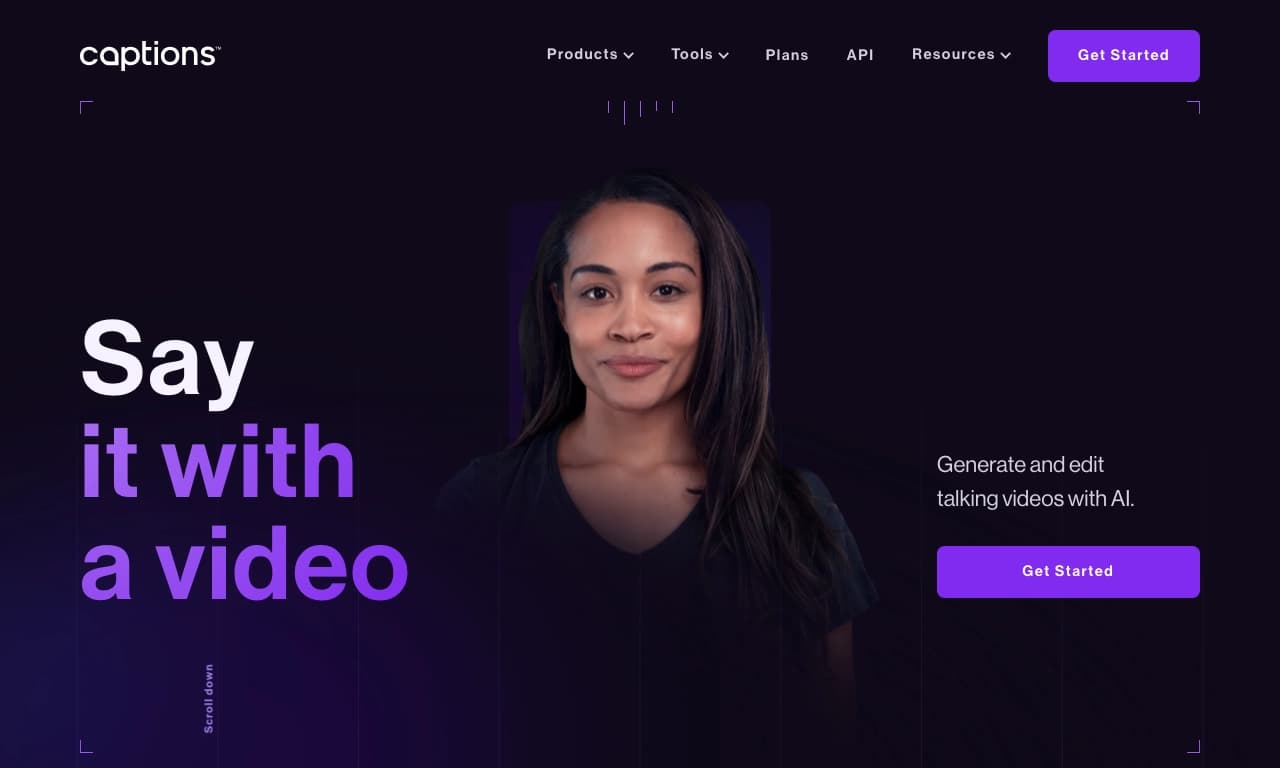

AI platform for creating and editing videos with automatic generation of subtitles, avatars, and voice translation.

A platform for creating talking videos with a teleprompter, AI-generated scripts, subtitles, and avatars.
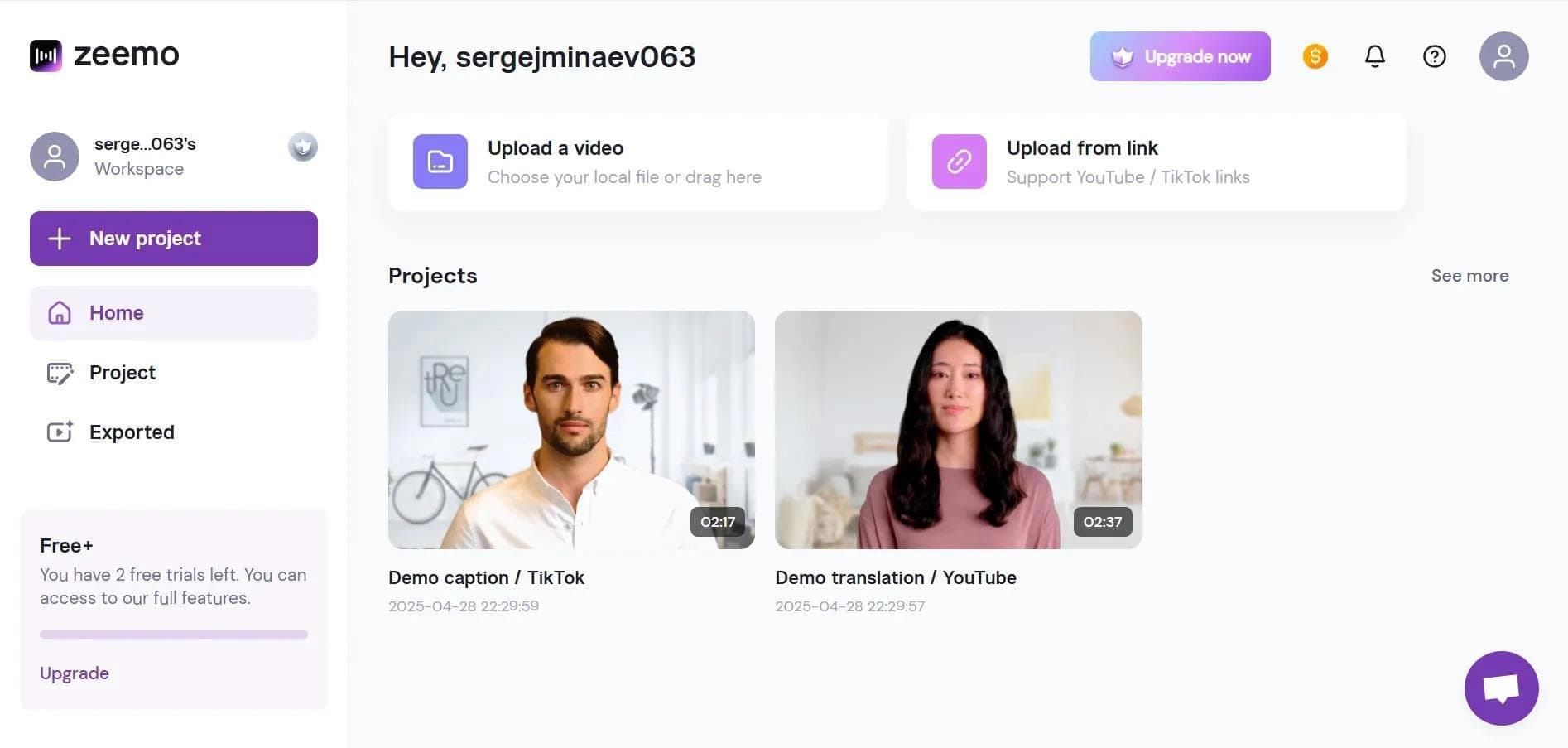

Neural network-based web service for automatic video subtitling and transcription.
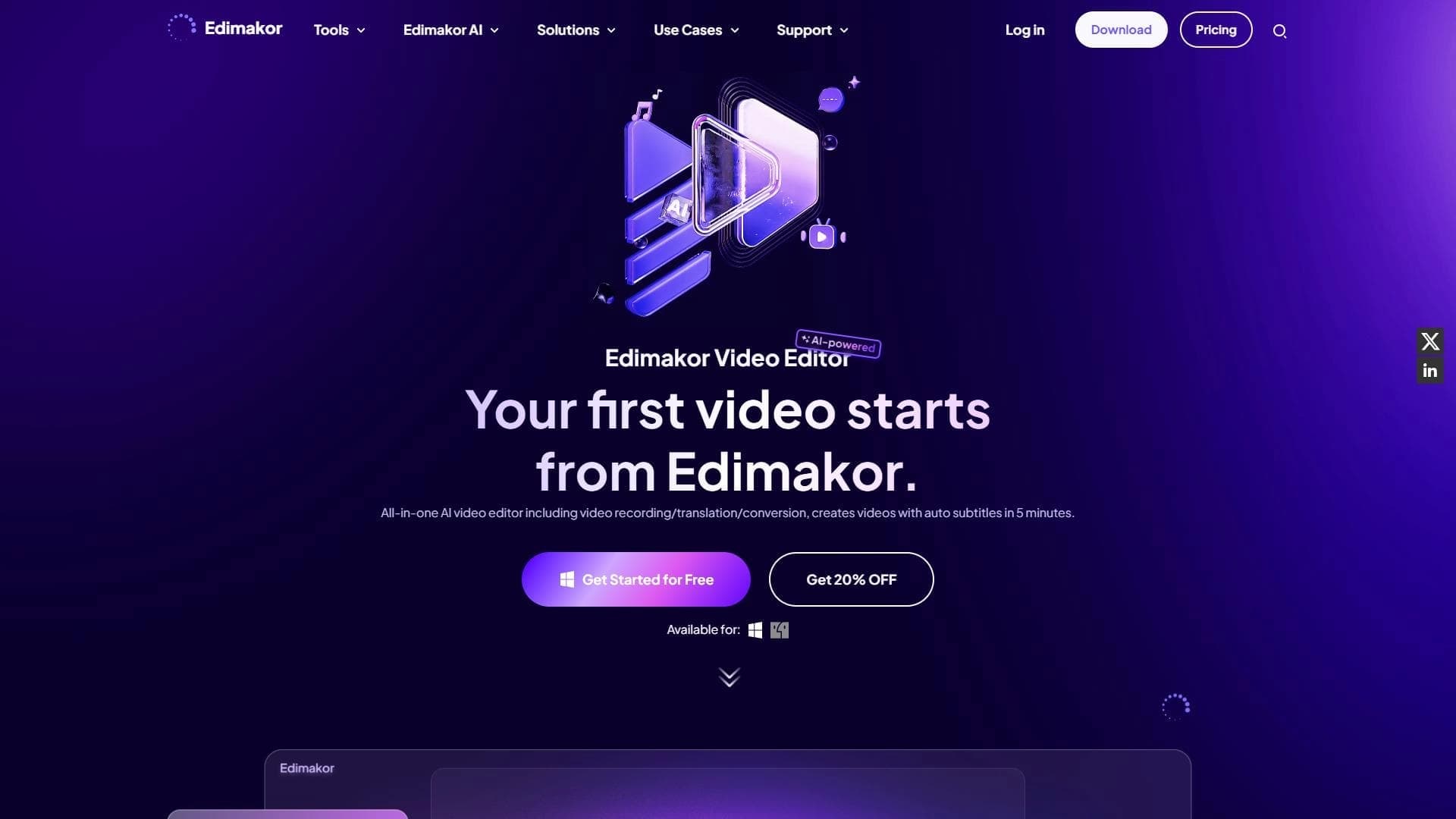

AI-powered desktop video editor for automatic subtitle generation and basic video editing.

Online video editor with AI tools for creating and editing videos directly in the browser.
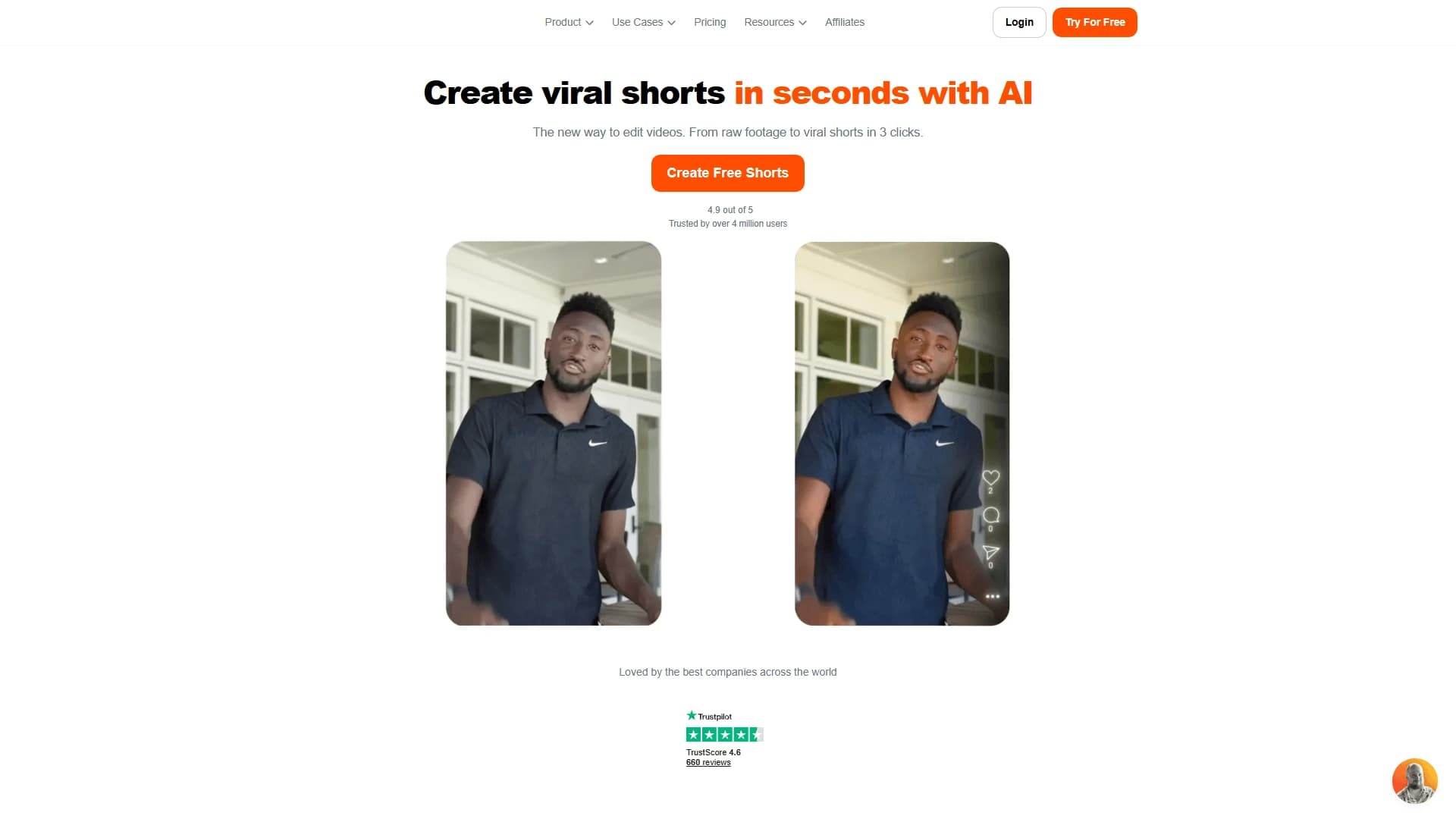

AI tool for creating short vertical videos with automatic subtitles, editing, and effects for social platforms.
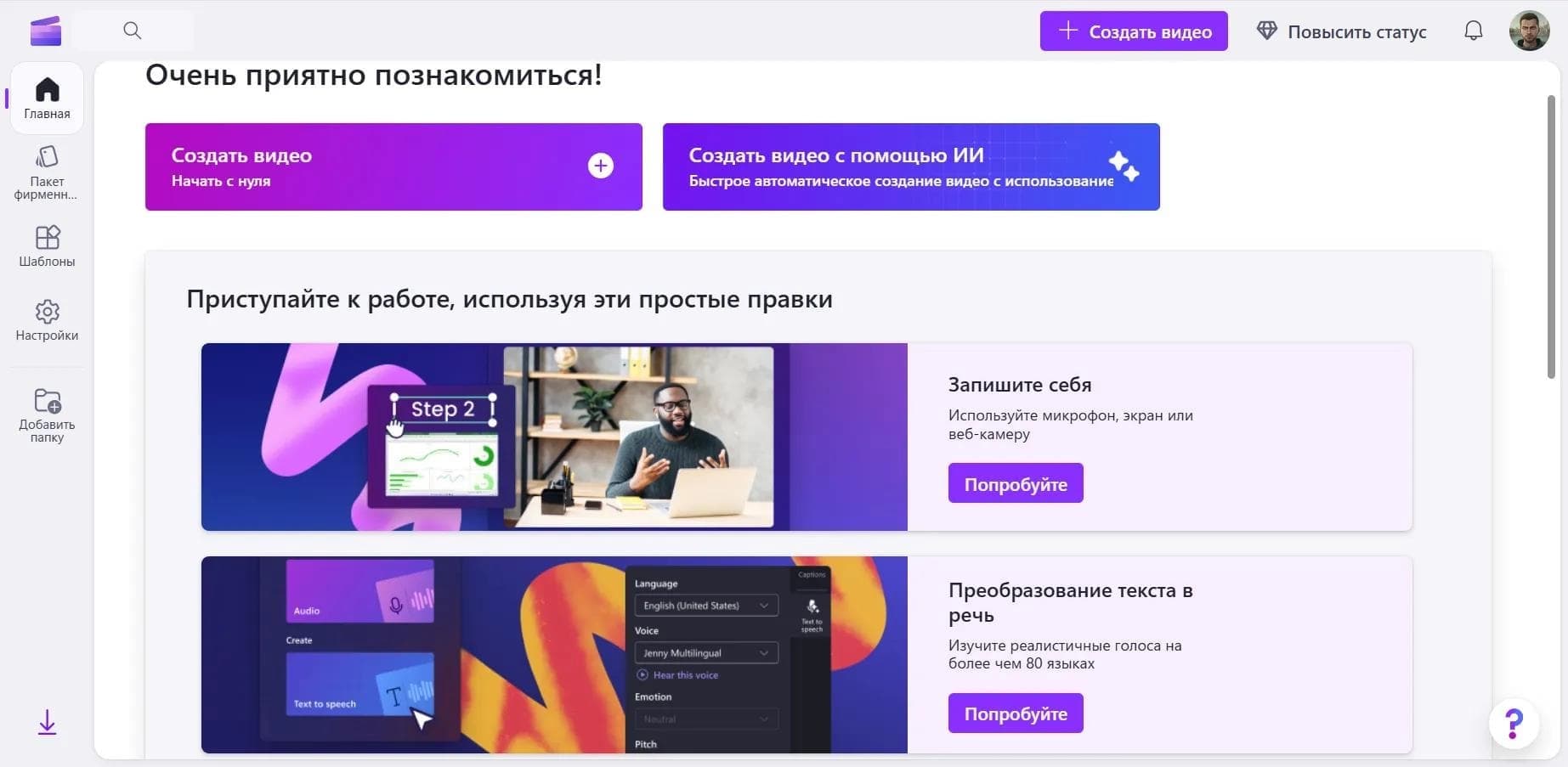

Online video editor from Microsoft with AI-powered features for quick editing right in your browser.

An AI tool that automatically cuts long videos into short clips for TikTok, YouTube Shorts, and Instagram Reels.