Img Upscaler
AI tool for upscaling resolution and enhancing image quality by up to 400%.
Overview
Img Upscaler
Description of the Img Upscaler neural network
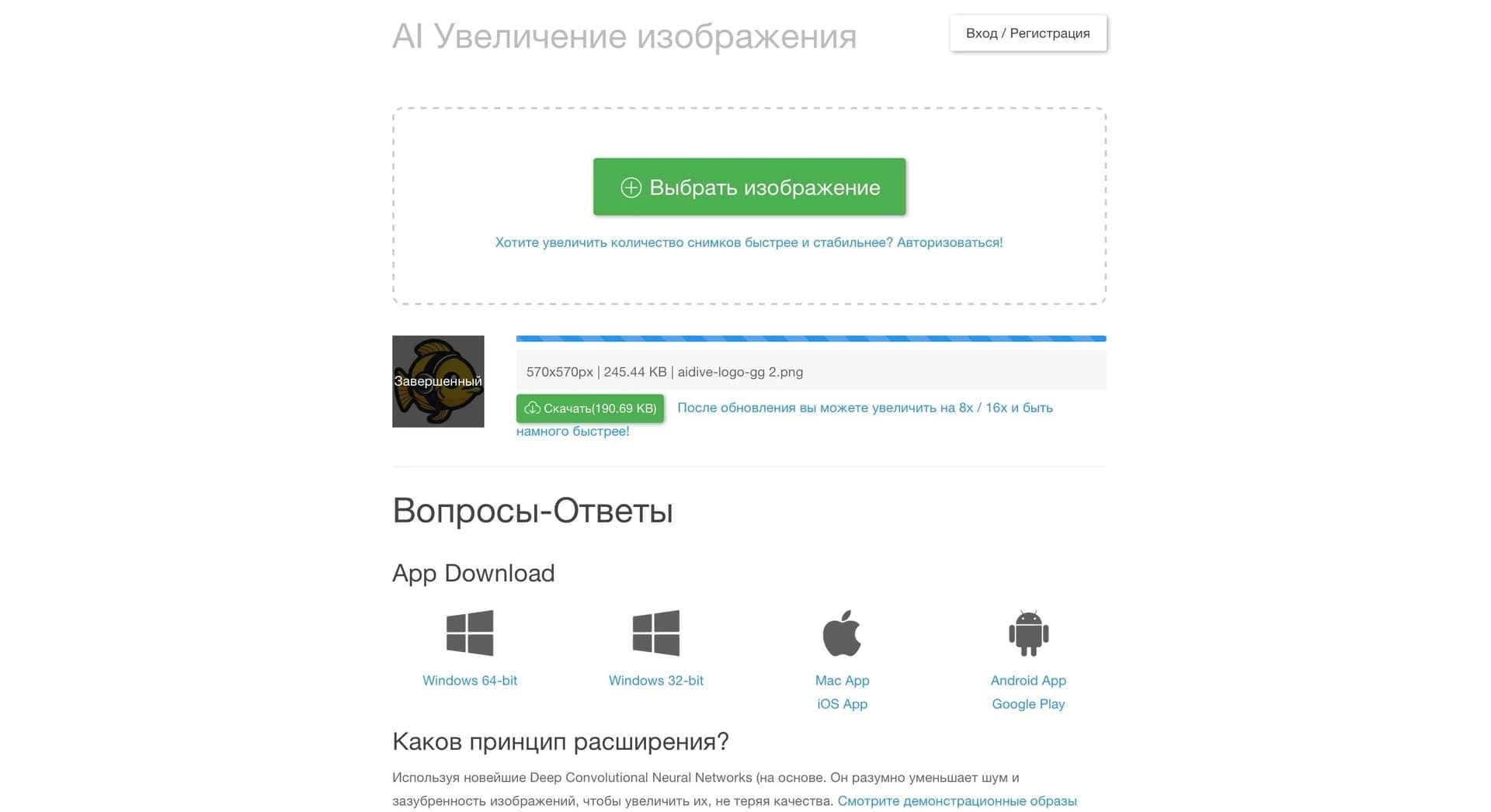
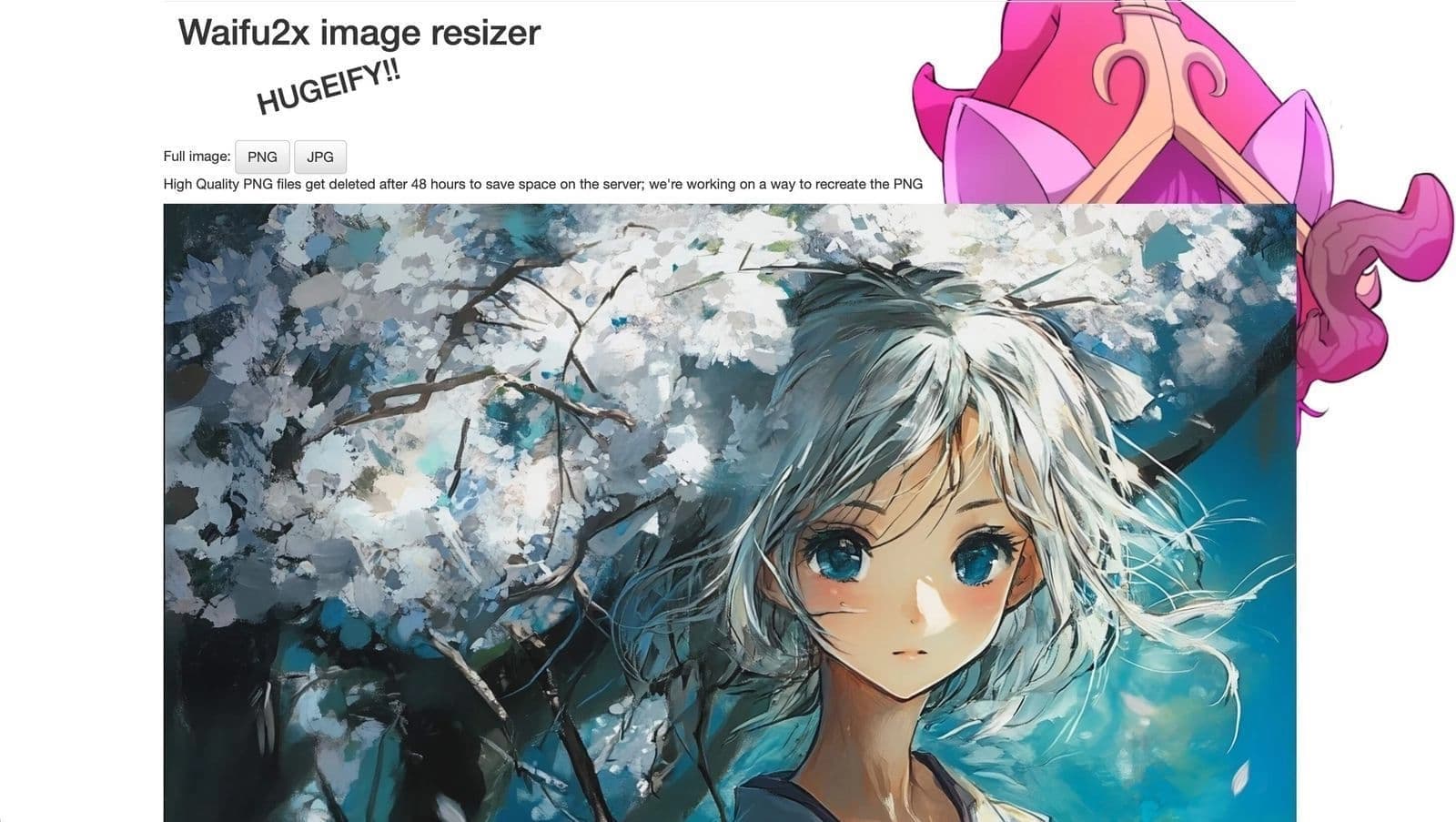
Img Upscaler is an AI-based tool designed to increase the resolution and improve the quality of images. Its main task is to scale images and photos while maintaining the sharpness and detail that usually suffer during ordinary enlargement.
The key feature of the service is increasing image resolution by up to 400%. The AI-based technology ensures that photos do not lose sharpness or become blurry. The service is positioned as a simple and effective solution for those who want to improve the quality of their images with minimal effort.
The tool is aimed at a wide range of users: from those who work with photo editing to specialists who need to quickly improve the quality of graphics for work or personal projects.
Img Upscaler characteristics
| Characteristic | Value |
|---|---|
| Categories | Image editing, Photo enhancement, Photo restoration |
| Primary purpose | Increasing resolution and improving image quality |
| Maximum enlargement | Up to 400% |
| Supported formats | JPG, PNG, JPEG |
| Batch processing | Yes (multiple images at once) |
| Distribution model | Not specified |
Who is the Img Upscaler neural network suitable for?
Designers and graphics specialists
For those who work with images professionally, the service helps quickly bring images to the required resolution without noticeable quality loss. This is convenient when preparing materials for print, presentations, or digital projects.
Website owners and content managers
Increasing image resolution is relevant for those who post photos on websites, blogs, or social networks and want to get higher-quality, more detailed versions of their materials.
Regular users
The service suits people without special image editing skills thanks to its ease of use: no deep knowledge is required — just upload an image and get an improved result.
How to use the Img Upscaler neural network?
A detailed step-by-step guide to using the service is not disclosed in the available source data. However, the general principle that follows from the tool's capabilities can be described.
Preparing images
The user needs to select images in one of the supported formats — JPG, PNG, or JPEG. To save time, you can prepare several files at once, since the service supports batch processing.
The enhancement process
After uploading an image, the AI-based tool increases the resolution to the desired value (up to 400%) while preserving the sharpness and details of the original file. The exact sequence of actions and available settings are not specified in the provided data.
Key features of Img Upscaler
Resolution enhancement
The main function of the service is AI-based image resolution enhancement of up to 400% while maintaining picture quality.
Support for popular formats
The tool works with common image formats — JPG, PNG, and JPEG — which makes it versatile for different tasks.
Batch processing
The service allows processing several images at once, saving the user time and effort when working with a large number of files.
Advantages of Img Upscaler
High-quality results
Thanks to the use of AI, image enlargement occurs without loss of sharpness and detail, which favorably distinguishes the service from simple scaling methods.
Time savings
Batch processing of multiple images at the same time noticeably speeds up work and eliminates the need to process each photo individually.
Versatility
Support for three common formats makes the tool suitable for a wide variety of use cases — from personal photos to work materials.
Disadvantages of Img Upscaler
The available source data does not describe any obvious disadvantages of the service, so it is impossible to specify concrete limitations. It is worth noting that, as with most similar tools, possible drawbacks may be related to pricing terms and feature availability, but exact information about this is not disclosed.
What tasks does Img Upscaler solve?
The tool solves the main task — improving the quality and increasing the resolution of images without losing their sharpness and details. This is relevant when the original file does not have a high enough resolution for the needed purposes.
Working with a large number of files is especially valuable: thanks to batch processing, the service handles entire sets of images at once, saving the user from repetitive actions.
Support for JPG, PNG, and JPEG covers a wide range of image types commonly used in digital graphics and photography.
Img Upscaler pricing
The provided source data contains no information about the cost or pricing plans of Img Upscaler. The distribution model is also not specified. Therefore, at this time it is impossible to reliably report on prices, the availability of a free tier, or paid subscriptions — such details should be checked on the service's official website.
Terms of use for Img Upscaler
Specific terms of use for the service are not described in the source data. Registration details, restrictions on the volume of processed files or batch processing limits, and user account requirements are unknown. Complete and accurate information about the terms should be found on the official resource of the tool.
Img Upscaler availability
Information about the availability of Img Upscaler, including the list of supported platforms, the presence of a web version, applications for different devices, or regional restrictions, is not disclosed in the source data. The service's distribution model is also not specified, so at the moment it is difficult to determine exactly how users can access the tool.
How Img Upscaler differs from alternatives
A detailed comparison of Img Upscaler with other services is absent from the provided data, so the differences can only be described in general terms, based on the available characteristics.
First of all, the service stands out for its resolution enhancement of up to 400% while maintaining sharpness and detail through artificial intelligence. This positions it as a solution focused on quality results rather than simply mechanically stretching an image.
An additional difference is batch processing, which allows improving several images at once. Support for JPG, PNG, and JPEG makes the tool flexible for different file types. Whether these capabilities surpass alternatives in speed, accuracy, or price is not clarified in the provided data.
Conclusion
Img Upscaler is a simple and convenient AI-based tool for increasing the resolution and improving the quality of images by up to 400% while preserving sharpness and details. The service supports popular formats JPG, PNG, and JPEG and offers batch processing, allowing multiple files to be handled at once and saving time. The tool can be useful both for professionals working with graphics and for regular users. However, many details — pricing, terms, and availability — currently remain unspecified, so before using it, it is recommended to review the information on the service's official website.