

Humata
A neural network for document analysis that extracts key information, creates summaries, and answers questions about the contents of uploaded files.
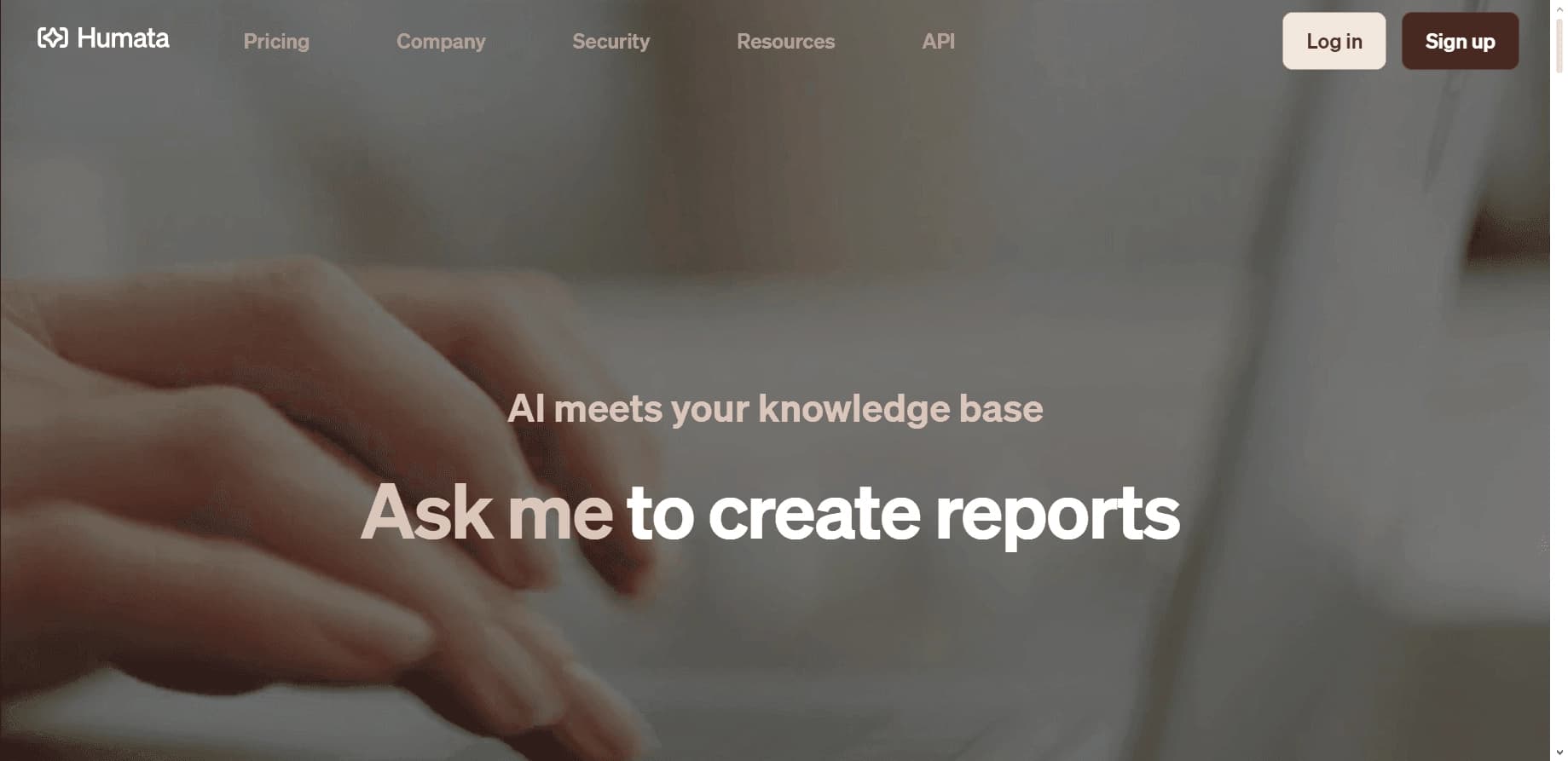
Overview
Humata
Description of the Humata neural network
Humata is a neural network designed for analyzing and processing text documents. Its main task is to help users quickly understand the contents of uploaded files: extract key information, generate concise summaries, and answer questions about the text. Instead of manually reading long documents, users can ask the service a specific question and get a concise answer based on the content.
The service runs on the powerful GPT-4o language model, which ensures high-quality text analysis and meaningful answers. Popular file formats are supported — PDF and Word — as well as uploading documents from cloud storage. The service has a free plan that lets you explore its capabilities: you can analyze up to 60 documents and get 10 answers for each of them.
Humata characteristics
| Characteristic | Value |
|---|---|
| Type | Neural network for analyzing and processing documents |
| Underlying model | GPT-4o |
| Supported file formats | PDF, DOCX, DOC, PPTX, PPT |
| Encryption | 256-bit enterprise-level SHA encryption |
| Free plan | Yes (60 texts, 10 answers per text) |
| Cloud storage integration | Yes |
| Interface language | English |
| Russian language support | Yes (for document analysis and communication) |
Who is Humata suitable for?
Humata is useful for anyone who regularly works with large text documents and needs to quickly extract information from them. Potential users include students and researchers who need to understand scientific articles and voluminous materials.
Professionals working with documents
Lawyers, analysts, and other specialists who have to review long contracts, reports, and technical texts can find the needed fragments faster and get answers to questions without rereading the entire document.
Users working with Russian-language texts
Since the service supports analysis of Russian-language documents and communication in Russian, it is also suitable for those who work with texts in Russian, even with an English-language interface.
Those who want to try it for free first
Because of the free plan, the service is also suitable for users who want to evaluate the neural network's capabilities before deciding on a paid subscription.
How to use the Humata neural network?
Working with Humata consists of a few simple steps and requires no special training.
Step 1. Registration
To get started, you need to create an account on the official website of the service by providing your email address.
Step 2. Uploading a document
After logging in, you need to upload a text file in a supported format — for example, a Word document or PDF. Files can also be uploaded from cloud storage.
Step 3. Choosing a function and getting the result
Then all that remains is to choose the desired function — creating a summary or answering questions about the content — and wait for the results. Processing takes about 1–2 minutes.
Key features of Humata
The main focus of the service is document analysis and working with their contents.
Automatic text analysis
The neural network processes the uploaded document and extracts key information from it, saving users from having to manually work through the entire volume of text.
Generating concise summaries and quotes
The service can create condensed digests of long texts and select quotes, which is convenient for preparing summaries and reviews.
Answers to questions about the document
Users can ask specific questions about the contents of a file and receive answers, quickly finding the information they need.
Support for formats and cloud storage
Work with various text formats (PDF, Word, and others) is complemented by the ability to upload documents from cloud services.
Advantages of Humata
The service has a number of strengths that make it a convenient tool for working with documents.
High processing speed
Documents are processed quickly, and results are produced within a short time — about 1–2 minutes.
Use of the GPT-4o model
The use of the powerful GPT-4o language model ensures high-quality text analysis and meaningful answers to questions.
Reliable data protection
When uploading files, 256-bit enterprise-level encryption is used, ensuring the protection of user information.
Free plan for getting acquainted
The free plan allows you to evaluate the service without any cost: you can analyze up to 60 texts.
Disadvantages of Humata
The main drawback of the service is the lack of a Russian-language interface. The entire interface is in English, which may be inconvenient for Russian-speaking users, despite support for analyzing Russian-language documents.
What tasks does Humata solve?
The service is aimed at solving tasks related to quickly working with text information.
Fast information extraction
The neural network helps quickly find the needed information in large text documents, saving time on manual review.
Creating a summary
Users can get condensed digests of long texts, which is convenient for preparing summaries and quickly understanding the essence of a document.
Finding answers to questions
The service allows users to ask questions about the contents of an uploaded file and receive answers, simplifying work with documents.
Humata pricing
The service has a free plan that allows you to analyze up to 60 texts and get 10 answers for each of them. Other plans and their prices are not described on the page, so accurate information about paid plans should be checked on the official website.
Humata terms of use
To use the service, registration with an email address is required at humata.ai. When uploading files, 256-bit encryption is provided, which protects uploaded documents and user data.
Humata availability
The service is available at www.humata.ai. The interface is in English, but analysis of Russian-language documents and communication in Russian are supported. This makes the service accessible to Russian-speaking users, despite the English-language interface.
How Humata differs from alternatives
The main difference between Humata and many similar services is the use of the powerful GPT-4o language model, which ensures high-quality text analysis. Another important advantage is the free plan, which allows you to try the service without any cost, while some competitors have limited or no free access.
In addition, the service stands out for its high document processing speed and reliable 256-bit data encryption during upload. At the same time, unlike some Russian-language alternatives, the Humata interface is available only in English, although the documents themselves and communication can be conducted in Russian.
Conclusion
Humata is a GPT-4o-based neural network for analyzing and processing text documents, allowing users to quickly extract key information, create summaries, and answer questions about file contents. The service supports many formats, has high processing speed, and offers a free plan for getting acquainted, but its interface is available only in English. Humata will be a useful tool for those who regularly work with large volumes of text and want to save time on analysis.
Frequently asked questions



See also
A sales automation platform that combines customer prospecting, deal management, and AI-powered forecasting.
AI editor for creating, editing, and publishing content with templates and prompts.

Financial platform with an AI assistant for managing accounting, taxes, and budgets.

Platform for interview preparation with AI mock interviews and real-time support.
Enterprise language model platform focused on privacy and on-premise deployment.


AI assistant for creating short summaries of videos, PDF documents, and web pages.


AI email assistant that helps quickly draft messages, adapting to the user's style.


Free online platform with over 150 AI tools for working with PDFs, images, videos, and text.