

Humanizer
A service for converting AI-generated text into a natural human style that is not detected by AI detectors.
Overview
Humanizer
Description of the Humanizer neural network
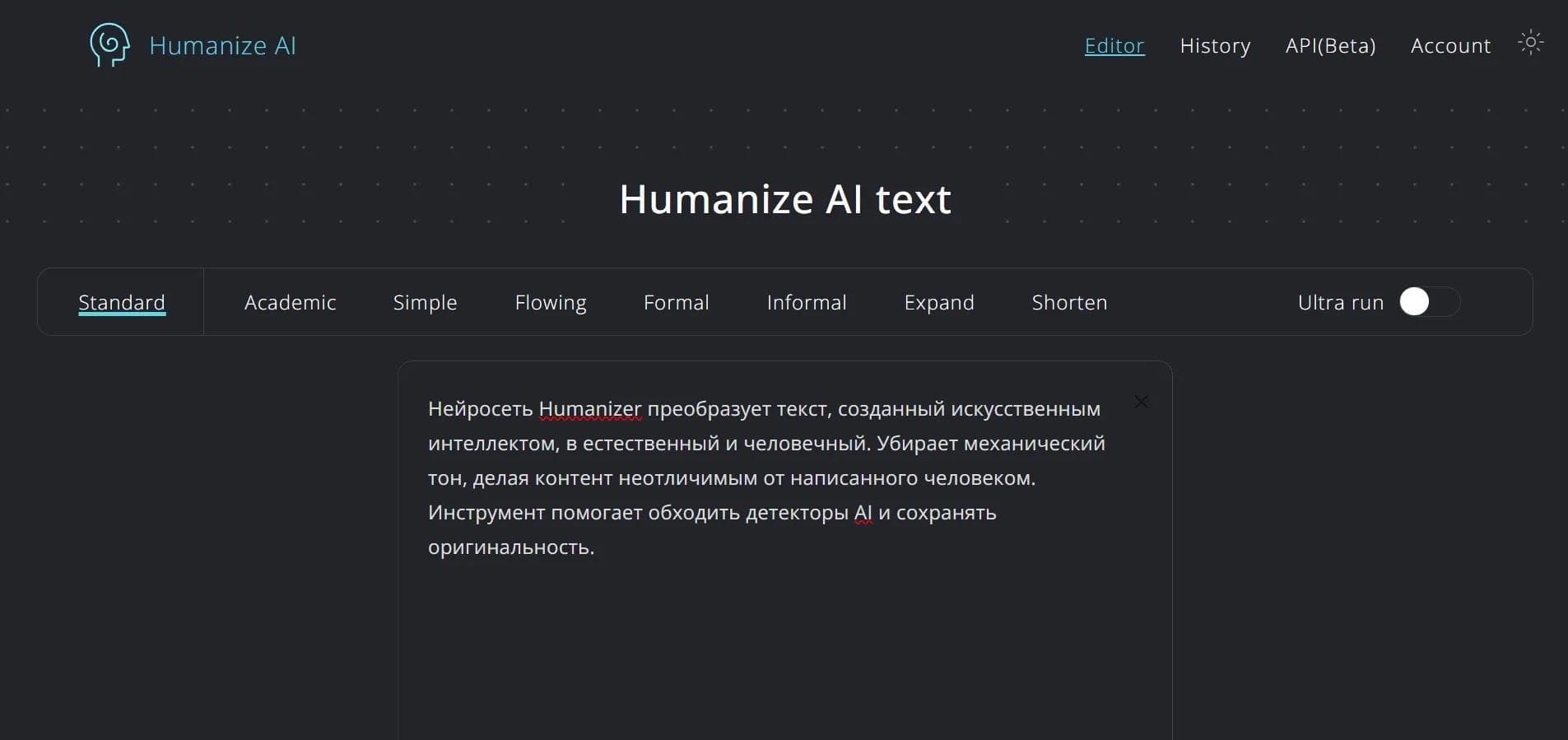
Humanizer is a web service based on a neural network designed to rework texts created by artificial intelligence into a natural human style. The main task of the tool is to make generated content less “mechanical” and more lively so that it is not detected by AI detectors.
During processing, the service preserves keywords and the overall SEO structure of the text, making it useful for optimizing content for search engines. After the rework, the user can check the result right in the service for plagiarism and signs of artificial origin. Humanizer supports many languages and various writing styles, allowing content to be adapted for different audiences and tasks.
Humanizer characteristics
| Characteristic | Value |
|---|---|
| Categories | Text humanization, rewriting, SEO tools |
| Type | Web service, neural network |
| Interface and content languages | 50 languages, including Russian |
| Integrations | Grammarly, QuillBot |
| Compatibility | ChatGPT, Claude |
| Free plan | Yes |
| Encryption | AES-256 |
| Year founded | 2024 |
| Website | www.humanizeai.pro |
Who is the Humanizer neural network suitable for?
Content managers and copywriters
The tool will be useful for professionals who work with large volumes of texts created by neural networks and want to make them more natural and readable. Humanizer helps eliminate the mechanical tone while preserving the meaning and keywords.
SEO specialists
For those involved in search engine optimization, the service is useful because it preserves the SEO structure and keywords when reworking text. This allows AI content to be adapted without losing its optimization value.
Authors of academic and journalistic materials
Support for academic and journalistic styles makes the service suitable for those who prepare articles, research, or publications based on AI text drafts and want to give them a more professional and natural look.
How to use the Humanizer neural network?
Using the service does not require installing software — all you need is an internet connection and a browser.
Step-by-step instructions
To get started, you need to open the humanizeai.pro website and paste your text into the input field. Then you should pass the captcha check and click the Humanize AI button. After processing, you can check the result and copy the finished text. The whole process takes just a few minutes.
Main features of Humanizer
Text humanization
The service transforms AI-generated text into a natural human style, removing the mechanical tone and making the content more lively. At the same time, the meaning and originality of the source material are preserved.
SEO tools and quality checks
Humanizer preserves keywords and the SEO structure of the text, and also allows you to check the result for plagiarism and grammar errors. The tool offers adjustment of the emotional tone of content and adaptation to various writing styles.
Multilingual support and compatibility
The service supports 50 languages, including Russian, and integrates with Grammarly and QuillBot. Texts created in ChatGPT and Claude are processed without problems, and bypassing well-known AI detectors is one of the tool's key capabilities.
Advantages of Humanizer
Free version and speed
The service has a free version with no word limits. Text processing takes about 10 seconds, making the tool convenient for regular use.
High processing results
According to 2024 data, Humanizer processed 12 million texts with a human-likeness pass rate of about 98%. Texts processed by the service have a zero plagiarism rate.
Data security
The service uses AES-256 data encryption, which ensures protection of processed content.
Disadvantages of Humanizer
Among the service's disadvantages are the need to pass a captcha check each time you use it, which can slow down work when processing large amounts of text. In addition, the available data does not disclose the terms of paid plans — it is unclear what additional features they provide compared to the free version. Complete information about the regional availability of the service is also missing.
What tasks does Humanizer solve?
Humanizing AI content
The service helps remove the mechanical tone from texts created by neural networks, making them natural and pleasant to read. This is one of the tool's main tasks.
Bypassing artificial intelligence detectors
Humanizer allows you to adapt text so that it is not recognized by well-known AI detectors while preserving content quality.
Maintaining SEO optimization and adapting style
The tool preserves the originality and SEO optimization of content, and also helps adapt materials for different styles and audiences — from academic papers to journalistic publications.
Humanizer pricing
The service has a free version, Humanizer AI Free, which works without word limits. The terms of paid plans are not specified in available sources, so information about the cost of expanded features is currently unavailable.
Humanizer terms of use
Working with the service requires a stable internet connection and passing a captcha check. No software installation is needed — a regular browser is enough. Registration for the service is not mentioned in the available data, which makes the tool quite simple to get started with quickly.
Humanizer availability
Humanizer is a web service available through the humanizeai.pro website. It supports 50 languages, including Russian, making it convenient for users from different countries. The sources do not provide detailed information about regional restrictions or the need to use a VPN.
How Humanizer differs from alternatives
The main difference between Humanizer and its competitors is the combination of text humanization, SEO functions, and built-in quality checks in one tool. The service not only reworks AI text into a natural style, but also lets you immediately check the result for plagiarism and signs of artificial origin while preserving keywords and SEO structure.
Wide language support (50 languages), integration with Grammarly and QuillBot, and a free version with no word limits make the tool a convenient choice compared to alternatives such as StealthZero, TextZavod, StoreClaw, or TextPlus. Text processing takes only about 10 seconds, which favorably distinguishes the service from many competing solutions.
Conclusion
Humanizer is a neural network web service for converting AI texts into natural human materials. It helps bypass artificial intelligence detectors, preserves SEO optimization, and supports many languages and writing styles. In 2024, the tool processed 12 million texts with a 98% human-likeness pass rate. A free version with unlimited words is available, making the service an attractive option for content specialists, SEO optimizers, and authors working with AI-generated content.
Frequently asked questions
See also

AI platform for creating SEO-optimized content that takes into account the requirements of both traditional search engines and AI assistants.
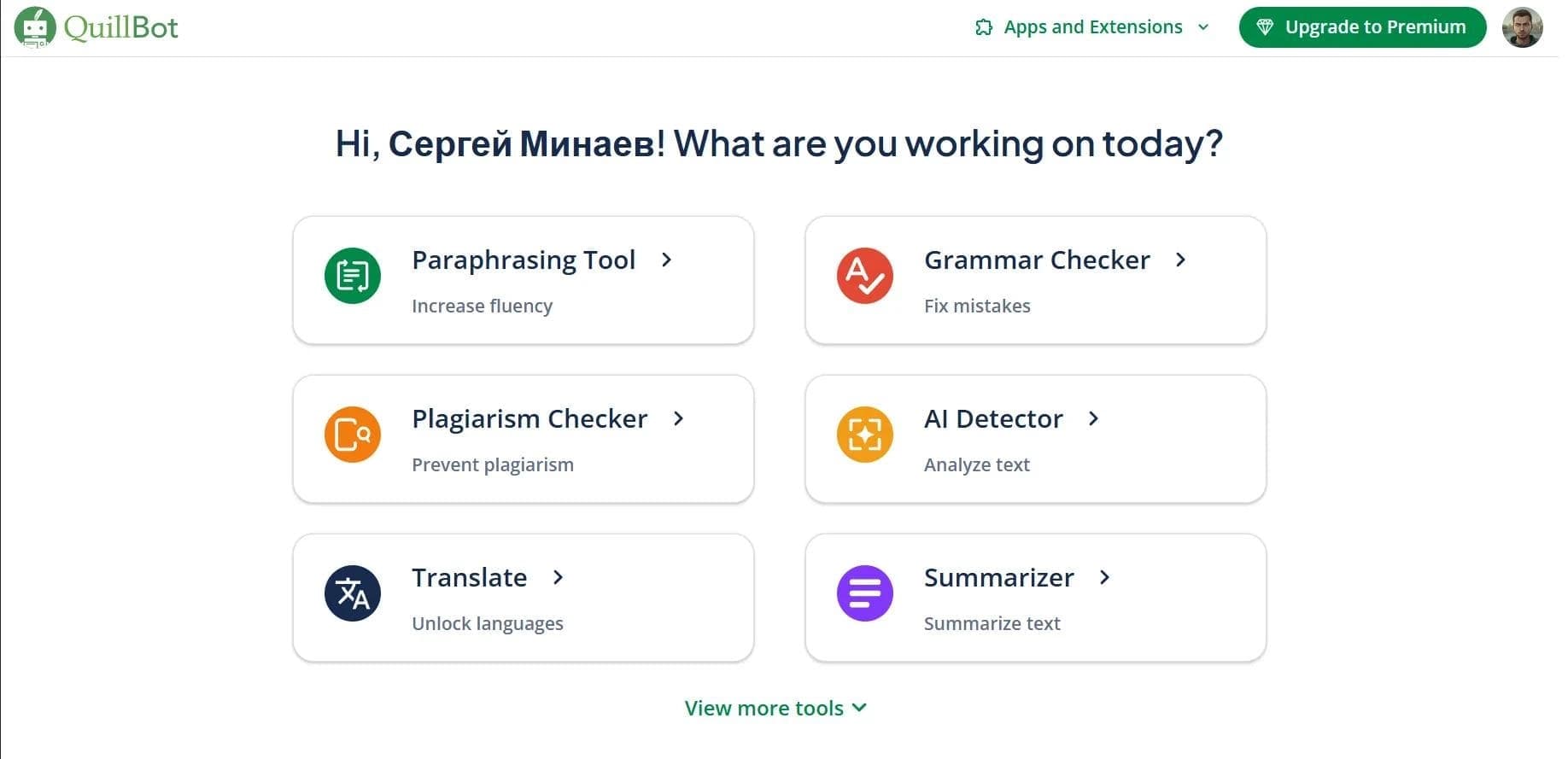

AI assistant for paraphrasing, grammar checking, and working with text in multiple languages.


A service for detecting texts created by artificial intelligence, with the ability to check for plagiarism and grammar.

AI tool for creating and paraphrasing texts with SEO optimization, supporting 26 languages.
Multilingual AI assistant for checking grammar, spelling, and text style.
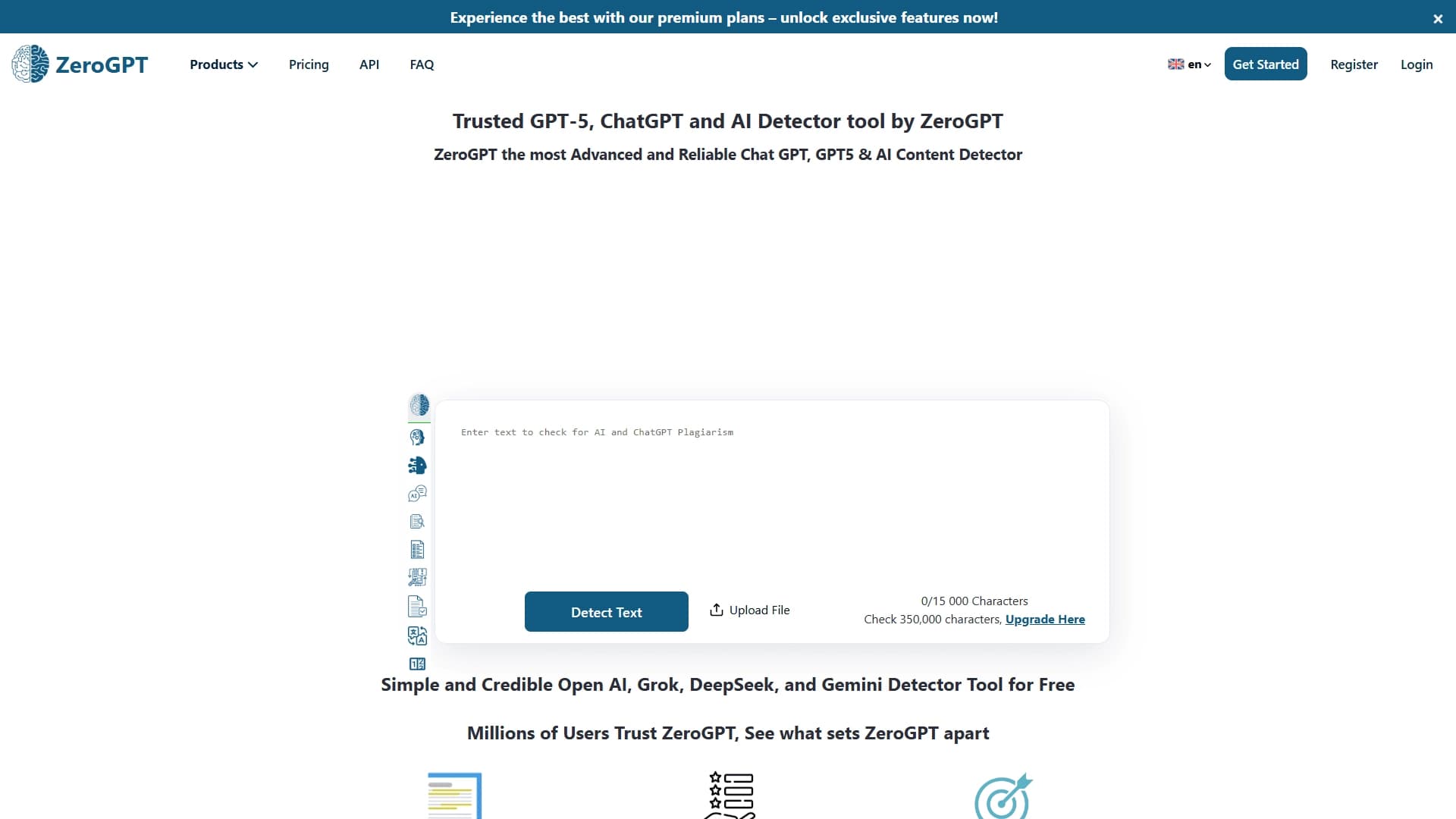

An online detector that determines whether text was created by a human or generated by neural networks.
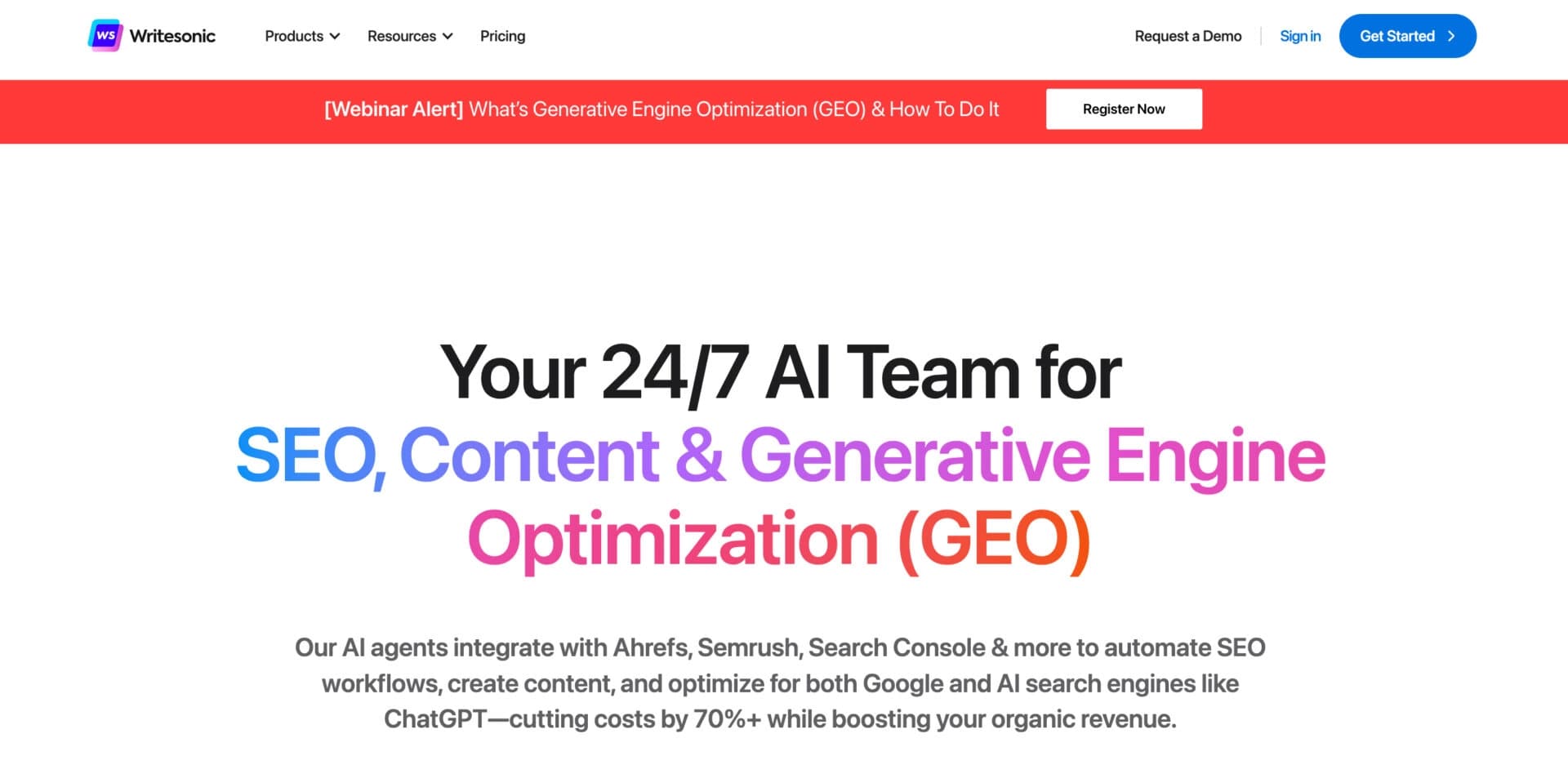

AI-based platform for generating text content: articles, advertisements, social media posts, and product descriptions.
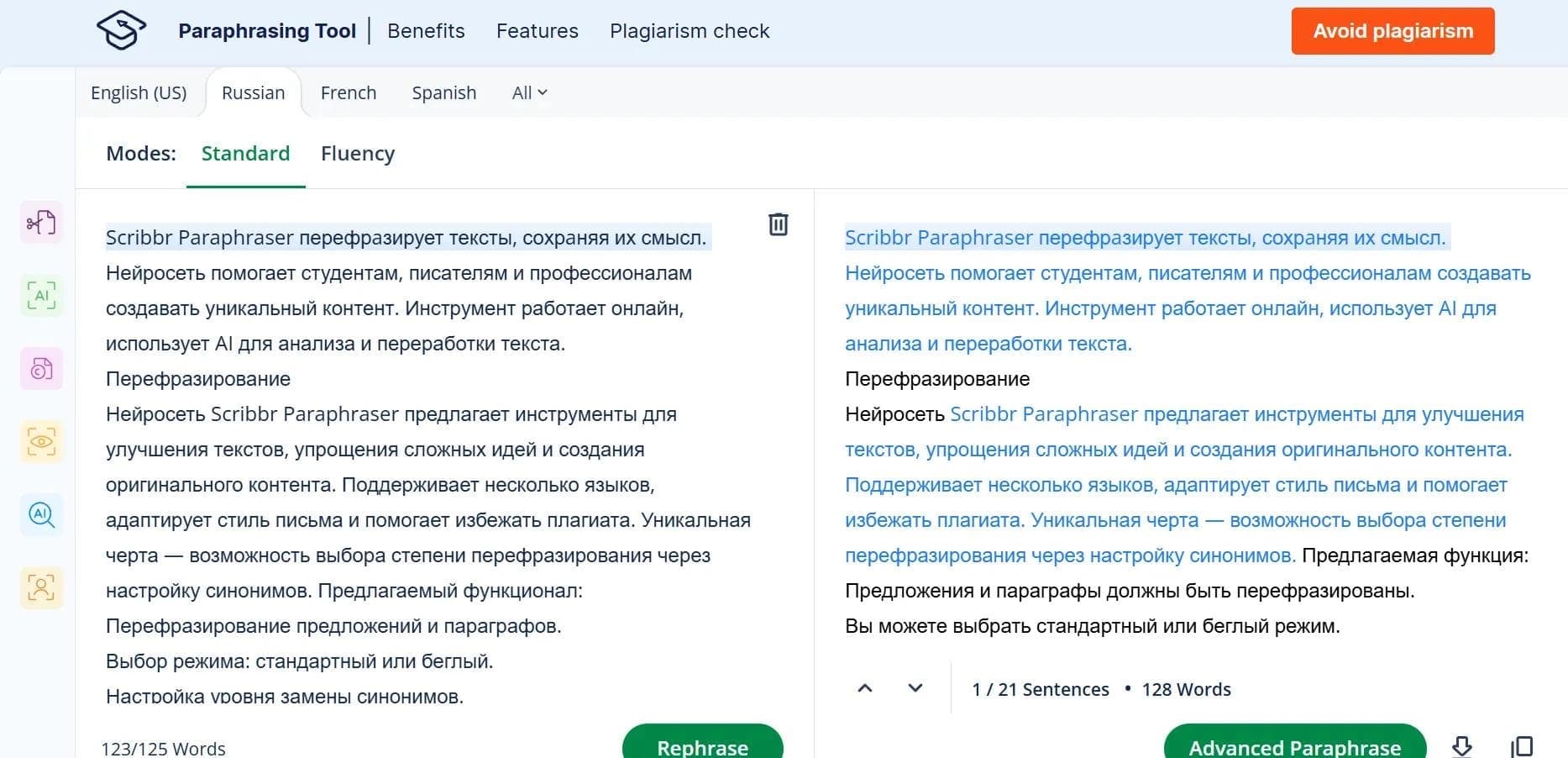

An online tool for paraphrasing texts based on QuillBot with support for multiple languages, including Russian.