
Glasp
Browser extension for highlighting text and taking notes on web pages, PDFs, and YouTube, with the ability to create a personal AI assistant based on collected knowledge.
Overview
Glasp
Description of the Glasp AI
Glasp is a browser extension that turns ordinary bookmarks and text highlights into a structured knowledge base. The tool lets you highlight and save fragments from web pages, PDF files, and YouTube videos, then organize them with tags and notes.
Glasp's key feature is the ability to create a personal AI model based on the collected knowledge. Such a model can generate texts in the user's style and answer questions about their materials. The service also includes a social function: you can browse and discover annotations from other users, creating a space for collaborative learning and knowledge sharing.
Collected highlights can be easily exported to popular note-taking apps such as Notion, Obsidian, and Roam Research, making Glasp a convenient bridge between reading on the web and a permanent knowledge storage system.
Glasp Characteristics
| Characteristic | Value |
|---|---|
| Type | Social tool for text highlighting and note-taking, AI tool for working with text and knowledge |
| Categories | Browser extensions, Knowledge management, Summarization, Research, AI assistants |
| Platforms | Browser extension for Google Chrome and Safari, web app |
| Supported sources | Web pages, PDF, YouTube, Kindle, Pocket, Medium |
| Integrations | Notion, Obsidian, Roam Research, Kindle, Pocket, Medium |
| Interface languages | English (interface), Russian text recognition |
| Business model | Freemium (free access to core features) |
| Export formats | Markdown, HTML, CSV |
Who Is the Glasp AI For?
Researchers and students
For people who regularly work with large amounts of information from various sources, Glasp helps gather all highlights and notes in one place. Centralizing materials from web pages, PDF, YouTube, and Kindle simplifies preparation for research and study.
Authors and content creators
Users who want to generate texts in their own style will find the AI clone feature useful. Based on saved notes, the model can write drafts, article roundups, and other materials while preserving the author's manner of expression.
Anyone who accumulates knowledge from the internet
For people whose bookmarks and saved links turn into chaos, Glasp helps transform passive information accumulation into an organized knowledge base. Using a chat with your own collection, you can find connections between notes and get personalized answers to questions.
How to Use the Glasp AI?
Installation and setup
To get started, you need to install the Glasp extension for Chrome or Safari and create an account (or log in to an existing one). After that, the extension will be available on any web page.
Working with highlights
On an open web page or in a PDF file, you simply highlight the text fragments you're interested in, add comments to them, and organize them with tags and authors. Highlights are automatically saved to a personal library on your Glasp page.
Using collected material
Collected highlights can be exported to note-taking apps such as Notion, Obsidian, or Roam Research; you can chat with your knowledge base, and also use the AI clone to generate texts in your style.
Key Features of Glasp
Highlighting and organizing content
Glasp supports highlighting fragments on web pages and in PDFs with the ability to add notes, as well as highlighting key moments in videos with comments. The tool lets you import highlights and notes from Kindle and automatically save them to your personal library.
Personal AI assistant
Based on collected highlights and notes, the service creates an AI clone that can generate texts in the user's style. A chat with your own knowledge base is available: you can ask questions and get personalized answers based on your materials.
Integrations and export
Data is exported to popular note-taking apps — Notion, Obsidian, and Roam Research — in Markdown, HTML, and CSV formats. Import of notes from Kindle, Pocket, and Medium is also supported, along with automatic generation of a text PDF from YouTube videos.
Social features
Users can view and discover other people's highlights, allowing them to browse annotations of like-minded people and take part in collaborative learning and collective knowledge creation.
Advantages of Glasp
Free access to core features
The tool's main features are available for free, so you can start using Glasp without any financial investment.
Support for different content formats
The tool works with web pages, PDF files, YouTube videos, and imported Kindle notes, bringing together information from different sources in a single hub.
Export to popular apps
Ready-made highlights can be easily transferred to Notion, Obsidian, and Roam Research, giving you flexibility in choosing your primary knowledge storage system.
Russian language support
Despite the English interface, Glasp correctly recognizes and processes texts in Russian.
AI clones and social features
The ability to create a personal AI model that remembers everything you've highlighted and helps you write texts, plus the ability to view highlights from like-minded people, set Glasp apart from simple note-taking tools.
Disadvantages of Glasp
The source materials contain no official data on the service's shortcomings, so only the obvious limitations that follow from the description can be noted. The tool's interface is available only in English, which may create a barrier for Russian-speaking users, despite its correct handling of Russian texts. The distribution model also implies that some advanced features may be available only on paid plans; however, the specific list of paid features is not specified in the source data.
What Problems Does Glasp Solve?
Collecting and organizing knowledge
The tool helps organize ideas, quotes, and excerpts from web pages, PDFs, and videos, replacing chaotic bookmarks with a structured personal library with tags and comments.
Creating and using a knowledge base
Glasp lets you create a personalized knowledge collection from different sources, find connections between notes, and get personalized answers to questions based on your research materials.
Text generation
Using the AI clone, the service handles writing texts in the user's style, such as weekly article roundups, based on collected highlights.
Centralizing research
The tool brings together notes from Kindle, YouTube, web pages, Pocket, and Medium in a single hub, and automatically converts YouTube videos into a text PDF.
Glasp Pricing
Glasp is distributed under a freemium model. The tool's core features are available for free, while a premium plan is available for additional capabilities. The exact prices of paid plans and the specific list of premium features are not specified in the source data.
Terms of Use for Glasp
To get started, you need to install the Glasp browser extension and create an account or log in to one. The service interface is entirely in English, but the tool correctly recognizes and processes texts in Russian. When registering on the site, you may be asked to add the extension to your favorites. More detailed terms of use are not disclosed in the source materials.
Glasp Availability
Glasp is available as a browser extension for Google Chrome and Safari, as well as a web app. The tool works with web pages, PDF files, YouTube videos, and imported notes from Kindle, Pocket, and Medium. Despite the English interface, the service fully supports working with any Russian-language texts, making it accessible to Russian-speaking users.
How Glasp Differs from Alternatives
Individual AI clone
The main difference between Glasp and most note-taking tools is the ability to create a personal AI model based on collected highlights. This model learns the user's style and can generate texts on their behalf, turning passive information gathering into an active writing tool.
Social component
Unlike many closed note-taking systems, Glasp makes highlights public. Users can study other people's annotations, find like-minded people, and participate in collaborative knowledge creation, turning reading into a social process.
Broad source coverage
The tool combines work with web pages, PDF, YouTube, and Kindle in a single extension, while many alternatives focus on only one type of content. It also offers convenient export to Notion, Obsidian, and Roam Research, as well as automatic conversion of videos into text format.
Conclusion
Glasp is a practical and accessible tool that turns the chaotic accumulation of information from the internet into an organized knowledge base. The service's main strengths are free access to core features, support for different content formats (web pages, PDF, YouTube, Kindle), export to popular note-taking apps, and the unique ability to create a personal AI assistant based on your own highlights. Thanks to the social feature and Russian language support, Glasp suits a wide range of users — from researchers and students to content creators who want not just to accumulate knowledge, but also to actively use it for writing and analysis.
Frequently asked questions



See also
AI editor for creating, editing, and publishing content with templates and prompts.

Financial platform with an AI assistant for managing accounting, taxes, and budgets.

Platform for interview preparation with AI mock interviews and real-time support.
Enterprise language model platform focused on privacy and on-premise deployment.


AI assistant for creating short summaries of videos, PDF documents, and web pages.


AI email assistant that helps quickly draft messages, adapting to the user's style.
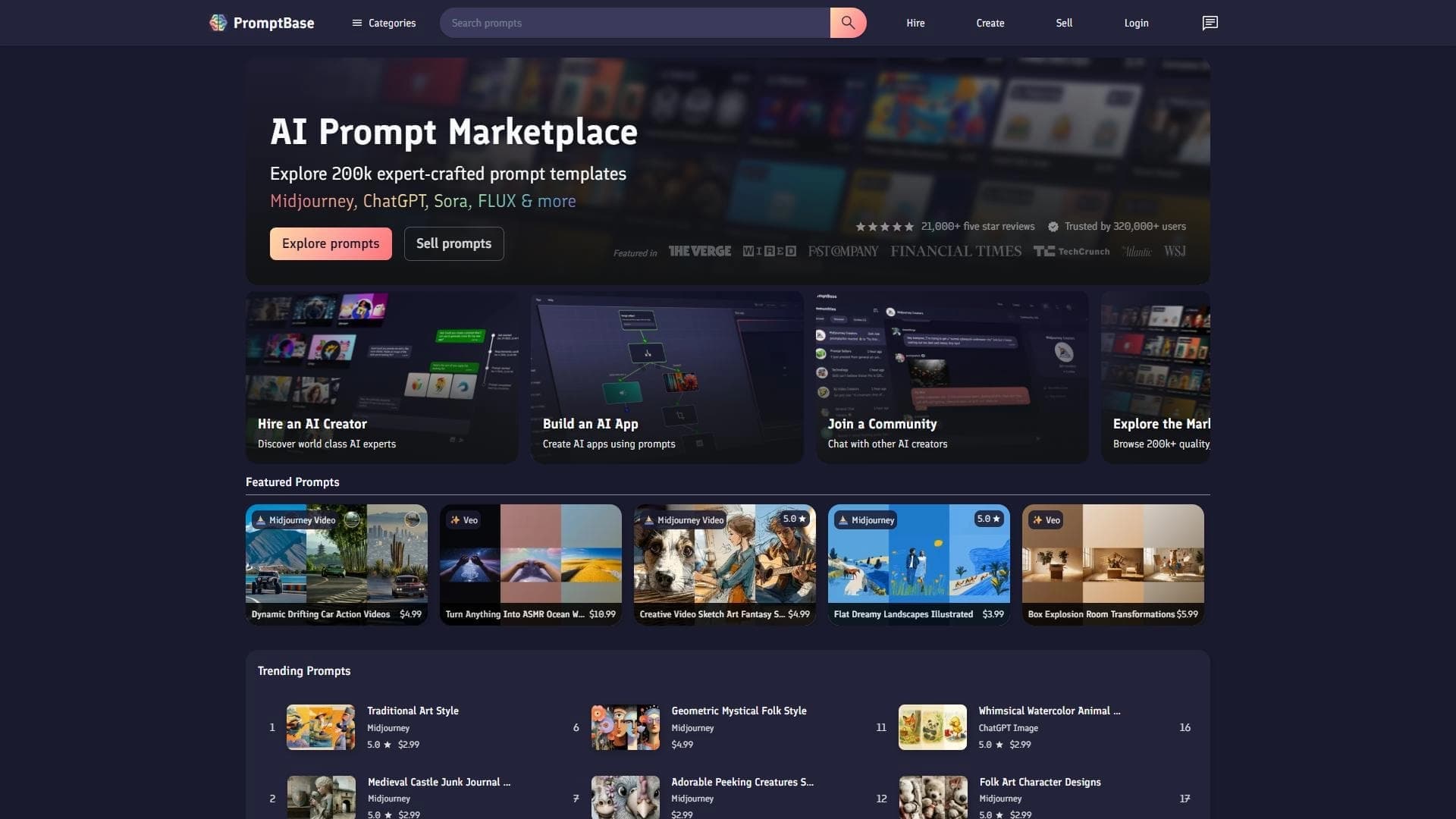

Marketplace where users buy and sell ready-made prompts for popular AI models.
A sales automation platform that combines customer prospecting, deal management, and AI-powered forecasting.