

Freepik Pikaso
AI-based platform for generating and editing images.
Overview
Freepik Pikaso
Description of the Freepik Pikaso neural network
Freepik Pikaso is an AI-powered platform designed for creating and editing images. The service lets you generate visual content from text descriptions, retouch photos, remove backgrounds, upscale image resolution, and turn sketches into full-fledged finished works. The platform combines AI generation capabilities with access to Freepik's stock image library, giving users a flexible toolkit for working with graphics.
Key concept of the service
Freepik Pikaso is positioned as an all-in-one solution for quickly creating high-quality visual content. At its core are neural network algorithms that analyze users' text prompts or source images and transform them into a finished result. The service is aimed at a broad audience — from beginners to professional designers.
Distribution model
Freepik Pikaso operates on a freemium model: users get access to a free version with a limited set of features, while paid subscriptions are offered for full access to the platform's capabilities. This lets you try the service without any financial investment and decide whether to continue using it.
Freepik Pikaso characteristics
| Characteristic | Value |
|---|---|
| Type | AI-powered image creation and editing service |
| Category | Graphics |
| Platforms | WEB |
| Russian language | Yes (on the website) |
| Russian interface | No |
| Free plan available | Yes |
Who is the Freepik Pikaso neural network suitable for?
Designers
Professional designers can use Pikaso to quickly generate ideas, create visual concepts, and process images. Retouching, background removal, and resolution enhancement tools help speed up routine stages of work, leaving more time for creative tasks.
Marketers and SMM specialists
For marketers, the service is useful for creating visual content for social media, advertising campaigns, and presentations. Generating images from text descriptions lets you quickly get unique pictures for specific tasks without having to contact a designer.
Small and medium-sized businesses
Representatives of small and medium-sized businesses can independently create high-quality images for websites, product catalogs, advertising materials, and social media. The ability to work with templates and layouts simplifies creating professional visuals without hiring an in-house designer or spending money on expensive software.
General audience
Freepik Pikaso suits anyone who needs to quickly get high-quality visual content — from bloggers to entrepreneurs. The intuitive interface lets you get started even without special training in graphic design.
How to use the Freepik Pikaso neural network?
Getting started with the free version
To start using the service, simply register on the Freepik platform. The free version provides access to basic features and lets you evaluate the tool's capabilities. To use advanced features, you will need to purchase a paid subscription.
Generating an image from text
The main use case is creating an image from a text description. The user enters a prompt in natural language, and the neural network generates a matching image. The more accurate and detailed the description, the closer the result to what you expect. If needed, the result can be refined using the built-in editing tools.
Working with ready-made images and templates
In addition to generating from scratch, the service offers editing of uploaded images, working with design templates, creating mockups for presentations, and integration with Freepik's stock image library. The user can choose a suitable template and adapt it to their tasks using retouching, background removal, and image style change tools.
Key features of Freepik Pikaso
AI Image Generator
The service's key feature is creating images based on user text prompts. The neural network processes the description and generates a unique image that matches the specified parameters. This lets you obtain visual content for any purpose without having to search for ready-made images in stock libraries.
Image editing and retouching (Retouch)
Built-in retouching tools let you correct ready-made images: fix flaws, change details, adjust the color palette, and perform other operations to improve image quality. This feature is useful for processing photos and refining generated images.
Background Remover and resolution enhancement (Upscaler)
The background removal tool automatically selects the object in an image and separates it from the background, making it easier to create compositions and prepare materials for catalogs or presentations. The Upscaler feature lets you increase image resolution without losing quality, which is important for printing and use on large screens.
Turning sketches into images (Sketch to Image) and changing style (Reimagine)
The Sketch to Image feature transforms hand-drawn sketches into full-color images — useful for designers at the concept creation stage. The Reimagine tool lets you change the style of a ready-made image, adapting it to the desired visual direction.
Additional tools
The service also includes a multifunctional image editor (Image Editor), a template-based design builder (Designer), and a presentation mockup generator (Mockup Generator). These tools expand the platform's capabilities and allow you to create comprehensive visual materials in a single interface.
Advantages of Freepik Pikaso
Intuitive interface
The platform has simple and logical controls, allowing even users with no experience in graphic editors to get comfortable quickly. All key features are accessible through clear interface elements, and the generation and editing process is intuitive.
High image quality thanks to AI
Neural network algorithms ensure solid quality for generated and processed images. The service handles creating realistic pictures from text descriptions, while resolution enhancement and retouching tools let you improve the results.
Fast content creation and editing
Freepik Pikaso significantly speeds up the processes of creating visual content. Generating an image takes just seconds, and the built-in editing tools let you make changes without switching between different programs. This is especially valuable for urgent tasks and when working under time constraints.
Disadvantages of Freepik Pikaso
Limitations of the free version
The free plan includes only part of the service's features and has limits on the number of generations and available tools. To work fully with the expanded functionality, the user needs to purchase a paid subscription.
AI dependency may require manual refinement
The neural network's results are not always perfect on the first try. Generated images may contain artifacts, inaccuracies, or may not fully match the user's intent. In such cases, additional manual processing is required using the built-in editing tools or third-party programs.
What problems does Freepik Pikaso solve
Quickly creating images from text descriptions
Users can quickly get unique images by describing them in words, without having to search for suitable stock photos or draw them manually.
Editing and retouching images
The service lets you perform basic and advanced image correction: fix defects, adjust colors, retouch details, and improve the overall quality of the picture.
Background removal and mockup creation
The platform handles separating objects from their background, which is in demand when preparing images for catalogs, websites, and presentations. Creating mockups for presentations and visualizations is also available.
Creating content for social media and advertising
Freepik Pikaso is suitable for generating visual content for specific advertising campaigns and social media posts, including creating designs from templates and adapting images to the desired style.
Freepik Pikaso pricing
The platform offers a free version with a limited set of features, which lets you get acquainted with the service's capabilities. Paid subscription plans are available for full access to the image generation and editing tools. The cost of paid subscriptions starts from $10 and above, depending on the set of features and usage volumes. Specific prices and plan details are recommended to be checked on the official website of the service, as they may change.
Freepik Pikaso terms of use
Freepik Pikaso is provided as a web service and does not require installing any additional software. To get started, simply register on the Freepik platform. The free plan is available without restrictions on the duration of use, but with limitations on functionality. Paid subscriptions provide access to advanced features and a larger volume of generations. Detailed terms of use, including rights to generated images and the refund policy, are governed by the Freepik platform user agreement.
Freepik Pikaso availability
The service is available as a web version (WEB) and works through a browser on any device with internet access. No VPN connection is required to use the platform. The Freepik website partially supports the Russian language (available in Russian), but the interface of the service itself is presented in English — there is currently no Russian localization of the interface.
How Freepik Pikaso differs from alternatives
Comparison with Canva
Freepik Pikaso and Canva are services that solve similar tasks in graphic design. Canva offers a more extensive library of templates and ready-made designs. However, Freepik Pikaso may have an advantage in the quality and flexibility of AI image generation, especially when creating unique content from text descriptions rather than working with ready-made layouts.
Comparison with Adobe Spark
Adobe Spark provides more powerful and professional image editing tools aimed at experienced users. At the same time, Freepik Pikaso is easier for beginners to learn thanks to its intuitive interface and lower entry barrier. The service suits those who value speed and simplicity in getting results without diving deep into the functionality of professional editors.
Integration with Freepik stock images
A distinctive feature of Freepik Pikaso is its close integration with Freepik's extensive stock image library. Users can combine AI-generated images with ready-made stock photos and illustrations, expanding the possibilities for creating commercial content.
Conclusion
Freepik Pikaso is a powerful AI-based tool for creating and editing images, offering both free and paid usage options. The service suits a wide range of users: from beginner designers and marketers to representatives of small and medium-sized businesses. The intuitive interface, high-quality image generation, and rich set of features make the platform a worthy solution for quickly creating visual content. At the same time, it is worth considering the limitations of the free version and the possible need for manual refinement of the neural network's results.
Frequently asked questions
See also
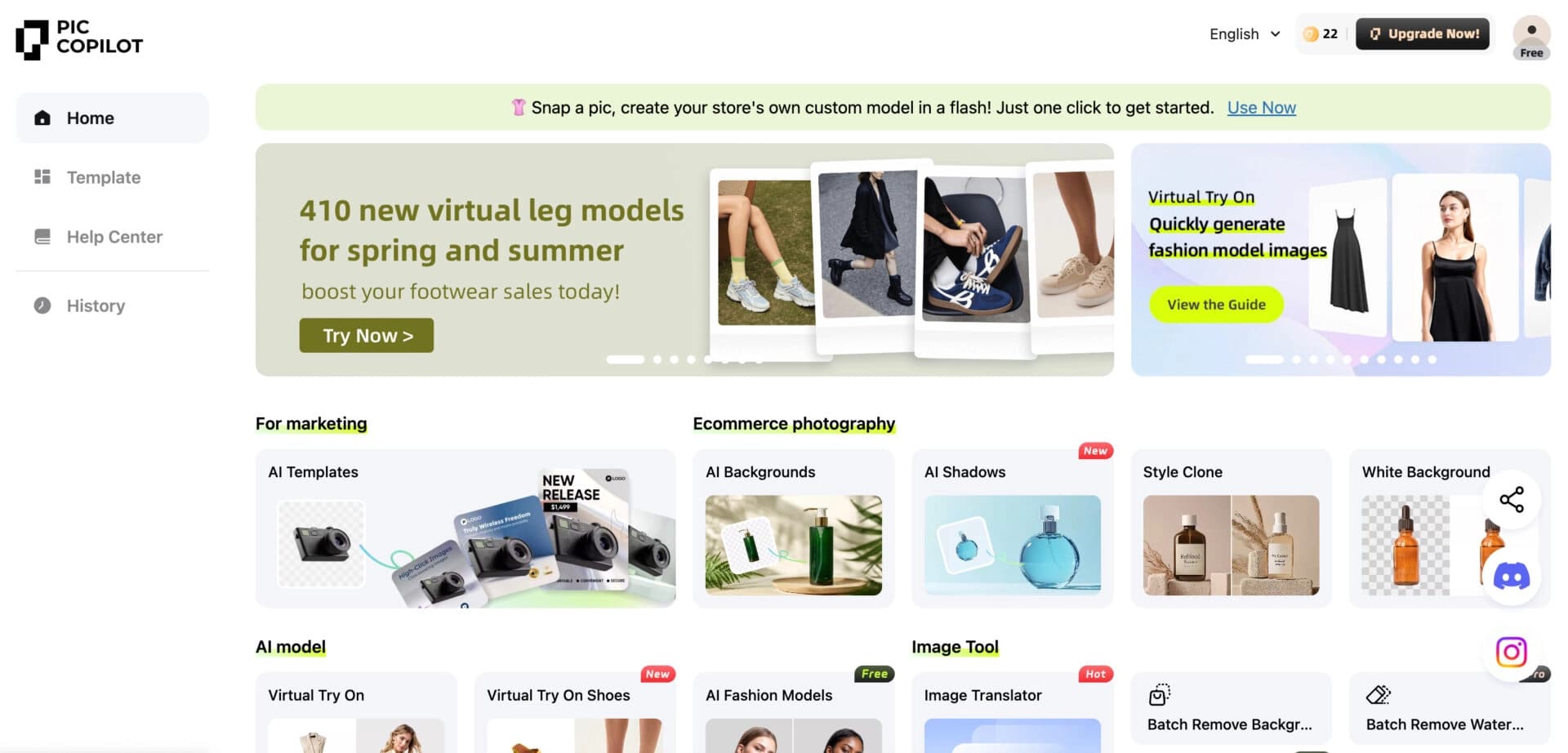

Neural network from Alibaba for processing and generating product images for online stores.
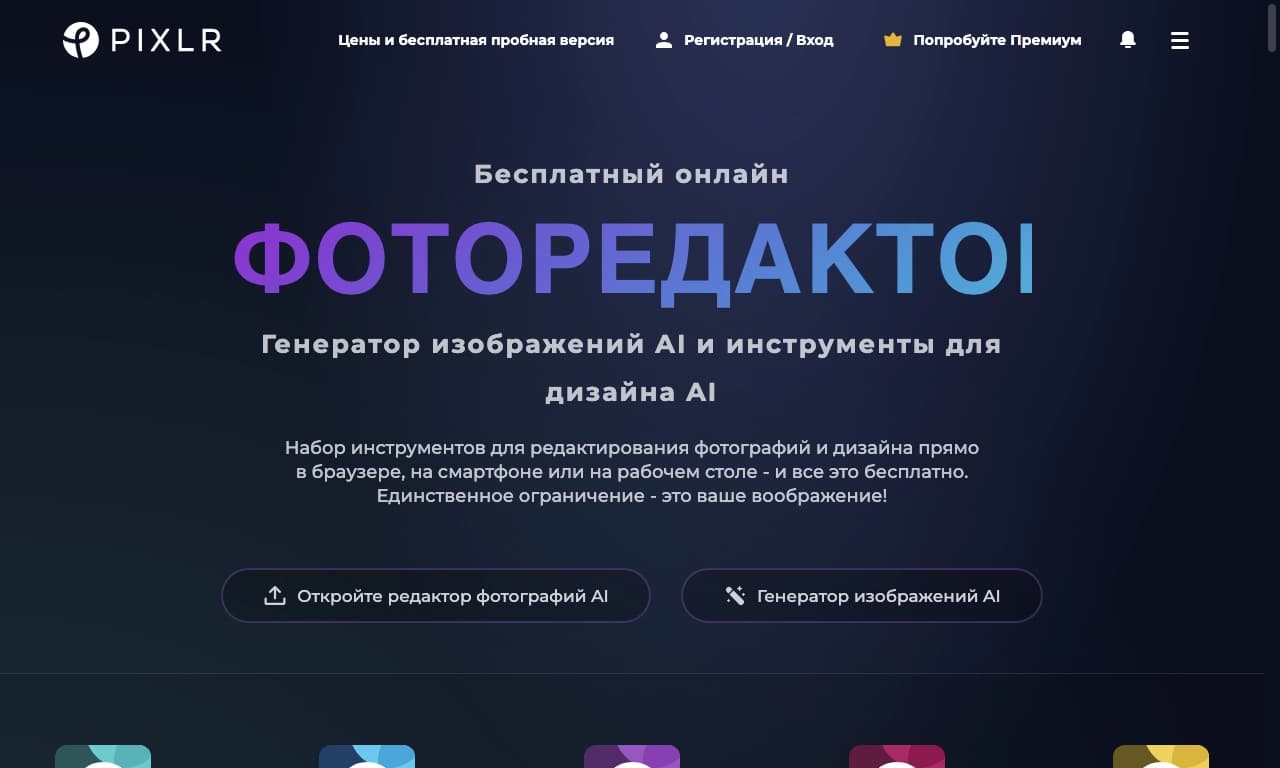

Online photo editor with AI-powered features.
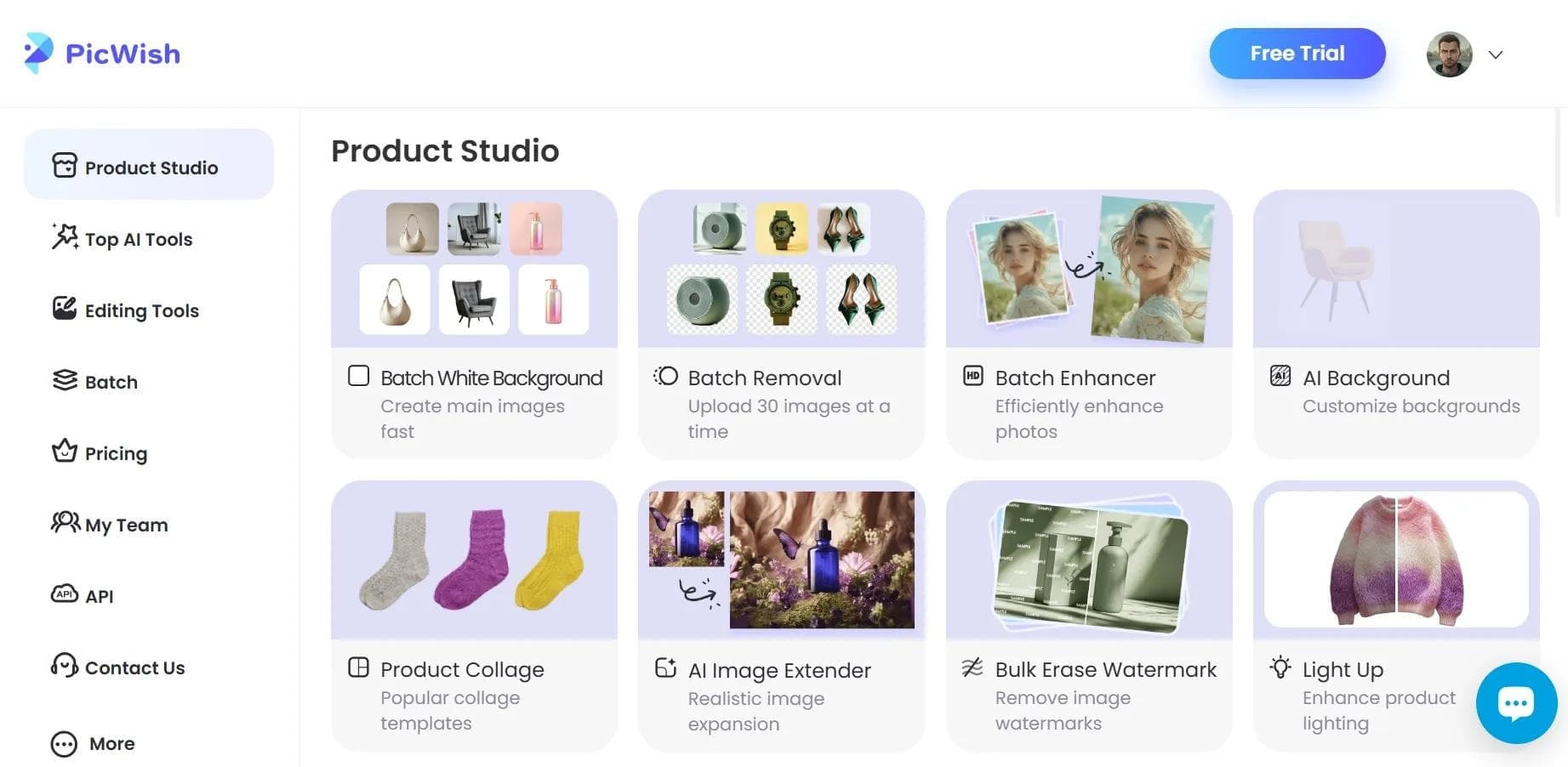

AI tool for automatic photo processing: background removal, quality enhancement, and image retouching.


AI-powered web service for automatically removing backgrounds from images in seconds.

Online platform for photo editing, collage creation, and graphic design using AI tools.
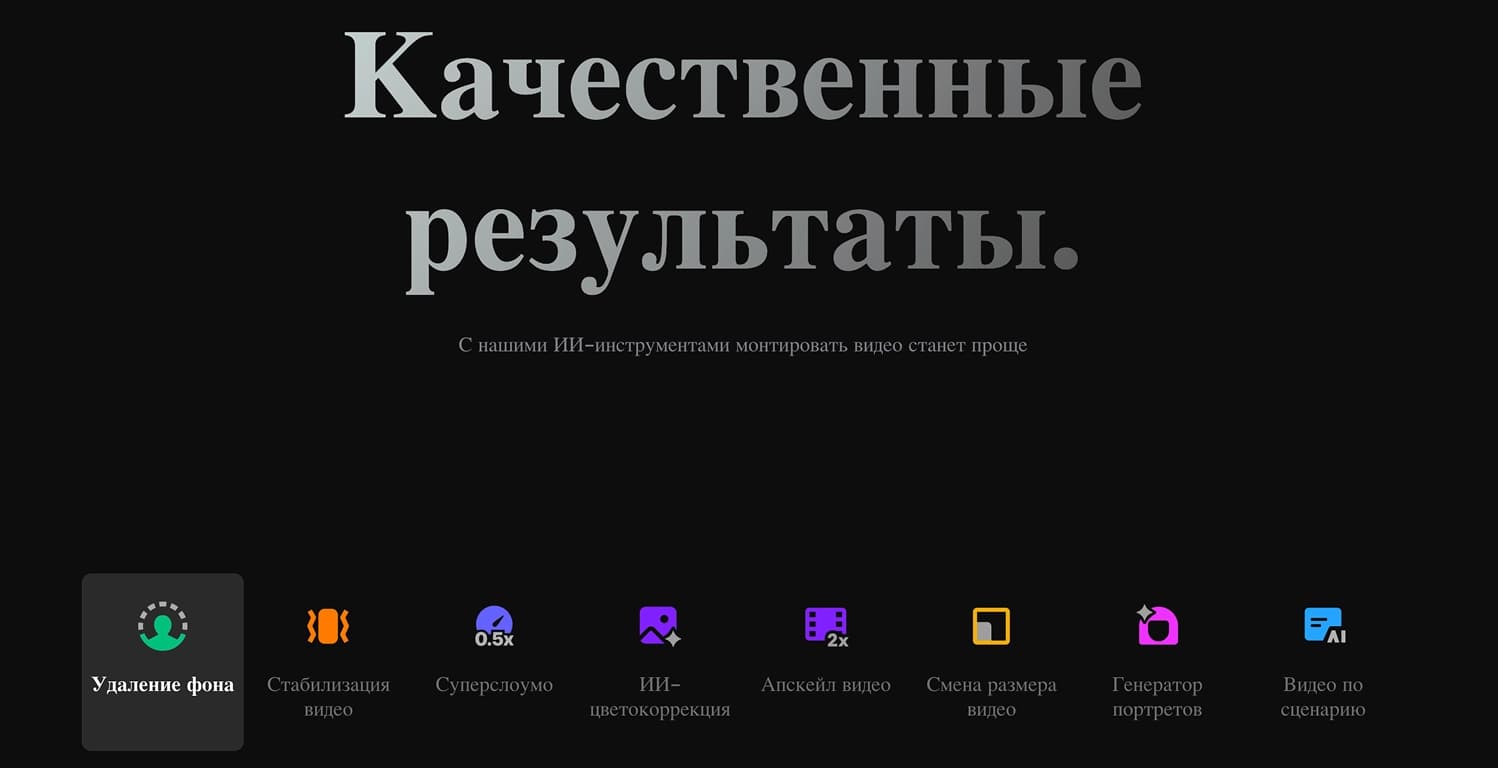

Cross-platform video editor with AI features for creating and editing videos.

AI photo editor for online stores that automatically changes backgrounds, generates realistic models for clothing try-on, and enhances product images.

Online video editor from Microsoft with AI-powered features for quick editing right in your browser.