

ChefGPT
AI assistant for meal planning, recipe generation, and diet management.
Overview
ChefGPT
ChefGPT Description
ChefGPT is an AI assistant for nutrition management that combines several key capabilities in one tool: calorie and ingredient recognition from food photos, recipe generation based on ingredients already in your fridge, and weekly meal planning tailored to the user's goals.
The tool is built on several specialized modules, each addressing its own task. PantryChef helps cook from available ingredients, MasterChef is designed for more complex dishes, MacrosChef handles macronutrient tracking, and MealPlanChef creates weekly meal plans. There is also a MixologyMaestro mode for making cocktails. The project is powered by GPT technologies and is focused on practical daily use — from quick dinners to well-thought-out long-term nutrition.
ChefGPT Features
| Feature | Value |
|---|---|
| Type | AI nutrition assistant |
| Category | Assistants, Entertainment, Recipes, Fitness, Personal assistant |
| Business model | Freemium |
| Free plan | Yes (10 recipe generations per month, meal plans up to 3 days) |
| Subscription cost | Paid subscription |
| Core modules | PantryChef, MasterChef, MacrosChef, MealPlanChef, MixologyMaestro |
| Key functions | Photo-based calorie counting, recipe generation, meal planning, shopping list |
Who is ChefGPT for?
People managing their nutrition
ChefGPT is useful for those who want to track their diet, count calories, and pay close attention to what is in their meals. The tool simplifies calorie tracking and helps maintain chosen dietary restrictions.
Those who cook from ingredients they already have
The assistant suits people who want to cook with what they already have at home without coming up with dishes from scratch. The recipe generation feature based on available ingredients is especially convenient for those tired of racking their brains over what to make for dinner.
Those planning meals several days ahead
The tool is designed for users who plan their diet in advance — for example, when losing weight, gaining muscle, or maintaining weight. It helps create a meal plan for several days and generate a matching shopping list.
How to use ChefGPT?
Start with the free version
The easiest way to get to know the tool is through the free plan. It lets you evaluate the core capabilities: a limited number of recipe generations per month and meal plans for up to a few days.
Use photo recognition
To count calories, simply take a photo of a meal — ChefGPT recognizes calorie content and ingredients from the image. This is convenient when eating out, where weighing food is not possible.
Set a goal and get a plan
You can list the ingredients in your fridge to get recipes based on them, or specify your goal (weight loss, muscle gain, weight maintenance) to generate a meal plan for several days.
Key features of ChefGPT
Food recognition from photos
ChefGPT automatically identifies calories and ingredients from a photo of a dish. This allows you to quickly estimate calorie intake without using kitchen scales.
Recipe generation
The tool suggests recipes based on the ingredients available in your fridge. Different modules are provided for different tasks: PantryChef for quick meals from available ingredients, MasterChef for complex dishes, and MixologyMaestro for cocktails.
Meal and shopping planning
MealPlanChef creates weekly meal plans based on calorie and macronutrient targets, as well as dietary restrictions and personal preferences. Additionally, the tool automatically generates a categorized shopping list.
ChefGPT advantages
Fast and convenient calorie counting
The ability to determine calorie content from a photo saves time and is convenient when eating out or visiting, where weighing food is not possible.
Saving ingredients and money
Generating recipes from available ingredients helps use leftovers, reduce food waste, and avoid unnecessary spending at the store.
A comprehensive approach to nutrition
ChefGPT not only selects dishes but also builds a ready weekly meal plan together with a shopping list, taking much of the routine planning work off your hands.
ChefGPT drawbacks
Free plan limitations
The free plan is significantly limited: only a restricted number of recipe generations per month is available, and meal plans can only cover a few days.
Recognition accuracy
Ingredient recognition from photos is not perfect — accuracy may be lower than desired, which should be taken into account when estimating calorie content.
What problems does ChefGPT solve?
Monitoring calorie intake
The tool helps track the calorie content of meals, including quickly determining it from a photo without extra equipment.
Finding recipes from available ingredients
ChefGPT solves the “what to cook from what I have” problem by suggesting dish options based on available ingredients.
Planning meals and shopping
The assistant creates a weekly meal plan based on goals and restrictions, and also generates a structured, categorized shopping list for the store.
ChefGPT pricing
ChefGPT operates on a freemium model. The free version includes a limited set of features: 10 recipe generations per month and meal plans of up to 3 days.
Full functionality is available through a paid subscription. It removes the restrictions of the free plan, adds automatic photo-based calorie counting, recipe history, and allows meal planning for up to 30 days.
ChefGPT terms of use
The tool has a free version with limits on the number of recipe generations and the duration of meal plans. Access to the full functionality — including automatic photo-based calorie counting, extended planning, and removal of limits — requires a paid subscription.
ChefGPT availability
ChefGPT is available to a wide range of users through a free plan, allowing you to evaluate the core capabilities before purchasing a subscription. The paid version unlocks the full set of features, including food recognition from photos and meal planning for up to a month. According to the project description, the tool has already helped save a significant number of meals, and that number continues to grow.
How ChefGPT differs from alternatives
ChefGPT stands out with its comprehensive approach to nutrition, combining several areas in one service: photo-based calorie recognition, recipe generation from available ingredients, macronutrient tracking, and weekly meal planning. The presence of dedicated specialized modules (PantryChef, MasterChef, MacrosChef, MealPlanChef, MixologyMaestro) makes it possible to handle different culinary tasks within a single tool.
Another difference is the practical focus on saving: the ability to cook from leftover ingredients and automatically generate a shopping list reduces food waste and simplifies trips to the store. At the same time, like many similar tools, ChefGPT splits access between a limited free plan and a paid subscription for full functionality.
Conclusion
ChefGPT is a practical AI assistant for nutrition management that combines photo-based calorie counting, recipe selection from available ingredients, and weekly meal planning. Its multiple specialized modules make it versatile for different culinary tasks, while the free version allows you to evaluate the core capabilities before subscribing. For those who want to simplify meal planning, reduce waste, and monitor calorie intake, ChefGPT offers a convenient all-in-one solution whose full functionality is unlocked with a subscription.
Pricing
Frequently asked questions
See also

A platform for generating personalized soundscapes that adapt to the user's state in real time.

A wearable fitness tracker without a screen for monitoring health, activity, and sleep with recovery analysis.
A digital fitness service that creates personalized HIIT workouts and adaptive plans without the need for a gym.
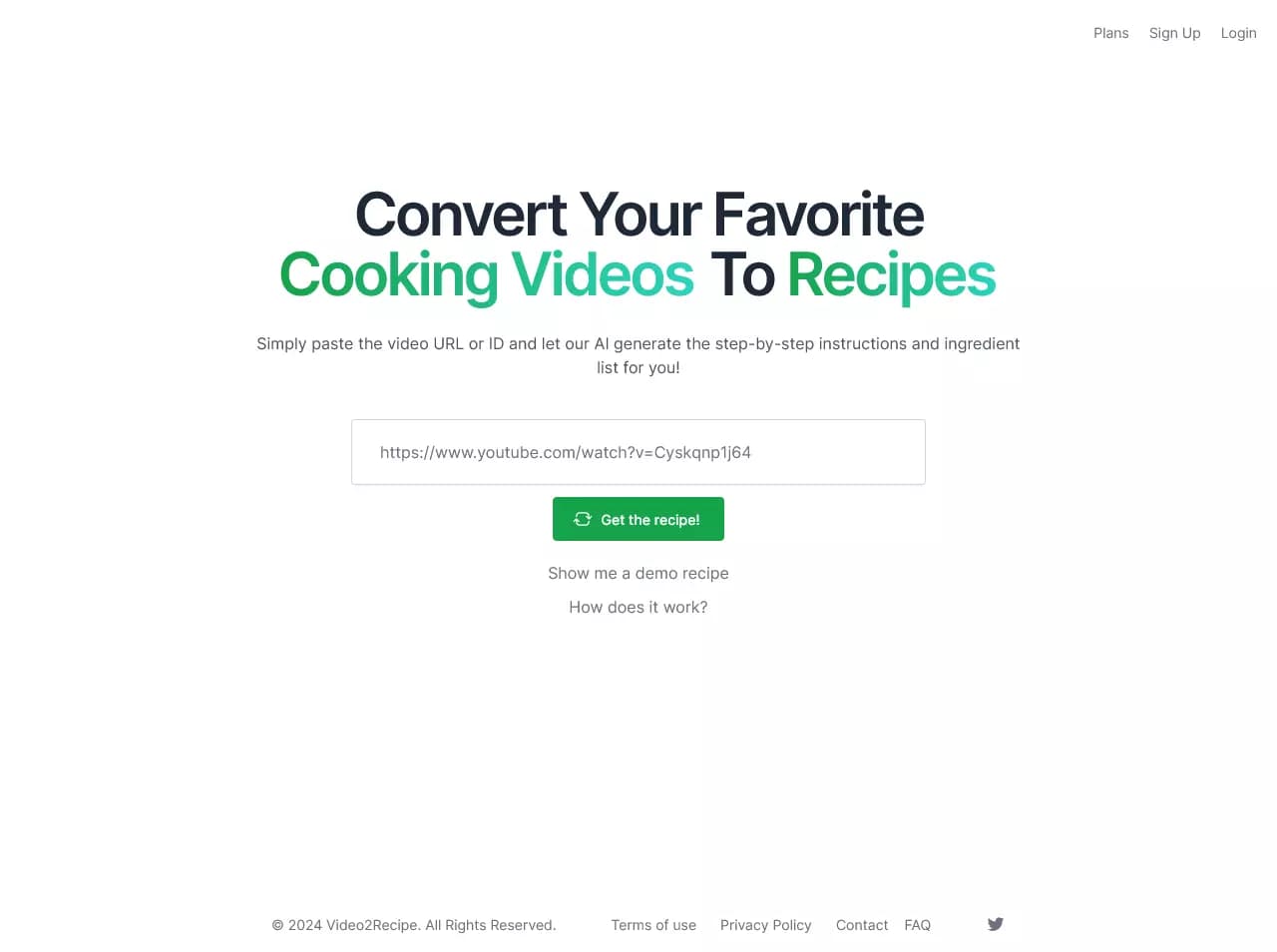

AI-powered service that converts cooking videos into step-by-step text recipes with ingredient lists.