

Checkget
AI-powered browser extension and web editor for working with text and using ChatGPT on any website.
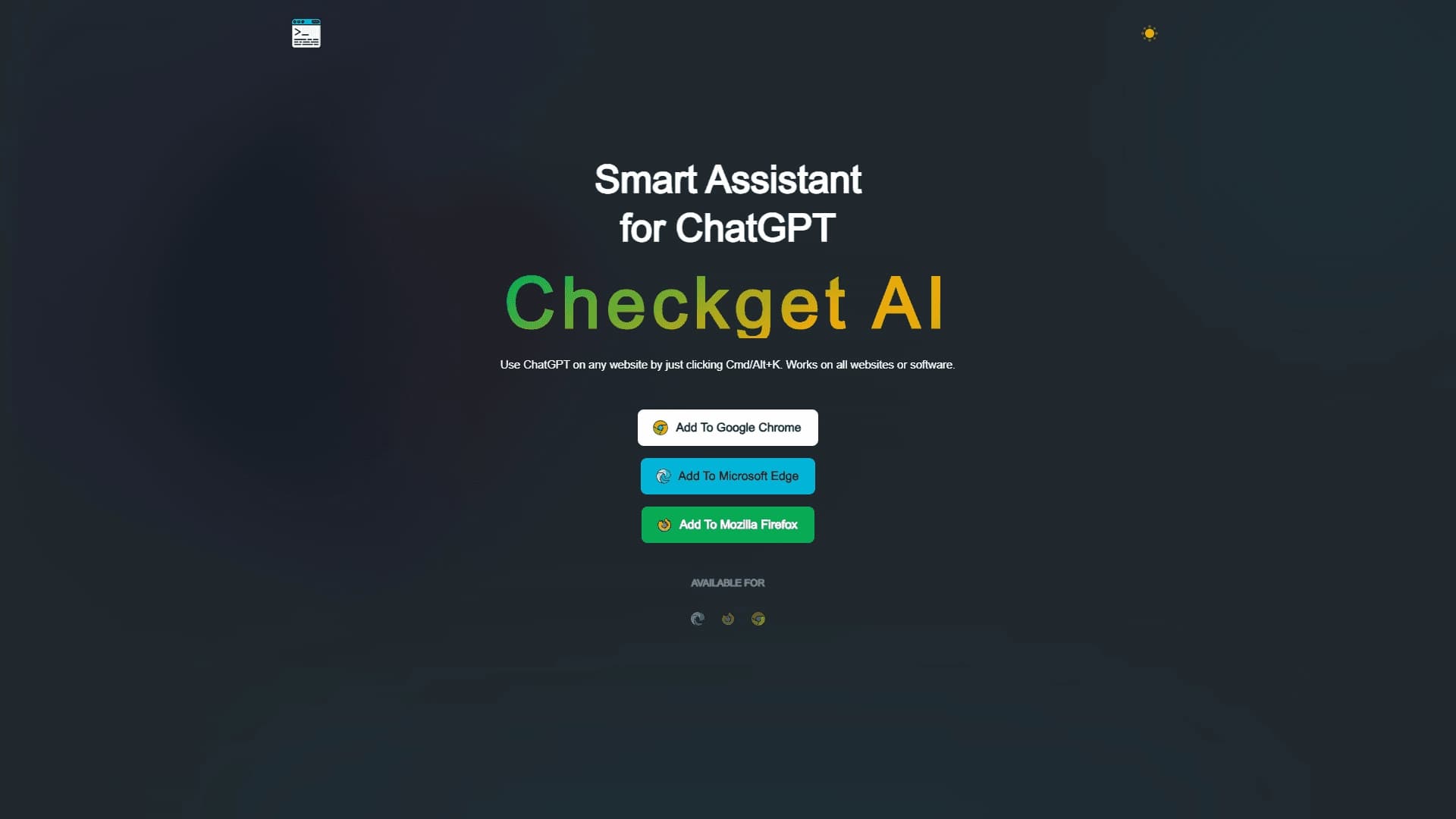
Overview
Checkget
Description of Checkget AI
Checkget is an AI-powered tool that combines two working formats: a browser extension and a web editor. The main idea of the service is to make interacting with ChatGPT as fast and natural as possible, without forcing users to switch between tabs and copy text back and forth.
The browser extension lets you invoke the assistant on any website using keyboard shortcuts. At the same time, the tool automatically recognizes the context and selects the appropriate response format — whether it is a reply to a business email, an explanation of a code snippet, or a brief summary of a long text.
In addition, Checkget includes a full-fledged AI text editor. You can use it to summarize lengthy materials, translate text, check grammar and spelling, and change the tone of writing. This approach helps users stay in a working flow and handle routine text tasks more quickly without being distracted by other tools.
Checkget characteristics
| Characteristic | Value |
|---|---|
| Type | Smart ChatGPT assistant (browser extension) and AI text editor |
| Categories | AI assistants, Browser extensions, Grammar checking, Translation, Productivity |
| Supported browsers | Google Chrome, Microsoft Edge, Mozilla Firefox |
| Platforms | Web, browser extensions for Chrome and Edge |
| Distribution model | Freemium |
| Editorial rating | 8.9 out of 10 |
| User rating | 4.4 out of 5 |
| Website | checkget.com |
| Regional availability | May require VPN in some regions |
Who is Checkget AI for?
Office workers and those who work heavily with email
For users who write and process business emails every day, Checkget is useful for quickly preparing replies. The assistant automatically recognizes the email scenario and helps formulate a response directly in the browser window, without switching to a separate application.
Programmers and developers
The code explanation feature makes the tool useful for developers. By selecting a code fragment on any website, you can ask the assistant to explain its logic or analyze it — right in the context of the current page.
Those who constantly work with texts
Editors, translators, students, and anyone who regularly deals with large volumes of text will find value in the summarization, translation, grammar checking, and tone adjustment features. All of this is available through the web version and directly while working in the browser.
How to use Checkget AI?
Installing the extension
To get started, you need to install the Checkget extension in one of the supported browsers: Google Chrome, Microsoft Edge, or Mozilla Firefox. After installation, the tool becomes available on top of any open page.
Invoking the assistant with hotkeys
To open the Checkget panel over the current page, use the ⌘+K shortcut on macOS or Alt+K on Windows. To work with a specific fragment, just select the desired text and press the hotkeys — the assistant will determine the context on its own.
Automatic response format selection
One of the key features is automatic scenario recognition. Depending on what you are working with, the tool will suggest the appropriate format: paraphrasing, a brief summary, code explanation, or an email reply. This eliminates the need to formulate your request manually.
Key features of Checkget
Call ChatGPT on any website
The tool's main function is to call ChatGPT in one click on top of any website or application. It works without copying text or switching tabs: the assistant appears in a small window next to the current page.
Automatic scenario recognition
Checkget can determine the type of task based on context. The tool itself understands whether you need an email reply, code explanation, paraphrasing, or a brief summary, and immediately offers the result in the right format.
Contextual work with selected text
Using hotkeys, you can work with any selected text fragment directly on the page — without moving it to a separate application. The web editor extends these capabilities with summarization, translation, grammar and spelling correction, and tone adjustment features.
Advantages of Checkget
Time savings
One of the key advantages is significant time savings. Users no longer need to copy text, switch to a separate ChatGPT tab, find the right query, and come back. The entire process happens in one place.
Preserving workflow
Because the tool works over the current page, users are not distracted by switching between tabs. This helps maintain concentration and stay in a working flow.
Natural AI integration
Thanks to hotkeys and automatic context recognition, using AI becomes a natural part of the browser workflow rather than an extra tedious step.
Disadvantages of Checkget
Unfortunately, the available source data about the service mentions only one significant limitation: in some regions, access to Checkget may require the use of a VPN. The available materials do not contain complete information about other drawbacks, limitations of the free plan, or possible interface inconveniences, so we cannot provide specific data on these points without risking distorted facts.
What tasks does Checkget solve?
The tool helps with a wide range of everyday text and web-related tasks, including:
- communicating with ChatGPT on any website without switching between tabs;
- quickly writing replies to emails;
- explaining and analyzing code;
- paraphrasing text;
- creating brief summaries;
- checking grammar and spelling;
- translating text;
- adjusting the tone of writing;
- improving overall text quality.
Checkget pricing
Checkget's distribution model is freemium, meaning the service combines a free version and paid plans with extended functionality. However, the specific terms of the free plan and the cost of paid subscriptions are not specified in the provided source data, so exact figures and pricing details cannot be given without risking misrepresenting actual information. We recommend checking the precise tariff details directly on the official website of the tool at checkget.com.
Checkget terms of use
The main condition for getting started is installing the extension in one of the supported browsers: Google Chrome, Microsoft Edge, or Mozilla Firefox. No additional restrictions or special requirements are specified on the tool's description page.
Like most ChatGPT-based tools, Checkget relies on an external AI model, so texts sent to the assistant are processed accordingly. Otherwise, the service has no special requirements for users and is available provided you have an account or the installed extension.
Checkget availability
The tool is available as browser extensions for Google Chrome, Microsoft Edge, and Mozilla Firefox, as well as through the web version on the official website checkget.com. The source data does not include information about supported languages or regions.
It is worth noting an important nuance: access to the service may be restricted in some regions and require the use of a VPN.
How Checkget differs from alternatives
The main difference between Checkget and most similar solutions is the combination of two capabilities in one tool. On the one hand, it provides quick access to ChatGPT on any website through hotkeys with automatic context recognition. On the other, it offers a full-fledged web editor with summarization, translation, grammar checking, and tone adjustment features.
The key feature is the automatic adaptation of the response format to the scenario. Users do not need to formulate a separate request for each task: the tool itself determines whether an email reply, code explanation, paraphrasing, or a brief summary is needed.
Conclusion
Checkget is a versatile browser assistant that integrates ChatGPT capabilities into everyday work on any website. Combining hotkey invocation of the AI, automatic context recognition, and a built-in text editor with summarization, translation, and grammar checking functions, the tool is a convenient helper for those who work extensively with text and correspondence. By handling routine tasks without switching between tabs, Checkget helps save noticeable time and stay in a working flow, although access may be restricted in some regions and require a VPN.
Frequently asked questions
See also


Free online platform with over 150 AI tools for working with PDFs, images, videos, and text.


AI assistant for checking grammar, spelling, and style of English text, available as a browser extension and web editor.
A sales automation platform that combines customer prospecting, deal management, and AI-powered forecasting.
AI editor for creating, editing, and publishing content with templates and prompts.

Financial platform with an AI assistant for managing accounting, taxes, and budgets.

Platform for interview preparation with AI mock interviews and real-time support.
Enterprise language model platform focused on privacy and on-premise deployment.
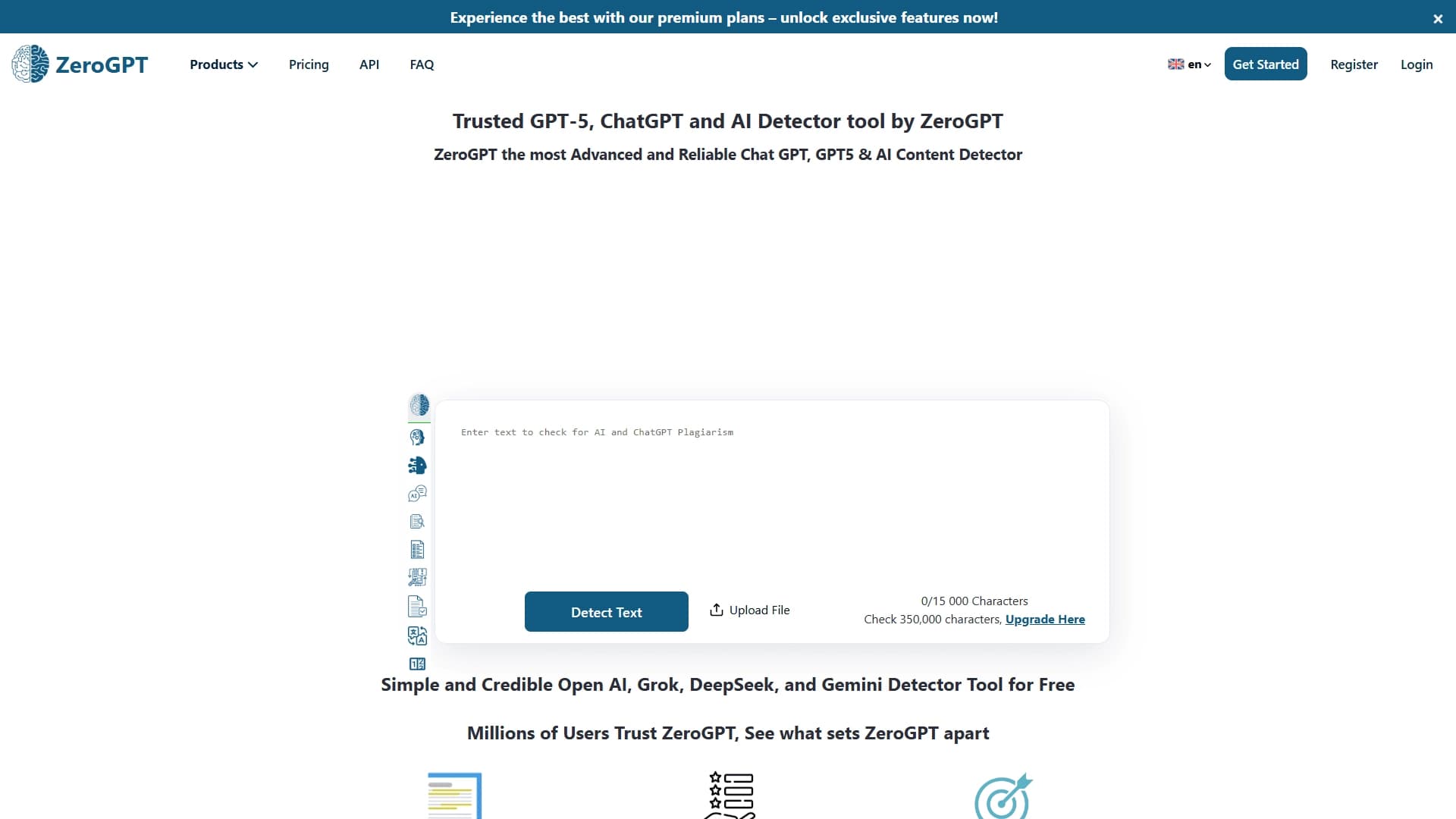

An online detector that determines whether text was created by a human or generated by neural networks.