

Blend
AI tool for removing backgrounds and creating professional backgrounds for product photos.
Overview
Blend
About Blend
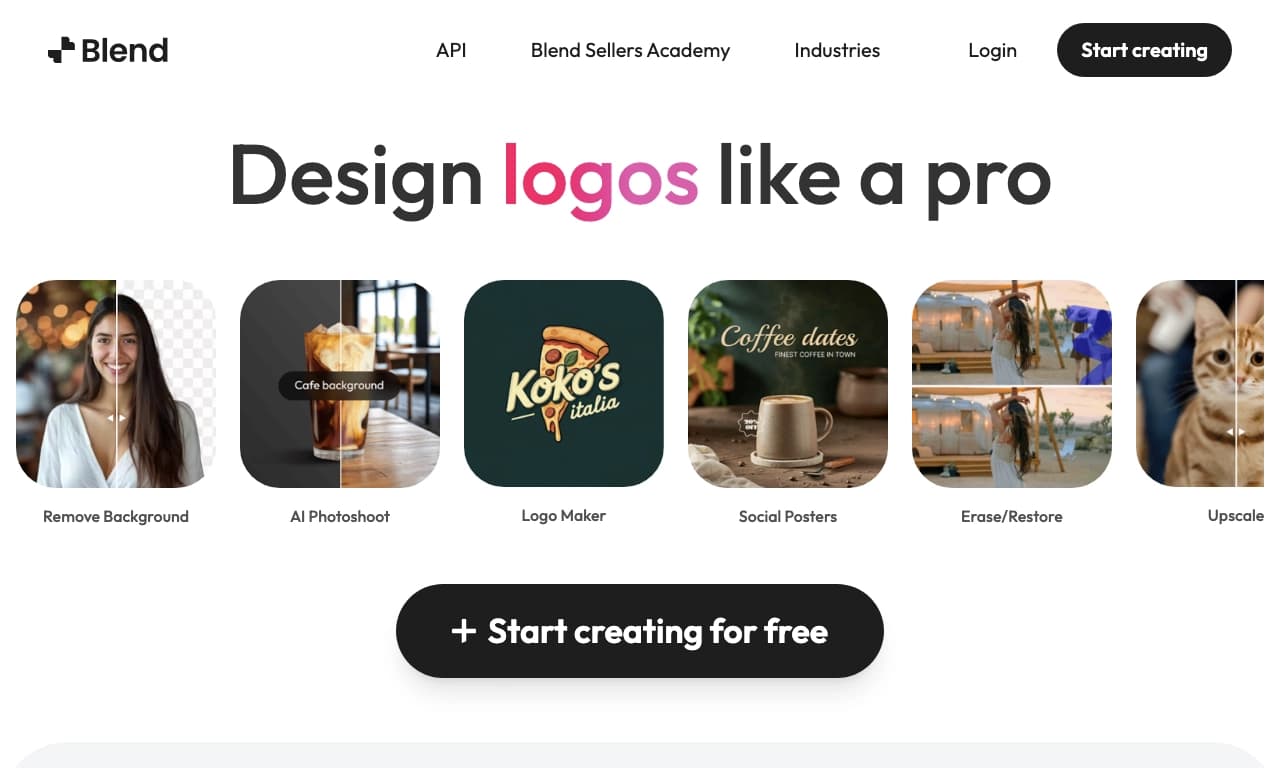
Blend is an AI-powered image tool that specializes in background removal and creating professional backgrounds for product photos. The core idea of the service is simple: the user uploads a photo of their product, and the AI handles the rest — carefully cutting out the object and, if needed, generating a suitable background for it.
The tool provides precise edge detection and creates high-resolution images suitable for catalogs, online stores, social media, and advertising materials. Blend aims to speed up and simplify visual content production for businesses, saving users from manually cutting out objects or hiring designers.
The service is aimed at those who regularly work with product images and want to get high-quality results quickly. Blend is stated to be available in a web browser as well as on iOS and Android mobile platforms, making it convenient to use both on a computer and from a smartphone.
Blend specifications
| Characteristic | Value |
|---|---|
| Tool type | AI tool for working with images |
| Categories | Background removal, background generation, image editing, photography |
| Platforms | Web, iOS, Android |
| Editorial rating | 8.5 out of 10 |
| User rating | 4.3 out of 5 |
| Primary purpose | Improving product photos |
Who is Blend for?
Entrepreneurs and store owners
Blend is primarily designed for entrepreneurs who want to improve the visual presentation of their products. High-quality product photos directly affect sales and SEO, so online store and catalog owners can use this tool to quickly give their product images a professional look without relying on third-party specialists.
Designers
For designers, Blend is useful as an everyday workflow tool. Removing backgrounds from images and preparing elements for layouts and catalogs are tasks the AI handles quickly and effortlessly, freeing up time for more creative work.
Marketers and content creators
For marketers and content creators, the tool helps prepare graphics for social media and advertising materials. The ability to quickly replace backgrounds and get high-resolution images makes Blend useful when creating visual content for promotion.
How to use Blend?
Using the service is quite simple, as it works on an “upload an image — get a result” basis.
Uploading a photo
The first step is to upload a photo of your product to the tool. This can be done through a web browser on a computer or from a mobile device, as the service supports iOS and Android.
Image processing
After uploading, the AI automatically detects the object in the photo and removes the background with precise edge selection. If necessary, you can generate a new professional background using AI by choosing a suitable option for your product.
Using the result
The finished high-resolution image can be used for catalogs, social media, online stores, or advertising materials. Blend makes the whole process automatic, so manual refinement is usually not required.
Main features of Blend
Background removal
The key feature of the service is automatic background removal from photos. The AI processes images instantly and accurately, neatly isolating the object along its edges.
Generating professional backgrounds
Instead of leaving a plain transparent background, Blend lets you create a new one with AI. This allows businesses to get stylish, professional product shots without a photo studio or expensive props.
Design tools and templates
In addition to background work, the service includes design templates and basic editing tools. This allows you to create ready-made visual materials for your business within a single workflow.
Advantages of Blend
Blend’s main advantage is speed and automation. Uploading a single photo gives you an instant result with the background removed, without manual object selection. The tool focuses on quality, ensuring precise edge detection even in complex images.
Processed results are high-resolution, which is important for print and catalog publication. The generated images are suitable for online stores, social media, and advertising, covering a wide range of business needs.
Versatility is also a plus: the service is available on multiple platforms — web browser, iOS, and Android. The high editorial rating (8.5 out of 10) and solid user rating (4.3) confirm that the tool does its job well.
Drawbacks of Blend
The main and most noticeable drawback is the service’s limited availability in certain regions, which can create additional inconvenience for some users.
It’s also worth noting that the service is primarily focused on product photography, so its capabilities in other areas of editing are limited. The editorial team highlights this niche as the tool’s main specialization, rather than a universal solution for every use case.
What tasks does Blend solve?
Blend covers tasks related to preparing high-quality images for commercial purposes. First of all, it removes backgrounds from product photos — one of the most common operations when preparing visual content for catalogs and stores.
The tool also helps with image editing in general and handles design tasks: creating professional backgrounds, working with templates, and preparing graphics for publications. For entrepreneurs, it matters that improved photos positively affect sales and SEO, and Blend delivers this effect without a significant time investment.
Blend pricing
Reliable information about Blend pricing is not available in the source data. Subscription costs, the availability of a free plan, and payment terms are not disclosed in available sources. For current pricing information, we recommend visiting the tool’s official website.
Blend terms of use
Detailed terms of use for the service, including requirements for uploaded images, processing volume limits, and rights to generated materials, are not disclosed in the source data. It is only known that the tool works by uploading a product photo and automatically processing it, and that it can be accessed through a web browser and mobile apps on iOS and Android. To review the full terms, you should visit the official website.
Blend availability
The service is available to users on multiple platforms. First of all, there is a web version that works through a browser on a computer. Support for the iOS and Android mobile operating systems is also stated, allowing images to be processed from a smartphone anywhere.
As for geographic availability, there may be regional restrictions that make using the service less convenient for some users and could become a deciding factor when choosing between Blend and similar tools.
How Blend differs from alternatives
Blend stands out from other services with its clear focus on background removal and creating professional backgrounds for product photos. Instead of a universal editor with dozens of features, the tool offers a focused set of capabilities
Frequently asked questions

See also

Neural network from Alibaba for processing and generating product images for online stores.


Online photo editor with AI-powered features.
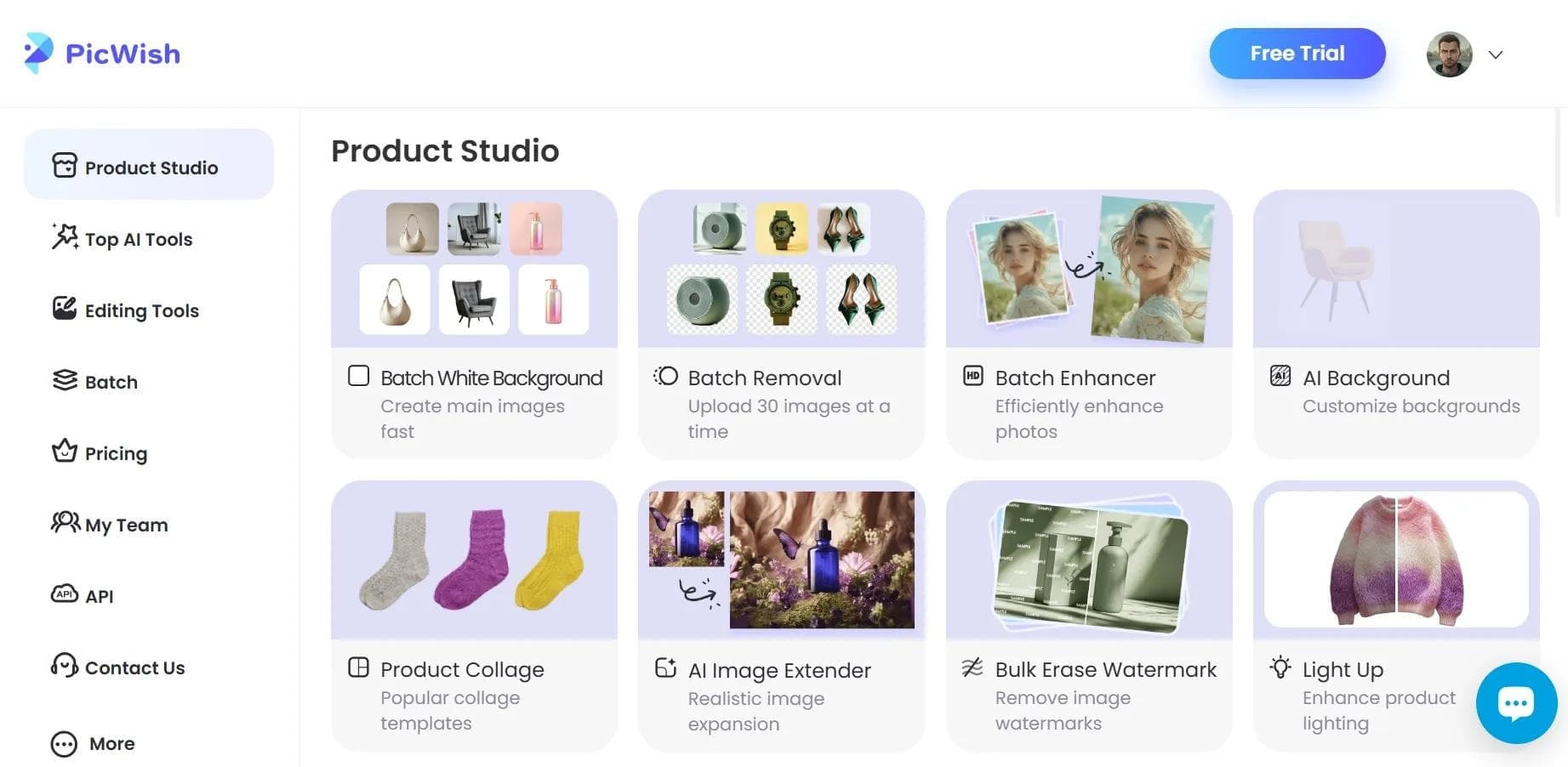

AI tool for automatic photo processing: background removal, quality enhancement, and image retouching.


AI-powered web service for automatically removing backgrounds from images in seconds.

Online platform for photo editing, collage creation, and graphic design using AI tools.

Cross-platform video editor with AI features for creating and editing videos.

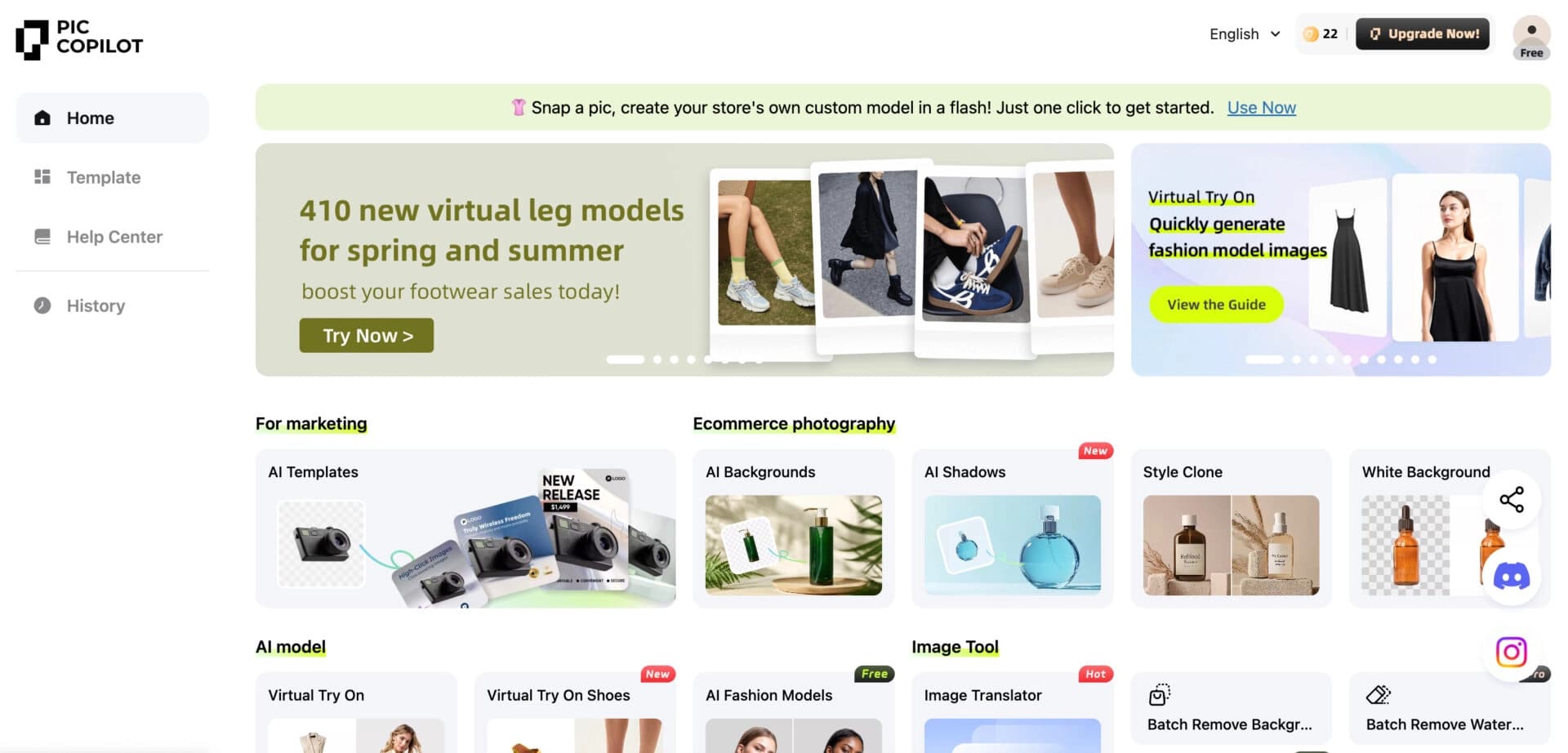
AI photo editor for online stores that automatically changes backgrounds, generates realistic models for clothing try-on, and enhances product images.

Online video editor from Microsoft with AI-powered features for quick editing right in your browser.