

BeFunky
Online platform for photo editing, collage creation, and graphic design using AI tools.
Overview
BeFunky
Description of BeFunky
BeFunky is an online platform for photo editing, collage creation, and graphic design that runs directly in the browser with no need to install software. The service combines three core areas—photo editor, collage maker, and graphic design tools—in one interface. The platform is built on AI technologies that automate tasks such as background removal, applying artistic filters, and batch processing multiple images at once. BeFunky suits both beginners and experienced users: the basic version provides the essential toolkit for quick editing, while advanced features are unlocked through a paid subscription.
BeFunky Features
| Characteristic | Value |
|---|---|
| Type | Design assistant, Image editing |
| Categories | Image editing, Graphic design, Background removal, Photo enhancement, Collage creation |
| Platform | Web (browser), mobile app, Chrome extension |
| Business model | Freemium |
| Developer | BeFunky Inc. |
| Date added to the catalog | July 7, 2024 |
| Monthly visits | 6.7M (main site), 850K (Chrome extension) |
Who Is BeFunky For?
Photographers and designers
BeFunky is suitable for photographers who need to process images quickly—retouching portraits, removing backgrounds, or applying artistic effects. Designers can use the platform to create marketing materials, posters, and flyers using ready-made templates.
Content creators and social media managers
For those who regularly publish visual content on social networks, BeFunky offers tools for quick photo editing, collage creation, and post design. Batch processing lets you edit multiple images at once, saving time when preparing materials for social media.
Small business owners and DIY enthusiasts
The platform suits small business owners who handle their own visual design—from retouching product photos to creating advertising banners. The service is also designed for users of any skill level, including hobbyists who want to improve their personal photos.
How to Use BeFunky
Getting started on the website
To start using BeFunky, simply open the service website in your browser. Registration is optional—you can upload a photo right away and begin editing. Creating an account is required to access advanced features and save projects.
Choosing a work mode
After entering the platform, choose one of three main modes: Photo Editor, Graphic Designer, or Collage Maker. Each mode provides a corresponding set of tools and templates.
Editing and saving the result
In the selected mode, upload a photo or choose a ready-made template. After applying filters, effects, cropping, or other changes, you can save the result to your device, share it on social networks, or export it in the desired format.
Key Features of BeFunky
AI photo editor
BeFunky provides tools for cropping, stretching, and enhancing photos with pixel-level precision. The built-in AI tool removes backgrounds in one click—no manual object selection needed. Portrait retouching and a collection of artistic filters that mimic paintings, sketches, and cartoon images are also available.
Collage creation and graphic design
The platform includes ready-made grid templates for collages with drag-and-drop photo placement. In graphic design mode, templates for posters, flyers, and other materials are available, along with a library of stock images and vector icons.
Batch image processing
One of the key features is batch photo editing. You can apply cropping, resizing, or filters to multiple images at the same time. This is especially convenient when preparing a large number of photos for a website or social networks.
BeFunky Advantages
All in one platform
BeFunky combines a photo editor, collage maker, and graphic design tools—no need to switch between different apps. The interface is simple and intuitive, and you can get the hang of it in a couple of minutes.
Intelligent automation
AI background removal works automatically and doesn't require manual selection, speeding up the process. Batch processing allows you to edit a large number of photos at once, saving hours of work.
Accessible to all skill levels
The platform suits both beginners and professionals thanks to its intuitive interface. It provides access to over one million free stock images and thousands of vector graphics, as well as working across multiple devices, including mobile apps.
BeFunky Disadvantages
Free version limitations
Many advanced features and filters are only available with a paid subscription. The free version may display ads. Full access to AI tools and batch processing requires purchasing a paid plan.
Dependence on internet connection
BeFunky works only online—without a stable internet connection, you cannot use the service. A poor connection can slow down the work.
Template-like effects and processing quality
Some filters and effects may seem template-like, which limits freedom for unique creative work. Automatic processing can reduce photo quality—sharpness may be lost and colors distorted. In addition, there is no built-in collaboration feature—each user edits files separately.
What Tasks Does BeFunky Solve?
Editing and enhancing photos
BeFunky lets you crop, retouch, enhance, and apply artistic effects to individual images. You can turn an ordinary photo into a comic, sketch, or digital painting, and also remove the background from an image.
Creating content for social media and marketing
The platform is suitable for preparing photos for social media posts, retouching selfies, creating marketing materials, and designing posters and flyers. Ready-made templates and tools for quick layout are available.
Collages and batch processing
Using templates, you can assemble collages for family albums, events, or social networks. Batch editing lets you quickly process a large number of photos—for example, for an online store or website.
BeFunky Pricing
BeFunky operates on a freemium model. The free plan provides access to basic editing tools, collage creation, and a limited set of premium features, but may contain ads.
The paid Plus plan starts at $6.99 per month with monthly billing and includes the full set of premium features, batch processing, and the complete AI package without ads. Some sources also mention additional paid tiers with extended features and priority support, as well as a business plan with team capabilities. Registration does not require entering credit card details.
BeFunky Terms of Use
To get started, registration is not required—you can edit photos immediately without creating an account. However, using advanced features and saving projects may require registration or signing in to an account on the website. The free version has limited functionality and may show ads. To use the Chrome extension, you need to install it from the Chrome Web Store.
BeFunky Availability
BeFunky works in the browser on any device with an internet connection. A mobile app for smartphones and tablets is also available, letting you edit photos, create collages, and apply effects on the go. Chrome users can install an extension that embeds the editor directly in the browser—no need to visit other websites. According to traffic data, the service is used in the United States, the United Kingdom, Mexico, Spain, India, and other countries.
How BeFunky Differs from Alternatives
BeFunky is positioned as an all-in-one platform (a “Swiss Army knife” in the world of photo processing), combining three areas: photo editing, collage creation, and graphic design. Its main competitors are Canva, PicMonkey, GIMP, Fotor, and Adobe Photoshop. Unlike GIMP and Photoshop, BeFunky does not require installation and works entirely online, making it easier for beginners to get started. Compared with Canva, BeFunky places greater emphasis on photo editing and batch processing, but does not provide built-in collaboration tools. What sets BeFunky apart from PicMonkey and Fotor is its wide range of artistic filters and AI features, such as automatic background removal. At the same time, the platform is not open source and does not support direct integration with AI agents or external automation.
Conclusion
BeFunky is a simple yet feature-rich online platform for photo editing, collage creation, and graphic design powered by artificial intelligence. The service is well suited for quick photo processing, preparing materials for social media, and handling basic design tasks. Its main advantages are a user-friendly interface, browser-based operation with no installation, and automation of routine tasks (background removal, batch processing). However, some features are available only through a paid subscription, and the service requires a stable internet connection. BeFunky is a good choice for users who need a versatile tool without a steep learning curve, but for professional tasks with high demands on uniqueness and processing quality, its capabilities may not be enough.
Frequently asked questions
Similar AI tools
See also
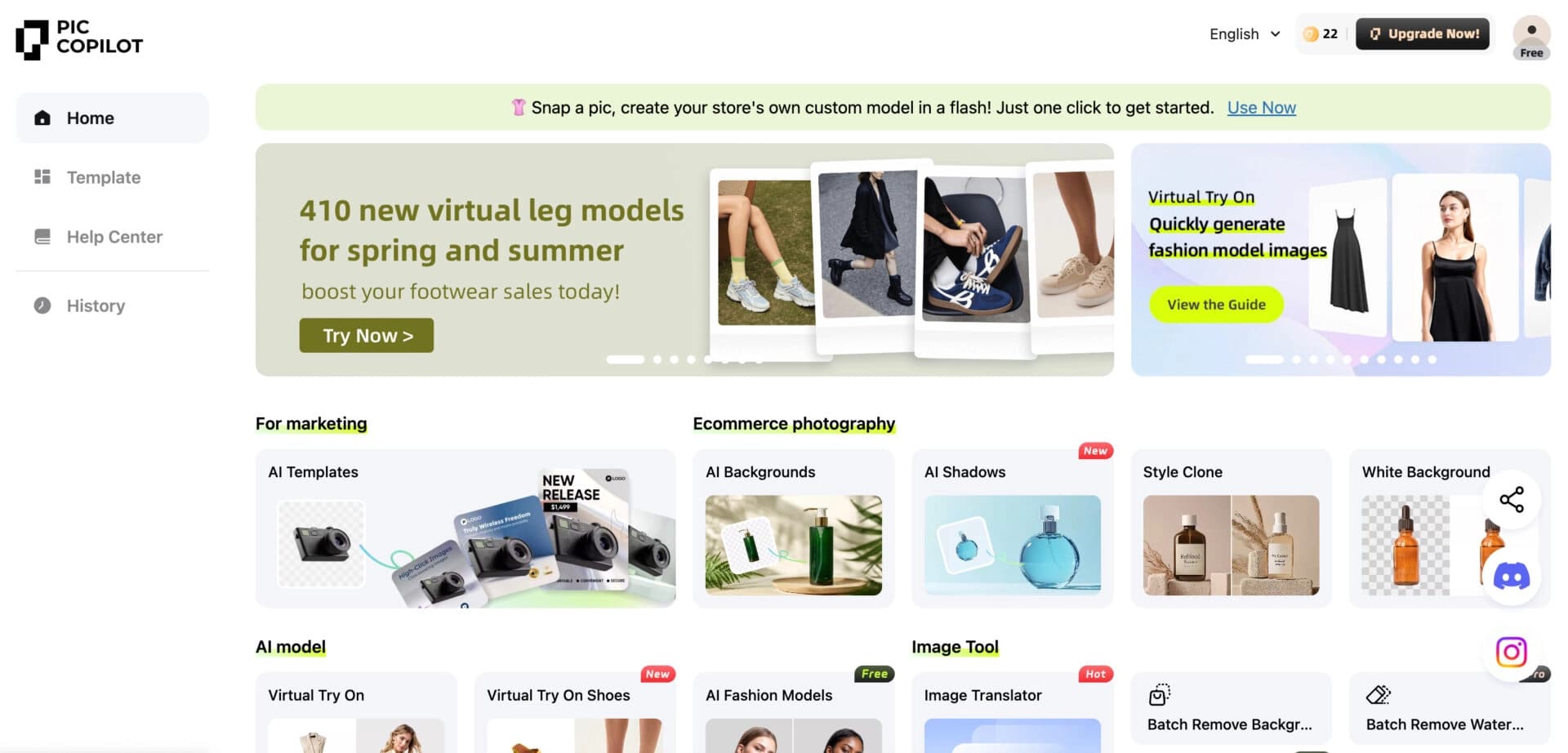

Neural network from Alibaba for processing and generating product images for online stores.


Online photo editor with AI-powered features.
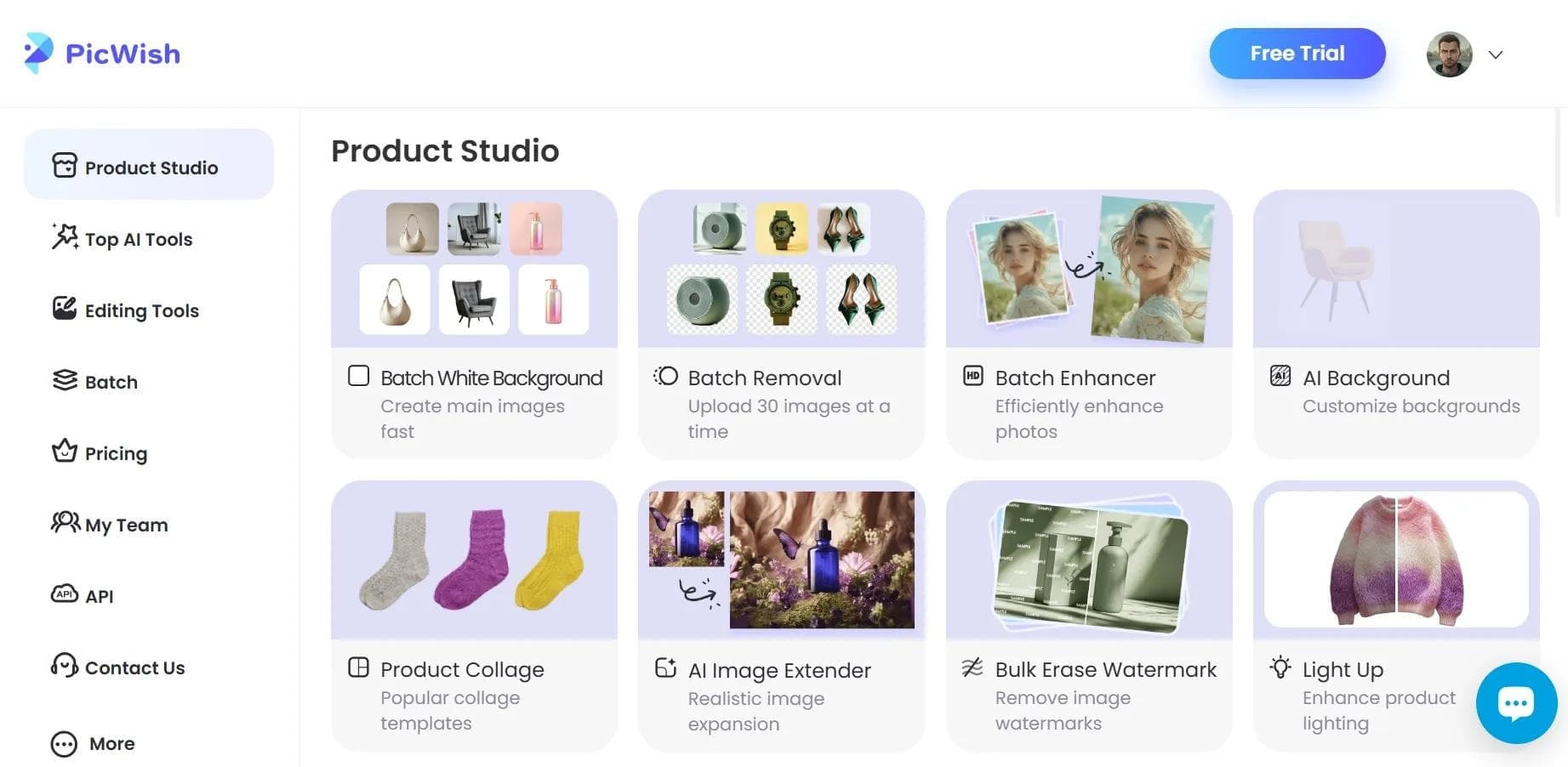

AI tool for automatic photo processing: background removal, quality enhancement, and image retouching.


AI-powered web service for automatically removing backgrounds from images in seconds.
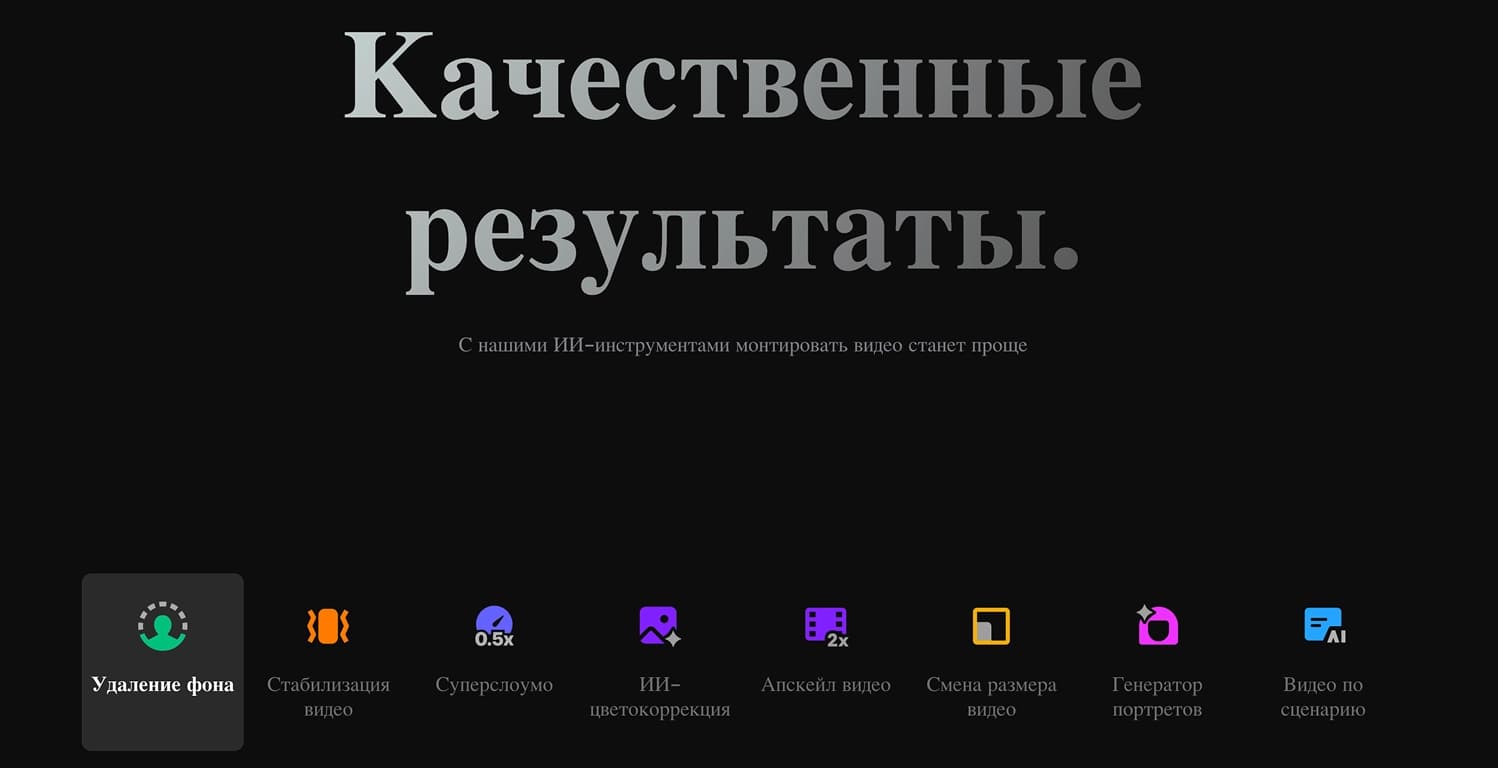

Cross-platform video editor with AI features for creating and editing videos.


AI photo editor for online stores that automatically changes backgrounds, generates realistic models for clothing try-on, and enhances product images.
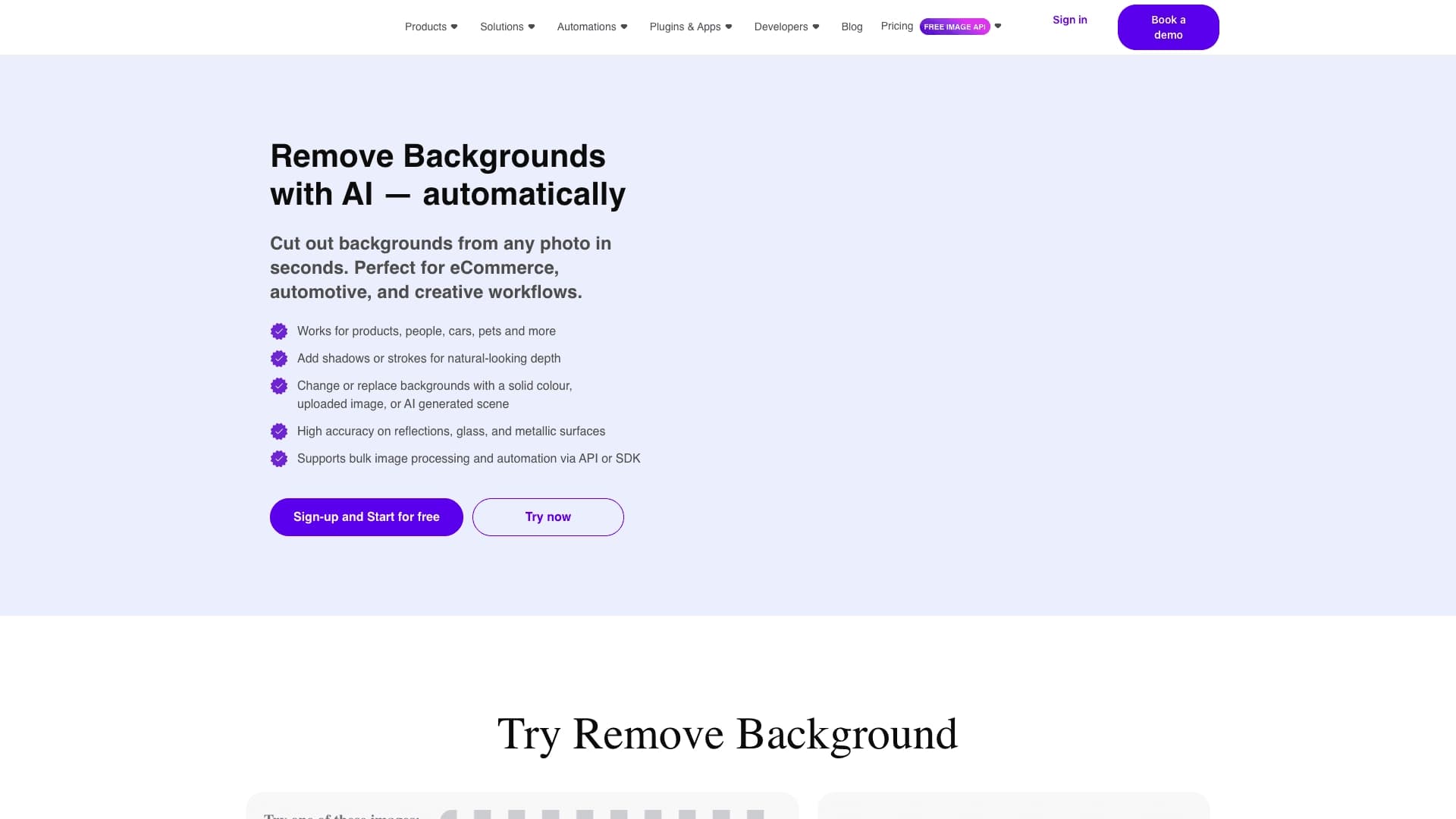
API for automatic photo background removal, tailored for e-commerce products.

Online video editor from Microsoft with AI-powered features for quick editing right in your browser.