

Alter
AI assistant for macOS that integrates into the screen notch and helps manage tasks, meetings, and automate routine processes without switching between windows.
Overview
Alter
Alter Neural Network Description
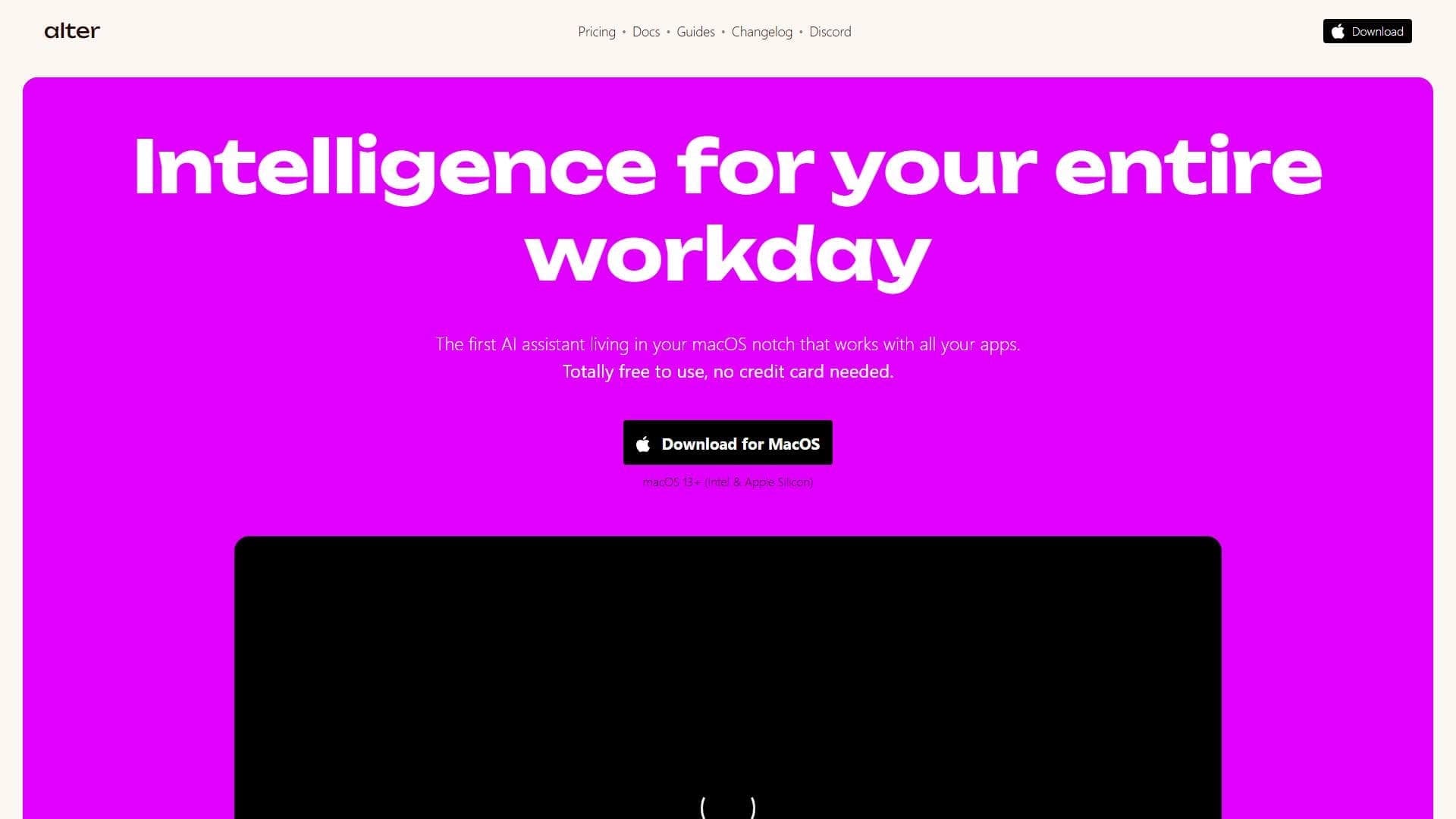
Alter is an AI assistant for the macOS operating system that integrates directly into the notch of a Mac screen and works on top of any applications on the system. The tool's key feature is the ability to manage tasks, meetings, and workflows without switching between windows or leaving the current application.
All data processing happens locally, with encryption applied, ensuring a high level of privacy for the user. This approach also makes it possible to use the tool offline, without needing to connect to cloud servers.
Alter Characteristics
| Characteristic | Value |
|---|---|
| Type | AI productivity assistant |
| Platform | macOS |
| Integration method | Embeds into the notch of the Mac screen |
| Data processing | Local, with encryption |
| Offline mode | Supported |
| Categories | Planning and meetings, No-code and Low-code platforms, Project management |
| Availability | macOS only |
Who Is Alter Neural Network For?
Professionals Working with Multiple Applications
Alter is designed primarily for people who frequently interact with a wide variety of applications and programs throughout the day. The tool helps reduce the number of window switches and allows users to focus on completing tasks without wasting time on routine navigation.
Users Who Value Privacy
Because data is processed locally and encrypted, Alter suits those for whom preserving information privacy is of fundamental importance. The ability to work offline further strengthens this appeal for users who are sensitive to security concerns.
How to Use Alter Neural Network?
Initial Setup
The service embeds into the Mac screen notch and starts working with all applications on the system. Full use requires time for the initial setup and integration of the tool with your workflows.
Daily Work
After setup, the assistant is always at hand in the screen notch, allowing you to interact with it without leaving the current application. This simplifies managing tasks and meetings directly while working.
Flexible Action Configuration
The tool allows you to configure actions for your own tasks, adapting the assistant to your specific work style and individual needs.
Key Features of Alter
Task and Meeting Management
Alter lets you plan meetings and manage tasks and workflows without switching between windows. Everything needed to organize your workday is available directly from the screen notch.
Searching and Organizing Information
The tool helps quickly find the necessary information and organize notes, eliminating the need to open separate applications for these purposes.
Automation of Routine Processes
Repetitive everyday operations can be performed automatically, freeing up time for more important tasks and reducing the load on the user.
Privacy and Autonomy
Local data encryption, offline mode support, and flexible action configuration for your own tasks round out the assistant's feature set.
Alter Advantages
Data Privacy
The main advantage is local data processing and encryption. The user does not have to send information to third-party servers, which significantly reduces the risk of leaks.
Works on Top of All Applications
Alter integrates into the screen notch and functions on top of any programs on the system, without requiring window switching. This makes work more continuous and efficient.
Ability to Work Offline
Offline mode support means the assistant continues to function even without a stable internet connection, which is especially important when traveling or on limited networks.
Alter Disadvantages
Limited Platform
The tool supports only macOS, which excludes its use on other operating systems — Windows, Linux, or mobile platforms. This noticeably limits the pool of potential users.
Time-Consuming Setup
Full use requires time for the initial configuration and integration with workflows. Not every user is willing to put effort into the initial setup.
What Problems Does Alter Solve?
Speeding Up Everyday Tasks
The tool helps handle daily operations faster: planning meetings, searching for information, and organizing notes. All of this is done without distraction from the current application.
Automating Routine Operations
Repetitive actions can be automated, reducing time spent on routine operations and lowering the likelihood of errors associated with manual execution.
Alter Pricing
The available source data does not include information about subscription costs or pricing plans for Alter. The exact prices for using the service are currently unknown, so if necessary, we recommend checking the current cost on the official website or with the tool's support team.
Alter Terms of Use
Specific terms of use, including hardware requirements, the availability of a free plan, or functional limitations, are not described in the available data. Based on the available information, it can only be said that the tool runs on macOS and does not require a mandatory internet connection thanks to offline mode support. More detailed terms of use should be clarified directly with the developers.
Alter Availability
Currently, Alter is available only on the macOS platform. There is no information about regional restrictions, the need to use a VPN, or other availability features in different countries in the available data. Thus, the tool is aimed exclusively at users of Apple devices running macOS.
How Is Alter Different from Alternatives?
Integration into the Screen Notch
Alter's main distinguishing feature is embedding directly into the Mac screen notch. This placement of an assistant stands out against typical solutions, which are usually presented as separate windows, panels, or plugins in specific applications.
Local Processing and Privacy
Unlike many alternatives that send data to the cloud, Alter processes information locally with encryption and supports offline operation. This makes the tool noticeably more attractive to users for whom data privacy is a priority.
Specialization on macOS
Alter is focused exclusively on the Apple ecosystem and does not support other platforms. This is both its advantage (deep integration with the system) and a limitation that narrows its audience compared to cross-platform competitors.
Conclusion
Alter is an AI assistant for macOS that embeds into the screen notch and lets you manage tasks, meetings, and workflows without switching between windows. Local data processing with encryption and offline mode support ensure a high level of privacy, while working on top of any applications on the system makes the tool a convenient everyday assistant. At the same time, its limitations should be considered: availability only on macOS and the need to spend time on initial setup. For Mac users who value privacy and speed of interaction with applications, Alter can be a useful addition to the workflow.
Frequently asked questions
Similar AI tools
See also
A sales automation platform that combines customer prospecting, deal management, and AI-powered forecasting.
AI editor for creating, editing, and publishing content with templates and prompts.

Financial platform with an AI assistant for managing accounting, taxes, and budgets.

Platform for interview preparation with AI mock interviews and real-time support.
Enterprise language model platform focused on privacy and on-premise deployment.


AI assistant for creating short summaries of videos, PDF documents, and web pages.


AI email assistant that helps quickly draft messages, adapting to the user's style.


Free online platform with over 150 AI tools for working with PDFs, images, videos, and text.