

AI Humanizer
A service that transforms AI-generated text into more natural and human-like writing, helping you bypass AI content detectors.
Overview
AI Humanizer
Description of the AI Humanizer neural network
AI Humanizer is a service designed to transform text generated by neural networks into something more natural and lively. The tool reworks the "robotic" language of machine generators while preserving the original meaning and tone of the material, making it resemble text written by a human.
The main feature of the service is reducing typical machine patterns in text. This makes it possible to bypass popular AI content detectors such as GPTZero and Turnitin. The tool works in the browser with no word count limits, supports several export formats (including .docx and .txt), and includes a built-in detector for checking how "human" the resulting text is.
AI Humanizer characteristics
| Characteristic | Value |
|---|---|
| Type | Text humanization |
| Category | Humanizer AI, AI Rewriter |
| Platforms | Web (browser), Android, iOS |
| Date added to catalog | May 13, 2025 |
| Volume limit | No limit |
| Pricing model | Not specified; free trial available, no credit card required |
| Free plan | No |
| Lifetime plan | No |
| Website | www.aihumanizer.org |
Who is the AI Humanizer neural network suitable for?
Content creators and bloggers
The tool is designed for authors who regularly work with generative AI and want the final text to look as if it was written by a human. It suits bloggers, article authors, and anyone who publishes content publicly.
Marketers and businesses
Digital marketers and business leaders can use the service to prepare marketing texts and social media materials while maintaining a natural and trustworthy tone in communication with their audience.
Students and authors of educational materials
The service is also suitable for students and those who prepare educational materials — it helps format long texts and documents in a more natural and readable way.
How to use the AI Humanizer neural network?
Getting started
The first step is to register on the website and log in to the dashboard. The service works in the browser, so no additional software installation is required.
Text processing process
The interface is geared toward quick conversion: you simply paste text, process it, and copy the result. If you work through the dashboard, you can enter text prompts or ideas, choose the format and tone of the content, and click the generation button.
Final editing
After processing, the result can be edited manually if needed to achieve the desired sound and style.
Main features of AI Humanizer
Humanizing machine text
The service turns the "robotic" text of neural networks into something more lively and natural, reducing typical machine patterns. This makes it suitable for bypassing AI content detectors.
Content generation and customization
The tool supports content generation from text prompts as well as customizable tone and style. There are real-time suggestions and integration with social platforms.
Checking and export
The built-in AI detector lets you check the "human-ness" of the text. The finished result can be exported in several formats, including .docx and .txt.
Advantages of AI Humanizer
The tool transforms AI text into a natural and human form, bypassing popular detectors (GPTZero, Turnitin) while preserving the original meaning and tone of the content. Working in the browser with no word count limits is convenient for long articles, letters, and educational materials.
The service supports export to .docx and .txt, includes a built-in AI detector for checking the result, and features a user-friendly interface with no learning curve. A flexible free trial is available to get acquainted with the tool, and no credit card is required.
Disadvantages of AI Humanizer
According to available data, there is no information about the service's open source code. Also, mobile apps for the tool could not be found in the Apple App Store or Google Play, despite the claimed support for these platforms. No browser extensions or official user communities (such as Discord or Telegram) are mentioned.
What tasks does AI Humanizer solve?
Preparing content for publication
The service helps generate blog posts, create content for social networks, and write scripts for videos, making them more natural for a live reader.
Bypassing AI detectors
By reducing machine patterns in text, the tool makes it possible to bypass AI content detectors, which is relevant for those who work with large volumes of generated material.
Processing long documents
The absence of volume limits makes the service suitable for humanizing long articles, letters, and educational materials created with ChatGPT, Gemini, Bing Chat, and other generators.
AI Humanizer prices
The service has no free plan, but a free trial is available that does not require a credit card. The specific cost and pricing model are not specified in the available data.
AI Humanizer terms of use
Registration on the website is required to get started. Users have access to a free trial that does not require entering bank card details to activate. Other terms of use are not disclosed in the available sources.
AI Humanizer availability
The service works in the browser, allowing you to use it from any device without installation. Support for Android and iOS apps is also claimed, although they were not found in the app stores. Interface languages and available regions are not specified in the sources, nor is the need to use a VPN.
How is AI Humanizer different from alternatives?
One of the key differences is the absence of limits on the volume of processed text, which is convenient for working with long materials. Support for .docx and .txt export formats, as well as a built-in "human-ness" detector, set the service apart from competitors.
Among tools with similar purposes, the available data mentions services such as StealthZero, AI to Human Text Converter, Rewriter PRO AI, Humanize AI, and DecEptioner. Direct comparative characteristics against these alternatives are not provided in the sources.
Conclusion
AI Humanizer is a tool for transforming text generated by neural networks into something more natural and lively, with an emphasis on bypassing AI content detectors and working without volume limits. The service is aimed at authors, students, marketers, and content creators who want machine-generated material to look as if it were written by a human while preserving the original meaning and tone. The tool offers a free trial without requiring a credit card, but the exact pricing model and a number of availability details remain undisclosed in public sources.
Frequently asked questions
Similar AI tools




See also
Multifunctional AI assistant for working with text: generation, paraphrasing, plagiarism and AI-content checking, translation and summarization.
A service for determining whether text was created by artificial intelligence or written by a human.
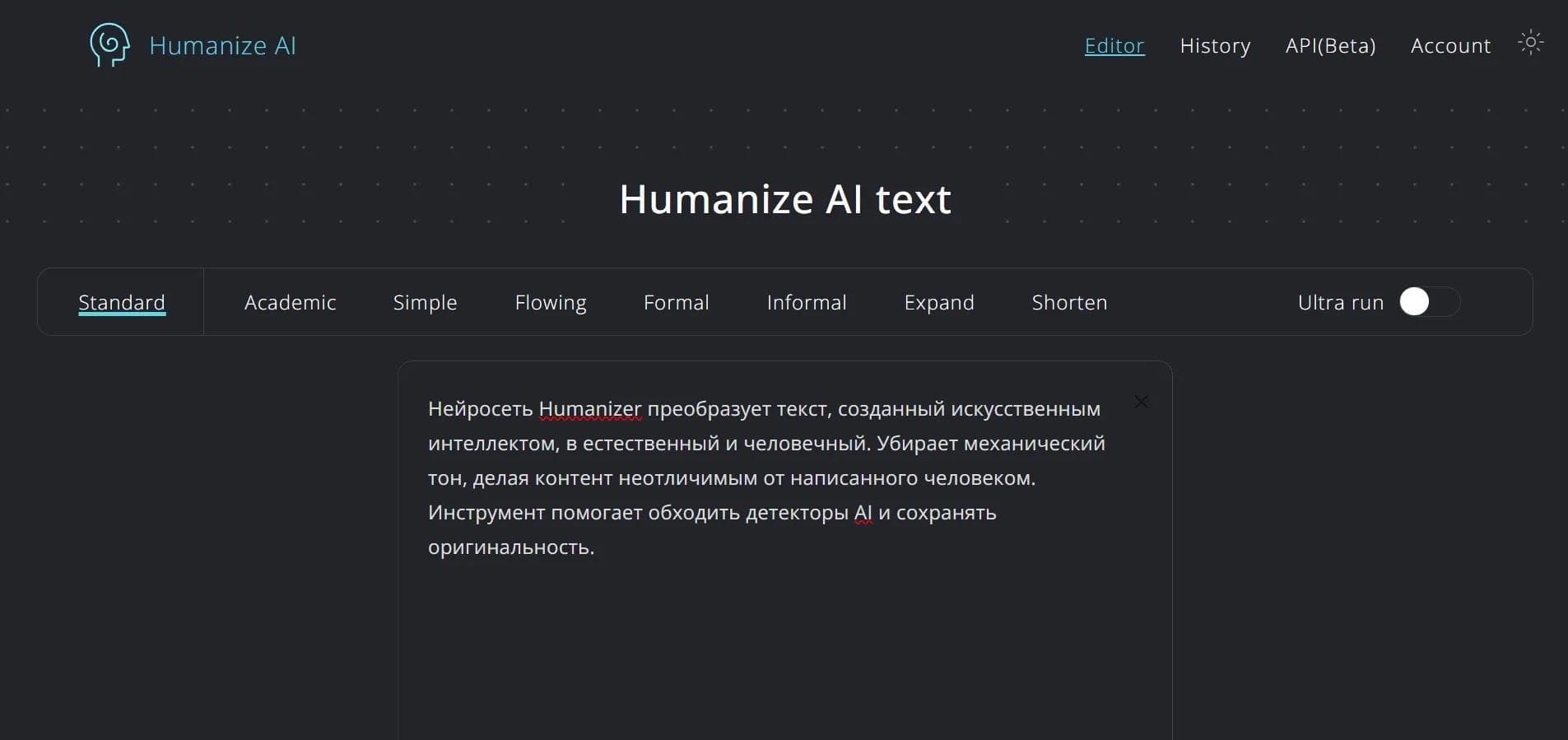

A service for converting AI-generated text into a natural human style that is not detected by AI detectors.
Chrome extension that detects with about 99% accuracy whether text was written by a human or generated by AI.
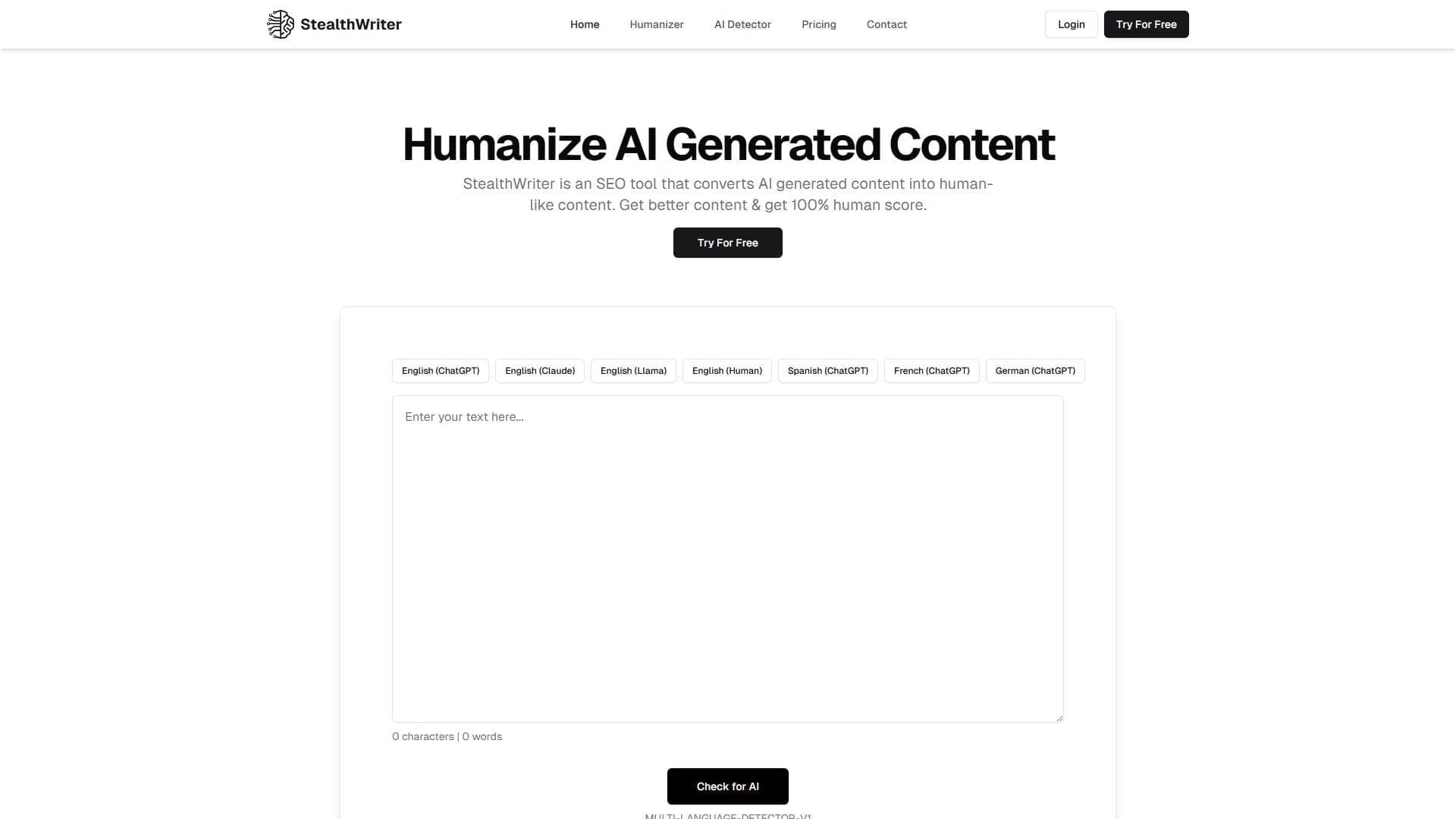

A service that reworks text created by neural networks so that it looks human-written and is not detected by AI detectors.
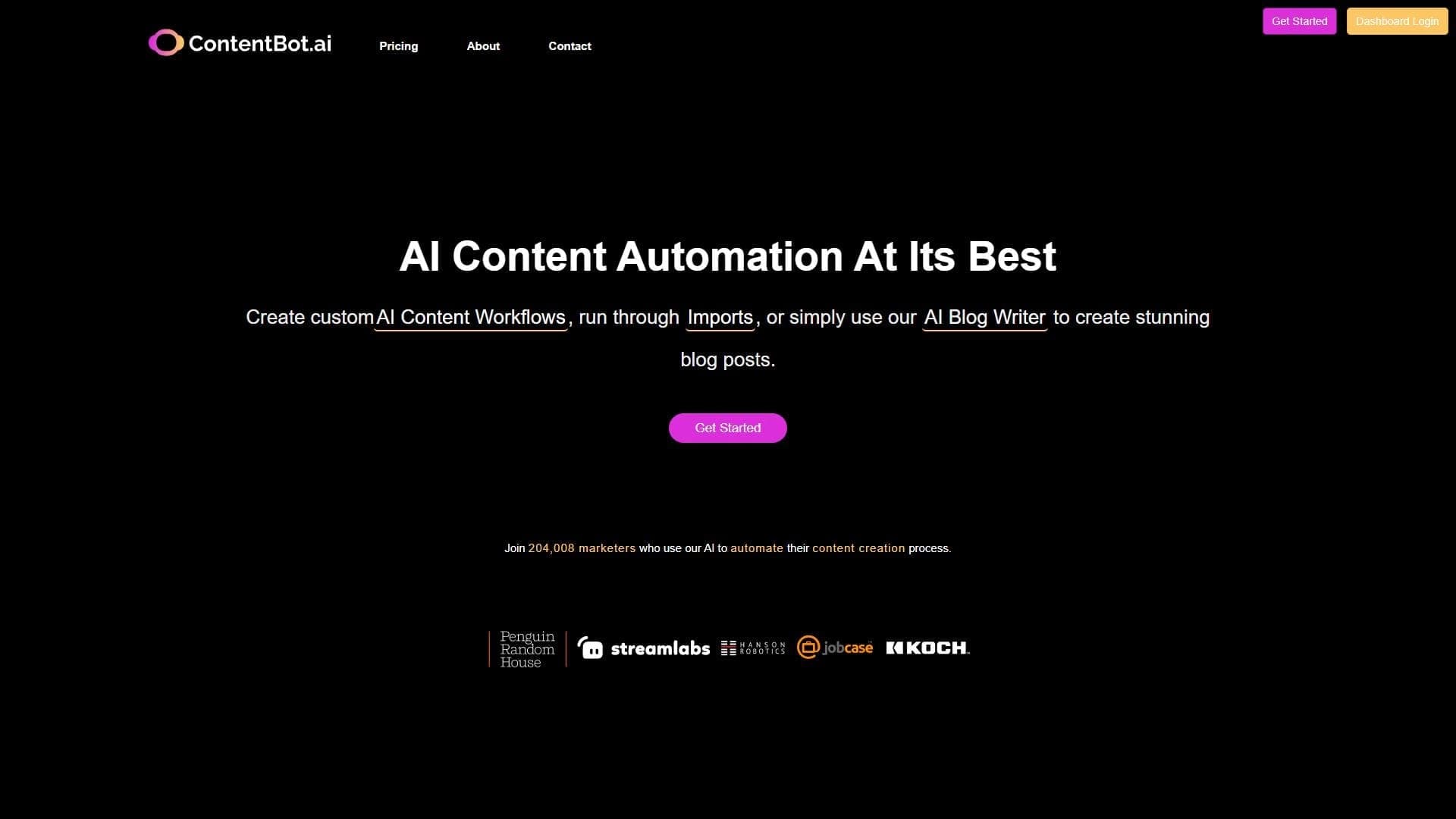

AI tool from ContentBot for paraphrasing texts up to 2000 words while preserving meaning and checking for plagiarism.
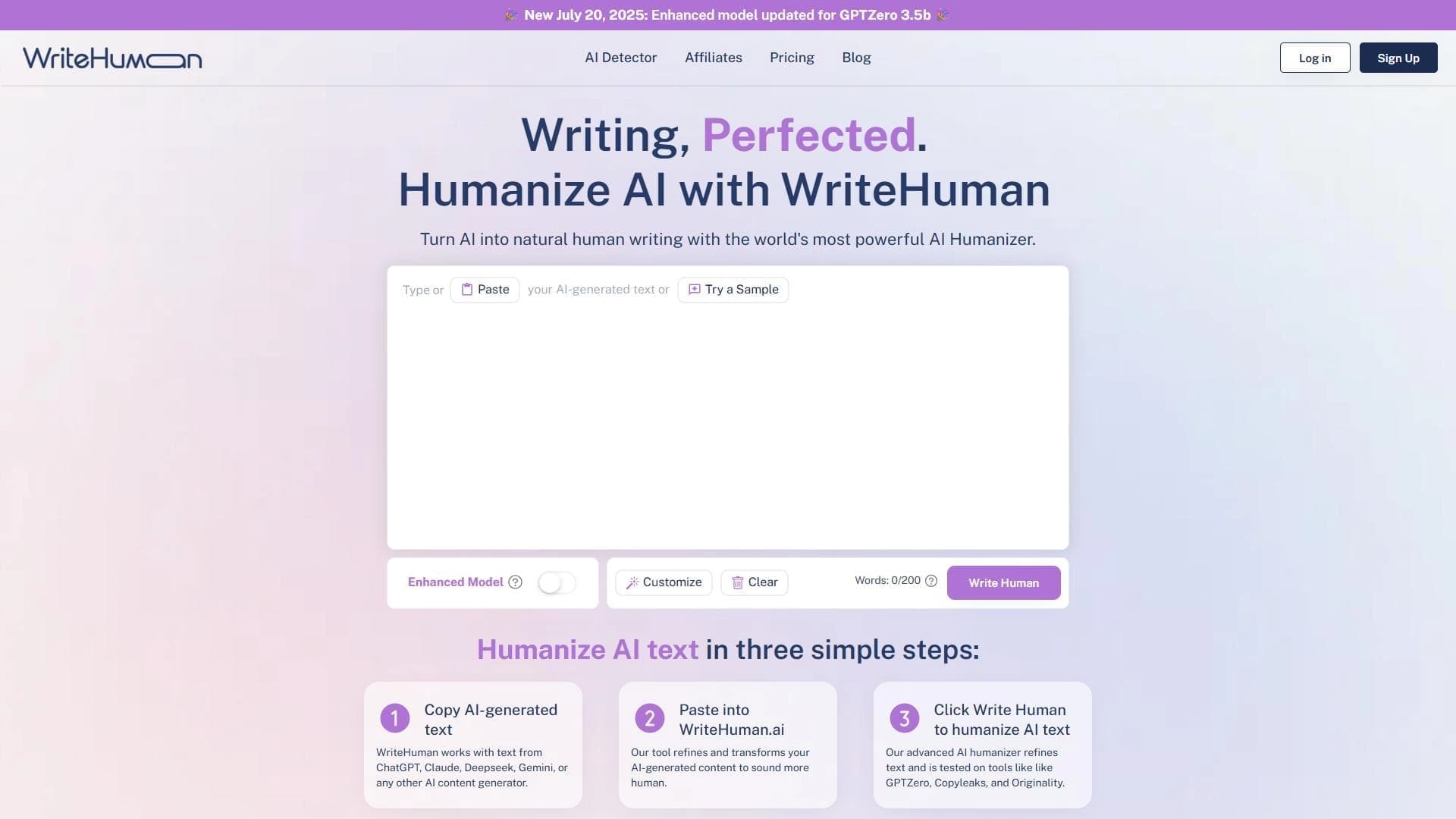

Service for transforming AI-generated text into a more natural-looking form that is harder for artificial intelligence detectors to recognize.
Service for generating SEO-optimized articles from keywords or headlines, with automatic source collection and WordPress publishing.