
Video Generation: Two Main Contenders
Generating video with neural networks is no longer exotic. Today, all it takes is a text description of a scene to get a finished clip. Among the many services, two platforms are especially often compared — both have a freemium model, and both are tailored to different tasks. Let's break down how they differ, what scenarios they cover, and how to avoid overpaying for features you don't need.
Similar in spirit, but different in philosophy: the first tool focuses on control and precision, the second on speed and accessibility of results. The choice between them is much like choosing between a professional camera and a good smartphone: both will shoot video, but the approach to the process will be different.
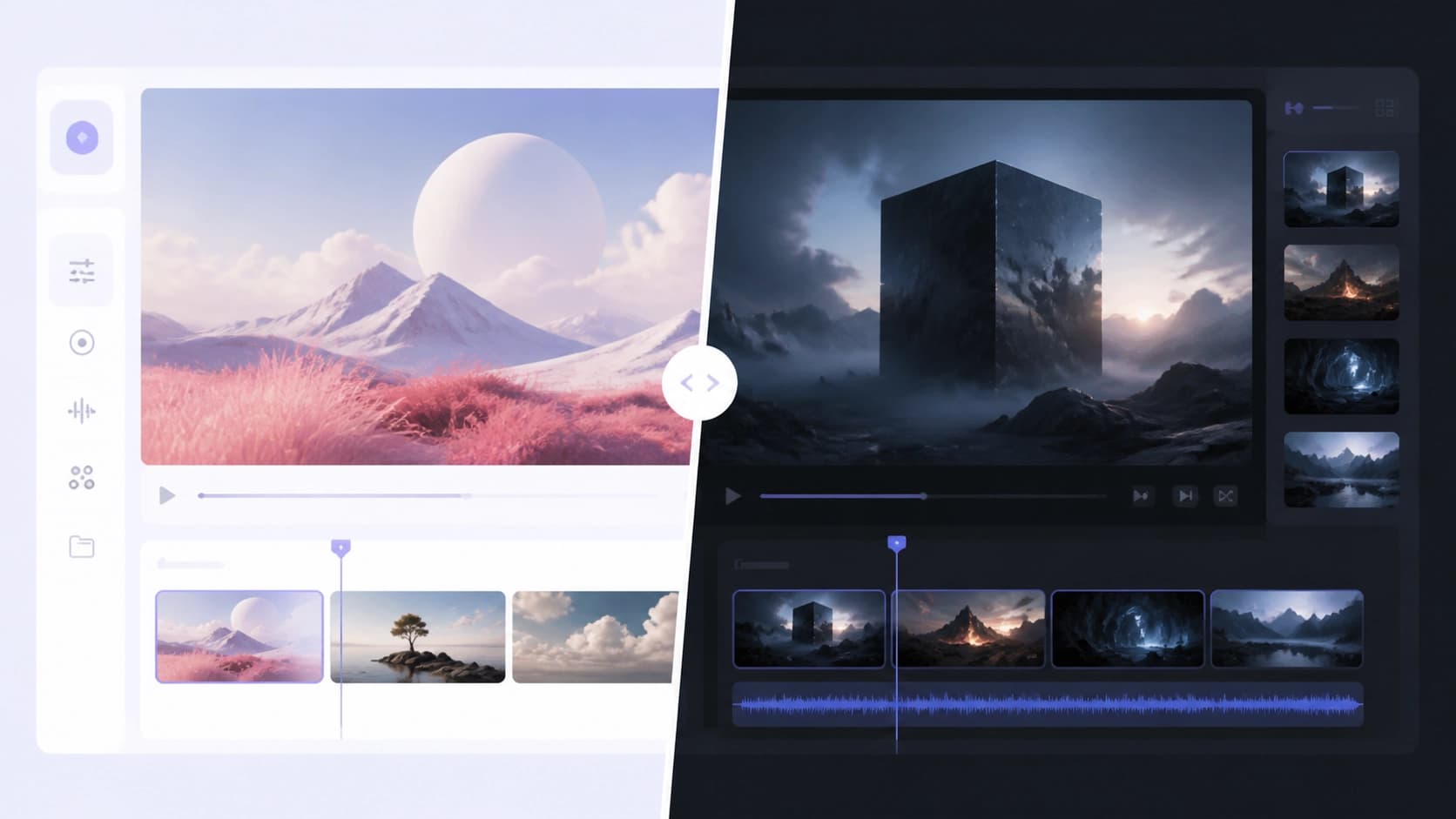
Runway Gen-3: Betting on Quality and Control
Runway Gen-3 is the latest version of a well-known platform for media generation and editing, created by a research company that has long worked with cloud-based creative tools. The interface here is thought through to the smallest detail: nothing extra, all key features are in plain sight. The main highlight is text-to-video — turning a text description into a full-fledged video sequence. But beyond generating from scratch, the platform can also edit existing clips, images, and other materials.
In terms of picture quality, it's one of the market leaders. Videos come out visually precise, with well-crafted details and careful adherence to references. For projects where every little thing matters — object shape, lighting, texture — this is a serious advantage. Generation control here is quite flexible: you can fine-tune parameters, influence individual aspects of the scene, and achieve a result close to your vision.
Earlier versions of the platform sometimes let users down with unstable performance — glitches here, strange artifacts there. The developers gradually fixed these issues, and the current build behaves predictably. Pricing is tied to usage volume: generate as much as you use, pay for what you generate. This is convenient for one-off experiments, but with regular work, the bill can grow quickly.
Kling AI: Accessibility and Cinematic Results
If Runway is a tool for perfectionists, then Kling AI is made for those who want an impressive clip without a long dive into settings. The platform positions itself as simple and straightforward video generation, aimed primarily at individual creators, bloggers, and small companies that don't have time for technical nuances.
Kling's main breakthrough is its ability to create cinematic-quality videos up to two minutes long. For comparison, many competitors only produce short clips of a few seconds. The secret lies in advanced 3D mechanisms and realistic physics simulation. Object movement, light, interaction of scene elements — all of it looks natural and captures the eye.
At the same time, the entry barrier is minimal: an intuitive interface, clear presets, no complex sliders. Users with limited experience quickly get a decent result. Plus, the service has a free plan, making it an ideal starting point for getting acquainted with neural video generation. True, simplicity comes at the cost of flexibility — fine-tuning generation for a non-standard task is harder here.
A Detailed Comparison: What Matters More
To understand which service suits you, it's worth breaking down both tools. Let's start with the most obvious — what catches the eye right after generation.
Quality and Visual Precision
Runway Gen-3 vs Kling AI — each has its own strengths here. Runway more often wins on image sharpness and attention to detail: small elements, textures, gradients don't blur or lose shape. If the frame contains small text or intricate patterns, the difference becomes obvious. Kling, in turn, wins with atmosphere: its clips look expensive and cinematic, especially in scenes with motion and dynamics.
Customization and Flexibility
For those who need maximum control over the result, Runway is unrivaled. More tuning options, more parameters, the ability to influence generation details. This is a lifesaver when you know exactly what frame you want. Kling is deliberately simplified: fewer settings — fewer mistakes. For beginners and quick tasks, that's a plus.
Stability
Here's an interesting point. Runway's early versions had periodic glitches, but after updates they became a thing of the past. The platform now works reliably. Kling has maintained a stable level from the start — no sharp drops or unexpected surprises. If predictability matters to you, Kling looks like the calmer choice.
Pricing and Plans
Only Kling has a free tier — a great way to try the service without investment. Runway operates on a pay-as-you-go model: you pay for actual usage, and the final amount depends on generation volume. For occasional tasks, this can even be cost-effective, but for daily work, it's better to calculate in advance which one works out cheaper.

Alternatives Worth Keeping in Mind
Runway and Kling aren't the only players in the video generation field. Depending on the task, other services may come in handy. For example, Pictory is convenient for turning long texts into short videos — a lifesaver for content creators repurposing articles into clips for social media. Synthesia specializes in videos with virtual presenters: great for corporate presentations and training materials. And Fliki lets you quickly voice text and build a video sequence from scripts.
Of course, each of these platforms has its own specifics, and they rarely compete directly with the genre leaders. But if you're looking for a solution for a narrow niche — say, an avatar for lectures or automatic subtitles — it's worth giving them a look.

The Verdict
The conclusion is simple. If your priority is maximum image quality and full control over every frame, choose the platform with advanced settings and flexible generation management. It's a tool for professionals willing to spend time on fine-tuning for a flawless result.
If simplicity, speed, and accessibility matter more — look at the service with an intuitive interface, a free entry point, and impressive built-in algorithms. It will let you get a beautiful result almost immediately, without diving into technical weeds.
Ultimately, the choice comes down to what you value more: the effort spent or the result achieved. Both platforms do their job admirably — all that's left is to figure out which job is yours.