Streaming Translation Latency
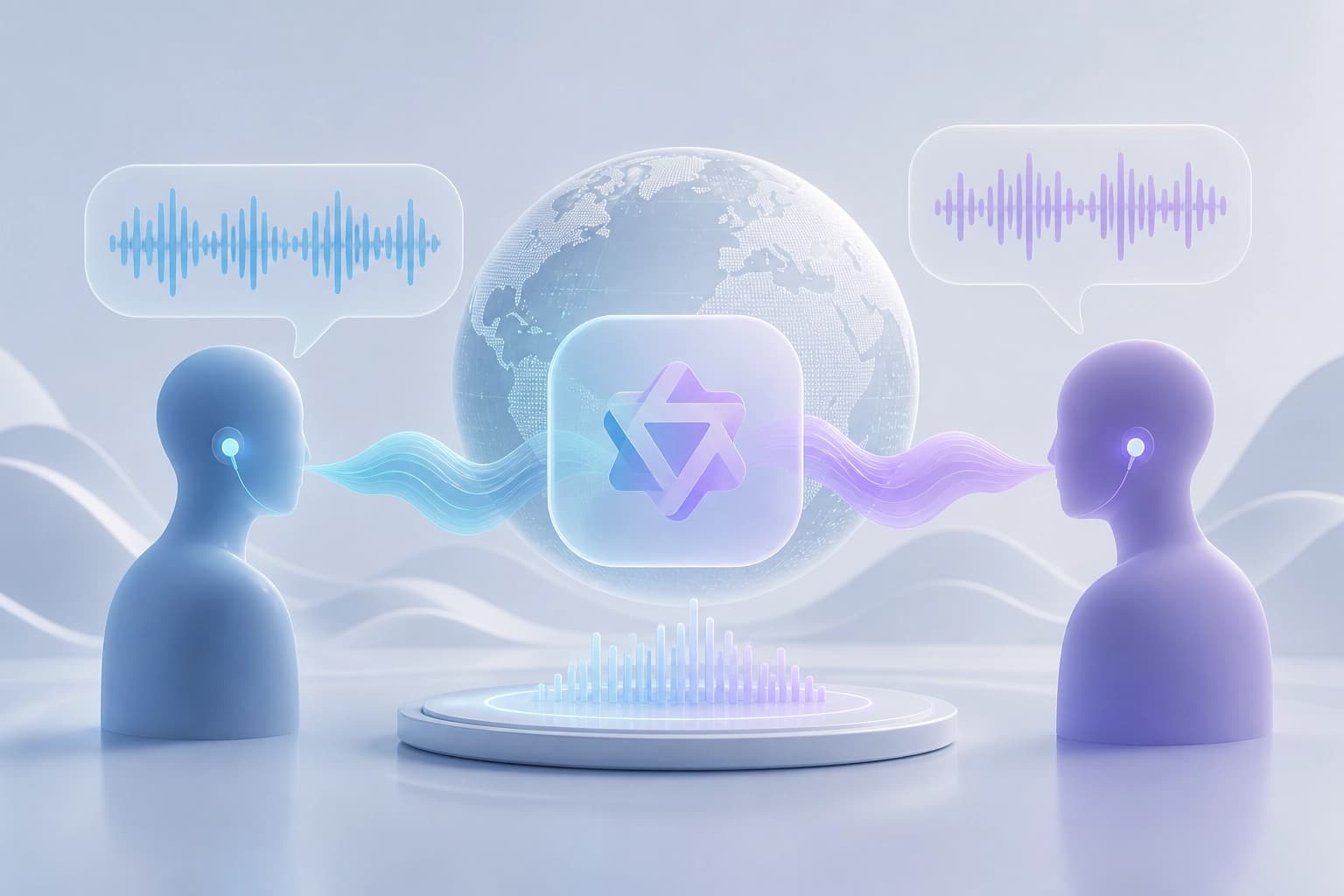
Qwen3.8-LiveTranslate listens to a speaker and provides a text and spoken translation while they are talking. Average delay is measured using the LAAL metric, which shows how far the translation lags behind the original speech.
| LAAL metric | Value |
|---|---|
| Before | 2.8 seconds |
| Now | 2.3 seconds |
| Change | approximately 18% less |
According to Qwen, the new Interleave architecture also improves accuracy in conveying meaning, fluency, and translation brevity. A practical criterion for choosing it is whether you need the translation before the speaker finishes talking.
Input and output
Qwen3.8-LiveTranslate accepts audio and optional images. Video frames can be sent along with speech.
The model outputs text and audio. This makes its format suitable for scenarios that require both a written translation and spoken output.
Languages and conversation features
Qwen3.8-LiveTranslate understands 60 languages and can provide spoken output in 29 of them. The remaining 31 are available for text translation only.
The model recognizes different speakers in multi-party speech and preserves their voices. It also displays the original text and translation in sync, and uses conversation history to translate names and terms consistently.
A criterion for choosing it is whether the required language pair supports spoken output and whether you need multi-speaker support.
Integration
Qwen3.8-LiveTranslate is available through the WebSocket Realtime API on Alibaba Cloud Model Studio and QwenCloud. The model ID is qwen3.8-livetranslate-flash-realtime.
Consider this model if your integration needs to use the WebSocket Realtime API and one of these services. The sources do not describe integration options beyond these platforms.