
What to choose for writing code: comparing Cursor, Claude Code, and OpenAI Codex
We break down the key differences between three AI assistants for developers: their capabilities, prices, test results, and scenarios where each one is stronger.

Choosing an AI assistant for writing code is not easy: there are several strong solutions on the market, and they are built differently. Some are used to working in a familiar IDE, others prefer the terminal, while some want to fully delegate the task to a cloud agent. Let's look at three most notable options and compare them across real scenarios.
What the tools are
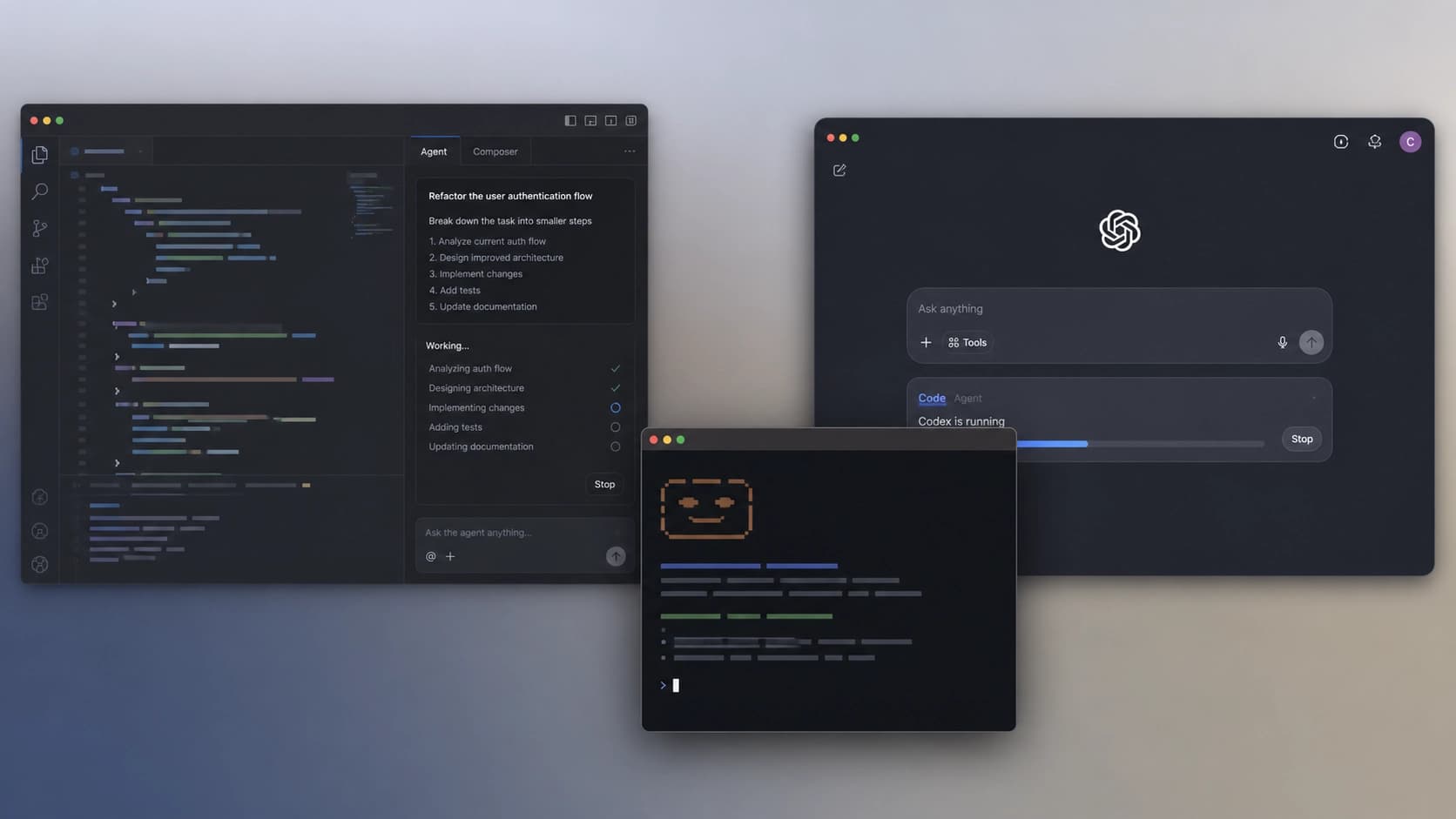
- Cursor — an AI-native development environment built on top of VS Code. As of version 3.0, it is a standalone application that can operate in agent mode. It includes cloud agents on isolated virtual machines, a built-in Bugbot, and a parallel task system. The April 3.1 update introduced durable canvases — canvases for multi-step planning. Notably, the agent already autonomously creates about 30% of internal pull requests at the company itself.
- Claude Code — a CLI agent from Anthropic that runs directly in the terminal. It reads the repository, executes bash commands, and edits files. By default, Claude Opus 4.7 is chosen for complex tasks, and Sonnet 4.6 for routine work. In addition to the terminal, there is a VS Code extension, a desktop app, and a browser IDE at claude.ai/code.
- OpenAI Codex — a cloud autonomous agent built into ChatGPT. There is also an open-source CLI in Rust (over 82,000 stars on GitHub, Apache-2.0 license) and desktop apps for macOS and Windows. Codex runs in an isolated cloud sandbox and can handle tasks that take several days without developer involvement.
How they handle tasks: benchmarks
To understand who is better at real-world tasks, let's compare results on popular tests. As of May 2026, Cursor and Claude Code were tested with the Opus 4.7 model, while OpenAI Codex was tested with GPT-5.5. On SWE-bench Verified, Codex leads by 1.1 percentage points. However, on the more complex SWE-bench Pro, Claude Code takes first place, ahead of its closest competitor by 5.7 points. On Terminal-Bench 2.0, Codex is again ahead. There is also Cursor's own test, CursorBench, where Cursor scored 70%.
That said, the community has complaints about SWE-bench Verified: it is believed that modern models may have encountered very similar tasks in their training data. Hence, SWE-bench Pro is considered more reliable.

Efficiency and token usage
One of the key criteria is how many tokens a task consumes. An independent test by Builder.io showed that Claude Code completed the same task using 33,000 tokens and without a single error. Cursor in agent mode spent 188,000 tokens and made errors. That's a 5.5x difference. This is because Claude Code uses prompt caching and manages context better. However, the pricing is also different: Claude Code is billed per token via the API or a subscription, while Cursor Pro for $20 per month gives 500 premium requests. With heavy use on large codebases in Agent mode, this limit can run out in a couple of days.
Context window: how much code fits in the "head"
Context is the amount of information an agent can analyze simultaneously. Cursor claims a window of 200K tokens, but users on the forum note that after internal compression, only 70–120K is actually used. Claude Code consistently works with 200K, and in the beta version of Opus 4.6 it supports up to 1M tokens, achieving 76% on the MRCR v2 test. This is especially important for large repositories where many files must be kept in memory at once.
The "writing a feature" scenario: what to choose
If your task is to write a new feature while sitting at your computer, Cursor is the best choice. It has fast Tab autocomplete based on Supermaven: latency under 100 milliseconds. Plus visual diffs, Composer for multi-file edits, and instant feedback. All this makes the coding process as comfortable and clear as possible.
But if you need to run a long-running autonomous task that may take several days, check out OpenAI Codex. For those who are used to working in the terminal and value token efficiency, Claude Code is a good fit.
Ultimately, it all comes down to your scenario: Cursor is for interactive work, Codex is for autonomous tasks, and Claude Code is for those who want to control every step without overpaying.
Frequently asked questions
Related materials
All materials
Chern–Simons Reservoir Memory: Autonomous Connectivity Dynamics and Density Transport
The article explores how a reservoir preserves the history of input signals both in its density distribution and in its geometric degrees of freedom. A comparison of four mechanisms shows that current creates a separate connected component that alters the subsequent density response, while accounting for all measured features yields a small improvement in decoding pulse order.
10 November 2026
Diversity in the Input, Not in the Reasoning: Comparing Test-Time Augmentation Methods for LLMs
The study compares sources of variation in LLM inference—query paraphrasing, spelling changes, and image transformations—at an equal number of calls. Across six benchmarks, preserving meaning yielded the greatest improvement in accuracy, while character-level noise and simultaneous perturbations of two modalities were less useful.
8 November 2026
Neptuna: Comparing ML Architectures for Compressible Multiphase Flows with Discontinuities
Introducing Neptuna, a large-scale benchmark with 3 TB of computations for bubble collapse and droplet breakup under shock waves, evaluating convolutional, spectral, transformer, and pretrained PDE models. The takeaway: there’s no universal leader, while composite loss functions and SoftAdapt help better preserve interfacial boundaries and reproduce the spectrum more accurately.
6 November 2026