Boomy is an AI-powered music creation platform that positions itself as a tool for instantly generating tracks without needing a music education or experience with professional DAWs. The service launched in 2018 and has since attracted the attention of both aspiring musicians and content creators who need a quick source of background music. Unlike many competitors, Boomy emphasizes not only generation but also distribution: any user can release a track to streaming platforms and earn royalties. In this article, we’ll look at how the service works, how it differs from alternatives, when its use is justified, and when it isn’t.
What is Boomy and how does it work?
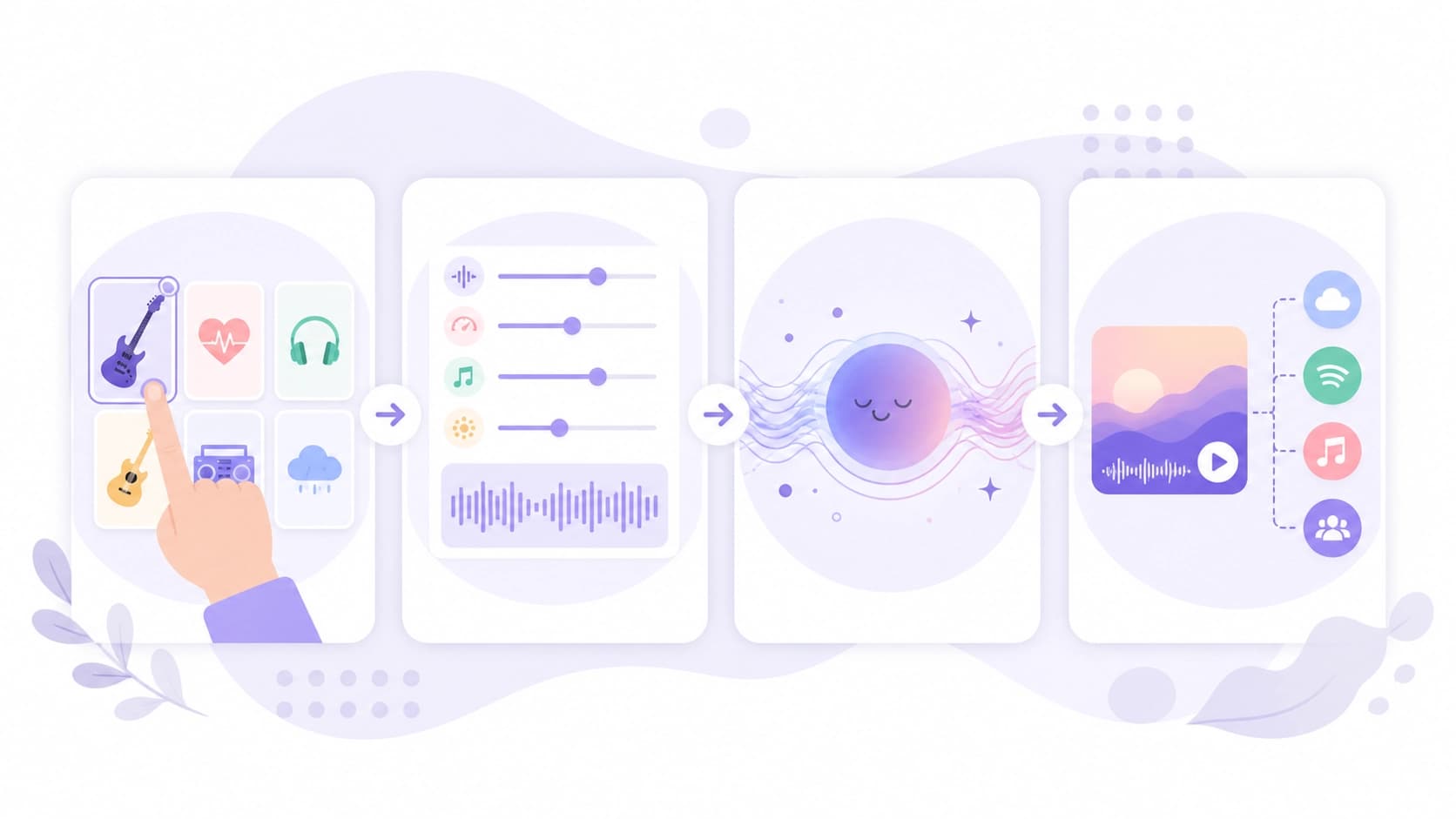
Boomy is a web application available through a browser, as well as a mobile app for iOS and Android. The main idea of the service is to turn music creation into just a few clicks. The user picks a genre, sets a mood or tempo, and the neural network generates a ready-made instrumental track. After generation, you can change individual elements: remove or add instrument parts, adjust the structure (for example, add a chorus or intro), and edit song lyrics if you’re working with vocal genres.
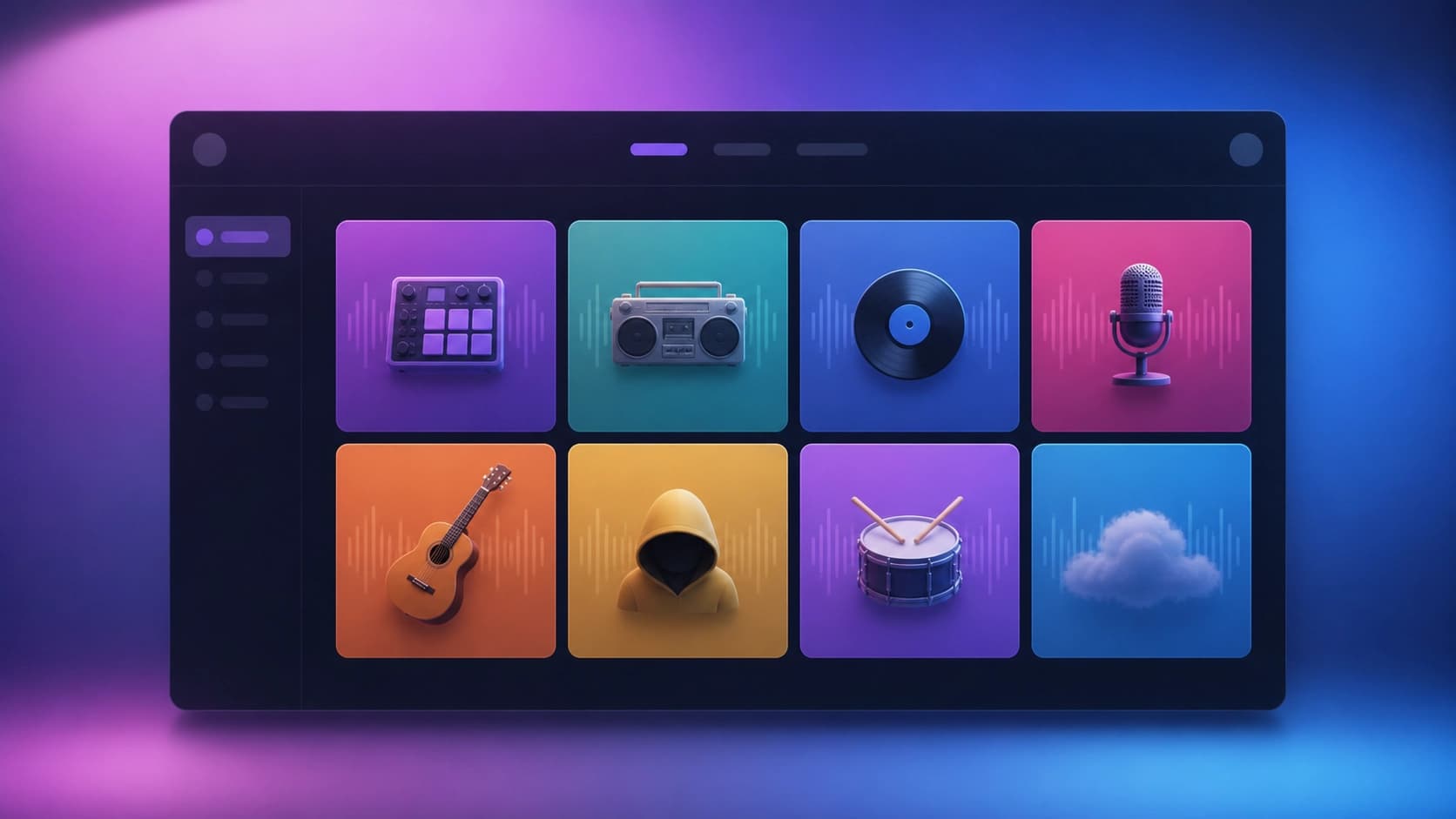 Technically, the platform uses several generative models trained on large datasets of audio. When creating a track, the algorithm doesn’t just stitch together samples from a library—it generates unique drum, bass, synthesizer, and other instrument parts based on the selected parameters. It’s important to understand: Boomy doesn’t give the user full control over every sound the way a digital audio workstation does. It’s more like a construction kit where you control global parameters, and the neural network fills in the details.
Platform features
Genre-based track generation
Boomy’s genre catalog includes dozens of directions: from electronic music and hip-hop to rock, country, and even classical. When choosing a genre, you can specify a substyle—for example, not just “techno” but “minimal techno” or “hard trance.” Each genre has a set of presets that affect the sound: genre-standard tempo, typical instruments, and characteristic rhythmic patterns.
After generating a track, an editor opens where you can do the following:
- Change the tempo (BPM) over a wide range.
- Edit the arrangement structure: rearrange sections (verse/chorus/bridge), duplicate or delete them.
- Mix the volume of individual tracks: remove the bass, keep only the rhythm, or emphasize the melodic line.
- Add effects: reverb, echo, filters.
- Generate song lyrics—available for vocal genres. The algorithm suggests words based on theme and mood, and also lets you upload your own lyrics.
Radio creation and recommendation feed
The platform has built-in social mechanics. Users can publish their tracks to a shared catalog where other listeners can rate them. Recommendation algorithms based on listens create a personalized feed, helping promote fresh compositions. For beginners, this is a decent way to get a first audience and feedback without running ad campaigns.
Mastering and export
The final track automatically goes through cloud mastering. Boomy applies loudness normalization, equalization, and light dynamic range compression. The user can choose the amount of processing: from minimal to aggressive. The track is then available for download as MP3. Getting higher-quality files (WAV) requires a paid plan.
 Streaming platform integration
Boomy’s key feature is its built-in distribution system. The service has partnership agreements with most major streaming services: Spotify, Apple Music, YouTube Music, Deezer, TikTok, and others. With one click, a user can send a track (or an entire album) to all these platforms without going through a third-party distributor.
The publishing process is highly templated: you enter a title, choose cover art (you can generate one with the built-in tool), add authors—and after moderation, the track appears in the catalogs. This makes life much easier for those who want to get artist status on Spotify but don’t want to dig into the nuances of aggregators. Automatic streaming royalties are credited to your internal balance and can be withdrawn to a bank card once a minimum amount is reached.
Cost and subscription plans
Boomy operates on a freemium model. The free plan lets you generate a limited number of tracks per day, save them on the platform, and even publish them to streaming platforms. However, there are significant limitations: no access to high-quality export (MP3 only), no option to withdraw earned royalties to a card (they stay on your account until you switch to a paid plan), and a more limited selection of genres and presets.
Paid plans unlock the following:
- Unlimited generations and saves to your personal library.
- Export in uncompressed formats.
- Withdrawal of funds to external accounts.
- Access to exclusive sound packs and presets.
- Priority support request processing.
Exact subscription prices vary depending on promotions and region. Overall, the price is comparable to a mid-tier music streaming subscription. Sometimes the platform offers one-time payments for specific features, such as instant withdrawal without waiting for the minimum threshold.
Strengths and weaknesses of the service
Pros
- Low barrier to entry. You can learn to use Boomy in 10–15 minutes. No requirements for music theory or working with MIDI.
- Production speed. A single track is generated in 5–10 seconds. In an hour, you can create an entire album that only needs mixing and editing.
- Automatic distribution. A rare opportunity among AI services to publish music directly to Spotify and earn real money, albeit modest amounts.
- Mobile version. The app lets you create music anywhere, for example, on the go.
Cons
- Limited creative control. Deep synthesizer settings, recording live instruments, or fine-tuned parameter automation are not possible here. For professionals, this is more of a toy than a working tool.
- Generation quality. Even though AI models are constantly improving, Boomy tracks often sound template-like and recognizable. After listening for a while, you can accurately identify tracks created on this platform.
- Copyright. Under the service’s terms, music created on the free plan belongs to the platform. For commercial use (for example, in film or advertising), you need to prove an active paid subscription and follow licensing rules.
- Competition in the catalog. Because of the low barrier to entry, Boomy’s library is flooded with similar tracks, making it hard for quality work to stand out and get promoted.
Where Boomy makes sense
For background music in content
Video bloggers, streamers, and podcast creators are Boomy’s main audience. By generating a few tracks, you can get a unique background for your videos that won’t conflict with copyright the way commercial music might. Boomy’s sound works well for this purpose because the tracks don’t draw attention to themselves.
For quickly testing ideas
Professional musicians can use Boomy as a sketching tool. For example, you can quickly lay down a rhythmic foundation or experiment with harmony before working in a full DAW. This saves time and can stimulate creative thinking.
For earning money through streaming
Some users view Boomy as a way to generate passive income. Since tracks get onto streaming platforms even on the free plan, you could theoretically build a large discography and hope for a viral effect. In practice, royalties from ordinary streams are extremely small, so counting on serious income isn’t realistic—unless your track becomes an unexpected hit.
Step-by-step guide to creating your first track
Let’s walk through the process of creating a composition on Boomy from start to finish:
- Registration and plan selection. Create an account using email or social networks. Start with the free plan to get comfortable.
- Genre selection. On the home page, choose a genre from the tiles. For your first time, pick a popular direction, such as lo-fi hip-hop.
- Parameter settings. After choosing a genre, set the mood (sad, happy, aggressive) and tempo. Click “Create” and wait a few seconds.
- Editing. In the editor that opens, listen to the track. Try removing some instrument parts or changing the structure. If you want, switch to the lyrics tab and generate a vocal part.
- Saving and export. Click “Save,” give the track a name. Decide whether to download the file locally or go straight to publishing.
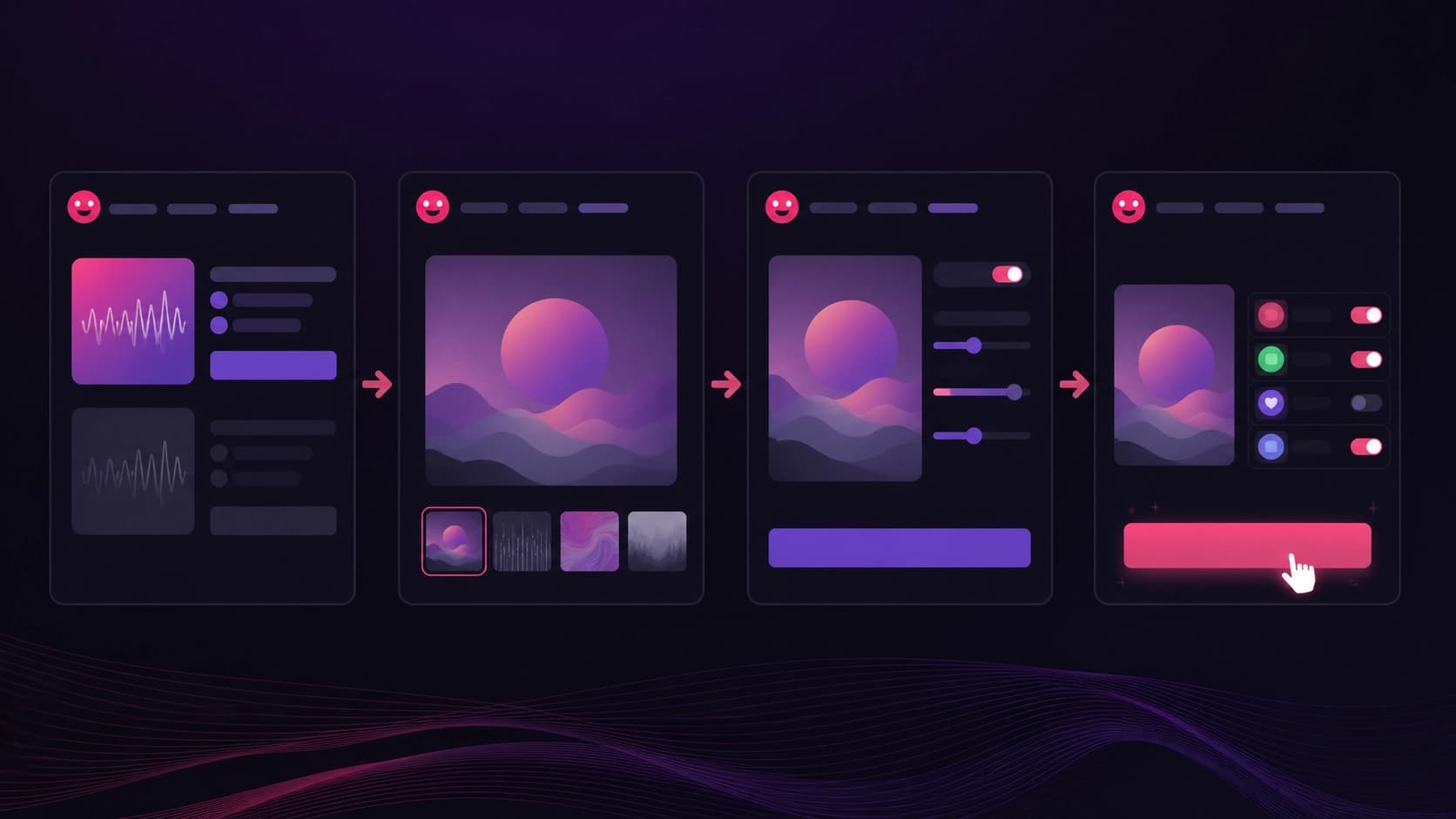
- Distribution. Select the “Release” menu item and follow the publishing wizard’s prompts: upload cover art, add co-authors, and click “Submit.” After moderation, the track will appear on the chosen platforms.
 Comparison with alternative AI tools
Boomy isn’t the only service that generates music from a description. Direct competitors are AIVA, Amper Music, and Soundraw. Each has its own nuances:
- AIVA focuses on orchestral and cinematic music and offers more flexible composition settings. But its interface is more complex, and the free plan is heavily limited.
- Soundraw lets you fine-tune individual fragments of a track with a visual editor, but it has a smaller genre base and no built-in distribution.
- Boomy wins on simplicity and its social network. If you need the fastest possible result with the ability to release a track to platforms right away, this is the best choice. If precise control over the sound is a priority, Soundraw is worth considering.
Who Boomy isn’t for
Professional musicians and sound designers won’t get the flexibility they need from the service. The lack of a MIDI editor, automation, and VST/plugin support makes it useless for complex projects. Boomy also isn’t suitable for those who want to write music in non-standard genres or with live instruments. The neural network is limited to the styles and timbres captured in its training data. Finally, users who need full copyright control from the very start should carefully read the user agreement before publishing tracks—regaining exclusive rights to content can be difficult.
Summary and outlook for the platform
Boomy is a good example of a compromise between automation and ease of use. The service fills a real need for quickly creating background tracks and lets even a beginner try being a published artist. Its obvious weakness is the high floor of minimum sound quality, which makes all tracks sound similar. That said, this problem is common to almost all generative models at the current stage of technology.
In the future, Boomy will likely develop deeper customization tools and improve synthesis quality, especially for vocal parts. But even in its current form, the platform occupies its own unique niche and can be useful to a wide range of users—from content creators to curious music lovers.
If you want to try Boomy, just open the official website and sign up. You don’t need any special skills—only a desire to experiment with sound.