
Small company, big opportunities: how AI frees employees from manual document entry
The developer released a free desktop program that uses AI to recognize invoices, passports, diplomas, and other documents in seconds and immediately returns structured data. This allows small businesses to automate routine tasks and shift the team's focus to more important work.
Introduction: The Cost of Manual Data Entry
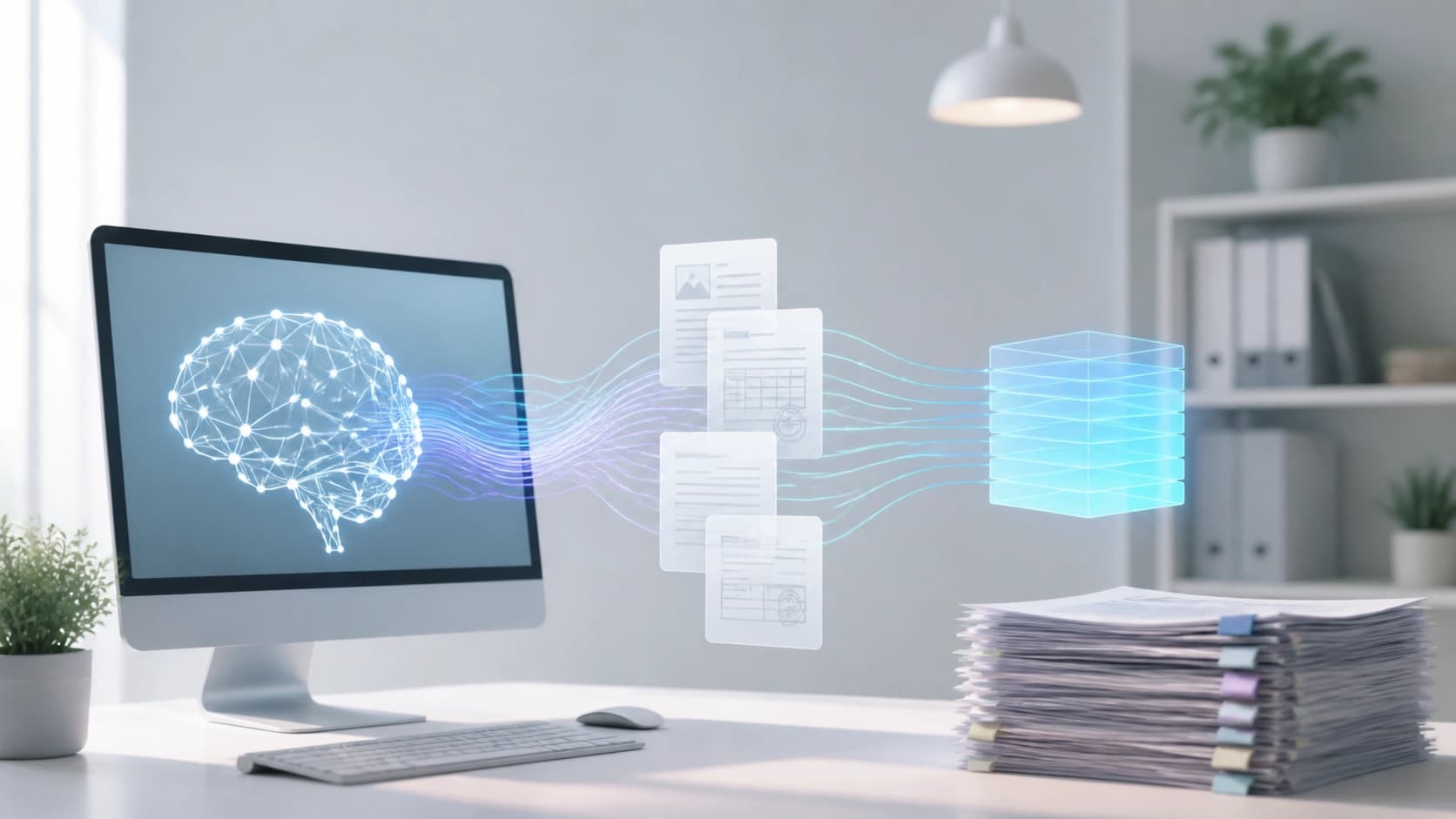
In any small company, sooner or later there comes a moment when employees drown in paperwork. An accountant retypes details from invoices, an HR specialist enters a new employee's personal data, a lawyer rewrites diploma and employment record numbers. This takes hours that could be spent on analysis, client communication, or business development. Errors from manual typing lead to incorrect payments, reporting issues, and unnecessary audits.
It would seem that text recognition programs have existed for a long time. But classic OCR solutions often fail to meet expectations: expensive licenses, poor performance with local documents, and the results still need to be double-checked and fine-tuned manually. This is exactly the problem that developer Igor Morozov set out to solve by releasing a free desktop application.

What "AI Document Scanner" Can Do
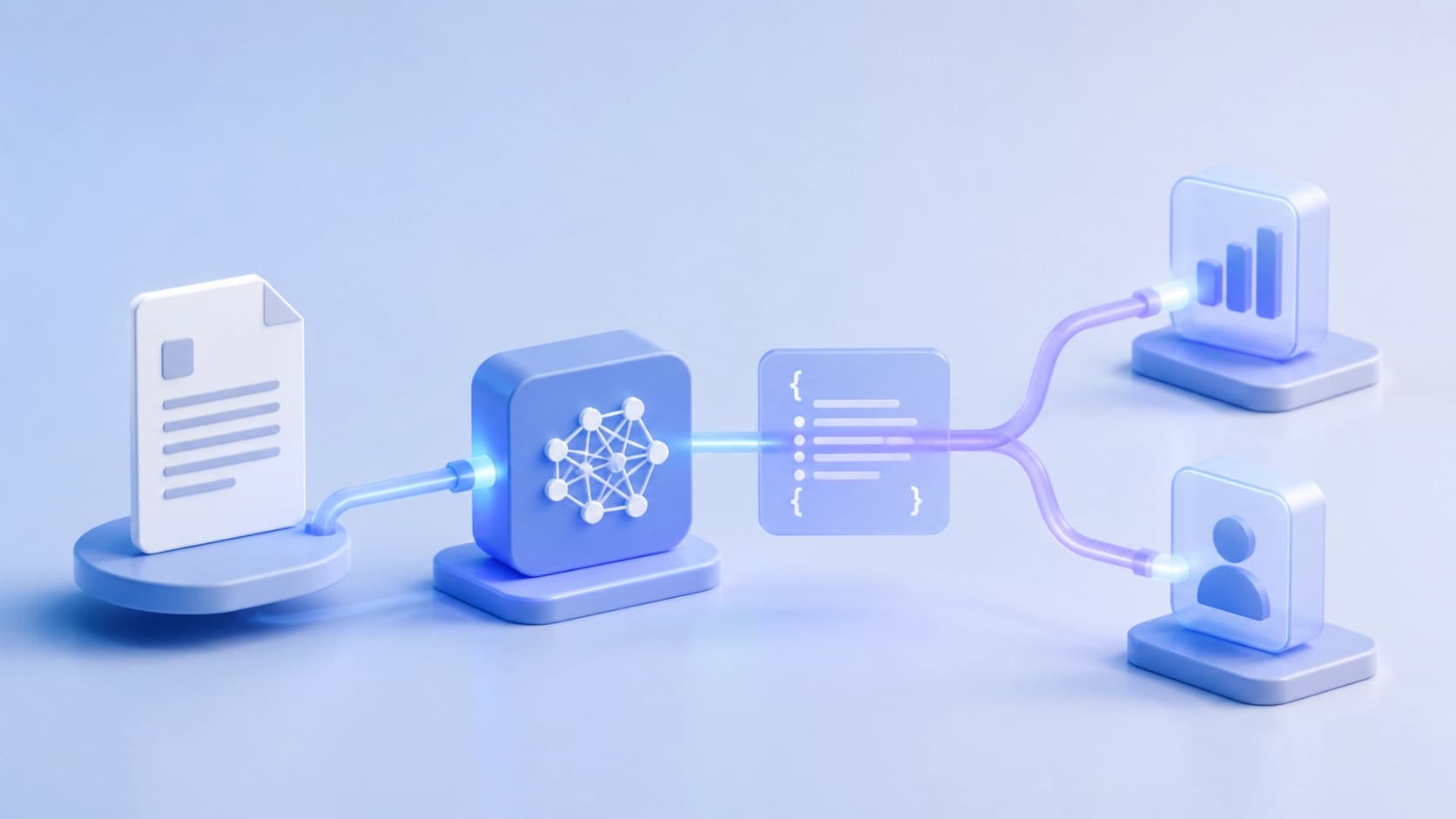
AI Document Scanner is a Windows program that turns a photo, scan, or text file into neatly structured data in seconds. Instead of "raw" text that still needs to be parsed, the user gets ready-made JSON — a format that is easy to import into accounting systems, CRM, ERP, or your own information system.
The secret is that it doesn't rely on simple OCR but on modern language models. They understand the document's context, know where to look for the required fields, and can immediately output the data in the desired format.
Supported Documents and Formats
The application is designed for typical business paperwork. There are eight types in total:
- invoice for payment;
- company details;
- application form;
- passport;
- driver's license;
- diploma;
- patent;
- employment record / pension fund statement.
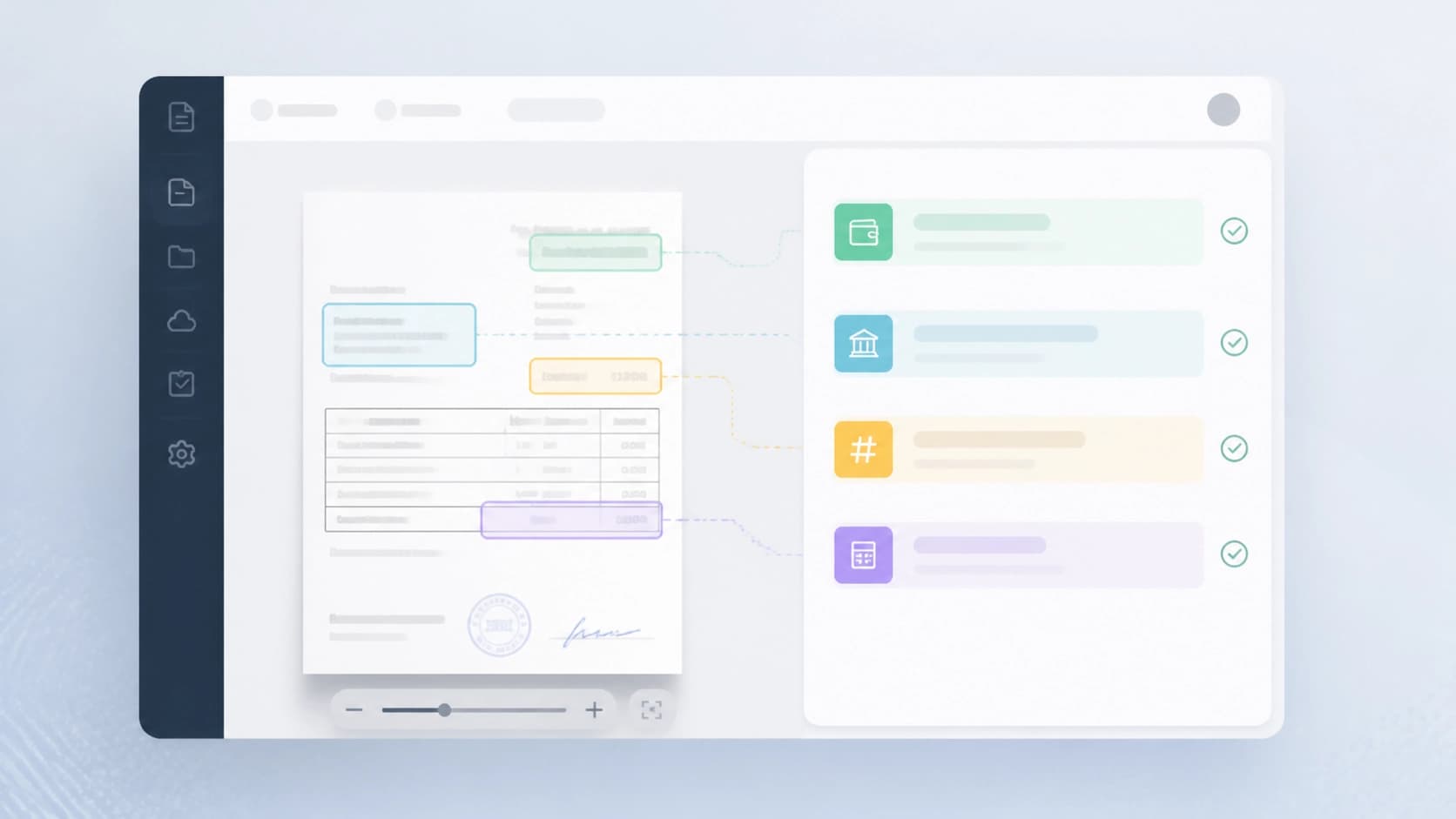
Input formats include PDF, JPG, PNG, DOCX, TXT, RTF, and HTML. For images and PDFs, the program uses visual page analysis, while for text files it extracts content and processes it with a language model. This means that even an old scan with a skewed rotation or poor lighting has a good chance of being recognized correctly.
Choosing an AI Provider
An interesting feature is that the user decides which model will process the documents. Supported options include OpenAI (GPT-4o), GigaChat, LM Studio for local deployment, and llama.cpp with lightweight open-source models for fully offline operation. Simply enter your API key, select a model, and specify the endpoint.
This flexible approach lets everyone find the right balance between speed, quality, and privacy. For example, if documents contain personal data, you can run a local model and avoid sending information to external services altogether.
How It Works in Three Steps
The recognition process is extremely simple, even for those far from technology. No complex settings — just three actions:
- Upload a file — drag and drop a document into the program window or select it via the standard dialog.
- Select the document type — this helps the program understand which fields to extract.
- Get the result — the data appears on screen and can be copied or exported to JSON.
Importantly, the prompts (instructions for the language model) are pre-optimized for local specifics. Dates are automatically converted to the DD/MM/YYYY format, passport numbers are cleaned of stray characters, and phone numbers are normalized to a unified format. This eliminates the typical errors that occur during manual processing.
Automation via REST API
The graphical interface is convenient on its own, but for a small company, real value appears when the application can be connected to business processes. For this purpose, a local REST API is available on port 5000.
Through the API, you can send files via POST requests and receive JSON with extracted data. All eight document types are supported, and the same AI settings are used as in the graphical mode. Request examples and response structures are described in the application's help section.
This opens up broad possibilities: from automatically creating vendor cards in an accounting system to accumulating data from incoming documents in a shared database. The development team won't need to write complex parsers — a one-time integration setup is all it takes.
Security and Local Processing
For many companies, document confidentiality is critical. The developer emphasizes that data does not pass through the application creator's servers. Recognition happens directly between the workstation and the chosen AI provider. This way, the user controls where documents are sent — or can use a fully local model if necessary.
The tool itself is distributed free of charge. The source code is closed, but the development company is ready to perform custom modifications: adding new document types, integrating with a specific accounting system, or adapting to corporate information security requirements. This is convenient for companies that want a tailored solution without building it from scratch.
Practical Takeaways
For small businesses, adopting such a tool is a quick way to relieve employees of tedious routine and reduce the number of errors. There's no need to buy expensive document management systems or hire developers to create complex algorithms. Simply install the program, choose a suitable AI model, and, if needed, set up data exchange with existing services.
Key advantages worth noting:
- Time savings: document processing takes seconds, not hours of manual work.
- Structured output: JSON is ready for integration right away.
- Provider flexibility: from cloud models to fully offline solutions.
- Local focus: prompts are tailored to local documents and formats.
Of course, no AI can fully replace human oversight. But if you need to free up your team for more important tasks, "AI Document Scanner" is a worthy candidate. Especially considering that the starting point is free, and custom modifications can be ordered separately. The technology is already here — all that's left is to stop entering data by hand.
Frequently asked questions
Related materials
All materials
MathAdv: What the Final Accuracy of Machine-Generated Proofs Conceals
A diagnostic suite of tasks spanning 13 undergraduate and graduate mathematics topics evaluates machine-proving systems in Lean 4 not only by their final results, but also by their subject-matter mastery, the quality of their informal reasoning, and their robustness to rephrased conditions. A component-by-component analysis shows that translating a problem into formal form remains the main obstacle, and that success depends heavily on the area of mathematics and how the problem is framed.
9 November 2026
Presentation Editing as Controlled Operations: The EditPPT Framework and DeckEdit-Bench Benchmark
The authors break down slide editing into specific objects, permitted actions, and checks to ensure unrelated content remains untouched, rather than relying on free-form code generation. To measure quality, they created DeckEdit-Bench (183 tasks across 28 human-made presentations), and the multi-agent EditPPT framework achieves a 66.7–74.9% task success rate across five base models while preserving over 97% of the content.
8 November 2026
Non-Euclidean Factor Geometry: The FactoMap Map for Disentangled Representations
A method is proposed for describing factor space through regions, generator-defined identifications, and local scales, making it possible to distinguish topologically similar cases with different geometries. FactoMap trains interpretable prototypes on a structured grid and, in experiments, demonstrates more robust preservation of factor continuity and separation.
8 November 2026