

Word Spinner
Расширение для Chrome, которое перерабатывает AI-тексты в более естественный вид и помогает обходить детекторы ИИ.
Обзор
Word Spinner
Описание нейросети Word Spinner
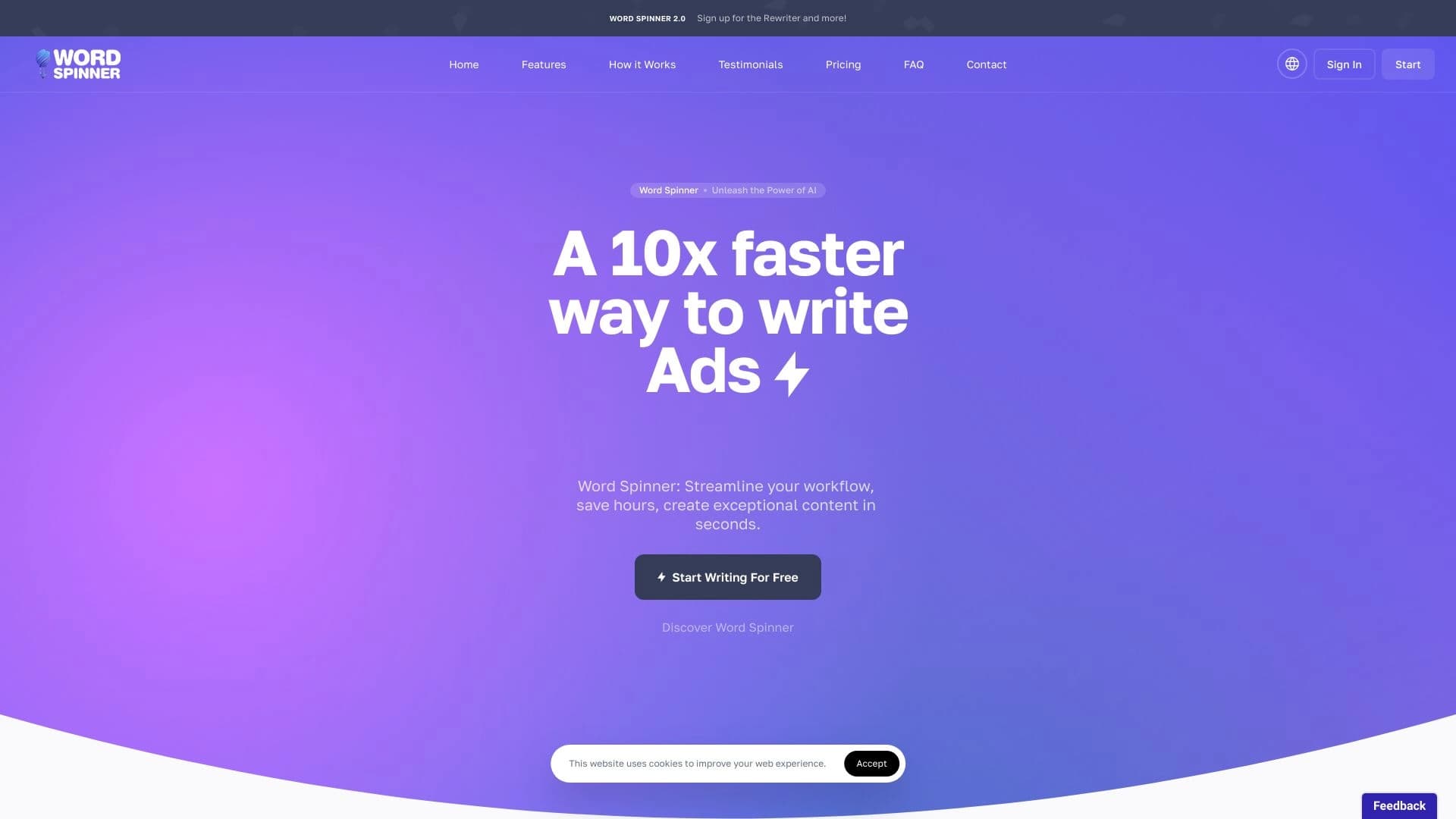
Word Spinner — это расширение для браузера Google Chrome, предназначенное для переработки текстов, созданных искусственным интеллектом, в более естественный и «человеческий» вид. Инструмент помогает сделать сгенерированный контент уникальным, обходя детекторы ИИ и системы проверки на плагиат.
Разработчиком продукта является компания Toolify AI. Сервис обрабатывает тексты на серверной стороне, поэтому для работы требуется постоянное подключение к интернету. Word Spinner поддерживает более 100 языков, включая русский и английский, и предлагает готовые шаблоны стилей для различных задач — от ведения блогов до публикаций в социальных сетях.
Модель распространения — freemium: базовые функции доступны бесплатно, а для расширенных возможностей предусмотрены платные тарифы.
Характеристики Word Spinner
| Характеристика | Значение |
|---|---|
| Тип | Расширение для браузера |
| Платформа | Google Chrome |
| Разработчик | Toolify AI |
| Категории | Перефразирование текста, детекторы ИИ, копирайтинг, помощники для написания текстов, генераторы контента, проверка плагиата, и другие (всего 38 категорий) |
| Количество языков | Более 100 (включая английский и русский) |
| Тарифы | Бесплатный, Профессиональный (499 руб./мес.), Бизнес (1299 руб./мес.) |
| Ежемесячные посещения | 38,1 млн |
| Доступ | Онлайн (требуется интернет) |
Для кого подходит нейросеть Word Spinner?
Копирайтеры и контент-менеджеры
Специалисты, которые регулярно работают с текстами и нуждаются в их гуманизации. Word Spinner помогает превратить сухие AI-формулировки в живые, читабельные материалы без потери информативности.
SMM-специалисты и маркетологи
Для тех, кто ведёт социальные сети и блоги, инструмент даёт возможность быстро адаптировать стиль текста под конкретную платформу — будь то деловая переписка, дружелюбный тон в Instagram или информационные посты в Twitter.
Переводчики
Благодаря поддержке более 100 языков Word Spinner может использоваться как вспомогательный инструмент для придания переведённым текстам более естественного звучания на целевом языке.
Все, кто работает с AI-текстами
Любой пользователь, который генерирует контент с помощью нейросетей и хочет сделать его более уникальным, избежать проблем с плагиатом или обойти AI-детекторы, может найти инструмент полезным.
Как использовать нейросеть Word Spinner?
Установка расширения
Чтобы начать работу, необходимо установить расширение Word Spinner в браузере Google Chrome. Для этого перейдите в Chrome Web Store, найдите расширение и добавьте его в браузер стандартным способом.
Регистрация и вход
После установки потребуется зарегистрироваться в системе — создать учётную запись непосредственно в самом расширении. Для этого не нужен аккаунт OpenAI или ChatGPT. После входа в систему все функции становятся доступны для использования.
Работа с текстом
Интерфейс позволяет сразу приступить к переписыванию текстов. Вы можете вставить сгенерированный нейросетью текст, выбрать подходящий стиль из встроенных шаблонов, после чего инструмент обработает его и выдаст более естественный вариант. Встроенная проверка на уникальность помогает оценить результат и убедиться, что контент не будет распознан как машинный.
Основные функции Word Spinner
Гуманизация AI-текстов
Главная функция Word Spinner — преобразование сгенерированного искусственным интеллектом текста в формат, максимально приближенный к человеческой речи. Алгоритмы обрабатывают текст таким образом, чтобы он выглядел аутентичным и естественным на более чем 100 языках.
Обход AI-детекторов и защита от плагиата
Инструмент помогает обходить системы распознавания машинного контента. После обработки текст становится уникальным — многие AI-детекторы и плагиат-проверки не распознают его как сгенерированный. Встроенная проверка на уникальность позволяет контролировать результат.
Персонализация стиля
Word Spinner предлагает встроенные шаблоны для разных задач. Можно подобрать тон текста — деловой, дружелюбный, нейтральный — или настроить стиль под конкретную платформу: для блогов, социальных сетей, коммерческих предложений и других форматов.
Преимущества Word Spinner
Естественность текста
После обработки контент выглядит по-настоящему живым, как будто его написал человек. Это особенно важно при публикации материалов, где читатели чувствительны к «роботизированному» языку.
Уникальность контента
Алгоритмы Word Spinner полностью перерабатывают текст, предотвращая повторение чужих материалов. Плагиат-детекторы и AI-детекторы часто не распознают обработанный контент как заимствованный или сгенерированный.
Гибкость настроек
Благодаря множеству встроенных шаблонов и настроек можно подогнать стиль текста под любые задачи и аудиторию. Это делает инструмент универсальным решением для разных типов контента.
Многоязычность
Поддержка более 100 языков позволяет работать с текстами на различных языках без необходимости переключаться между разными инструментами.
Недостатки Word Spinner
Сложности с нишевыми стилями
Word Spinner может плохо справляться с очень сложными или узкоспециализированными стилями, такими как художественный или технический текст. Алгоритмы сглаживают уникальные особенности, что может приводить к потере стилистической точности.
Возможное искажение смысла
При перефразировании инструмент иногда изменяет смысл оригинального текста. Это особенно заметно при работе с материалом, содержащим сложный подтекст или неочевидные формулировки. После обработки рекомендуется проверять текст на сохранение изначального смысла.
Зависимость от интернета
Расширение работает только при наличии подключения к интернету, так как обработка текста происходит на серверной стороне. При нестабильном соединении возможны сбои и задержки в работе.
Какие задачи решает Word Spinner
Превращение AI-текстов в живую речь
Инструмент решает проблему «сухих» и «роботизированных» текстов, которые генерируют нейросети. После обработки материал звучит естественно, приближаясь к стилю реального человека.
Обход AI-детекторов
Word Spinner помогает избежать распознавания контента системами, которые выявляют машинное происхождение текста. Это актуально для пользователей, которым требуется публиковать AI-тексты в местах с ограничениями на такой контент.
Создание уникального контента
Инструмент помогает генерировать оригинальные тексты, защищённые от претензий по плагиату. Встроенная проверка на уникальность позволяет убедиться в этом до публикации.
Подбор стиля под платформу
Word Spinner даёт возможность адаптировать текст под конкретную задачу — будь то блог, пост в социальных сетях, коммерческое предложение или дружеское письмо. Достаточно выбрать подходящий шаблон или настроить стиль вручную.
Цены Word Spinner
Инструмент работает по модели freemium. Доступны три тарифных плана:
- Бесплатный — предоставляет базовые функции с ограничением по количеству обработок. После регистрации можно сразу начать пользоваться инструментом без вложений.
- Профессиональный — 499 рублей в месяц. Включает неограниченное количество обработок, доступ к премиальным шаблонам и расширенным возможностям персонализации.
- Бизнес — 1299 рублей в месяц. Предназначен для команд: добавляет общий доступ, расширенные настройки персонализации и приоритетную поддержку.
Условия использования Word Spinner
Для работы с расширением требуется установка Word Spinner в Google Chrome и регистрация на платформе. Аккаунт OpenAI или ChatGPT не нужен — достаточно создать учётную запись непосредственно в самом расширении.
Бесплатная версия имеет ограничения по функциональности и количеству обрабатываемых текстов. Для полного доступа ко всем возможностям требуется подключение одного из платных тарифов. Данных об ограничениях по регионам или необходимости использования VPN на странице сервиса нет.
Доступность Word Spinner
Word Spinner доступен исключительно как расширение для браузера Google Chrome. Для работы необходимо постоянное подключение к интернету, поскольку все тексты обрабатываются на серверной стороне. Инструмент поддерживает более 100 языков, что делает его доступным для пользователей по всему миру независимо от языка контента.
Чем отличается Word Spinner от аналогов
Основная специализация
В отличие от универсальных AI-детекторов (таких как GPTZero, Turnitin, Originality.AI или ZeroGPT), которые в первую очередь фокусируются на выявлении машинного контента, Word Spinner нацелен на его преобразование. Инструмент не просто определяет, что текст создан ИИ, а перерабатывает его, делая более естественным.
Комплексный подход
Word Spinner сочетает в себе функции перефразирования, гуманизации и проверки уникальности в одном расширении. Многие аналоги специализируются только на одной из этих задач, тогда как Word Spinner предлагает их в комплексе с возможностью выбора стиля и тона текста.
Ограничения
При этом инструмент уступает некоторым специализированным решениям в работе со сложными или нишевыми текстами. Например, художественные или технические тексты могут терять свои особенности после обработки, что делает Word Spinner менее подходящим для узкопрофильных задач по сравнению с более тонко настроенными редакторами.
Заключение
Word Spinner — это расширение для Chrome, которое эффективно перерабатывает тексты, созданные искусственным интеллектом, в естественный и уникальный контент. Инструмент помогает обходить AI-детекторы и проверки на плагиат, предлагает гибкую настройку стиля благодаря встроенным шаблонам и работает более чем на 100 языках. У сервиса есть бесплатный тариф, позволяющий познакомиться с базовыми возможностями, а также платные подписки для профессионального использования. Главные недостатки — возможное искажение смысла при перефразировании сложных текстов и зависимость от интернет-соединения. Word Spinner подойдёт копирайтерам, SMM-специалистам, переводчикам и всем, кто хочет сделать AI-контент более «человечным» и уникальным.
Тарифы
Часто задаваемые вопросы
Похожие нейросети

Смотрите также

Онлайн-сервис для переписывания текстов, чтобы они выглядели написанными человеком и обходили детекторы ИИ.


AI-инструмент для создания SEO-оптимизированного многоязычного контента.


Averi — платформа для маркетинга, которая объединяет планирование кампаний, создание контента и аналитику в одном интерфейсе.


Онлайн-сервис на основе ИИ для автоматического создания презентаций из текста, PDF, аудио, видео или URL-ссылок.


Сервис для отслеживания упоминаний бренда в ответах генеративных нейросетей.

Платформа для генерации видео, изображений и цифровых аватаров с помощью ИИ.


Генератор трендовых видео, постов и рекламных креативов на основе идей, изображений и текстовых запросов.

AllChat — это универсальная платформа, объединяющая несколько популярных языковых моделей в одном интерфейсе для общения, генерации изображений, анализа файлов и выполнения кода.