
Winston AI - Chrome Extension
Chrome extension that determines whether selected text is written by a human or generated by a neural network.
Overview
Winston AI - Chrome Extension
Winston AI - Chrome Extension Description
Winston AI is a Google Chrome browser extension designed to detect AI-generated text. The tool lets you instantly check any text fragment on a web page without leaving your browser. Simply select a passage of at least 500 characters and the extension will estimate the probability that it was generated by artificial intelligence. Winston AI supports content checking in four languages: English, French, Spanish, and German. The solution is especially popular in educational institutions and companies where controlling the originality of text content is important.
Winston AI - Chrome Extension Features
| Feature | Value |
|---|---|
| Type | AI content detector |
| Categories | Universal AI detection checkers, AI content detection tools, Text content generators |
| Platforms | Chrome (browser extension) |
| Interface languages | Not specified |
| Supported content languages | English, French, Spanish, German |
| Free plan available | Yes (free plan) |
| Developer | Winston AI |
| Monthly visits | 388.9K |
Who is Winston AI - Chrome Extension suitable for?
Schools and educational institutions
Teachers and administrators can use Winston AI to check student work for the use of neural networks. The extension helps detect texts generated by ChatGPT and other AI models, which is especially relevant given the growing popularity of AI among students.
Companies and corporate users
Businesses need to maintain the uniqueness and authenticity of published content. Winston AI allows editors, content managers, and marketers to quickly check texts for AI generation without transferring them to third-party sites.
Freelancers and independent professionals
Copywriters, translators, and bloggers can use the tool for self-checking or to confirm the originality of their texts before submitting them to a client. The simplicity and speed of working in the browser make the extension a convenient everyday tool.
How to use Winston AI - Chrome Extension?
Installation and registration
To get started, you need to install the Winston AI extension from the Chrome Web Store. After installation, you will need to create a free account on the developer's platform.
Checking text on a web page
To analyze text, highlight a passage of at least 500 characters on any web page. Then right-click and select the appropriate option to run the AI check. The extension will process the selected fragment on its own and display the analysis result.
Credit usage
Each checked word costs one credit. This means that the volume of monthly checks directly depends on the selected subscription plan.
Main features of Winston AI - Chrome Extension
Detecting AI-generated text
The extension can recognize texts created not only by popular neural networks like ChatGPT, but also by less well-known models. The tool assesses the likelihood that text was generated by AI and provides a corresponding verdict.
Working with multiple languages
Winston AI supports content checking in English, French, Spanish, and German. This expands the tool's potential for international projects and multilingual teams.
Built-in browser analysis
Unlike many online services, Winston AI works directly inside the browser. Users do not need to copy text and paste it into a separate website — everything happens in a couple of clicks on the same web page.
Winston AI - Chrome Extension advantages
High accuracy in detecting AI content
The tool demonstrates good accuracy in detecting texts generated by various neural networks. This reduces the risk of false positives and makes it possible to rely on the check results.
Recognition of different AI models
Winston AI effectively identifies content created by both widely known models (ChatGPT) and less common neural networks. This provides a more complete picture when analyzing text.
Ease and speed of use
There is no need to leave the current page or use additional services to run a check. The whole process takes a few seconds and requires only two actions: select text and right-click.
Winston AI - Chrome Extension disadvantages
Minimum text length limitation
The extension does not process fragments shorter than 500 characters. This can be inconvenient when checking short messages, headings, or small paragraphs.
Possible detection errors
Like any AI detector, Winston AI is not perfect. In some cases, text may be falsely flagged as AI-generated or, conversely, missed as human-written.
Limited set of supported languages
Currently, the tool only works with English, French, Spanish, and German. Russian, Chinese, and many other languages are not supported, which significantly narrows the user base.
What tasks does Winston AI - Chrome Extension solve?
Checking whether text is AI-generated
The main task of the extension is to determine whether selected text was produced by a neural network or written by a human. This helps identify non-original content in academic work, articles, and documents.
Confirming content originality
The tool allows authors and editors to document that text was created by a human rather than AI. This can be important when submitting assignments, publishing materials, or reporting to a client.
Winston AI - Chrome Extension pricing
Winston AI uses a freemium model. A free plan with basic features and a limited number of checks is available. For more active users, paid subscriptions are provided:
- Standard plan — available as a paid subscription.
- Premium plan — includes unlimited checks and priority support.
Winston AI - Chrome Extension terms of use
To use the extension, you need to install it from the Chrome Web Store and register a free account. Each check consumes credits at a rate of one credit per word. The free plan provides a limited number of credits, while paid subscriptions expand or remove these limits.
Winston AI - Chrome Extension availability
The extension is available exclusively for the Google Chrome browser. The tool supports text analysis in English, French, Spanish, and German. As of this description, no information is available about other platforms or browsers.
What makes Winston AI - Chrome Extension different from alternatives
Works without visiting a third-party website
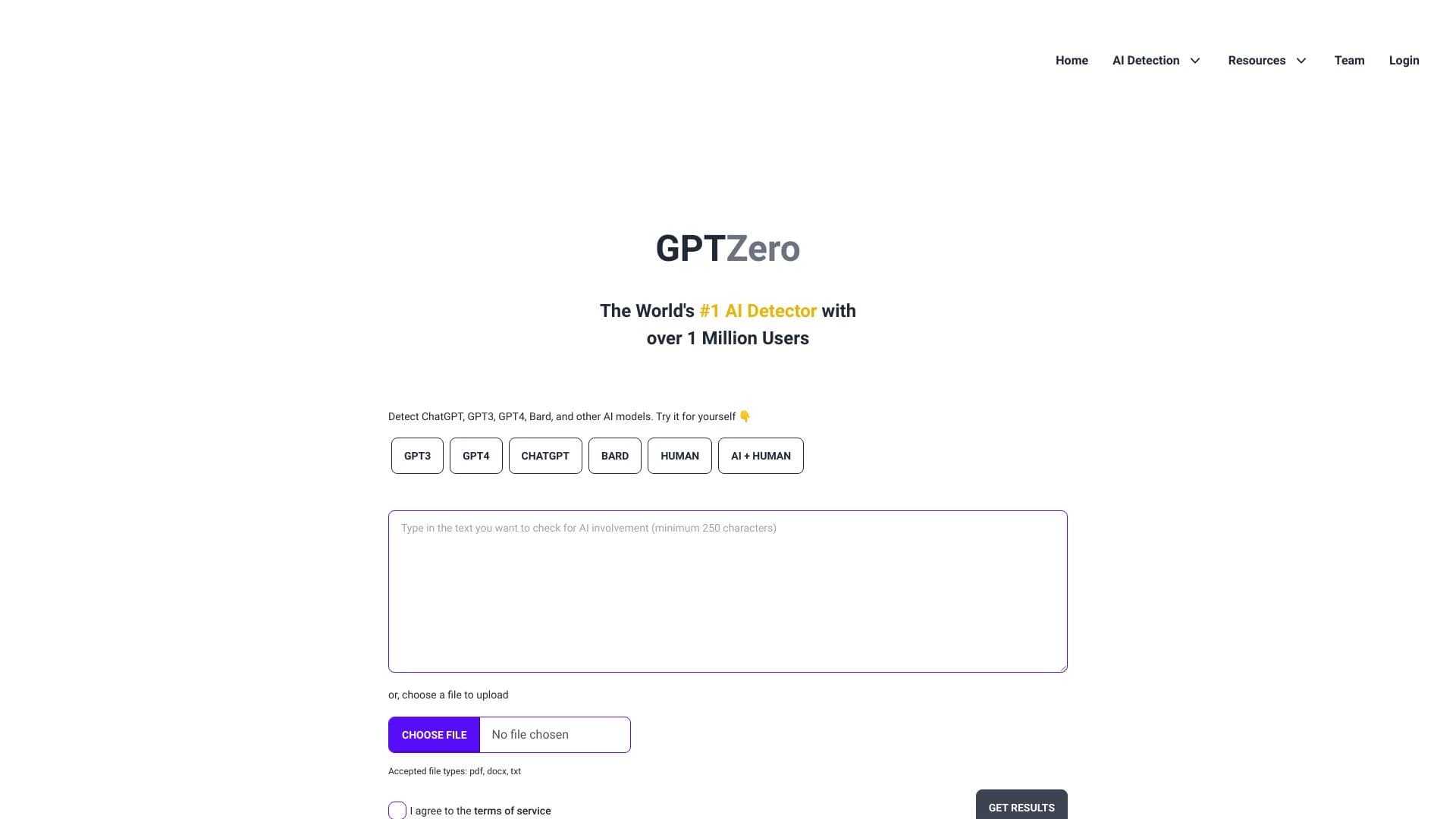
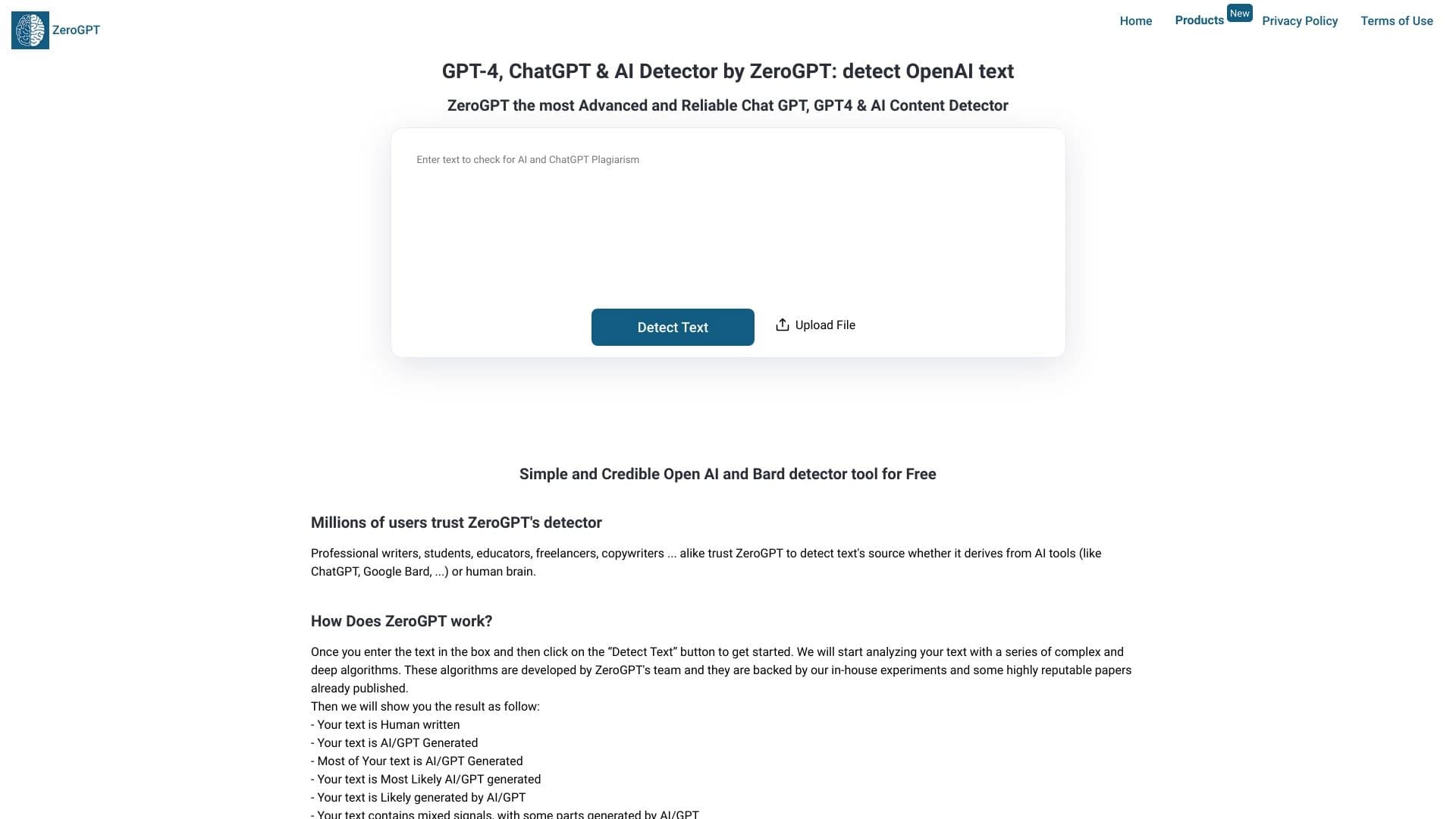
The main difference between Winston AI and many similar services (GigaCheck, GPTZero, Turnitin, Originality.AI, ZeroGPT, and others) is the ability to check text directly in the browser without copying content to a separate website. This saves time and simplifies the workflow.
Focus on a browser extension
While competitors often offer only web versions or desktop applications, Winston AI is implemented specifically as a Chrome extension. This makes it maximally accessible to users who work with texts directly in the browser.
Conclusion
Winston AI is a practical Chrome extension that lets you quickly check texts for AI generation right in the browser. The tool stands out for its high accuracy, ease of use, and support for four languages. However, it has limitations on minimum text length (500 characters) and the set of supported languages, which should be considered when choosing a solution. The extension is suitable for schools, companies, and freelancers who need a fast and reliable way to detect AI content without switching to third-party resources.
Frequently asked questions
Similar AI tools

See also
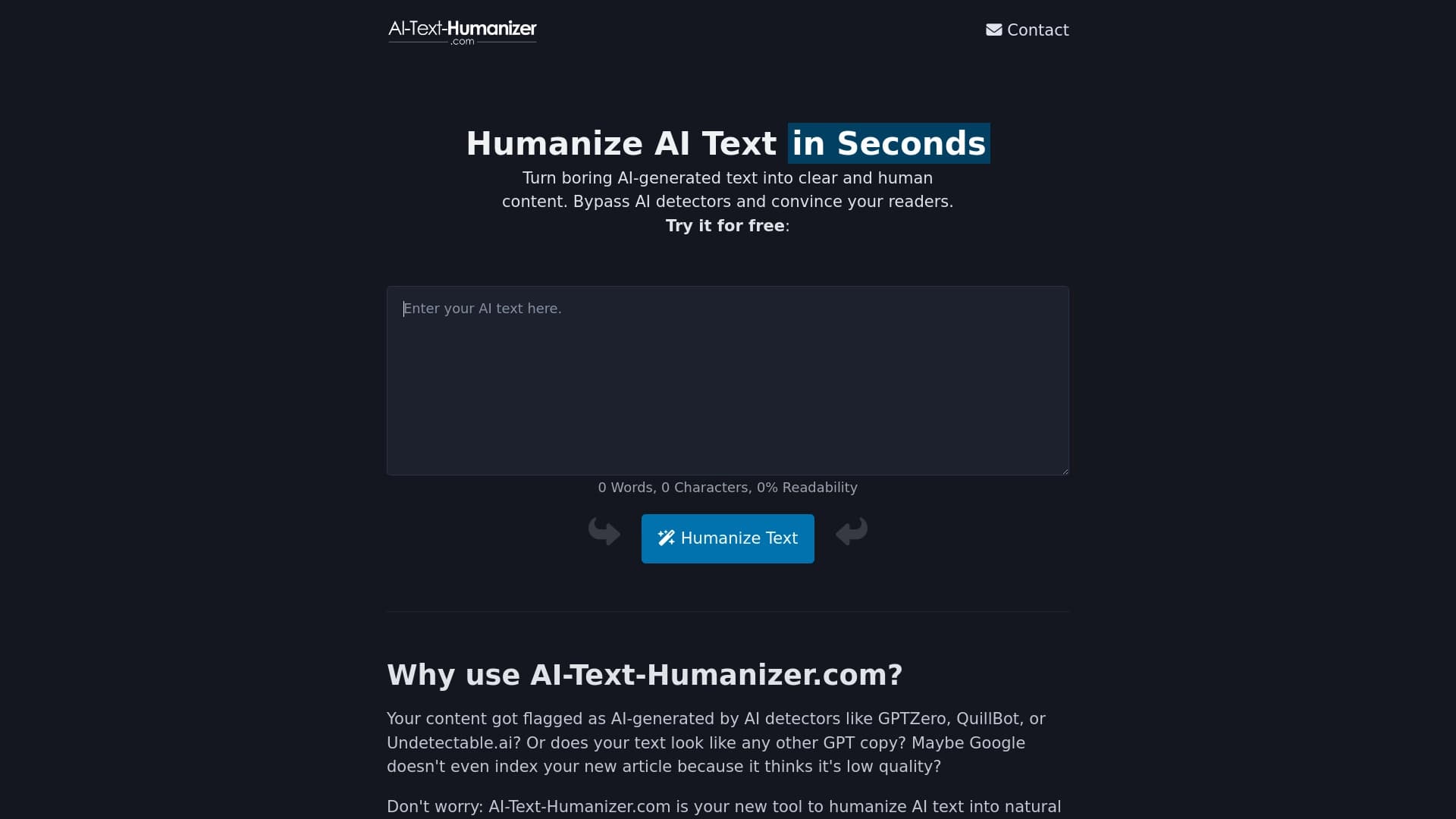
An online service that reworks text created by a neural network to make it sound natural and undetectable by AI detectors.

Online service for rewriting texts to make them look human-written and bypass AI detectors.

Service for transforming AI-generated text into a more natural-looking form that is harder for artificial intelligence detectors to recognize.

An online service that reworks text generated by a neural network into a more natural and human-like form.


AI platform for CRM automation, call analytics, and real-time sales training.

AI Spy is a web tool for analyzing audio recordings to determine whether speech was created by a human or artificial intelligence.
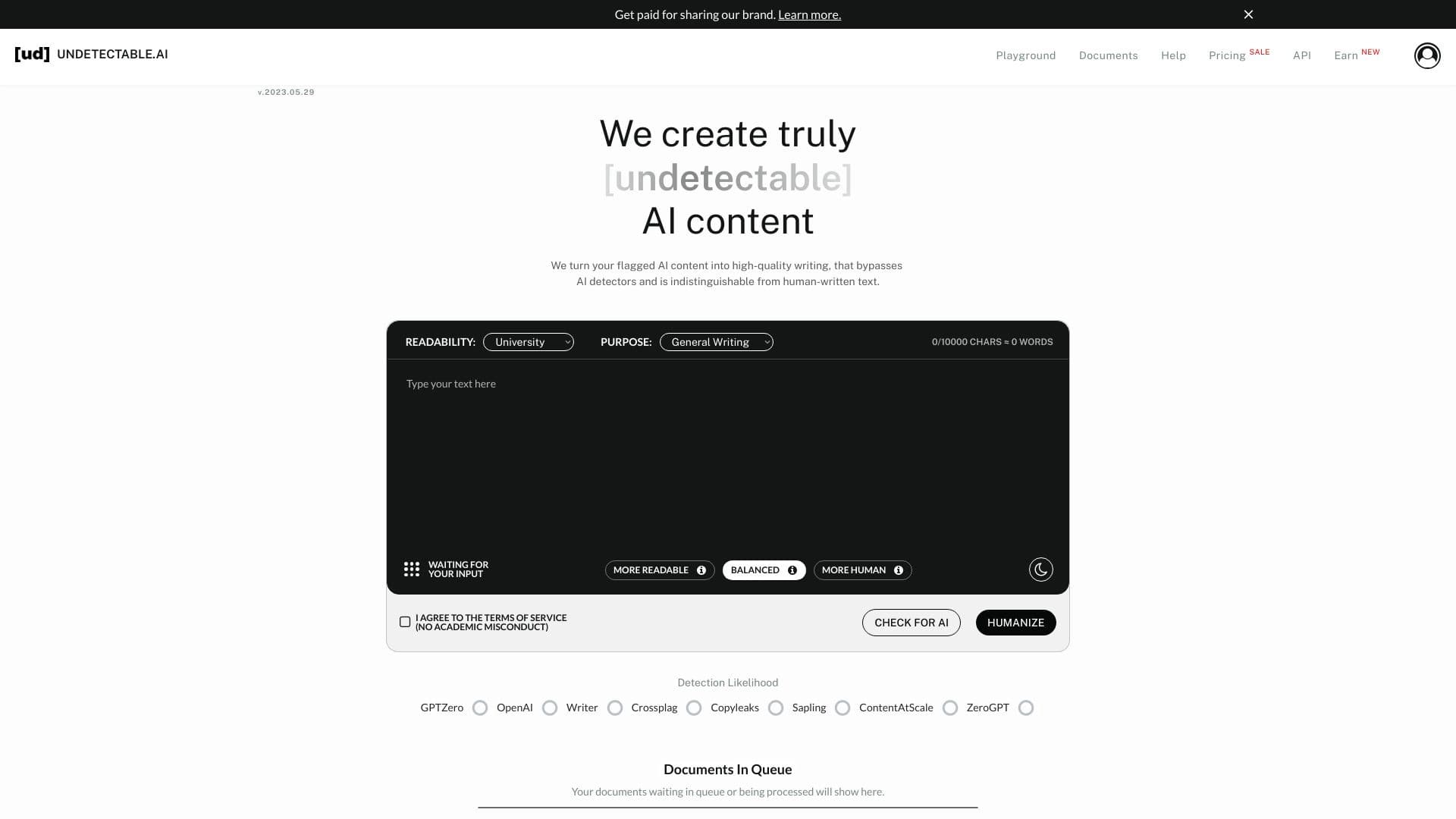

A service for detecting AI-generated text and transforming it into more natural, human-like writing.
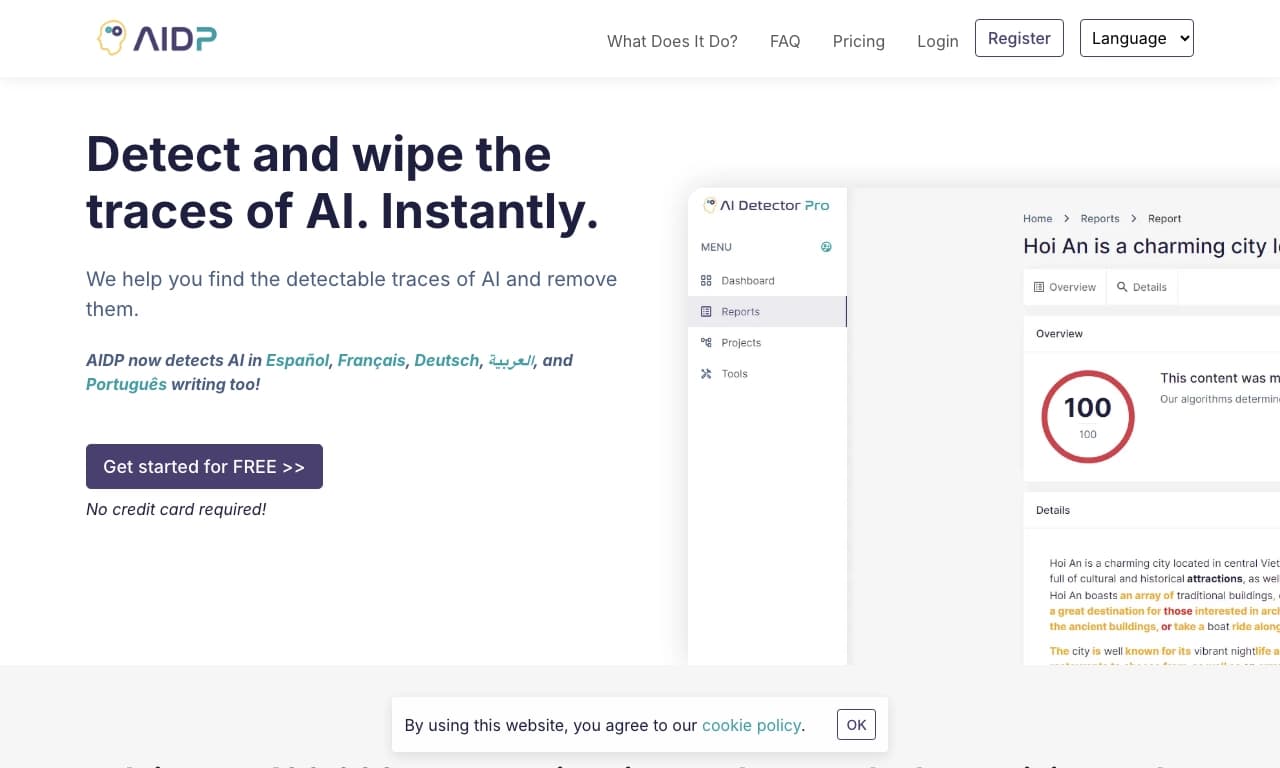

Web service for checking texts for signs of AI generation.