

Viggle
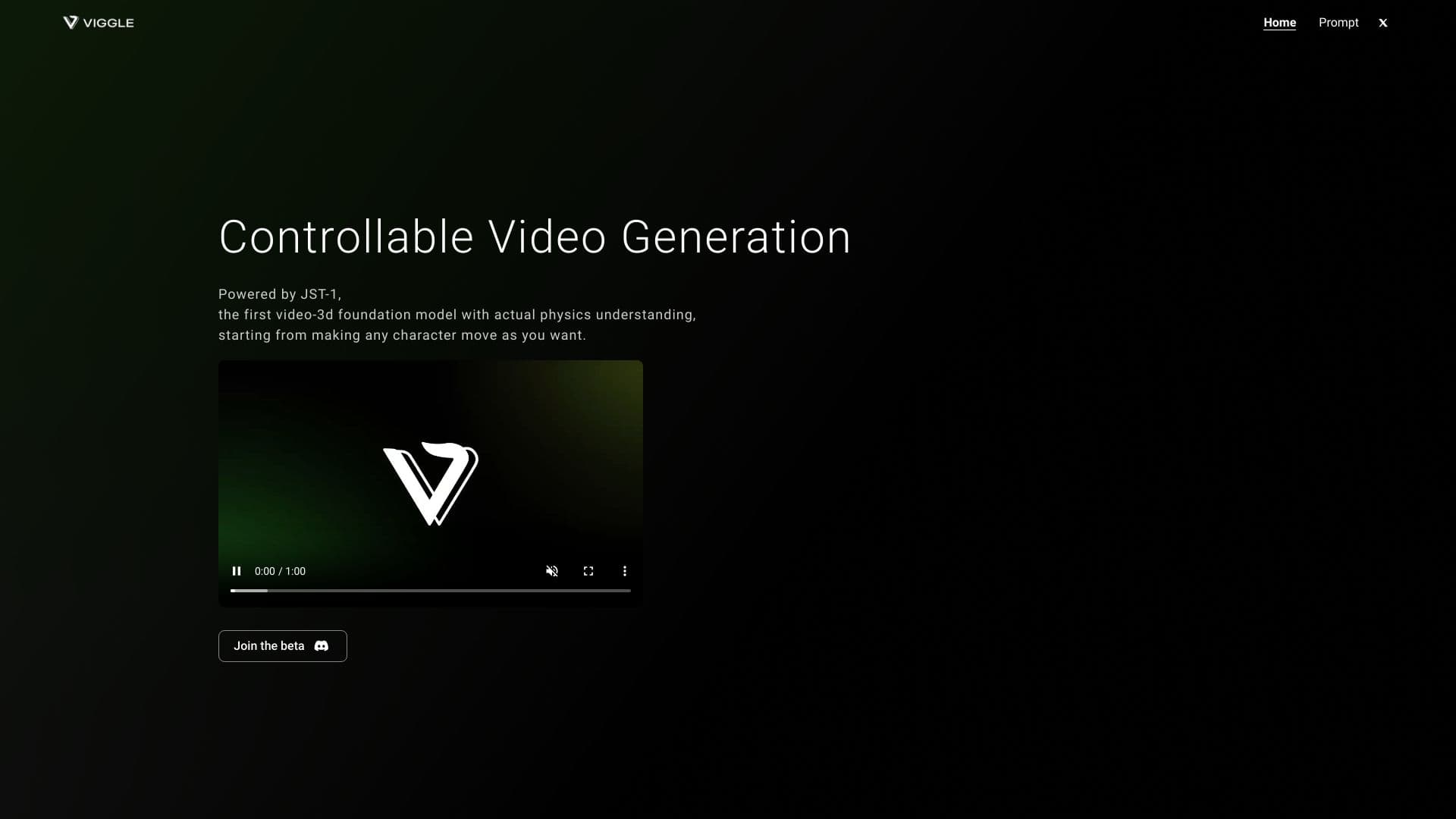
Plataforma para criar vídeos animados, transferindo os movimentos dos personagens para as imagens.
Posição nos rankings
Visão geral
Viggle
Descrição da rede neural Viggle
Viggle é uma plataforma para criar vídeos animados com base em inteligência artificial. Ela permite transferir movimentos de personagens ou pessoas para imagens estáticas e videoclipes, além de gerar animações a partir de descrições textuais.
Na base do serviço está o modelo proprietário JST-1, que entende a física do movimento: ele é capaz de transferir corretamente poses, danças e cenas dinâmicas de um objeto para outro. Graças a isso, os usuários podem, por exemplo, "dar vida" a uma foto estática, colocando o personagem em um movimento de meme reconhecível, uma dança ou um template viral.
Ideia central da plataforma
O principal objetivo da Viggle é atender à demanda de "fazer um vídeo engraçado", e não apenas gerar uma imagem. O serviço é voltado para a criação de vídeos curtos de entretenimento e memes para redes sociais, como TikTok, Reels e Shorts.
Comunidade e compartilhamento de conteúdo
Em torno do serviço, formou-se uma comunidade ativa com mais de 4 milhões de usuários. Os participantes podem compartilhar seus trabalhos e usar templates de movimentos prontos em seus vídeos.
Características da Viggle
| Característica | Valor |
|---|---|
| Tipo | Ferramenta de IA para criação de vídeos e animações |
| Modelo principal | JST-1 |
| Plataformas | Web, iOS, Android, Discord |
| Modelo de distribuição | Freemium (funções básicas gratuitas) |
| Categorias | Geração de vídeo, imagem para vídeo, vídeo para vídeo, animação e desenhos animados, redes sociais |
| Público-alvo | Criadores de conteúdo, animadores, influenciadores, profissionais de marketing, entusiastas |
Para quem é indicada a rede neural Viggle?
A Viggle é voltada para um público amplo — de iniciantes a profissionais — que precisa de uma ferramenta rápida e simples para criar animações.
Criadores de conteúdo digital e influenciadores
Para criadores de conteúdo para redes sociais, o serviço é uma forma de obter rapidamente vídeos virais e envolventes: danças de meme, reações, cenas engraçadas com personagens.
Animadores e especialistas em storytelling
Para animadores e quem trabalha com narrativas em vídeo, a ferramenta ajuda a dar vida a personagens e ilustrações sem a necessidade de desenhar quadros manualmente.
Profissionais de marketing
Especialistas em promoção podem usar a plataforma para preparar vídeos curtos publicitários e de entretenimento para campanhas em redes sociais.
Amadores e entusiastas de hobby
O serviço também é adequado para quem quer apenas se divertir: criar um meme com você mesmo ou com um personagem, dar vida a uma foto de família ou fazer um vídeo memorável para um chat.
Como usar a rede neural Viggle?
O trabalho com a plataforma é baseado em alguns passos simples que não exigem habilidades de edição de vídeo.
Registro e início
Primeiro, é preciso se registrar no site oficial viggle.ai, no aplicativo móvel ou pelo servidor do Discord. Depois disso, a seção de criação de vídeos é aberta.
Preparação dos materiais de origem
É necessário carregar uma imagem ou videoclipe que servirá de base para a animação. Para melhores resultados, recomenda-se usar fotos nítidas de corpo inteiro, sem excesso de detalhes no fundo.
Configuração do movimento e geração
Em seguida, o usuário escolhe ou define o movimento — um template de meme pronto, uma dança, uma pose ou uma descrição textual das ações. O modelo JST-1 transfere o movimento para o objeto, e então a animação pode ser visualizada, editada e exportada como vídeo final.
Principais funções da Viggle
A plataforma oferece um conjunto de funções que cobrem diferentes cenários de criação de animação.
Transferência de movimentos de vídeo para um objeto
A Viggle consegue copiar movimentos de um vídeo e transferi-los para outra imagem ou gravação. Isso permite, por exemplo, colocar uma pessoa ou personagem em uma dança famosa ou cena de luta.
Dar vida a imagens estáticas
O serviço transforma uma foto estática em um vídeo animado, adicionando ao personagem o movimento e as poses desejados.
Geração de animação a partir de descrição textual
Os usuários podem criar um vídeo do zero com base em um prompt de texto que descreve os movimentos e cenas desejados.
Trabalho com templates e memes
É possível gerar memes com movimentos e poses conhecidos, além de criar seus próprios templates de movimento e aplicá-los a vídeos. Também há a função de substituir personagens em vídeos e criar memes com troca de rosto.
Vantagens da Viggle
O serviço se destaca por uma série de benefícios práticos que tornam a criação de animações acessível.
Simplicidade e economia de tempo
Criar vídeos não exige habilidades de edição — basta carregar o material e escolher o movimento. Isso acelera consideravelmente a preparação de conteúdo em comparação com a animação tradicional.
Conteúdo envolvente e interativo
A plataforma permite criar vídeos de entretenimento que funcionam bem em redes sociais, chats e em qualquer plataforma de vídeos curtos.
Qualidade e flexibilidade de configurações
A animação se destaca pela alta qualidade e movimentos suaves graças ao modelo JST-1. Além disso, há amplas possibilidades de personalização e um vasto campo criativo para experimentos.
Acessibilidade e comunidade
As funções básicas são gratuitas, há aplicativos móveis para iOS e Android, além de uma comunidade ativa para compartilhar trabalhos e se inspirar.
Desvantagens da Viggle
O serviço tem uma limitação notável que vale a pena conhecer com antecedência. O resultado da animação fica melhor ao usar uma imagem nítida de corpo inteiro, sem detalhes excessivos no fundo: uma cena poluída pode afetar negativamente a qualidade da transferência de movimento. Fora isso, não há limitações graves apontadas nas fontes.
Quais problemas a Viggle resolve
A plataforma atende a uma ampla gama de tarefas relacionadas à criação rápida de animações e conteúdo em vídeo.
Conteúdo para redes sociais
O serviço é ideal para criar vídeos engraçados, memes e vídeos virais para TikTok, Reels e Shorts, além de reações curtas em chats.
Dar vida a fotos
Uma das principais tarefas é transformar imagens estáticas em vídeos animados curtos, algo muito útil em redes sociais, apresentações e projetos pessoais.
Storytelling e animação
A ferramenta ajuda a contar histórias e criar vídeos animados a partir de imagens, gravações e descrições textuais.
Educação e marketing
As possibilidades do serviço se aplicam a materiais educativos e campanhas de marketing, onde é necessário preparar rapidamente fragmentos animados ilustrativos.
Preços da Viggle
O serviço opera no modelo freemium: as funções básicas estão disponíveis gratuitamente. Isso permite que novos usuários experimentem a ferramenta e criem animações simples sem investimento. Informações detalhadas sobre os planos pagos e sua composição não são divulgadas nos dados de origem.
Termos de uso da Viggle
Para começar, é necessário se registrar — no site oficial, no aplicativo móvel ou pelo servidor do Discord. Após criar a conta, os usuários têm acesso às ferramentas de criação de vídeo e às funções da comunidade. O acesso à plataforma é feito pela versão web e pelos aplicativos oficiais.
Disponibilidade da Viggle
A plataforma está disponível em vários dispositivos e canais, o que a torna conveniente para uso em diferentes situações.
Versão web
A versão completa do serviço funciona pelo navegador no site oficial viggle.ai, onde estão disponíveis todas as principais funções de criação e edição de vídeo.
Aplicativos móveis
Para usuários de smartphones, há aplicativos para iOS e Android que permitem criar animações diretamente do dispositivo móvel.
Integração com Discord
O serviço também está disponível pelo servidor do Discord, o que é conveniente para usuários acostumados a trabalhar e interagir com a comunidade no mensageiro.
O que diferencia a Viggle dos concorrentes
A principal diferença da Viggle em relação a muitas ferramentas similares é a especialização focada na transferência de movimentos prontos e templates de meme para imagens e vídeos. Em vez de apenas gerar uma imagem ou vídeo do zero, o serviço resolve a tarefa específica de "colocar um personagem em um movimento conhecido", o que o torna especialmente útil para criar conteúdo de entretenimento para redes sociais.
Uma característica distintiva é o modelo JST-1, que entende a física do movimento e garante suavidade e realismo na animação. Combinado com o modelo freemium, os aplicativos móveis, a integração com o Discord e uma grande comunidade, isso dá ao serviço uma vantagem sobre soluções profissionais pesadas quando se precisa de um resultado rápido e simples para TikTok, Reels e Shorts.
Conclusão
A Viggle é uma ferramenta acessível e divertida para criar vídeos animados, que transfere movimentos de uma pessoa ou personagem para imagens e clipes. Graças ao modelo JST-1, que entende a física do movimento, o serviço permite dar vida rapidamente a fotos estáticas e criar vídeos de meme a partir de templates prontos ou descrições textuais. A combinação de funções básicas gratuitas, aplicativos móveis, integração com o Discord e uma comunidade ativa de mais de quatro milhões de usuários torna a Viggle uma solução conveniente para criadores de conteúdo, profissionais de marketing e todos que desejam criar facilmente vídeos virais curtos para redes sociais.
Perguntas mais frequentes
Consulte também

Serviço para criar assistentes de voz e texto de IA para automatizar a comunicação com o cliente.

Serviço Tradução automática de vídeo em muitas línguas Preservar a voz original e sincronizar os lábios.

Designer de currículo online com uso de IA criar documentos profissionais.

Serviço de IA para criar automaticamente vídeos publicitários com avatares digitais e vozover baseado em uma imagem de produto.
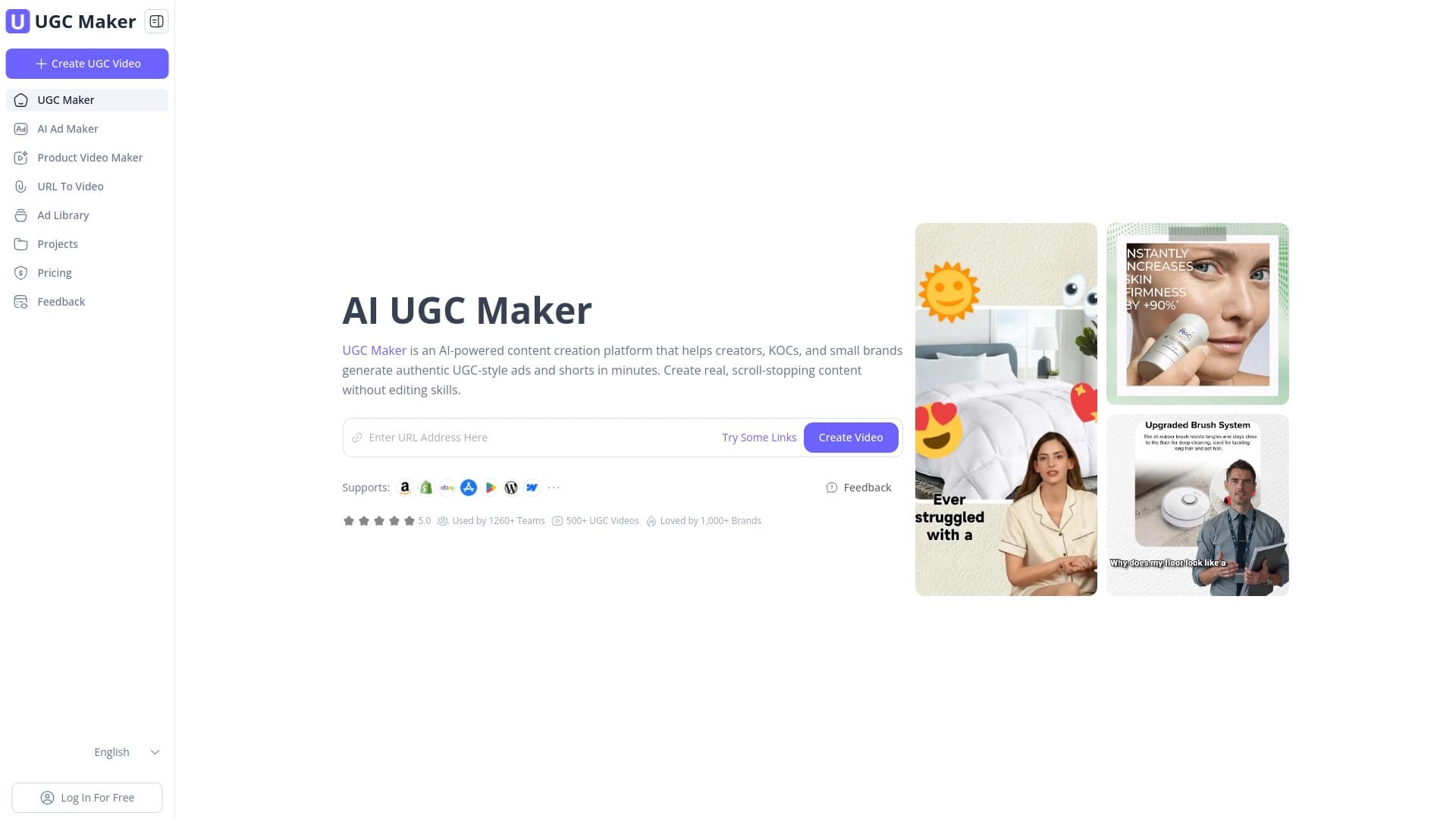

Plataforma para geração automática Vídeo com avatares virtuais no link para o produto.
Rede neural que transforma ideias em texto em vídeos prontos, com seleção automática de cenas, narração e música.
Serviço para converter arquivos de áudio e vídeo em suporte de texto Muitas línguas.
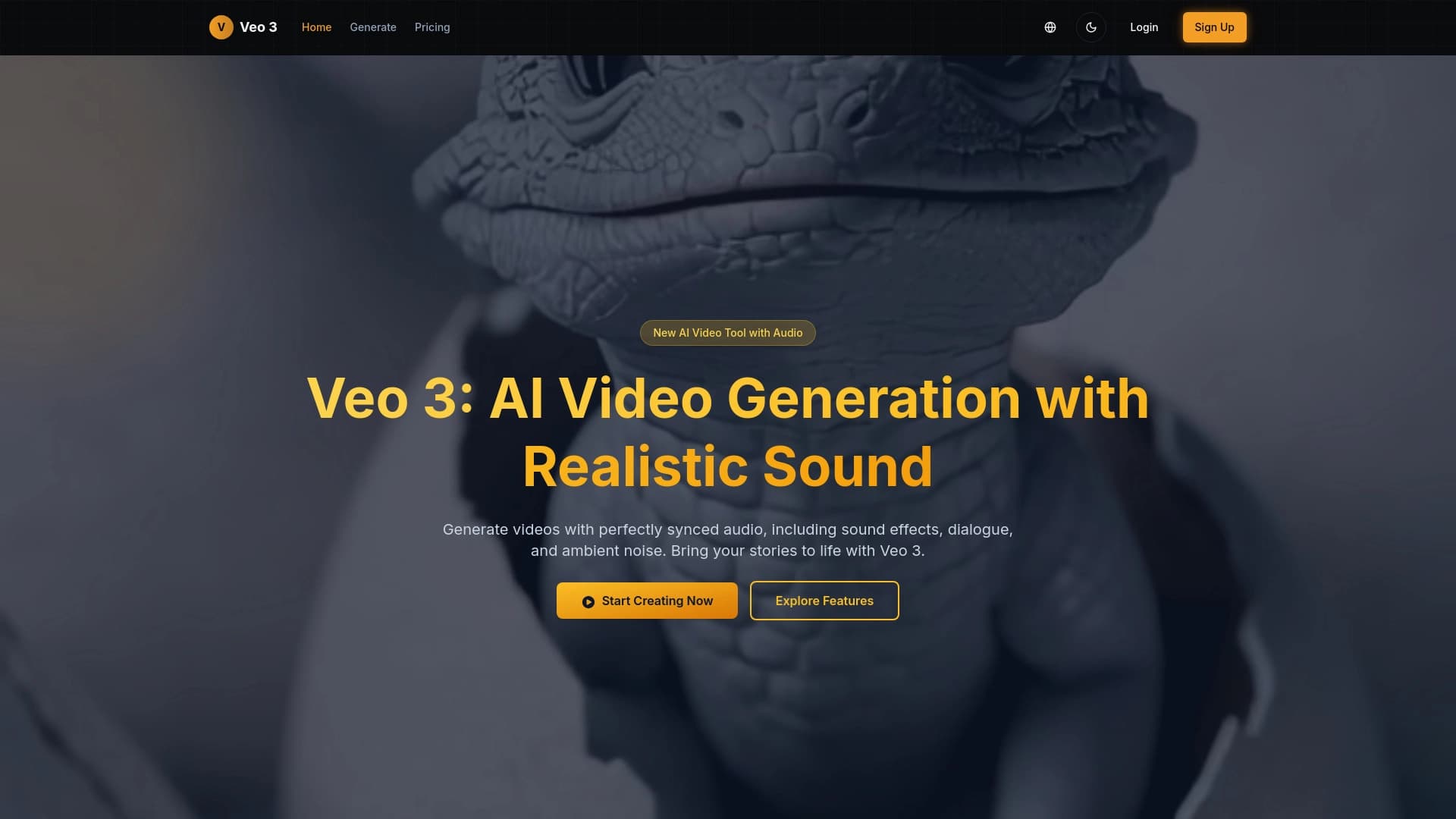
Rede neural do Google DeepMind para análise e processamento de vídeo.