

Venngage
Онлайн-платформа с ИИ для создания инфографики, презентаций и отчётов из текстового описания.
Место в рейтингах
Обзор
Venngage
Описание нейросети Venngage
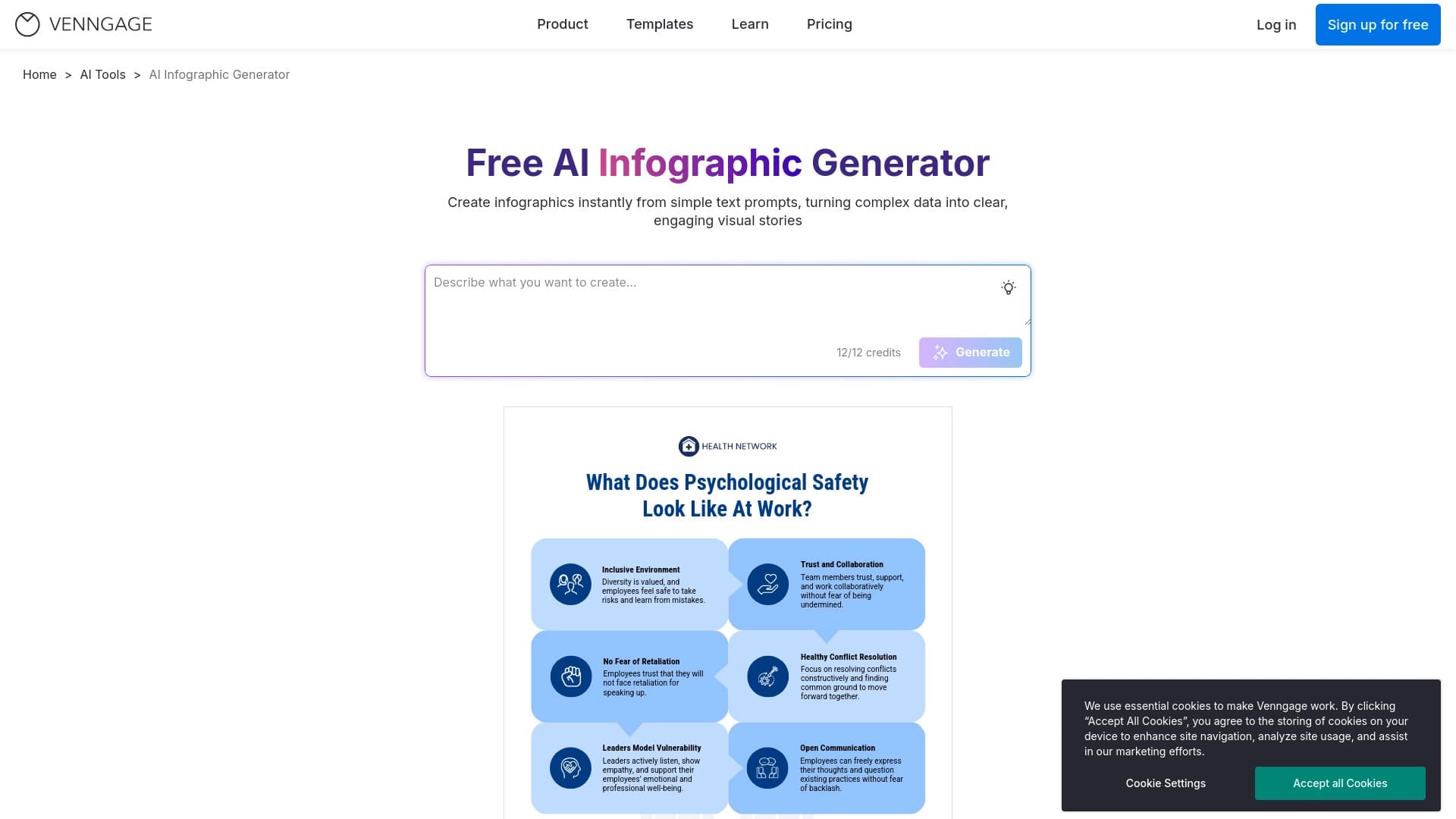
Venngage — это онлайн-платформа для создания визуального контента на базе искусственного интеллекта. Сервис позволяет генерировать инфографику, презентации и отчёты из обычного текстового описания: достаточно ввести тему или идею, и нейросеть сама подберёт структуру, макет, иконки и текстовые блоки за считанные секунды.
После автоматической генерации черновик можно дорабатывать вручную через редактор с перетаскиванием элементов — менять цвета, шрифты, блоки и добавлять собственные изображения. Платформа содержит более 10 000 готовых шаблонов и автоматически следит за выравниванием элементов и композицией. Встроенные инструменты проверяют доступность контента, включая контрастность цветов и читаемость текста в соответствии со стандартами WCAG 2.0. Готовый результат можно экспортировать в PNG или PDF, а для работы не требуется устанавливать программное обеспечение — всё доступно через браузер.
Характеристики Venngage
| Характеристика | Значение |
|---|---|
| Тип инструмента | Веб-платформа для создания визуального контента, генератор инфографики |
| Разработчик | Venngage |
| Модель распространения | Freemium (есть бесплатный и платные тарифы) |
| Платформы | Веб-интерфейс (не требует установки) |
| Количество шаблонов | 10 000+ |
| Форматы | Инфографика, презентации, брошюры, постеры, временные шкалы, фирменные бланки, графики, диаграммы |
| Стандарты доступности | WCAG 2.0 |
| Экспорт | PNG, PDF |
| Наличие бесплатного тарифа | Да |
| Ежемесячные посещения | 12.7K |
| Является сайтом | Да |
| Официальный веб-сайт | venngage.com |
Для кого подходит нейросеть Venngage?
Маркетологи и специалисты по визуализации
Инструмент подходит маркетологам, преподавателям и тренерам, а также всем, кто регулярно визуализирует процессы, сравнения и статистические данные. Сервис позволяет быстро превращать сложную информацию в наглядные схемы и материалы для кампаний.
Пользователи без опыта в дизайне
Venngage рассчитан на новичков, у которых нет навыков работы в Photoshop или других дизайнерских программах. Интерфейс построен по принципу «кликнул и редактируешь», поэтому для работы не нужны специальные знания.
Частные лица и компании
Платформа охватывает широкий круг пользователей — от отдельных людей до организаций, которым требуется быстро создавать качественный визуальный контент без привлечения дизайнера.
Как использовать нейросеть Venngage?
Генерация по текстовому описанию
Для начала работы нужно ввести тему или идею текстом. ИИ самостоятельно подбирает макет, текст и изображения всего за несколько секунд, формируя готовый черновик инфографики.
Редактирование через drag-and-drop
Полученный черновик легко дорабатывается в редакторе: элементы перемещаются перетаскиванием, меняются цвета, шрифты и блоки, добавляются собственные изображения. Всё работает онлайн, без установки программ.
Экспорт и публикация
Готовую инфографику можно скачать в формате PNG или PDF либо поделиться ссылкой. Для полноценного использования рекомендуется зарегистрироваться, поскольку без регистрации действуют ограничения по количеству генерируемых карточек в час.
Основные функции Venngage
Генерация инфографики по текстовому запросу
Нейросеть создает основу инфографики по введённой теме, автоматически подбирая структуру, иконки и текстовые блоки. Можно получать разные виды материалов: временные шкалы, схемы процессов, сравнения, статистику и другие.
Библиотека готовых шаблонов
Платформа содержит более 10 000 профессиональных шаблонов для различных целей — от временных шкал и сравнений до графиков и диаграмм. Это позволяет быстро подобрать подходящую основу под конкретную задачу.
Редактор и автоматизация оформления
Drag-and-drop редактор даёт возможность настраивать любые элементы, а автоматическое выравнивание и соблюдение пропорций следят за композицией. Дополнительно включены инструменты проверки доступности: контрастность цветов и читаемость текста по стандартам WCAG 2.0.
Преимущества Venngage
Экономия времени
Инфографика создаётся за пару минут без участия дизайнера. Нейросеть автоматизирует подбор макета, текста и картинок, что значительно ускоряет рабочий процесс.
Простота для новичков
Сервис не требует навыков дизайна — понятный интерфейс и принцип «кликни и редактируй» делают инструмент доступным любому пользователю.
Гибкая настройка и доступность
Шаблоны, стили, цвета, шрифты и брендовая айдентика настраиваются под конкретные задачи. Платформа также учитывает инклюзивность: дизайны соответствуют стандартам доступности WCAG 2.0, а работа ведётся через браузер без установки ПО.
Недостатки Venngage
Шаблонный дизайн
При использовании стандартных шаблонов создаваемые инфографики могут быть похожи друг на друга и не выглядеть уникальными.
Автоматика требует ручной правки
Автоматически подставленные тексты и картинки иногда не соответствуют теме, особенно если она сложная или специфическая. В таких случаях нужна ручная доработка элементов.
Ограничения онлайновой работы
Инструмент работает только онлайн и недоступен без подключения к интернету. Без регистрации также действует лимит на количество генерируемых карточек в час.
Какие задачи решает Venngage
Сервис помогает быстро создавать профессиональные инфографики из текстовых данных и идей, превращая сложную информацию в простые визуализации. Инструмент подходит для визуализации отчётов маркетинговых кампаний, создания наглядных схем и раздаточных материалов для преподавателей и тренеров, а также даёт возможность разрабатывать брошюры, постеры, временные шкалы, фирменные бланки, графики и диаграммы с учётом инклюзивного дизайна.
Цены Venngage
Бесплатный тариф
Доступен базовый тариф с ограниченным количеством шаблонов и экспортом в PNG.
Платные тарифы
Премиум-тариф стоит 599 рублей в месяц и включает расширенный доступ к шаблонам, экспорт в PDF и приоритетную поддержку. Бизнес-тариф обходится в 1299 рублей в месяц и предоставляет полный набор функций, брендовые инструменты, командную работу и расширенные опции экспорта.
Условия использования Venngage
Для работы с сервисом достаточно зайти на сайт Venngage. Все функции доступны через веб-интерфейс, установка программ не требуется. Для полноценного использования и снятия ограничений по количеству генерируемых карточек в час рекомендуется пройти регистрацию.
Доступность Venngage
Venngage доступен как веб-сервис и работает только онлайн через браузер. Официальный сайт на русском языке не указан, однако страница каталога доступна на русском. Информация о конкретных регионах и поддерживаемых языках интерфейса в исходных данных не приводится.
Чем отличается Venngage от аналогов
Упор на визуализацию данных без навыков дизайна
В отличие от универсальных генераторов изображений или промпт-инструментов, Venngage сфокусирован на создании структурированной инфографики, диаграмм и презентаций. Сервис не требует понимания промптов и дизайна — достаточно описать тему текстом.
Внимание к доступности контента
Отличительной особенностью является встроенная проверка доступности по стандартам WCAG 2.0 — автоматический контроль контрастности цветов и читаемости текста, что редко встречается у аналогичных генераторов.
Конструктор с элементами ИИ, а не чистый генератор
По сравнению с чисто ИИ-инструментами Venngage представляет собой полноценный веб-конструктор с библиотекой из 10 000+ шаблонов и простым редактором, где искусственный интеллект автоматизирует подбор макета и оформления. При этом гибкая ручная настройка остаётся полностью в распоряжении пользователя.
Заключение
Venngage — это удобная онлайн-платформа, которая позволяет быстро и просто создавать инфографику, презентации и отчёты без навыков дизайна, экономя время за счёт ИИ-генерации макетов и обширной библиотеки шаблонов. Особого внимания заслуживают автоматическая поддержка композиции и встроенная проверка доступности контента по стандартам WCAG 2.0. Однако стоит учитывать, что дизайн может получаться шаблонным, а автоматические вставки текста и изображений в сложных темах требуют ручной доработки, поэтому сервис подойдёт скорее тем, кто ценит скорость и простоту, чем тем, кому нужен глубоко уникальный визуальный результат.
Тарифы
Часто задаваемые вопросы
Похожие нейросети


Смотрите также


BannsAi — сервис с использованием ИИ для быстрого создания рекламных баннеров по текстовому описанию или референсу.

Расширение для Chrome, которое помогает выигрывать в учебной игре Blooket, подсказывая ответы и автоматизируя действия.
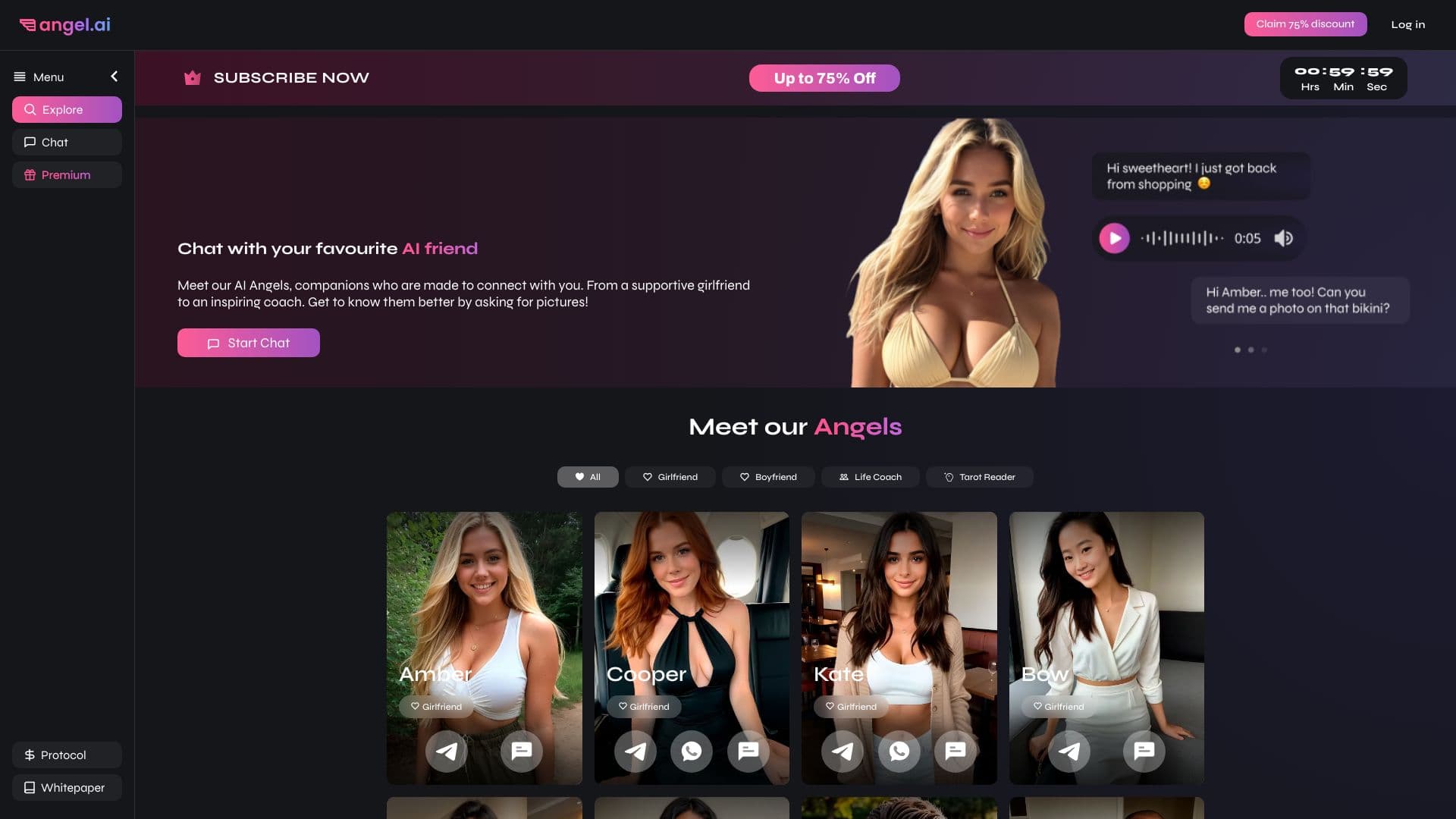
Приложение для создания и настройки виртуальных ИИ-компаньонов с разными характерами и стилями общения.

Платформа для создателей контента, объединяющая управление ссылками, email-маркетинг, онлайн-магазин и аналитику в одном визуальном редакторе без программирования.

Мобильное приложение для обработки фото и создания стилизованных аватаров с помощью ИИ.


AI-помощник для быстрого создания и редактирования текстов в различных форматах.
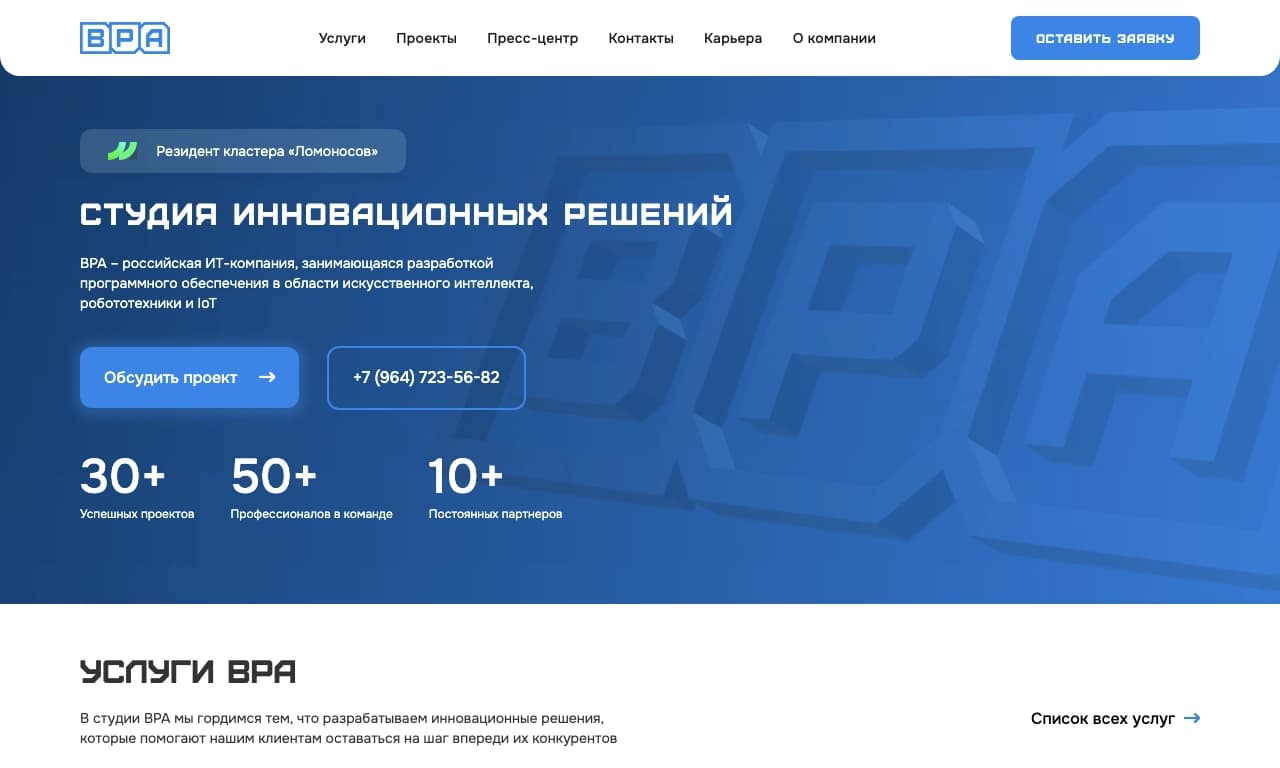

Облачная AI-платформа для автоматизации контроля чистоты в офисах и мониторинга действий сотрудников.

ИИ-агент для автоматизации клиентских коммуникаций и поддержки.