

Vectorizer AI
Service web en réseau neuronal pour la conversion automatique des images raster en graphiques vectoriels.
Place dans les classements
Aperçu général
Vecteur AI
Description du réseau neuronal Vectorizer AI
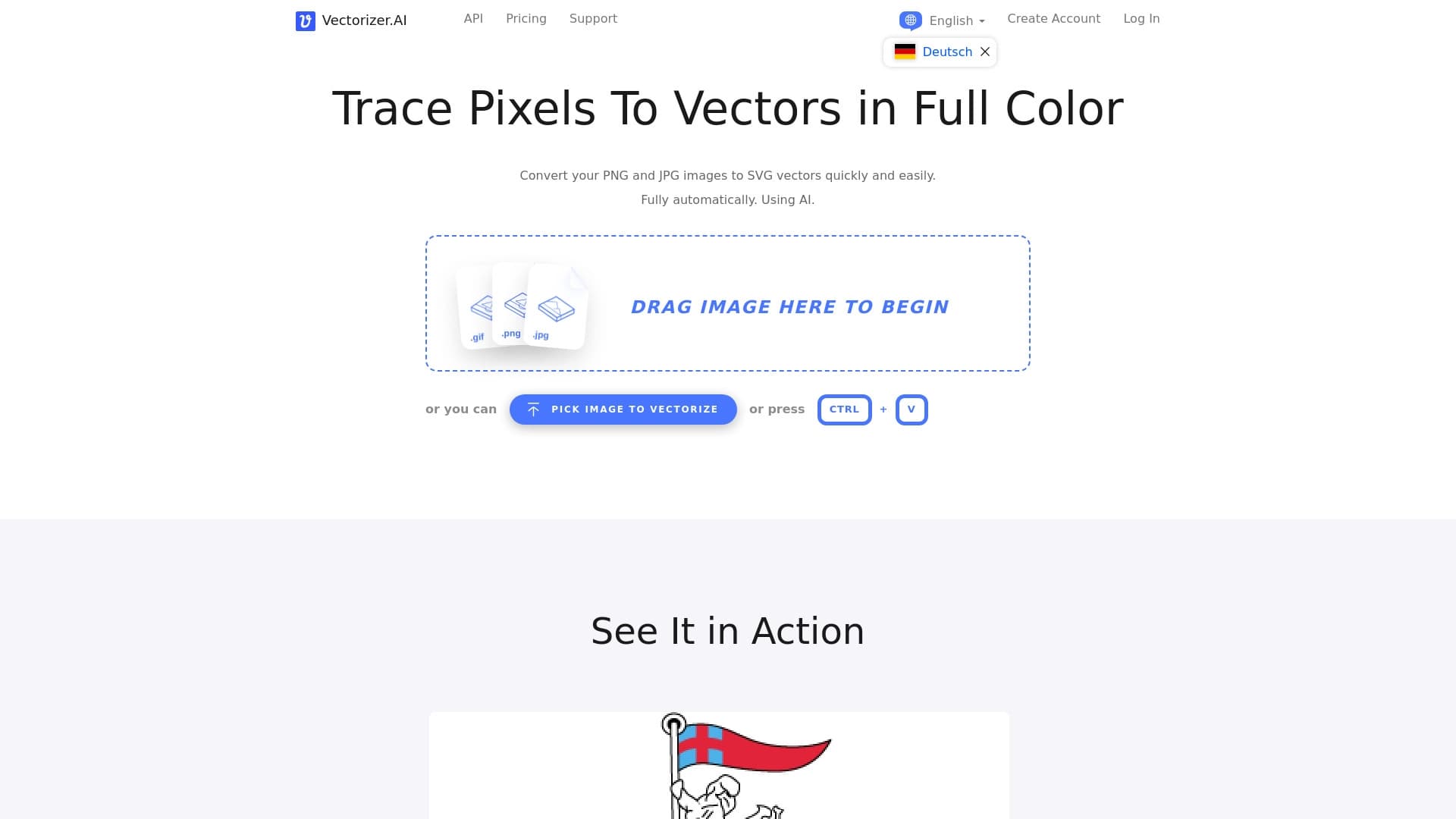
Vectorizer AI est un service web alimenté par l'IA conçu pour convertir automatiquement les images raster en graphiques vectoriels. L'utilisateur charge un fichier au format PNG, JPG ou BMP, après quoi le réseau neuronal analyse indépendamment les contours, les couleurs et les détails de l'image, créant ainsi un équivalent vectoriel précis. Le service est particulièrement efficace lorsque vous travaillez avec des images floues et bruyantes, qui sont traditionnellement difficiles à vectoriser.
Caractéristiques de Vectorizer AI
| Caractéristiques | Valeur |
|---|---|
| Type d'outil | Service réseau neuronal pour convertir des images raster en graphiques vectoriels |
| Plateformes | Web, Chrome |
| Note de l'utilisateur | 4.7 sur 5 |
| Note éditoriale | 7,8 sur 10 |
| Formats d'entrée | PNG, JPG, BMP |
| Formats de sortie | SVG, PDF, EPS |
| Modèle de distribution | Fromage |
| Prix minimum payé du régime | 9,99 USD/mois |
| Plan gratuit disponible | Oui |
| Date de révision | 6 octobre 2024 |
Pour qui est le réseau neuronal Vectorizer AI ?
Graphistes et artistes numériques
L'outil est principalement destiné aux concepteurs qui travaillent régulièrement avec des graphiques vectoriels. Vectorizer AI vous permet de convertir rapidement des images raster en fichiers vectoriels modifiables sans avoir à tracer manuellement les contours.
Marchés et propriétaires de petites entreprises
Les spécialistes du marketing et les entrepreneurs peuvent utiliser le service pour créer des logos, du matériel de marketing et des illustrations pour l'impression. La capacité à l'échelle sans perdre de qualité rend l'outil utile pour préparer des graphiques pour divers médias.
Développeurs Web
Les développeurs de sites Web peuvent utiliser Vectorizer AI pour optimiser les graphiques web en convertissant les icônes raster et les éléments d'interface en fichiers SVG évolutives.
Comment utiliser le réseau neuronal Vectorizer AI ?
Instructions étape par étape
Le processus de travail avec le service consiste en quelques étapes simples: visiter le Vectorizer. Site Internet AI, télécharger une image dans un format pris en charge (PNG, JPG ou BMP), sélectionner le format de sortie souhaité (SVG, PDF ou EPS), cliquer sur le bouton «Vectorize» et télécharger le fichier vectoriel fini.
Traitement automatique
Le réseau neuronal analyse indépendamment l'image téléchargée, identifie les contours et les zones de couleurs, puis crée un équivalent vectoriel précis. Aucune intervention de l'utilisateur dans le traitement n'est nécessaire — tous les réglages sont effectués automatiquement.
Principales caractéristiques de Vectorizer AI
Conversion automatique
Prix
Foire aux questions
Voir aussi

Une plateforme pour les créateurs de contenu qui combine la gestion des liens, le marketing par courriel, une boutique en ligne et l'analyse en un seul éditeur visuel sans codage.
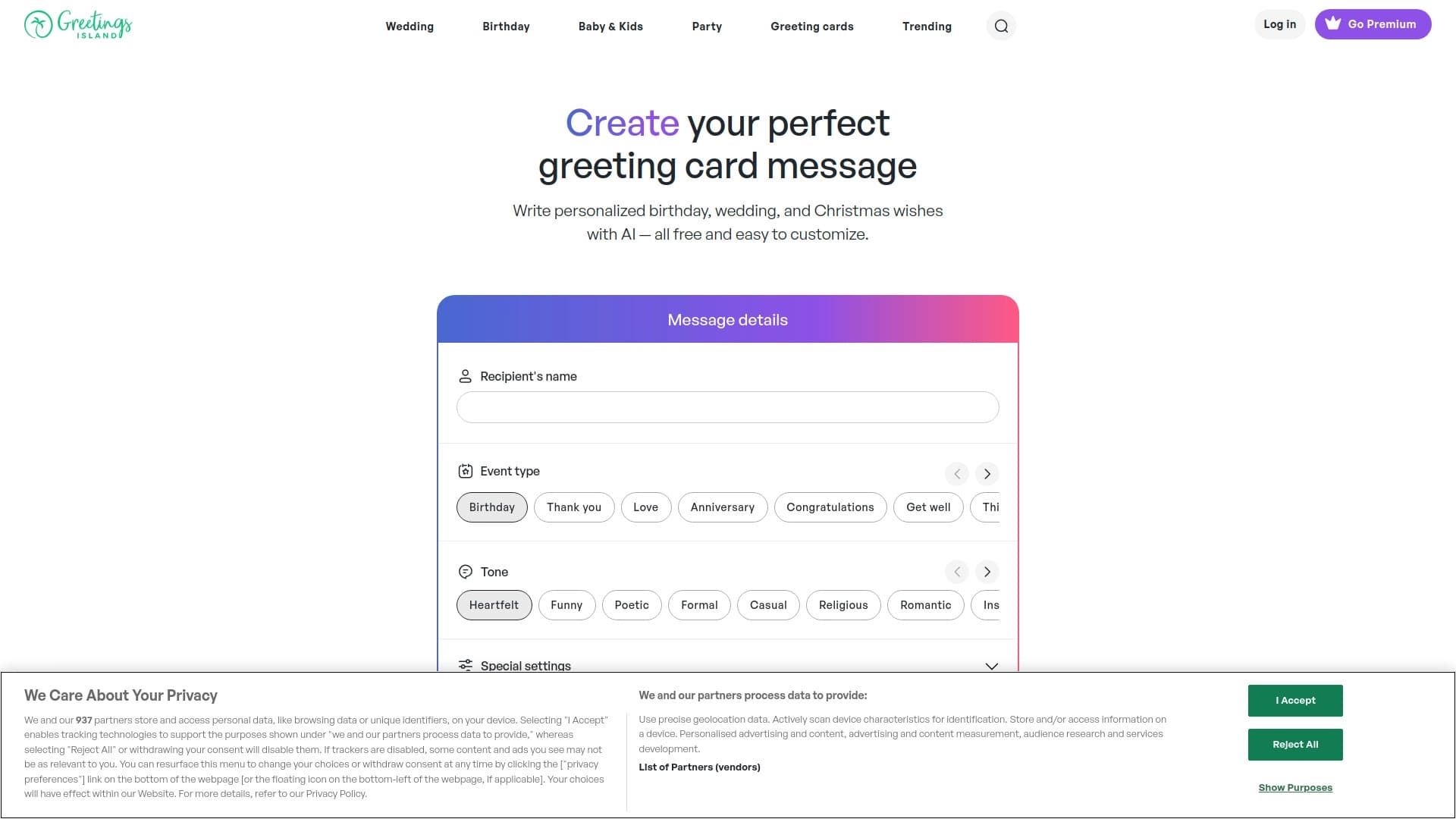

Générateur de textes d'invitation personnalisés et de dessins pour divers événements.


Service pour générer rapidement des livres électroniques sur un sujet donné.

Une plateforme communautaire pour découvrir, publier et partager des modèles ouverts de génération d'images d'IA.


Outil d'IA pour automatiser le marketing des médias sociaux, y compris la production de contenu, l'horaire de poste et l'analyse.


Panneau d'IA latéral qui aide à répondre aux questions, à travailler avec les documents et à générer des images.
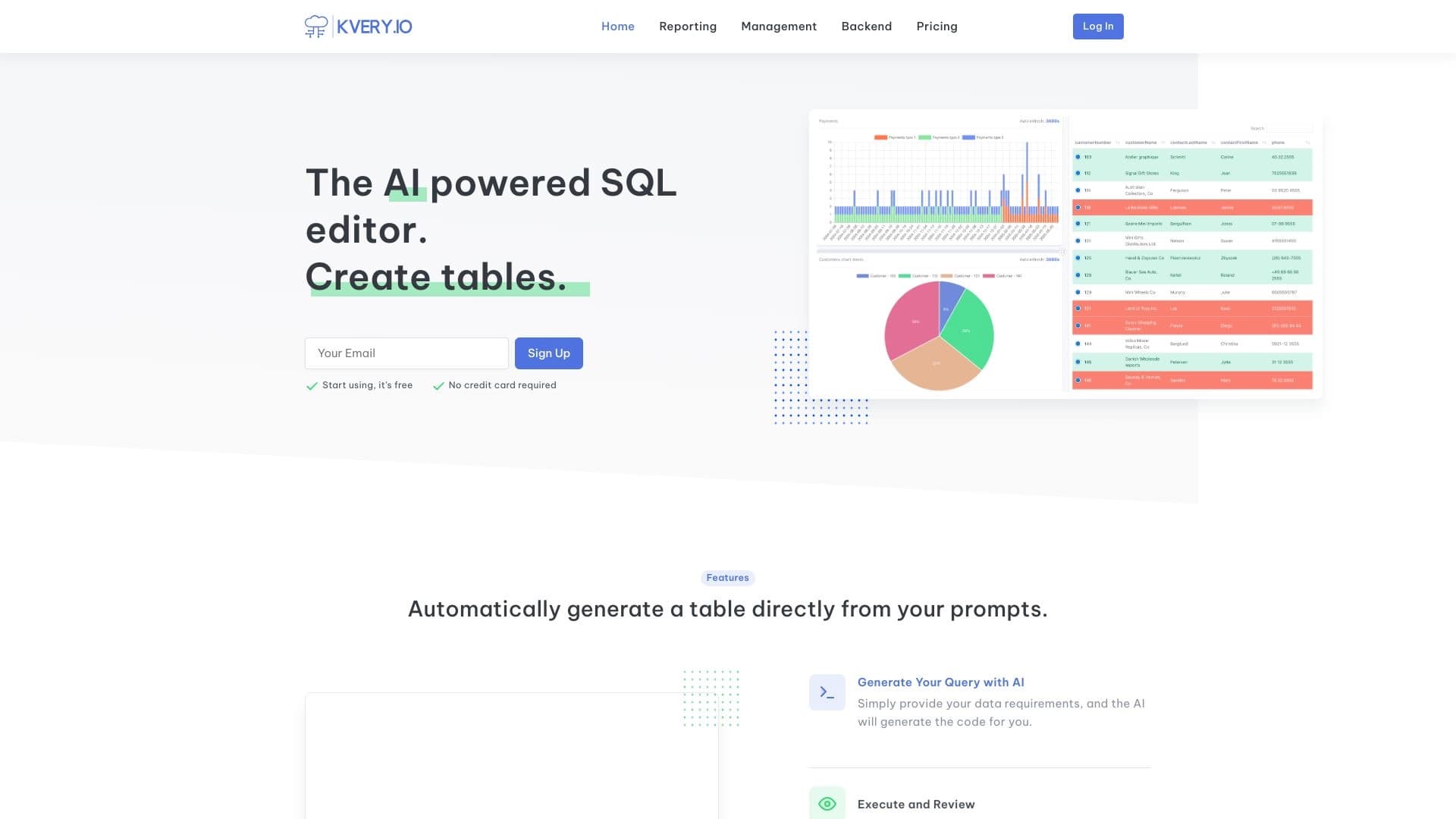

Transforme les requêtes de texte en langage naturel en requêtes SQL et crée automatiquement des API REST, des tables et des tableaux de bord.
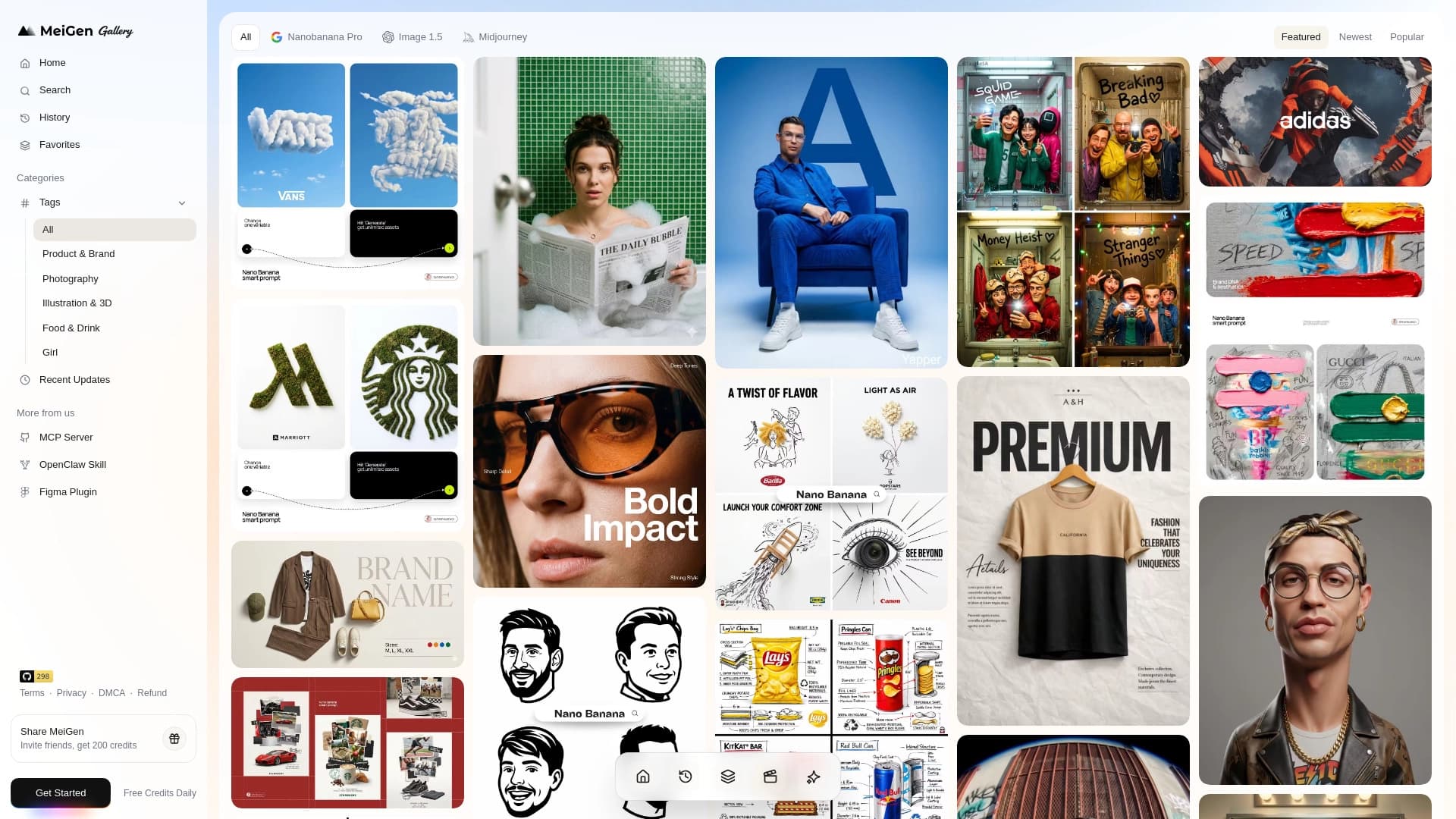
Service Web avec une bibliothèque d'invites prêtes à l'emploi et une interface pour générer des images et des vidéos à travers les réseaux neuronaux populaires.