

timeOS
AI assistant for meeting management that automatically records, transcribes, and structures information from online meetings.
Overview
timeOS
Description of timeOS AI
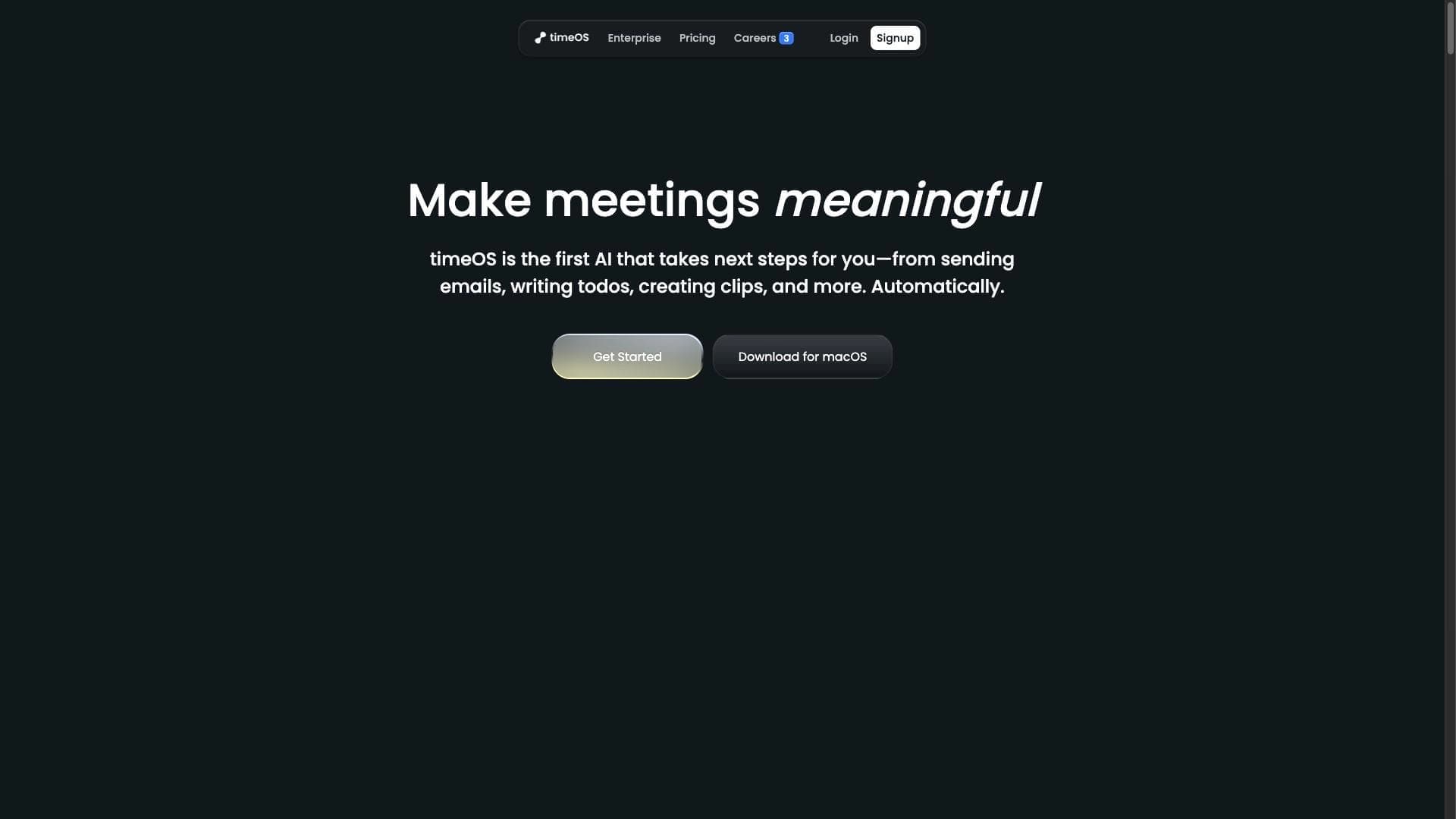
timeOS is an AI-powered assistant that turns ordinary calendar invitations into a full-fledged workspace for collaborative meeting management. The tool automatically joins online conferences, captures and transcribes their content, then structures the information and generates summary reports with tasks and deadlines.
The key feature of timeOS is its ability to actually “attend” meetings on behalf of the user, providing concise summaries of discussions and ready-made action lists. The service runs in the background and does not distract participants from the live discussion. The tool integrates with popular conferencing platforms and collaboration apps, helping busy professionals save time processing meeting outcomes and focus on truly important tasks.
Purpose of the tool
The main goal of timeOS is to automate the entire meeting management cycle: from capturing information to structuring it and passing it to corporate systems. The tool takes over the routine work of note-taking, transcription, and report preparation that previously had to be done manually.
How it works
The service automatically joins online meetings, capturing discussions in the background. After the meeting ends, it processes the collected data, structures it into a clear report with tasks and deadlines, and then delivers the results to corporate tools via integrations.
timeOS Specifications
| Characteristic | Value |
|---|---|
| Type | Automation of work meeting management |
| Category | Scheduling and meetings, Audio transcription, Knowledge management |
| Website | magical.so |
| Security level | SOC II Type II, AES-256 |
| Integrations | Zoom, Google Meet, Notion and other apps |
| Operating mode | Background, without distracting participants |
| Language support | Multiple languages |
Who is the timeOS AI suitable for?
timeOS is primarily aimed at users who need to optimize workflows related to holding meetings. This primarily concerns teams that regularly hold online calls and need to avoid losing information from discussions.
Corporate and IT teams
The tool delivers the most value to IT companies with distributed teams, where employees work remotely and conduct most communication via video conferencing. timeOS helps centrally collect meeting outcomes and pass them to corporate task managers.
Busy professionals
The tool is useful for professionals with a busy meeting schedule — managers, project managers, and business professionals who spend significant time on calls and want to automate the processing of results so they can focus on actual work.
How to use the timeOS AI?
Using timeOS follows a fully automatic scenario that requires minimal user involvement.
Setting up integrations
First of all, you need to connect the tool to the platforms you use — calendars, video services, and CRM systems. This allows timeOS to automatically track upcoming meetings and join them at the right time.
Automatic capture and processing
The service itself joins the online meeting, captures the discussions, and generates a structured report with tasks and deadlines. The user only needs to review and, if necessary, adjust the final data.
Transferring data to work systems
After the meeting ends, the resulting summary is integrated into the corporate task manager via API integrations. Tasks and deadlines automatically land in the team's work tools, speeding up the fulfillment of agreements.
Core features of timeOS
Automatic capture and transcription
timeOS automatically attends online meetings and captures all the content of the discussions. Transcription happens in the background without interfering with the participants' dialogue.
Structuring summary reports
The received information is structured into clear reports with tasks, deadlines, and key decisions highlighted. The format and level of detail of the summary reports can be customized to the user's specific business needs.
Integration with corporate platforms
The tool supports integrations with video conferencing platforms, calendars, and collaboration apps. Collected data can be automatically transferred to corporate task managers and CRM systems.
Advantages of timeOS
Unobtrusive operation
The main advantage of timeOS is its invisible background operation. The tool does not distract meeting participants, so it does not disrupt the natural flow of the discussion.
Frequently asked questions
See also
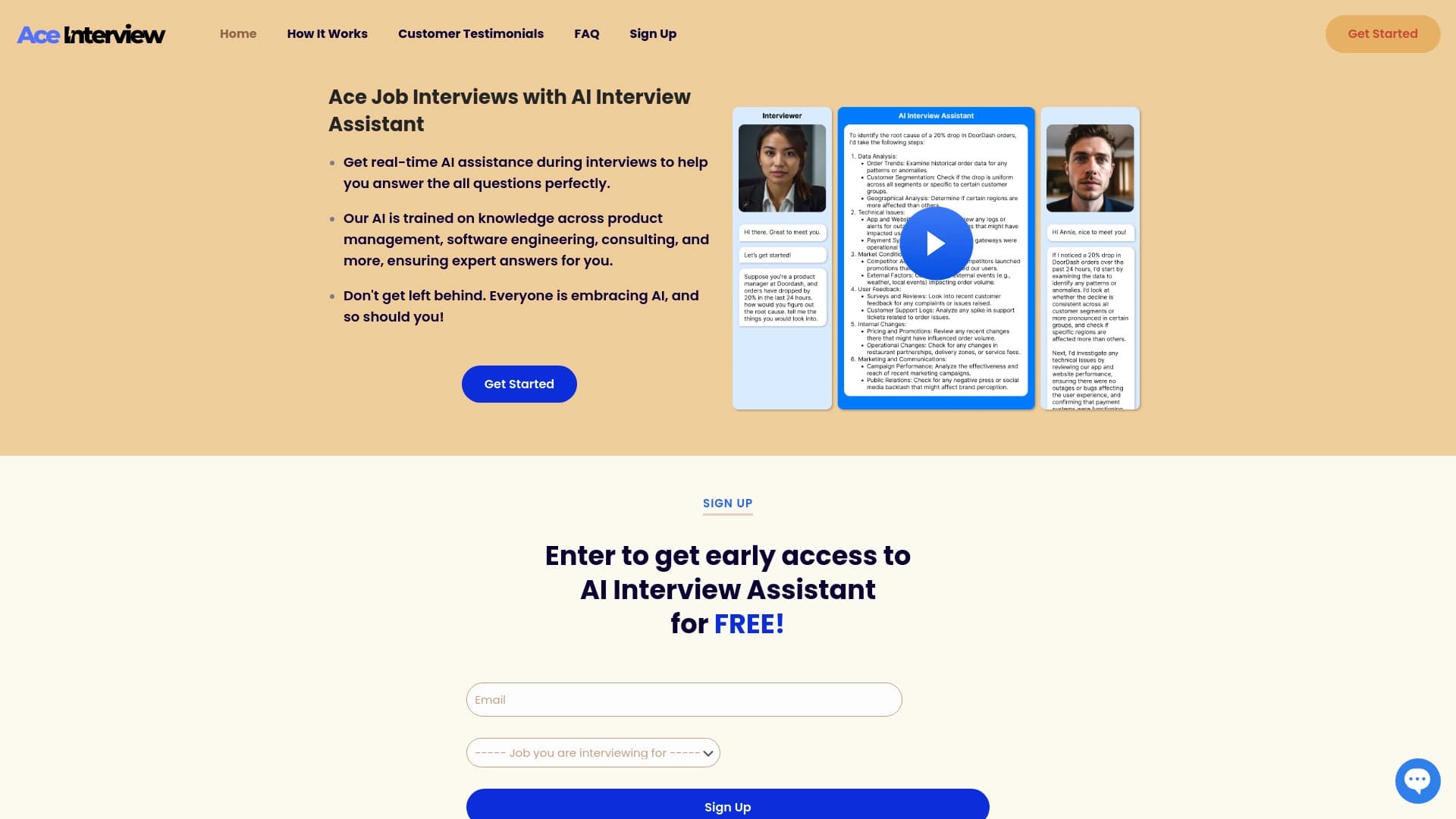

AI assistant for real-time hints during online interviews.


AI-based platform for creating and editing product images and videos for e-commerce sellers.

AI keyboard for Apple devices that speeds up typing with corrections, translation, and response generation.


A multifunctional AI assistant for chat, text and image generation, translation, and programming help.


AI-based service for automatic generation of text content in various formats.

A platform for aggregating world news using AI to analyze and reduce bias.


A platform for automating software development using a visual builder for AI agents.


AI tool for creating SEO-optimized multilingual content.