
superwhisper
AI-сервис голосового ввода для Mac, Windows и iOS, который преобразует речь в текст в реальном времени.
Обзор
superwhisper
Описание нейросети superwhisper
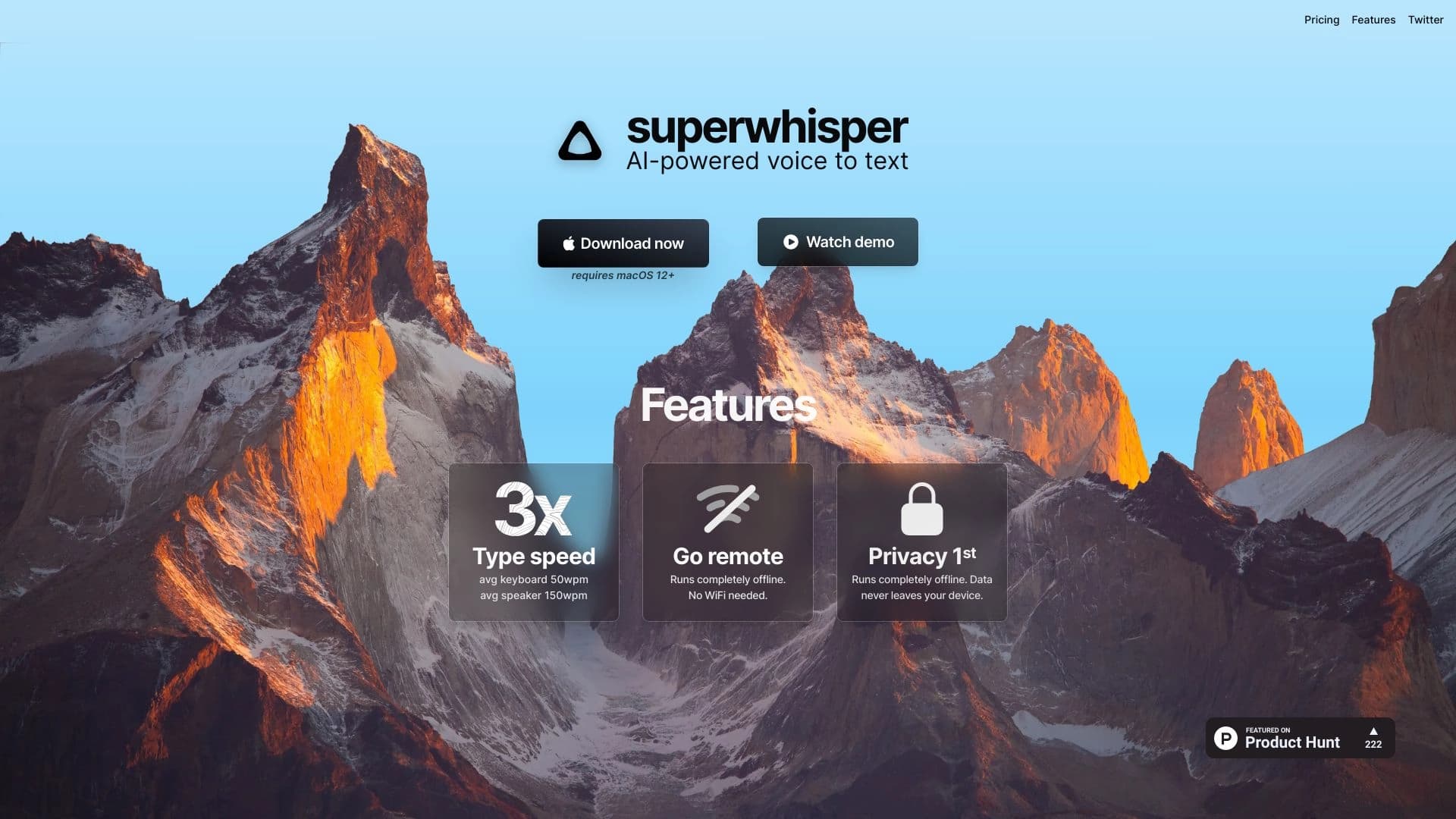
superwhisper — это AI-сервис голосового ввода и транскрибации, который распознаёт речь пользователя и преобразует её в текст в реальном времени. Главная особенность инструмента — возможность набирать текст без использования клавиатуры: достаточно просто говорить, и произнесённые слова сразу появляются в нужном поле ввода.
Сервис работает на нескольких платформах — macOS, Windows и iOS — и интегрируется с различными приложениями, от электронной почты до мессенджеров. Это делает его удобным инструментом для повседневной коммуникации и работы с текстом, позволяя существенно сократить время, затрачиваемое на ручной ввод.
superwhisper ориентирован на тех, кто хочет ускорить набор текста и одновременно снизить нагрузку на руки, сохраняя при этом единый голосовой рабочий процесс на компьютере и смартфоне.
Характеристики superwhisper
| Характеристика | Значение |
|---|---|
| Тип | AI-сервис голосового ввода и транскрибации |
| Платформы | macOS (13+), Windows (10+), iOS |
| Категории | Распознавание речи, Транскрибация аудио |
| Основное назначение | Преобразование речи в текст в реальном времени |
| Веб-сайт | superwhisper.com |
Для кого подходит нейросеть superwhisper?
Предприниматели и менеджеры
Для людей, которым приходится много общаться и вести активную переписку, superwhisper может стать существенным ускорением работы. Возможность диктовать письма и сообщения вместо набора с клавиатуры позволяет быстрее отвечать и решать рабочие задачи, особенно при большом объёме переписки.
Авторы и студенты
Инструмент будет полезен тем, кто регулярно создаёт текстовый контент — статьи, заметки, документы, конспекты. Голосовой ввод позволяет фиксировать мысли быстрее, чем традиционный набор, и удобен при работе в дороге или в условиях, когда печатать неудобно.
Все, кто хочет снизить нагрузку на руки
superwhisper подходит всем, кто устал печатать длинные сообщения и письма либо испытывает утомление рук при работе с текстом. Замена ручного ввода на голосовой помогает снизить нагрузку на кисти и сделать работу с текстом комфортнее.
Как использовать нейросеть superwhisper?
Установка на нужную платформу
Для начала работы необходимо установить приложение superwhisper на одно из поддерживаемых устройств — компьютер на macOS (13+) или Windows (10+), либо устройство на iOS. Официальный сайт сервиса находится по адресу superwhisper.com.
Запуск голосового ввода
После установки пользователь запускает сервис и начинает говорить. superwhisper распознаёт речь в реальном времени и переносит текст непосредственно в активное поле ввода. Такая схема позволяет использовать инструмент практически без переключения контекста.
Работа в нужных приложениях
Голосовой ввод работает совместно с различными приложениями — почтой, мессенджерами, документами и заметками. Благодаря интеграции текст попадает сразу туда, куда он нужен, что делает процесс идентичным на компьютере и смартфоне.
Основные функции superwhisper
Распознавание речи в реальном времени
Ключевая функция сервиса — преобразование произнесённой речи в текст без заметной задержки. Пользователь говорит, а распознанный текст тут же появляется в поле ввода, что и обеспечивает высокую скорость набора.
Перенос текста в поля ввода
Распознанный текст автоматически попадает в активное поле ввода — в письмо, сообщение в мессенджере, документ или заметку. Это избавляет от необходимости копировать результаты распознавания вручную.
Кроссплатформенная работа
Возможность использовать один и тот же голосовой рабочий процесс на macOS, Windows и iOS обеспечивает единый подход к вводу текста на разных устройствах. Пользователь получает согласованный опыт работы независимо от того, какой гаджет использует.
Преимущества superwhisper
Существенное ускорение набора текста
Одно из главных достоинств инструмента — возможность писать примерно в три раза быстрее по сравнению с ручным вводом. Замена клавиатуры голосом экономит время при написании писем, заметок и документов.
Снижение нагрузки на руки
Диктовка вместо набора уменьшает нагрузку на кисти и позволяет работать с текстом без постоянного использования клавиатуры. Это особенно ценно для тех, кто много печатает в течение дня.
Кроссплатформенность и удобство в дороге
Единый рабочий процесс на компьютере и смартфоне делает инструмент удобным при работе в пути и в ситуациях, когда печатать неудобно или невозможно. Большие объёмы переписки обрабатываются быстрее и комфортнее.
Недостатки superwhisper
Доступные исходные данные не содержат явно перечисленных недостатков сервиса, поэтому здесь стоит опираться на общую логику подобных инструментов без выдуманных деталей. Как и любой голосовой ввод, superwhisper может быть менее удобен в шумной обстановке или при необходимости работать в тихих публичных местах, где устная диктовка нежелательна. Также стоит понимать, что качество распознавания зависит от чёткости речи пользователя и условий записи. Полный перечень ограничений и возможных нюансов лучше уточнить на официальном сайте сервиса.
Какие задачи решает superwhisper
Превращение речи в текст в реальном времени
Основная задача сервиса — перевод устной речи в письменный текст практически мгновенно. Это заменяет ручной ввод и позволяет фиксировать мысли сразу по мере их высказывания.
Ускорение набора и оформление текстов
Инструмент помогает быстрее справляться с написанием писем, заметок и документов. Освободив руки от клавиатуры, пользователь заметно экономит время на повседневной текстовой работе.
Снижение нагрузки на руки при работе с текстом
Замена большей части ручного набора голосом уменьшает утомление кистей и делает длительную работу с текстом более комфортной. Это важная задача для тех, кто много пишет ежедневно.
Цены superwhisper
В доступных исходных данных отсутствует информация о стоимости и тарифных планах сервиса. Поэтому точные цены, условия подписки или наличие бесплатного тарифа в настоящее время неизвестны. Для получения актуальной информации о ценообразовании рекомендуется обратиться к официальному сайту superwhisper.com, где представлены действующие предложения.
Условия использования superwhisper
Подробные условия использования сервиса — включая требования к аккаунту, политику обработки данных и правила работы с распознанным текстом — не раскрыты в имеющихся исходных данных. Известно, что для работы инструмента требуется одно из поддерживаемых устройств: компьютер на macOS (13+) или Windows (10+), либо устройство на iOS. Перед началом использования стоит ознакомиться с условиями на официальном сайте сервиса, где размещена актуальная информация.
Доступность superwhisper
superwhisper доступен на платформах macOS (начиная с версии 13), Windows (начиная с версии 10) и iOS. Такая широкая поддержка позволяет использовать единый голосовой рабочий процесс как на настольных компьютерах, так и на мобильных устройствах.
Официальный веб-сайт сервиса находится по адресу superwhisper.com — там можно получить подробную информацию об инструменте, условиях и возможностях его использования.
Чем отличается superwhisper от аналогов
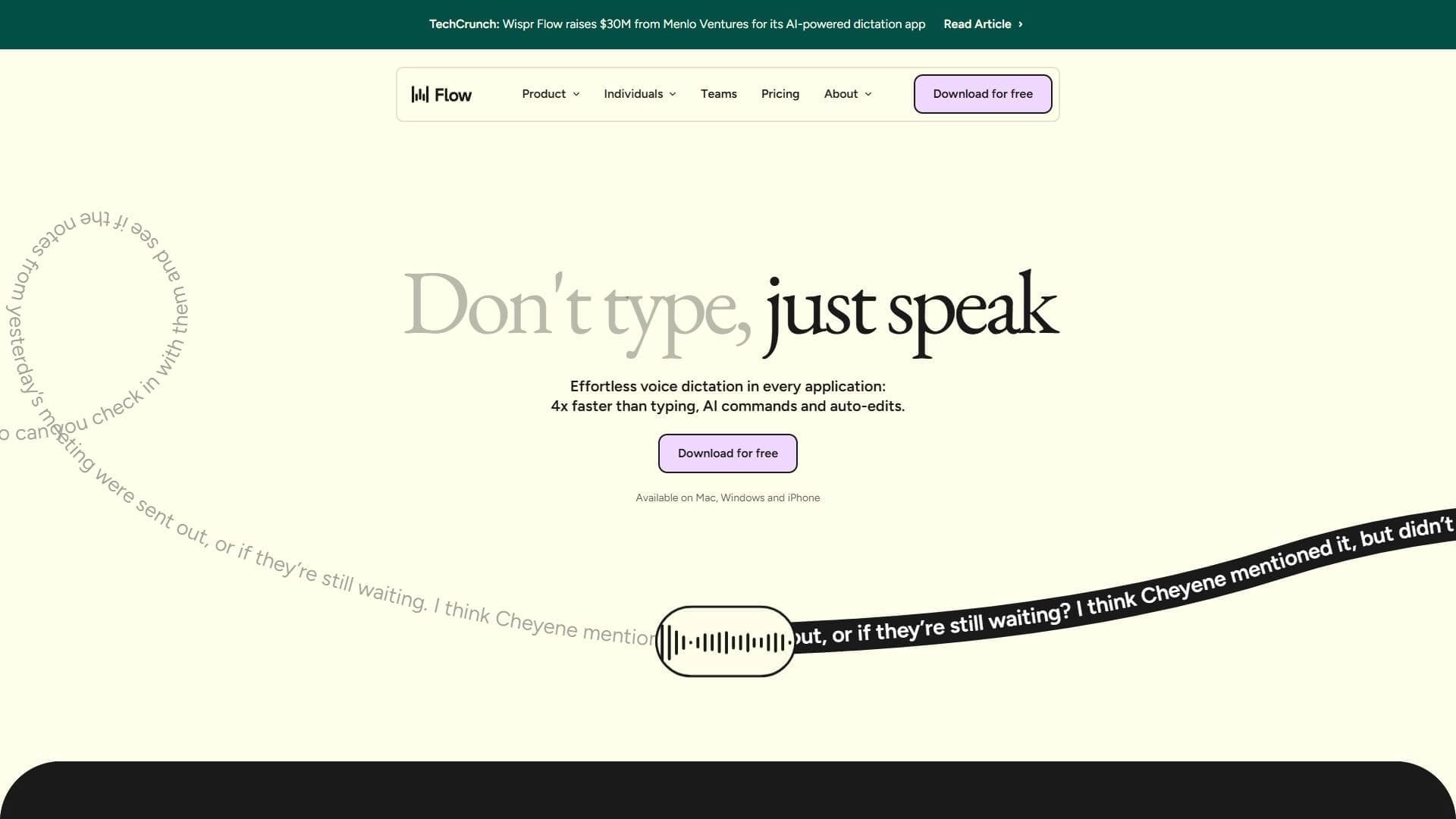
На рынке существует ряд схожих AI-сервисов голосового ввода и транскрибации, которые решают близкие задачи. Среди аналогов superwhisper можно выделить такие инструменты, как NeatScribe, Voice Gecko, Willow Voice, Fish Audio, Turbo AI и Wispr Flow.
Главное отличие superwhisper от многих конкурентов заключается в его кроссплатформенности: инструмент работает сразу на трёх платформах — macOS, Windows и iOS, — обеспечивая единый голосовой рабочий процесс на компьютере и смартфоне. Это делает его удобным выбором для пользователей, которые хотят использовать одинаковый подход к голосовому вводу на всех своих устройствах, в том числе при работе в дороге и при большом объёме переписки. Более точное сравнение конкретных функций и возможностей с каждым из аналогов лучше проводить на основе актуальных данных с официальных сайтов соответствующих сервисов.
Заключение
superwhisper — это практичный AI-сервис голосового ввода для macOS, Windows и iOS, который преобразует речь в текст в реальном времени и переносит его в любые нужные поля ввода — от почты до мессенджеров. Инструмент позволяет писать существенно быстрее, не пользуясь клавиатурой, снижает нагрузку на руки и обеспечивает единый голосовой рабочий процесс на компьютере и смартфоне. Благодаря кроссплатформенности и интеграции с популярными приложениями он станет хорошим решением для предпринимателей, авторов, студентов и всех, кто хочет ускорить набор текста и упростить ежедневную коммуникацию.
Часто задаваемые вопросы


Смотрите также


Набор инструментов для генерации и редактирования видео с помощью ИИ, включая аватары, липсинк и клонирование голоса.


ИИ-ассистент для создания текстового контента, изображений и работы с голосом, ориентированный на русскоязычных пользователей.

Облачная платформа для создания видео с помощью ИИ-аватаров, синтезированной речи и автоматического перевода роликов на десятки языков.


Bleepify автоматически находит и заглушает нецензурные слова в видео и аудио.
Инструмент для перевода текста прямо на изображениях с сохранением оригинального оформления.

Многофункциональная AI-платформа для создания контента, объединяющая синтез речи, генерацию текста, создание аватаров и редактирование видео.


Сервис для превращения текста в подкасты с естественно звучащими голосами на разных языках.


Многофункциональный AI-ассистент для генерации текстов, изображений и аудио.