
SlidesAI
Расширение для Google Chrome, которое автоматически создает слайды презентации на основе введенного текста или темы.
Обзор
SlidesAI
Описание нейросети SlidesAI
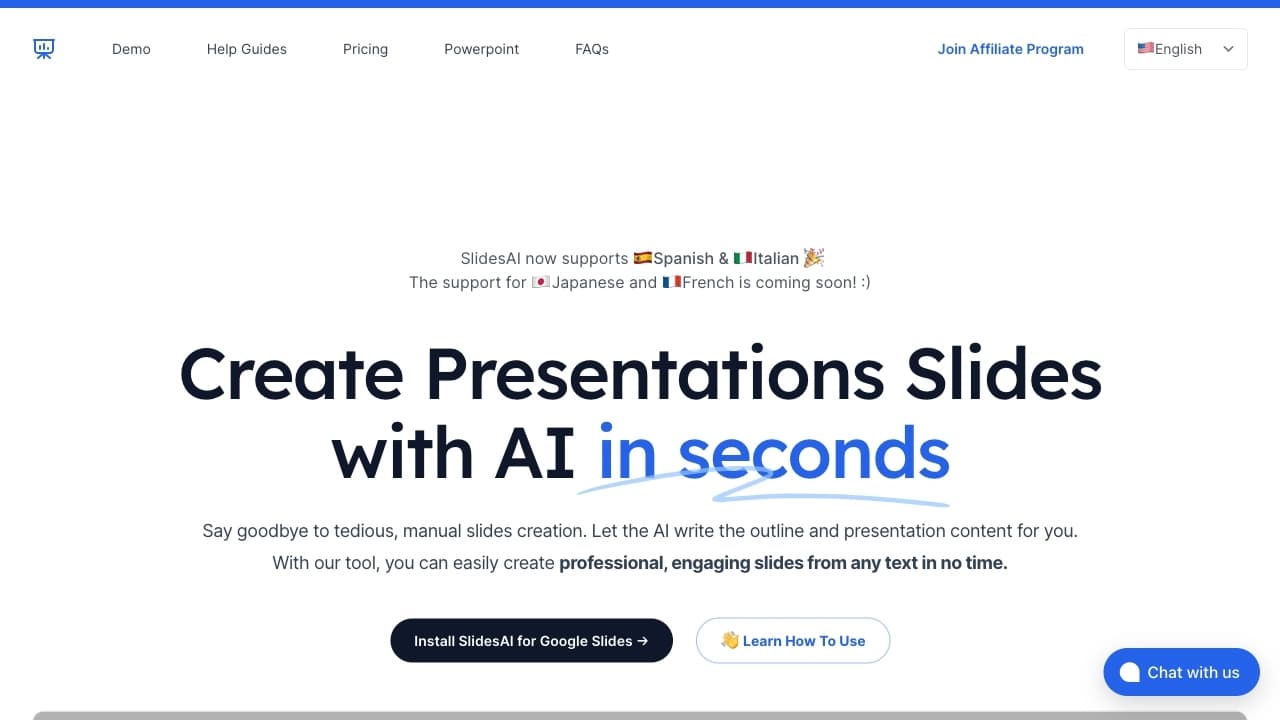
SlidesAI — это расширение для браузера Google Chrome, которое автоматически создаёт слайды презентации на основе введённого пользователем текста или заданной темы. Вместо ручного форматирования и продумывания структуры слайдов сервис сам превращает исходный материал в готовый проект.
Работа строится по простому принципу: вы даёте сервису контент, а он самостоятельно разбивает его на подзаголовки и списки, оформляя всё в виде аккуратных слайдов. Это позволяет практически мгновенно получить основу для презентации, которую в дальнейшем можно доработать под свои задачи.
Нейросеть поддерживает более ста языков, что делает её универсальным инструментом для пользователей из разных стран. Сервис работает по модели freemium: существует бесплатный тариф с определёнными ограничениями, а также платные версии, которые эти ограничения снимают.
Характеристики SlidesAI
| Характеристика | Значение |
|---|---|
| Бизнес-модель | Freemium |
| Категория | Презентации |
| Тип | Генератор презентаций |
| Интеграция | Google Slides |
| Поддерживаемые языки | Более 100 языков |
| Способ доступа | Расширение для Chrome |
| Бесплатный тариф | Да (Basic) |
Для кого подходит нейросеть SlidesAI?
Специалисты, которым нужна быстрая подготовка материалов
Инструмент будет полезен сотрудникам, которым регулярно приходится готовить презентации для отчётов, совещаний или выступлений. Автоматическое преобразование текста в слайды существенно ускоряет рутинную работу и освобождает время для других задач.
Пользователи без навыков дизайна
SlidesAI подойдёт тем, кто хочет получить аккуратную и структурированную презентацию, но не разбирается в дизайне и не хочет тратить время на ручное форматирование. Интерфейс интуитивно понятен, поэтому специальных знаний не требуется.
Люди, работающие с текстом на разных языках
Благодаря поддержке более ста языков, сервис сможет использовать как преподаватели, студенты, так и специалисты международных компаний, создающие материалы на разных языках.
Как использовать нейросеть SlidesAI?
Установка расширения
Для начала работы необходимо установить расширение для Chrome. После этого инструмент становится доступным прямо в браузере и готов к использованию.
Добавление готового текста
Можно вставить уже подготовленный текст, и сервис преобразует его в презентацию, автоматически разбив контент на слайды с подзаголовками и списками.
Указание темы
Вместо текста можно задать лишь тему, по которой система самостоятельно создаст содержание и оформит его в виде слайдов. Стоит отметить, что эта функция на данный момент находится в разработке и доступна ограниченному числу пользователей.
Основные функции SlidesAI
Преобразование текста в слайды
Главная возможность сервиса — превращение обычного текстового материала в готовые слайды буквально за секунды, без необходимости вручную продумывать структуру каждой страницы.
Автоматическое создание структурированных презентаций
Движок самостоятельно форматирует контент: генерирует подзаголовки и преобразует сплошные параграфы в маркированные списки. Пользователю не нужно заниматься ручным оформлением.
Генерация по заданной теме
Сервис способен создавать презентации, опираясь только на указанную тему. Система сама придумывает содержание и оформляет его. Данная возможность пока в разработке и доступна ограниченному числу пользователей.
Многоязычная поддержка
Расширение поддерживает более ста языков, что позволяет создавать презентации на разных языках без дополнительных настроек.
Преимущества SlidesAI
Существенная экономия времени
Автоматизация основных этапов создания презентации — от структурирования до оформления — позволяет сэкономить значительное количество времени по сравнению с ручной работой.
Оперативная техническая поддержка
У пользователей сервиса есть возможность быстро получить помощь в случае возникновения вопросов или сложностей в работе расширения.
Простота освоения
Интерфейс интуитивно понятен и не требует от пользователя навыков дизайна. Начать работу можно практически сразу после установки расширения.
Недостатки SlidesAI
Основное ограничение связано с тарифной моделью: бесплатный вариант доступен только с определёнными лимитами. Кроме того, часть возможностей, в частности создание презентаций по указанной теме, пока находится на этапе разработки и доступна не всем пользователям. Также сервис доступен исключительно как расширение для браузера Chrome, что ограничивает круг тех, кто сможет им воспользоваться.
Какие задачи решает SlidesAI
Автоматизация создания презентаций из текста
Сервис берёт на себя рутинную работу по превращению готового текстового материала в оформленные слайды, избавляя пользователя от трудоёмкого ручного форматирования.
Создание структурированных слайдов
Инструмент сам разбивает содержание на логические блоки, подзаголовки и списки, обеспечивая аккуратную и понятную структуру презентации без участия автора.
Генерация презентаций по теме
Решение позволяет создавать презентацию даже тогда, когда имеется только общая тема, а содержания ещё нет — система формирует его самостоятельно.
Цены SlidesAI
Сервис предлагает три тарифа. Тариф Basic является бесплатным и включает 12 презентаций в год, лимит до 2500 символов и 120 ИИ-кредитов в год. Тариф Pro обойдётся в 8,33 доллара в месяц при годовой оплате и включает 120 презентаций в год, до 6000 символов и 600 ИИ-кредитов в год. Тариф Premium стоит 16,67 доллара в месяц при годовой оплате и предлагает неограниченное количество презентаций, до 12000 символов и 1200 ИИ-кредитов в год.
Условия использования SlidesAI
Для начала работы с сервисом обязательным условием является установка расширения для браузера Chrome. После установки инструмент готов к использованию, и пользователь может сразу переходить к созданию презентаций из текста или темы.
Доступность SlidesAI
SlidesAI распространяется как расширение для браузера Chrome. Сервис поддерживает более ста языков, что делает его доступным для широкой аудитории пользователей по всему миру независимо от их родного языка.
Чем отличается SlidesAI от аналогов
Ключевое отличие SlidesAI заключается в формате доступа — это расширение для Chrome, которое работает непосредственно внутри браузера и интегрируется с Google Slides. В отличие от некоторых альтернативных решений, оно специализируется именно на автоматическом преобразовании текста в готовые слайды с разбивкой на подзаголовки и списки.
Среди схожих по назначению инструментов можно выделить Headroom, Chromox, Magenta RealTime и SEOmatic AI. Вместе с тем SlidesAI выделяется многоязычной поддержкой (более 100 языков) и гибкой тарифной сеткой, которая включает бесплатный вариант для начала работы.
Заключение
SlidesAI — практичное расширение для Chrome, которое берёт на себя рутинную работу по созданию презентаций: достаточно ввести текст или указать тему, и сервис сам оформит материал в структурированные слайды. Благодаря поддержке более ста языков, интуитивно понятному интерфейсу и гибкой системе тарифов с бесплатным вариантом, инструмент станет полезным для специалистов, студентов и всех, кому приходится часто готовить презентационные материалы без глубоких знаний дизайна.
Тарифы
Часто задаваемые вопросы


Смотрите также


Инструмент для генерации 3D-моделей на основе текстового описания, изображений или набросков.

Веб-платформа для генерации изображений и кинематографичных видео с помощью ИИ, включающая инструменты для студийного редактирования.
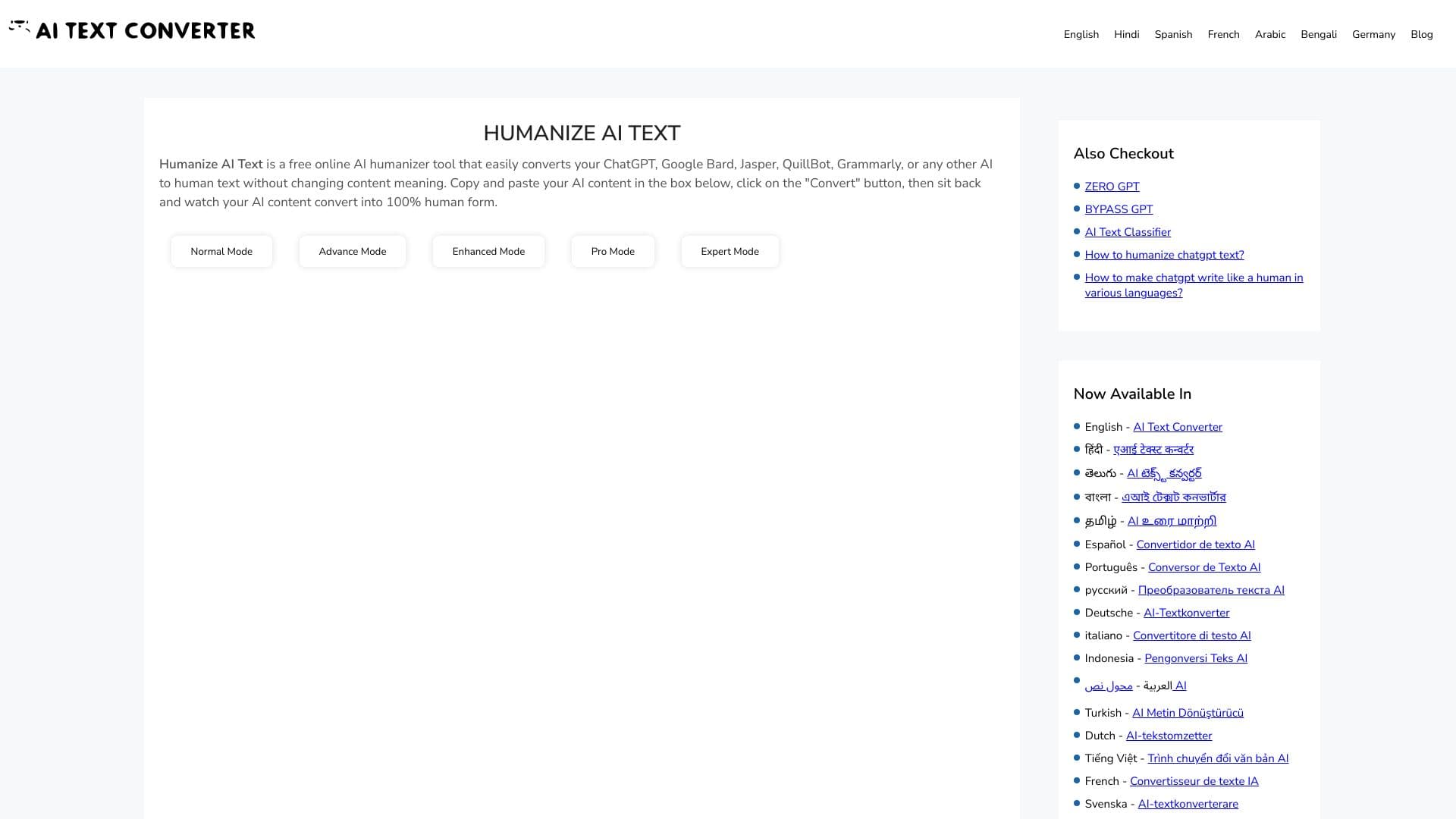
Веб-сервис для превращения текстов, созданных нейросетями, в более естественный и человеческий вид.


Платформа для автоматизированного создания, редактирования и перевода видеоклипов с помощью ИИ.


Сервис для быстрой генерации электронных книг по заданной теме.


AI-учитель иностранных языков в виде браузерного расширения и веб-сервиса для практики, перевода и объяснения языковых материалов.


Сервис для автоматической расшифровки аудио и видео в текст с поддержкой более 100 языков.

Anakin.ai — это low-code платформа, объединяющая различные AI-модели для создания контента и автоматизации рабочих процессов без программирования.