

SciSpace
Platform AI untuk mencari, menganalisis, dan memahami artikel ilmiah dan bekerja dengan dokumen PDF.
Tinjau
SciSpace
Keterangan dari SciSpace AI
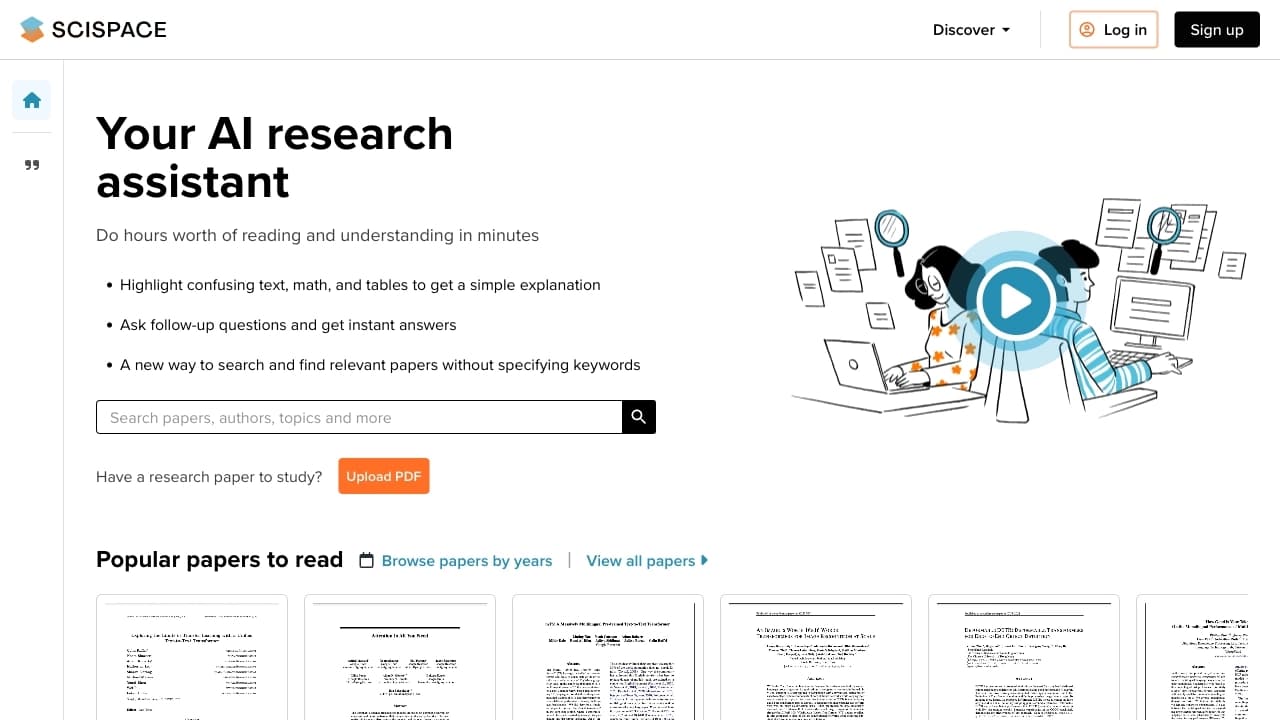
SciSpace adalah platform bertenaga AI- dirancang untuk mencari, menganalisis, dan memahami artikel ilmiah. Layanan ini menyediakan akses ke jutaan publikasi ilmiah dan juga memungkinkan pengguna mengunggah dokumen PDF mereka sendiri dan berinteraksi dengan mereka melalui percakapan. Pengguna dapat mengajukan pertanyaan tentang isi dokumen dan menerima jawaban dengan sumber tertentu dikutip dalam teks.
Selain analisis dasar, SciSpace dapat merangkum artikel, menghasilkan kutipan, teks paraphrase, dan membuat video dari berkas PDF. Seorang agen AI juga tersedia yang secara otonom melakukan ulasan sastra pada topik yang diberikan, bekerja dengan ARXiv, PubMed, dan basis data Google Scholar. Platform ditujukan pada peneliti, siswa, dan pendidik untuk mempercepat aliran kerja ilmiah.
Bentuk SciSpace
| Fitur | Nilai |
|---|---|
| Tipe | platform AI untuk bekerja dengan teks ilmiah dan dokumen PDF |
| Kategori | Pendidikan, Penelitian, Pemroses PDF, Summarisasi, Asisten AI |
| Transformasi | Teks ke teks |
| Tugas | Membuat isi teks, Analisa, Membuktikan teks, Pencarian |
| Rencana bebas tersedia | Ya (versi gratis dengan akses dasar dan fitur AI terbatas) |
| API tersedia | Ya |
| Akses ke artikel | Lebih dari 270 juta artikel |
| Model distribusi | Freemium |
| Integrasi | Mendeley, Zotero |
Siapa SciSpace Al cocok untuk?
Siswa
Bagi siswa menulis makalah istilah, theses, dan makalah penelitian, SciSpace membantu dengan cepat menemukan sumber yang relevan, memahami teks kompleks, dan format kutipan. Platform terutama berguna dalam tahap awal penelitian, ketika sejumlah besar sastra perlu ditinjau.
Pendidikan dan ilmuwan
Bagi para pendidik dan peneliti, SciSpace otomates tahapan kerja rutin: pencarian artikel, analisa konten, dan generasi bibliografi. Hal ini memungkinkan mereka untuk fokus pada kesimpulan substantif dan hipotesis daripada pada rincian format teknis.
Siapapun yang bekerja dengan PDFs ilmiah
Alat ini cocok untuk siapapun yang secara teratur membaca dan menganalisis artikel ilmiah dalam format PDF. Pembangunan dalam fitur percakapan dan summarisasi secara signifikan mengurangi waktu yang dihabiskan untuk mempelajari sebuah dokumen.
Bagaimana menggunakan SciSpace AI?
Mulai dan pendaftaran
Untuk menggunakan SciSpace, Anda perlu mendaftar di situs resmi Scispace.com (atau typeset.io). Versi gratis menyediakan akses dasar dan fitur AI terbatas. Setelah Anda telah menciptakan akun, Anda dapat mulai bekerja segera.
Bekerja dengan PDFs dan mencari artikel
Ada dua skenario penggunaan utama. Yang pertama adalah mengunggah dokumen PDF Anda sendiri dan mulai mengajukan pertanyaan melalui "Chat with PDF". Yang kedua adalah menggunakan pencarian cerdas di database lebih dari 270 juta artikel untuk menemukan publikasi yang Anda butuhkan tanpa menetapkan kata kunci yang tepat.
Menggunakan agen AI
Fitur "Agen" memungkinkan Anda untuk mengatur tugas untuk tinjauan sastra otonom. SciSpace independen mencari artikel di Arxiv, PubMed, dan Google Scholar, menganalisis mereka, dan mempersiapkan laporan. Hal ini mudah untuk tinjauan sistematis pada topik yang diberikan.
Fitur utama SciSpace
Obrolan dengan PDF
Salah satu kemampuan kunci platform adalah keterlibatan interaktif dengan artikel ilmiah. Pengguna dapat mengajukan pertanyaan tentang teks, meminta penjelasan tabel kompleks, rumus, atau hipotesis, dan menerima jawaban dengan kutipan dari dokumen. Hal ini memungkinkan untuk cepat memahami materi tanpa membacanya secara penuh.
Agen AI untuk tinjauan literatur
Agen secara otomatis mencari dan menganalisis artikel tentang topik yang diberikan menggunakan berbagai basis data ilmiah. Hasilnya adalah laporan terstruktur yang membantu para peneliti menilai keadaan lapangan saat ini dan memilih publikasi yang paling relevan.
Generator kutipan dan bibliografi
SciSpace otomatis menciptakan kutipan dari artikel dan format mereka dalam lebih dari 9.000 gaya kutipan. Daftar referensi dapat diekspor ke BibTeX atau Papan Klip. Ini menghilangkan format manual dan mengurangi resiko kesalahan.
Perkakas tambahan
Fitur lain termasuk: pendeteksi teks AI- dihasilkan (dengan laporan rinci); mengubah PDFs ke video dengan suara; visualisasi data dalam bentuk grafik dan diagram interaktif; terjemahan teks ilmiah dari berbagai bahasa; ekstraksi tabel dan terstruktur data dari artikel; dan sebuah built-dalam paraphraser untuk menulis teks.
Kemajuan SciSpace
Menyimpan waktu pada tugas rutin
Platform automates pencarian artikel, analisis konten, generasi kutipan, dan pengformat bibliografi. Alih-alih menjaga puluhan tab terbuka, pengguna mendapatkan semua alat yang diperlukan di satu tempat.
Akses ke basis data besar publikasi ilmiah
SciSpace menyediakan akses ke lebih dari 270 juta artikel ilmiah. Pencarian cerdas menemukan materi yang relevan bahkan tanpa pertanyaan yang tepat, yang sangat menyederhanakan ulasan sastra.
Antar muka dan interaktif sederhana
Antarmuka platform intuitif bahkan untuk pemula. Kemampuan untuk bertanya tentang teks dan mendapatkan jawaban instan dengan sumber yang dikutip membuat bekerja dengan artikel ilmiah lebih visual dan efisien.
Penyesalan SciSpace
Versi bebas memiliki keterbatasan pada akses ke fitur AI, yang mungkin tidak cukup untuk fulldged penelitian bekerja. Sebuah langganan dibayar diperlukan untuk akses tidak terbatas penuh ke artikel dan kemampuan analisis teks canggih. Selain itu, seperti alat AI, SciSpace dapat membuat ketidakakuratan ketika menafsirkan kompleks, teks yang sangat khusus, jadi hasil analisis harus selalu dua kali diperiksa.
Tugas apa yang menyelesaikan SciSpace?
Cari dan analisis literatur ilmiah
Alat ini menyederhanakan pencarian artikel pada topik yang diberikan, memungkinkan pengguna untuk menemukan publikasi yang relevan tanpa kata kunci yang tepat. Agen AI dapat secara independen melakukan peninjauan sastra sistematis dan mempersiapkan laporan.
Memahami teks kompleks
Dengan bantuan fitur obrolan dan penjelasan, Anda dapat dengan cepat memahami konsep ilmiah yang kompleks, tabel, dan ekspresi matematika. SciSpace menerjemahkan bahasa akademik kompleks menjadi tingkat, dimengerti sederhana.
Memformat pekerjaan akademik
Platform membantu menghasilkan kutipan, membuat bibliographies dalam format yang diperlukan, teks paraphrase untuk menghindari diri-plagiarisme, dan menyediakan templat yang benar-benar dibuat untuk format artikel.
Verifikasi data dan visualisasi
SciSpace memungkinkan Anda untuk memeriksa teks untuk tanda-tanda dari generasi AI, mengekstrak tabel dan data dari PDFs, dan membuat grafik interaktif dan diagram berdasarkan informasi yang dianalisis.
Harga SciSpace
SciSpace beroperasi pada model Freemium. Versi bebas tersedia dengan seperangkat fitur dasar dan kemampuan AI terbatas. Untuk akses penuh ke artikel dan fitur analisis teks lanjutan, rencana yang dibayar tersedia mulai dari $10 per bulan. Disarankan untuk memeriksa harga yang tepat dan promosi saat ini pada website resmi platform, karena mereka dapat berubah.
Akhir penggunaan untuk SciSpace
Pendaftaran (membuat akun) diperlukan untuk menggunakan platform. Versi bebas memiliki keterbatasan akses ke fitur kecerdasan buatan. SciSpace memadukan muatan gratis dengan manajer bibliografi Mendeley dan Zotero, memungkinkan pengguna mensinkronkan perpustakaan artikel mereka. Istilah penggunaan dan kebijakan pemrosesan data terbatas tersedia di situs web layanan.
Ketersediaan SciSpace
Platform bekerja online melalui web browser di scispace.com (juga tersedia melalui typeset.io). SciSpace mendukung bekerja dengan teks dalam bahasa yang berbeda. Tidak ada informasi tentang pembatasan regional atau kebutuhan untuk menggunakan VPN disediakan pada halaman layanan.
Bagaimana SciSpace berbeda dari alternatif
Perbedaan dari ExperichGate dan Akademia.edu
Penelitian Gerbang dan Akammia.edu terutama berfokus pada komunikasi antara peneliti, menciptakan profil, dan berbagi publikasi. SciSpace, sebaliknya, menekankan analisis teks cerdas - mencari, meringkas, dan menjawab pertanyaan tentang isi artikel - daripada bertindak sebagai jaringan sosial bagi para ilmuwan.
Perbedaan dari Mendeley
Mendeley nyaman untuk mengelola biografi dan mengorganisir perpustakaan artikel pribadi, tetapi secara signifikan tertinggal di belakang SciSpace dalam kemampuan kecerdasan buatan untuk analisis teks yang mendalam. SciSpace menawarkan akses lebih luas ke artikel dan alat yang lebih canggih untuk bekerja dengan konten dokumen.
Perbedaan dari Semantic Scholar
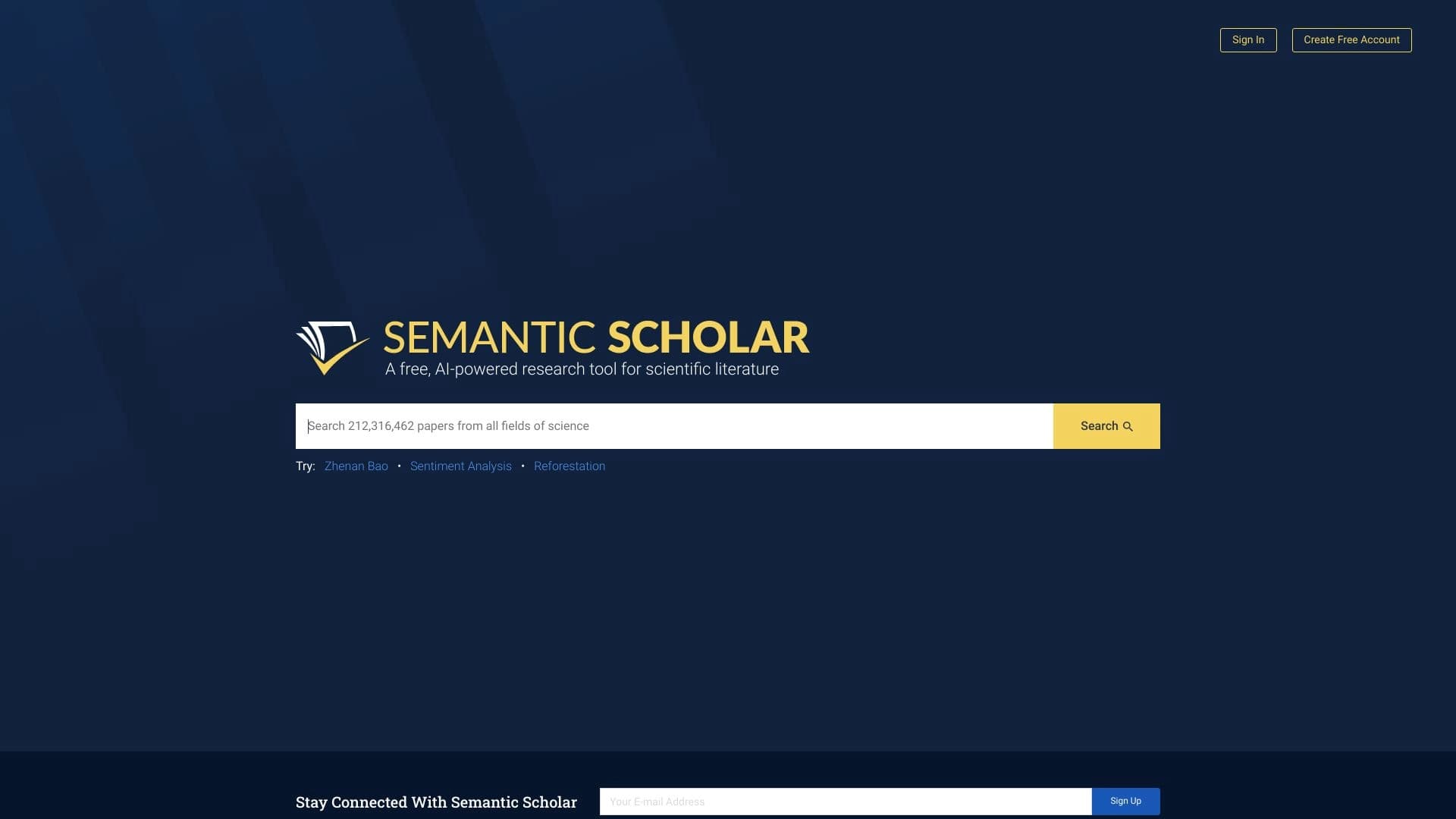
Semantic Scholar adalah mesin pencari akademik yang menggunakan AI untuk peringkat dan merekomendasikan artikel. SciSpace menawarkan tidak hanya pencarian tapi juga keterlibatan interaktif penuh dengan teks melalui percakapan, generasi kutipan, pembuatan video, dan ulasan sastra otonom melalui agen AI.
Kesimpulan
SciSpace adalah alat yang efektif untuk pekerjaan akademik yang menggabungkan pencarian sastra, analisis dokumen PDF, generasi kutipan, summarisasi, dan fungsi lainnya dalam satu platform. Platform ini cocok untuk siswa, pendidik, dan peneliti, membantu otomatisasi tahapan rutin bekerja dengan teks dan mempercepat proses penelitian. Berkat model freemium, pengguna dapat mengevaluasi kemampuan dasar secara gratis dan, jika perlu, memperluas fungsionalitas dengan langganan berbayar.
Pertanyaan yang sering ditanyakan

Lihat juga
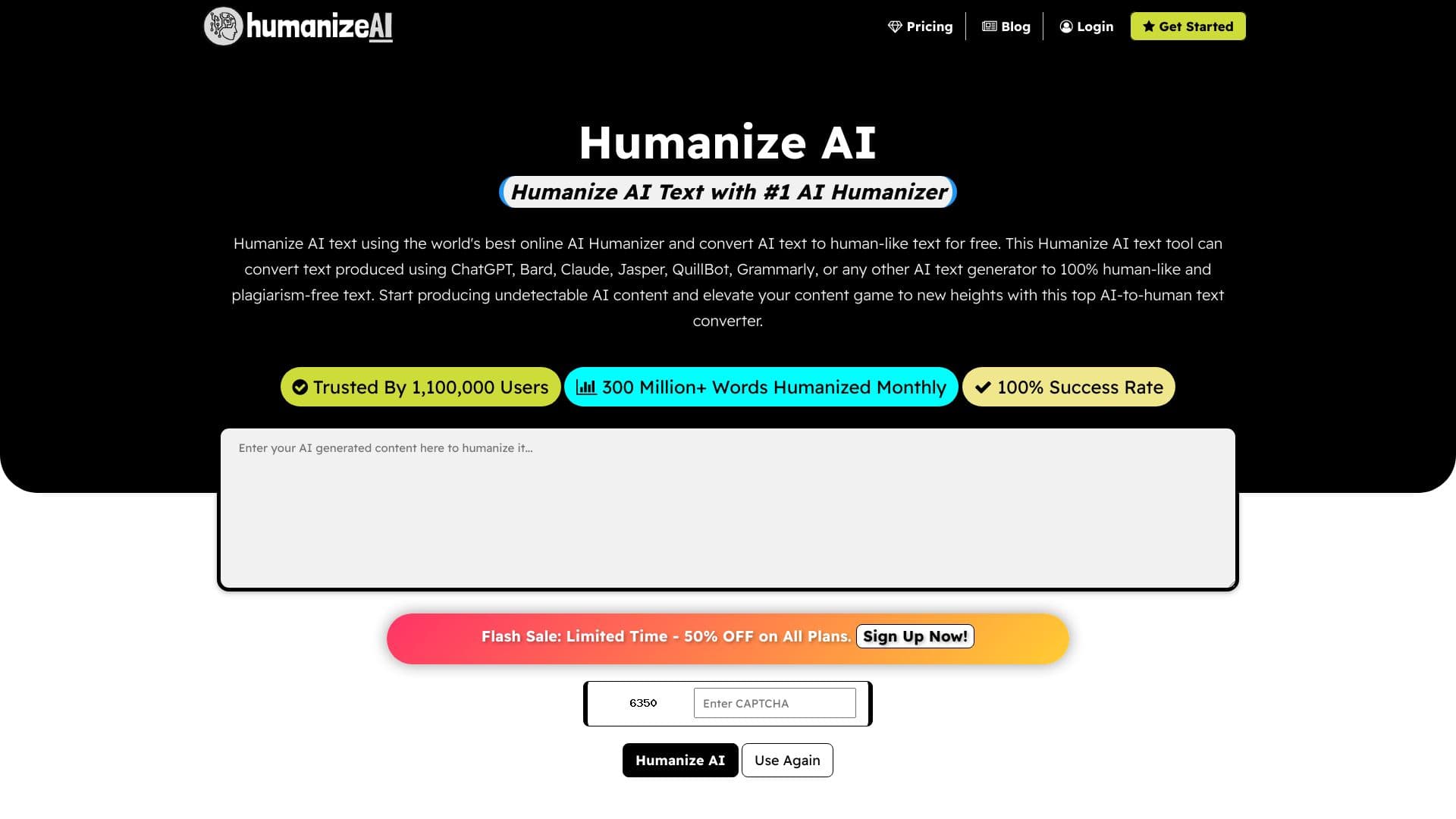

Sebuah layanan online yang bekerja ulang teks yang dihasilkan oleh jaringan saraf menjadi bentuk yang lebih alami dan manusiawi.
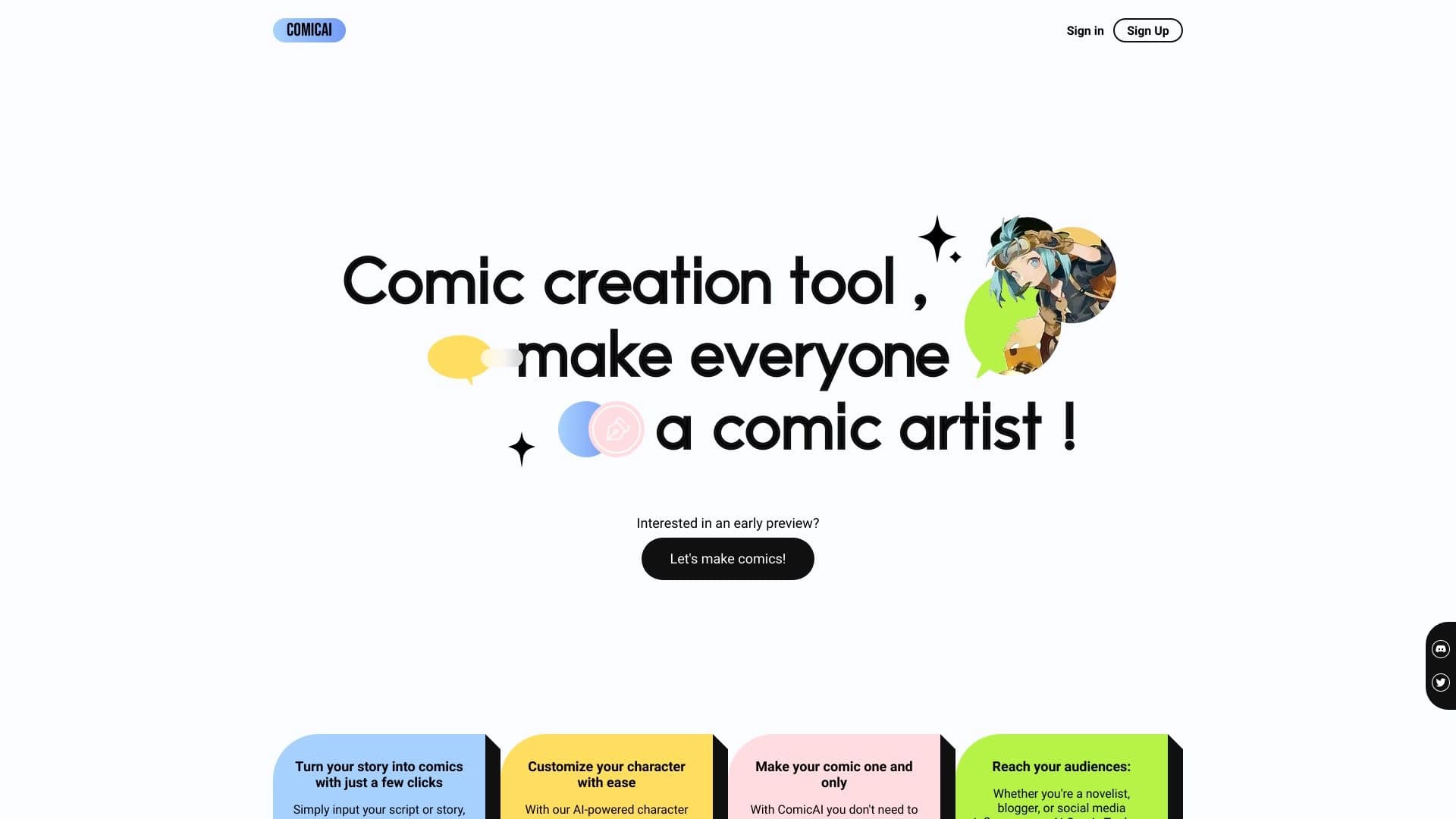
Alat AI untuk secara otomatis membuat komik dan manga dari skrip teks dan cerita.

Layanan online untuk menghasilkan teks buku lengkap dari satu permintaan.

Perencana perjalanan AI yang menciptakan jadwal pribadi dan membantu Anda memilih penerbangan, akomodasi, dan kegiatan dalam percakapan.


Platform untuk mengorganisir live chat dan berkomunikasi dengan pengunjung situs, menawarkan widget obrolan gratis untuk dukungan pelanggan.

Platform untuk otomatis analisis geopasial satelit citra dan data geografis.


Sebuah layanan online yang mengenali teks pada halaman manga dan manhwa, menerjemahkannya ke dalam bahasa yang berbeda, dan membuatnya kembali ke gambar tanpa merusak karya seni asli.

Layanan daring untuk teks paraphrasing dengan tujuh mode, membantu Anda membuat konten unik.