

Saner AI
AI assistant for management tasks and notes created for people with ADHD.
Overview
Description of the neural network Saner AI
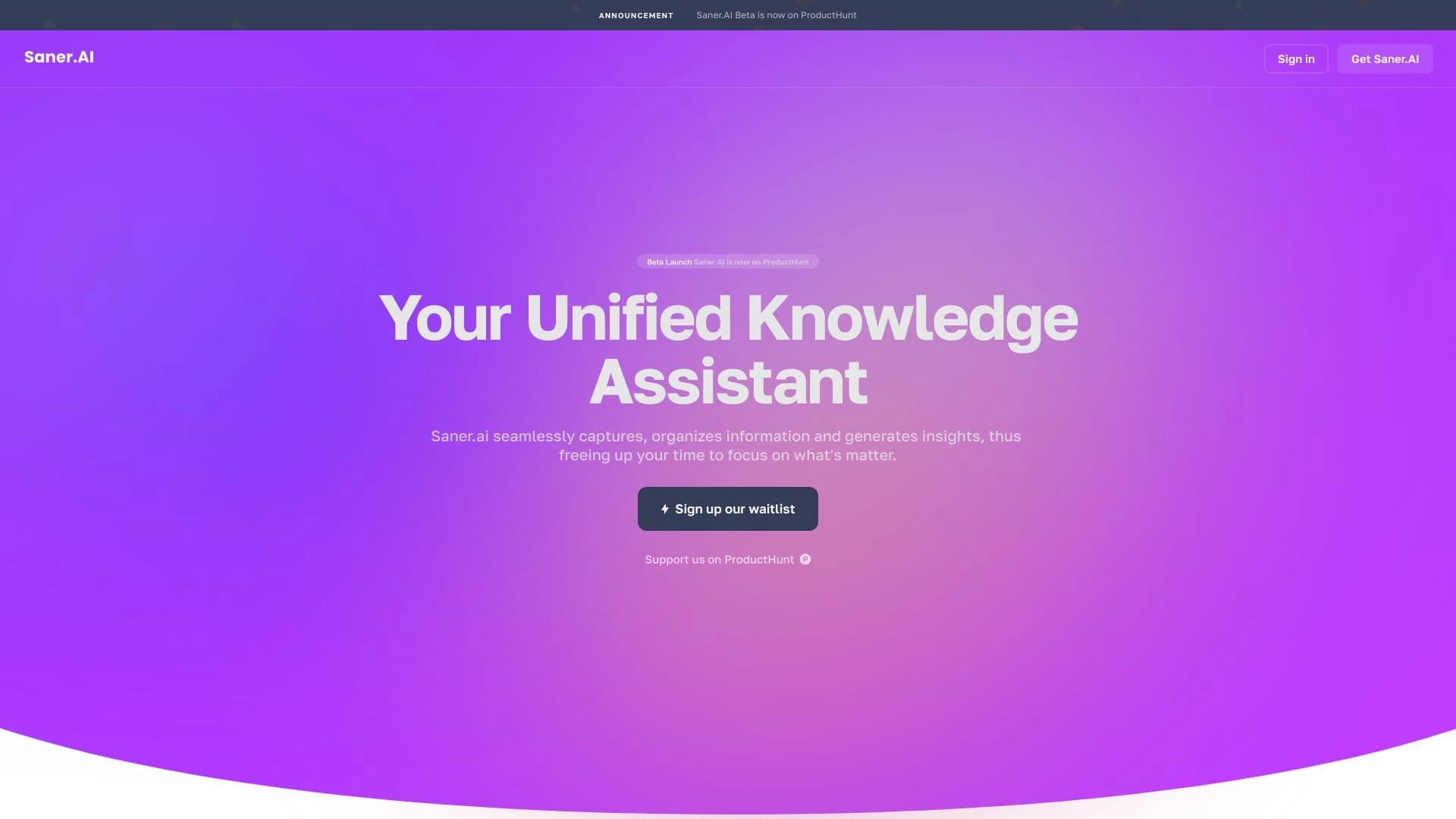
Saner AI is a specialized AI assistant for management task note-book designed on taking into account the characteristics of people with attention deficit hyperactivity disorder (ADHD). Tool brings together notes To-do lists, search and planning in a single interface, helping to transform chaotic thoughts and disparate information c Structured step-by-step action plans.
The key idea of Saner AI – reduction cognitive load . Instead of force the user to organize themselves manually The assistant automatically structures the data, places tags. Distributes tasks over time based on a person’s energy cycles (e.g., owl). “Lark” and takes on the routine aspects of planning . Service supports several leading AI models — Claude, GPT-4 and Gemini — and available as web-app well and an extension for Chrome. The project appeared. in 2023 and is currently It's in beta.
Characteristics of Saner AI
| Characterization | Meaning |
|---|---|
| Type of instrument | AI assistant productivity |
| Categories | Notes and minutes Project Management, AI Therapist |
| Targeted classroom | People with ADHD. also Those who want to increase productivity |
| Platforms | Web application Chrome extension (also claimed by Android and iOS) |
| Year of creation | 2023 |
| Propagation model | Freemium free tariff without hidden payments |
| Interface language | English |
| Support Russian language in chat | Yes (chatbot responds in Russian) |
| Supported AI models | Claude, GPT-4, Gemini |
| Integration | Gmail Slack. Notion. Google Drive, Calendar |
| Status | Beta version |
| Registration | Required. You can use the Chrome extension without it. |
For whom is the Saner AI neural network suitable?
Saner AI is designed for a very specific audience It will also be useful to a wider range of users.
People with ADHD and distracted attention
Core task force . The tool takes into account typical difficulties difficulty on organization forgetfulness procrastination Feeling overwhelmed with a lot of tasks. Automatic planning Reminders and breaking down tasks into small parts help reduce anxiety and keep you busy. focus.
Students and researchers
Meanwhile who works data-rich Saner AI helps to quickly fix thoughts structure notebook Finding data through semantics search and synthesis from different sources.
Professionals and entrepreneurs
People with scheduling. by which Project management deadlines and incoming requests from mail and messengers You can use the assistant as a single control center. tasks and notes.
All Those who want to increase productivity
Even without a diagnosis of ADHD, the tool is useful Those who are tired of switching between a dozen apps and want to simplify the planning process and organization of information.
How to use Saner AI neural network?
Getting started with Saner AI is quite simple, the process depends on chosen platforms.
Through the Chrome Extension
The most. fast way. Install the extension from the Chrome Store – no registration or passwords are required. The extension works as a sidebar which always at hand . You can get out. It's a task and note-book The algorithm will automatically time them. They will break it down and set up reminders. . For the web version will still need to create an account at saner.ai.
Through a web application
After registration On the official website you get access to the full functionality. The recommended procedure:
- Create an account and set up a profile (specify goals) habits daytime ).
- Import existing data from Notion and Google Drive.
- Start adding notes with text or voice.
- Ask questions to Skai’s AI assistant to search and synthesize information.
- Set up reminders and manage deadlines.
- Use it. Semantic search to quickly find data.
Through mobile platforms
For Android and iOS announced the availability of the application (the status of the beta version may mean what mobile customers are still development or limitations ). You can download the application from official website.
Basic Saner AI functions
Saner AI offers a range of features directed To simplify the work with information and tasks.
Handling notes and information
- Rapid capture of information through the sidebar (text or voice) ).
- Automatic. organization and tagging notes and tasks.
- A semantic search for all stored data is a search for meaning, and not with exact keywords.
- Viewing notes in the form of a graph - visualization connections between the elements.
- Synthesis of information : generating ideas and combining data from different sources.
Task planning and management
- Automatic time distribution of tasks without manual planning.
- Energy accounting user cycles and habits (lark/owl) ).
- Breakdown of major Tasks in small parts to reduce sensation overload.
- Intellectual A list of tasks with suggestions for tags and priorities.
- Built-in Reminders and deadline management.
Assistant and integration
- Personal. Skai assistant – search and answer questions on saved data.
- Support for multiple AI models (Claude, GPT-4, Gemini) in one interface.
- Integration on externally :Notion Google Drive, Slack Gmail. A calendar.
Benefits of Saner AI
Let us examine the key strengths of the tool.
Specialization on ADHD users
Saner AI isn’t just another one. planner" and tool created on Taking into account the peculiarities of perception of people with ADHD. Automatic. stratification Breaking up tasks and adjusting to energy cycles really reduce cognitive load and help to cope with symptoms.
Free. access and multimodeling
At this stage, all functions are available for free, without hidden payments and the need to credit card. At the same time, three powerful AI models work in one interface, and chatbot understands Russian Although the interface itself English.
Single workspace
Saner AI combines notes tasks Search and integration with popular . This minimizes context switching, which is one of the most important things. trouble on scattered attention by which comeback work after the transition to Another app.
The disadvantages of Saner AI
Honestly listing the limitations which should be considered When choosing a tool.
- The interface is in English only. Although the chatbot can respond to Russian, the application shell itself is not localized what This can be a barrier for some users.
- Beta status. The tool is in place. into stage development Therefore, limitations are possible. Functionality and periodic failures.
- Transparency paid tariffs. Pricing model - Freemium but detailed information on the cost of paid There are no plans on the page.
- Mobile version. Support for Android and iOS, but In practice, the mobile application may still be in development or have stripped functional.
What are the tasks of Saner AI
The tool covers a wide range of tasks related on organization of information and time.
Structuring and organization
- Transformation disordered notes and "stream of consciousness" in structured Step by step plans.
- Automatic. organization and tagging of notes and tasks deliverance routinely manual triage.
- Managing deadlines and reminders – prevention forgetting crucial business.
Planning and load reduction
- Automatic business planning and prioritization flat-out reflection.
- Adapt the to-do list to user energy cycles.
- Fragmentation of large small-time Doable steps – combating the feeling of overload and procrastination.
Search and synthesis of information
- Fast. semantic search throughout the database data.
- Generation ideas and synthesis of information from different sources (postal) documents notes ).
- Assistance into academic Research and professional management of tasks.
Saner AI prices
At the moment, Saner AI is sticking to Freemium . It means what free tariff , which provides access to all major features without hidden fees and without the need to enter credit card details. So. distribution sourced as "Free" and "Freemium" eat free tariff )
Note what detail fee tariffs (if any) on There is no official page. The tool is in place. into beta , therefore current Price policy may change in the future.
Terms of use of Saner AI
To start using the service It is important to understand the basic conditions.
- Register. For a web application Saner.ai is required Create an account. The exception is the Chrome extension which can be used without registration.
- Installation expansion. To work through Chrome, you need to install an extension from the Chrome store.
- Setting up a profile. After registration is recommended fill out : specify objectives This will allow the algorithm to more accurately adjust the planning to your rhythm.
Availability of Saner AI
Saner AI is now available several platform : web application , extension for the Chrome browser eh Mobile support is also announced Android and iOS platforms. Beta status may make adjustments to mobile availability Applications – they may still be in development or have limitations.
The interface of the tool is presented at in English, that restricts its use for Russian-speaking audience . Skai assistant chatbot understands requests Russian language and can answer it. According to analysts most The popularity of Saner AI enjoys in the United States about a quarter of traffic ? also Canada, Germany and Singapore.
What distinguishes Saner AI from analogues
There are many schedulers and applications on the market. From Evernote and Notion to Todoist and Trello. What? Saner AI stands out on their background?
Focus on ADHD
In contrast to universal Tools like Notion or Evernote, Saner AI was originally designed. for People with ADHD. It shows up. detail Automatic time allocation without manual planning energy accounting cycle splitting tasks into smaller parts and reducing switching context. Universal services require independent configuration of the entire system what how once principal It is difficult for the target audience of Saner AI.
Multimodeling integration
Most of the competitors are working on a single AI model then As Saner AI combines three – Claude, GPT-4 and Gemini. In addition, deep integration Gmail, Slack. Notion and Google Drive are less common in the same interface. This brings the tool closer to the category of AI therapist and assistant. eh Not just a knowledge base.
Ease of use
Chrome Extension working without registration favourably competitor demanding Creating an account and setting up complex project tags and board. Saner AI stands by “Put it all in a pile – the algorithm will understand” that Makes the start radically easier.
Conclusion
Saner AI is a niche but A smart AI assistant for people with ADHD and everyone Those who have difficulty with organization of information and tasks. It successfully solves the main problem of the target audience - cognitive overload - due to automatic overload. structuring Intellectual planning energy-adjusted cycles Tasks and searches in one place. Free. access Support for multiple AI models and integration with popular services make it desirable . However, the status of the beta version English-speaking interface and incomplete transparency of paid Tariffs are factors which should be weighed before starting use . In general, Saner AI is a worthy example of this. How AI can be used to help people with Perceptual characteristics.
Frequently asked questions
See also
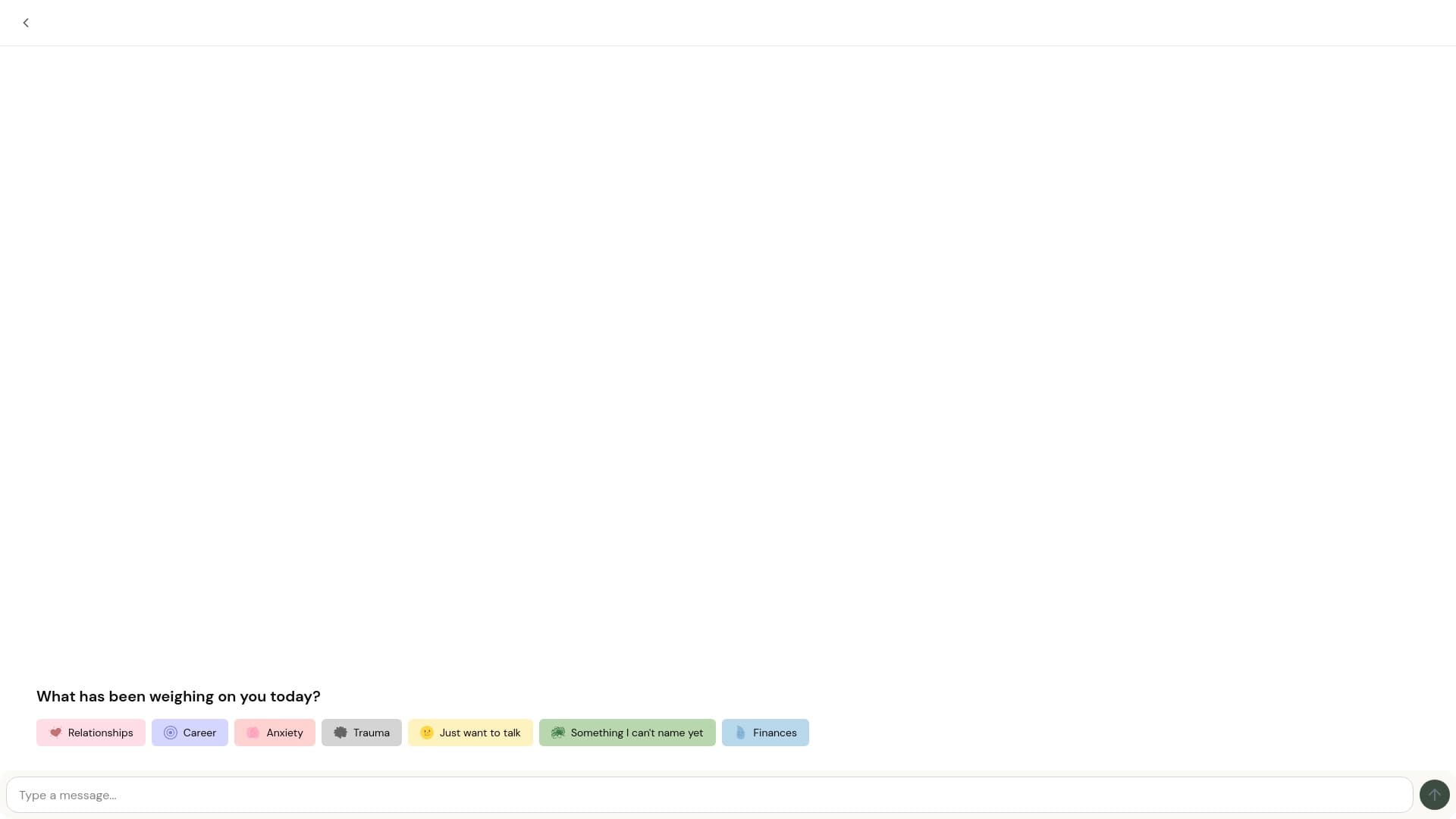
AI assistant for emotional support which coping stressful anxiety and problems in relationships.
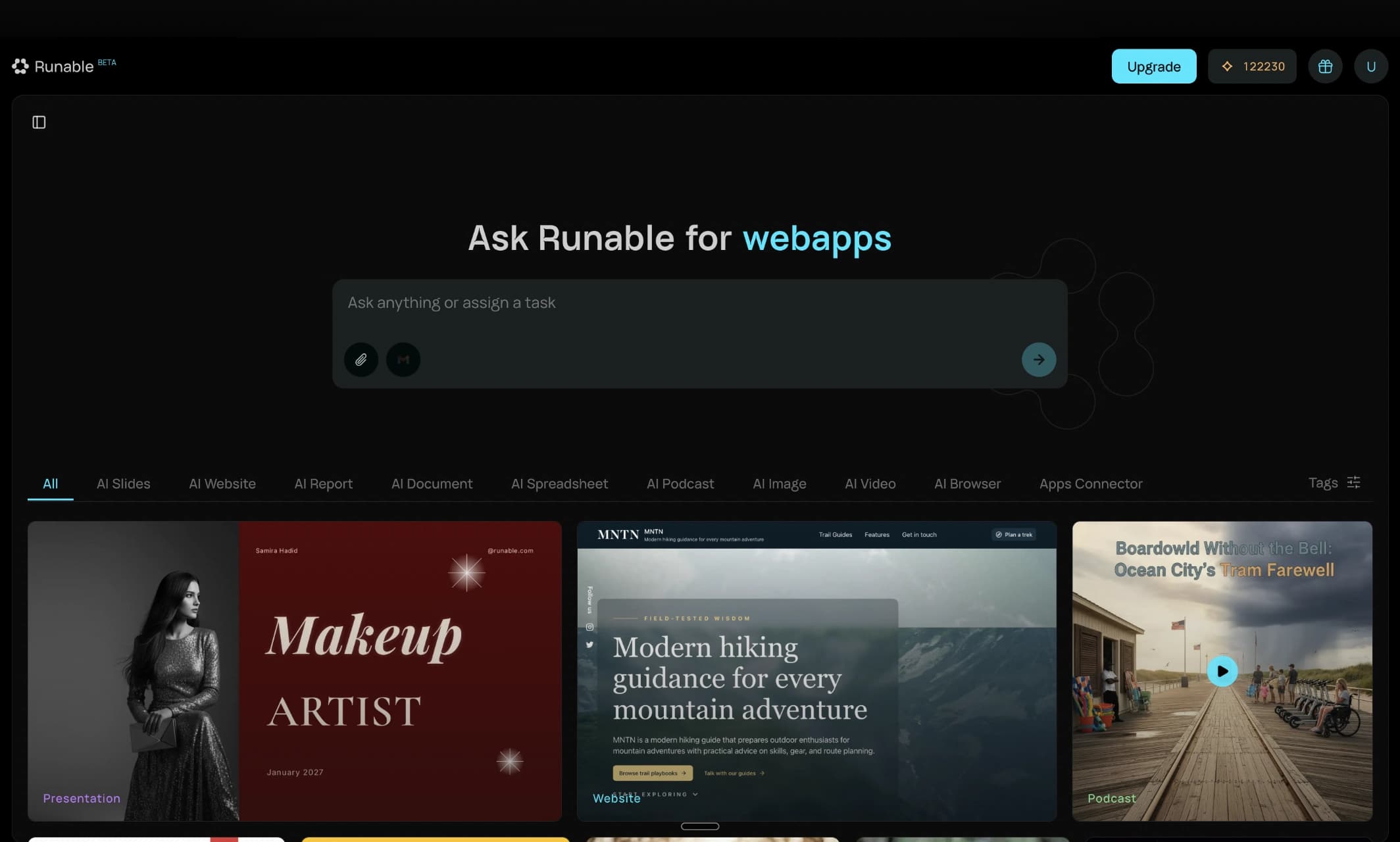

AI agent for digital automation problems through prompts.
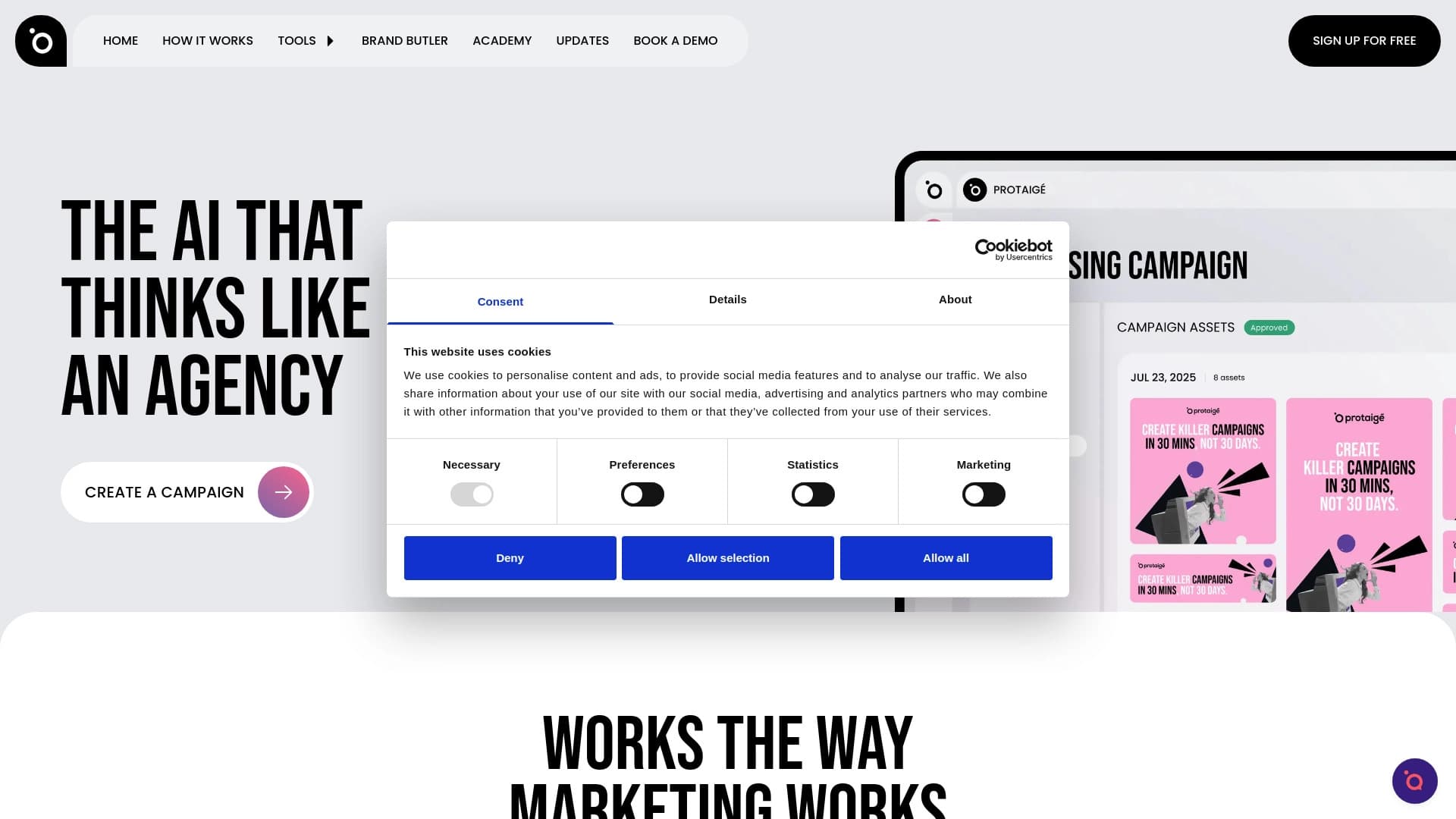
Multi-agent marketing-network Automatically creates advertising campaigns from strategy to ready-made creative.

Personalized AI assistant for conversational support and productivity enhancement.
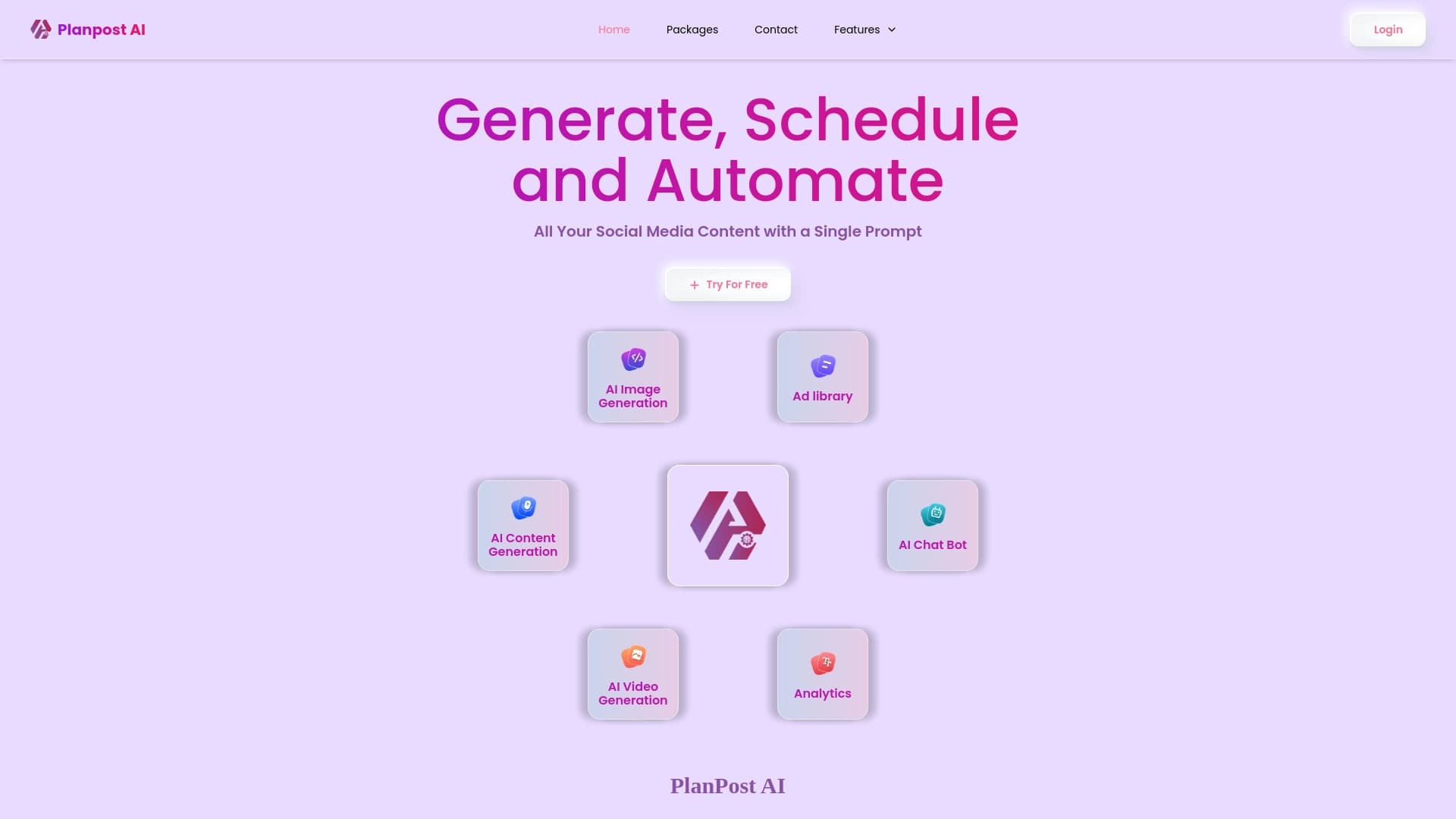
AI-powered platform for automating content creation and scheduling for social media.

Extension for Chrome Automating Likes and Comments on TikTok to Boost engagement.

AI secretary for automatic meeting recording and transcription with task generation and mind maps.
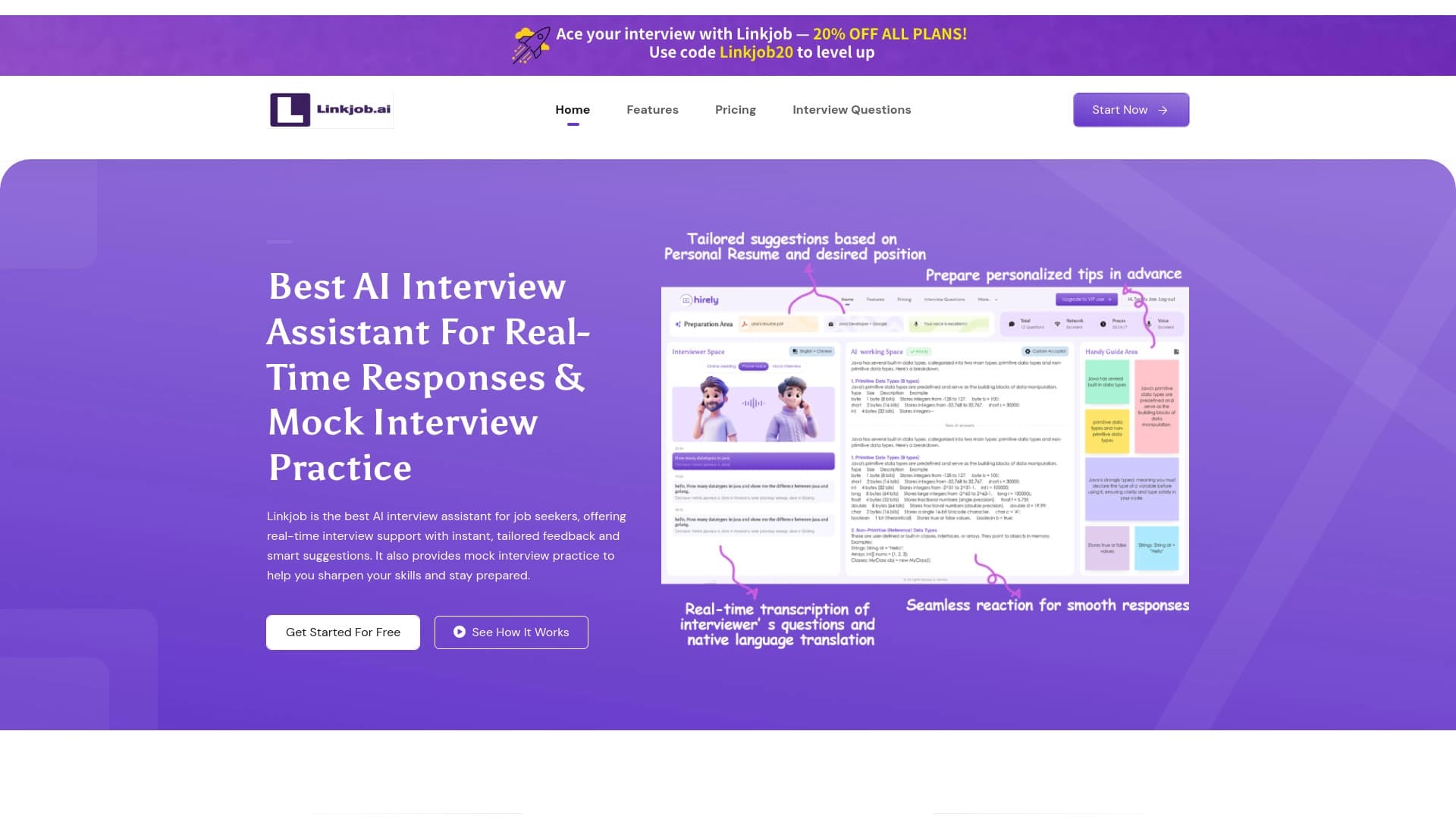

AI assistant for preparing and conducting job interviews, providing real-time hints and practice sessions.