
Rush Widget
AI chat widget for your website that automates customer support and captures contacts.
Overview
Rush Widget AI Description
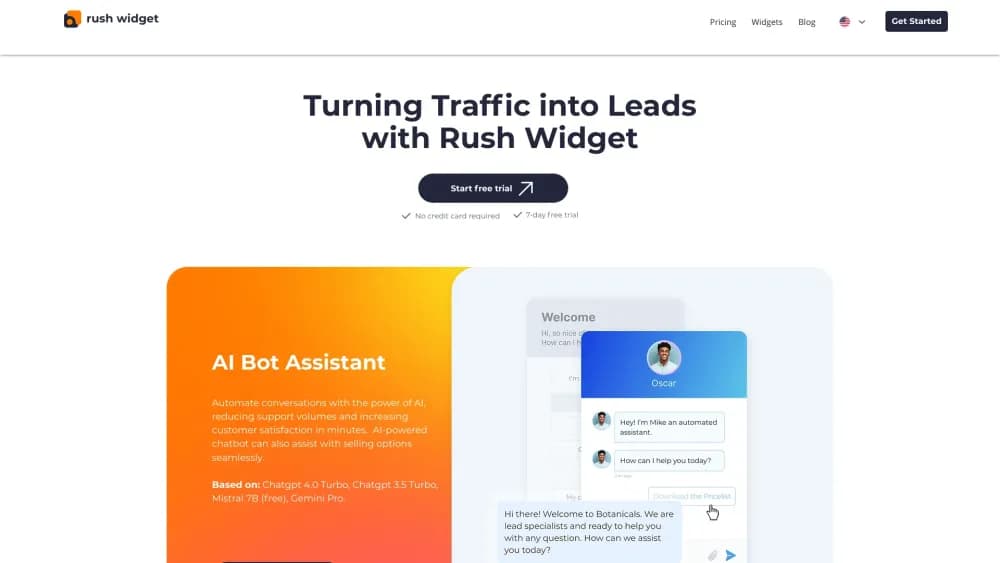
Rush Widget is a ready-made widget for websites that adds an AI-powered chatbot to your pages. Its main purpose is to automate communication with visitors: answering common questions, helping users navigate the site, and collecting contact information from potential customers.
Technically, the tool works by embedding a small piece of code into the site's HTML structure. Once installed, the bot starts working without the need for complex setup or developer involvement. The system is designed to operate around the clock, allowing businesses not to miss inquiries that come in outside working hours, on holidays, or on weekends.
In addition to direct dialogue with visitors, the widget can connect to messengers. This expands communication channels and allows you to engage audiences in the services where users prefer to communicate.
Rush Widget Features
| Feature | Value |
|---|---|
| Type | Support chatbots, chatbot building tools, lead generation tools, customer support tools |
| Developer | Rush Widget |
| Pricing | Free plan (AI Bot Assistant) and paid plan ("All-in-One" starting from a monthly subscription) |
| Categories | Chatbot building tools, lead generation tools, customer support tools |
| Integration method | Embedding code into website pages |
| Additional | Messenger integration |
Who is Rush Widget AI for?
Small and medium business owners
Companies that receive many similar questions from website visitors can offload their staff. The bot handles initial communication, and human operators step in only when a non-standard solution is required.
Online stores and service companies
For websites with product or service catalogs, the widget helps by quickly answering questions about availability, timelines, prices, and delivery terms. This lowers the barrier between a visitor's interest and taking a desired action.
Marketers and sales managers
Rush Widget collects user contact information, turning traffic into a manageable database of potential customers. This is especially valuable for sales teams that need leads for follow-up communications.
How to use Rush Widget AI?
Website installation
The implementation process comes down to copying a single line of code and placing it on your website pages. No complex server-side configuration is required. After that, the widget becomes active and the bot starts interacting with visitors.
First launch and setup
Immediately after installation, you can start communicating with customers in real time. There are no lengthy training phases or large configuration forms to fill out — the tool is designed for quick start.
Messenger integration
The interface allows you to connect the chatbot to messengers. This makes it possible to continue a dialogue with a user in their preferred channel, even if they have left the site.
Key features of Rush Widget
AI chatbot for instant support
The neural network automatically processes incoming inquiries and provides answers to common questions. This allows visitors to get an immediate response without waiting for an operator to become available.
Social media widgets
The tool includes social media widgets that let visitors quickly move to conversations with the brand on social platforms. This simplifies contact with the audience and expands interaction points.
Contact data collection
During the dialogue, the bot can request contact information from users. The collected data forms a lead database that the business can use for further mailings and sales.
Rush Widget advantages
24/7 operation without breaks
The bot works around the clock and is not affected by human factors. Inquiries are accepted at any time of day, including holidays, which reduces the risk of losing customers.
Automation of common questions
Routine requests are handled automatically, and operators step in only for complex or unusual situations. This optimizes the workload on the support team and reduces response time for end users.
Quick launch and easy implementation
To get started, you only need to insert the code into your website — this takes a couple of minutes. No deep technical knowledge or lengthy configuration is required, which is especially convenient for small teams.
Rush Widget limitations
Limitations in handling non-standard requests
The bot does not always correctly handle non-standard or ambiguous customer questions. In such cases, human intervention is required, which can be inconvenient if no operator is available at that moment.
Dependence on technical infrastructure
In the event of server failures or internet connection issues, support through the widget becomes temporarily unavailable. This can affect service quality at a critical moment.
Data security concerns
Without proper security settings, there are risks of collected contact data being leaked. Users need to take care of information protection themselves.
What tasks does Rush Widget solve?
Turning website visitors into leads
The widget collects user contacts during the dialogue. This turns anonymous traffic into a database of potential customers who have already shown interest in a product or service.
Increasing conversion through active consulting
The chatbot helps visitors get answers to their questions during the purchase or service selection process. This real-time consulting reduces hesitation and helps increase conversion rates.
Reducing the load on the support team
The bot offloads operators by independently handling a significant portion of repetitive requests. Employees can focus on more complex tasks that require expert involvement.
Rush Widget pricing
Free plan "AI Bot Assistant"
Users have access to a free version of the product that includes the basic functionality of the AI bot. It is suitable for getting familiar with the tool and solving simple communication tasks.
Paid plan "All-in-One"
The extended version provides access to all widget features. Pricing starts from a monthly subscription fee. Current terms and a detailed comparison of plans are published on the developer's official website.
Rush Widget terms of use
Detailed terms and conditions of use are not disclosed in public sources. For complete information about requirements and restrictions, it is recommended to refer to the official documentation or the product's support service.
Rush Widget availability
Website integration
The main way to work with the tool is by embedding code into website pages. This allows the widget to be used on any platform where HTML code editing is available.
Messenger support
The ability to connect messengers to expand communication channels is mentioned. This makes the bot accessible beyond the website and allows maintaining a dialogue with users in the app of their choice.
How Rush Widget differs from alternatives
Ease of implementation
Many competing solutions require more complex setup and integration. Rush Widget is positioned as a tool that can be connected in a couple of minutes by simply inserting one line of code into a website. This makes it accessible to users without deep technical knowledge.
Continuous bot operation
Unlike services where support is limited to operator working hours, the AI chat works without breaks. This is a key differentiator for businesses focused on attracting customers from different time zones or operating 24/7.
Focus on conversion and lead generation
Many alternatives focus solely on support, while Rush Widget additionally addresses the marketing task — collecting contacts and turning visitors into customers. This approach allows using the bot not only as a service tool but also as part of the sales funnel.
Conclusion
Rush Widget is a practical solution for websites that need to automate initial communication with visitors. The tool addresses several tasks at once: it responds to customers at any time of day, collects contact data, and offloads operators by automating common inquiries. The key advantage of the product is its ease of implementation — you just insert the code into your pages and the bot starts working. However, users should consider the AI's limitations in non-standard situations and take care of data security settings. With an affordable free plan and a paid version with full functionality, Rush Widget can be considered a flexible solution for small and medium businesses looking to increase conversion and not miss customer inquiries.
Frequently asked questions
See also
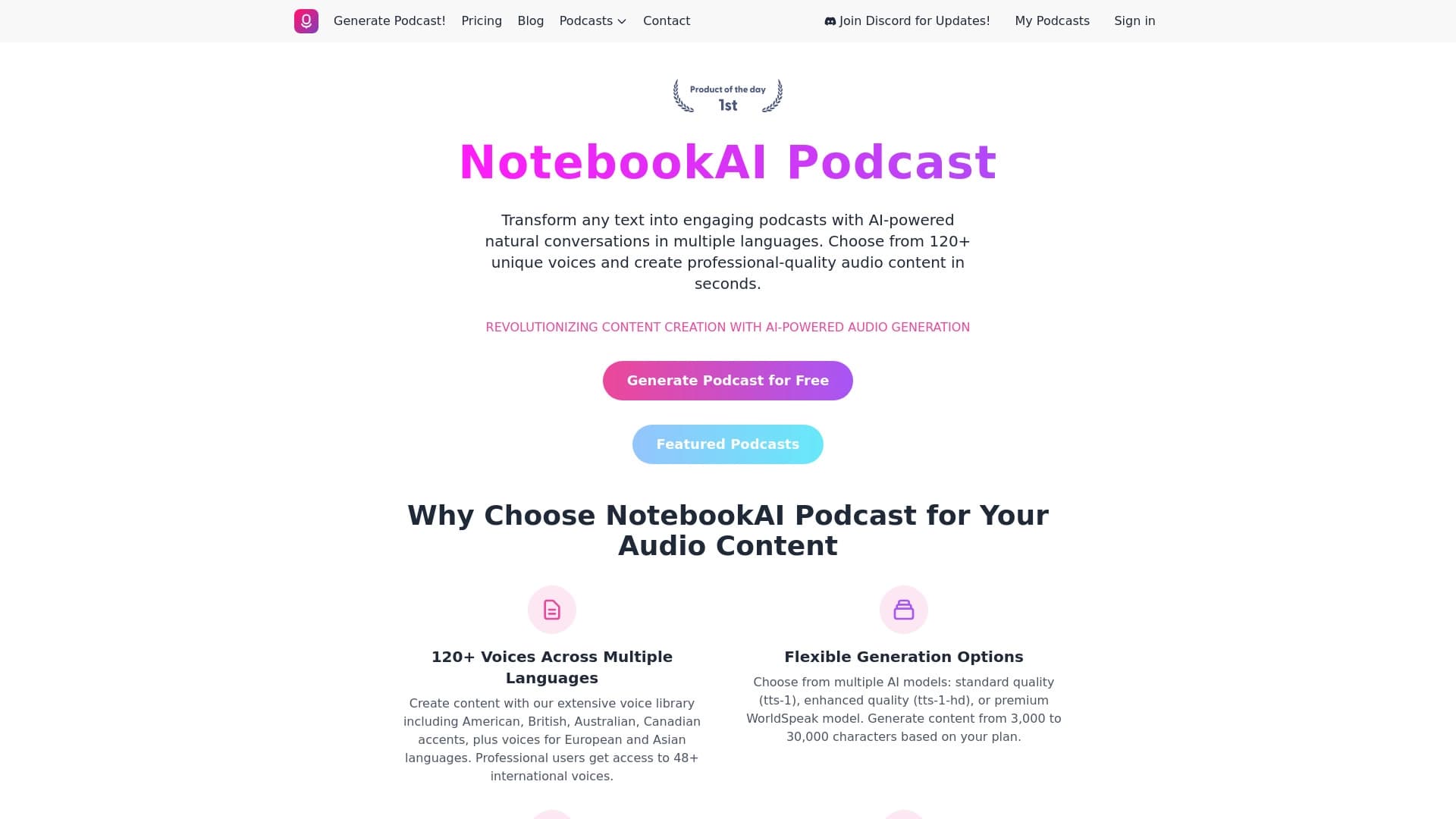

A service for turning text into podcasts with naturally sounding voices in different languages.


Neural network for fast video generation and editing from text descriptions, images, and references.
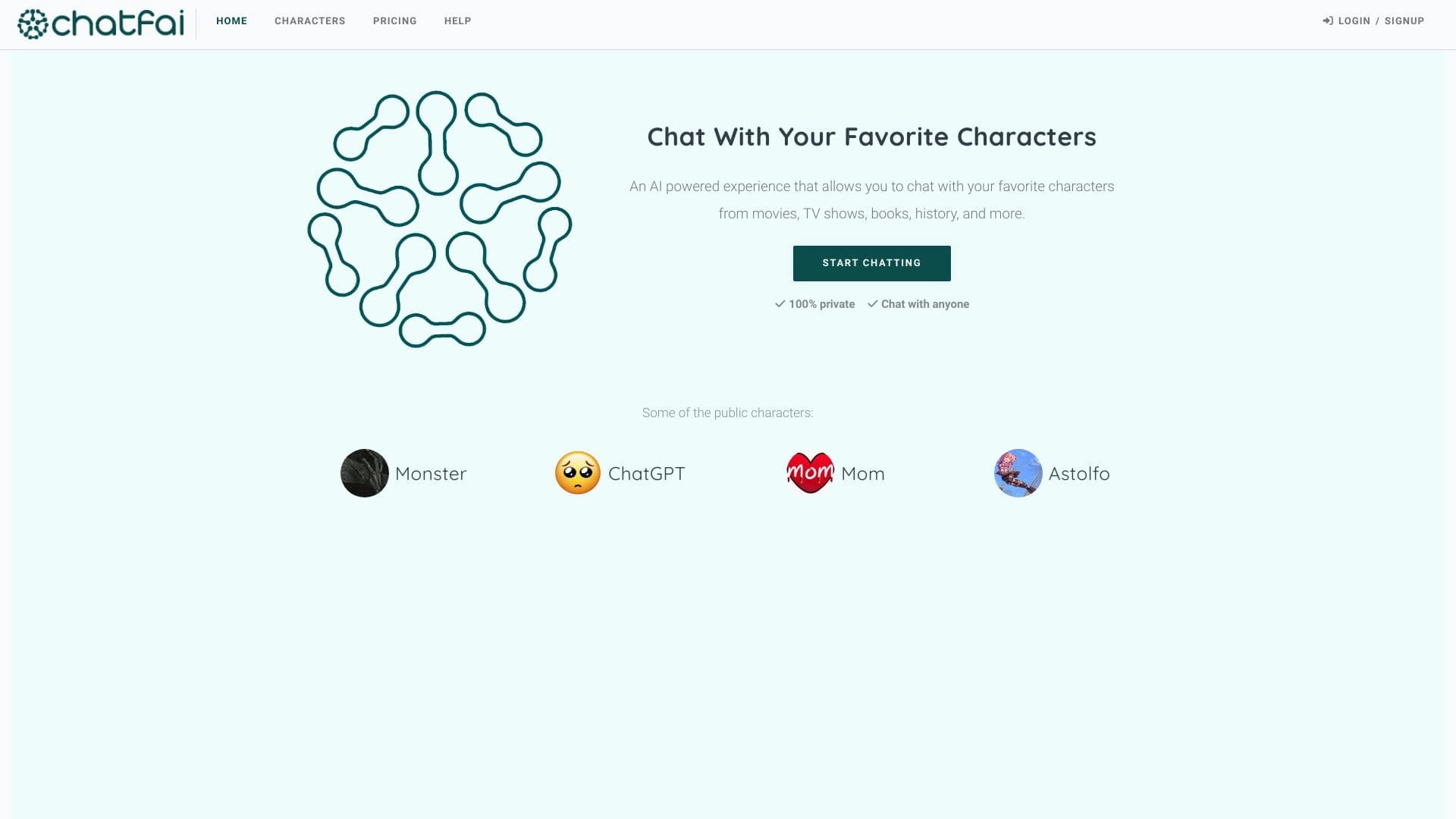

A platform for conversations with AI characters, including pre-made and user-created ones.


Project management platform with task assignment, time tracking, and employee workload monitoring features.

Platform for creating custom AI chats trained on your own business data.


AI email assistant that integrates with Gmail and Outlook.
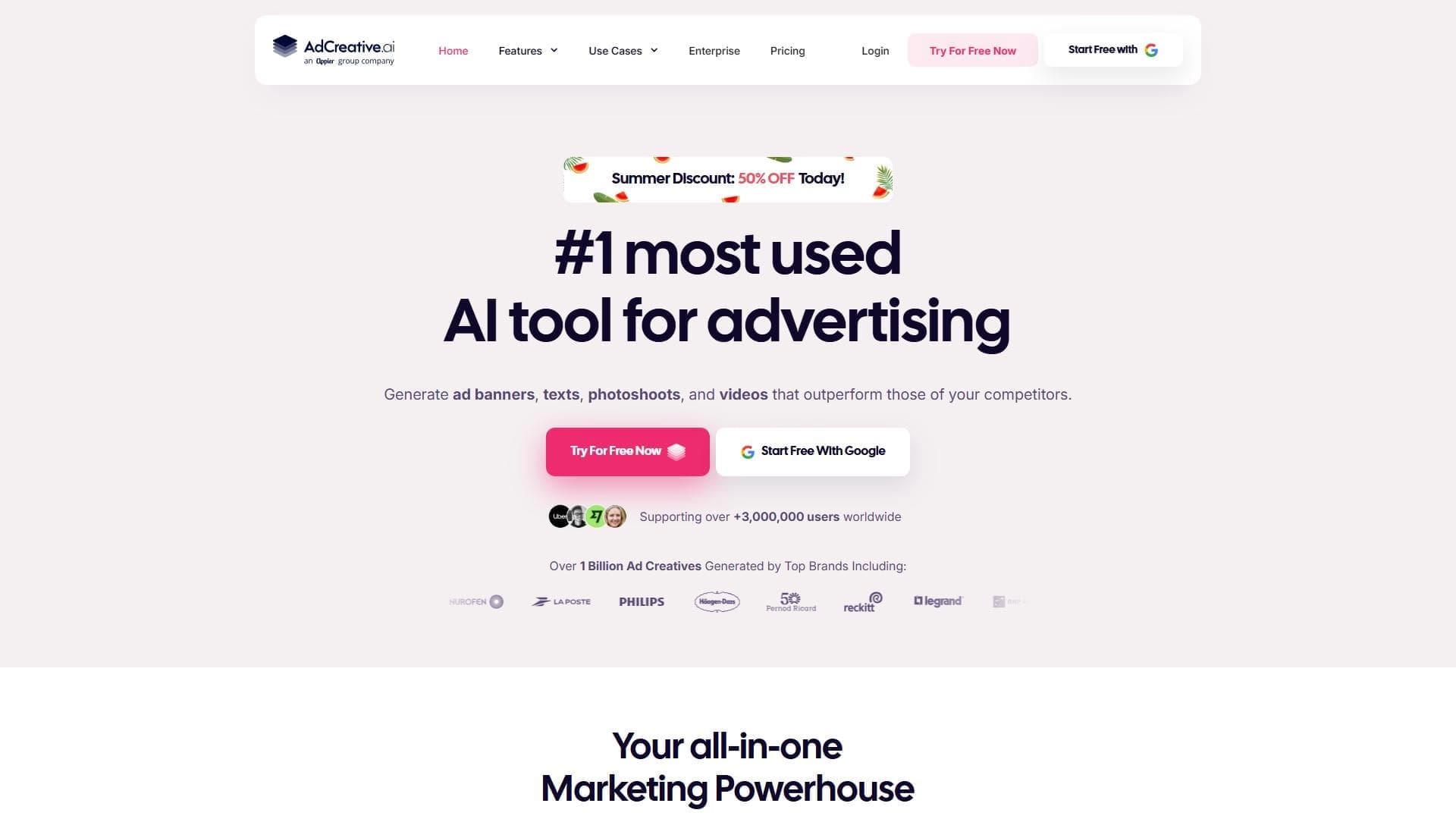

AI-powered platform for automatically generating ad banners, texts, and videos optimized for conversion.

AllChat is a universal platform that combines several popular language models in a single interface for communication, image generation, file analysis, and code execution.