

Retake
AI-powered mobile app for iOS that enhances selfies and photos.
Overview
Retake is a mobile application powered by artificial intelligence, designed to automatically enhance selfies and regular photos. The main goal of the service is to eliminate the need for manual editing in editors and give the user a ready-made result in one click. The neural network independently analyzes the image, corrects skin, lighting, and color balance, and also allows changing the background or experimenting with looks.
The app is positioned as a tool for quick photo transformations for social media. Instead of spending a long time working with filters and masks, the user gets several ready-made processing options that look natural and professional. Retake supports working with low-quality sources, which is especially useful for old or unsuccessful photos.
How it works
The service uses neural network algorithms to analyze the face, lighting, and composition. Based on this data, the AI makes targeted adjustments: removes blemishes, evens out skin tone, and improves detail. Generative models are used to change backgrounds or try on looks, creating realistic replacements.
Retake characteristics
| Characteristic | Value |
|---|---|
| Type | Mobile application |
| Category | Photo editing, background editing, fashion, style, and looks |
| Platforms | iOS, Android |
| Interface languages | Russian, English |
| Free plan | 7-day trial period available |
| Availability | Registration via email required |
| Offline functionality | Yes, processing happens offline |
Who is Retake neural network suitable for?
Active social media users
Retake is aimed at those who regularly post photos on Instagram, TikTok, and other platforms. The app lets you get a high-quality shot in a minute without spending time learning professional editors. For bloggers and influencers, it's a way to maintain a visual style without extra effort.
Those who like experimenting with their appearance
The app lets you try on new makeup, change your hairstyle or clothing style, or transform into a superhero or actor. This appeals to users who are curious to see how they would look in different styles before committing to real changes.
Those who value privacy
Since photo processing happens without an internet connection, Retake suits people who don't want to upload personal photos to third-party servers. This is an important advantage for users concerned about data privacy.
How to use Retake neural network?
Step-by-step guide
- Install the app from the App Store or Google Play.
- Register with your email address.
- Upload 10–12 personal photos. The more photos you provide, the more accurately the AI adapts to your facial features.
- Choose a photo to edit.
- Apply the desired feature: quality enhancement, background change, makeup, or another effect.
- Save the finished image to your gallery.
How it works
Activating the trial period requires registration via email. After the 7 free days end, the service switches to a paid subscription. All operations are performed within the app interface — no additional settings or complex parameters are needed; just press one button.
Key Retake features
Selfie quality enhancement
The app automatically corrects skin, removes blemishes, and evens out color balance in seconds. Even unsuccessful shots with poor lighting become sharper and more natural.
Background and look editing
Users can replace the background with exotic locations or transform into a superhero or actor. Features for adding professional makeup, changing hairstyles, and clothing styles are also available.
Magic Retakes
This feature creates up to 10 variations of the same photo with different looks. It's handy when you're not sure which style to choose or need to quickly prepare a series of photos for posting.
Additional capabilities
- Creating a single portrait from a group photo.
- Support for low-quality sources.
- Maximum facial detail through neural network processing.
Retake advantages
Offline processing and privacy
All edits are performed on the device without uploading photos to the cloud. This not only saves data but also prevents leaks of personal images.
Simplicity and speed
One click is all it takes to get a professionally looking shot. No need to understand layers, masks, or curves — the AI does all the work.
Integration with popular platforms
The app has built-in integration with Instagram and TikTok, speeding up the publishing of finished photos. A Russian-language interface is also supported, making the service accessible to a wide audience.
Retake drawbacks
Paid subscription after the trial period
Free access is limited to 7 days. Continued use requires a subscription, which may deter users looking for one-off editing. The cost may not suit everyone.
Registration required
You need to provide an email address to get started. This is an extra barrier, especially for those who prefer using apps without creating accounts.
Limited platform support
Despite iOS and Android being listed, the main focus is on mobile devices. No web or desktop version is available.
What tasks does Retake solve
Transforming photos for social media
The service's main goal is turning ordinary photos into professional shots that can be posted right away. Quality enhancement, light correction, and flaw removal all happen automatically.
Experimenting with appearance
The app lets you safely try new looks: makeup, hairstyles, clothing styles, or fantasy characters. This is especially relevant before important events or just for fun.
Keeping things natural
Unlike aggressive filters, Retake preserves the natural look of the face, fixing only the flaws that stand out. That's why edited photos look alive, not plastic.
Retake pricing
The app uses a freemium model. New users get a free 7-day trial period. After it ends, a subscription is required:
- 1 month — cost varies by region.
- 1 year — cost varies by region.
The exact price may vary depending on the region and platform. No information about other pricing plans or one-time purchases is available from official sources.
Retake terms of use
To get started, registration via email is required. Account confirmation happens in the standard way through a link in the email. Uploaded photos are processed locally on the device, reducing risks associated with sharing data with third parties.
The app does not provide explicit information about limits on the number of processed photos during the free period. After subscribing, the user gets access to all features without restrictions, including Magic Retakes and background changes.
Retake availability
The app is available for mobile devices on iOS and Android. The interface is translated into Russian and English, making it convenient for a wide range of users.
One of the key features is full functionality without an internet connection. Photo processing happens locally, and the network is only needed for installation, registration, and subscription setup. This is especially convenient for travel and places with unstable connections.
How Retake differs from alternatives
Focus on offline processing
Most similar services rely on cloud computing, which requires a constant internet connection. Retake processes photos directly on the device, ensuring speed and privacy, though it may be less powerful for complex generative tasks.
Emphasis on naturalness
Many competitors offer aggressive presets that change a person's appearance beyond recognition. Retake focuses on preserving a natural look, which appeals to users who value authenticity in photos.
Comprehensive approach
One app combines quality enhancement, background editing, makeup, and style features. Alternatives often focus on a single area, such as only skin correction or only background changes. Retake covers all these needs at once.
Conclusion
Retake is a mobile AI app for editing selfies and photos that combines over 25 features. It lets you quickly improve photo quality, change backgrounds, add makeup, and experiment with looks while keeping images natural. Key advantages include offline functionality, support for low-quality photos, and data privacy. The service offers a 7-day free trial, after which a paid subscription is required. The app is available on iOS and Android with support for Russian and English.
Frequently asked questions
See also

Online service for creating and customizing birthday invitations and congratulations using artificial intelligence.
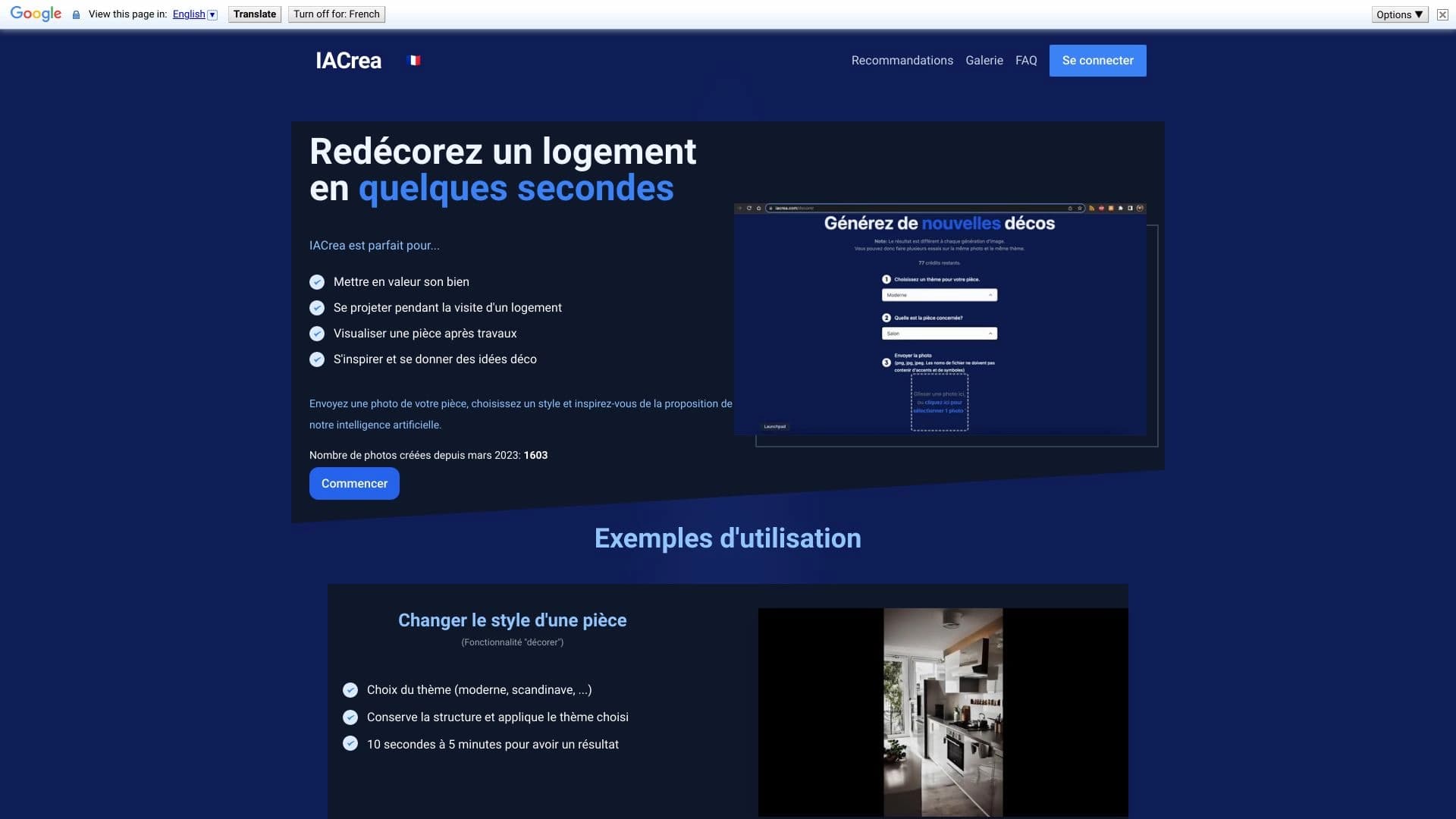

IACrea is an AI service for virtual home staging and real estate visualization, allowing you to quickly enhance interior and exterior photos.
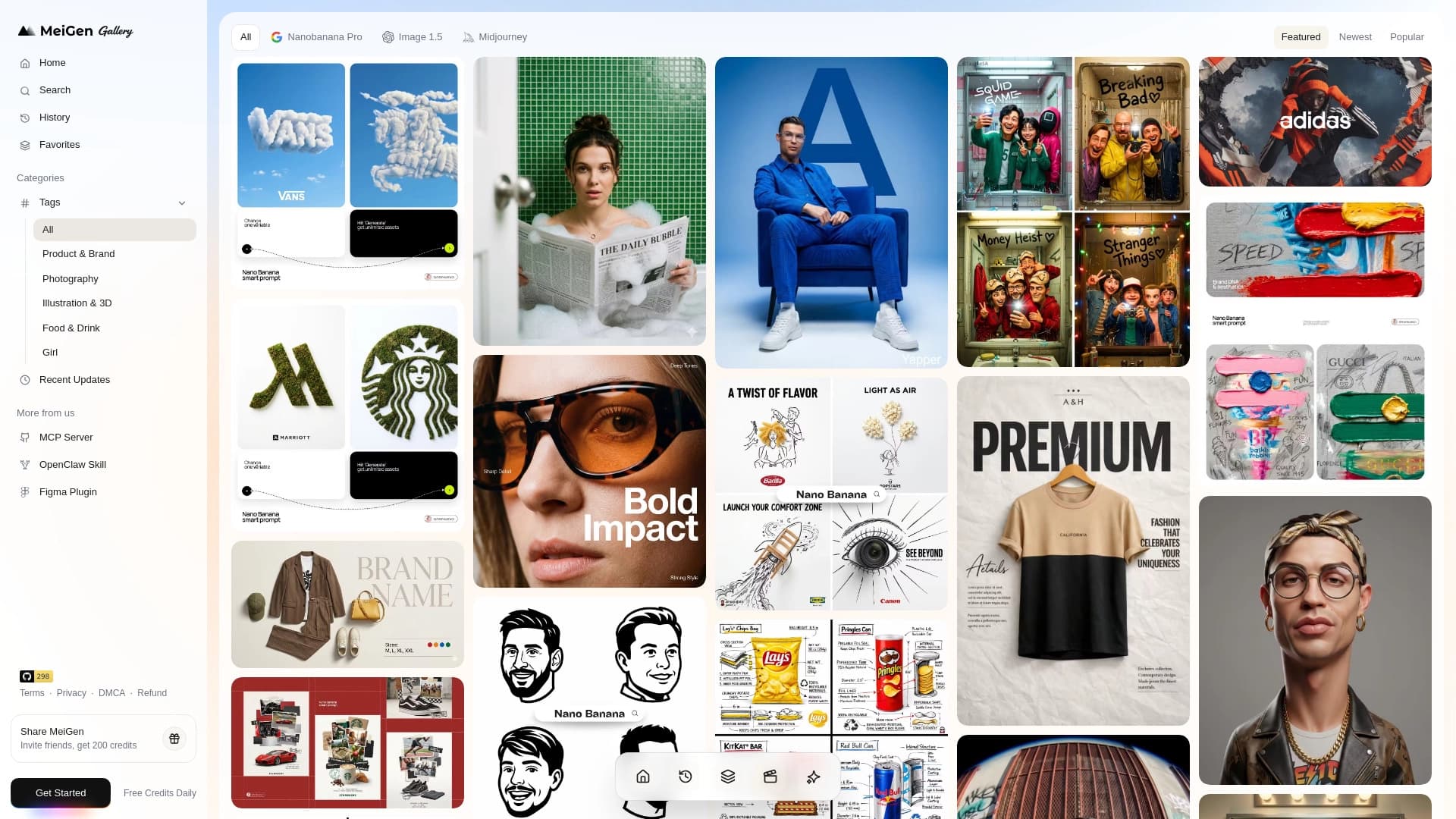
Web service with a library of ready-made prompts and an interface for generating images and videos through popular neural networks.

A tool for quickly generating and editing 4K images, supporting control over multiple reference images and a conversational mode.
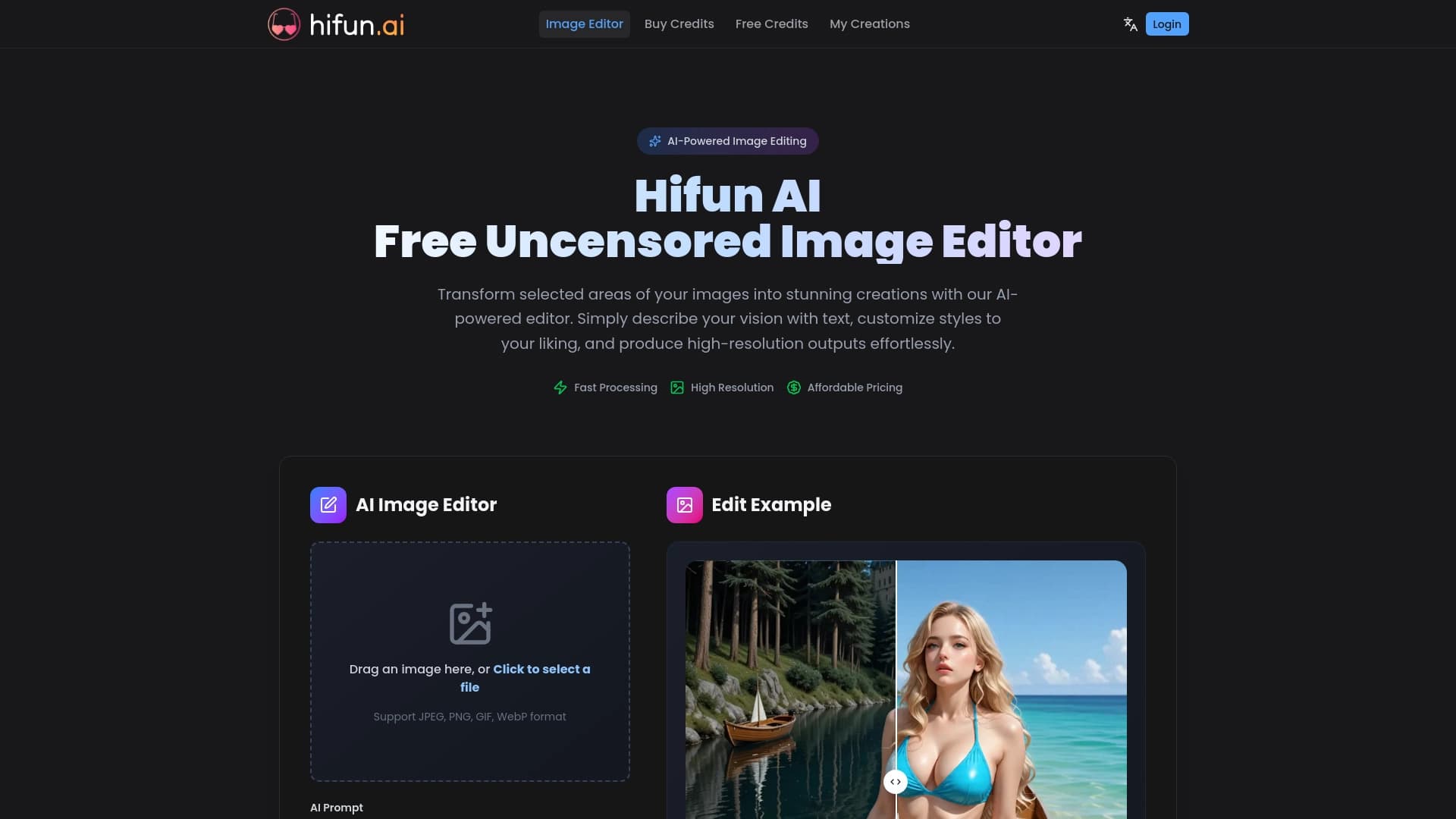
AI image editor for fast, high-quality creative processing without censorship.

Service for creating personalized avatars and photo shoots using AI based on uploaded selfies.

AI-powered online image editor that lets you edit photos by text description right in your browser.

A service for turning text into podcasts with naturally sounding voices in different languages.