
ReRoom AI
Online service for visualizing interiors with the help of artificial intelligence.
Overview
ReRoom AI
ReRoom AI Neural Network Description
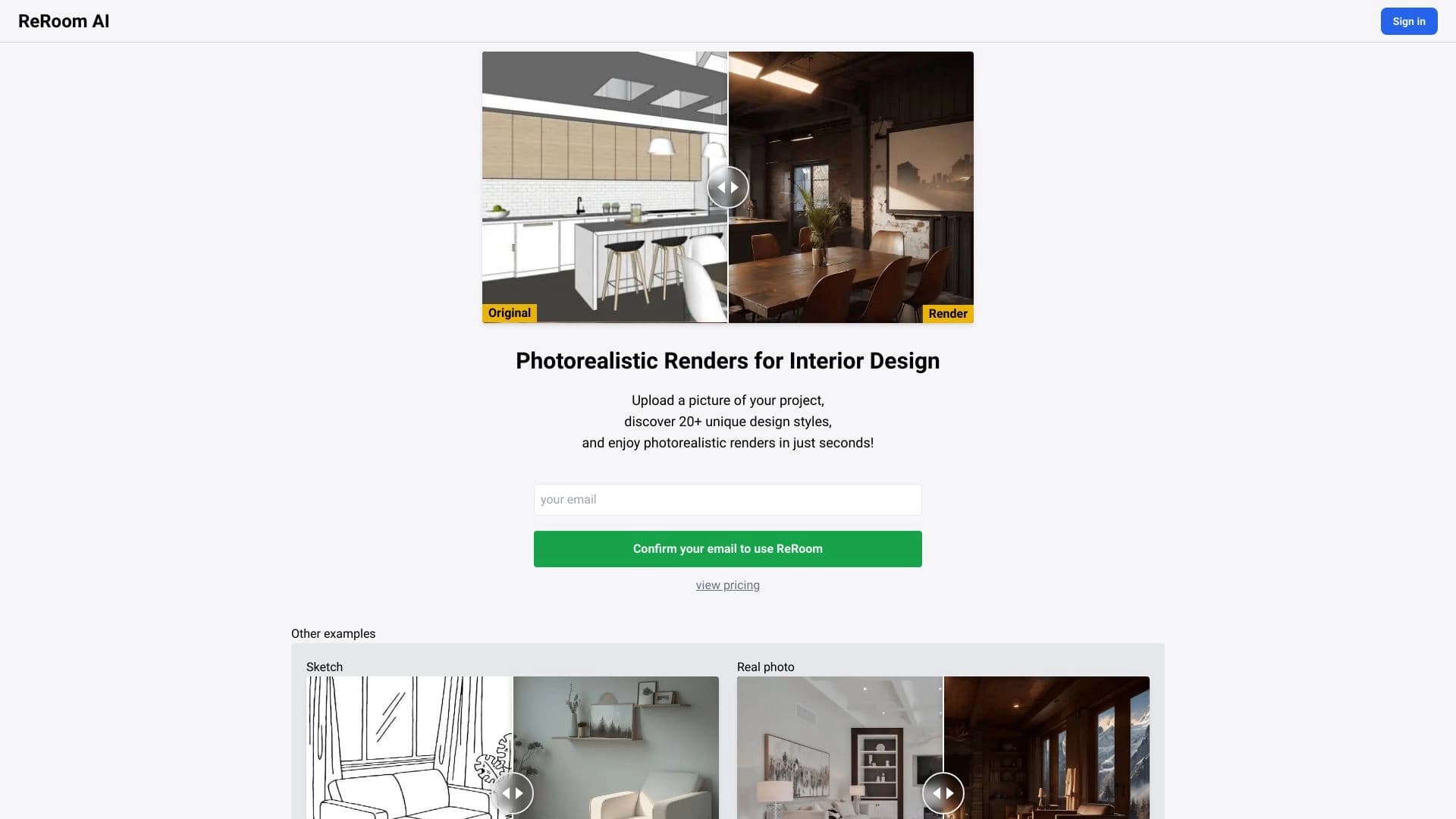
ReRoom AI is an online service for interior visualization using artificial intelligence. The main purpose of the tool is to turn an ordinary photo of a room into a realistic image of an updated space in a chosen style in just a few seconds.
The service works quite simply: the user uploads a photo of the room, selects one of more than 20 design directions, and the neural network reimagines the interior accordingly. This approach makes it possible to quickly "try on" different design options without lengthy manual rendering or spending money on real-world experiments.
The service is positioned as a universal solution equally useful for professional designers, architects, and realtors, as well as for ordinary homeowners planning a renovation or interior update. In essence, ReRoom AI lets you see in advance what a room will look like after its transformation.
ReRoom AI Features
| Feature | Value |
|---|---|
| Type | Online service for interior visualization |
| Category | Interior design, Architectural design |
| Platforms | Web interface, API |
| Number of styles | More than 20 |
| Website | reroom.ai |
Who Is ReRoom AI Suitable For?
The service is designed for a wide range of users, but the main audience can be roughly divided into two large groups.
Professional Specialists
Interior designers, architects, and realtors use ReRoom AI as a working tool. It allows them to quickly create visual concepts for client presentations and show different design options without lengthy preparation.
Homeowners
People planning a renovation or interior update can see in advance what their room will look like in different styles. This helps them make an informed decision before buying furniture, finishing materials, and starting the work.
How to Use ReRoom AI?
Using the service requires no special skills and takes very little time.
Uploading a Photo
Simply prepare a photo of the room and upload it to the service through the web interface. The photo should clearly reflect the current state of the space.
Choosing a Style and Getting the Result
After uploading the image, the user selects one of the more than 20 available design styles. The neural network processes the request and delivers photorealistic renders of the updated space within seconds.
Additional Usage Options
For professional scenarios, API access is available, allowing the service’s capabilities to be integrated into your own products and workflows.
Key Features of ReRoom AI
The tool offers a set of features focused on fast and clear interior visualization.
Fast AI Visualization from a Photo
The core function of the service is transforming an ordinary photo of a room into a realistic image of an updated space. High processing speed delivers results almost instantly.
Choice of More Than 20 Styles
Users have access to a wide selection of design directions. This makes it possible to compare different design options for the same room.
Testing Layout and Decor
The service allows experimenting not only with styles but also with layout and decor options, helping you assess how certain solutions will look in a real space.
Web Interface and API Access
In addition to a convenient web interface, API integration is available, making the service suitable for professional and automated scenarios.
Advantages of ReRoom AI
The service has several clear strengths that make it popular with both professionals and regular users.
Quick Creation of Visual Concepts
Instead of lengthy manual rendering and labor-intensive visualization work, users get finished images in seconds. This significantly speeds up the design concept process.
Lower Risk of Poor Decisions
The ability to "try on" different styles before buying furniture and finishing materials helps avoid unnecessary expenses and disappointment after the renovation is complete.
Versatility
The tool is equally suitable for professional work and everyday homeowner scenarios, making it an accessible solution for a wide range of tasks.
Disadvantages of ReRoom AI
The available materials about the tool do not mention any significant drawbacks. Overall, it can be noted that, like most AI visualization solutions, the quality of the result largely depends on the quality of the original photo and the chosen style. No specific information about functional limitations, usage limits, or weak points of the service is provided in the source data.
What Problems Does ReRoom AI Solve?
The tool is aimed at solving practical tasks related to visualization and choosing interior solutions.
Creating Photorealistic Interior Visualizations
The main goal of the service is to produce realistic images of updated rooms based on photos. This makes it possible to clearly envision the result of a future renovation.
Presenting Design Concepts to Clients
Professionals use the service to show clients different design options, simplifying approval and decision-making.
Helping Choose a Style Before Renovation Begins
For homeowners, the service helps decide on a design direction before purchasing materials and starting work, reducing the likelihood of mistakes and unnecessary costs.
ReRoom AI Pricing
The available source data does not include information about the cost of using the service, whether there is a free plan, or paid subscriptions. Current pricing and available plans should be checked directly on the official website reroom.ai.
ReRoom AI Terms of Use
Specific terms of use, including rules for uploaded images, restrictions on commercial use of results, and account requirements, are not disclosed in the source materials. Detailed terms should be reviewed on the service’s website when using it.
ReRoom AI Availability
The service is available as a web application through the official website reroom.ai. It works through a web interface, and API integration is provided for professional scenarios. Details about regional availability and interface languages are not specified in the source data.
How ReRoom AI Differs from Alternatives
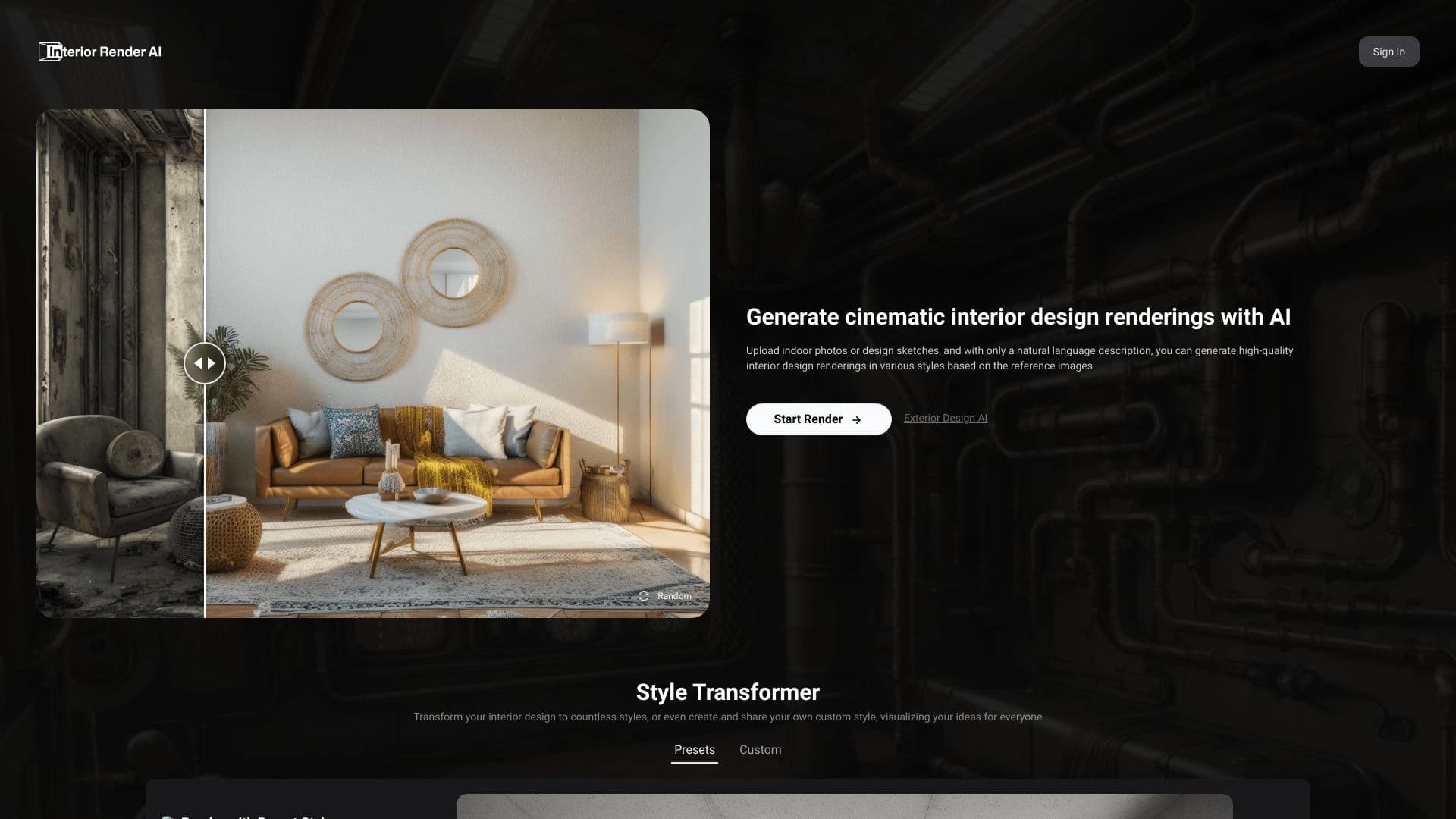
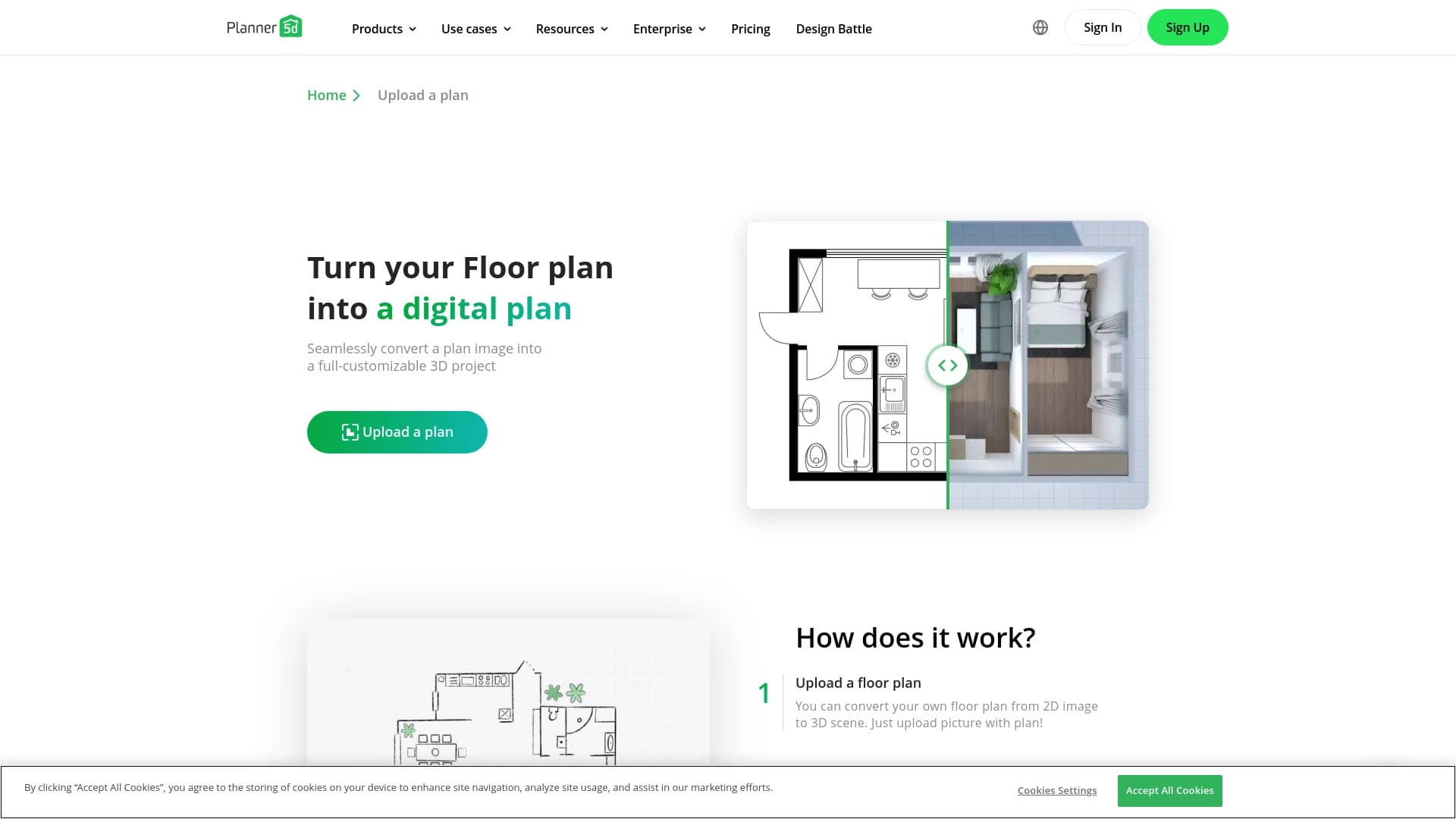
There are several AI interior visualization tools on the market, including Deroom AI, BuildCAD AI, Mimarix, Planner 5D, Interior Render AI, and ZOYO. The main difference of ReRoom AI lies in its positioning as an extremely simple and fast online solution: uploading a photo, choosing a style, and getting the result takes only a few seconds without the need to install any software.
Unlike some services aimed primarily at professional use or offering more complex modeling scenarios, ReRoom AI focuses on accessibility for the broadest audience — from architects and designers to ordinary homeowners. The web interface and API provide flexibility, while the choice of more than 20 styles covers a wide range of design directions. At the same time, a detailed comparison with specific competitors in terms of price, render quality, and functionality is not provided in the source data.
Conclusion
ReRoom AI is a convenient online service for fast interior visualization using artificial intelligence. It lets you upload a photo of a room, choose one of more than 20 styles, and get a photorealistic render of the updated space in just a few seconds. The tool is equally useful for professional designers, architects, and realtors, as well as homeowners who want to evaluate the result of a future renovation in advance and reduce the risk of poor design decisions. Thanks to its ease of use, wide selection of styles, and availability through both a web interface and API, ReRoom AI is a practical and accessible solution for visualizing interior concepts.
Frequently asked questions

See also

A neural network-powered cloud service for generating 3D models, textures, and animations from text descriptions or images.


Online AI tool for creating deepfakes and editing images.


Online neural network service that transforms ordinary photos into stylized artistic portraits and avatars.


Online service for creating anime images from a text description in seconds.

Cabina AI is a unified platform for working with various generative neural networks, enabling you to create texts, images, and videos.


Online editor for removing unwanted objects, text, and defects from photos using a neural network.

Service for creating personalized avatars and photo shoots using AI based on uploaded selfies.


Google's neural network for generating and editing images from text descriptions, based on Gemini models.