
Pixelfox AI Object Remover
Online tool for removing unwanted objects, people, text, and watermarks from photos with automatic background restoration.
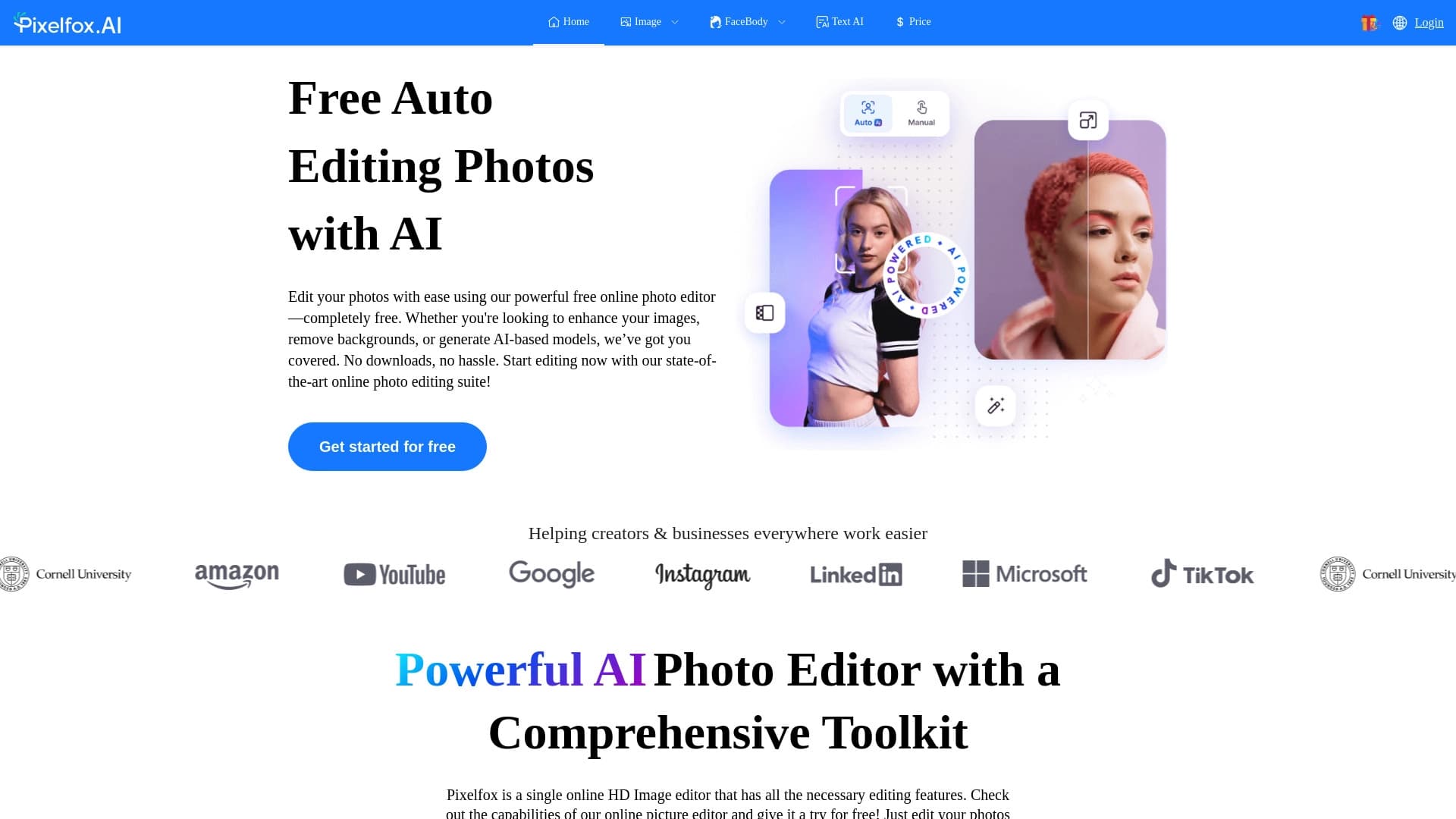
Overview
Pixelfox AI Object Remover is an online service designed to clean up unwanted elements from photos. The tool allows you to remove people who accidentally appeared in the frame, stray objects, text, and watermarks from images. It is built on AIGC inpainting technology: the neural network analyzes the surrounding background and fills in the vacated space, simulating the original lighting, perspective, and texture.
How the service works
Users don't need to master complex graphic editors. Simply upload an image in the browser, select the area to be removed, and start processing. The neural network automatically restores the background, making the edits invisible to the eye. This is especially useful when you need to quickly prepare a shot for posting on social media or use it for commercial purposes, such as product cards in online stores.
Key feature — natural results
The main advantage of the technology is the absence of visible editing traces. The tool doesn't just paint over an object; it reconstructs missing details based on surrounding data. As a result, the output looks as if the unwanted element was never in the frame, even when working with complex backgrounds: water, sky, architectural structures, or interiors.
Pixelfox AI Object Remover specifications
| Specification | Value |
|---|---|
| Type | Online tool for removing objects from photos |
| Category | Object and watermark removal, photo editing |
| Technology | AIGC inpainting |
| Platform | Web browser, no software installation required |
| File upload method | Drag and drop, paste from clipboard |
| Website | pixelfox.ai |
| Catalog publication date | December 16, 2025 |
Who is Pixelfox AI Object Remover suitable for?
Beginners with no retouching experience
The tool is designed for users who don't have skills in professional photo editors. The interface is intuitive, and the entire process is automated: from object selection to background restoration.
Content creators and online store owners
The service suits those who regularly process images for social media, blogs, or marketplaces. Pixelfox AI Object Remover helps quickly clean up product cards from unnecessary details, remove stray objects from studio shots, or delete unwanted text from photos.
Anyone who needs to quickly clean up personal photos
Users who want to remove random passersby from a frame or delete clutter from a landscape shot will also find this tool useful. No additional software installation is required — just open the website in a browser.
How to use Pixelfox AI Object Remover
Step 1: Upload an image
To get started, upload a file to the website. Several methods are supported: selecting a file via the standard dialog, dragging an image into the workspace, or pasting from the clipboard.
Step 2: Select unwanted elements
After uploading the photo, the user marks the objects to be removed. These can be people, objects, text, or watermarks. Markup is done with the mouse directly in the browser.
Step 3: Start processing and download the result
Once the selection is complete, the processing starts. The neural network analyzes the surroundings and fills in the removed areas. The finished image can be downloaded and used as you see fit.
Key features of Pixelfox AI Object Remover
Removing people, objects, and text
The service handles various types of unwanted elements: random passersby, vehicles, litter, billboards, text on packaging, and logos.
AIGC inpainting for background restoration
The technology automatically restores removed areas, taking into account the perspective, lighting, and texture of the surrounding region. This achieves natural results without manual correction.
Browser-based work and flexible file upload
The service doesn't require installation on your computer. Images can be uploaded via drag-and-drop or the clipboard, which speeds up the workflow.
Advantages of Pixelfox AI Object Remover
No entry barrier
There's no need to learn retouching tools or understand layers and masks. The task is solved in a few simple steps, saving time.
Seamless editing
The processing result looks natural. Thanks to environment analysis, the edges of restored areas blend with the background, and traces of intervention are nearly indistinguishable.
Resilience to complex backgrounds
The neural network works correctly with photos containing textures and complex compositions: bodies of water, sky, buildings, interior elements. This expands the tool's range of applications.
Disadvantages of Pixelfox AI Object Remover
Available sources do not mention limitations, drawbacks, or weaknesses of the service. There is no information about possible file size limits, processing speed, or output quality when working with non-standard images. Users for whom these parameters matter should verify them independently on specific examples before using the tool in their workflows.
What tasks does Pixelfox AI Object Remover solve?
Cleaning up personal and street photos
The tool helps remove random passersby from the frame and delete litter and stray objects that spoil the composition. This makes shots neater and more professional.
Preparing content for publication
The service allows you to quickly remove watermarks, extra text, and unnecessary graphic elements. This is in demand when preparing content for social media, blogs, and other public platforms.
Processing product cards for online stores
E-commerce project owners can use the tool to clean up product photos: remove shadows from stray objects, stains, competitor packaging, or random interior details. This simplifies bringing images to a unified standard.
Pixelfox AI Object Remover pricing
The service page does not contain information about cost, pricing plans, or a trial period. Up-to-date pricing details should be checked at the time of use, as terms may change.
Terms of use for Pixelfox AI Object Remover
Data on the service's operating terms, registration requirements, or imposed restrictions is not provided in open sources. Requirements for uploaded files and their processing procedures are also undisclosed. It is recommended to review the rules directly on the official website before starting work.
Availability of Pixelfox AI Object Remover
The service is an online tool and is accessible through any modern web browser. No additional software installation is required. Images can be uploaded from a computer, as well as via drag-and-drop or paste from the clipboard. Other platforms, such as mobile apps or desktop clients, are not mentioned in available information.
How Pixelfox AI Object Remover differs from alternatives
Comparison with tools based on generative technologies
Pixelfox AI Object Remover belongs to the category of services using AIGC inpainting. Among close functional alternatives are Kolors by Kuaishou and Pixlio AI. These tools also offer automatic background restoration, but Pixelfox emphasizes ease of use: upload via drag-and-drop or clipboard and a minimal number of steps to get the result.
Differences from solutions built into operating systems
Unlike features integrated into modern operating systems (e.g., Copilot+ PCs), the Pixelfox online service is not tied to specific hardware or a software platform. Any device with a browser and internet access is sufficient. This makes the tool a more versatile solution for users with a diverse range of devices.
Niche competitors
Specialized services such as Gemini Watermark Remover, Phygital+, or AI Image Combiner solve adjacent tasks — from watermark removal to image combining. Pixelfox AI Object Remover stands out with its comprehensive approach: it simultaneously handles removing people, objects, text, and watermarks without requiring switching between different tools.
Conclusion
Pixelfox AI Object Remover is a simple and accessible online tool for removing unwanted elements from photos. Thanks to AIGC inpainting technology, the service automatically restores the background, accounting for lighting, perspective, and texture, allowing you to achieve natural results without retouching skills. The tool runs directly in the browser, supports drag-and-drop file upload and clipboard paste, making it a convenient solution for quickly processing personal photos, preparing content for social media, and cleaning up product cards. The service suits users who need a fast and straightforward way to improve images without complex settings.
Frequently asked questions
See also

Cloud platform for creating videos using AI avatars, synthesized speech, and automatic translation of clips into dozens of languages.


A tool for quickly generating and editing 4K images, supporting control over multiple reference images and a conversational mode.


An online service that recognizes text on manga and manhwa pages, translates it into different languages, and embeds it back into the image without damaging the original artwork.
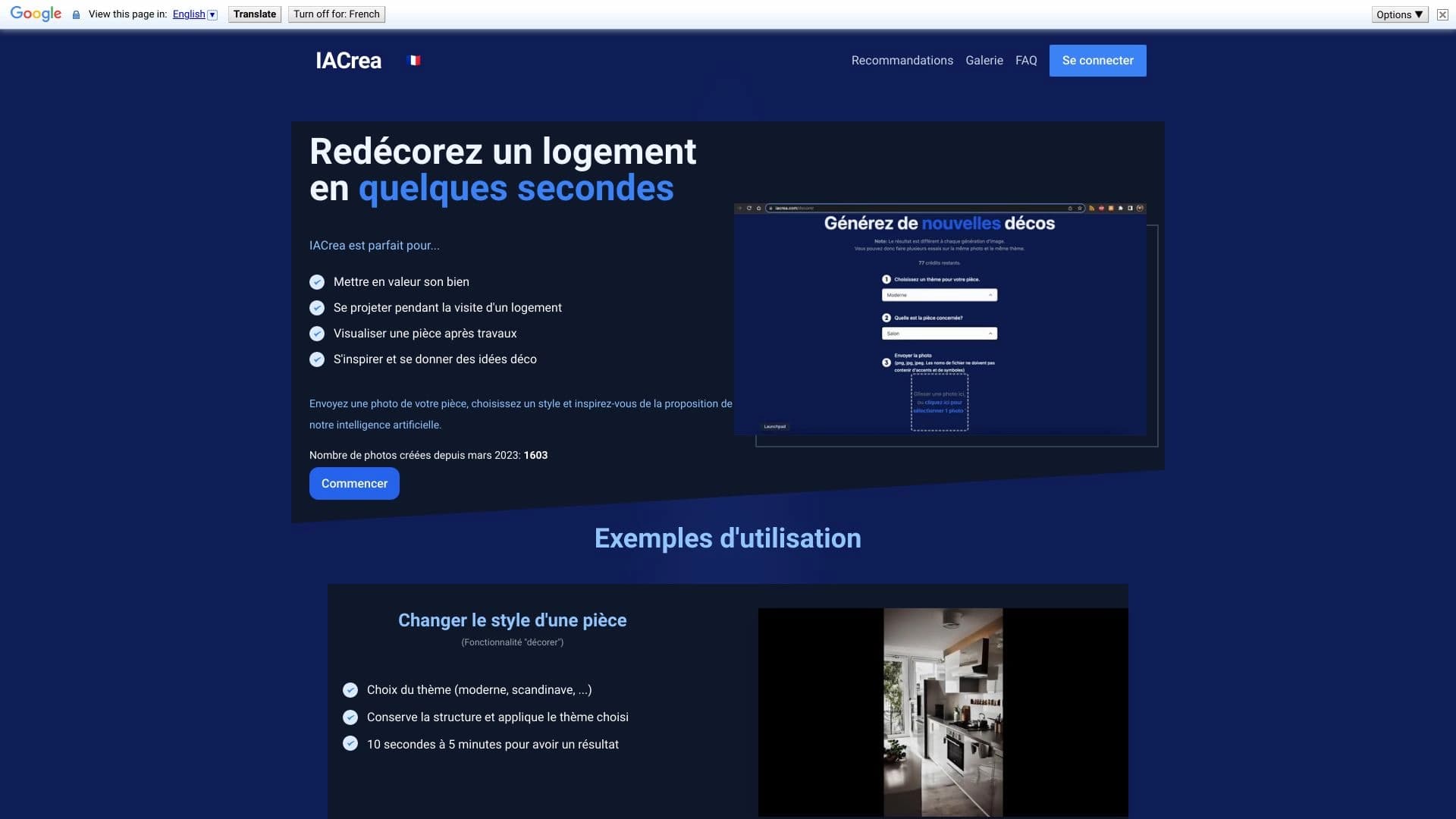

IACrea is an AI service for virtual home staging and real estate visualization, allowing you to quickly enhance interior and exterior photos.

Service for creating personalized avatars and photo shoots using AI based on uploaded selfies.

AI image editor for fast, high-quality creative processing without censorship.


AI-powered online image editor that lets you edit photos by text description right in your browser.

A multimedia AI toolkit for editing and enhancing photos, videos, and PDF documents.