

PicLumen
Online neural network for generating and editing images from text descriptions.
Ranked in
Overview
PicLumen AI Neural Network Description
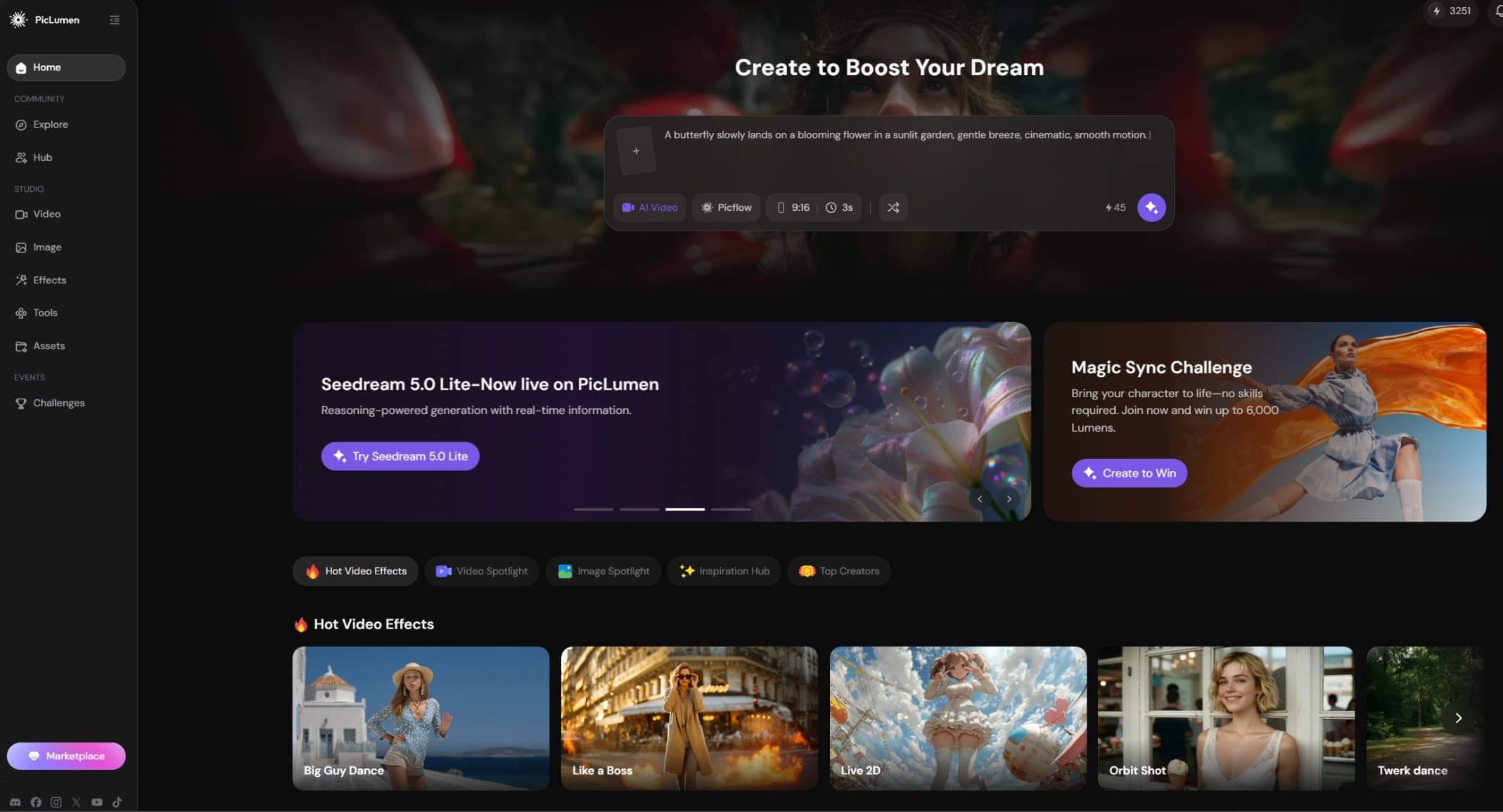
PicLumen is an online service powered by artificial intelligence, designed for creating and editing images based on text descriptions. The platform works in a web browser and is also available as a mobile app for iOS, making it convenient to use across different devices.
PicLumen's key feature is its multifunctionality. Unlike many generators that are limited to creating images from prompts, this service offers a whole set of post-processing tools, from background removal to restoring old black-and-white photos. All core features are available for free after registration.
Approach to Image Processing
PicLumen is designed as a single entry point for working with visual content. Instead of using several separate programs for background removal, upscaling, and generation, users can perform all these tasks in one interface. Image generation supports various styles, from photorealism to anime and surrealism, expanding the tool's range of applications.
Ease of Use for International Users
A notable advantage is the built-in prompt translator. Users can enter descriptions in their native language, and the neural network will automatically translate them into English before generation. This removes the language barrier and makes the service accessible to a wide audience.
PicLumen Characteristics
| Characteristic | Value |
|---|---|
| Type | Neural network for image generation and editing |
| Category | Image generation, background editing, quality enhancement (upscaling) |
| Platforms | Web browser, iOS (mobile app) |
| Interface languages | English (with built-in prompt translator) |
| Free tier availability | Yes, free access to core features after registration |
| Registration | Via email, Google, or Apple accounts |
| Publication date on site | March 25, 2025 |
Who Is PicLumen Suitable For?
Designers and Marketers
PicLumen is useful for visual communication professionals who regularly need to create unique images for presentations, social media posts, or advertising materials. The ability to quickly remove a background from a photo or enhance image quality without using complex graphic editors saves time and simplifies the workflow.
Content Creators and Bloggers
Content creators often need to visualize ideas that don't exist in a ready-made form. Generating images from text descriptions allows them to obtain original illustrations for articles, video thumbnails, and landing pages. The image expansion feature also helps adapt existing pictures to various publication formats.
General Users and Photography Enthusiasts
The service is also aimed at a broad audience that wants to bring old family photos back to life or simply experiment with neural networks. Colorizing black-and-white photos and enhancing their quality requires no special skills — just upload an image and click a few buttons.
How to Use PicLumen?
Step 1: Registration and Login
To get started, visit the official website piclumen.com or download the iOS app. You'll need to create an account using your email or by signing in with Google or Apple. Registration unlocks access to all core features for free.
Step 2: Choosing the Right Tool
After logging in, select the tool you need based on your task. For image generation, use the generator; for background removal, use the corresponding module, and so on. Each tool comes with its own instructions and settings.
Step 3: Entering a Prompt and Configuring Generation
To create a new image, enter a text description. Then choose a generation style (e.g., photorealism or anime) and start the process.
Step 4: Downloading the Result
Once processing is complete, you'll get a ready image that you can download to your device. If you're not satisfied with the result, you can repeat the generation with a modified prompt or parameters.
Key Features of PicLumen
Image Generation from Text Descriptions
The neural network converts text prompts into images in various styles: photorealism, anime, surrealism. Users can describe the scene, objects, and atmosphere in words, and the algorithm will create a corresponding picture.
Background Removal
The tool automatically separates the foreground object from the background. This is convenient for preparing images for presentations, creating transparent PNGs for graphics, or replacing the background with another one.
Quality Enhancement and Upscaling
PicLumen can increase image resolution without losing sharpness. This allows improving the quality of low-resolution photos and scaling graphics for print or large screens.
Image Expansion
The expansion feature adds new elements beyond the original image boundaries, "completing" the composition. This is useful when you need to change an image's aspect ratio, for example, adapting a vertical photo to a horizontal format.
Colorizing Black-and-White Photos
The service brings monochrome photos to life by applying realistic colors. This is in demand when working with archives and old family photographs.
AI Replace
An advanced tool that allows replacing individual elements in an image while preserving the overall context and style. For example, you can replace an object in the background or change a detail in the frame.
Advantages of PicLumen
Accessibility and Ease of Use
Core features are available for free after registration. The service works in a browser, so no additional software installation is required. The interface is intuitive, and the built-in prompt translator allows users to enter requests in their native language.
A Variety of Tools in One Place
Instead of searching for separate services for upscaling, background removal, and generation, users get a comprehensive solution. This simplifies the workflow and eliminates the need to switch between different websites.
Active Development and Style Support
The service is regularly updated and expands its functionality. Multiple generation styles and models are supported, allowing for different artistic results.
Disadvantages of PicLumen
Unfortunately, official sources do not disclose the service's limitations or weaknesses, so it's impossible to objectively assess its drawbacks. Potential downsides may include restrictions on the free tier (e.g., watermarks or a limit on the number of generations), but this information is not available in public data. We recommend checking the current terms directly on the service's website before active use.
What Tasks Does PicLumen Solve?
- Creating unique visual materials based on text descriptions — from article illustrations to concept art.
- Removing backgrounds from images for design, presentations, and e-commerce.
- Enhancing the quality and detail of low-resolution images.
- Building more complete compositions by expanding image boundaries.
- Bringing black-and-white photos and archival images to life through colorization.
- Locally replacing elements in pictures while preserving context.
PicLumen Pricing
PicLumen operates on a freemium model: core features are available for free after registration. Detailed terms of paid plans, if any, are not disclosed in available sources. To find out the cost of premium access, you need to visit the service's official website.
PicLumen Terms of Use
- All core features are free after account registration.
- Registration via email, Google, or Apple account is required to get started.
- Detailed usage rules, including commercial use of generated images, should be checked on the official website.
PicLumen Availability
Web Version
PicLumen's web interface is accessible through a browser, allowing users to work with the service on any computer or laptop without installing additional software.
Mobile App
For Apple device owners, a mobile app is available on iOS, enabling work with the service's features on the go.
Language Support
The interface supports English, along with a built-in prompt translator for other languages. No explicit regional restrictions are mentioned in public data.
How PicLumen Differs from Alternatives
PicLumen stands out by combining multiple features in one free tool. Unlike narrowly specialized alternatives such as Erasio (element replacement) or ImgExpand (image expansion), PicLumen combines generation, editing, upscaling, background removal, and colorization. This makes it a more versatile platform.
It's also worth noting the built-in prompt translator, which gives it an advantage over services aimed exclusively at English-speaking users. For comparison, Kolors by Kuaishou and Nano Banana AI are primarily generative models, whereas PicLumen emphasizes post-processing of ready-made images.
Conclusion
PicLumen is a multifunctional AI-based tool for working with images. The combination of text-to-image generation, editing, upscaling, and restoring old photos makes it a practical choice for designers, marketers, and general users. Free access to core features, multilingual support, and browser-based operation are key reasons to try this service. However, details about free tier limitations and paid plans should be checked on the official website, as complete information about them is not available in public sources.
Frequently asked questions
See also

Cloud platform for creating videos using AI avatars, synthesized speech, and automatic translation of clips into dozens of languages.


Online image editor with AI-powered features for photo processing, design, and content generation.


AI-powered platform for generating and editing images and videos.
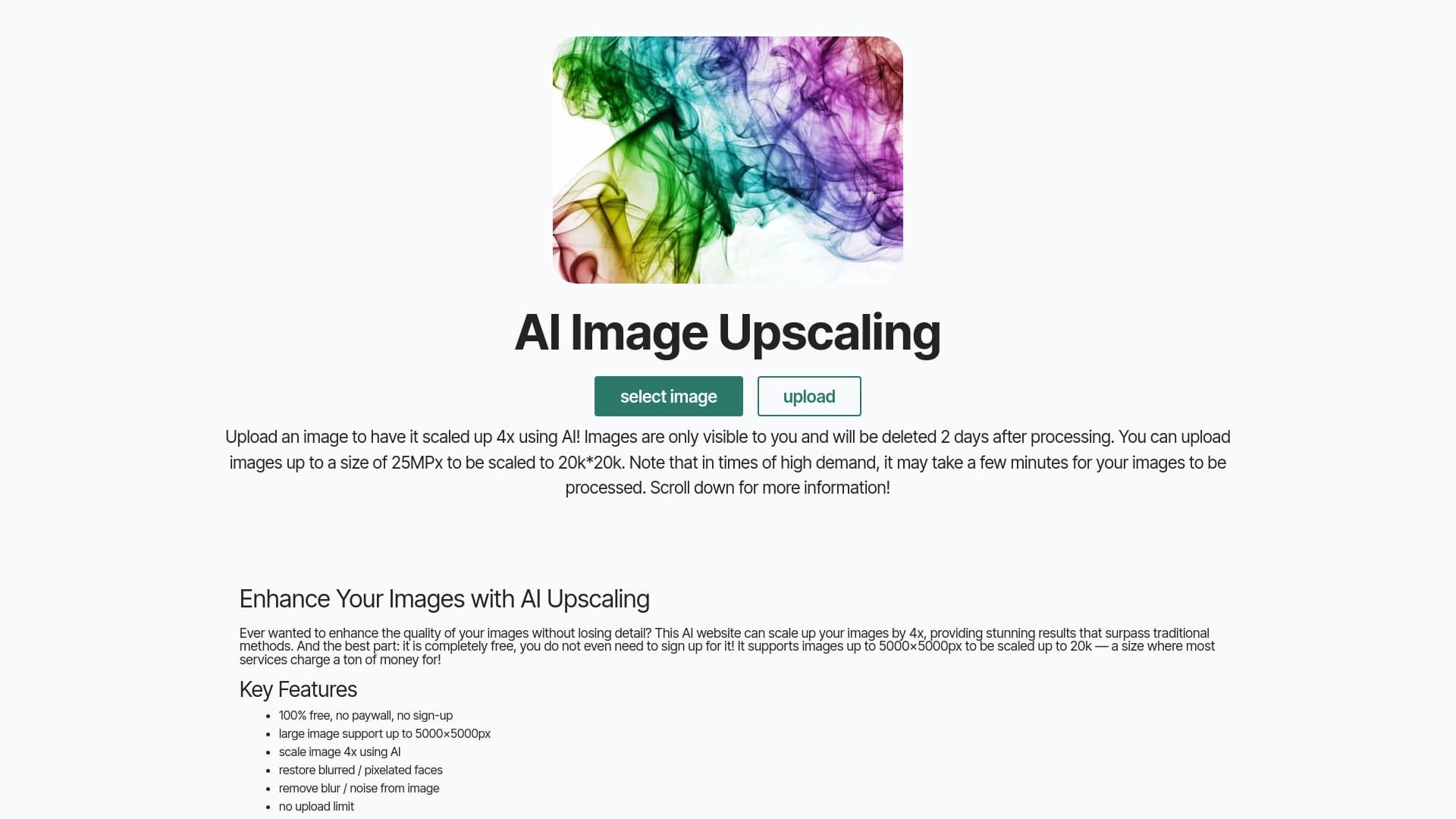
Free online service for upscaling images up to 4x using neural networks.


AI language teacher in the form of a browser extension and web service for practice, translation, and explanation of language materials.
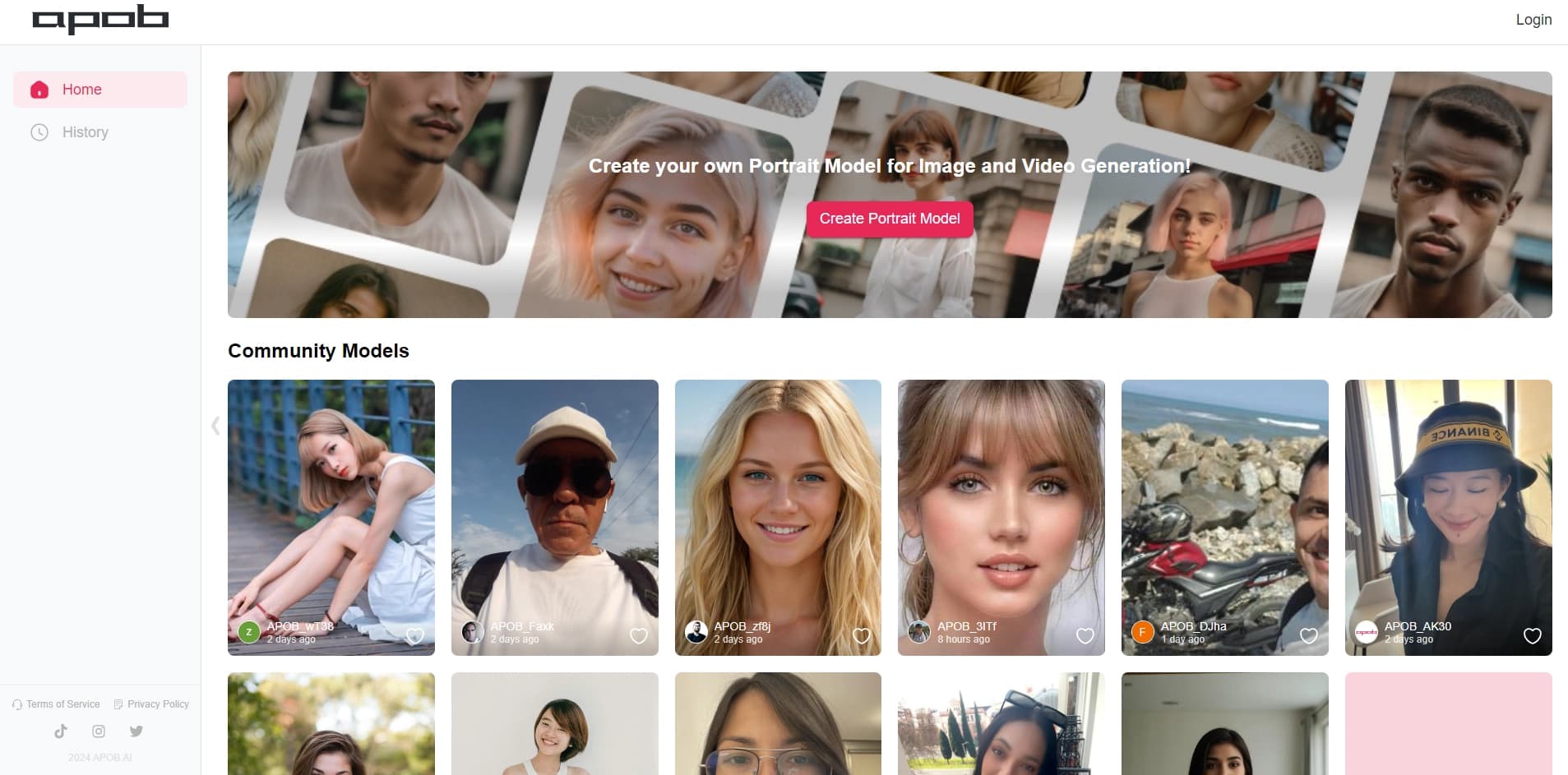

Platform for creating digital avatars and virtual influencers using AI.


Neural network that generates images and illustrations based on a text description.

Platform for generating videos, images, and digital avatars using AI.