
OpenAI powered Assistant - Chrome Extension
Chrome extension that uses OpenAI models for communication and task automation in the browser.
Overview
OpenAI powered Assistant - Chrome Extension Description
OpenAI powered Assistant is a browser extension for Google Chrome that integrates OpenAI language models directly into the browser interface. The tool allows users to communicate with a virtual assistant using text or voice input without switching between tabs or launching third-party applications. The solution is designed to automate everyday tasks, from quick information searches to meeting planning and schedule management. Basic functionality is available for free, with advanced features unlocked via subscription.
OpenAI powered Assistant - Chrome Extension Features
| Feature | Value |
|---|---|
| Type | Browser extension |
| Category | Miscellaneous |
| Platforms | Google Chrome |
| Developer | OpenAI |
| Free tier available | Yes (access to basic features) |
| Subscription cost | "Starter" plan — from 399 per month, "Professional" plan — from 999 per month |
| Connection requirements | Permanent internet connection required |
Who is OpenAI powered Assistant - Chrome Extension for?
Users who want to automate routine tasks
The extension suits those who regularly perform repetitive actions in the browser: creating reminders, looking up reference information, managing schedules and correspondence. The assistant handles part of these operations, reducing the time spent on them.
Professionals working with large amounts of information
The tool is useful for those who frequently need quick answers to questions or help drafting texts right while working in Chrome. Not having to switch to a separate service saves time and simplifies the process.
Users who prefer voice input
For those accustomed to controlling their computer by voice, the extension makes it possible to give commands and receive responses without using the keyboard. This is convenient for multitasking or when you need to quickly capture a thought.
How to use OpenAI powered Assistant - Chrome Extension?
Installation and first launch
To get started, install the extension from the Chrome extensions catalog. After installation, the assistant icon will appear on the browser toolbar, and clicking it will open a window for interaction.
Communication format
Users can enter queries as plain text or use voice input. The assistant understands natural speech and does not require special commands or scenario configuration. Simply formulate a task — for example, "find information about…" or "create a schedule for tomorrow."
Key features of OpenAI powered Assistant - Chrome Extension
Natural language understanding
The assistant processes requests phrased in everyday language, both in text and voice formats. This eliminates the need to memorize command syntax and makes interaction as simple as possible.
Browser automation
The extension can perform a range of practical tasks: scheduling meetings, finding relevant information, drafting plans and emails. This helps reduce the number of manual operations when working in Chrome.
Advantages of OpenAI powered Assistant - Chrome Extension
Time savings
The assistant handles a significant portion of routine operations, such as data retrieval, planning, and writing standard texts. Users do not need to spend time switching between services.
Ease of adoption
The interface is intuitive, and interaction is based on natural speech. No complex setup or documentation study is required to get started — the extension is ready to use immediately after installation.
Flexibility of use
The tool covers a wide range of scenarios: from quick answers to questions to full day planning and workflow automation. This makes it a versatile assistant for everyday activities.
Disadvantages of OpenAI powered Assistant - Chrome Extension
Connection dependency
The extension cannot work offline: a stable internet connection is required to process requests. When there is no network, the assistant becomes unavailable.
Possibility of errors in responses
Like other generative models, the assistant may occasionally produce inaccurate or inappropriate responses. It is recommended to verify its output, especially for critical tasks.
Privacy concerns
Since requests are transmitted over the internet for processing on servers, there is a potential risk of data leakage. Users should consider this when working with confidential information.
What tasks does OpenAI powered Assistant - Chrome Extension solve?
Planning and reminders
The assistant helps create schedules, set reminders, and organize meetings, relieving users of manual calendar management.
Quick information search
The extension allows users to quickly find answers to questions without leaving the current browser tab or launching separate search engines.
Text preparation
The tool can be used to draft emails and other standard documents. The assistant formulates drafts that users can then edit as needed.
Pricing for OpenAI powered Assistant - Chrome Extension
Free plan
The basic functionality of the extension is available at no cost. It includes the core assistant capabilities sufficient for simple everyday tasks.
"Starter" plan (from 399 per month)
The paid subscription increases the request limit and provides priority support. Suitable for users who actively use the assistant throughout the workday.
"Professional" plan (from 999 per month)
The maximum plan removes usage restrictions and unlocks premium features. Recommended for professionals who fully rely on the assistant in their daily work.
Terms of use for OpenAI powered Assistant - Chrome Extension
The extension requires a permanent internet connection to function properly. No offline mode is provided. No other restrictions or special hardware requirements are specified in the source data.
Availability of OpenAI powered Assistant - Chrome Extension
The extension is available for installation in the Google Chrome browser. Information about interface languages and distribution regions is not provided in the source data.
How OpenAI powered Assistant - Chrome Extension differs from alternatives
The key difference is that the assistant is built directly into the browser and does not require launching a separate service or switching tabs. This provides instant access to AI features at any point during work. Many alternatives on the market, such as Blureasy, BLUUBRIDGE, Blumo AI, Bottom Line Up Front, Chat Privacy Extension, or Bberry Copilot, are either focused on other tasks or lack such close integration with everyday browser operations. At the same time, the OpenAI extension requires a stable internet connection and involves a paid subscription to remove restrictions.
Conclusion
OpenAI powered Assistant is a practical tool for automating routine actions and quickly obtaining information right in Chrome. It is easy to use, supports text and voice input, and the free plan allows you to evaluate its capabilities without financial commitment. The main limitations are the need for a constant network connection and potential privacy risks when transmitting data. For everyday tasks that do not involve sensitive information, the extension will be a convenient, time-saving assistant.
Frequently asked questions
See also


AI platform for automating video editing, including face replacement, video translation, and avatar creation.
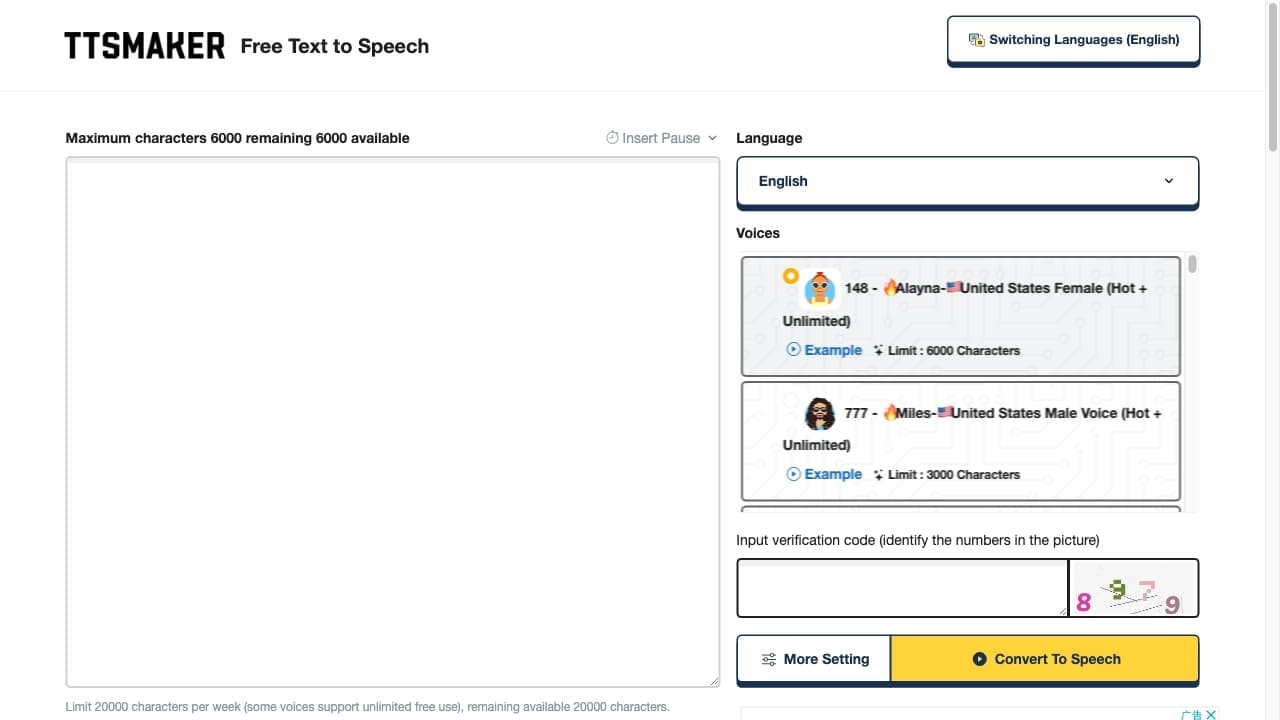
Free online text-to-speech service with over 200 voices in multiple languages.
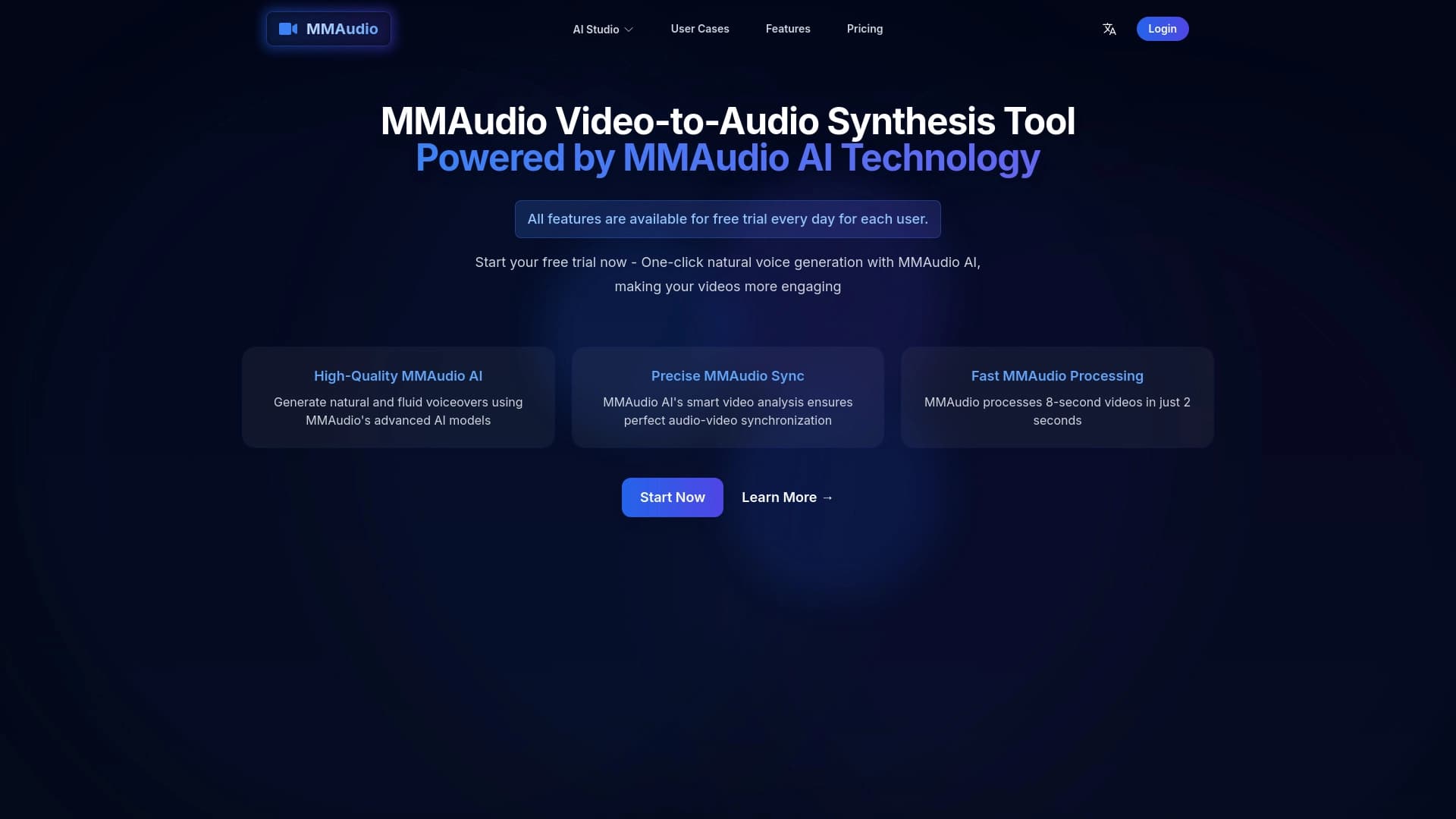
Online tool for generating voice and sound effects synchronized with video.

AI-powered platform for generating and enhancing images, videos, and logos in real time.

Cabina AI is a unified platform for working with various generative neural networks, enabling you to create texts, images, and videos.

Chinese aggregator platform combining AI tools, courses, and competitions.
Intelligent assistant from Microsoft, built into the Bing search engine and Edge browser, powered by GPT-4.


A multifunctional platform for creating and editing media content using artificial intelligence.