
Notion AI
Built-in AI assistant in Notion for text and automation.
Ranked in
Overview
Notion AI
Description of Notion AI
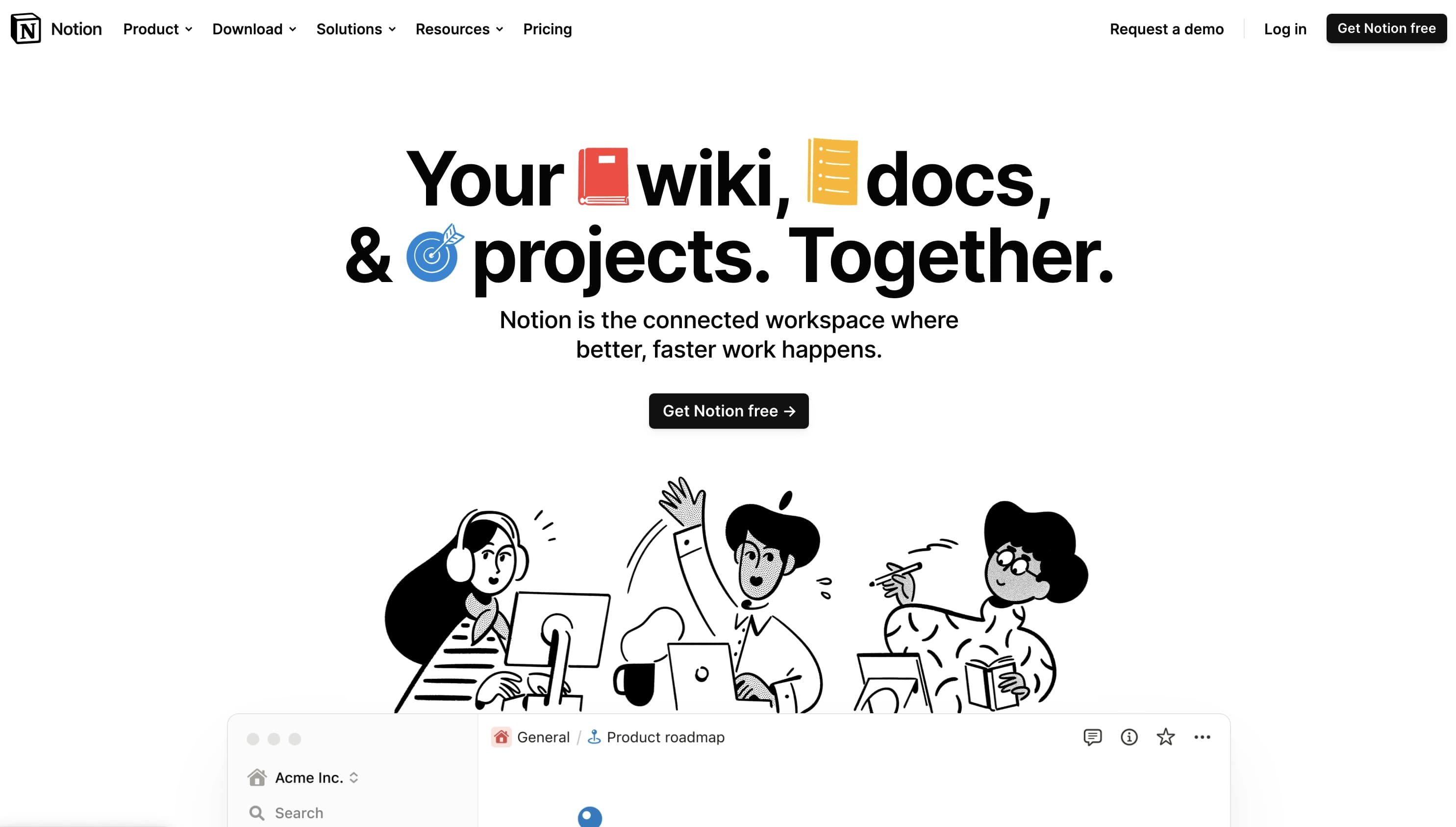
Notion AI is a built-in artificial intelligence in the Notion platform that combines project management, note-taking, and database capabilities. The tool helps users generate texts, edit content, summarize long documents, translate fragments into different languages, and automate routine tasks. Unlike third-party AI solutions, Notion AI works directly in the context of projects and team data, allowing it to provide relevant suggestions based on real information from the workspace.
Characteristics of Notion AI
| Characteristic | Value |
|---|---|
| Tool type | AI assistant for text work and automation |
| Categories | Productivity, Text Generation, Automation, Project Management |
| Business model | Freemium |
| Platforms | Web (notion.com) |
| First release date | February 2023 |
| Developer | Notion Labs Inc. |
| Interface languages | English and others (no Russian interface, but Russian language support is available) |
| Free plan | Yes (up to 40 AI requests per workspace) |
| Trial period | 30 days free (no credit card required) |
Who is Notion AI suitable for?
Modern teams and company employees
Notion AI is aimed at teams that want to combine disparate work tools — documents, project trackers, databases, and calendars — in a single space. The tool is suitable for both small startups and large corporations looking to increase productivity by automating text tasks.
Content creators and marketers
Bloggers, influencers, and digital marketers can use the AI assistant to generate drafts of articles, social media posts, content plans, and editorial calendars. The tool helps overcome creative blocks with ready-made suggestions and templates.
Individual users and students
Notion AI is also suitable for personal use: from organizing notes to planning tasks and automating routine text operations.
How to use Notion AI?
Activating the AI feature
To enable the AI assistant, you need to open the workspace settings, select a subscription plan with AI support, and add the feature through the corresponding menu. After activation, AI capabilities become available directly in documents and databases.
Working with text and commands
The user can invoke the AI assistant in any text block. The tool offers options: creating a draft, continuing text, summarizing, grammar correction, translation, and idea generation. Commands are entered in natural language, and the AI immediately generates a result.
Main features of Notion AI
Text generation and editing
Notion AI can create drafts of articles, emails, technical specifications, and idea lists on user request. The tool also corrects grammar, spelling, and stylistic errors, offering recommendations for improving text structure.
Summarizing and extracting tasks
This feature allows creating concise summaries of long documents and meeting minutes. AI automatically extracts key points and tasks, making it easier to process large volumes of information.
Text translation and service integrations
Notion AI supports translating text into different languages. In addition, the tool integrates with Slack and Google Drive for finding information and receiving updates in team workspaces.
Project management and data analysis
The AI assistant helps create sprint plans, prepare reports based on workspace data, and analyze existing content to offer solutions based on the team's real data.
Advantages of Notion AI
Time savings and routine automation
The tool significantly reduces time spent on information processing: summarizing documents, writing drafts, and translating texts are done in seconds. Automating routine tasks allows employees to focus on more important aspects of their work.
Working in the context of projects
Unlike many alternatives, Notion AI understands project context and works with the team's real data. This means generated texts and suggestions are based on actual information from the workspace, not on abstract templates.
Replacing multiple tools
Notion replaces several disparate services — Google Docs, Trello, Evernote, Confluence — with a single workspace. The built-in AI assistant expands the platform's functionality without the need to connect third-party solutions.
Disadvantages of Notion AI
Additional paid subscription
Full use of AI features requires a paid subscription costing $10 per month per user. The free plan is limited to 40 AI requests per workspace.
File processing limitations
The tool does not process embedded files such as videos and PDF documents. There is also no ability to perform complex database operations, such as counting rows.
Limited trial period
The free trial lasts 30 days and is limited by the number of requests, which may not be enough for full testing in large teams.
What tasks does Notion AI solve?
Combining work tools
Notion AI allows combining documents, databases, project trackers, calendars, and corporate wiki in a single workspace, eliminating the need to switch between different services.
Automating text operations
The tool handles writing, editing, structuring, and processing texts. This includes creating drafts, briefs, content plans, as well as summarizing meeting minutes and long documents.
Quick information search
Enterprise Search allows finding any company information in seconds, including data from integrated Slack and Google Drive services.
Automating meeting notes
AI Meeting Notes automatically converts meeting records into structured notes with key points and tasks extracted.
Notion AI pricing
Free plan
The free plan includes up to 10 members, basic functionality, and a limited number of blocks. When adding AI to the free plan, 40 AI requests per workspace are available.
Paid plans
The Plus plan costs $8 per user per month (when billed annually), has no limits, and provides extended access rights. The Business plan is $15 per user per month, includes SAML SSO and advanced analytics. Custom pricing is available for enterprise clients. An additional AI subscription costs $10 per month per user.
Terms of use for Notion AI
To activate AI features, you need to open the workspace settings and add the feature through the menu. When adding AI to the free plan, monthly billing applies from the subscription date. If AI is added to an existing paid plan, a prorated charge is applied for the remainder of the current cycle. The free period is limited by the number of requests.
Notion AI availability
Platforms and languages
Notion AI is available through the web version at notion.com. There is no Russian interface, but the tool supports working with Russian text. Multilingual support is available for other languages.
Geography and regions
The service is aimed at a global audience and does not require a VPN for access. Regions of use and country restrictions are not officially specified.
How Notion AI differs from alternatives
Integration into a single workspace
The main difference between Notion AI and its alternatives is the built-in nature of the tool. Unlike standalone AI services that require importing and exporting data, Notion AI works directly in the context of the team's projects, documents, and databases.
Contextual work with real data
Most AI text generators work based on general templates. Notion AI, by contrast, analyzes existing content from the workspace and offers solutions based on the team's real data, which improves the relevance of results.
Replacing multiple tools
Alternatives such as Evernote, Airtable, or ClickUp often require integrating additional services for AI features. Notion AI provides all capabilities — from project management to an AI assistant — in a single tool, without the need to connect third-party solutions.
Conclusion
Notion AI is a built-in AI assistant on the Notion platform that combines project management, note-taking, and database functions, adding text generation and editing, document summarization, translation, and routine task automation. The tool is suitable for both individual users and teams of any size, offering a free plan with a limit of 40 AI requests. The main advantages are working in the context of real projects and replacing several disparate services with a single product. The main disadvantages are the need for an additional paid subscription to AI features and limitations on file processing and database work.
Pricing
Frequently asked questions
Similar AI tools






See also


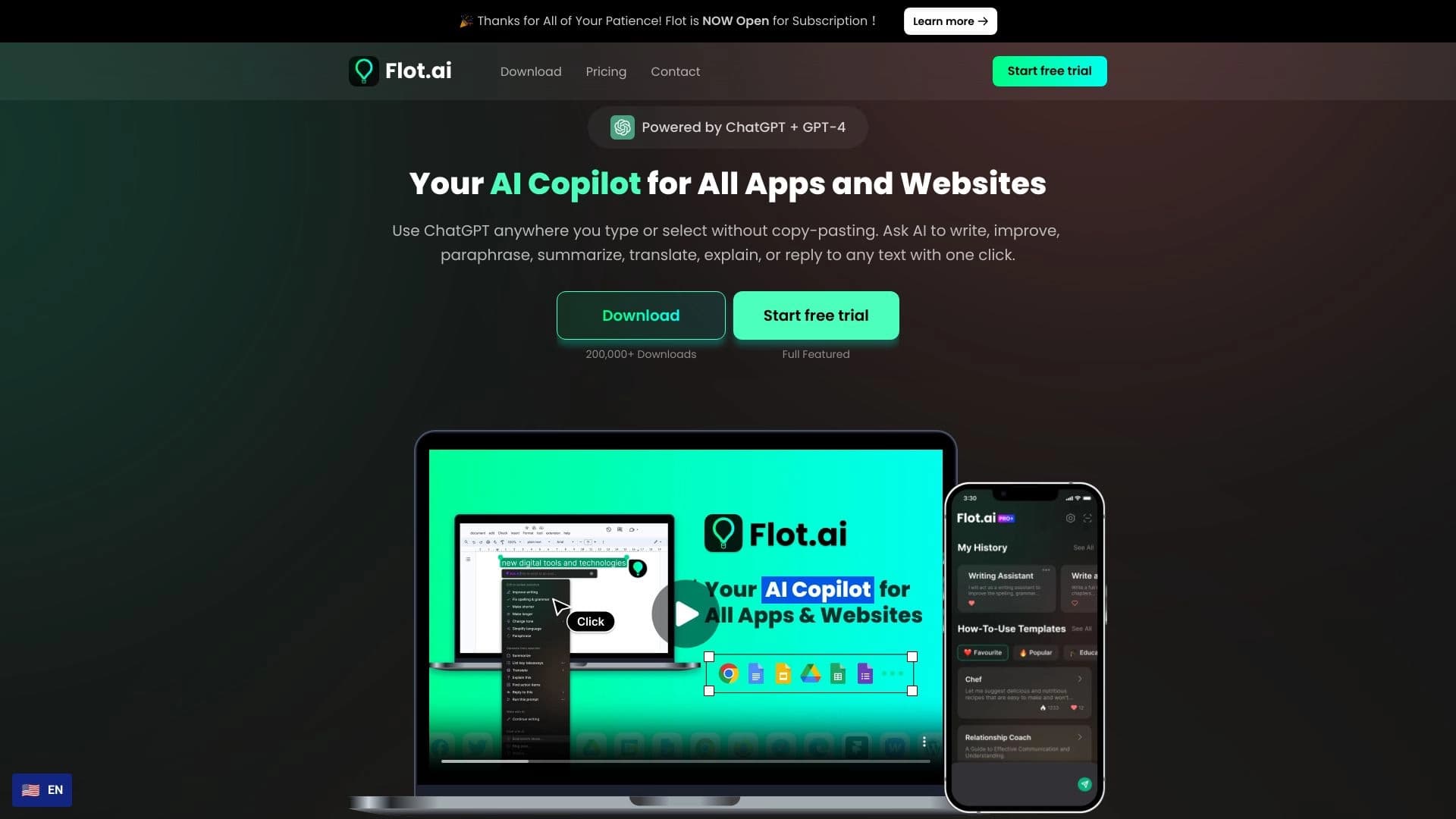
Side AI panel that helps answer questions, work with documents, and generate images.


AI toolkit for video generation and editing, including avatars, lip-sync, and voice cloning.


Platform for organizing live chat and communicating with website visitors, offering a free chat widget for customer support.


Desktop AI assistant for macOS, Windows, and Linux that launches via hotkey above all windows and combines multiple language models in one interface.
Tool for translating text directly in images while preserving the original design.

Browser extension and web service with AI assistant features: answering queries, summarizing videos and documents, and translating text.


Chrome extension that helps manage tabs, history, and bookmarks with an AI assistant.


A tool for automated SEO content creation with keyword research and long-form text generation.