

MailerLite AI Drag & Drop Editor
ईमेल मार्केटिंग प्लेटफ़ॉर्म जिसमें AI सहायक और ईमेल तथा लैंडिंग पेज बनाने के लिए विज़ुअल एडिटर शामिल है।

रैंकिंग में स्थान
अवलोकन
मेलरलाइट एआई ड्रैग एंड ड्रॉप संपादक
मेलरलाइट एआई ड्रैग एंड ड्रॉप संपादक तंत्रिका नेटवर्क का विवरण
मेलरलाइट एआई ड्रैग एंड ड्रॉप एडिटर मेलरलाइट ईमेल मार्केटिंग प्लेटफॉर्म का केंद्रीय तत्व है, जो कृत्रिम बुद्धि के साथ एक दृश्य बिल्डर का संयोजन करता है। यह उपकरण आपको पेशेवर ईमेल न्यूज़लेटर्स, लैंडिंग पेज और पॉप-अप को बिना लिखित कोड के बनाने की अनुमति देता है। ड्रैग-एंड-ड्रॉप समर्थन के साथ दृश्य इंटरफ़ेस ईमेल-निर्माण प्रक्रिया को सहज बनाता है, जबकि अंतर्निहित एआई सहायक पाठ सामग्री निर्माण को गति देता है और अभियानों को अनुकूलित करने में मदद करता है।
मंच एक व्यापक विपणन समाधान के रूप में स्थित है, जहां बिल्डर पारिस्थितिकी तंत्र का सिर्फ एक हिस्सा है। यह स्वचालन, विभाजन और विश्लेषण उपकरण के साथ आता है। एआई घटक नियमित कार्यों को सरल बनाता है: प्रतिलिपि उत्पन्न करना, विषय रेखाओं का चयन करना और ईमेल संरचना बनाना। यह विशेष रूप से छोटे व्यवसायों और एकल उद्यमियों के लिए उपयोगी है जिनके पास गहराई में डिजाइन और प्रतिलेखन का अध्ययन करने का समय नहीं है।
मेलरलाइट एआई ड्रैग एंड ड्रॉप संपादक विशेषताएं
| विशेषता | मूल्य |
|---|---|
| उपकरण प्रकार | ईमेल विपणन के लिए एआई उपकरण |
| श्रेणियाँ | एआई लैंडिंग पेज बिल्डर, एआई वेबसाइट बिल्डर, एआई विज्ञापन सहायक, एआई ईमेल सहायक, एआई ईमेल जेनरेटर, एआई ईमेल विपणन, एआई लीड जनरेशन, एआई वेबसाइट डिजाइनर, एआई न्यूज़लेटर जेनरेटर |
| प्लेटफार्म | Web, Android, iOS |
| तारीख जोड़ा | मई 02, 2024 |
| डेवलपर कंपनी | मेलरलाइट |
| वितरण मॉडल | फ्रीमियम (फ्री एंड पेड प्लान) |
| मुख्य विशेषताएं | ड्रैग-एंड-ड्रॉप संपादक, टेम्पलेट्स, स्वचालन, लैंडिंग पृष्ठ, पॉप-अप, विभाजन, विश्लेषण |
| लक्ष्य दर्शक | लघु व्यवसाय, ऑनलाइन स्टोर, ब्लॉगर, एजेंसियों, गैर-लाभकारी |
कौन मेलरलाइट एआई ड्रैग एंड ड्रॉप संपादक तंत्रिका नेटवर्क के लिए उपयुक्त है?
उपकरण उन उपयोगकर्ताओं की एक विस्तृत श्रृंखला के लिए डिज़ाइन किया गया है जिन्हें नियमित न्यूज़लेटर और विपणन सामग्री की तेजी से पीढ़ी की आवश्यकता होती है। इसके कम प्रविष्टि बाधा के लिए धन्यवाद, यह शुरुआती और अनुभवी व्यापारियों के लिए समान रूप से उपयोगी है।
लघु व्यवसाय और स्टार्टअप
छोटी कंपनियां अक्सर संसाधनों में सीमित होती हैं और एक समर्पित डिजाइनर को बर्दाश्त नहीं कर सकती हैं। ड्रैग-एंड-ड्रॉप संपादक एक मालिक या प्रबंधक को अपने आप में सुंदर ईमेल और लैंडिंग पेज बनाने देता है। एआई सहायक प्रतिलिपि के साथ मदद करता है, एक फ्रीलांस कॉपी राइटर की आवश्यकता को कम करता है।
ऑनलाइन स्टोर और ब्लॉगर
ट्रिगर ईमेल और प्रचार ई-कॉमर्स के लिए महत्वपूर्ण हैं। मंच आपको छोड़े गए कार्ट ईमेल, स्वागत श्रृंखला और समाचार पचाने की अनुमति देता है। ब्लॉगर के लिए, उपकरण मीडिया और लिंक के साथ मुद्दों को डिजाइन करने में मदद करता है, साथ ही लैंडिंग पेज और पॉप-अप के साथ एकीकरण के माध्यम से एक ग्राहक आधार बनाता है।
विपणन एजेंसियां और गैर-लाभकारी संगठन
एजेंसियां कई क्लाइंट खातों को प्रबंधित करने और टेम्पलेट्स की श्वेत सूची का उपयोग करने की क्षमता को मानती हैं। गैर-लाभकारी के लिए, एक सस्ती कीमत और जटिल तकनीकी सेटअप के बिना धन उगाहने या दर्शकों की जागरूकता अभियान शुरू करने की क्षमता प्रमुख है।
मेलरलाइट एआई ड्रैग एंड ड्रॉप एडिटर नेरल नेटवर्क का उपयोग कैसे करें?
अपना पहला अभियान शुरू करने की प्रक्रिया कुछ सरल चरणों में टूट गई है। नीचे बुनियादी कार्यप्रवाह है जो आपको जल्दी से बिल्डर के साथ काम करना शुरू करने देता है।
पंजीकरण और प्रोफ़ाइल सेटअप
पहला कदम आधिकारिक मेलरलाइट वेबसाइट पर एक खाता बना रहा है। पंजीकरण के बाद, आपको अपनी कंपनी प्रोफाइल में भरने की आवश्यकता है: नाम, पता और एक लोगो अपलोड करें। यह डेटा स्वचालित रूप से ईमेल पाद लेख में डाला जाता है, जो एंटी-स्पैम नियमों का पालन करने के लिए महत्वपूर्ण है।
ड्रैग-एंड-ड्रॉप संपादक में एक अभियान बनाना
अपने डैशबोर्ड में एक नया अभियान बनाने का विकल्प चुनें। बिल्डर आपको स्क्रैच से शुरू करने देता है या एक तैयार टेम्पलेट का उपयोग करता है। फिर आप बस वर्कस्पेस में तत्वों (टेक्स्ट ब्लॉक, चित्र, बटन, वीडियो) को खींचें। आप डेस्कटॉप और मोबाइल दोनों संस्करणों में ईमेल का पूर्वावलोकन कर सकते हैं।
लैंडिंग पृष्ठ और स्वचालन शुरू करना
ईमेल के अलावा, प्लेटफ़ॉर्म आपको उसी संपादक में लैंडिंग पेज और पॉप-अप बनाने देता है। सब्सक्रिप्शन फॉर्म और पॉप-अप विंडो ग्राहकों को इकट्ठा करने के लिए कॉन्फ़िगर की गई हैं। अंतिम चरण ऑटोरेस्पोन्डर फ़नल की स्थापना कर रहा है: स्वागत अनुक्रम, ईमेल श्रृंखला, और उपयोगकर्ता कार्यों के आधार पर ट्रिगर।
मेलरलाइट एआई ड्रैग एंड ड्रॉप एडिटर की प्रमुख विशेषताएं
मंच के टूलकिट में पूर्ण ईमेल विपणन चक्र शामिल है - सूची निर्माण से परिणाम विश्लेषण तक।
- ड्रैग एंड ड्रॉप ईमेल संपादक: किसी भी जटिलता के ईमेल बनाने के लिए एक सहज इंटरफ़ेस।
- अनुकूलन टेम्पलेट: विभिन्न कार्यों के लिए तैयार डिजाइन की एक पुस्तकालय: स्वागत ईमेल, समाचार, प्रोमो, रिपोर्ट।
- स्वचालित वर्कफ़्लो: स्थितियों और ट्रिगर के साथ ईमेल अनुक्रमों का निर्माण करना।
- लैंडिंग पृष्ठ और पॉप-अप: अपनी सूची बढ़ाने के लिए लैंडिंग पेज और पॉप-अप विंडो बनाना।
- उन्नत विभाजन: हितों, व्यवहार और जनसांख्यिकी द्वारा दर्शकों को विभाजित करना।
- विस्तृत विश्लेषण: खुला दर, क्लिक, रूपांतरण और ग्राहक विकास रुझान पर रिपोर्ट।
- अभिदाता प्रबंधन: अपनी सूची बनाए रखने, स्पैम शिकायतों को संभालने और निष्क्रिय पते को हटाने।
- 24/7 समर्थन: किसी भी समय मदद डेस्क तक पहुंचने की क्षमता।
मेलरलाइट एआई ड्रैग एंड ड्रॉप संपादक के लाभ
उपकरण की ताकत अपनी बहुमुखी प्रतिभा और सादगी से आती है। यह आपकी सूची को बढ़ाने और ग्राहक संचार में सुधार के कार्यों को हल करता है, जो सीधे व्यापार राजस्व को प्रभावित करता है।
- बढ़ी हुई दर्शकों की सगाई: व्यक्तिगत प्रस्तावों और उच्च गुणवत्ता वाले ईमेल डिजाइन के माध्यम से।
- अभिदाता सूची वृद्धि: लैंडिंग पृष्ठ और पॉप-अप उपकरण आपको जल्दी से नए संपर्कों को इकट्ठा करने देते हैं।
- विपणन निजीकरण: विभाजन और गतिशील सामग्री हर ईमेल प्रासंगिक बनाते हैं।
- दोहराव कार्यों का स्वचालन: ट्रिगर ईमेल मानव भागीदारी के बिना काम करते हैं, टीम के समय को मुक्त करते हैं।
- बेहतर अभियान प्रभावशीलता: A/B परीक्षण और विश्लेषिकी रूपांतरण को बढ़ावा देने में मदद करते हैं।
- विश्वसनीय समर्थन तक पहुंच: सेवा के साथ काम करने के हर चरण में विशेषज्ञ सहायता।
मेलरलाइट एआई ड्रैग एंड ड्रॉप एडिटर के नुकसान
एक विशिष्ट उपयोगकर्ता द्वारा विस्तृत परीक्षण के बिना पूरी तरह से उद्देश्यपूर्ण चित्र असंभव है, क्योंकि सेवा में बारीकियां होती हैं जो हाथ में कार्य पर निर्भर करती हैं। हालांकि, उत्पाद संरचना के आधार पर, संभावित सीमाओं की पहचान की जा सकती है।
बड़े निगमों के लिए स्केलिंग चुनौतियों
उपकरण छोटे और मध्यम आकार के व्यवसायों के अनुरूप है। उच्च अनुकूलन आवश्यकताओं और जटिल एकीकरण तर्क वाले बड़े उद्यमों को प्लेटफॉर्म की क्षमताओं को अपर्याप्त रूप से मिल सकता है। उन्नत सुविधाओं को एपीआई के माध्यम से बढ़ाया जाना चाहिए।
नि: शुल्क योजना सीमाओं
फ्रीमियम मॉडल का अर्थ मूलभूत कार्यक्षमता है। कुछ उन्नत स्वचालन, विश्लेषण और डिजाइन सुविधाएँ केवल भुगतान योजनाओं पर उपलब्ध हैं। बड़े ग्राहक सूचियों वाले उपयोगकर्ताओं को भुगतान की योजना में अपग्रेड करने के लिए मजबूर किया जाएगा। इसे कभी-कभी "वापसी" कहा जाता है, लेकिन यह एक मानक व्यवसाय मॉडल का अधिक है।
मेलरलाइट एआई ड्रैग एंड ड्रॉप एडिटर क्या काम करता है?
मंच ईमेल संचार में एक बाज़ारिया की मुख्य जरूरतों को कवर करता है, जो विशिष्ट कार्यप्रवाहों के लिए तैयार समाधान प्रदान करता है।
- ईमेल विपणन अभियान: एक-बंद द्रव्यमान भेजने, पदोन्नति और सूचनात्मक ईमेल लॉन्च करना।
- न्यूज़लेटर वितरण: ब्लॉग और मीडिया आउटलेट्स के लिए नियमित रूप से पचाने और भेजने का प्रबंध करना।
- अभिदाता प्रबंधन: आयात, सफाई, विभाजन और स्वस्थ संपर्क सूची को बनाए रखने।
- ऑनलाइन स्टोर के लिए प्रचार: उत्पाद सूची, छूट और ट्रिगर श्रृंखला के साथ ईमेल बनाना।
- लीड जनरेशन: लैंडिंग पृष्ठों, पॉप-अप और फीडबैक फ़ॉर्म के माध्यम से संपर्क एकत्र करना।
मेलरलाइट एआई ड्रैग एंड ड्रॉप संपादक मूल्य निर्धारण
सटीक सदस्यता मूल्य स्रोत डेटा में खुलासा नहीं किया जाता है, लेकिन वितरण मॉडल को "फ्रीमियम" के रूप में निर्दिष्ट किया गया है इसका मतलब यह है कि सीमित कार्यक्षमता और विस्तारित क्षमताओं को अनलॉक करने वाली भुगतान योजनाओं का एक सेट है।
हम आधिकारिक MailerLite वेबसाइट पर जाने और इष्टतम योजना चुनने के लिए मूल्य निर्धारण कैलकुलेटर का उपयोग करने की सलाह देते हैं। मूल्य आम तौर पर आपकी सूची में ग्राहकों की संख्या और अतिरिक्त सुविधाओं (जैसे स्वचालन, विश्लेषण, और प्राथमिकता समर्थन) के सेट पर निर्भर करता है। फ्री प्लान में आमतौर पर बुनियादी न्यूजलेटर और संपर्कों की संख्या पर एक सीमा शामिल होती है।
मेलरलाइट एआई ड्रैग एंड ड्रॉप एडिटर के लिए उपयोग की शर्तें
मंच के उपयोग की शर्तों को एक मानक सास उत्पाद उपयोगकर्ता समझौते द्वारा नियंत्रित किया जाता है। एक नियम के रूप में, सेवा को वेब संस्करण में पंजीकरण की आवश्यकता होती है, जो मुफ्त है। बिल्डर का उपयोग डेस्कटॉप ब्राउज़र में किया जा सकता है, साथ ही एंड्रॉइड और आईओएस पर मोबाइल ऐप्स के माध्यम से भी किया जा सकता है।
उपकरण का उपयोग करने के लिए अतिरिक्त सॉफ्टवेयर स्थापना की आवश्यकता नहीं है। अपने ईमेल पते की पुष्टि करने के तुरंत बाद एक्सेस को सक्रिय किया जाता है। यह ध्यान देने के लिए महत्वपूर्ण है कि सेवा सदस्यता द्वारा प्रदान की जाती है: मुफ्त अवधि समाप्त होने या सीमा से अधिक होने के बाद, एक भुगतान योजना स्वचालित रूप से सक्रिय हो जाती है, या जब तक सदस्यता नवीनीकृत हो जाती है तब तक खाता चालू हो जाता है।
मेलरलाइट एआई ड्रैग एंड ड्रॉप एडिटर की उपलब्धता
उपकरण तीन मुख्य प्लेटफार्मों पर उपलब्ध है: एंड्रॉइड और आईओएस के लिए वेब इंटरफेस और मोबाइल ऐप। यह आपको इंटरनेट कनेक्शन के साथ किसी भी डिवाइस से न्यूज़लेटर प्रबंधित करने देता है।
एनालिटिक्स डेटा के अनुसार, यह सेवा संयुक्त राज्य अमेरिका, यूनाइटेड किंगडम, पोलैंड, स्पेन और ऑस्ट्रेलिया के उपयोगकर्ताओं के बीच सबसे लोकप्रिय है। यह एक विस्तृत भौगोलिक पहुंच को इंगित करता है। मंच का उद्देश्य अंतरराष्ट्रीय बाजार पर है और वैश्विक दर्शकों का समर्थन करता है, जैसा कि इसके 24/7 समर्थन की पुष्टि की गई है।
कैसे मेलरलाइट एआई ड्रैग एंड ड्रॉप संपादक विकल्प से अलग है
बाजार पर कई ईमेल विपणन उपकरण हैं: कॉन्स्टेंट कॉन्टैक्ट, कन्वर्ट किट, GetResponse, Mailchimp, और अन्य। मेलरलाइट का मुख्य अंतर एक दृश्य बिल्डर का संयोजन है जिसका उद्देश्य एक एकल उत्पाद इंटरफ़ेस में एआई सहायक है जिसका उद्देश्य द्रव्यमान उपयोगकर्ता है।
सादगी और गति पर ध्यान केंद्रित करें
Mailchimp के विपरीत, जिसे अक्सर अपने cluttered इंटरफ़ेस और भ्रमित नेविगेशन के लिए आलोचना की जाती है, मेलरलाइट एक क्लीनर, अधिक न्यूनतम डिजाइन प्रदान करता है। शुरुआती के लिए, यह संपादक GetResponse के जटिल बिल्डर की तुलना में सरल है। संचालन की गति: पृष्ठ प्रतियोगियों की तुलना में तेज़ी से लोड होते हैं।
मूल्य निर्धारण नीति और नि: शुल्क योजना
मेलर लाइट की मुफ्त योजना बाजार में सबसे उदार में से एक है। यह आपको प्रति माह ईमेल की संख्या (एक ग्राहक सीमा के साथ) पर एक सीमा के बिना ईमेल भेजने की अनुमति देता है, जबकि समान उपकरण (Mailchimp, कॉन्स्टेंट संपर्क) में अक्सर सख्त कोटा होता है। यह स्टार्टअप और छोटी कंपनियों के लिए आकर्षक बनाता है।
अंतर्निहित एआई सहायक
जबकि कई प्रतियोगी वैकल्पिक मॉड्यूल के रूप में एआई सुविधाओं को जोड़ते हैं, मेलरलाइट का एआई सहायक कोर वर्कफ़्लो का हिस्सा है। यह संपादक इंटरफ़ेस में कॉपी राइट लिखने में मदद करता है, अभियान निर्माण समय को कम करता है। ConvertKit, उदाहरण के लिए, हमेशा जटिल स्वचालन के लिए जाना जाता है, लेकिन मेलरलाइट स्वचालन सादगी और शक्ति के बीच बेहतर संतुलन प्रदान करता है।
निष्कर्ष
मेलरलाइट एआई ड्रैग एंड ड्रॉप संपादक एकीकृत एआई क्षमताओं के साथ एक फीचर-रिच ईमेल मार्केटिंग टूल है। यह किसी भी आकार के व्यवसायों को सूट करता है: छोटे ब्लॉग और स्टोर से विपणन एजेंसियों तक। मंच आपको आकर्षक ईमेल, लैंडिंग पृष्ठ और पॉप-अप, स्वचालित संचार, सेगमेंट ऑडियंस और ट्रैक परिणाम बनाने देता है। एक दृश्य बिल्डर और एआई सहायक का संयोजन इसे बाजार पर सबसे सुलभ और व्यावहारिक समाधानों में से एक बनाता है, खासकर उन लोगों के लिए जो लॉन्च की गति और उपयोग में आसानी का मूल्य रखते हैं।
अक्सर पूछे जाने वाले प्रश्न
यह भी देखें

ब्राउज़र में एक्सटेंशन, जो कृत्रिम बुद्धि का उपयोग करके X (Twitter) के लिए ट्वीट्स और धागे बनाने में मदद करता है।.
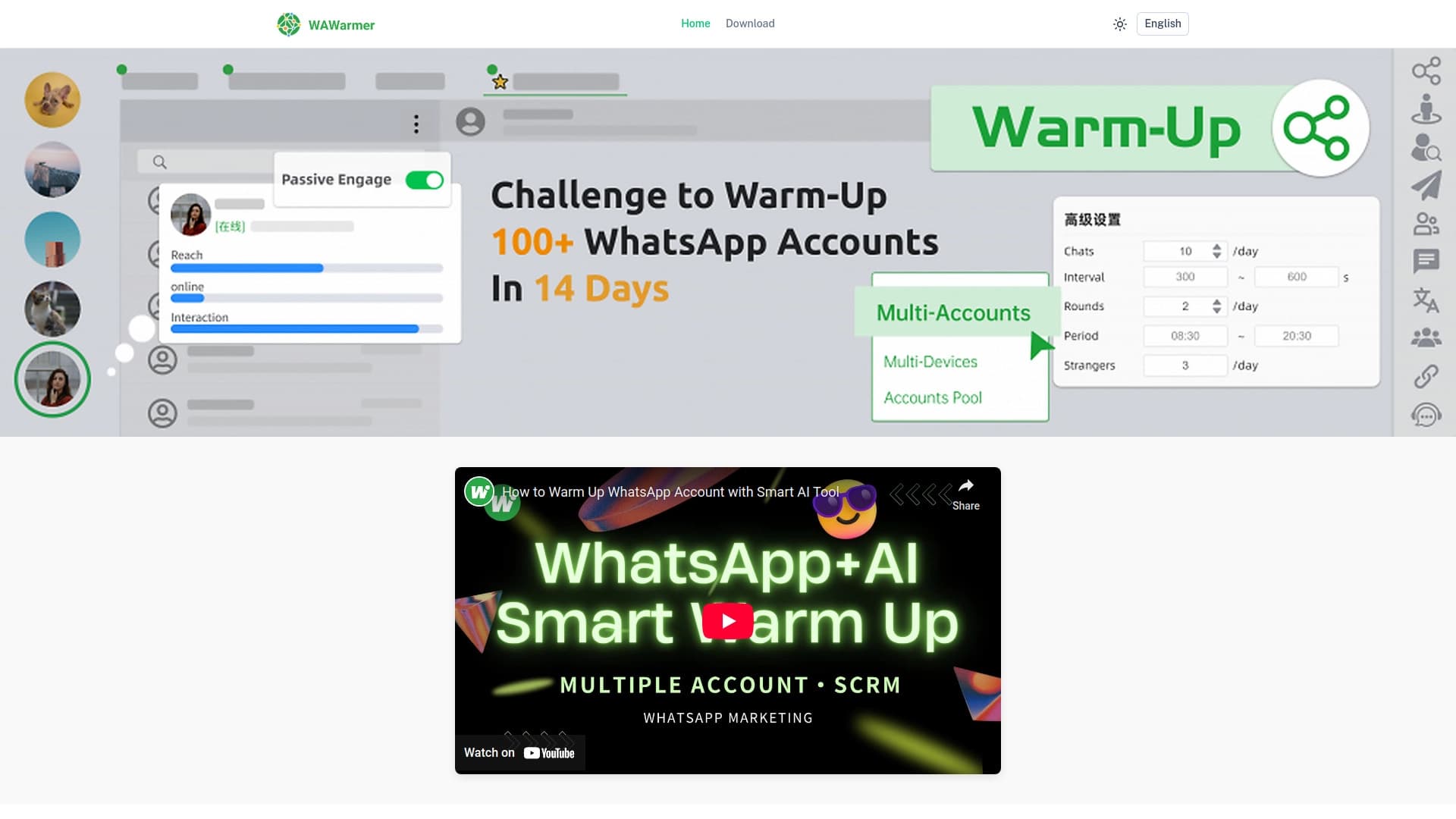
व्हाट्सएप खातों के हीटिंग को स्वचालित करने और लॉकडाउन को रोकने के लिए एआई उपकरण।.

इलेक्ट्रॉनिक प्लेटफॉर्म वाणिज्य एक एआई सहायक व्यक्तिगत खरीदारी के साथ।.
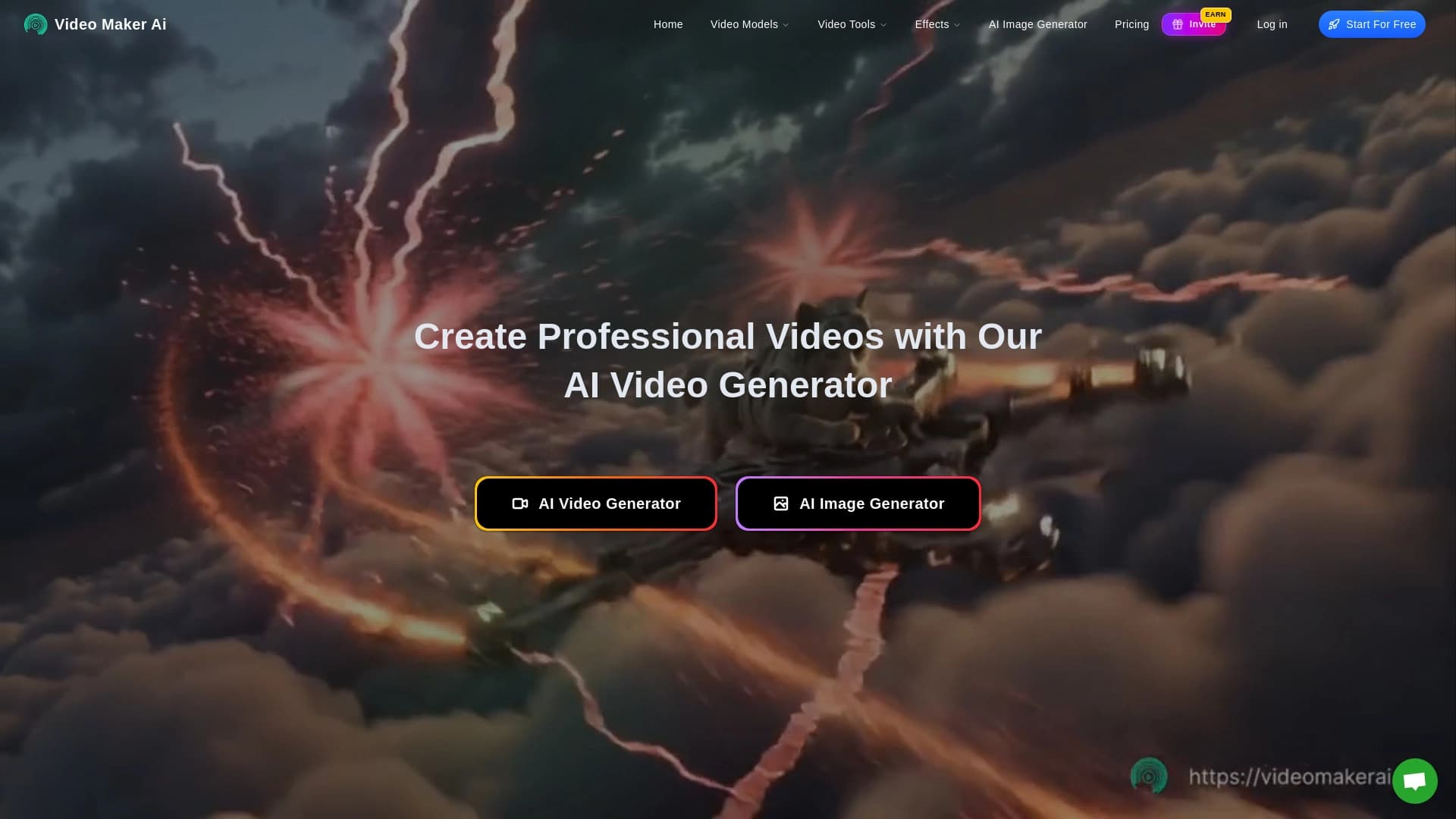
यह सेवा OpenAI Sora 2 मॉडल के आधार पर टेक्स्ट विवरण से छोटे वीडियो बनाने के लिए है।


योजना यात्रा के लिए एआई सहायक व्यक्तिगत मार्ग बनाने।.
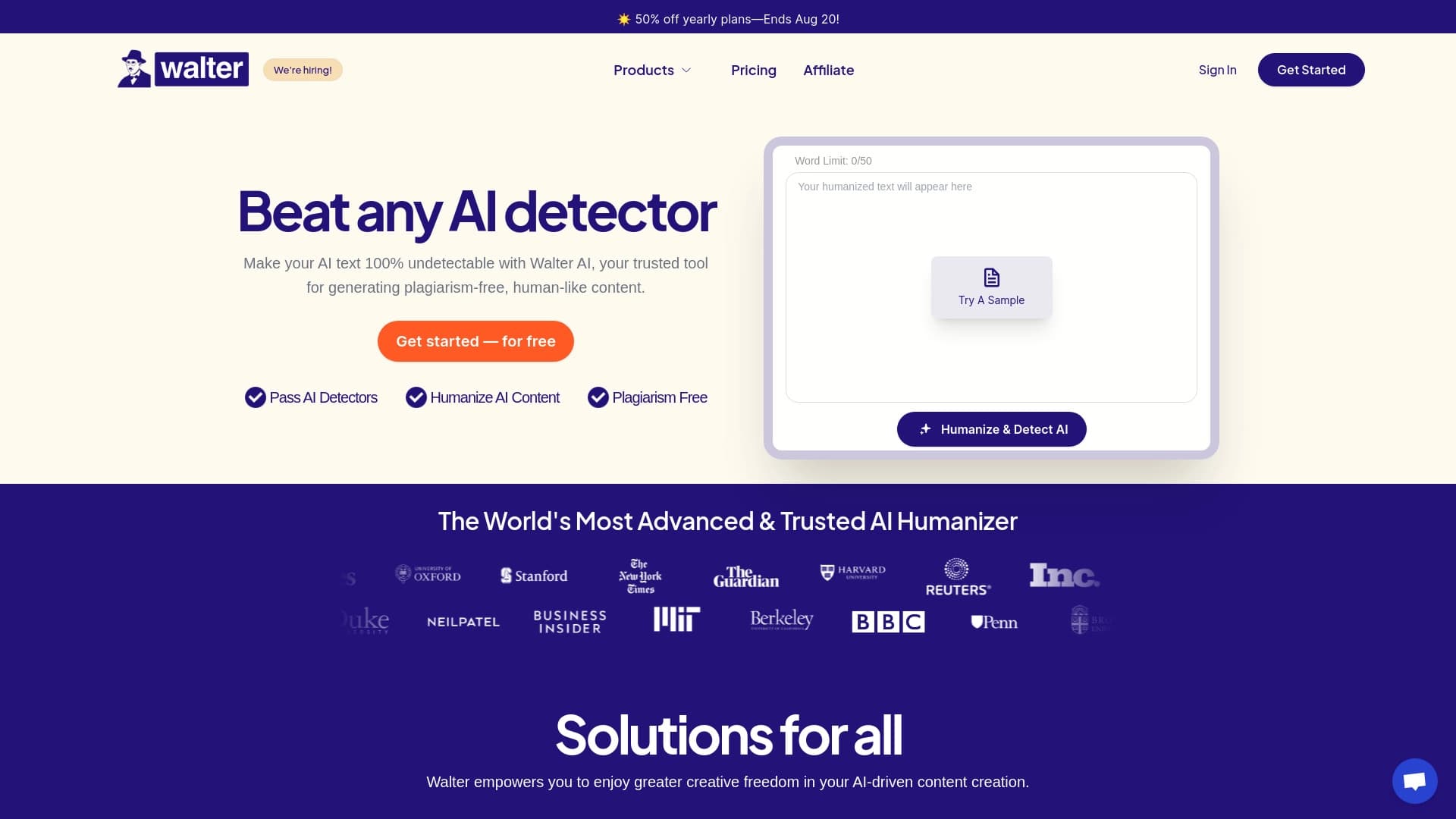

एआई द्वारा उत्पन्न सेवा रूपांतरण बनावट, अधिक प्राकृतिक और मानव शब्दकरण में।.


यह सेवा Google Veo 3.1 मॉडल के आधार पर स्थिर छवियों को एनिमेटेड वीडियो में बदल देती है।


रेडिट पर चर्चा के आधार पर दर्शकों के विश्लेषण के लिए सेवा।.