

Magnific AI
A generative AI-based web service that upscales images and fills in missing details.
Overview
Magnific AI
Magnific AI Overview
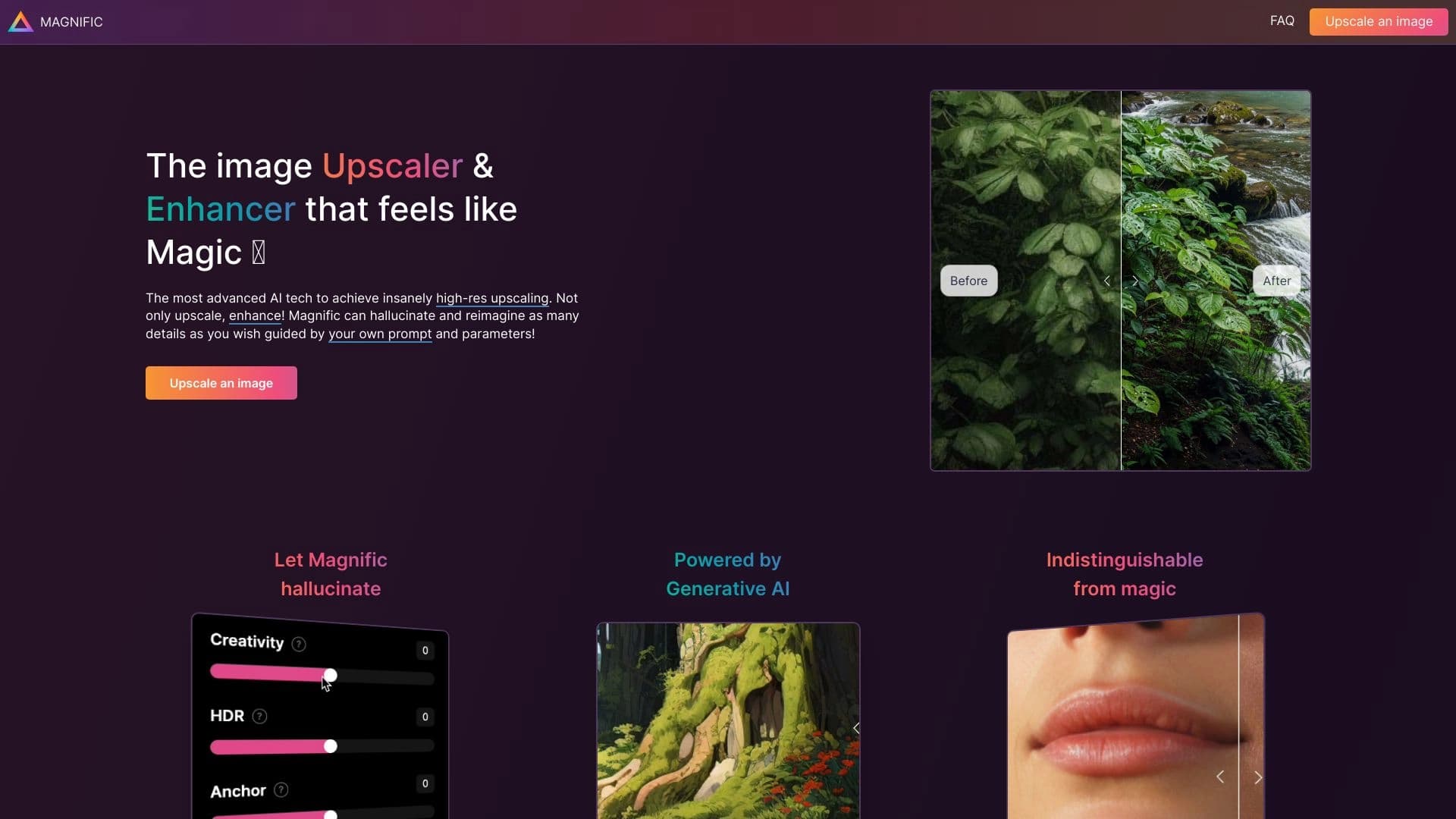
Magnific AI is a web service powered by generative artificial intelligence designed to upscale and enhance image quality. Its main feature is that it doesn't just stretch the image — it fills in missing details, making the image sharper and more detailed.
Users can control the degree of creative intervention by the AI: from accurately reproducing the original image to creatively reinterpreting it. Processing a single image takes about 30 seconds. The service is especially effective for portraits, illustrations, 3D renders, and also helps remove noise and restore old or blurry photos.
Magnific AI Features
| Feature | Value |
|---|---|
| Type | Generative AI upscaler, tool for scaling and enhancing images |
| Categories | Image editing, photo enhancement, photo processing, image generation, general-purpose tools |
| Technology | Generative artificial intelligence |
| Platforms | Web |
| Business model | Paid subscription |
| Distribution model | Paid |
| Pricing | From $39/month |
| Editor's rating | 8.9 out of 10 |
| User rating | 4.5 out of 5 |
| Website | magnific.ai |
Who Is Magnific AI For?
Visual Industry Professionals
The tool is aimed at 3D artists, photographers, graphic designers, concept artists, game designers, and anyone who regularly works with images and needs higher resolution and detail. The service suits both photo and graphics professionals and digital artists.
Professionals in Adjacent Fields
Thanks to the tool's versatility, it can also be used by those working with images from related areas — for example, movie frames and game assets, as well as specialists who need to bring 3D renders to photorealistic quality without manual refinement.
How to Use Magnific AI
Step-by-Step Workflow
To use the service, upload an image to the web platform, choose the level of creativity with the Creativity slider, and, if needed, enter a text prompt describing the desired result. The AI analyzes the original image and adds missing details while preserving the overall composition.
Processing Time and Results
Processing a single image takes about 30 seconds. Users can adjust the level of creative intervention by the AI: choose accurate reproduction of the original or, conversely, a more free-form creative reinterpretation of the image.
Key Features of Magnific AI
Generative Upscaling
The service's core function is increasing image resolution while adding details. The AI refines skin texture, clothing folds, material textures, and other small elements that make the image more realistic.
Control Over Generation
Users can control the AI's "hallucination" level through the Creativity slider. This makes it possible to find a balance between faithfully reproducing the original and applying freer creative processing.
Additional Processing Capabilities
The service processes the entire frame, not just faces, and preserves the overall composition even with strong transformations. It also offers artifact and noise removal while retaining details, automatic color correction and contrast enhancement, and restoration of lost or blurry image areas. The tool works with portraits, illustrations, concept art, 3D renders, photos, game assets, and movie frames.
Magnific AI Advantages
Natural Detail
Unlike many upscalers that produce a "plastic" effect, Magnific AI adds natural skin texture, making images more lifelike and realistic.
High-Quality Results
The service can bring 3D renders to photorealistic quality without manual refinement and increase resolution to an extremely high level. It also does well at improving old photos by adding sharpness to objects. The tool is suitable for professional use.
Magnific AI Disadvantages
No Free Trial
The main drawback of the service is the lack of a free trial. To evaluate the AI's capabilities, you need to sign up for a paid subscription right away and pay for a month or a year in advance.
Availability Restrictions
The service may be subject to regional availability restrictions, which can also be considered a limitation for some potential users.
What Problems Does Magnific AI Solve?
Image Enhancement and Restoration
The service handles upscaling images without quality loss, improving photos taken on mobile devices, cameras, and drones, and restoring old and damaged photos for digital archiving. It also helps remove noise and restore blurry image areas.
Working with Digital Graphics
For digital graphics professionals, the tool is useful for adding detail to AI-generated images that lack detail, bringing 3D renders to photorealistic quality, refining illustrations and concept art (strokes, textures, highlights), and improving portraits in terms of skin texture and sharpness.
Specialized Uses
The service is also used to increase the sharpness of medical images for diagnostics and to enhance images from surveillance cameras for object and face recognition.
Magnific AI Pricing
Payment Model
The service operates under a paid distribution model. Subscription prices start at $39 per month. There is no free trial.
Payment Terms
To get started, choose a subscription plan on the official website and pay for a month or a year in advance, providing an email address and bank card details, and agreeing to the service's terms. Plans differ in the number of images that can be processed.
Terms of Use for Magnific AI
Using the service requires registration with an email address, payment for the selected subscription, and agreement to the service's terms. No free trial is offered — access to the AI is granted only after payment is confirmed. Details about pricing plans and more detailed terms of use are not disclosed on the official page.
Magnific AI Availability
Platforms
The service is available as a web version at magnific.ai. Other platforms are not specified in the source data.
Geographic Restrictions
The service may have regional availability restrictions. Information about support for other languages and regions is not disclosed.
How Is Magnific AI Different from Alternatives?
How It Works
The main difference between Magnific AI and ordinary upscalers is its generative approach. The tool doesn't just stretch pixels — it fills in missing details, creating a genuinely sharp and detailed image. This makes it closer to generative tools than to classic scaling utilities.
Creativity Control
Another distinguishing feature is the ability to control the AI's level of creative intervention through the Creativity slider and text prompts. Users can get either an exact, sharper copy of the original or a creatively reinterpreted result, offering much more flexibility than standard upscalers.
Versatility
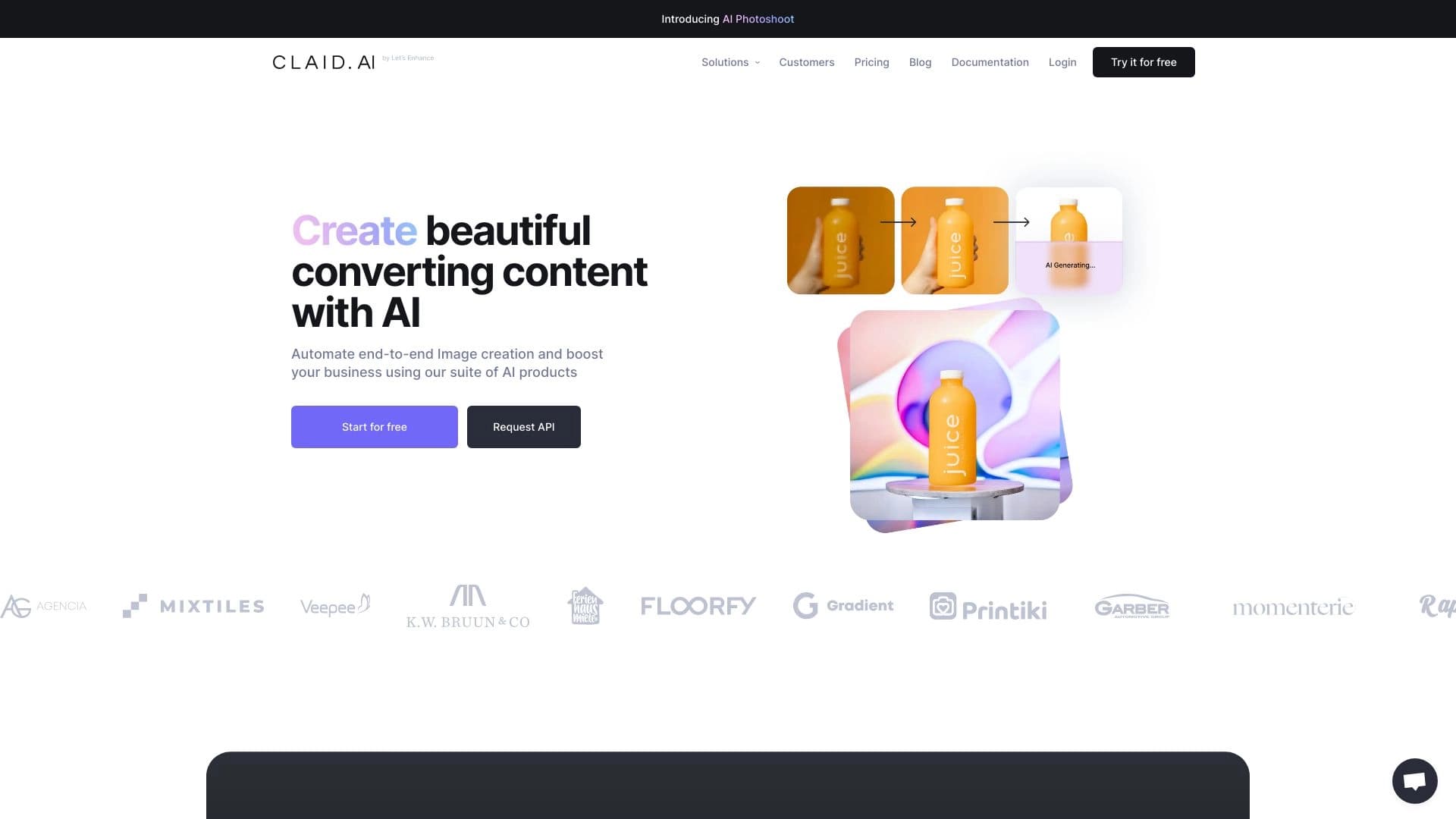
Unlike highly specialized alternatives, the service works equally well with portraits, illustrations, concept art, 3D renders, and old photos, broadening the potential user base. Among the tools mentioned in sources with similar use cases are Genroom, Claid AI, PhotoAiD, RoomGPT, Nero AI Image Upscaler, and others, but it is the generative approach with creativity control that sets Magnific AI apart from competitors.
Conclusion
Magnific AI is not just an upscaler but a generative tool that doesn't stretch pixels — it fills in missing details. It is especially useful for portraits, 3D renders, and old photos, giving users control over the degree of change. The service is aimed at photo and graphics professionals, available as a web version, operates on a paid subscription with no free trial, and delivers high-quality results, as confirmed by an editor's rating of 8.9 out of 10 and a user rating of 4.5 out of 5.
Frequently asked questions



See also
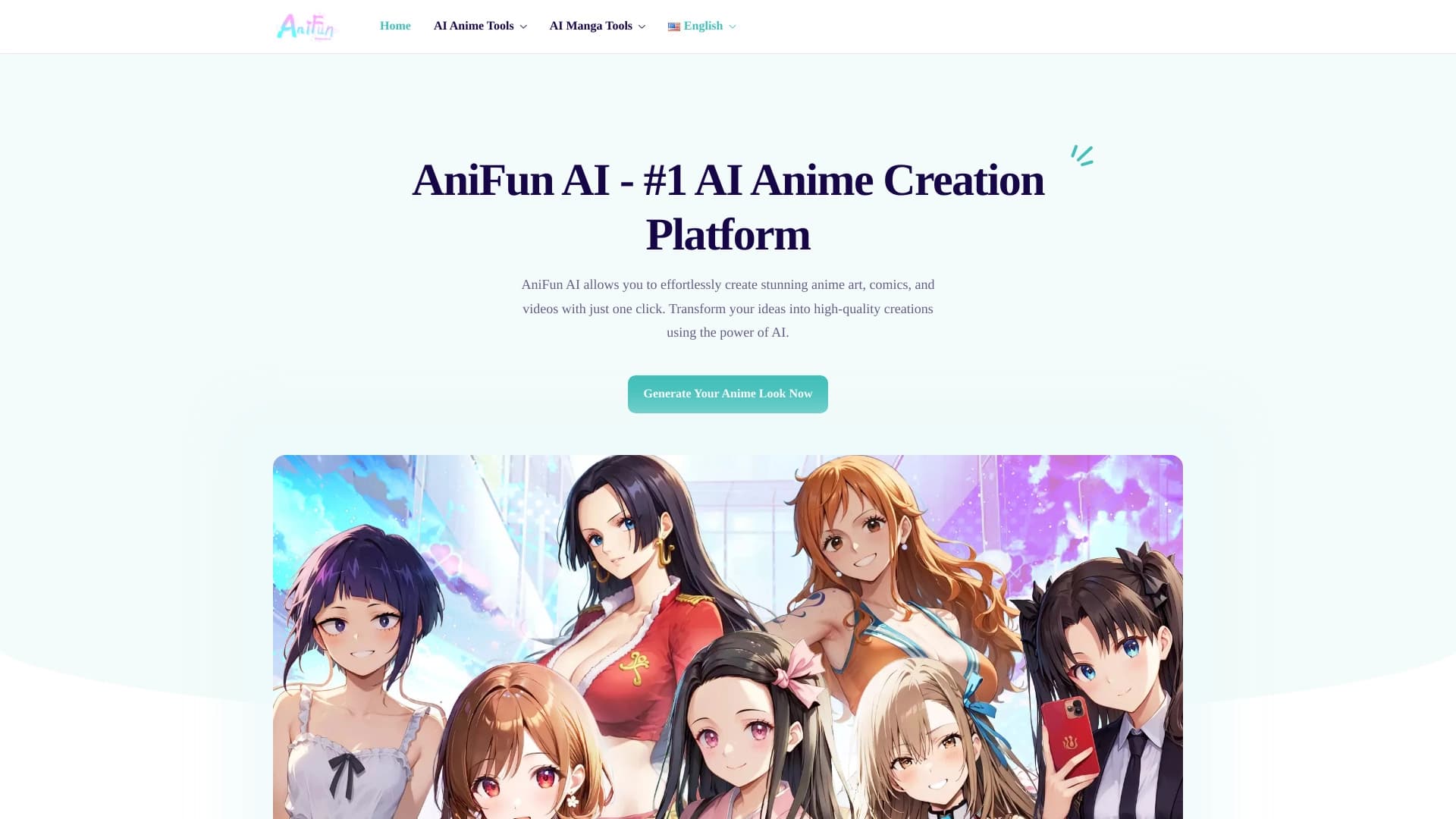

Platform for creating anime art, comics, and videos with AI.

Web platform for AI-powered image and cinematic video generation, featuring studio-grade editing tools.

A neural network-powered cloud service for generating 3D models, textures, and animations from text descriptions or images.


Generative platform for creating realistic images and short videos from text or images with control over style and camera movement.

Service for animating photos and creating videos with digital avatars using artificial intelligence.


A platform for chatting with virtual AI characters with image generation during the conversation.


AI-powered platform for generating and editing images and videos.


AI-powered virtual clothing try-on service.