

Kaiber
AI-платформа для генерации видео и анимаций по текстовым описаниям и музыкальным трекам.
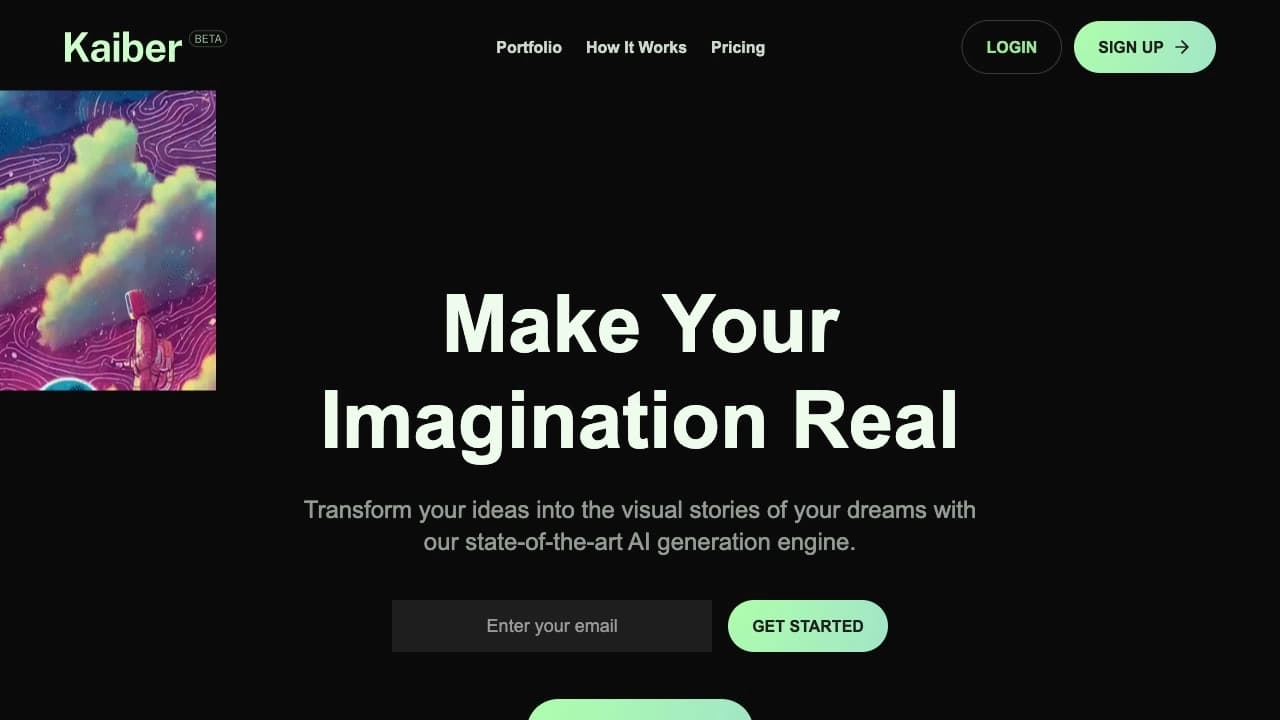
Обзор
Kaiber
Описание нейросети Kaiber
Kaiber — это облачная AI-платформа для создания видеоконтента, анимаций и графики по текстовым описаниям и музыкальным трекам. Сервис позволяет генерировать музыкальные клипы, рекламные ролики и анимации без навыков монтажа: пользователю достаточно описать сцену текстом, выбрать стиль и запустить генерацию.
Платформа ориентирована на музыкантов и креаторов — она умеет автоматически синхронизировать видеоряд с музыкальным битом, нарезать кадры и адаптировать результат под форматы различных социальных сетей. Kaiber работает в облаке через браузер и объединяет творчество и технологии, подходя как профессионалам, так и новичкам.
Характеристики Kaiber
| Характеристика | Значение |
|---|---|
| Тип | Нейросеть и платформа для создания видеоконтента |
| Категории | Генерация видео, Текст → Видео, Анимация и мультфильмы, Редактирование видео, Музыка |
| Бизнес-модель | Freemium |
| Платформа | Облачный сервис, работает в браузере |
| Офлайн-работа | Не поддерживается |
| Бесплатный тариф | Да, 10 кредитов после регистрации |
| Основные инструменты | Canvas, Cuts, Editor |
| Совместная работа | Предусмотрена |
| Дата первой публикации | 07-03-2023 |
| Веб-сайт | kaiber.ai |
Для кого подходит нейросеть Kaiber?
Контент-мейкеры и блогеры
Kaiber помогает создавать готовые к публикации ролики для TikTok, Instagram, YouTube и других платформ. Результат сразу адаптирован под нужный формат, длину и пропорции, поэтому контент можно публиковать без дополнительной обработки.
Музыканты и креаторы
Сервис ориентирован в первую очередь на музыкантов: достаточно загрузить трек, и платформа сама синхронизирует видеоряд с битом, создавая клипы под музыку. Такой подход позволяет быстро выпускать визуальный контент под новые композиции.
Маркетологи, дизайнеры и малый бизнес
Инструмент подходит для создания рекламных и презентационных роликов, визуализации идей и концептов, а также анимаций для игр и развлечений. Благодаря автоматизации и шаблонам пользоваться сервисом могут как индивидуальные специалисты, так и целые команды.
Как использовать нейросеть Kaiber?
Регистрация и начало работы
Для начала работы нужно перейти на сайт kaiber.ai, зарегистрироваться или войти в аккаунт. После регистрации начисляются 10 бесплатных кредитов, которые можно использовать для первых генераций.
Создание видео
Пользователь выбирает тип видео, задаёт текстовое описание сцены, настраивает параметры (стиль, продолжительность и другие), запускает генерацию и скачивает готовый ролик. Все шаги выполняются в браузере и не требуют специальных знаний.
Работа с собственными материалами
Можно загружать музыку, фото, видео или ссылку на доску Pinterest. Сервис сам синхронизирует картинку с битом, нарежет кадры, добавит субтитры и адаптирует результат под нужную социальную сеть — процесс автоматизирован.
Основные функции Kaiber
Canvas — рабочее пространство для творчества
Canvas позволяет создавать клипы, картинки или целые видео из референсов или текстовых описаний. Это универсальная рабочая область для генерации визуального контента.
Cuts — ролики из одного трека
Функция Cuts позволяет загрузить трек и визуальный материал и получить до десяти готовых роликов, подогнанных под формат конкретной платформы и синхронизированных с музыкой.
Editor — финальная сборка
Editor представляет собой инструмент для финальной обработки, где можно довести материал до нужного вида на таймлайне. Здесь выполняется итоговая сборка проекта.
Дополнительные возможности
К остальным функциям относятся генерация видео с помощью ИИ, создание анимаций и графики, использование шаблонов и настройка параметров, автоматизация процесса создания медиа, интеграция с музыкальными композициями и совместная работа над проектами.
Преимущества Kaiber
Доступность для новичков
Сервис позволяет создавать профессиональные видеоролики без глубоких знаний в видеоредакторах и графическом дизайне. Не нужно разбираться в промптах или часами сидеть в таймлайне — процесс максимально автоматизирован.
Готовый к публикации результат
Результат сразу готов к публикации: сохраняются правильные формат, длина и пропорции. Это заметно ускоряет производство контента и экономит время команд и отдельных пользователей.
Работа с имеющимися материалами
Kaiber работает с уже готовыми материалами — треками, фото, видео и досками Pinterest — а не только с текстовыми описаниями. Это расширяет возможности творческого использования.
Недостатки Kaiber
Ограничения по работе
Сервис не поддерживает полноценную офлайн-работу — требуется постоянное подключение к интернету. Интеграция с другими платформами ограничена, а встроенных функций для сложного монтажа нет.
Время на освоение
Начальная настройка может занять время, особенно если нужно настроить параметры под конкретные задачи. При этом интерфейс в целом дружелюбный и понятный.
Какие задачи решает Kaiber
Создание музыки и развлекательного контента
Платформа подходит для создания музыкальных клипов, анимаций для игр и развлечений. Автоматическая синхронизация видео с музыкой делает этот процесс быстрым и простым.
Маркетинг и презентации
Инструмент помогает создавать рекламные и презентационные видеоролики, а также визуализировать идеи и концепты для бизнеса и маркетинговых кампаний.
Контент для соцсетей и обучения
С помощью Kaiber можно готовить материалы для социальных медиа, создавать цифровые презентации и контент для образовательных проектов. Сервис также применим для разработки концепт-арта.
Цены Kaiber
Kaiber работает по модели freemium: есть бесплатный тариф с 10 кредитами после регистрации. Для использования без ограничений требуется платная подписка. Точные суммы тарифов в открытых источниках не указаны — перед покупкой стоит уточнять актуальные цены на официальном сайте.
Условия использования Kaiber
Для начала работы требуется регистрация на сайте kaiber.ai. Первые 10 кредитов предоставляются бесплатно, после чего для генерации без ограничений понадобится платная подписка. Сервис работает в облаке и требует подключения к интернету. Предусмотрена совместная работа над проектами, что удобно для команд и малых бизнесов.
Доступность Kaiber
Kaiber доступен как облачный сервис через веб-сайт www.kaiber.ai и работает в браузере. Упоминается кроссплатформенная совместимость и совместная работа. Информация о поддерживаемых языках, регионах или необходимости VPN в источниках не уточняется. Для работы обязательно подключение к интернету.
Чем отличается Kaiber от аналогов
Главная особенность Kaiber — глубокая интеграция с музыкой: сервис автоматически синхронизирует видеоряд с битом и генерирует до десяти готовых роликов из одного трека через функцию Cuts. Многие альтернативные генераторы видео в основном работают с текстовыми описаниями и требуют ручной подгонки результата под форматы платформ.
Ещё одно отличие — фокус на креаторов и музыкантов, которым не нужно разбираться в промптах и монтаже. Kaiber также работает с уже готовыми материалами (треками, фото, видео, досками Pinterest), тогда как часть конкурентов предполагает преимущественно работу с текстом. При этом у сервиса есть ограничения — отсутствие сложного монтажа и ограниченная интеграция с другими платформами, что стоит учитывать при выборе.
Заключение
Kaiber — это облачная AI-платформа для генерации видео, анимаций и графики по текстовым описаниям и музыкальным трекам. Сервис ориентирован на музыкантов, контент-мейкеров, маркетологов и малый бизнес, позволяя быстро создавать музыкальные клипы, рекламные ролики и контент для социальных сетей без навыков монтажа. Благодаря инструментам Canvas, Cuts и Editor, автоматической синхронизации с битом и бесплатному старту с 10 кредитами, Kaiber подходит как новичкам, так и профессионалам, хотя и не заменяет полноценные видеоредакторы для сложного монтажа.
Тарифы
Часто задаваемые вопросы
Похожие нейросети




Смотрите также

Онлайн-издание, публикующее новости, обзоры и аналитику о искусственном интеллекте.

Мобильное приложение для обработки фото и создания стилизованных аватаров с помощью ИИ.


Сервис для живых диалогов с ИИ, включающий генерацию текста, голоса и распознавание речи.


AI-помощник для проверки грамматики, орфографии и стиля английского текста, доступный как браузерное расширение и веб-редактор.


Платформа с искусственным интеллектом для поддержки пользователей в приложениях, включающая чат-бота и тикет-систему.


Платформа для создания мультиагентных AI-систем и чат-ботов для автоматизации клиентской поддержки и поиска лидов.
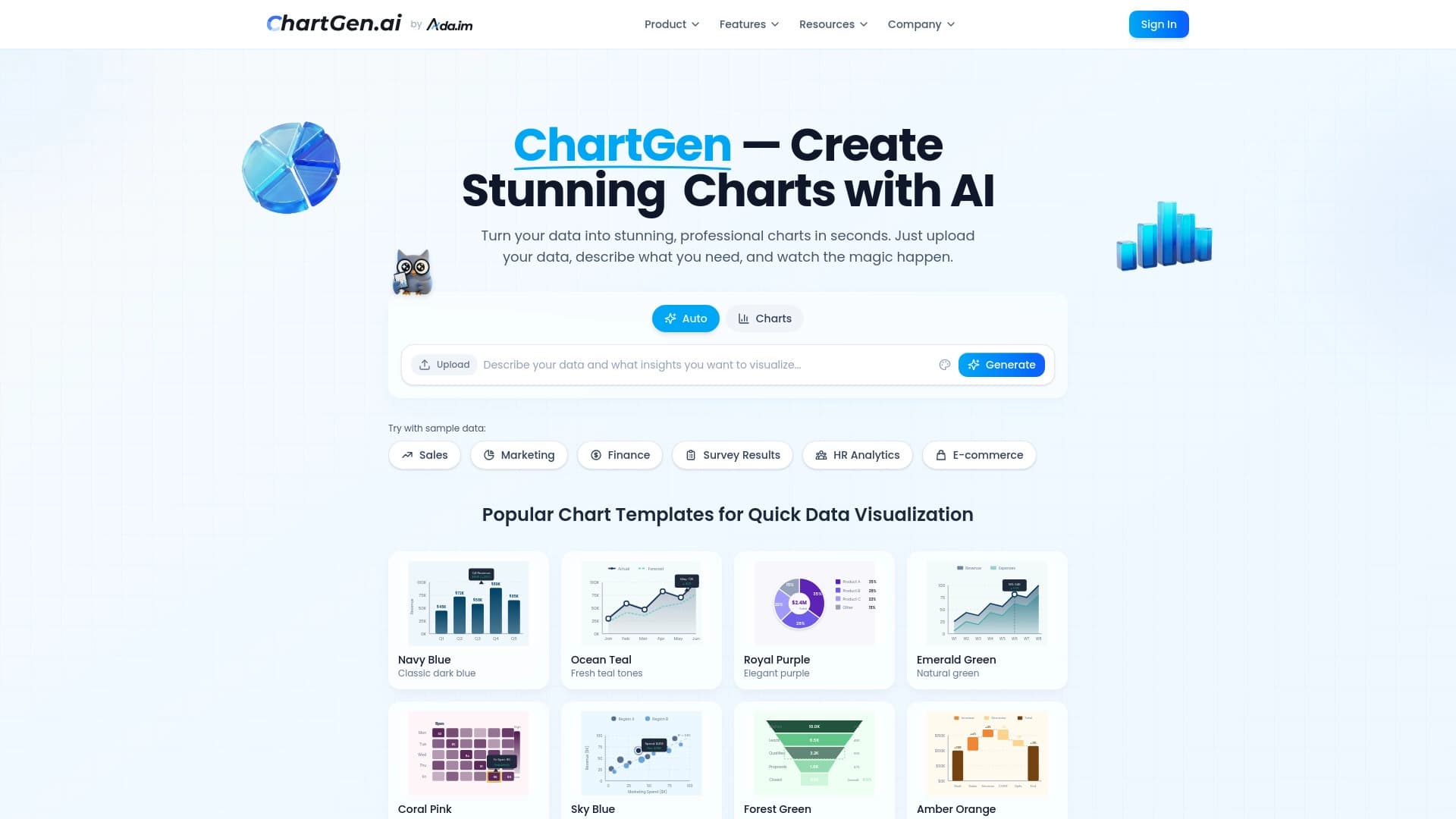

Генератор диаграмм и графиков из загруженных данных по текстовому описанию на естественном языке.

Облачная AI-платформа для автоматизации контроля чистоты в офисах и мониторинга действий сотрудников.