

Immersity AI
Web service for converting 2D images and videos into volumetric 3D scenes with customizable depth and camera motion.
Overview
Immersity AI Neural Network Description
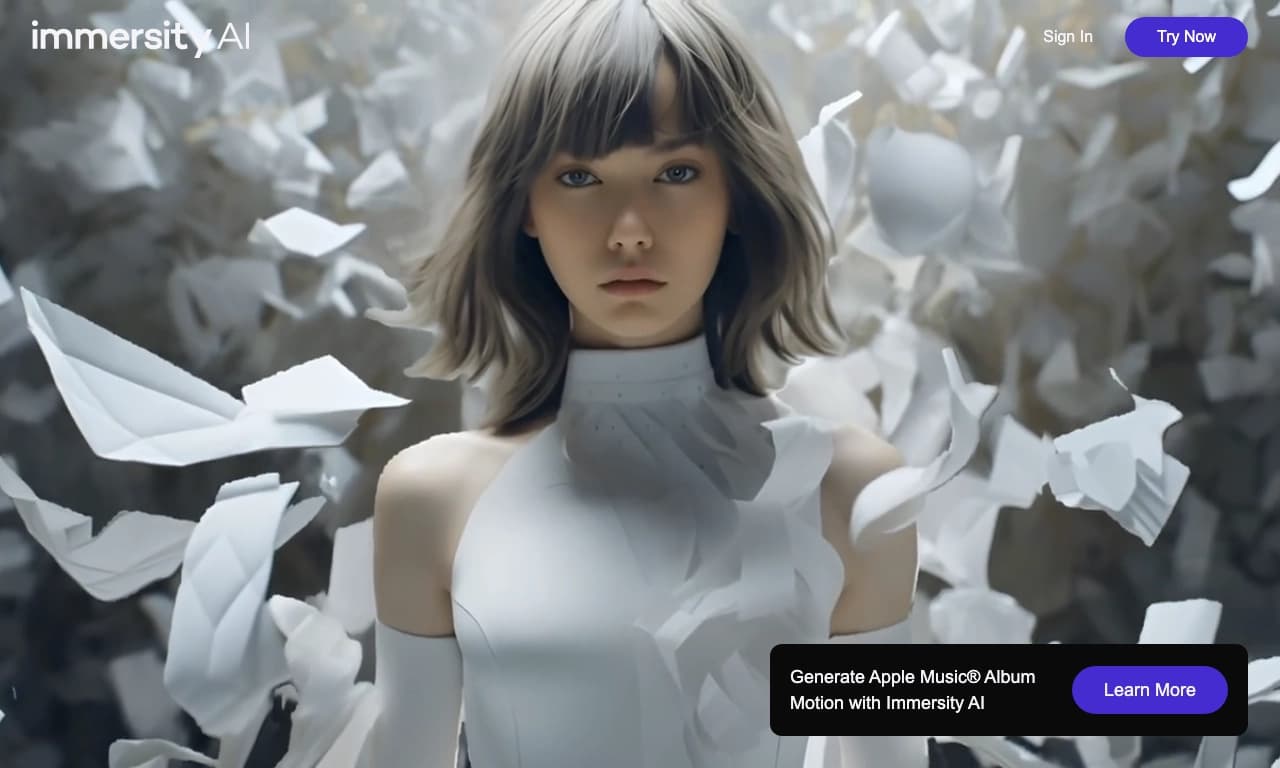
Immersity AI is a web service that solves a non-trivial task: it turns flat 2D images and regular videos into volumetric 3D scenes with a depth effect. Instead of simply overlaying pseudo-effects, the platform builds multi-layered depth maps, allowing for a truly realistic volumetric picture.
The key feature of the service is interactivity. The user doesn't just get a static 3D file but can control the trajectory of the virtual camera, creating dynamic scenes. This makes the tool in demand not only in classic content marketing but also in the field of augmented (AR) and virtual (VR) reality, where frame depth plays a crucial role.
Everything works entirely through the browser. There's no need to install heavy software or have a powerful graphics card — all computations are performed server-side. This significantly simplifies the workflow for designers and artists, allowing them to focus on the creative aspect rather than technical environment settings.
Immersity AI Characteristics
| Characteristic | Value |
|---|---|
| Type | 2D to 3D conversion |
| Categories | Image generation, Video, 3D |
| Platforms | Web (browser) |
| Editor's rating | 9.1 out of 10 |
| User rating | 4.7 out of 5 |
| Distribution model | Not specified |
Who is Immersity AI suitable for?
Content creators and XR enthusiasts
This is the main target audience of the service. Bloggers, videographers, and 3D artists use Immersity AI to bring static shots to life. For augmented and virtual reality enthusiasts, the tool offers a simple way to fill their projects with volumetric scenes without a complex 3D modeling pipeline.
Designers and artists
Visual specialists get the opportunity to quickly convert flat illustrations into multi-layered compositions. This is useful for creating animated posters, interactive presentations, or simply for impressing audiences with an unusual visual effect that cannot be achieved in standard 2D editors.
Product and advertising specialists
Marketers and product designers can use 3D transformation to showcase products with a volumetric effect, which increases user engagement in online catalogs and boosts conversion rates when displaying advertising creatives.
How to use Immersity AI?
Uploading source material
To get started, simply upload a regular 2D image or video into the web interface. The service accepts standard formats compatible with most modern devices. An important condition is that the source image must contain objects on different planes so the algorithm can correctly build depth.
Adjusting depth and camera movement
After processing, the user moves to the adjustment stage. Here you can fine-tune depth maps — parameters that determine how far apart objects are positioned in space. You can also control the virtual camera trajectory: you can set smooth circular motion, horizontal shifts, or dynamic zoom-ins.
Exporting the result
The final stage is exporting the finished 3D scene. The resulting file can be used for embedding into web pages, displaying in VR headsets, or publishing on social media. No special technical skills are required for export — the system automatically selects optimal rendering parameters.
Key Features of Immersity AI
- Converting 2D images and videos to 3D: The core and primary function of the service, allowing you to turn flat images into volumetric, cinematic scenes.
- Camera trajectory control: The user is not limited to a fixed angle — camera movement can be customized to create a sense of presence and dynamics.
- Multi-layered depth maps: The use of complex depth-building algorithms ensures realistic separation of the foreground from the background, which is critical for immersive viewing.
- High accuracy and processing speed: The service is optimized for fast conversion even of complex images, allowing it to be integrated into time-sensitive production workflows.
Advantages of Immersity AI
- Ease of use: No special knowledge of 3D graphics or programming is required, making the entry barrier for beginners minimal.
- High editor and user ratings: A rating of 9.1/10 from the editorial team and 4.7/5 from users confirms the reliability and quality of the algorithms.
- Browser-based operation: No need to install additional software saves disk space and allows working from any device.
- Versatility of application: Suitable both for creating simple animated images and for professional content for VR/AR platforms.
Disadvantages of Immersity AI
- Uncertainty of the distribution model: Information about pricing and subscription plans is not available in open sources, which may raise questions for corporate clients before integrating the tool into their workflow.
What tasks does Immersity AI solve?
The service addresses several needs in content production at once. The main task is generating volumetric images from flat sources. This is in demand in design for creating posters, covers, and illustrations with a "living" depth effect.
The second important task is creating videos with a 3D effect. Regular video passed through Immersity AI becomes more spectacular due to the ability to add camera movement that wasn't in the original. This is a popular technique in modern video editing and social media content.
The third task is creating 3D content for interactive platforms. AR/VR application developers can use the service for rapid prototyping of spatial scenes without diving into the complex process of manual 3D modeling, significantly speeding up the development pipeline.
Immersity AI Pricing
Official information about subscription plans and pricing is not available in accessible sources. According to the distribution model, which is listed as "unknown," the service may offer both free functionality with limitations and paid tiers. For up-to-date information about prices and available payment options, it is recommended to contact the official service website directly.
Immersity AI Terms of Use
Detailed terms of use, including the user agreement and privacy policy, have not been disclosed in the collected data. It is known that the service operates as a web application. Account registration is likely required, and the terms of use are standard for similar online platforms. It is recommended to review the legal documents on the official service website before getting started.
Immersity AI Availability
The service fully operates on a web platform, providing access from any device with a browser and an internet connection. No access restrictions have been recorded for users in other countries. This should be taken into account when planning regular work with the tool.
How Immersity AI differs from alternatives
There are several services on the market with similar functionality, including Monster Mash, Expressive Photo Avatar, Aopsai, Motionleap, and LeiaPix. However, Immersity AI stands out among them with its focus on precise multi-layered depth maps. While competitors often use simplified algorithms that produce only a slight parallax effect, Immersity AI achieves genuinely deep and realistic three-dimensionality.
Another important difference is full camera trajectory control. While most alternatives offer only a few fixed animation presets, Immersity AI gives users the freedom to customize movement, bringing it closer to professional virtual cinematography tools. This makes it a more flexible solution for XR specialists who need control over every aspect of the scene.
Conclusion
Immersity AI is a powerful yet accessible tool for converting 2D materials into volumetric 3D scenes. Thanks to its high processing speed, intuitive web interface, and advanced depth map and camera movement settings, the service is well-suited both for professional AR/VR content creators and for designers looking to add a cinematic depth effect to their work. Despite the uncertainty around pricing, the tool deserves attention due to its high user rating and unique capabilities in generating volumetric images and videos.
Frequently asked questions
See also
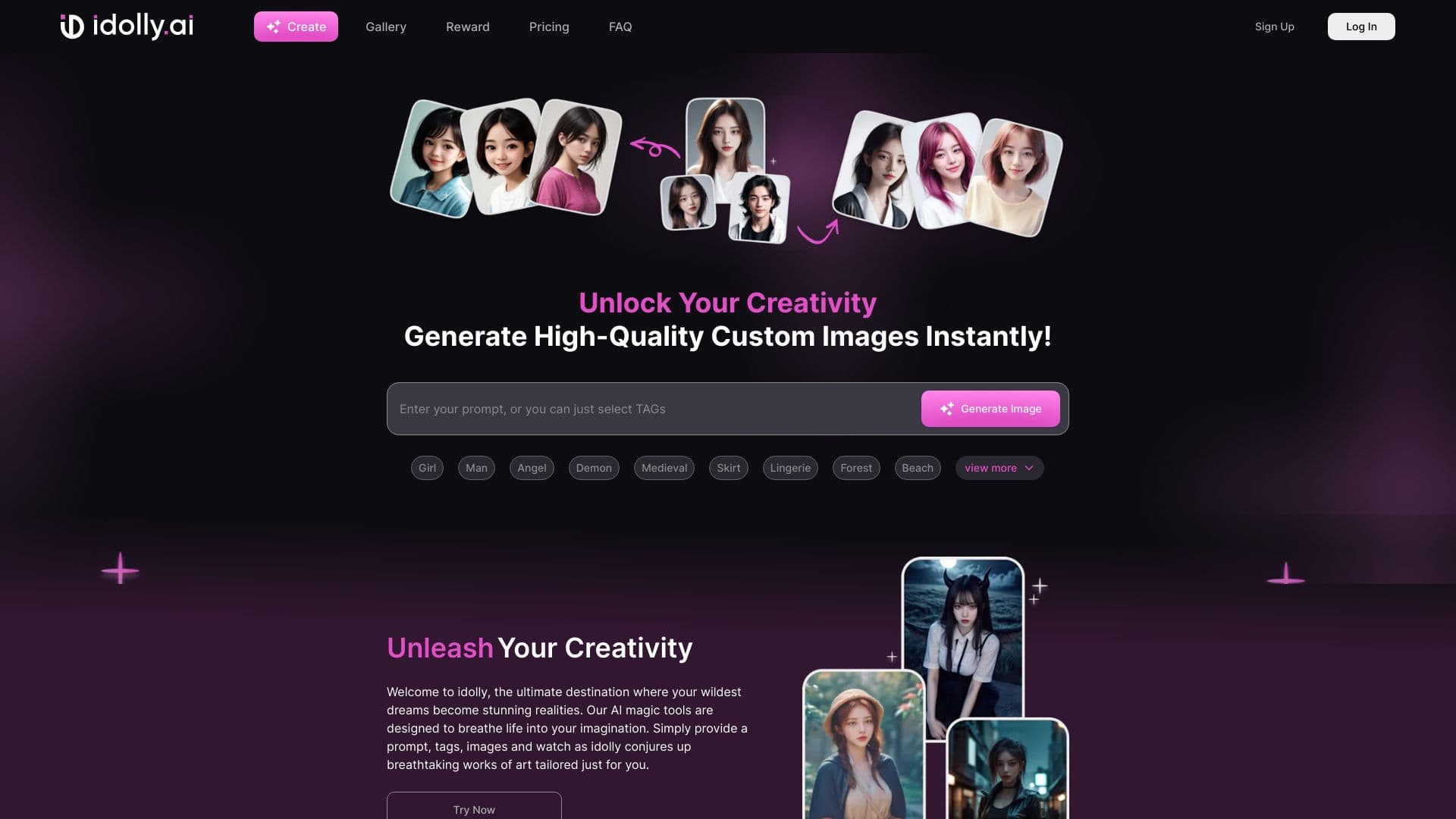
Online platform for generating images from text descriptions with face transfer and mood adjustment features.
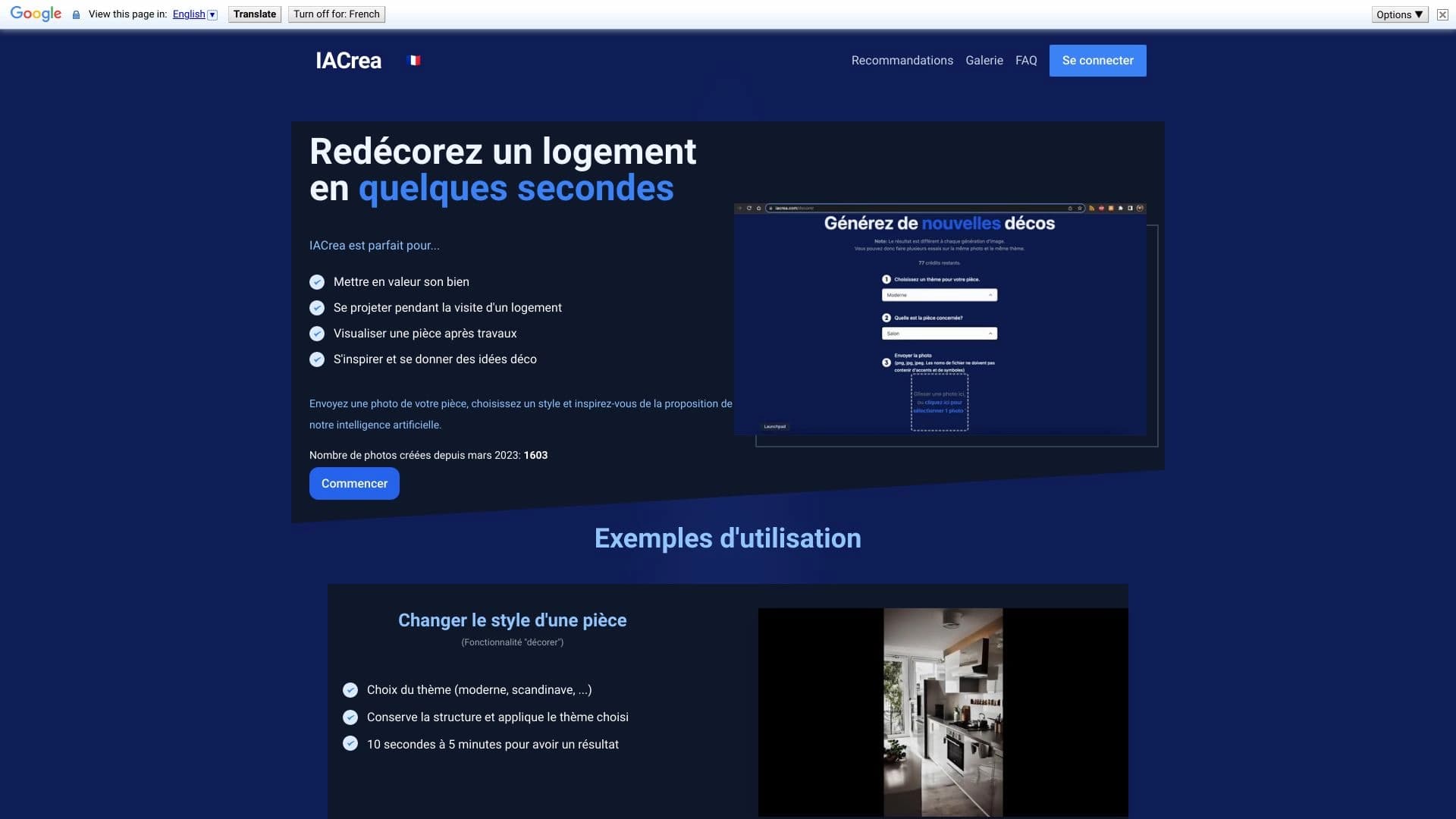

IACrea is an AI service for virtual home staging and real estate visualization, allowing you to quickly enhance interior and exterior photos.

Browser extension for generating images via CloudflareAI from the context menu.

A presentation creation service that uses multiple AI agents for information gathering, design, and data analysis.


Online AI tool for creating deepfakes and editing images.
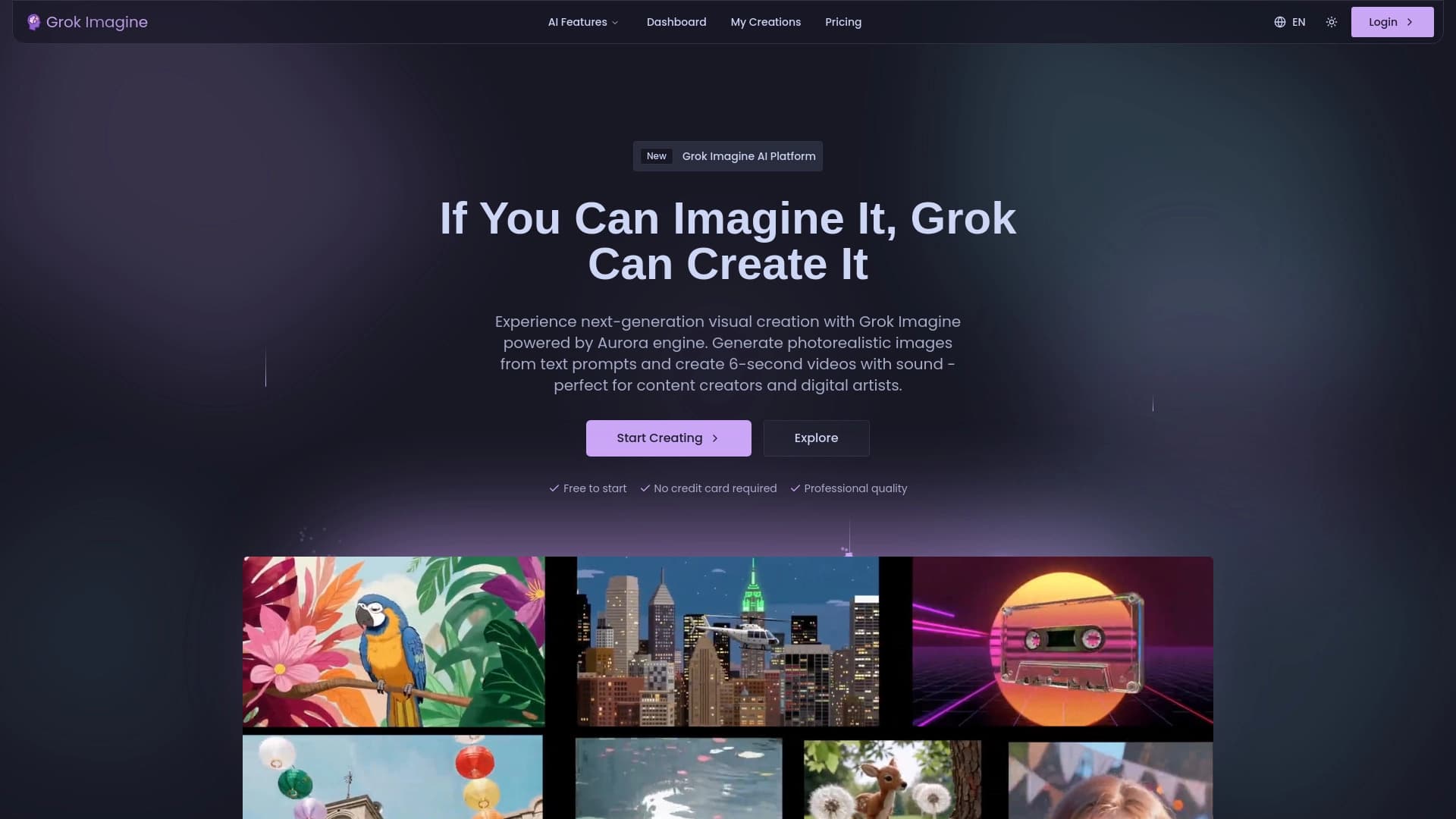
Online service for quickly generating images from text descriptions using AI.

Online service for creating a realistic voice clone from a short audio recording and text-to-speech.


AI-powered virtual clothing try-on service.